How to Render Unicode Text Correctly with Wkhtmltoimage
Fix missing Unicode in wkhtmltoimage with UTF-8, reliable fonts, diagnostics, and production-ready examples for CJK, Arabic, Hindi, and emoji.
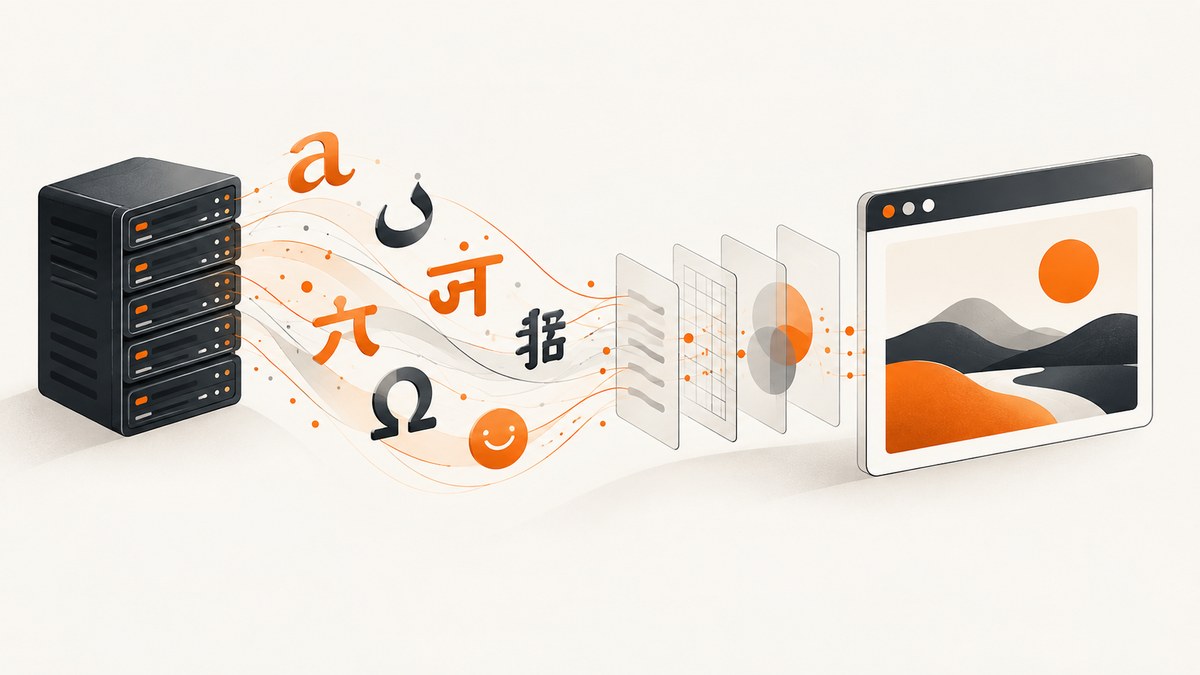
Direct answer: make every layer use UTF-8, declare <meta charset='utf-8'> before your content, pass --encoding UTF-8 to wkhtmltoimage, and install fonts that contain the scripts you render. Encoding fixes how bytes become characters; fonts provide the glyphs. If either part is missing, you will see boxes, question marks, or disappearing text.
This guide gives a repeatable setup for local machines, containers, Qt integrations, and production services. It covers Chinese, Arabic, Hindi, Japanese, accented Latin text, combining marks, and emoji, then shows when the legacy Qt WebKit engine itself becomes the limitation.
1. The minimum working example
Create unicode.html as a UTF-8 file:
<!doctype html>
<html lang='en'>
<head>
  <meta charset='utf-8'>
  <style>
    body {
      font-family: 'Noto Sans', 'DejaVu Sans', sans-serif;
      font-size: 24px;
      line-height: 1.6;
    }
  </style>
</head>
<body>
  English — Ελληνικά — Русский — 中文 — العربية — हिन्दी — 日本語 — 🙂
</body>
</html>
Run:
wkhtmltoimage --encoding UTF-8 unicode.html unicode.pngThe --encoding option addresses decoding. The CSS fallback stack addresses glyph coverage. The wkhtmltopdf project documentation describes UTF-8 strings for image and PDF bindings, and its usage documentation lists the image command’s encoding option. Qt’s QString guidance also distinguishes explicit UTF-8 decoding from locale-dependent narrow-string conversion.
2. Why Unicode fails in wkhtmltoimage
There are three separate failure classes:
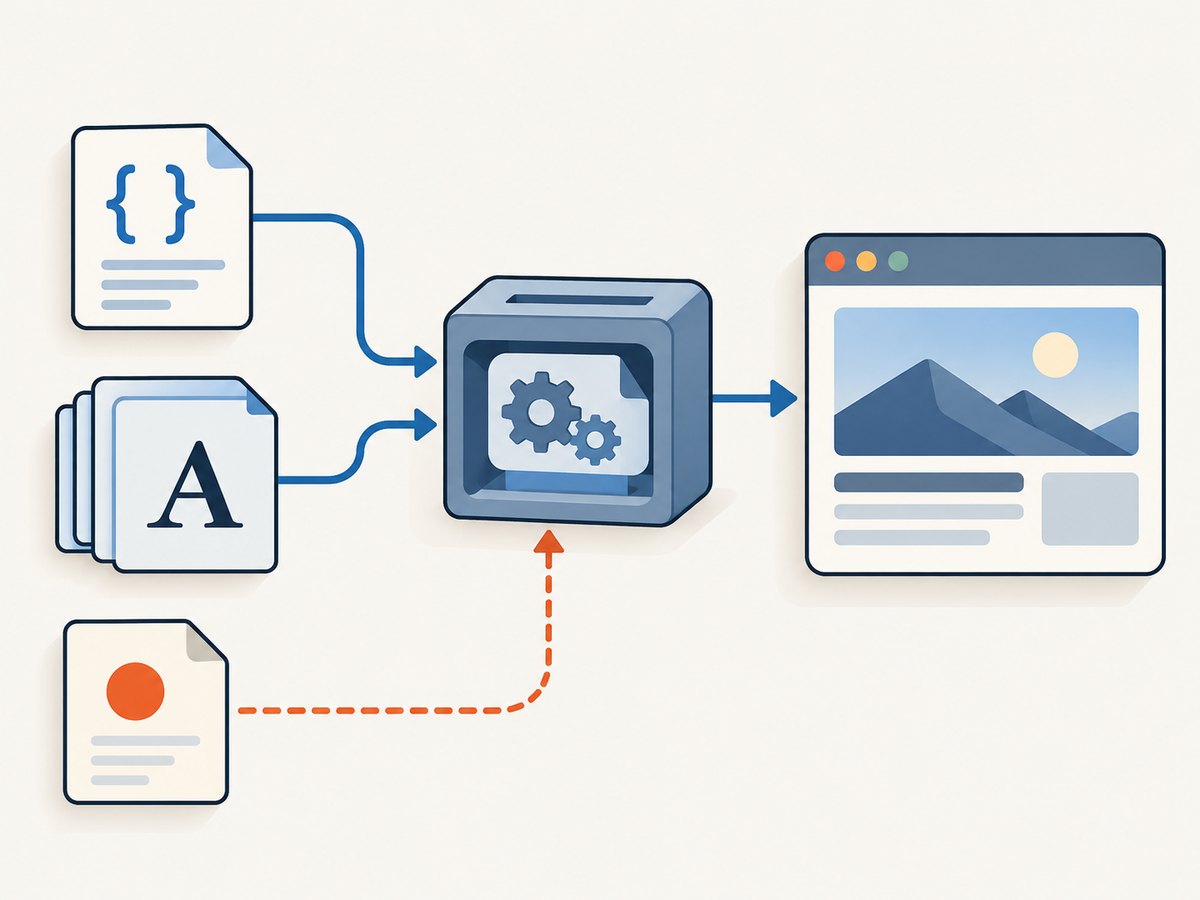
- Wrong bytes: your source file or application response is Latin-1, Windows-1252, or another legacy encoding while the renderer assumes UTF-8. Accented characters may become replacement symbols and non-Latin text may become question marks.
- Missing glyphs: the bytes decode correctly, but the active fonts do not contain Chinese, Arabic, Indic, Japanese, or emoji glyphs. Empty boxes are usually a font problem.
- Shaping or engine limits: Arabic joining, Indic reordering, combining marks, and color emoji require sophisticated text shaping. The bundled legacy Qt WebKit engine can render some cases incorrectly even when encoding and fonts are correct.
Keep these checks separate. Adding a meta tag cannot install a font, and installing a font cannot repair incorrectly decoded bytes.
3. Make the HTML and application pipeline UTF-8
HTML documents
Put the declaration at the start of <head>, before styles or content that depends on decoding:
<head>
  <meta charset='utf-8'>
  <title>Unicode test</title>
</head>
Save the file as UTF-8 without an accidental legacy conversion. Check both your editor’s encoding setting and the file bytes. A declaration only tells the parser how to interpret bytes; it does not convert the file.
HTTP responses and templates
When HTML comes from a web server, send an explicit content type:
Content-Type: text/html; charset=utf-8Decode request bodies and database values as UTF-8 before inserting them into a template. Escape inserted text for HTML so characters such as & and < remain valid markup. Avoid converting a Unicode string to an unspecified char * and hoping the process locale matches your data.
Qt and C/C++ bindings
Qt 4 can interpret an implicit const char * as Latin-1. Convert explicitly:
QString html = QString::fromUtf8(utf8Bytes);
QString encoding = QString::fromUtf8('UTF-8');
In wrappers for libwkhtmltox, pass Unicode strings or UTF-8 byte sequences according to the binding’s API. The libwkhtmltox settings documentation states that strings supplied to PDF and image C bindings are UTF-8 encoded. The exact ownership and conversion calls differ by language, so inspect your wrapper’s Unicode API instead of using a locale-dependent constructor.
4. Install fonts with the required glyphs
Correct decoding cannot create a glyph that is absent. Install fonts in the same operating-system image and under the same runtime account that launches wkhtmltoimage. Desktop fonts are not automatically available in a minimal container.
A practical CSS stack is:
body {
  font-family: 'Noto Sans', 'Noto Sans CJK SC', 'Noto Sans Arabic',
               'Noto Sans Devanagari', 'Noto Sans JP', 'DejaVu Sans', sans-serif;
}
Choose families appropriate to your distribution. For example, a Linux container may need separate Noto packages for Latin, CJK, Arabic, and Devanagari coverage. Confirm installation with your operating system’s font listing tool, then run the renderer as the production user. Fontconfig caches can also differ between build and runtime images; rebuild or refresh the cache after installing packages.
Use a minimal fixture to test coverage:
<meta charset='utf-8'>
<p>Á — Ω — Ж — 中文 — العربية — हिन्दी — 日本語 — 👩🏽💻</p>If only one script shows boxes, add a fallback font for that script. If all text is corrupted, investigate bytes and encoding first.
5. A repeatable diagnostic sequence
- Confirm the bytes. Open the HTML with a hex or text tool and verify it is UTF-8. Check the source database, request body, and template files, not only the final browser view.
- Declare the charset early. Add
<meta charset='utf-8'>near the beginning of<head>. - Force the renderer setting. Run
wkhtmltoimage --encoding UTF-8 input.html output.pngand record the exact binary version. - Use a minimal fixture. Test Latin accents, one CJK character, an Arabic word, a Devanagari word, and an emoji in one short line.
- Check glyph coverage. Install suitable fonts and confirm the runtime user can discover them. Add an explicit CSS fallback list.
- Check shaping limits. If bytes and glyphs are correct but Arabic joining, Indic shaping, combining marks, or emoji remain wrong, test another renderer. The legacy WebKit engine bundled with many wkhtmltoimage builds may be the limiting component.
- Compare environments. Reproduce with the same container image, font packages, locale, binary, and user account used in production.
6. Command-line options that affect Unicode output
| Option or setting | Use | Notes |
|---|---|---|
--encoding UTF-8 |
Sets input character encoding. | Use it even when the HTML declares UTF-8, especially in scripts and CI. |
--javascript-delay milliseconds |
Waits for client-side content. | Useful when translated text is inserted after page load; it does not fix fonts. |
--custom-header |
Sends request headers. | Can select a locale or authenticated page whose content includes Unicode. |
--cookie |
Sends cookies. | Use when language selection is cookie-based. |
--user-style-sheet |
Applies CSS globally. | Use a controlled fallback font stack for pages you do not own. |
Keep the command and version in your deployment configuration. Small differences between patched and unpatched Qt builds can change font discovery and shaping behavior.
7. Complete examples
Shell script
#!/usr/bin/env bash
set -eu

input='unicode.html'
output='unicode.png'

# The HTML file must be saved as UTF-8.
wkhtmltoimage \
  --encoding UTF-8 \
  --enable-local-file-access \
  "$input" "$output"
Only enable local file access when the input needs local assets, and restrict untrusted HTML in a service.
Python subprocess
from pathlib import Path
import subprocess

html = Path('unicode.html')
output = Path('unicode.png')
subprocess.run([
    'wkhtmltoimage',
    '--encoding', 'UTF-8',
    str(html),
    str(output),
], check=True)
Write the file with Path.write_text(..., encoding='utf-8') when generating it in Python. Capture stderr in a service so missing-font warnings and load failures are diagnosable.
Node.js child process
import { writeFile } from 'node:fs/promises';
import { execFile } from 'node:child_process';
import { promisify } from 'node:util';

const run = promisify(execFile);
await writeFile('unicode.html', `<meta charset='utf-8'><p>中文 — العربية — हिन्दी — 🙂</p>`, 'utf8');
await run('wkhtmltoimage', ['--encoding', 'UTF-8', 'unicode.html', 'unicode.png']);
cURL
cURL does not render HTML locally; it is useful for downloading an already-rendered image from a service. For a direct wkhtmltoimage workflow, invoke the binary from your application or a worker process.
8. Troubleshooting common errors
| Symptom | Likely cause | Fix |
|---|---|---|
| Question marks or replacement diamonds | Input was decoded with the wrong charset. | Save and read every layer as UTF-8, add the meta tag, and pass --encoding UTF-8. |
| Square boxes for Chinese or Hindi | No font contains the required glyphs. | Install a coverage font in the runtime image and add a CSS fallback. |
| Arabic letters appear isolated | Shaping support is incomplete. | Verify fonts, then test a modern browser renderer if the Qt engine cannot shape the text. |
| Emoji is monochrome, blank, or missing | Emoji font or color-glyph support is absent. | Install an emoji-capable font and test the exact wkhtmltoimage build; legacy WebKit may still lack color emoji support. |
| Works locally, fails in Docker | Different fonts, fontconfig cache, locale, user, or binary. | Install fonts in the image, refresh caches, and run the diagnostic fixture as the service user. |
| Text appears after the screenshot | JavaScript inserts or translates content asynchronously. | Use a suitable JavaScript delay, wait for the content in application code, or render after the page signals readiness. |
| Only one page has bad characters | That page declares a different encoding or sends malformed headers. | Inspect its HTTP response and HTML head; normalize the source before rendering. |
9. Reliability, performance, and cost considerations
Font installation is usually a one-time image-build cost, but rendering time depends on page size, external resources, JavaScript, and delays. Keep a small Unicode fixture in CI to detect missing packages after base-image upgrades. Pin the wkhtmltoimage version and font packages when reproducibility matters.
For throughput, reuse a worker process strategy appropriate to your wrapper, limit concurrent renders to available CPU and memory, and avoid unnecessary full-page captures. Cache generated images when the source and font set have not changed. Set process timeouts and retain stderr logs. A timeout should produce a clear job failure rather than a partially trusted image.
Security also affects reliability: treat untrusted HTML as hostile, restrict network and local-file access, and isolate renderer workers. Do not allow arbitrary headers or cookies from untrusted callers.
10. When to migrate from wkhtmltoimage
wkhtmltoimage remains useful for stable HTML-to-image jobs, but it is built on an older Qt WebKit engine. If your acceptance tests require complex Arabic shaping, advanced Indic scripts, combining-mark fidelity, modern CSS, or color emoji, compare results with a current browser-based renderer. A renderer change is warranted when the failure persists after confirming UTF-8 bytes and installing correct fonts.
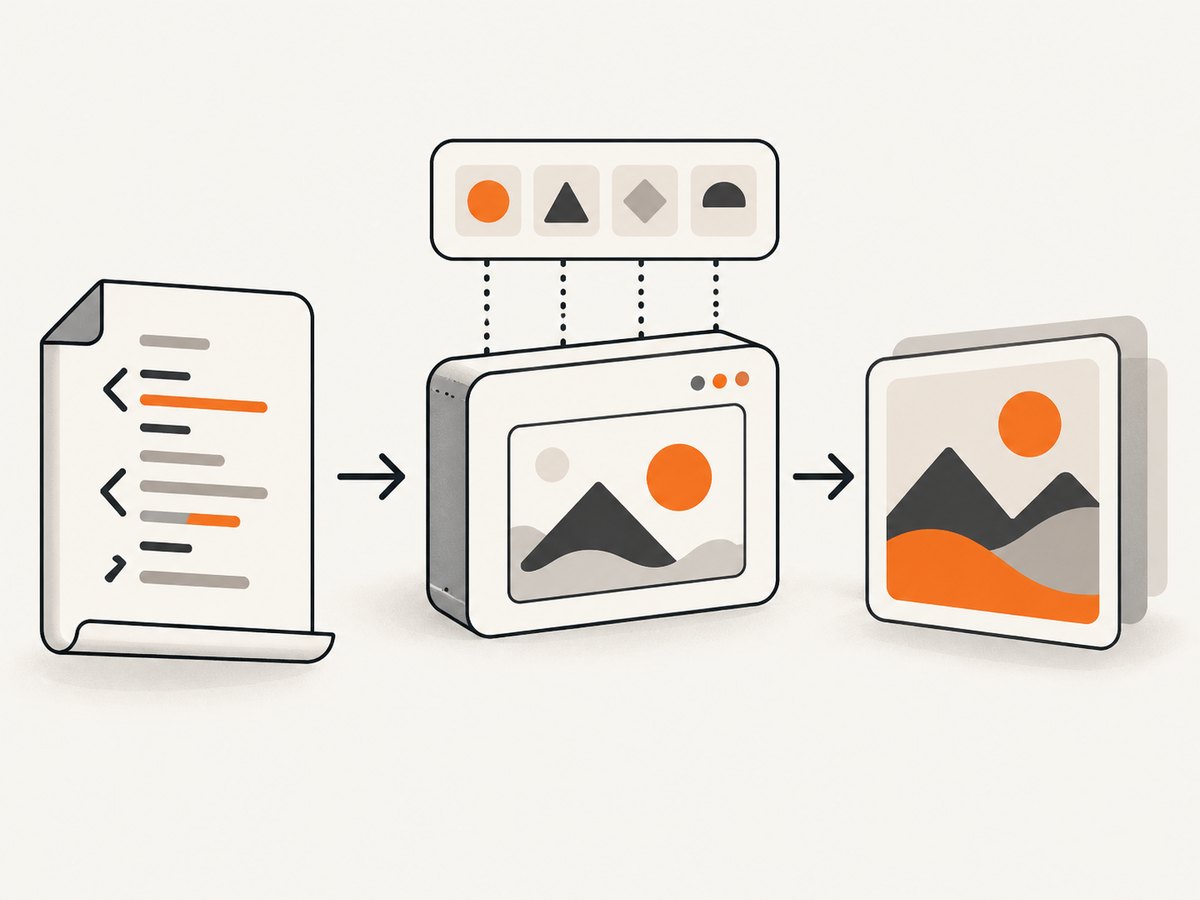
Keep the diagnostic fixture and visual comparisons when migrating. Compare encoding control, font fallback, script shaping, emoji behavior, container reproducibility, and maintenance of the browser engine. Do not treat a successful Latin-only screenshot as proof that every script is supported.
Or skip the browser setup
If you need a production screenshot API instead of maintaining a wkhtmltoimage and font stack, ScreenshotNeo accepts one GET request and returns PNG, JPEG, WebP, or PDF. Its capture options include full-page screenshots with lazy images loaded, element capture, custom CSS and JavaScript, device presets, retina scale, headers, cookies, user agents, timezone and geolocation, and more. The API also supports caching, signed links, asynchronous jobs, bulk capture, and a usage API.
Use the same endpoint from the ScreenshotNeo documentation:
curl -G "https://api.screenshotneo.com/v1/shot" -d access_key=YOUR_API_KEY --data-urlencode url=https://stripe.com -o shot.webpimport requests
r = requests.get("https://api.screenshotneo.com/v1/shot", params={"access_key": "YOUR_API_KEY", "url": "https://stripe.com"}, timeout=90)
open("shot.webp", "wb").write(r.content)const q = new URLSearchParams({ access_key: 'YOUR_API_KEY', url: 'https://stripe.com' }); const res = await fetch(`https://api.screenshotneo.com/v1/shot?${q}`);Cookie banners, newsletter popups, and chat widgets are removed before the shot. Bot checks, blank pages, failed loads, timeouts, and cache hits are never billed, and response headers identify the page verdict and billing status. An MCP server lets Claude, Cursor, and other MCP clients call take_screenshot, get_page_info, and capture_pdf. The Free plan includes 1,000 screenshots each month with no card; paid plans start at $5 for 3,000 shots. Create a free ScreenshotNeo account.
FAQ
Does a UTF-8 meta tag install fonts?
No. It declares how bytes are decoded. Install and select fonts separately.
Why do accents work while Chinese does not?
Your Latin font has the accent glyphs but lacks CJK coverage. Add a CJK fallback font.
Should I use UTF-8 or UTF8?
Use the standard name UTF-8 consistently in HTML, command-line options, and application APIs.
Can wkhtmltoimage render every emoji?
No guarantee exists across builds. Font coverage, color-glyph support, and the legacy WebKit engine all affect results.
Where should I look first when production differs from my laptop?
Compare the binary version, installed fonts, fontconfig cache, locale, runtime user, and input bytes inside the production image.


