How to Repeat an HTML Table Footer on Every Printed Page
Use a semantic <tfoot> with print CSS, then verify the browser or PDF pipeline because repetition is allowed, not guaranteed.
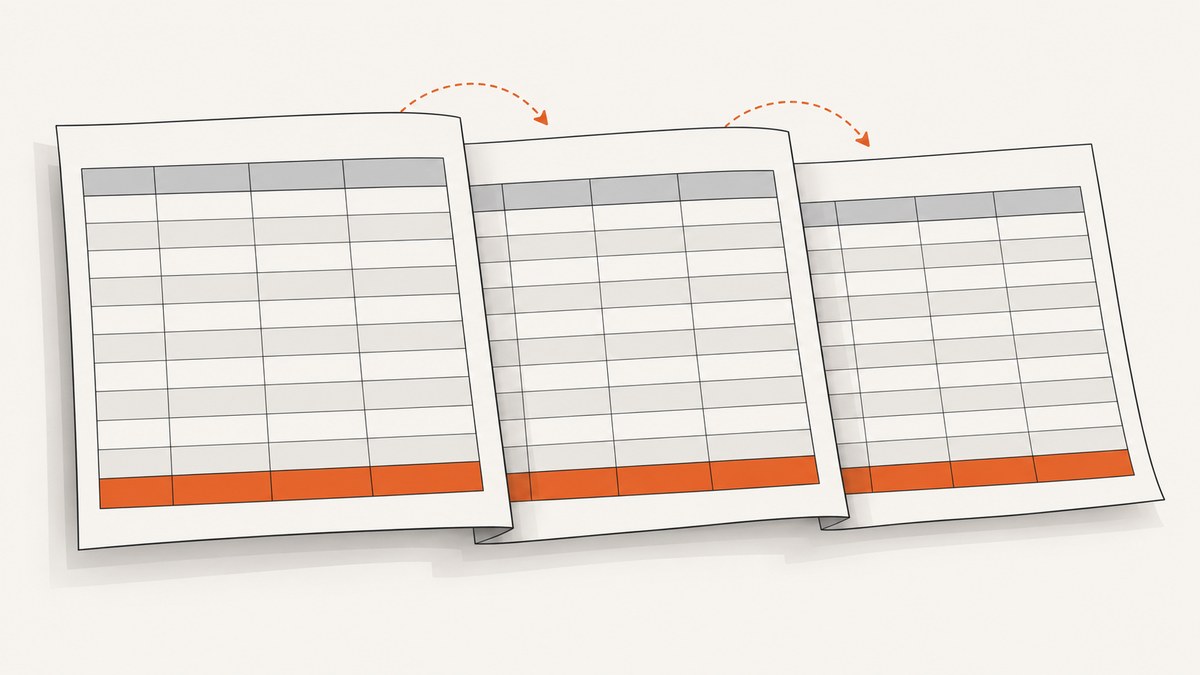
Put the rows you want repeated inside a semantic <tfoot> in the same table as the records. Browsers map <tfoot> to the CSS table-footer-group display type. CSS 2.1 says print user agents may repeat that group on every page spanned by the table, so the markup is the correct solution but not a universal guarantee. Verify the actual browser, print preview and PDF or printer output you support.
1. Minimal working example
This document has enough rows to span multiple pages. The subtotal row is in <tfoot>, after the table header and body.
<!doctype html>
<html lang="en">
<head>
  <meta charset="utf-8">
  <title>Printable invoice</title>
  <style>
    @media print {
      table tfoot {
        font-weight: 700;
      }
    }

    @page {
      margin: 1.5cm;
    }

    table {
      width: 100%;
      border-collapse: collapse;
    }

    th, td {
      border: 1px solid #bbb;
      padding: 0.4rem;
      text-align: left;
    }
  </style>
</head>
<body>
  <table>
    <caption>Invoice 1042</caption>
    <thead>
      <tr>
        <th scope="col">Item</th>
        <th scope="col">Quantity</th>
        <th scope="col">Amount</th>
      </tr>
    </thead>
    <tbody>
      <tr><td>Consulting</td><td>4</td><td>$480.00</td></tr>
      <tr><td>Design review</td><td>2</td><td>$180.00</td></tr>
      <!-- add enough records to create multiple printed pages -->
    </tbody>
    <tfoot>
      <tr>
        <th scope="row" colspan="2">Subtotal</th>
        <td>$660.00</td>
      </tr>
    </tfoot>
  </table>
</body>
</html>
The HTML specification recommends placing <tfoot> after the caption, column groups, header, body sections and any direct table rows. Keeping the footer inside the table is essential: a separate element below the table cannot participate in table pagination.
2. Why repetition works—and its limit
CSS 2.1 defines table-footer-group for table footers and states that “Print user agents may repeat footer rows on each page spanned by a table.” See the CSS 2.1 table display specification. The word may matters: it grants permission to the print user agent rather than requiring identical behavior in every browser, version or PDF generator.
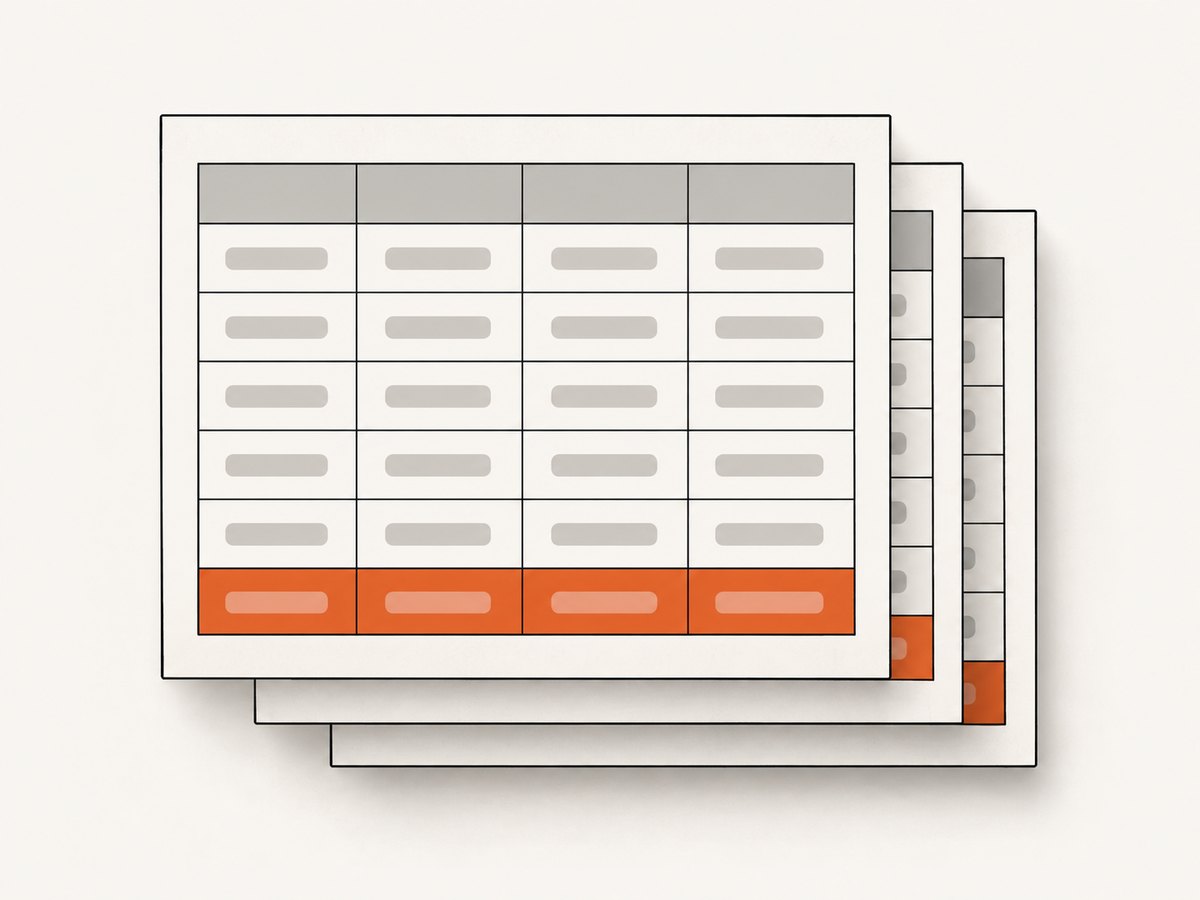
MDN describes <tfoot> as the semantic container for table footer rows and notes its common use for information shown as an intermediate summary on each page of a multipage table. See MDN’s <tfoot> reference.
3. Structure the table for accessible print output
- Use
<thead>for column headings andscope="col"on heading cells. - Use one or more
<tbody>sections for records. - Use
<tfoot>for page-repeatable summaries, totals or notes. - Use
scope="row"when the first footer cell labels the summary row. - Keep the footer in the same
<table>as the rows that span pages.
A footer can contain multiple rows. For example, put tax and grand total in separate rows inside the same <tfoot>. The print user agent decides whether the entire footer group repeats.
4. Print-only CSS that supports the layout
@media print lets you change the presentation used for printing, while @page controls page-level settings such as margins, size and orientation. These rules manage layout; they do not force footer repetition. See MDN’s printing guide and @page documentation.
@media print {
  body {
    color: #000;
    background: #fff;
  }

  table {
    width: 100%;
  }

  thead {
    display: table-header-group;
  }

  tfoot {
    display: table-footer-group;
    font-weight: bold;
  }

  tr, img {
    break-inside: avoid;
  }
}

@page {
  size: A4 portrait;
  margin: 1.5cm;
}
Explicitly declaring display: table-footer-group can make the intended behavior clear, but it still does not turn the CSS 2.1 permission into a guarantee. Avoid author rules such as tfoot { display: block; } that replace the table-group display type.
5. Dynamic totals: calculate once, render in the footer
When JavaScript calculates a total, update the cells inside <tfoot> before the user opens print preview. Do not create a second “footer” outside the table.
<tfoot>
  <tr>
    <th scope="row" colspan="2">Subtotal</th>
    <td id="subtotal"></td>
  </tr>
</tfoot>
<script>
  const amounts = [...document.querySelectorAll('[data-amount]')]
    .map(cell => Number(cell.dataset.amount));
  const subtotal = amounts.reduce((sum, value) => sum + value, 0);
  document.querySelector('#subtotal').textContent =
    new Intl.NumberFormat('en-US', { style: 'currency', currency: 'USD' })
      .format(subtotal);
</script>
Wait until the calculation and any data loading finish before invoking a browser print command or a PDF service. A footer that is empty at capture time will repeat as an empty footer.
6. Troubleshooting checklist
| Symptom | Likely cause | Fix |
|---|---|---|
| Footer appears only once | The target print user agent does not repeat footer groups, or the footer is outside the table. | Confirm the structure, remove display overrides, and check the exact browser or PDF pipeline’s preview and output. CSS only says repetition may occur. |
| Footer is missing entirely | Invalid table markup, hidden footer, or a script removed it before printing. | Inspect the rendered DOM; keep <tfoot> inside the table and ensure it is not display:none. |
| Footer is treated like a normal row | Author CSS changed display to block, flex or another value. |
Remove the override or restore display: table-footer-group in print CSS. |
| Rows overlap the footer | Fixed heights, positioned elements or content that cannot break cleanly. | Remove fixed heights for print, avoid absolute positioning, and use break-inside: avoid on rows where appropriate. |
| Footer text is clipped | Page margins, long unbroken text or oversized cells. | Adjust @page margins, allow wrapping, and test the actual paper size. |
| Wrong total repeats | The total was calculated after print capture or stale data remained in the DOM. | Finish data loading and update the footer before calling print or generating the PDF. |
7. Testing across the real output path
- Open the page in the browser and add enough rows to span at least two pages.
- Use print preview with the intended paper size, orientation and margins.
- Save a PDF and inspect every page, including pages where a row breaks near the bottom.
- Print to the production printer if physical output matters; a native printer and a PDF generator can paginate differently.
- Repeat the check after changing fonts, zoom, column widths, hidden columns or localized text.
There is no single standards-based browser matrix that guarantees identical behavior for every current print and PDF implementation. Record the browser or service version and verify the output your application actually ships.
8. Performance, reliability and cost considerations
- Performance: Large tables cost time during layout and pagination. Render only needed rows, avoid expensive print-time JavaScript, and let totals settle before capture.
- Reliability: Keep table markup semantic and avoid CSS that changes table-group display. Treat print preview and generated PDFs as separate targets.
- Page design: Use
@pagefor margins and size, and keep footer content compact so it does not consume the space needed by records. - Cost: Native browser printing has no API charge. A hosted browser or PDF service may charge by job, page or render time; check its current pricing and limits.
9. Or skip the browser setup
If your goal is a dependable screenshot or PDF capture of a page containing this table, ScreenshotNeo provides a one-call website capture API. It can wait for a selector, delay or network idle, and its PDF options include paper size, margins, landscape mode and page ranges. The page still needs correct <tfoot> markup because print repetition remains a browser rendering behavior.
See the ScreenshotNeo API documentation for all options.
curl -G "https://api.screenshotneo.com/v1/shot" -d access_key=YOUR_API_KEY --data-urlencode url=https://example.com/invoice -o invoice.pdfimport requests
r = requests.get(
"https://api.screenshotneo.com/v1/shot",
params={"access_key": "YOUR_API_KEY", "url": "https://example.com/invoice"},
timeout=90,
)
r.raise_for_status()
open("invoice.pdf", "wb").write(r.content)const q = new URLSearchParams({ access_key: 'YOUR_API_KEY', url: 'https://example.com/invoice' });
const res = await fetch(`https://api.screenshotneo.com/v1/shot?${q}`);
if (!res.ok) throw new Error(`HTTP ${res.status}`);
const data = Buffer.from(await res.arrayBuffer());
require('fs').writeFileSync('invoice.pdf', data);ScreenshotNeo removes cookie banners, newsletter popups and chat widgets before capture; bot checks, blank pages and failed loads are not billed; and its MCP server lets AI agents take screenshots. The Free plan includes 1,000 screenshots each month with no card, and paid plans start at $5 for 3,000. Create a free ScreenshotNeo account.
10. FAQ
Should I put the footer before the tbody?
Use current HTML ordering: caption, column groups, header, body sections and then footer. Browsers may parse older ordering, but valid structure makes intent and accessibility clearer.
Can CSS force repetition on every browser?
No. table-footer-group makes the footer eligible for repetition, but CSS 2.1 says print user agents may repeat it. Verify your target output.
Does position: fixed solve this?
A fixed element is a page overlay, not a table footer. It can cover rows, fail with variable content and behave differently in PDF tools. Use semantic <tfoot> for table summaries.
Can I repeat a footer for only some pages?
The table-footer mechanism applies to the table pages selected by the print user agent. For page-specific content, split the document into separate tables or sections and test the output pipeline.


