How to Repeat Table Headers Across html2pdf Pages
html2pdf.js has no documented repeated-header option. Learn what works, what does not, and when to use a table-aware PDF renderer.
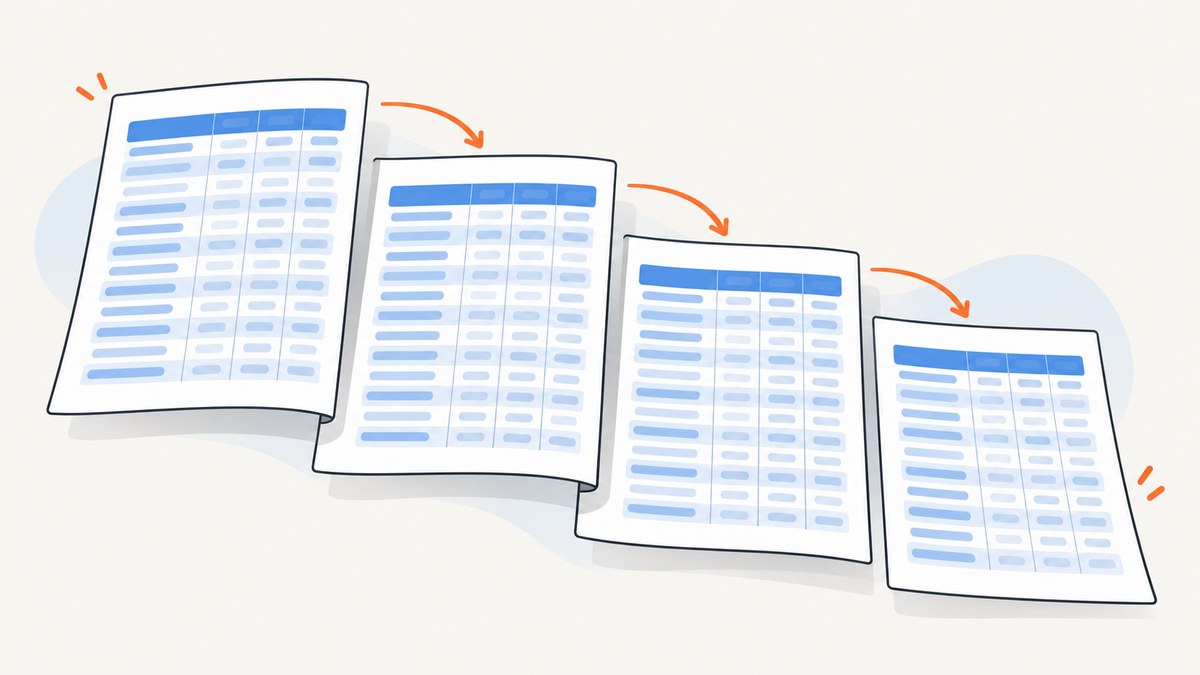
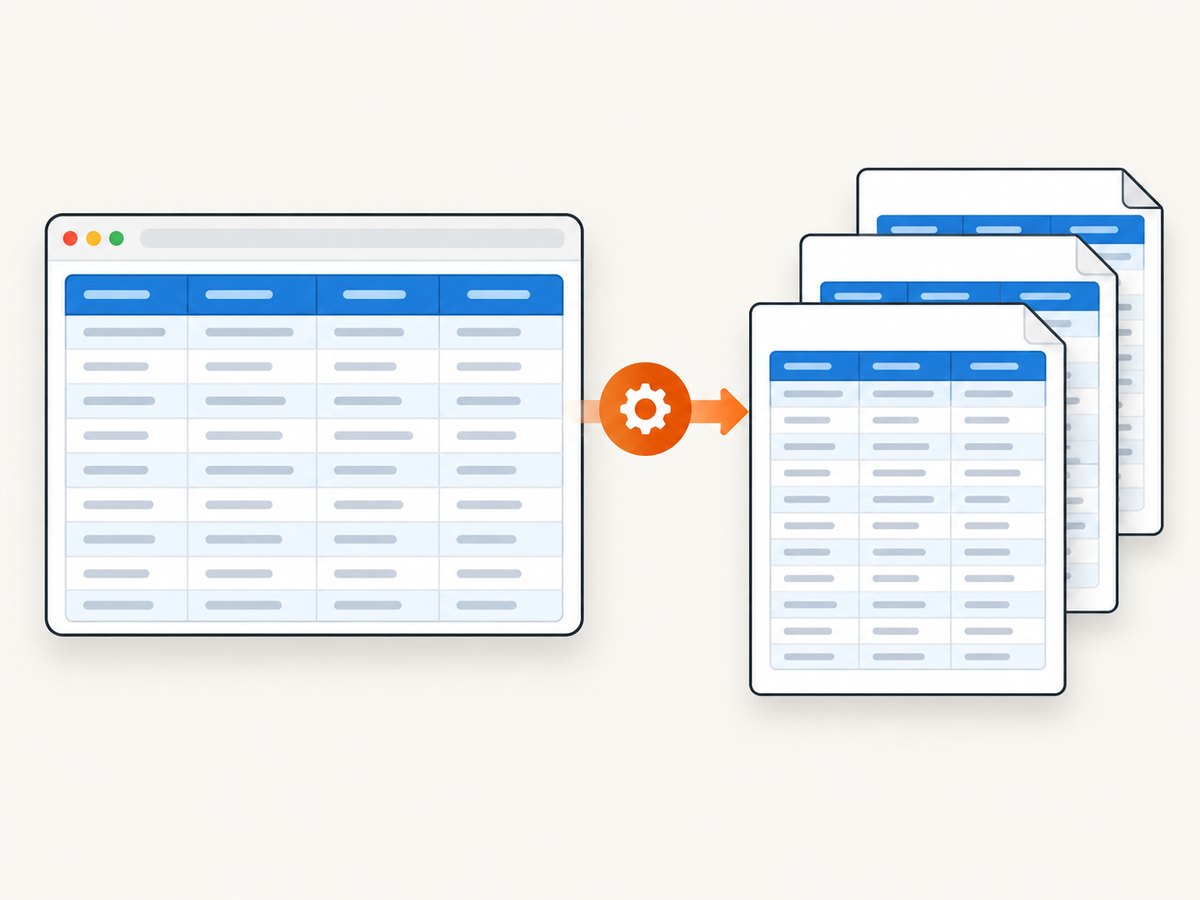
If a table spans multiple pages, readers usually need its column headings repeated on every page. With html2pdf.js, there is no documented option that guarantees this behavior. The library documents page-break placement and avoidance, but its rendering pipeline turns HTML into an image before placing that image into a PDF. Browser print behavior for a semantic <thead> therefore should not be treated as a supported html2pdf.js feature.
Keep your table semantic, test CSS experiments against the exact browser and library version you ship, and use a table-aware PDF renderer when repeated headings are mandatory. jsPDF-AutoTable documents showHead: 'everyPage', while xhtml2pdf documents repeated <thead> rows on continued pages.
What html2pdf.js actually supports
The html2pdf.js README documents page-break controls, not repeated table headers. Its relevant settings are:
| Setting | Purpose | Values |
|---|---|---|
mode |
Chooses page-break strategies | avoid-all, css, legacy |
before |
Insert a break before matching selectors | CSS selectors |
after |
Insert a break after matching selectors | CSS selectors |
avoid |
Try to keep an element together | CSS selectors |
In CSS mode, the documented break values are always, left, and right for before/after, plus avoid for content that should not be split. None of these options means “repeat the table header on every page.”
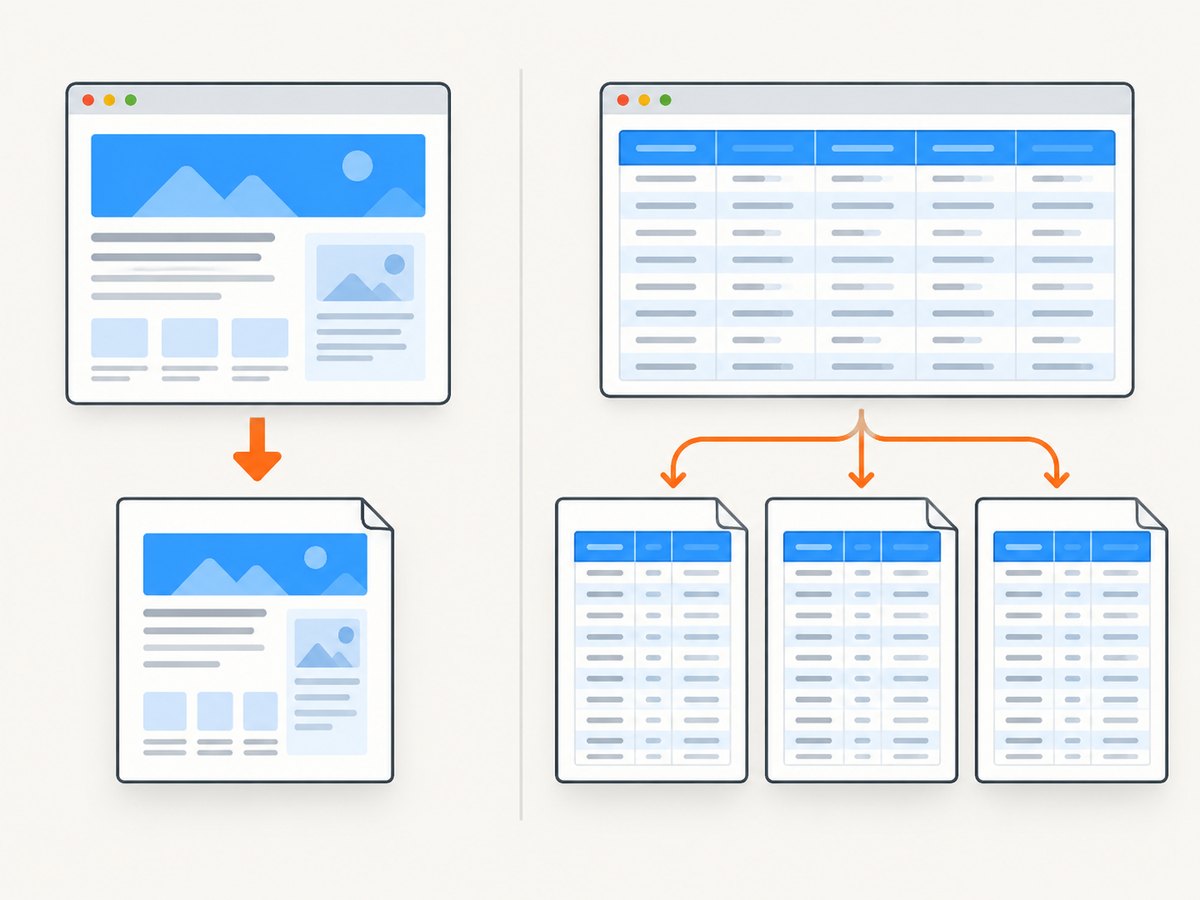
The reason is architectural. The project documentation says that html2pdf.js renders content into an image and then places that image into a PDF. Normal browser pagination rules, including the print behavior commonly associated with display: table-header-group, are not guaranteed after that conversion.
Start with correct table markup
A semantic table is still the right starting point. Put headings in <thead>, records in <tbody>, and use <th scope="col"> where appropriate:
<table id="report-table">
  <thead>
    <tr>
      <th scope="col">Item</th>
      <th scope="col">Description</th>
      <th scope="col">Total</th>
    </tr>
  </thead>
  <tbody>
    <tr><td>A-100</td><td>Example row</td><td>$120.00</td></tr>
    <tr><td>A-101</td><td>Another row</td><td>$85.00</td></tr>
  </tbody>
</table>
This improves accessibility and gives alternative renderers the structure they need. It does not, by itself, establish repeated headings in html2pdf.js.
Diagnostic html2pdf.js example
Use a small, reproducible document that definitely crosses a page boundary. This helps separate a header problem from a general pagination problem.
<!doctype html>
<html>
<head>
  <meta charset="utf-8">
  <script src="https://cdnjs.cloudflare.com/ajax/libs/html2pdf.js/0.10.1/html2pdf.bundle.min.js"></script>
  <style>
    @page { margin: 18mm; }
    body { font: 12px Arial, sans-serif; color: #222; }
    table { width: 100%; border-collapse: collapse; }
    th, td { border: 1px solid #bbb; padding: 6px; text-align: left; }
    thead { display: table-header-group; }
    tr { break-inside: avoid; page-break-inside: avoid; }
  </style>
</head>
<body>
  <main id="report">
    <h1>Monthly report</h1>
    <table>
      <thead>
        <tr><th>Item</th><th>Description</th><th>Total</th></tr>
      </thead>
      <tbody>
        <!-- Generate enough rows to cross a page boundary. -->
        <tr><td>1</td><td>Long description for a test row</td><td>$100</td></tr>
        <tr><td>2</td><td>Long description for a test row</td><td>$200</td></tr>
      </tbody>
    </table>
  </main>
  <script>
    html2pdf().set({
      margin: 18,
      pagebreak: { mode: ['css', 'legacy'] },
      jsPDF: { format: 'letter', orientation: 'portrait' },
      html2canvas: { scale: 2 }
    }).from(document.querySelector('#report')).save('report.pdf');
  </script>
</body>
</html>
thead { display: table-header-group; } is a reasonable experiment because it expresses the browser’s normal table-header behavior. It is not a documented html2pdf.js guarantee. Inspect every generated page for clipped rows, a heading separated from its first row, unexpected whitespace, and headers that disappear after the first page.
Page-break configuration and its limits
Try the least invasive configuration first:
const element = document.querySelector('#report');

html2pdf().set({
  pagebreak: {
    mode: ['css', 'legacy'],
    avoid: ['tr', '.keep-together']
  },
  jsPDF: {
    format: 'a4',
    orientation: 'portrait',
    unit: 'mm'
  },
  html2canvas: {
    scale: 2,
    useCORS: true
  }
}).from(element).save();
Use avoid for individual rows or small blocks, not an entire large table. Asking the renderer to keep a table taller than a page together can create large blank areas or force unexpected placement. Use before and after when a section should begin on a new page:
pagebreak: {
  mode: ['css', 'legacy'],
  before: ['.new-section'],
  after: ['.section-end'],
  avoid: ['tr', '.keep-together']
}
These controls affect where content breaks. They do not clone a <thead> onto later pages.
Why common fixes fail
- Only adding
<thead>: correct semantics, but no documented html2pdf.js repetition guarantee. - Adding
display: table-header-group: may work in a particular browser/version, but the canvas and image pagination path can bypass the behavior. - Using
pagebreak.avoidon the table: prevents or changes breaks; it does not repeat headings. - Increasing
html2canvas.scale: improves raster sharpness, but does not change table pagination semantics. - Reducing margins or font size: may fit more rows per page while hiding the underlying issue and making the PDF harder to read.
When repeated headers are a hard requirement
Use a renderer whose documentation explicitly exposes this behavior.
jsPDF-AutoTable
jsPDF-AutoTable documents a showHead option with everyPage, firstPage, and never. A minimal example is:
import { jsPDF } from 'jspdf';
import autoTable from 'jspdf-autotable';

const doc = new jsPDF({ format: 'letter', unit: 'pt' });

autoTable(doc, {
  head: [['Item', 'Description', 'Total']],
  body: rows.map(row => [row.item, row.description, row.total]),
  showHead: 'everyPage',
  styles: { fontSize: 9, cellPadding: 4 },
  margin: { top: 48, right: 36, bottom: 36, left: 36 }
});

doc.save('report.pdf');
This uses a data-driven table model, so compare styling fidelity, links, nested markup, long-cell wrapping, and whether your application can provide rows instead of arbitrary HTML.
xhtml2pdf
xhtml2pdf documents that table rows in <thead> repeat at the top of every page a table runs over. A server-side example:
from xhtml2pdf import pisa

html = """

  <thead>
    <tr><th>Item</th><th>Description</th><th>Total</th></tr>
  </thead>
  <tbody>
    <tr><td>A-100</td><td>Example</td><td>$120</td></tr>
  </tbody>

"""

with open('report.pdf', 'wb') as output:
    result = pisa.CreatePDF(html, dest=output)

if result.err:
    raise RuntimeError('PDF generation failed')
Its layout model and CSS support differ from a browser, so validate fonts, widths, long cells, and other styling before migrating.
Testing checklist
- Create the smallest table that crosses a page boundary.
- Record the browser, operating system, html2pdf.js version, html2canvas version, and jsPDF version.
- Fix page format, orientation, margins, scale, and pagebreak mode while testing.
- Include short cells, long wrapped cells, empty values, and a row that naturally lands near the page bottom.
- Open the PDF rather than relying only on a browser preview.
- Check every page for a heading, clipped borders, split rows, blank gaps, and consistent column widths.
- Repeat the test after dependency or browser upgrades.
Troubleshooting
| Symptom | Likely cause | Fix |
|---|---|---|
| Header appears only on page one | html2pdf.js has no documented repeat-header option | Use a table-aware renderer or treat CSS as an unguaranteed experiment. |
| Rows are clipped | Canvas scaling, root resizing, or a row split at a boundary | Try break-inside: avoid on rows, inspect dimensions, and test the exact versions. |
| Large blank areas | avoid-all or an oversized keep-together element |
Use CSS and legacy modes selectively; avoid the table as a whole. |
| Different output across browsers | Different canvas, font, CSS, or cloned-node behavior | Pin a supported browser for capture and compare generated PDFs. |
| Images or fonts are missing | Cross-origin restrictions or resources not loaded before capture | Wait for resources, configure CORS where permitted, and use useCORS only when the origin supports it. |
| Columns change width between pages | Content reflow, auto layout, or root resizing | Set table width and column constraints, then test long values. |
| Blank or timed-out PDF | Capture began before the document was ready | Wait for data, fonts, images, and any client rendering before calling html2pdf. |
Performance, reliability, and cost
html2pdf.js captures a rasterized representation, so larger tables and higher scale values consume more memory and take longer. A very large table can exceed canvas limits or produce a blurry, oversized PDF. Split reports into logical sections when possible, avoid unnecessary DOM nodes, and wait for only the resources required for the report.
For reliable output, pin the library versions, keep capture CSS separate from responsive screen CSS, set explicit page dimensions, and compare PDFs in automated review. A visual regression check should include page count and representative page images. If exact repeated headings are a business requirement, the operational risk of depending on undocumented CSS behavior is usually higher than the migration cost of a table-aware renderer.
Or skip the browser setup
If your goal is to capture a finished report or web page as an image or PDF rather than build the PDF inside the browser, ScreenshotNeo provides a single HTTP request. See the ScreenshotNeo documentation for the complete API.
curl -G "https://api.screenshotneo.com/v1/shot" -d access_key=YOUR_API_KEY --data-urlencode url=https://stripe.com -o shot.webpimport requests
r = requests.get("https://api.screenshotneo.com/v1/shot", params={"access_key": "YOUR_API_KEY", "url": "https://stripe.com"}, timeout=90)
open("shot.webp", "wb").write(r.content)const q = new URLSearchParams({ access_key: 'YOUR_API_KEY', url: 'https://stripe.com' });
const res = await fetch(`https://api.screenshotneo.com/v1/shot?${q}`);Cookie and consent banners, newsletter popups, and chat widgets are removed before the shot. Bot checks, blank pages, failed loads, timeouts, and cache hits are not billed, and response headers identify the page verdict and billing result. The service also has an MCP server with take_screenshot, get_page_info, and capture_pdf tools for Claude, Cursor, and other MCP clients. Free accounts include 1,000 screenshots per month without a card; paid plans start at $5 for 3,000 shots.
Create a free ScreenshotNeo account and try the capture API without adding a card.
FAQ
Does <thead> repeat in html2pdf.js?
It may appear to work in a particular setup, but html2pdf.js does not document it as a guaranteed feature.
Can page-break settings force a repeated heading?
No. They control break placement and avoidance. They do not clone a header row.
What is the most direct JavaScript option?
jsPDF-AutoTable documents showHead: 'everyPage', provided your table can be represented through its data and styling model.
Should I always migrate away from html2pdf.js?
No. Keep it when its HTML fidelity and current output meet your needs. Migrate when repeated headings or other table-layout guarantees are required.
How should I report a reproducible bug?
Include the smallest table crossing a page, browser and operating-system versions, installed html2pdf.js version, complete options, and the generated PDF or screenshot.


