How to Replace an Image with Base64 in jQuery for html2canvas
Set an image’s `src` to a complete Base64 data URL, wait for it to load, then render with html2canvas. Learn the CORS limits, multi-image pattern, and fixes for common failures.
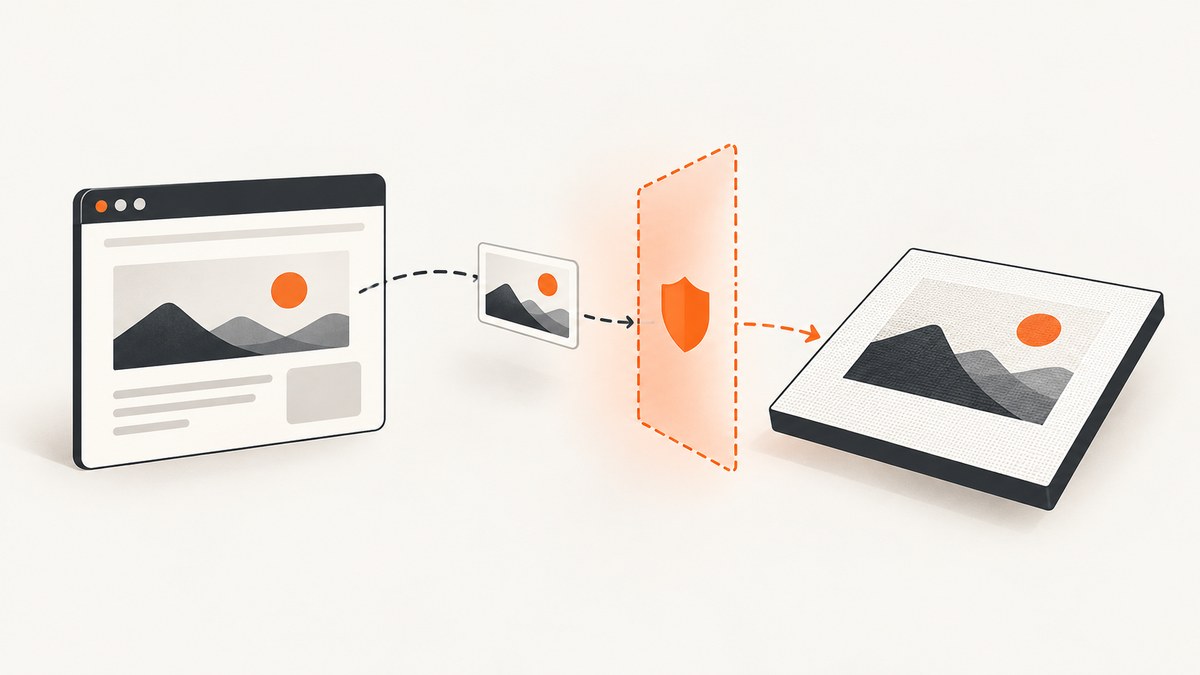
To replace an image with Base64 before an html2canvas capture, assign the image element a complete data URL such as data:image/png;base64,..., wait for the replacement to load, and only then call html2canvas. jQuery can change the element’s src; it cannot grant permission to read an image from another origin. For remote images, the host must allow CORS or your application must fetch the image through a controlled same-origin proxy.
This distinction matters because html2canvas reconstructs a canvas from the DOM and styles it understands. It does not take a literal screenshot of browser pixels, and cross-origin resources can taint the resulting canvas so that it cannot be exported. The project documents same-origin access or a proxy as remedies. html2canvas FAQ · MDN: CORS-enabled images in canvas
1. Replace one image and capture after it loads
Assume dataUrl is already a complete, valid image data URL obtained from a source your application is allowed to access. This example replaces one image, waits for success or failure, and starts the capture only after checking whether the new image loaded successfully.
<img id="target-image" src="/images/old.png" alt="Preview">
<div id="capture">
  <h1>Report preview</h1>
  <img id="target-image" src="/images/old.png" alt="Preview">
</div>
<button id="make-capture">Capture</button>
<div id="output"></div>

<script>
// Load jQuery and html2canvas on the page before this code.
const dataUrl = 'data:image/png;base64,REPLACE_WITH_VALID_BASE64';

$('#make-capture').on('click', function () {
  const image = document.querySelector('#capture #target-image');

  function capture() {
    if (!image.naturalWidth) {
      console.error('Replacement image did not load.');
      return;
    }

    html2canvas(document.querySelector('#capture'))
      .then(function (canvas) {
        document.querySelector('#output').replaceChildren(canvas);
      })
      .catch(function (error) {
        console.error('Capture failed:', error);
      });
  }

  $(image).one('load', capture);
  $(image).one('error', function () {
    console.error('Could not load replacement image.');
  });
  $(image).attr('src', dataUrl);

  // A data URL may be available immediately or already cached.
  if (image.complete) {
    if (image.naturalWidth) capture();
    else console.error('Replacement image did not load.');
  }
});
</script>
The HTML above shows the target inside the capture region; do not keep a duplicate element with the same ID elsewhere in a real page. Use unique IDs, or select the intended image with a class or a scoped selector. The example demonstrates the sequencing pattern, not a tested recipe. The official API returns a Promise that resolves to a canvas, so handle both image load errors and capture rejection. See html2canvas Getting Started.
Why the complete data URL matters
An image’s src needs a URL, not a bare Base64 payload. The general form is:
data:image/png;base64,BASE64_ENCODED_BYTESUse the correct media type for the bytes, for example image/jpeg or image/webp where appropriate. A mismatched media type, missing data: prefix, missing ;base64, delimiter, truncated payload, or non-image bytes can leave naturalWidth at zero. The data URL is the input image URL; it is separate from the data URL you may later create from the finished canvas.
2. Capture only after multiple replacements settle
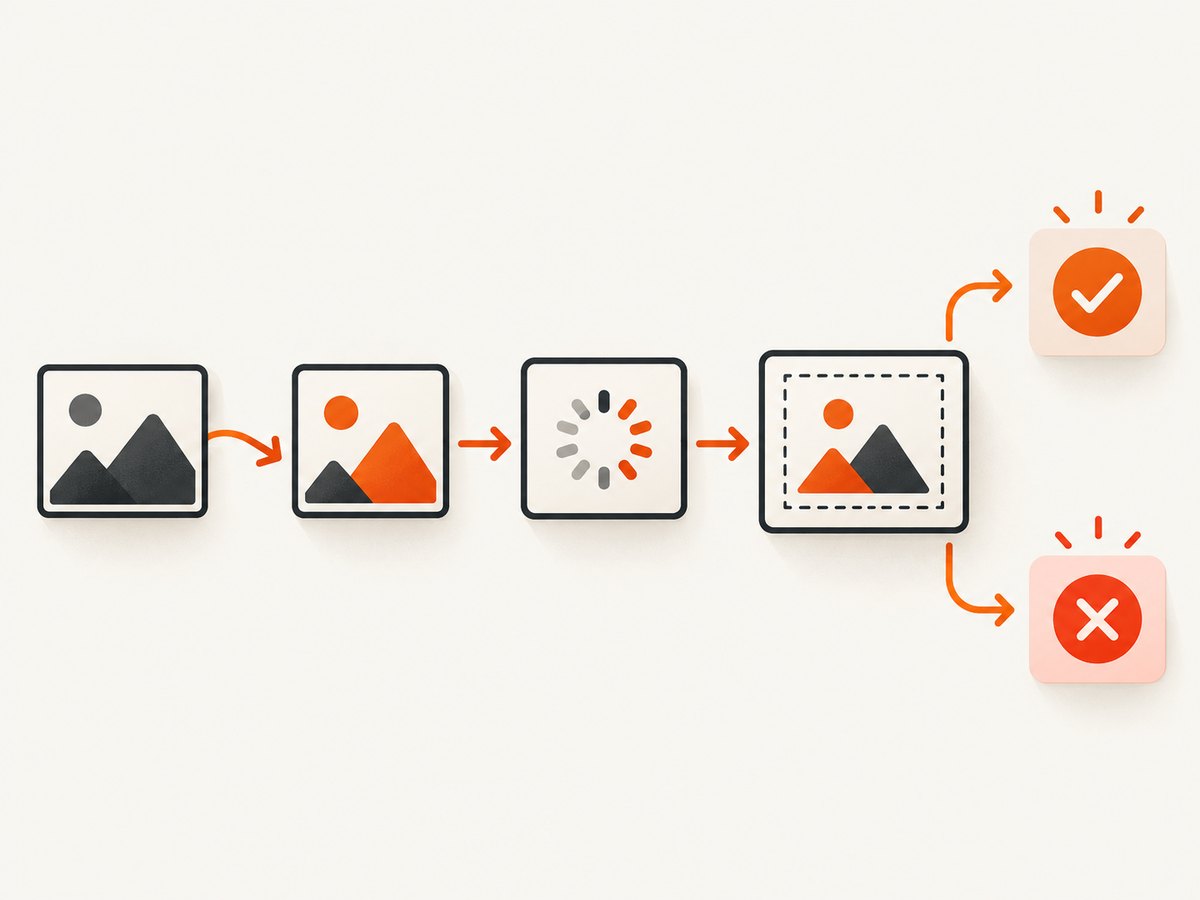
For several images, attach handlers before changing any src values. Wait for every image to either load or fail, then choose a policy: abort if any replacement failed, or continue with successfully loaded images. The helper below returns a Promise for each image and handles images whose load completed before the check.
function replaceImageAndWait(image, dataUrl) {
  return new Promise(function (resolve, reject) {
    function cleanup() {
      image.removeEventListener('load', onLoad);
      image.removeEventListener('error', onError);
    }
    function onLoad() {
      cleanup();
      image.naturalWidth > 0
        ? resolve(image)
        : reject(new Error('Image loaded without usable dimensions'));
    }
    function onError() {
      cleanup();
      reject(new Error('Replacement image failed to load'));
    }

    image.addEventListener('load', onLoad, { once: true });
    image.addEventListener('error', onError, { once: true });
    $(image).attr('src', dataUrl);

    if (image.complete) {
      image.naturalWidth > 0 ? onLoad() : onError();
    }
  });
}

async function captureAfterReplacing() {
  const replacements = [
    { selector: '#logo', dataUrl: 'data:image/png;base64,LOGO_BYTES' },
    { selector: '.chart-image', dataUrl: 'data:image/jpeg;base64,CHART_BYTES' }
  ];

  const results = await Promise.allSettled(replacements.map(function (item) {
    const image = document.querySelector(item.selector);
    if (!image) return Promise.reject(new Error('Missing ' + item.selector));
    return replaceImageAndWait(image, item.dataUrl);
  }));

  const failures = results.filter(function (result) {
    return result.status === 'rejected';
  });
  if (failures.length) {
    console.error('Capture stopped; replacements failed:', failures);
    return;
  }

  const canvas = await html2canvas(document.querySelector('#capture'));
  document.querySelector('#output').replaceChildren(canvas);
}

captureAfterReplacing().catch(console.error);
Promise.allSettled makes the failure policy explicit: this version stops when any replacement is missing or invalid. If omission is acceptable, log the failures and continue after all promises settle, while making sure the capture region still makes sense without those images. For a very large set of images, avoid starting duplicate replacements on repeated button clicks; disable the button during the operation or track the in-flight Promise.
3. Get image bytes through an allowed path
Replacing src helps only after the application has obtained the image bytes. There are three common cases:
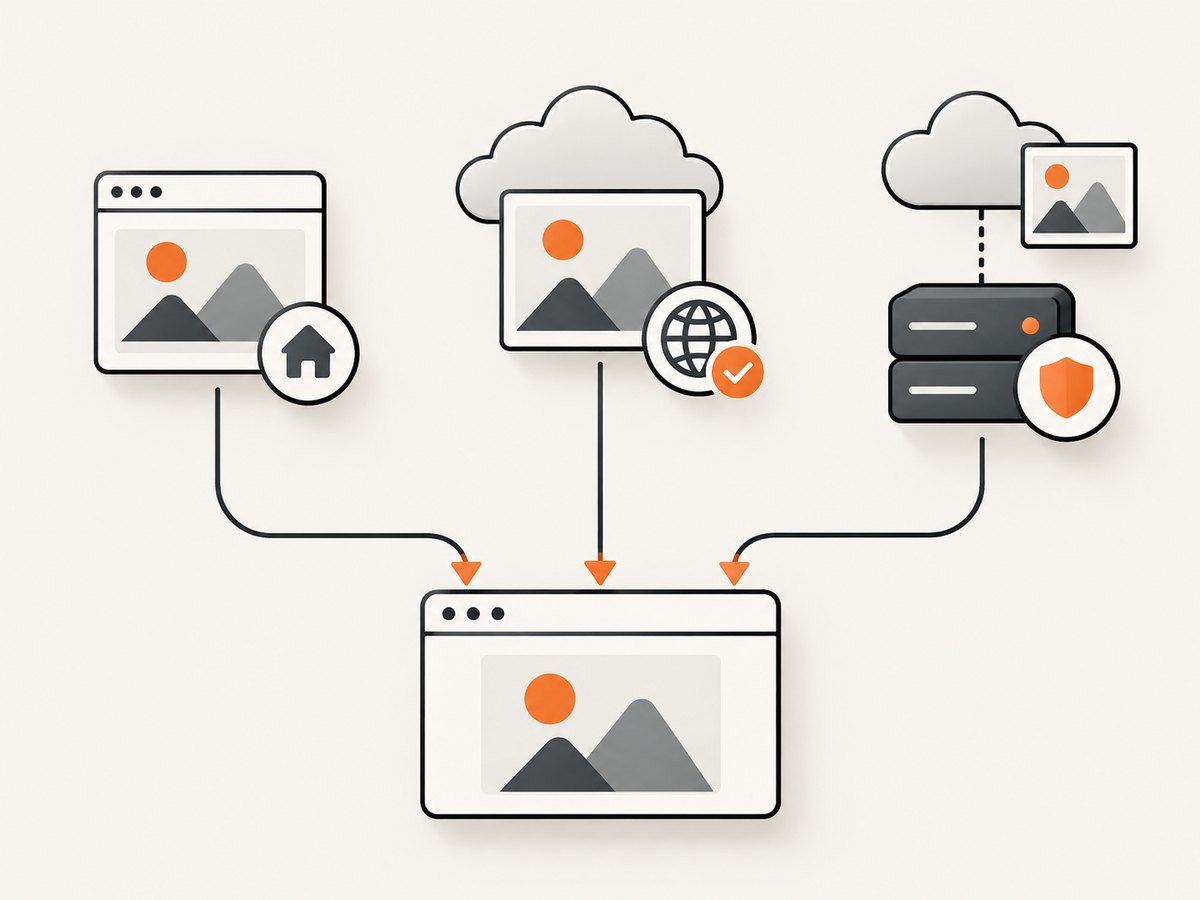
| Image source | Practical path | Important limit |
|---|---|---|
| Same origin as the page | Use the same-origin URL directly, or fetch it from your application and convert its Blob to a data URL if you need a Base64 src. |
Check that the endpoint returns an image and that authentication is available to the page. |
| Remote host you control | Configure the host to return an appropriate Access-Control-Allow-Origin header, then use CORS-enabled loading. |
useCORS asks the browser to use CORS; it cannot make the server allow your origin. |
| Remote host you cannot change | Fetch through a restricted same-origin proxy that your application operates. | A proxy must constrain destinations and validate responses. Do not expose an unrestricted URL-fetching endpoint. |
Convert an allowed same-origin response into a data URL
If you specifically need Base64, fetch a same-origin image as a Blob and use FileReader. This code assumes the endpoint is permitted for the current user and returns image bytes.
async function fetchImageDataUrl(imageUrl) {
  const response = await fetch(imageUrl, { credentials: 'same-origin' });
  if (!response.ok) {
    throw new Error('Image request failed: HTTP ' + response.status);
  }

  const blob = await response.blob();
  if (!blob.type.startsWith('image/')) {
    throw new Error('Expected an image, received ' + (blob.type || 'unknown type'));
  }

  return new Promise(function (resolve, reject) {
    const reader = new FileReader();
    reader.onload = function () { resolve(reader.result); };
    reader.onerror = function () { reject(reader.error || new Error('File read failed')); };
    reader.readAsDataURL(blob);
  });
}

fetchImageDataUrl('/assets/logo.png')
  .then(function (dataUrl) {
    $('#target-image').attr('src', dataUrl);
  })
  .catch(console.error);
For a cross-origin fetch, the remote response also needs CORS permission for your origin. If that response is not allowed, JavaScript cannot read the bytes and encode them. A server-side proxy can make the request from your application server, but must enforce an allowlist or other destination controls, limit response size and time, and verify the content type. These controls help prevent abuse such as requests to internal services. The html2canvas documentation describes a proxy mechanism; your application is responsible for how a production proxy is secured. html2canvas configuration · MDN CORS guide
4. Configure html2canvas for the capture
Once images are ready, call html2canvas with options suited to the page. The options below are documented by the project; check the documentation for the version installed in your application because option support and defaults can change.
html2canvas(document.querySelector('#capture'), {
  useCORS: true,
  allowTaint: false,
  imageTimeout: 15000,
  backgroundColor: '#ffffff',
  scale: window.devicePixelRatio,
  onclone: function (clonedDocument) {
    // Optional: adjust the cloned DOM before it is rendered.
    clonedDocument.querySelectorAll('.not-in-capture')
      .forEach(function (element) { element.remove(); });
  }
}).then(function (canvas) {
  document.body.appendChild(canvas);
});| Option | Use | Boundary |
|---|---|---|
useCORS |
Attempt to load cross-origin images with CORS. | Remote server must return the appropriate CORS header; documented default is false. |
proxy |
Configure a proxy for cross-origin resources where the project’s proxy mechanism applies. | Documented default is null; proxy service behavior and security are your responsibility. |
allowTaint |
Allow rendering that may taint the canvas. | It does not make a tainted canvas readable or fix toDataURL() failures; documented default is false. |
imageTimeout |
Set how long image loading may take before timing out. | Documented default is 15000 milliseconds. Increasing it can make slow captures take longer. |
onclone |
Adjust the cloned document before rendering. | Documented default is null. Use it for capture-specific DOM changes rather than mutating the live page unnecessarily. |
These settings do not replace load sequencing. If your code changes src and immediately calls html2canvas, the capture can begin before the browser finishes loading the new image. Wait for the image first, then invoke the capture.
5. Export the resulting canvas
Assigning an input image’s Base64 URL and exporting the resulting canvas are separate operations. If you need a data URL for the captured output, call toDataURL on the completed canvas:
html2canvas(document.querySelector('#capture')).then(function (canvas) {
  const outputDataUrl = canvas.toDataURL('image/png');
  const link = document.createElement('a');
  link.href = outputDataUrl;
  link.download = 'capture.png';
  link.click();
});
The official examples demonstrate exporting the resolved canvas with toDataURL('image/png'). html2canvas examples. If the canvas is tainted by an unreadable cross-origin resource, export can throw a security error. Setting allowTaint does not restore export access; fix how the source image is served instead.
Or skip the browser setup
If your goal is a screenshot of a webpage rather than a DOM canvas built inside your own app, ScreenshotNeo is a website screenshot API and MCP server. One GET request returns an image or PDF, and the API documentation covers its parameters. For example, save a WebP capture with cURL:
curl -G "https://api.screenshotneo.com/v1/shot" -d access_key=YOUR_API_KEY --data-urlencode url=https://stripe.com -o shot.webpEquivalent Python and Node.js calls:
import requests
r = requests.get("https://api.screenshotneo.com/v1/shot", params={"access_key": "YOUR_API_KEY", "url": "https://stripe.com"}, timeout=90)
open("shot.webp", "wb").write(r.content)
const q = new URLSearchParams({ access_key: 'YOUR_API_KEY', url: 'https://stripe.com' });
const res = await fetch(`https://api.screenshotneo.com/v1/shot?${q}`);ScreenshotNeo removes cookie banners, newsletter popups and chat widgets before capture. Bot checks, blank pages and failed loads are never billed, and response headers report the page verdict and billing status. Its MCP server lets AI agents use take_screenshot, get_page_info and capture_pdf. The free plan includes 1,000 screenshots a month with no card; paid plans start at $5 for 3,000. Sign up for 1,000 free screenshots a month, no card required.
6. Troubleshooting
| Symptom | Likely cause | Fix |
|---|---|---|
| Image is missing from the capture | Capture began before the replacement finished, or the data URL is invalid. | Attach load and error handlers before changing src; check complete and naturalWidth; verify the prefix, media type and full payload. |
naturalWidth is zero |
Load failed, bytes are truncated, the media type is wrong, or the response is not an image. | Inspect the source bytes and response content type. Surface an error and do not silently capture an incomplete result. |
| Canvas export throws a security error | A cross-origin resource tainted the canvas. | Serve it from the same origin, enable valid CORS on the image host, or use a controlled proxy. allowTaint is not an export fix. |
useCORS: true changes nothing |
The remote image host does not permit your origin, or the image is not being loaded through a CORS-compatible path. | Check the response’s Access-Control-Allow-Origin header. Configure the host or fetch through your authorized proxy. |
| Capture sometimes uses the old image | Handlers were attached too late, multiple requests overlap, or a cached completion was not checked. | Register handlers before updating src; check complete afterward; prevent overlapping capture actions. |
| Capture Promise rejects or takes too long | A resource failed, the DOM contains unsupported rendering features, or image loading timed out. | Handle rejection, check browser console and network requests, simplify the capture region, and tune imageTimeout with care. |
| Wrong image was replaced | Duplicate IDs or a selector matched an unexpected element. | Use unique IDs or a selector scoped to the capture root, then confirm the selected element before updating it. |
7. Performance and reliability notes
- Keep image payloads modest. A Base64 representation adds encoding overhead to the raw bytes and stores the string in page memory. For large images or many replacements, prefer normal same-origin URLs when Base64 is not a requirement.
- Capture a bounded region. Rendering a large document into a high-resolution canvas consumes more memory and time than a small component. Use the smallest element that meets the output need.
- Choose scale deliberately. A larger scale can improve output detail while increasing canvas dimensions and memory use. Device pixel ratio is a convenient choice, but may produce unnecessarily large output.
- Make capture idempotent from the UI. Disable the trigger during replacement and rendering, or reuse an in-flight Promise, so rapid clicks do not launch duplicate work.
- Use finite waits and explicit outcomes. The documented image timeout defaults to 15 seconds. Report whether capture succeeded, failed, or omitted an optional image instead of returning an apparently valid but incomplete canvas.
- Budget for proxy work. A proxy adds a network hop and an operational component. Restrict destinations, response size and content types, and set sensible time limits.
There is no single reliable cost or speed figure for this pattern: browser, page size, image weight, scale, network and proxy deployment all affect the result. For a client-side capture, the work and memory use happen in the user’s browser. For a proxy, your application also operates the fetch path.
8. FAQ
Can I just put the Base64 characters into src?
No. The value needs the complete data URL prefix and a valid media type, such as data:image/png;base64,.
Does jQuery solve a CORS error?
No. jQuery can update attributes and attach handlers, but the browser’s cross-origin rules depend on the response and server policy.
Should I use Base64 for every image?
No. It is useful when you already have authorized bytes and need a self-contained source. A permitted same-origin image URL is often simpler.
Is html2canvas a pixel-perfect browser screenshot?
No. It rebuilds a canvas representation from DOM and styles it supports. Consult the project’s limitations documentation when a feature does not render as expected.
Can I save a PDF with toDataURL?
toDataURL exports an image format from the canvas. PDF generation is a separate step or tool.


