How to Repurpose TikToks for Facebook and Instagram with Branded Templates
Turn one clean TikTok master into platform-ready Facebook and Instagram posts with reusable branding, rights checks, and a repeatable workflow.
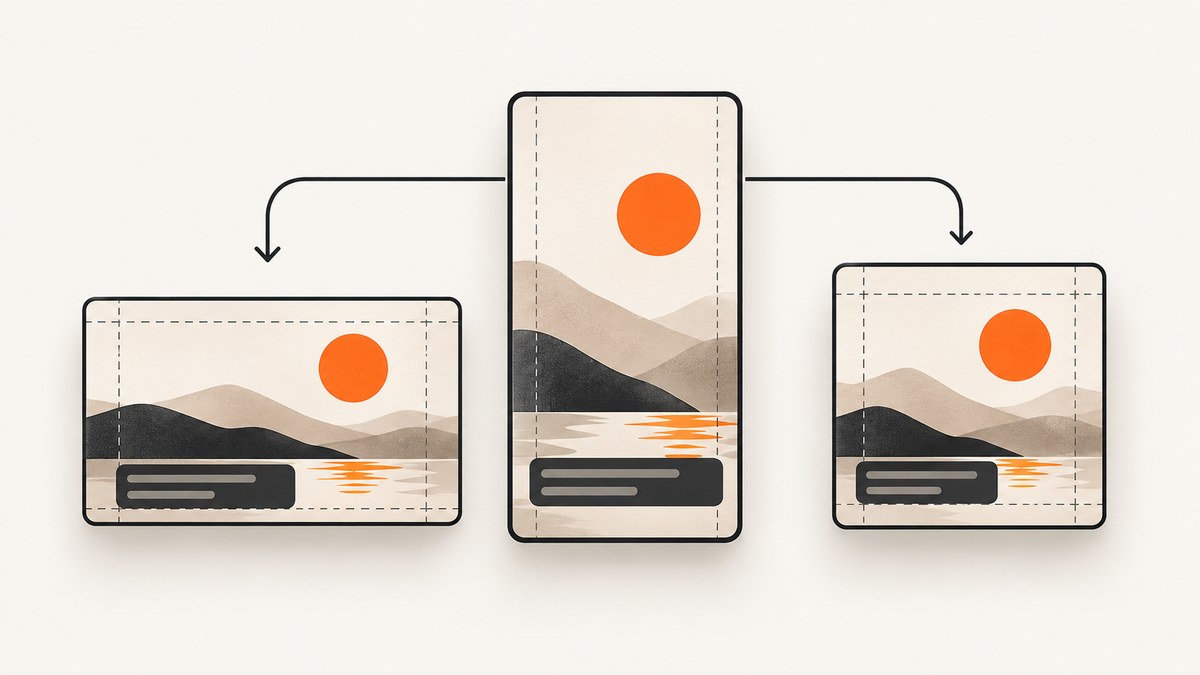
Repurposing a TikTok for Facebook and Instagram works best when you treat the TikTok as a source project, not as the file you download and repost. Keep a clean master export, then create platform-specific versions with the same brand system: type hierarchy, colors, logo placement, captions, safe areas, intro and outro, and call to action. Rewrite the hook and caption for each audience, clear the music and footage rights, and upload the clean export separately.
This workflow avoids a visible TikTok watermark, gives you control over crops and text legibility, and makes every version easier to review. It also protects you from assuming that credit, editing, or a disclaimer gives permission to reuse someone else’s work. Meta says the safest practice is to post content you created or have permission to use (Meta Help Center). TikTok’s policy says it does not allow content that infringes copyright (TikTok Intellectual Property Policy).
1. Start with a clean master export
Before publishing to any platform, export a master from your editor and retain the project file and source assets. Do not download your published TikTok and use that as the master: it may contain a watermark, recompressed video, platform-specific text placement, or music licensed only inside TikTok.
Recommended master settings
- Use a vertical 9:16 composition for Reels and Facebook short-form video.
- Keep the original project at the highest resolution your camera and editor support.
- Export a clean version without TikTok UI, username, watermark, or platform stickers.
- Keep separate audio stems or a music-free master when rights are uncertain.
- Save the project, source footage, graphics, fonts, captions, and license records together.
A clean master lets you change the opening seconds, caption, thumbnail, music, and disclosure for each destination without degrading the video repeatedly.
2. Build a branded template system
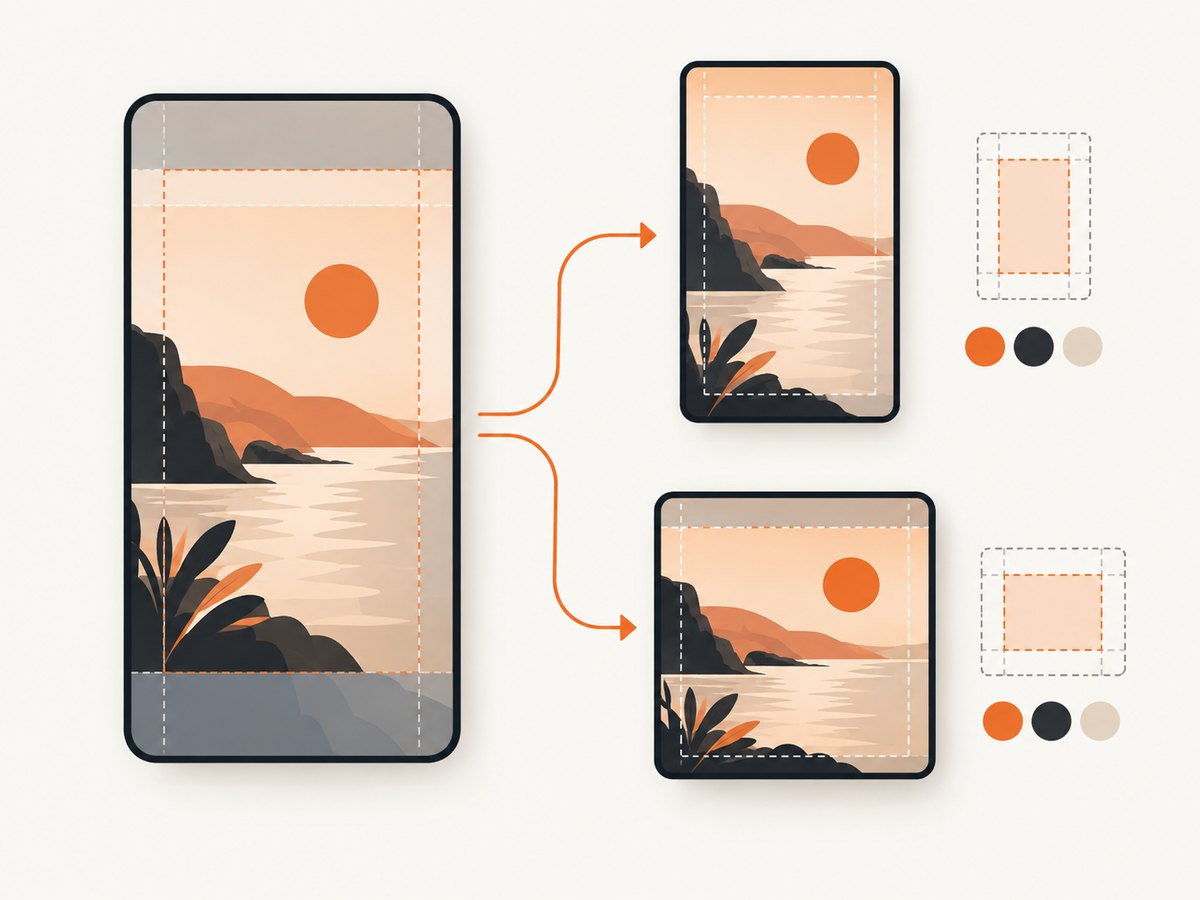
A template is a set of repeatable decisions, not one fixed video. Document the rules so another editor can produce a consistent version without guessing.
| Template part | What to define | Why it matters |
|---|---|---|
| Type hierarchy | Font family, weight, size range, line height, and emphasis style | Viewers can recognize and read your message quickly |
| Colors | Primary, accent, background, and contrast rules | Brand colors remain usable over changing footage |
| Logo | Approved mark, size, placement, and clear space | Branding stays visible without covering important action |
| Captions | Word count per line, animation, punctuation, and speaker labels | People can follow the video without sound |
| Safe areas | Regions where text and logos remain clear of controls | Platform UI can otherwise cover your message |
| Intro and outro | Optional duration, visual treatment, and CTA | Recurring structure makes a series feel connected |
| CTA component | Approved wording, URL treatment, and end-card timing | Each version has a clear next action |
Use native text, stickers, and effects when they improve platform fit. Instagram’s 2025 best-practices guidance recommends using built-in text, stickers, and effects where possible, and captioning every video because many people watch without sound. Keep your core visual identity in the master template, then reserve native elements for the final platform pass.
3. Adapt the opening and copy for each audience
Keep the central idea, but rewrite anything that only makes sense on TikTok. A reference to a TikTok trend, comment, or sound may confuse a Facebook viewer. The first seconds should state the problem or result in language that fits the destination.
| Version | Hook adjustment | Caption and CTA |
|---|---|---|
| Instagram Reel | Fast visual result, concise overlay, native stickers when useful | Short caption, searchable terms, save/share prompt |
| More context for feed viewers who may not know the original trend | Explain the benefit, invite a comment or click, check link preview | |
| TikTok source | Trend or sound context can remain if it is central to the idea | Use the original platform’s disclosure and sound controls |
Write at least three hook options before editing: a result-led hook, a problem-led hook, and a curiosity hook. Keep the strongest idea, then adjust its wording and pacing for each audience.
4. Create platform-specific renders
- Duplicate the clean master project for Instagram and Facebook.
- Move captions, logos, and CTAs away from edges and likely interface controls.
- Replace TikTok-only references, stickers, and calls to action.
- Choose music and sound effects that you are licensed to use on the destination.
- Set a destination-specific thumbnail with readable subject and contrast.
- Export each version separately and label files with platform, date, and revision.
video-name__instagram-reel__2026-09-29__v03.mp4
video-name__facebook__2026-09-29__v03.mp4
Review the export on a phone before publishing. Check the first and last seconds, caption timing, small text, faces, product details, crop, audio, and thumbnail. Upload the clean file separately to each app; do not use a downloaded TikTok with a visible watermark when you have access to the original project.
5. Handle watermark, music, footage, and disclosure rights
A watermark does not determine whether you have permission to repost. Copyright can still be infringed if you bought or downloaded material, credited the owner, added a disclaimer, did not intend to profit, modified the work, found it online, or saw others post it. Use footage, music, logos, and voices that you created, licensed, or have explicit permission to use.
Rights checklist
- Confirm who owns every video clip, photograph, voice recording, logo, and music track.
- Check whether a music license covers both Instagram and Facebook, including commercial use.
- Keep receipts, written permissions, stock license IDs, and release forms with the project.
- Replace platform-library music with a cleared track when cross-posting rights are unclear.
- Do not remove another creator’s watermark to make their work appear original.
- Disclose paid or value-exchange relationships. Instagram requires the paid partnership label for branded content (Instagram branded-content guidance).
- On TikTok, turn on the content-disclosure setting when promoting a brand, product, or service, including your own business (TikTok disclosure guidance).
When using Instagram branding in a graphic or presentation, follow Meta’s brand guidance: use approved logos and screenshots, keep the wordmark unchanged, and avoid implying partnership or endorsement (Instagram brand resources).
6. Publish and review each destination
Upload the clean render as a new post on Instagram and Facebook. Before you publish, verify:
- The thumbnail communicates the subject without tiny text.
- Captions are synchronized and remain inside the safe area.
- The audio is audible on a phone and has destination-appropriate rights.
- The caption and CTA make sense without TikTok context.
- Paid partnership, branded-content, or other disclosure controls are enabled when required.
- Any link, product claim, or offer matches the destination landing page.
Record the version, upload date, hook, thumbnail, audio choice, CTA, and audience notes. No attributable published statistic was found that proves a specific performance lift from this exact branded-template workflow, so compare your own versions rather than promising a fixed result.
7. Troubleshooting common repurposing problems
| Problem | Likely cause | Fix |
|---|---|---|
| Text is hidden behind controls | Elements were placed for TikTok’s interface | Move text and logos inward, then preview on a phone in each app |
| Video looks soft after reposting | Downloaded and recompressed published file | Render from the original project and upload the clean export |
| Audio is muted or restricted | Sound license applies only to the original platform | Use a cleared track or the destination’s licensed library |
| Facebook viewers do not understand the hook | Copy relies on a TikTok trend or comment | Rewrite the first seconds and caption with standalone context |
| Branding feels inconsistent | Editors improvise fonts, colors, or logo placement | Publish a one-page template specification and reusable presets |
| Post is missing a required disclosure | Commercial relationship was not reviewed per platform | Enable the relevant branded-content or content-disclosure setting before publishing |
| Thumbnail crops the subject | Thumbnail was chosen from a different aspect ratio | Design and test a destination-specific thumbnail |
8. Production, reliability, and cost practices
Batch work by stage: select source clips, write hooks, edit the master, create platform duplicates, export, review, and schedule. This reduces context switching and makes mistakes easier to spot. Keep a versioned folder with the project file, clean master, platform renders, rights records, captions, thumbnails, and a change log.
Export once per destination from the clean project. Repeated transcoding increases the chance of softness, audio drift, or incorrect frame rate. Render a short review copy first when an edit is complex, then export the final file after timing and safe-area checks pass.
Your direct costs usually come from editing time, licensed music or footage, storage, and any scheduling or design software. Track those inputs per series. Do not assume a repost is free simply because the original TikTok already exists: rights coverage and platform-specific production still require review.
Or skip the browser setup
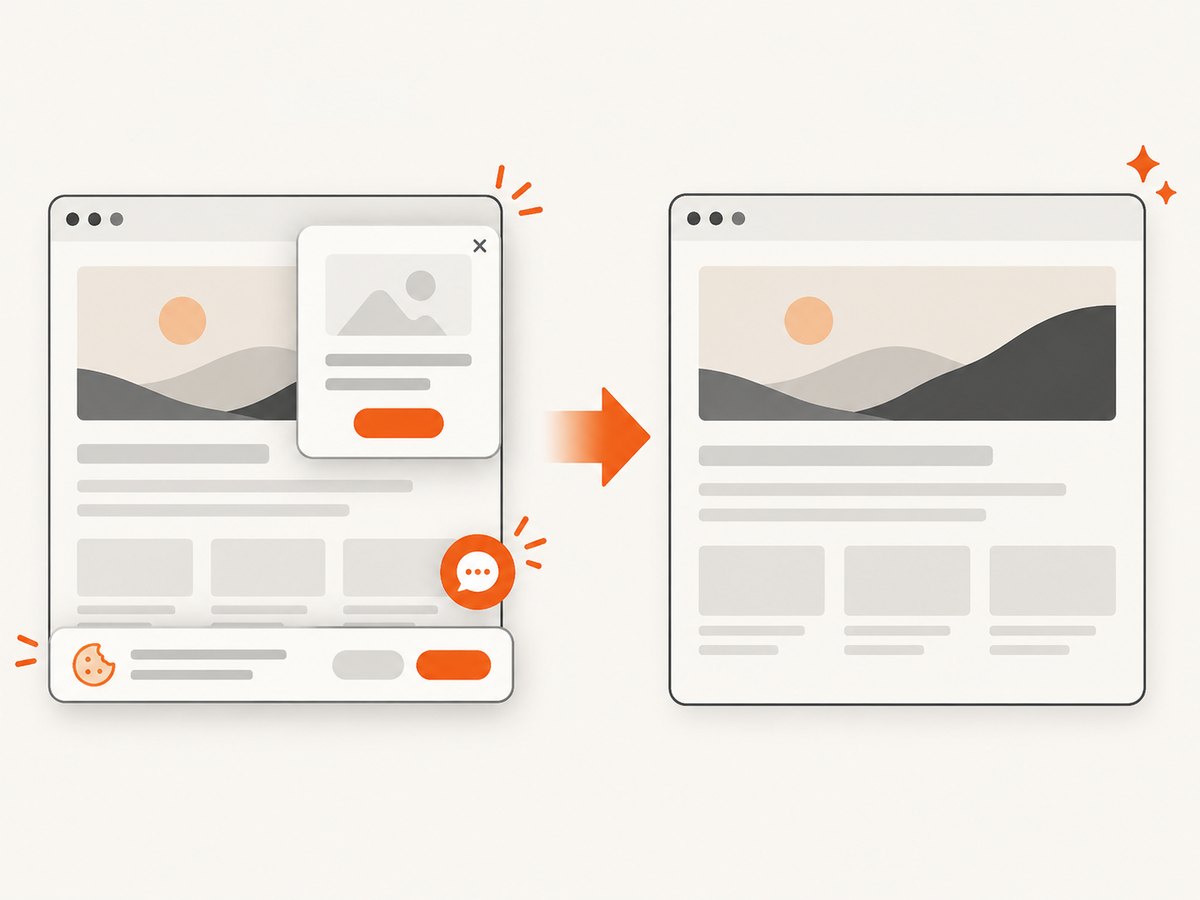
If your workflow also needs clean screenshots of landing pages, product pages, or campaign references, ScreenshotNeo returns a screenshot or PDF from one GET request. Cookie and consent banners are accepted or removed before capture, along with more than 60 known consent platforms, newsletter popups, and chat widgets; each cleanup step can be turned off. Bot checks, blank pages, timeouts, failed loads, and cache hits are not billed, and the response reports the result with X-Page-Verdict and X-Billed headers.
See the ScreenshotNeo API documentation for all options. This runnable call captures a reference page:
curl -G "https://api.screenshotneo.com/v1/shot" \
  -d access_key=YOUR_API_KEY \
  --data-urlencode url=https://stripe.com \
  -o shot.webp
import requests
r = requests.get(
"https://api.screenshotneo.com/v1/shot",
params={"access_key": "YOUR_API_KEY", "url": "https://stripe.com"},
timeout=90,
)
r.raise_for_status()
open("shot.webp", "wb").write(r.content)const q = new URLSearchParams({
access_key: 'YOUR_API_KEY',
url: 'https://stripe.com'
});
const res = await fetch(`https://api.screenshotneo.com/v1/shot?${q}`);
if (!res.ok) throw new Error(`HTTP ${res.status}`);
const bytes = new Uint8Array(await res.arrayBuffer());
// write bytes to shot.webp with your runtime's file APIRelevant options include full-page capture with lazy images loaded, CSS-element capture, dark mode, device presets or custom viewports, retina scale, custom CSS and JavaScript, clicks, selector or network-idle waits, blocked ads and trackers, custom headers, cookies, user agents, authorization, timezone, geolocation, transparent backgrounds, resizing, caching with a chosen TTL, signed links, asynchronous jobs with signed webhooks, bulk capture of up to 100 URLs per call, PDF output, and a usage API. An MCP server provides take_screenshot, get_page_info, and capture_pdf for Claude, Cursor, and other MCP clients.
Free accounts include 1,000 screenshots per month with no card. Paid plans start at $5 for 3,000 shots; every feature is available on every plan. Create a free ScreenshotNeo account.
FAQ
Can I repost a TikTok without its watermark?
Use your clean project export instead of downloading the published TikTok. A watermark-free file does not grant permission to use footage or music you do not own.
Should the Instagram and Facebook videos be identical?
Keep the core idea and visual identity consistent, but adapt the hook, caption, CTA, thumbnail, native effects, and safe-area placement for each destination.
Do captions need to be burned into the video?
They do not have to be, but captions improve access for viewers watching without sound. Keep a captioned render in your template system and verify legibility on a phone.
What should I do with a sound that is available on TikTok?
Check whether your license covers Instagram and Facebook. If it does not, replace it with a cleared track or the destination’s licensed library.
How do I keep a series recognizable?
Use the same type hierarchy, color rules, logo treatment, caption style, intro or outro, and CTA component, while changing the hook and examples for each post.


