How to Resize and Scroll Pages with Poltergeist
Resize Poltergeist windows, scroll reliably with Capybara or JavaScript, debug click failures, and capture full pages in legacy test suites.

Poltergeist lets Capybara drive a headless PhantomJS browser. To resize the active browser window, call page.driver.resize(width, height). To scroll by coordinates, call page.driver.scroll_to(left, top). When your Capybara version supports the node scrolling API, use semantic calls such as page.scroll_to(:bottom) or page.scroll_to(find('#results'), align: :center). For JavaScript fallbacks, use evaluate_script when you need a return value and execute_script for side effects.
This guide covers the complete workflow: driver setup, viewport configuration, deterministic scrolling, element alignment, full-page screenshots, click failures, compatibility problems, and practical alternatives. Poltergeist’s repository was archived on November 27, 2020, so treat it as legacy infrastructure and pin versions that work together in maintained suites.
1. Set up Poltergeist and choose a viewport
Poltergeist is a Capybara driver for a headless PhantomJS browser. Add compatible versions of Capybara and Poltergeist to your bundle, then register the driver before your tests run. The official Poltergeist README documents the driver and its options.
# Gemfile
 gem 'capybara'
 gem 'poltergeist'

# test_helper.rb or spec_helper.rb
 require 'capybara/dsl'
 require 'poltergeist'

 Capybara.register_driver :poltergeist do |app|
   Capybara::Poltergeist::Driver.new(
     app,
     window_size: [1280, 900]
   )
 end

 Capybara.default_driver = :poltergeist
window_size sets the initial browser dimensions. Poltergeist documents a default of [1024, 768]. The separate screen_size option controls the dimensions used by Window#maximize; its documented default is [1366, 768].
Capybara.register_driver :poltergeist do |app|
  Capybara::Poltergeist::Driver.new(
    app,
    window_size: [1440, 1000],
    screen_size: [1920, 1080]
  )
end
Use the registration option when every scenario should start at the same size. Use a runtime resize when one scenario must emulate a mobile, tablet, or unusually wide viewport.
2. Resize the active Poltergeist window
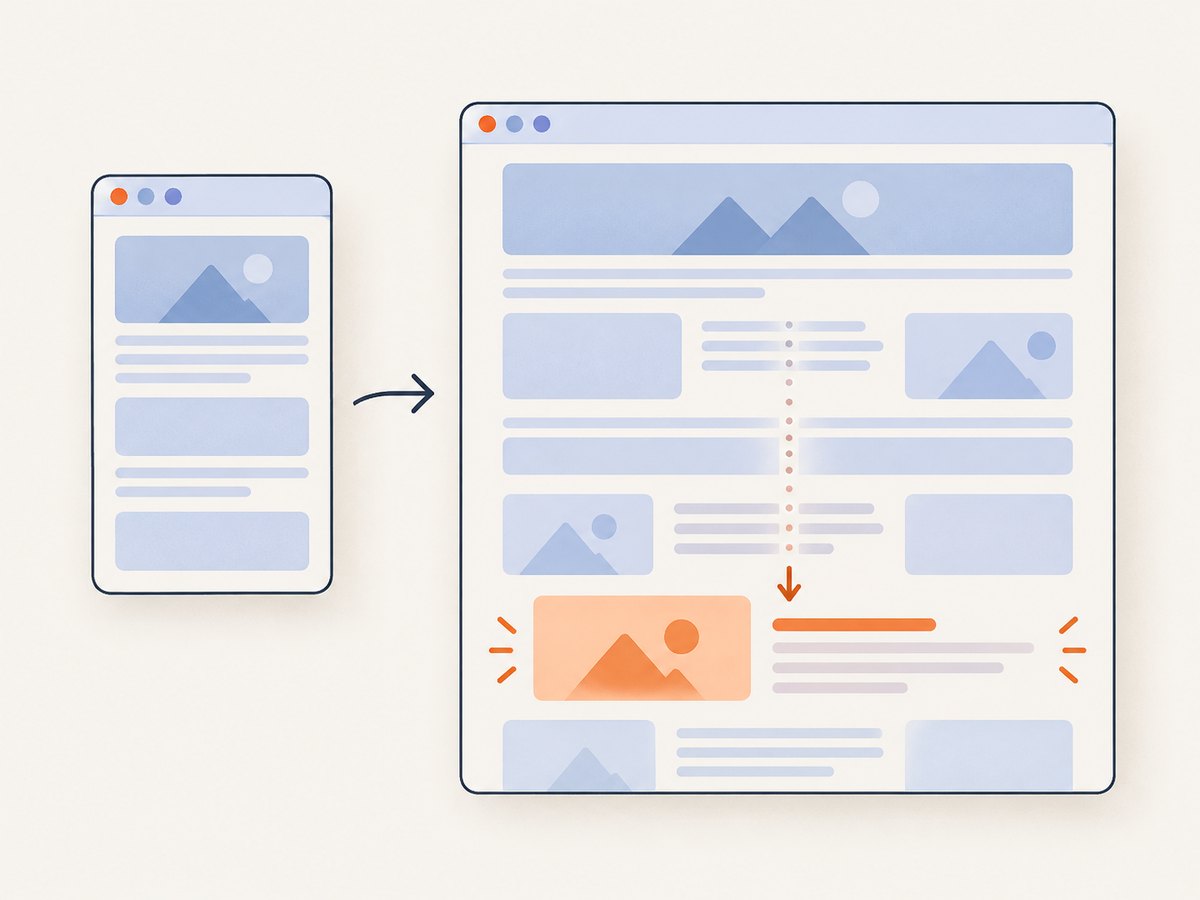
The direct driver API is:
page.driver.resize(1280, 900)
resize_window is an alias for the same operation. Resize after visiting a page if the page’s responsive layout must be evaluated at the final dimensions.
visit '/dashboard'
page.driver.resize(1280, 900)
assert_selector '.desktop-navigation'
refute_selector '.mobile-navigation'
To inspect the effective viewport, query the current window:
width, height = page.driver.window_size(page.current_window.handle)
puts "Viewport: #{width}x#{height}"

# Equivalent browser-side check
viewport = page.evaluate_script('[window.innerWidth, window.innerHeight]')
puts viewport.inspect
The driver-level window_size method evaluates [window.innerWidth, window.innerHeight]. This is useful when a resize appears to have no effect, or when a responsive breakpoint behaves differently in CI.
3. Scroll by an exact coordinate
For deterministic offsets, use Poltergeist’s coordinate API. The first argument is horizontal scroll and the second is vertical scroll.
page.driver.scroll_to(0, 1200)
After scrolling, verify the browser position instead of assuming that the requested value was possible. A short document, a nested scrolling container, or a browser boundary can clamp the final position.
page.driver.scroll_to(0, 1200)
left, top = page.evaluate_script('[window.scrollX, window.scrollY]')
puts "Scrolled to #{left}, #{top}"
Coordinate scrolling is appropriate when a test specification names a fixed offset, such as checking a sticky header after 500 pixels. It is less robust when content moves because of responsive layout or lazy loading.
4. Scroll semantically with Capybara
Recent Capybara releases expose a higher-level node API. When the Poltergeist and Capybara versions in your suite support it, semantic scrolling communicates intent and avoids hard-coded document coordinates.
page.scroll_to(:top)
page.scroll_to(:bottom)
page.scroll_to(:center)
page.scroll_to(:current)
page.scroll_to(0, 1200)

results = find('#results')
page.scroll_to(results, align: :center)
page.scroll_to(:bottom, offset: [0, -80])
The documented page positions are :top, :bottom, :center, and :current. For an element, alignment can be :top, :bottom, or :center. An x/y overload and an offset are also available. Driver support is optional, so confirm the exact Capybara version and run a small compatibility check before converting a large suite.
find('#results')
page.scroll_to(find('#results'), align: :bottom, offset: [0, -80])
assert_selector '#results.is-visible'
Semantic scrolling is usually the best choice for an element because it follows the element if the page height changes. If the target is inside a scrollable panel rather than the document, the driver may need JavaScript or a panel-specific interaction; see the troubleshooting section below.
5. Use JavaScript when the driver API is unavailable
Poltergeist supports both Capybara script methods:
# Returns a value
position = page.evaluate_script('[window.scrollX, window.scrollY]')

# Performs an action and returns no useful value
page.execute_script('window.scrollTo(0, document.body.scrollHeight)')
page.execute_script("document.querySelector('#results').scrollIntoView()")
Use evaluate_script for measurements, feature detection, or any result you need in Ruby. Use execute_script for a side effect such as scrolling. At element scope, Capybara binds this to the element, which lets you write element-relative JavaScript:
find('#results').execute_script('this.scrollIntoView()')
JavaScript is also a useful fallback for a nested container:
page.execute_script(<<~JS)
  const panel = document.querySelector('#results-panel');
  panel.scrollTop = panel.scrollHeight;
JS
6. Wait for content before scrolling
Scrolling immediately after visit can race with asynchronous content. Wait for a selector that proves the page is ready, then scroll. If the page appends items while you scroll, wait again before taking measurements or clicking.
visit '/reports'
assert_selector '#results'
page.scroll_to(find('#results'), align: :center)
assert_no_selector '.loading-spinner'
For infinite-scroll pages, repeat a bounded loop and stop when the end marker appears. A bound prevents a broken endpoint from hanging the test forever.
10.times do
  break if page.has_selector?('#end-of-results')
  page.execute_script('window.scrollTo(0, document.body.scrollHeight)')
  sleep 0.2
end
assert_selector '#end-of-results'
7. Capture the viewport or the whole document
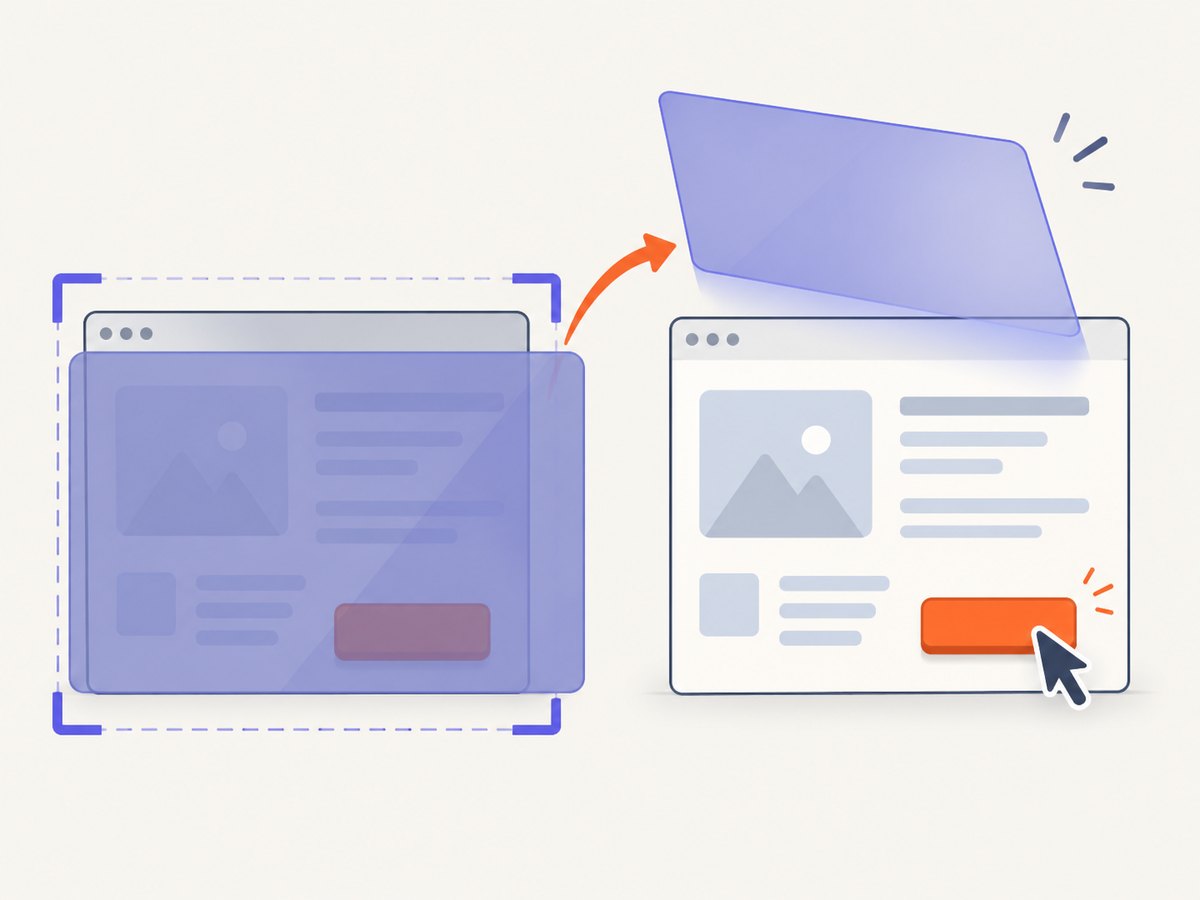
Poltergeist's screenshot method captures the visible viewport by default. Pass full: true for the entire document.
page.save_screenshot('viewport.png')
page.save_screenshot('page.png', full: true)
A full-page image is useful for diagnosing layout and sticky-element problems. Capture after the final resize and after content has settled. If a page uses a fixed header, compare both a viewport shot and a full shot: a fixed element may appear repeatedly or cover content in a way that is not obvious from one view.
8. Why clicks fail after scrolling
Poltergeist performs a real-coordinate click. It scrolls the target into view and calculates coordinates, then raises MouseEventFailed when another element covers the target or the geometry is otherwise invalid. The failure is generally a layout problem, not a missing selector.
save_page('click-failure.html')
page.save_screenshot('click-failure.png', full: false)
find('#submit').click
Inspect the screenshot and page source for cookie banners, modal dialogs, sticky navigation, loading masks, and zero-sized or off-screen elements. Close the overlay, wait for it to disappear, or scroll with an offset that leaves the target below a fixed header.
click_button 'Accept cookies' if page.has_button?('Accept cookies')
assert_no_selector '.modal, .loading-mask'
page.scroll_to(find('#submit'), align: :center)
find('#submit').click
Do not solve a covered-target failure by adding arbitrary sleeps. A selector-based wait and a diagnostic screenshot make the test faster and explainable.
9. Complete runnable example
The following example registers Poltergeist, resizes the window, scrolls to a target, checks the viewport, and saves both screenshot forms.
require 'capybara/dsl'
require 'poltergeist'

Capybara.register_driver :poltergeist do |app|
  Capybara::Poltergeist::Driver.new(app, window_size: [1280, 900])
end
Capybara.default_driver = :poltergeist

Capybara.app = Proc.new do |_env|
  body = '<html><body style="height:2400px">' \
         '<div style="margin-top:1800px" id="results">Results</div>' \
         '</body></html>'
  [200, { 'Content-Type' => 'text/html' }, [body]]
end

include Capybara::DSL

visit '/'
page.driver.resize(1280, 900)
assert_selector '#results'
page.scroll_to(find('#results'), align: :center)
position = page.evaluate_script('[window.innerWidth, window.innerHeight, window.scrollY]')
puts position.inspect
page.save_screenshot('viewport.png')
page.save_screenshot('document.png', full: true)
10. Troubleshooting checklist
| Symptom | Likely cause | Fix |
|---|---|---|
| Resize has no visible effect | The resize happened before navigation, or a different window is active. | Resize after visit; inspect page.current_window.handle and query window.innerWidth. |
undefined method scroll_to |
Your Capybara version or driver lacks the node scrolling API. | Use page.driver.scroll_to or JavaScript, or pin a compatible Capybara/Poltergeist pair. |
| Element scrolls but remains hidden | A fixed header, modal, or cookie banner covers it. | Dismiss the overlay, use align: :center, or apply an upward offset. |
| Scrolling stops before the requested offset | The document is shorter, or scrolling occurs in a nested container. | Read window.scrollY; target the container's scrollTop. |
| Lazy content is missing | The page has not loaded content triggered by scrolling. | Scroll in steps, wait for a selector or loading marker, then capture. |
MouseEventFailed |
Another element covers the click coordinates. | Save a viewport screenshot, inspect geometry, close overlays, and recalculate after scrolling. |
| Full screenshot is unexpectedly large or blank | Legacy PhantomJS rendering limits or page scripts are incompatible. | Capture a viewport for diagnosis, simplify the page under test, and verify pinned versions. |
11. Performance, reliability, and maintenance
- Prefer semantic targets. Element-based scrolling survives changes in page length better than fixed offsets.
- Keep waits bounded. Wait for a meaningful selector and cap infinite-scroll loops.
- Capture only when useful. Full-page rendering costs more time and memory than a viewport shot; enable it for visual evidence or document-level assertions.
- Record geometry on failure. Save the screenshot, URL, viewport dimensions, and scroll position so CI failures can be reproduced.
- Pin the stack. Poltergeist is archived, and PhantomJS is legacy. Lock Ruby, Capybara, Poltergeist, and the browser binary versions used by CI.
- Separate page scrolling from panel scrolling. Setting
window.scrollYcannot move a separately scrollable element.
12. Or skip the browser setup
If your goal is a clean screenshot rather than a browser test, ScreenshotNeo provides a single GET request. See the ScreenshotNeo API documentation for all options.
cURL
curl -G "https://api.screenshotneo.com/v1/shot" -d access_key=YOUR_API_KEY --data-urlencode url=https://stripe.com -o shot.webpPython
import requests
r = requests.get("https://api.screenshotneo.com/v1/shot", params={"access_key": "YOUR_API_KEY", "url": "https://stripe.com"}, timeout=90)
open("shot.webp", "wb").write(r.content)
Node.js
const q = new URLSearchParams({ access_key: 'YOUR_API_KEY', url: 'https://stripe.com' });
const res = await fetch(`https://api.screenshotneo.com/v1/shot?${q}`);
ScreenshotNeo removes cookie and consent banners, newsletter popups, and chat widgets before capture. Bot checks, blank pages, failed loads, timeouts, and cache hits are not billed, and response headers identify the page verdict and billing status. It also offers full-page capture, element selectors, custom CSS and JavaScript, waits, request blocking, headers and cookies, device presets, PDF output, caching, signed links, async jobs, bulk capture, and an MCP server for AI agents. The free plan includes 1,000 screenshots each month with no card; paid plans start at $5 for 3,000. Create a free ScreenshotNeo account.
13. FAQ
What is the difference between resize and window_size?
window_size configures the initial dimensions when registering the driver. resize changes the active window during a scenario.
Should I use evaluate_script or execute_script?
Use evaluate_script when Ruby needs a returned value. Use execute_script for an action such as scrolling an element.
Can page.driver.scroll_to scroll a panel?
It scrolls the browser window. For a nested panel, set that element's scrollTop with JavaScript or use an element-aware interaction.
Why does a full screenshot differ from what I see in the viewport?
A full capture renders the document, while a viewport capture shows one window. Fixed overlays, lazy content, and document-height behavior can change the result.
Is Poltergeist suitable for a new test suite?
It is archived legacy infrastructure. If you must maintain it, pin compatible versions and keep diagnostic screenshots around failures. For new screenshot automation, a current screenshot API can avoid maintaining PhantomJS and driver setup.


