How to Return Values From page.evaluate in Pyppeteer
Learn how to return strings, objects, Promise results and element data from Pyppeteer's page.evaluate, plus fixes for None and serialization errors.

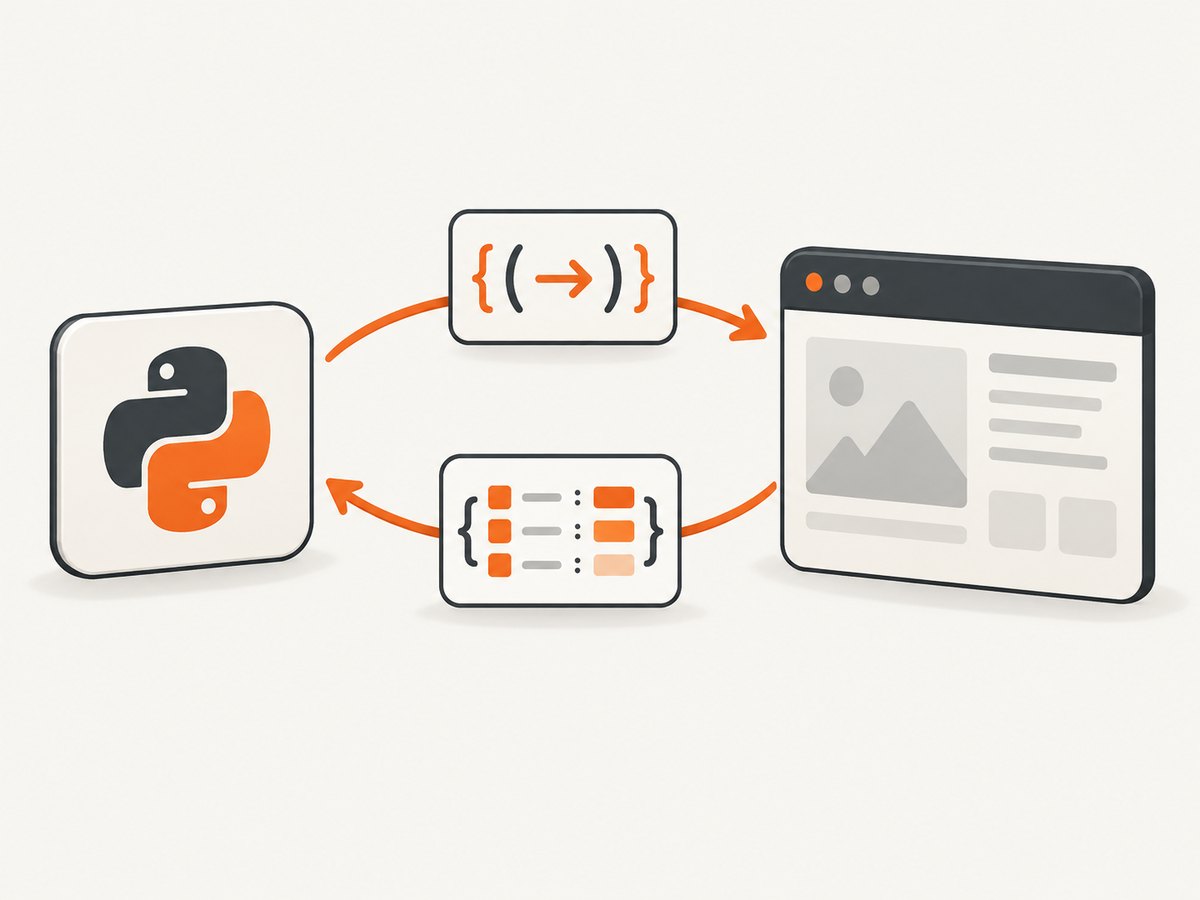
Use await page.evaluate() and explicitly return a serializable JavaScript value from the callback. Pyppeteer converts that value into a normal Python value such as a string, number, list or dictionary.
import asyncio
from pyppeteer import launch

async def main():
    browser = await launch()
    page = await browser.newPage()
    await page.goto('https://example.com')

    result = await page.evaluate('''() => ({
        title: document.title,
        href: location.href,
    })''')

    print(result)
    await browser.close()

asyncio.run(main())
The callback runs inside the browser. The value after return crosses back to Python. Without await, you only have an unresolved coroutine; without an explicit return in a block-bodied function, JavaScript returns undefined.
1. Understand what page.evaluate returns
page.evaluate executes a JavaScript function or expression in the current page and returns its result. Pyppeteer waits for a returned Promise, then serializes the resolved value for Python.
| JavaScript result | Typical Python result |
|---|---|
| String | str |
| Number | int or float |
| Boolean | bool |
| Array | list |
| Plain object | dict |
null |
None |
undefined |
No useful value; often observed as None-like output |
Return a projection of browser objects rather than the objects themselves. DOM nodes, functions, cyclic objects and many platform objects are not ordinary serializable values.
2. Return a value from a callback
Use an expression-bodied arrow function for a single expression:
title = await page.evaluate('() => document.title')Use an explicit return when the callback has braces:
metadata = await page.evaluate('''() => {
    const heading = document.querySelector('h1');
    return {
        title: document.title,
        heading: heading ? heading.textContent.trim() : None,
        width: document.documentElement.scrollWidth,
    };
}''')
The JavaScript literal is null, not Python’s None. The corrected browser-side version is:
metadata = await page.evaluate('''() => {
    const heading = document.querySelector('h1');
    return {
        title: document.title,
        heading: heading ? heading.textContent.trim() : null,
        width: document.documentElement.scrollWidth,
    };
}''')
3. Evaluate an expression string with force_expr
Pyppeteer tries to detect whether a string is a function or an expression. If you pass a bare expression and detection chooses the wrong interpretation, set force_expr=True.
text = await page.evaluate('document.body.textContent', force_expr=True)
print(text)
This is useful for strings such as document.title, arithmetic expressions or property access that are not written as function source.
4. Pass arguments into page.evaluate
Arguments come after the JavaScript function string. Pyppeteer serializes ordinary arguments and can pass an element selected in the page.
element = await page.querySelector('h1')
title = await page.evaluate(
    '(element) => element ? element.textContent.trim() : null',
    element,
)
print(title)
For data values, pass Python objects directly:
prefix = 'Product:'
value = await page.evaluate(
    '''(prefix) => `${prefix} ${document.title}`''',
    prefix,
)
print(value)
Keep arguments JSON-like when possible: strings, numbers, booleans, lists, dictionaries and None. If you need to work with an element, pass the element handle returned by querySelector rather than trying to serialize a DOM node yourself.
5. Return asynchronous values
If the callback returns a Promise, page.evaluate waits for it and returns the resolved value.
data = await page.evaluate('''async () => {
    const response = await fetch('/data.json');
    if (!response.ok) {
        throw new Error(`HTTP ${response.status}`);
    }
    return await response.json();
}''')
print(data)
You can also return a Promise directly:
ready = await page.evaluate('''() =>
    new Promise(resolve => setTimeout(() => resolve('ready'), 250))
''')
print(ready)
Remember that page navigation, browser context and same-origin rules still apply to requests made from the page.
6. Return element data instead of the element
A DOM element is a browser-side object. Return the fields your Python code needs:
card = await page.evaluate('''() => {
    const node = document.querySelector('.card');
    if (!node) return null;
    const rect = node.getBoundingClientRect();
    return {
        text: node.textContent.trim(),
        html: node.outerHTML,
        width: rect.width,
        height: rect.height,
    };
}''')
print(card)
For repeated interaction with the same in-page object, use page.evaluateHandle. It returns a JSHandle wrapper instead of copying the value into Python.
handle = await page.evaluateHandle("() => document.querySelector('h1')")
# Use the handle for browser-side work, then release it when finished.
await handle.dispose()
Use evaluate for a final value and evaluateHandle for a live browser-side reference.
7. A complete extraction example
import asyncio
from pyppeteer import launch

async def extract_page(url):
    browser = await launch(args=['--no-sandbox'])
    try:
        page = await browser.newPage()
        await page.goto(url, {'waitUntil': 'networkidle2'})
        return await page.evaluate('''() => ({
            url: location.href,
            title: document.title,
            headings: Array.from(document.querySelectorAll('h1, h2')).map(
                node => node.textContent.trim()
            ),
            links: Array.from(document.querySelectorAll('a[href]')).slice(0, 20).map(
                node => ({text: node.textContent.trim(), href: node.href})
            ),
        })''')
    finally:
        await browser.close()

result = asyncio.run(extract_page('https://example.com'))
print(result['title'])
print(result['headings'])
The result is a Python dictionary containing only strings, lists and nested dictionaries, so it can be logged or serialized as JSON.
8. The equivalent pattern in Node.js Puppeteer
Pyppeteer is an unofficial Python port of Puppeteer. In Node.js, the same return rule applies:
const puppeteer = require('puppeteer');

(async () => {
  const browser = await puppeteer.launch();
  try {
    const page = await browser.newPage();
    await page.goto('https://example.com', { waitUntil: 'networkidle2' });
    const result = await page.evaluate(() => ({
      title: document.title,
      href: location.href,
    }));
    console.log(result);
  } finally {
    await browser.close();
  }
})();
9. Troubleshooting page.evaluate
| Symptom | Cause | Fix |
|---|---|---|
None or no useful value |
A block-bodied callback omitted return, or the page returned null/undefined. |
Write return value; and check missing elements explicitly. |
| A coroutine is printed instead of a value | The call was not awaited. | Run it inside an async function and use result = await page.evaluate(...). |
| Expression parsing error | Auto-detection treated an expression as function source. | Use force_expr=True for a bare expression string. |
| Serialization or protocol error | The callback returned a DOM node, function, cyclic object or unsupported browser object. | Return textContent, outerHTML or a plain object of required fields. |
Element is null |
The selector matched nothing, the page had not loaded, or content is rendered later. | Wait for the selector, verify the URL, and handle the missing case. |
| Fetch fails inside evaluate | Browser same-origin policy, a page error or a non-2xx response. | Check response.ok, catch the page error, and make the request from an allowed origin or from Python when appropriate. |
| Stale or unexpected data | Evaluation ran before navigation or client-side rendering finished. | Use page.goto(..., waitUntil=...), waitForSelector or a deliberate page-side wait. |
10. Reliability, performance and security notes
- Evaluate after the page reaches the state you need. A fast evaluation on an unfinished page is less reliable than a later one after the target selector appears.
- Return only the fields you need. Large HTML strings and huge arrays increase serialization time and memory use.
- Prefer one evaluation that builds a small result object over many evaluations that repeatedly cross the Python/browser boundary.
- Always close the browser in a
finallyblock so failures do not leave Chromium processes running. - Treat page content as untrusted input. Do not execute data from the page as code, and validate values before writing files, making requests or forming database queries.
- Use timeouts around navigation and application-level waits so a missing resource cannot hang a worker indefinitely.
11. Or skip the browser setup
If your goal is a clean image or PDF rather than browser-side data extraction, ScreenshotNeo provides a single request. See the API documentation for options.

curl -G "https://api.screenshotneo.com/v1/shot" -d access_key=YOUR_API_KEY --data-urlencode url=https://stripe.com -o shot.webpimport requests
r = requests.get("https://api.screenshotneo.com/v1/shot", params={"access_key": "YOUR_API_KEY", "url": "https://stripe.com"}, timeout=90)
open("shot.webp", "wb").write(r.content)const q = new URLSearchParams({ access_key: 'YOUR_API_KEY', url: 'https://stripe.com' });
const res = await fetch(`https://api.screenshotneo.com/v1/shot?${q}`);Cookie banners, newsletter popups and chat widgets are removed before the shot. Bot checks, blank pages and failed loads are never billed. An MCP server lets AI agents take screenshots, and 1,000 screenshots a month are free with no card; paid plans start at $5 for 3,000. Create a free ScreenshotNeo account.
12. FAQ
Why does a block arrow function return nothing?
() => { document.title; } has no return statement. Use () => document.title or () => { return document.title; }.
Can page.evaluate return a Python object?
It returns a JavaScript value that Pyppeteer deserializes into Python types. Build a plain JavaScript object, array or primitive.
When should I use evaluateHandle?
Use it when you need a live browser-side reference, such as an element or other object. Use evaluate when you need a copied, serializable result.
Does page.evaluate wait for async JavaScript?
Yes. A Promise returned by the callback is awaited before the result is sent back to Python.
What is the quickest fix for a bare expression?
Pass the expression with force_expr=True, for example await page.evaluate('document.title', force_expr=True).


