Rotating Proxy API Alternatives for Web Scraping
Compare rotating proxy networks and managed scraping APIs by success rate, session control, latency, effective cost, and maintenance work.
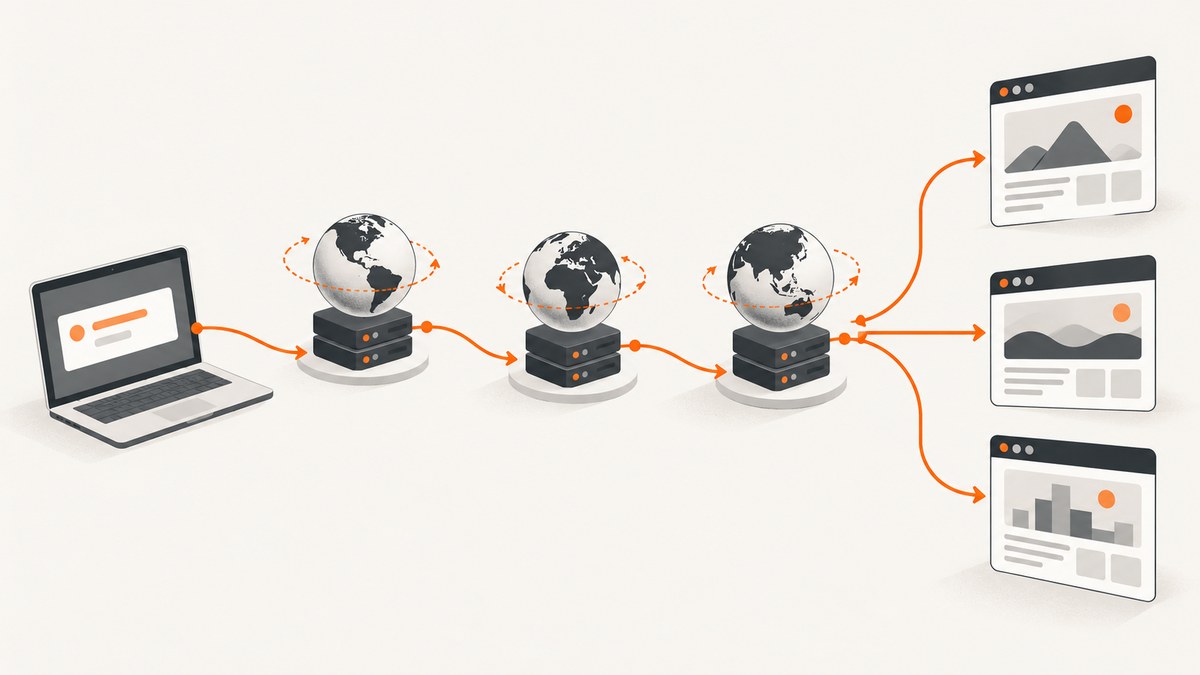
Short answer: the best rotating proxy API alternative depends on whether you need raw IP and session control or a managed scraping pipeline. Direct proxy networks give you more control over rotation, headers, cookies, and request behavior. Managed scraping APIs handle more of the retrieval work, such as proxy selection, rendering, retries, or anti-bot handling, but may cost more per successful page. Compare providers against your actual target sites and calculate effective cost per successful result.
There is no universally best network. A provider that works well for public product pages may perform poorly on a login flow, a heavily protected marketplace, or a location-sensitive search result. Run a controlled trial with identical URLs, volume, concurrency, and geographic requirements before committing.
What counts as a rotating proxy API alternative?
A rotating proxy API exposes proxy endpoints or an API that assigns different IP addresses across requests. Rotation can happen on every request, after a time interval, or when you explicitly request a new session. You usually remain responsible for HTTP behavior, cookies, JavaScript rendering, retries, parsing, and detecting blocked or incomplete responses.
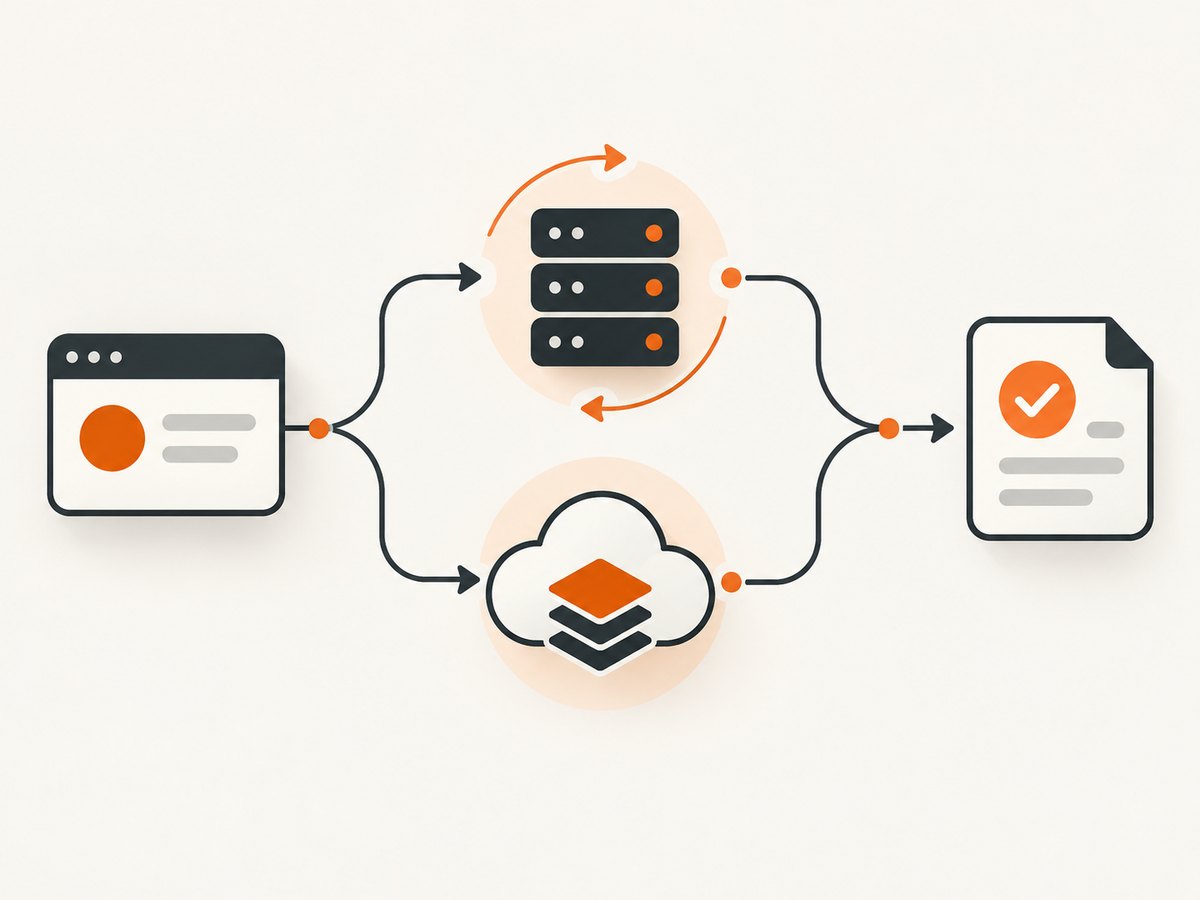
A managed scraping API accepts a target URL and returns a response or rendered page. Depending on the product, it may manage proxy routing, browser rendering, retries, CAPTCHA handling, or extraction. This reduces infrastructure work, but pricing is often tied to requests, successful pages, bandwidth, or additional rendering features.
| Approach | You control | Provider handles | Best fit |
|---|---|---|---|
| Raw rotating proxy network | Requests, sessions, headers, cookies, parsing, retries | IP pool and proxy connectivity | Teams with an existing crawler and strict network control |
| Managed scraping API | Target URL, options, parsing workflow | More of the proxy, browser, retry, and anti-bot pipeline | Teams that want less operational maintenance |
| Browser automation plus proxies | Full browser behavior and page actions | Usually only the IP layer | Complex JavaScript workflows and authenticated sessions |
Direct rotating proxy network alternatives
Bright Data’s vendor-authored comparison lists Bright Data, Decodo (formerly Smartproxy), Oxylabs, SOAX, IPRoyal, Webshare, and Rayobyte across residential, datacenter, and ISP offerings. Its reported prices and pool sizes are vendor-published figures, vary by plan and commitment, and were not independently validated for this article.
Bright Data
Bright Data offers several proxy categories and related scraping products. Its comparison materials position the service around broad network reach and additional scraping tools. Treat published pool sizes, prices, and success language as plan-specific claims. Confirm current terms, location availability, and acceptable-use requirements before purchase.
Decodo
Decodo, formerly Smartproxy, is included in the same comparison as a value-oriented option. The cited example lists residential pricing beginning at $2 per GB under stated conditions. That is not a like-for-like market rate: minimums, traffic tiers, location, and product type affect the actual price.
Oxylabs
Oxylabs is presented in the vendor comparison for enterprise workloads. The same source gives an example residential rate beginning at $2.50 per GB under particular plan conditions. Evaluate concurrency, location coverage, support requirements, and effective cost rather than relying on the headline number.
SOAX
SOAX is described in the comparison as emphasizing granular geographic targeting. Its example residential rate begins at $2 per GB under the cited conditions. If city-level or carrier-level targeting matters, verify that the exact countries and cities you need are available in the plan you are considering.
IPRoyal
IPRoyal appears in the comparison as a lower-volume option, with an example residential rate beginning at $1.75 per GB. The figure is plan-dependent. Check minimum purchases, rotation controls, and the provider’s acceptable-use terms before treating it as a low-cost choice.
Webshare
Webshare is presented as a self-serve testing option. The source gives an example residential rate beginning at $1.40 per GB under stated conditions. Test the actual target sites because a lower bandwidth price does not prove a lower cost per successful page.
Rayobyte
Rayobyte is named among the proxy providers in the comparison. The research dossier does not establish an independently verified ranking, benchmark, or current price for it. Assess it using the same trial method as every other candidate.
Managed scraping API alternatives
Scraping Central identifies Zyte, ScraperAPI, ScrapingBee, and similar products as examples of managed scraping APIs. These services generally let you submit a URL while the provider manages more of the retrieval pipeline. The exact combination of proxy routing, browser rendering, retries, CAPTCHA handling, and extraction differs by product and plan.
Managed APIs can reduce engineering time and operational load. Raw proxies can offer more control and potentially lower cost when your team already operates a reliable crawler. Compare both categories with the same workload. A managed request that costs more than a raw proxy request may still be cheaper when retries, browser infrastructure, maintenance, and blocked pages are included.
How proxy types differ
| Type | Typical tradeoff | Useful when | Watch for |
|---|---|---|---|
| Datacenter | Fast and relatively inexpensive | High-volume work against lenient targets | Greater likelihood of detection on protected sites |
| Residential | Home-device IP addresses; usually slower and more expensive | Targets that scrutinize datacenter addresses | “Rarely blocked” is a marketing claim, not a guarantee |
| ISP | Provider-registered addresses hosted in data centers; often stable | Logged-in or long-running sessions | Fewer addresses and locations than broad rotating pools |
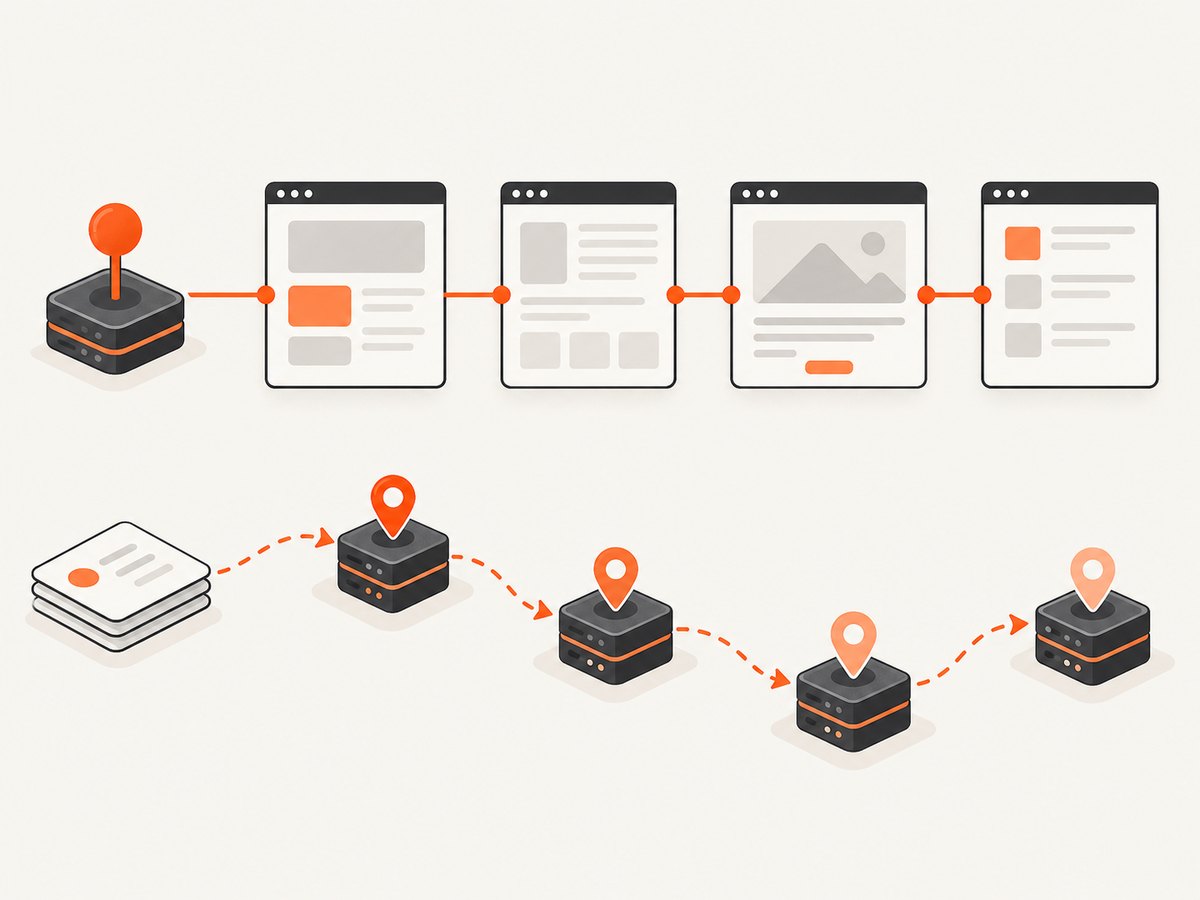
Rotation is only one part of session behavior. If a site ties authentication, cart state, or rate limits to an IP, rotating on every request can break the workflow. Use a sticky session when the provider supports it, and rotate deliberately at a boundary that matches the target’s behavior.
A repeatable evaluation method
- Choose representative targets. Include every domain type, geography, page template, and authentication state you plan to scrape.
- Define success. A successful request should return the expected status, content markers, language, and data fields—not merely HTTP 200.
- Use identical workload settings. Keep URLs, concurrency, request headers, timeout, retry policy, and asset behavior consistent.
- Run two or three candidates. A short trial is more informative than a pool-size claim.
- Record useful metrics. Measure successful responses, latency, bandwidth, retries, blocked pages, geographic accuracy, and concurrency limits.
- Calculate effective cost. Divide total spend and bandwidth by successful pages, including retries and failed requests.
- Review compliance. Check sourcing disclosures, acceptable-use rules, robots and contractual requirements, and your legal basis for collecting data.
Runnable proxy request examples
The examples below use placeholders because each provider supplies different endpoint formats, credentials, and rotation controls. Replace the values with the endpoint and credentials from the provider’s current documentation. Do not put credentials in source control.
Python with an HTTP proxy
import os
import requests

proxy = os.environ["PROXY_URL"]  # supplied by your proxy provider
proxies = {"http": proxy, "https": proxy}

response = requests.get(
    "https://example.com/",
    proxies=proxies,
    timeout=30,
    headers={"User-Agent": "your-application-name/1.0"},
)
response.raise_for_status()
print(response.status_code, len(response.content))
Node.js with fetch and an agent
import { ProxyAgent, setGlobalDispatcher } from "undici";

const proxy = process.env.PROXY_URL;
if (!proxy) throw new Error("Set PROXY_URL");
setGlobalDispatcher(new ProxyAgent(proxy));

const response = await fetch("https://example.com/", {
  headers: { "User-Agent": "your-application-name/1.0" },
});
if (!response.ok) throw new Error(`HTTP ${response.status}`);
const html = await response.text();
console.log(response.status, html.length);
cURL
curl --proxy "$PROXY_URL" \
  --connect-timeout 10 \
  --max-time 30 \
  -A "your-application-name/1.0" \
  https://example.com/
Request-level rotation
Many providers rotate when you use a provider-specific username suffix, session parameter, or API option. The parameter name differs, so implement rotation behind one function in your crawler. Keep a stable session identifier for pages that require continuity, and create a new identifier only when you intentionally want a new exit address.
def fetch_with_retry(url, session_factory, attempts=3):
    last_error = None
    for attempt in range(attempts):
        try:
            session = session_factory(attempt)  # choose session/rotation policy
            response = session.get(url, timeout=30)
            if response.status_code in (403, 429, 503):
                raise RuntimeError(f"blocked or rate limited: {response.status_code}")
            response.raise_for_status()
            return response
        except Exception as exc:
            last_error = exc
    raise RuntimeError(f"failed after {attempts} attempts") from last_error
Operational settings that affect results
Concurrency and rate limits
Start below the advertised concurrency limit and increase gradually. A provider may permit many open connections while the target site permits far fewer requests per IP, account, or fingerprint. Use a queue, per-domain limiter, exponential backoff, and a maximum retry count.
Timeouts and retries
Separate connection, response, and total deadlines when your HTTP library supports them. Retry transient network failures, timeouts, and selected 5xx responses. Do not blindly retry authentication failures, malformed requests, or persistent 403 responses. Retries consume bandwidth and can increase your effective cost.
Content validation
Check for expected selectors, JSON keys, language, and page identifiers. A block page often returns HTTP 200. Save a small redacted sample of failed responses so you can distinguish a proxy issue from a target-side challenge.
Bandwidth
Disable unnecessary images, fonts, video, and analytics when your collection task permits it. However, some sites require JavaScript or specific assets to produce the data you need. Measure bandwidth per successful page after applying the same resource policy to every provider.
Common errors and fixes
| Error | Likely cause | Fix |
|---|---|---|
| 407 Proxy Authentication Required | Missing or invalid proxy credentials | Verify the username, password, host, port, and URL encoding. Test the exact proxy URL with cURL. |
| Connection timeout | Unavailable exit node, overloaded pool, or restrictive firewall | Set a finite timeout, retry with a new session, and test another location. Check outbound firewall rules. |
| 403 or challenge page | Target detected the address, fingerprint, request rate, or behavior | Reduce concurrency, preserve a coherent session, use the appropriate proxy type, and validate browser requirements. |
| 429 Too Many Requests | Rate limit at the target or provider | Apply per-domain throttling and exponential backoff. Do not treat rotation as permission to ignore limits. |
| HTTP 200 with no data | Consent wall, login page, CAPTCHA, or bot response | Inspect the body for expected markers and classify it as failure. Add the required session or rendering step. |
| Wrong country or city | Location option is unavailable, approximate, or not applied to the session | Verify the provider’s location inventory and assert the observed IP location during testing. |
| Broken login or cart state | IP changed between related requests | Use sticky sessions and retain cookies for the workflow lifetime. |
Performance, reliability, and cost notes
Do not compare providers using latency from a single endpoint. Measure from the deployment region where your crawler runs, across the target domains and locations you need. Track p50 and tail latency, success rate, retry count, and bytes transferred per successful page.
Compute cost as:
effective_cost_per_success = total_provider_cost / successful_pagesInclude failed requests, retries, minimum monthly commitments, geographic surcharges, concurrency add-ons, browser rendering, and downloaded assets. A low per-GB price can be expensive if the response quality is poor. Conversely, a managed API can be economical when it removes browser operations and repeated maintenance.
Or skip the browser setup
If your goal is to capture pages for documentation, visual regression, reports, or AI workflows rather than collect structured records, ScreenshotNeo can return a screenshot or PDF with one request. It is not a rotating proxy network; it is a website screenshot API and MCP server. Before capture, it accepts cookie and consent banners like a visitor and removes more than 60 known consent platforms, newsletter popups, and chat widgets. Each cleanup step can be turned off.
Only clean shots are billed. Bot checks and CAPTCHAs, blank pages, timeouts, failed loads, and cache hits cost nothing, and response headers report the page verdict and whether it was billed. The API supports full-page shots with lazy images loaded, CSS-element capture, dark mode, device presets, custom viewports, retina scale, PDF paper and margin options, custom CSS and JavaScript, clicks, waits, request blocking, headers, cookies, user agents, authorization, timezone, geolocation, transparent backgrounds, resizing, caching, signed links, async jobs, webhooks, bulk capture, and a usage API. An MCP server exposes `take_screenshot`, `get_page_info`, and `capture_pdf` to Claude, Cursor, and other MCP clients.
See the ScreenshotNeo documentation for the current options. The same request pattern works from cURL, Python, and Node.js:
cURL
curl -G "https://api.screenshotneo.com/v1/shot" -d access_key=YOUR_API_KEY --data-urlencode url=https://stripe.com -o shot.webpPython
import requests
r = requests.get("https://api.screenshotneo.com/v1/shot", params={"access_key": "YOUR_API_KEY", "url": "https://stripe.com"}, timeout=90)
open("shot.webp", "wb").write(r.content)
Node.js
const q = new URLSearchParams({ access_key: 'YOUR_API_KEY', url: 'https://stripe.com' });
const res = await fetch(`https://api.screenshotneo.com/v1/shot?${q}`);
The Free plan includes 1,000 screenshots each month with no card. Paid plans start at $5 for 3,000 shots, and every feature is available on every plan. Create a free ScreenshotNeo account.
FAQ
What are the best proxies for scraping?
There is no universal winner. Select by target-specific success rate, location coverage, session behavior, latency, bandwidth, compliance, and effective cost per successful page.
Which proxy type is best for scraping?
Datacenter proxies suit fast, lower-cost work on lenient sites. Residential proxies may help with protected targets at higher cost and latency. ISP proxies can provide stable sessions with narrower coverage. Test the workflow you actually run.
Are free proxies good for web scraping?
Free proxies are not evaluated or recommended by the supplied research. For production work, require known ownership, security controls, predictable availability, and clear acceptable-use terms.
How much do scraping proxies cost?
Published examples in the cited comparison range from $1.40 to $2.50 per GB for certain residential plans, but volume, commitment, geography, and product terms differ. Calculate effective cost per successful page.
Should I use a proxy API or a managed scraping API?
Use a proxy API when your team needs network-level control and already operates the crawler. Use a managed scraping API when reducing browser, retry, and proxy operations is worth the additional per-request cost.


