How to Set Up a Rotating Proxy in Puppeteer
Route Puppeteer through a proxy, choose where rotation happens, handle HTTP authentication, and troubleshoot common setup problems.
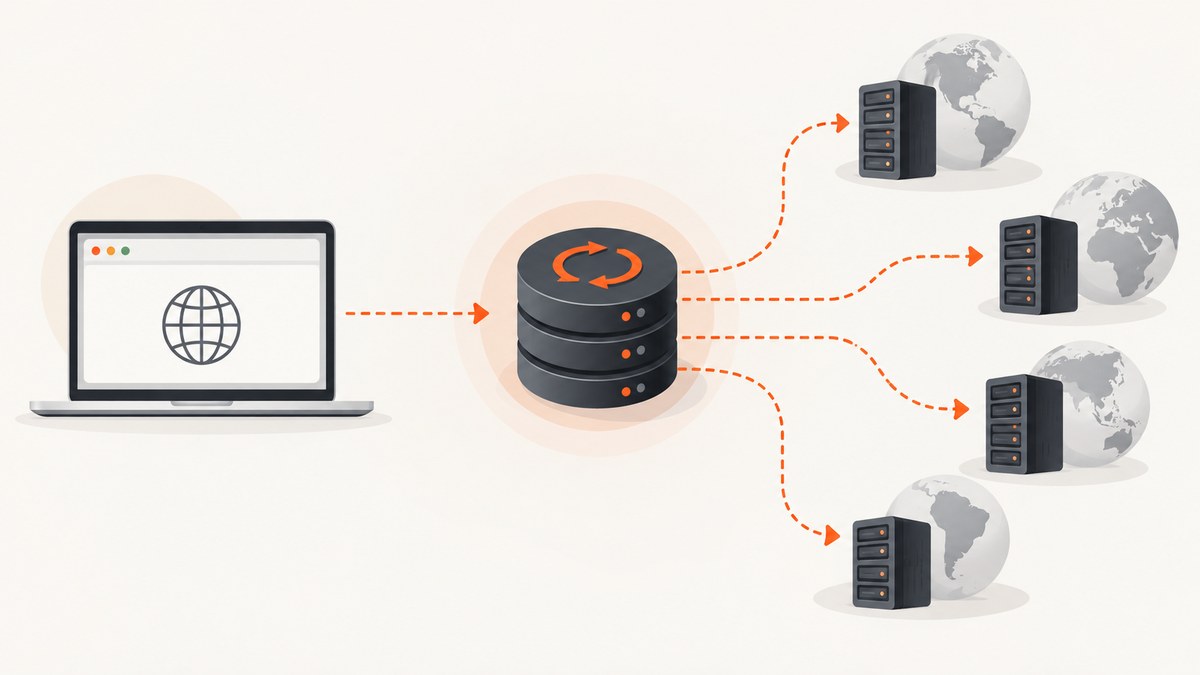
To use a proxy in Puppeteer, pass its endpoint to Chrome when launching the browser with --proxy-server. For rotation, either use a provider endpoint that rotates upstream addresses or select a different endpoint for each browser launch. The launch argument configures the browser; changing a JavaScript variable later does not change the route of an already running browser.
This guide covers browser-wide proxy setup, HTTP authentication, application-managed endpoint selection, provider-managed rotation, reliability, and troubleshooting. Examples use JavaScript and Puppeteer. Replace all proxy hosts and credentials with values from a service you are authorized to use. Examples are documentation-based and have not been independently executed.
1. Install Puppeteer and configure a proxy
Puppeteer controls Chrome or Firefox and is available as puppeteer or puppeteer-core. The first setup below uses puppeteer. See the Puppeteer project documentation for installation choices. The endpoint shown is a placeholder, not a live proxy.
npm install puppeteerPass the endpoint as a browser argument at launch. Use the scheme, host, and port supplied by your provider.
import puppeteer from 'puppeteer';

const proxyServer = 'http://proxy-host:proxy-port';
const browser = await puppeteer.launch({
  args: [`--proxy-server=${proxyServer}`],
});

try {
  const page = await browser.newPage();
  await page.goto('https://example.com', { waitUntil: 'domcontentloaded' });
  console.log(await page.title());
} finally {
  await browser.close();
}
LaunchOptions.args passes additional command-line arguments to the browser. The official LaunchOptions API reference documents this option. This setting applies to the browser process you launch, so pages created within it use that browser routing configuration.
2. Choose how rotation works
“Rotating proxy” can describe two different setups. Decide whether the proxy provider rotates upstream addresses behind one endpoint, or your application chooses among multiple endpoints. The choice affects session behavior, launch frequency, and how you diagnose a changed exit address.
Provider-managed rotation
Configure Puppeteer with the provider’s endpoint and let the service change the upstream address. Your browser continues to connect to the configured endpoint. Rotation cadence, sticky sessions, location selection, supported protocols, and authentication vary by provider; check its documentation rather than assuming a particular behavior.
This is usually the simpler arrangement when the provider supports the session behavior your task needs. If a workflow must retain the same exit address across several navigations, ask the provider how to request a persistent session. If it needs a fresh address between tasks, confirm when rotation occurs and whether a new session identifier or connection is required.
Application-managed endpoint selection
If you have several proxy endpoints, choose one for each browser run and launch Chrome with it. The following example selects an endpoint for each run. It does not verify that the endpoints are healthy or guarantee that their exit addresses differ; those properties depend on the service.
import puppeteer from 'puppeteer';

const proxyEndpoints = [
  'http://proxy-a.example:8000',
  'http://proxy-b.example:8000',
  'http://proxy-c.example:8000',
];

function chooseEndpoint() {
  const index = Math.floor(Math.random() * proxyEndpoints.length);
  return proxyEndpoints[index];
}

async function runTask(url) {
  const proxyServer = chooseEndpoint();
  const browser = await puppeteer.launch({
    args: [`--proxy-server=${proxyServer}`],
  });

  try {
    const page = await browser.newPage();
    await page.goto(url, { waitUntil: 'domcontentloaded', timeout: 30000 });
    return await page.title();
  } finally {
    await browser.close();
  }
}

console.log(await runTask('https://example.com'));
In a production worker, make endpoint selection reflect your task rather than relying on random choice alone. For example, keep a provider-supported session endpoint fixed for a multi-step workflow, and select another endpoint for a separate run if rotation is required. Keep a record of the selected endpoint identifier (without secrets) alongside task results so failures can be traced.
Rotation between requests in one browser
The proxy server argument is supplied at browser launch. Assigning a new endpoint to a variable after launch does not reconfigure the existing Chrome process. If your design requires changing the route, use a provider’s documented rotation control or create a new browser with the desired endpoint. Puppeteer also documents context-level proxy options on its next-version BrowserContextOptions page, including proxyServer and proxyBypassList. That page is explicitly for the next version: check the API for your installed Puppeteer release before depending on context-level routing.
3. Handle proxy authentication
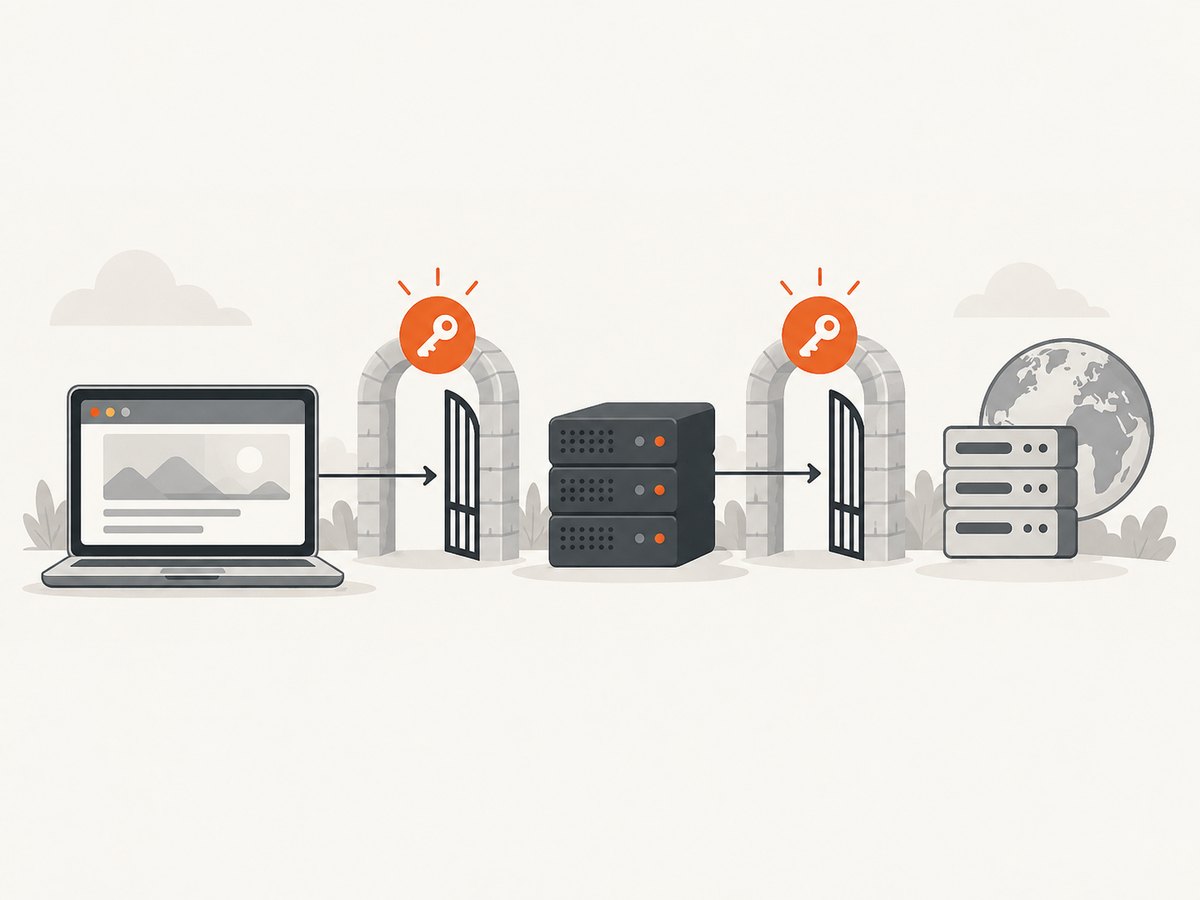
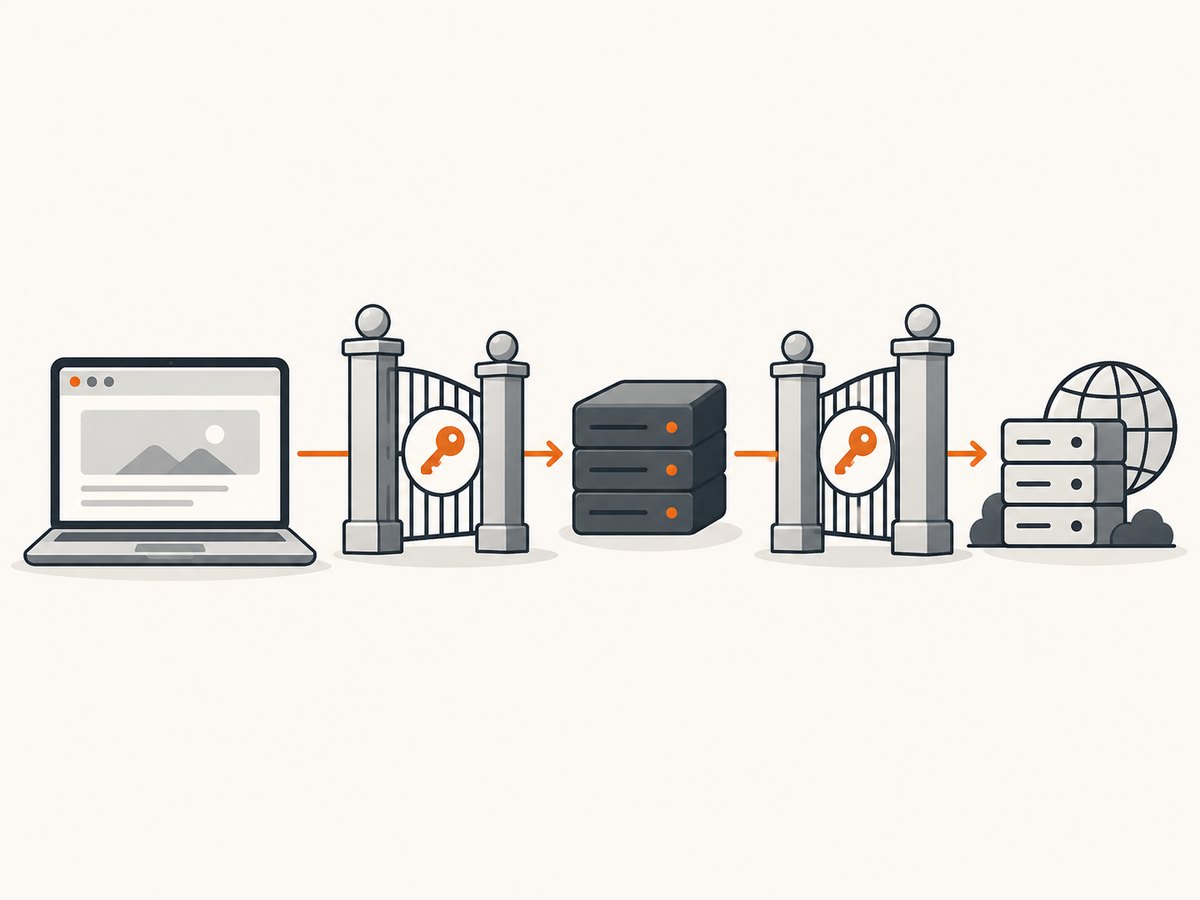
For an HTTP authentication challenge, call page.authenticate() before navigating. Puppeteer’s Page API describes this method as providing credentials for HTTP authentication. It enables request interception behind the scenes and may affect performance. Proxy authentication and authentication at the destination website are separate challenges; confirm the provider’s protocol and credential flow.
import puppeteer from 'puppeteer';

const proxyServer = 'http://proxy-host:proxy-port';
const browser = await puppeteer.launch({
  args: [`--proxy-server=${proxyServer}`],
});

try {
  const page = await browser.newPage();
  await page.authenticate({
    username: process.env.PROXY_USERNAME,
    password: process.env.PROXY_PASSWORD,
  });
  await page.goto('https://example.com', {
    waitUntil: 'domcontentloaded',
    timeout: 30000,
  });
} finally {
  await browser.close();
}
Set PROXY_USERNAME and PROXY_PASSWORD in your runtime environment or secret manager; do not commit them to source control or print them in logs. This example assumes the provider uses a compatible HTTP authentication challenge. If the service expects credentials embedded in a URL, a different protocol, or credentials encoded in a session-specific username, follow its instructions and validate against the Puppeteer version you use.
4. Configure proxy behavior deliberately
The launch argument is the core setting for browser-wide routing. The following checklist covers decisions that commonly determine whether a rotating setup behaves as intended.
- Scheme and port: use the exact endpoint scheme and port provided by the service. Do not assume an HTTP proxy endpoint and an HTTPS destination use the same scheme.
- Authentication: identify whether the service challenges with HTTP authentication or requires another documented method. Test credentials without exposing them.
- Session persistence: determine whether the provider rotates per connection, request, browser session, or explicit session setting. Those semantics are provider-specific.
- Bypass behavior: if using a version that supports context-level
proxyBypassList, verify the syntax and availability in that release. A bypass rule can make some requests use a different network path. - Browser lifecycle: use a new launch when application-managed selection needs a different launch-time endpoint. Always close the browser in a
finallyblock. - Destination login: keep website credentials distinct from proxy credentials. A successful proxy connection does not imply the destination site accepted its own login.
5. Test a setup without leaking secrets
- Start with one authorized destination and one proxy endpoint.
- Launch Puppeteer with the endpoint and, if required, authenticate before navigation.
- Navigate with a bounded timeout and a wait condition appropriate to the page.
domcontentloadedcan return sooner than waiting for every resource, but does not mean all application data is ready. - Check whether the intended page loaded and inspect the resulting error or status when it did not.
- Repeat with the provider’s documented rotation or another endpoint, then compare outcomes. Do not assume that selecting another endpoint necessarily changes the exit address.
Do not use a successful page title alone as proof of proxy routing: it establishes that the page produced a title, not that the egress address changed. Verify routing using a diagnostic endpoint or provider tooling that you are authorized to use, and avoid recording credentials or sensitive page contents.
6. Reliability, performance, and cost
Proxy setup adds a network dependency. A slow or unavailable endpoint can increase navigation time or cause timeouts, so give navigation a finite timeout and handle failures at the task boundary. When choosing among endpoints in application code, a failed run may justify a retry with another endpoint, but set a retry limit to avoid loops and repeated load on the destination. Preserve enough non-sensitive context to distinguish a proxy connection problem from a destination failure.
Launching a browser for every small operation has more setup overhead than reusing a browser. Reuse can be appropriate when tasks share the same proxy configuration and session requirements. When you need to change a launch-time endpoint, however, create a browser configured for that endpoint. Close browsers and pages when tasks finish so abandoned processes do not consume worker resources.
page.authenticate() turns request interception on behind the scenes and may affect performance, according to the Puppeteer Page API. Avoid adding it when the chosen setup does not require HTTP authentication. The dossier provides no benchmark figures, so performance depends on the browser workload, proxy route, provider, destination, and authentication behavior.
Proxy costs and rotation limits depend on the selected provider. Compare session persistence, rotation controls, geography, supported protocols, authentication, and documentation before choosing a service. No named provider pricing or performance has been verified for this guide; consult the provider directly for current terms.
7. Troubleshooting common failures
| Symptom | Likely cause | What to check |
|---|---|---|
| Browser launches but navigation fails | Endpoint scheme, hostname, or port is wrong, or the proxy is unreachable. | Compare the configured endpoint character-for-character with the provider instructions. Confirm the service is available and the selected protocol matches. |
| Authentication prompt or proxy error | Credentials are missing, incorrect, or supplied through the wrong mechanism. | Check whether the provider expects an HTTP challenge and whether page.authenticate() is supported for that flow. Distinguish proxy credentials from destination-site credentials. |
| Only some pages use the proxy | A bypass rule, context configuration, or separate browser may route requests differently. | Inspect all launch and context options. Check version-sensitive context settings against the API for the installed release. |
| Address does not change between pages | The provider keeps a sticky session, or the browser is still using its launch-time endpoint. | Read the provider’s rotation semantics. Use its documented rotation control or launch a new browser with another endpoint. |
| Navigation times out intermittently | The proxy, destination, or page resources may be slow or unavailable. | Use a finite timeout, record which stage failed, and retry only a bounded number of times where appropriate. Test a known authorized destination. |
| Unexpected slowdown after adding authentication | page.authenticate() enables request interception. |
Confirm HTTP authentication is needed and account for the possible performance impact noted in the Page API. |
| Proxy works locally but not in deployment | Runtime environment variables, outbound network rules, or browser launch configuration differ. | Check that secrets are available to the process and the deployment permits connections to the endpoint. Compare sanitized launch configuration across environments. |
8. Or skip the browser setup
If your goal is to get a website screenshot rather than run a browser workflow through a rotating proxy, ScreenshotNeo provides a screenshot API and MCP server. One GET request returns an image or PDF. See the ScreenshotNeo API documentation for parameters and options.
curl -G "https://api.screenshotneo.com/v1/shot" -d access_key=YOUR_API_KEY --data-urlencode url=https://stripe.com -o shot.webpimport requests
r = requests.get(
"https://api.screenshotneo.com/v1/shot",
params={"access_key": "YOUR_API_KEY", "url": "https://stripe.com"},
timeout=90,
)
open("shot.webp", "wb").write(r.content)const q = new URLSearchParams({ access_key: 'YOUR_API_KEY', url: 'https://stripe.com' });
const res = await fetch(`https://api.screenshotneo.com/v1/shot?${q}`);ScreenshotNeo accepts cookie and consent banners before capture and removes more than 60 known consent platforms, newsletter popups, and chat widgets; each step can be turned off. Bot checks, blank pages, failed loads, timeouts, and cache hits are not billed. Its responses identify page verdict and billing status in headers. An MCP server provides take_screenshot, get_page_info, and capture_pdf tools for Claude, Cursor, and other MCP clients. The Free plan includes 1,000 screenshots per month with no card; paid plans start at $5 for 3,000 screenshots.
Sign up for ScreenshotNeo’s free 1,000 screenshots a month, with no card required.
9. Frequently asked questions
Can I use Puppeteer with a rotating proxy for authorized testing?
Yes. Configure the endpoint and rotation behavior according to your proxy provider’s documentation, and make sure your browser activity is authorized by the systems involved.
Does changing proxyServer rotate an existing browser?
No. A launch argument configures the browser when it starts. Use a documented provider control or create a browser with the new endpoint.
Does proxy authentication log me in to the website?
No. Proxy authentication and destination-site authentication are separate. Each challenge needs its own supported credentials and handling.
Can I guarantee a different IP for every request?
Not from Puppeteer configuration alone. Rotation timing and address assignment are controlled by the proxy service, so confirm its behavior and session rules.


