How to Use Cookies When Converting HTML to PDF in Ruby
Pass authenticated cookies to PDFKit, Wicked PDF, or wkhtmltopdf, choose cookie jars safely, and troubleshoot JavaScript and session failures.
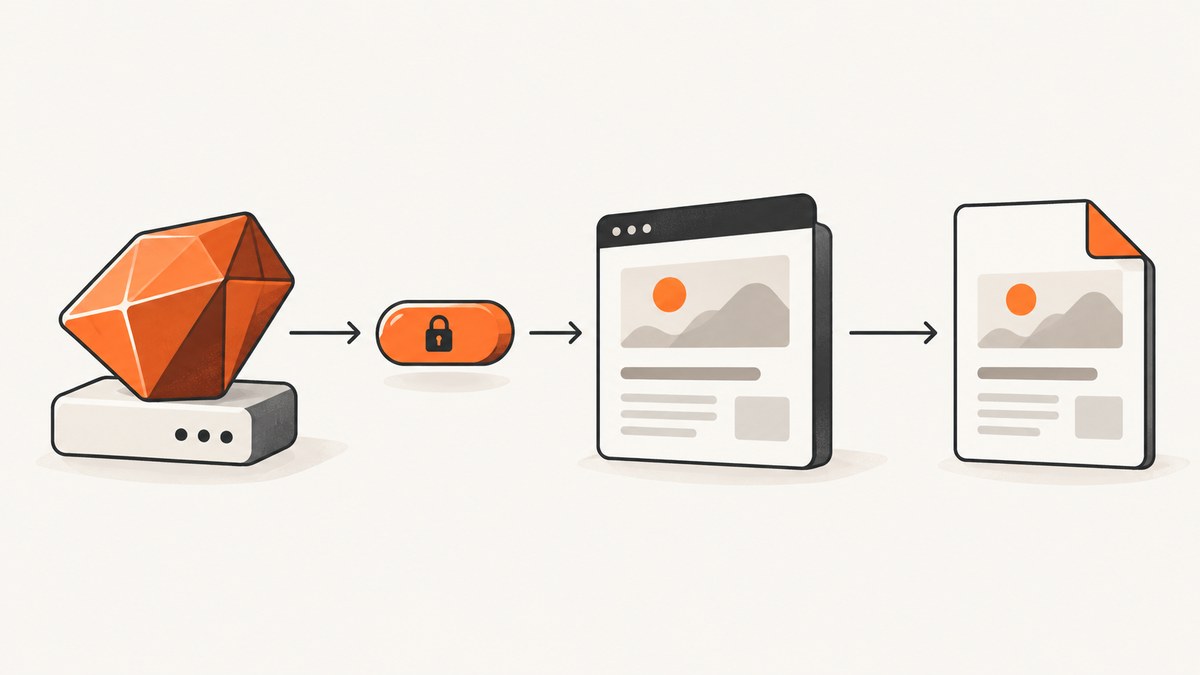
To convert authenticated HTML to PDF in Ruby, obtain the required cookie from your login flow and pass it to the renderer. PDFKit and Wicked PDF both invoke wkhtmltopdf; they do not render pages themselves. Use inline cookies for one conversion and a cookie jar when state must persist across pages or runs.
Choose the cookie method
| Situation | Recommended method | Why |
|---|---|---|
| One page and a small known cookie set | Inline cookies | Simple to audit and delete after the request |
| Several cookies or several conversions | Cookie jar | wkhtmltopdf can read and write shared browser state |
| Rails controller using Wicked PDF | cookie: ['name value'] |
Matches Wicked PDF’s option format |
| Plain Ruby using PDFKit | cookie: { name: value } |
PDFKit exposes cookies as a hash |
How cookies reach the PDF renderer
The Ruby wrapper starts a separate wkhtmltopdf process. Your Rails or Ruby HTTP client may be authenticated while that process is not. The cookie must therefore be supplied to the renderer, and the renderer must be able to resolve the URL and every asset it loads.
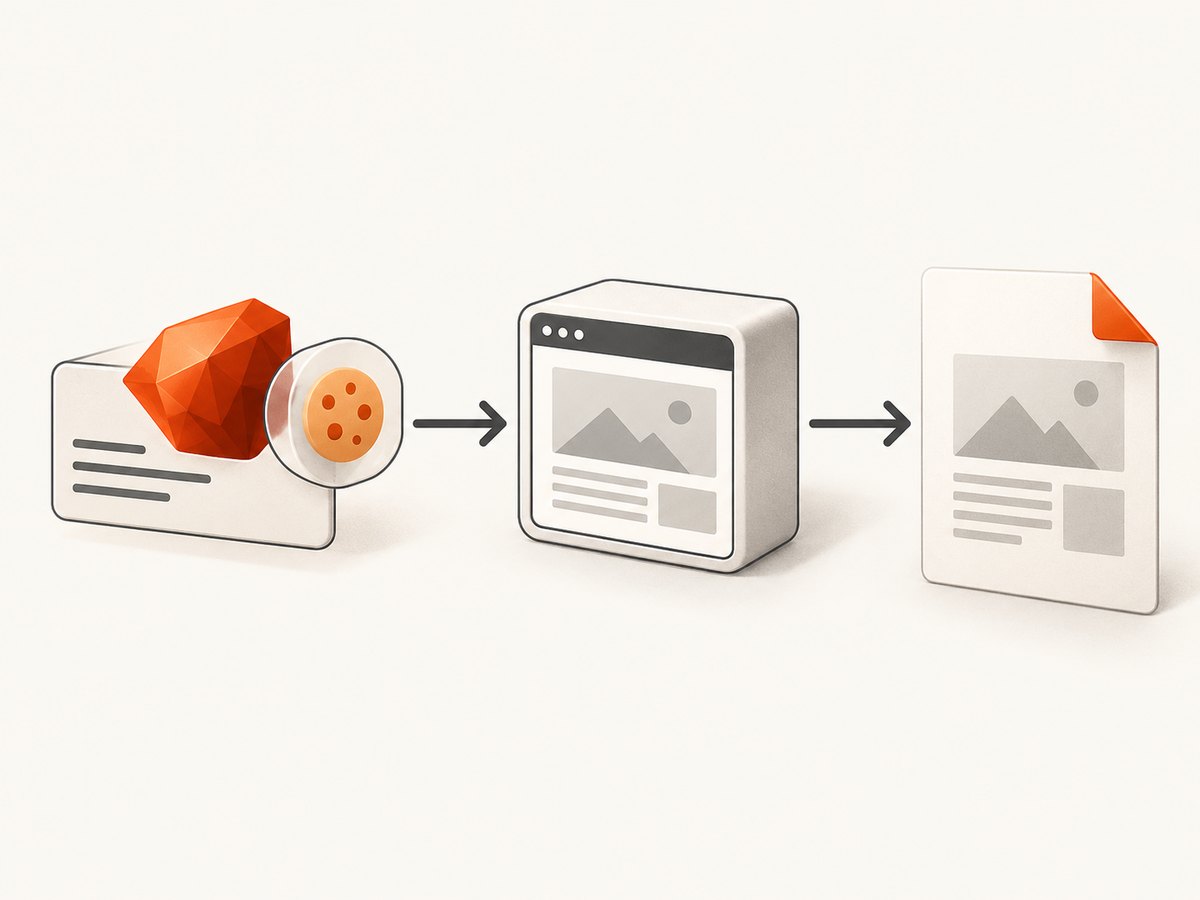
Cookie scope still applies: the domain, path, Secure flag, and expiry must match the target URL. A cookie for app.example.test will not authenticate www.example.test, and a Secure cookie requires HTTPS.
PDFKit: pass cookies inline
PDFKit documents a cookie hash and uses wkhtmltopdf underneath. The project README lists Ruby 2.5 through 3.1 support at the time documented. See the PDFKit README.
require 'pdfkit'

url = 'https://example.test/account'
session_id = ENV.fetch('SESSION_ID')

kit = PDFKit.new(
  url,
  cookie: {
    'session_id' => session_id
  }
)

pdf = kit.to_pdf
File.binwrite('account.pdf', pdf)
Pass more than one cookie by adding more hash entries:
kit = PDFKit.new(
  'https://example.test/account',
  cookie: {
    'session_id' => ENV.fetch('SESSION_ID'),
    'tenant_id'  => ENV.fetch('TENANT_ID')
  }
)
File.binwrite('account.pdf', kit.to_pdf)
PDFKit’s documented form is equivalent to PDFKit.new(url, cookie: { cookie_name: cookie_value }). Keep values in environment variables or a secret manager instead of source control.
Wicked PDF: pass cookies from Rails
Wicked PDF runs wkhtmltopdf outside the Rails application. Its documented option uses an array containing a cookie name and value separated by a space. See the Wicked PDF README.
class AccountsController < ApplicationController
  def show
    render pdf: 'account',
           template: 'accounts/show',
           cookie: [
             "session_id #{cookies[:session_id]}"
           ]
  end
end
For multiple values, add another array entry:
render pdf: 'account',
       cookie: [
         "session_id #{cookies[:session_id]}",
         "tenant_id #{cookies[:tenant_id]}"
       ]
Prefer reading the session value from the server-side session or a controlled token source. Do not blindly forward every browser cookie.
Call wkhtmltopdf directly
The command-line interface accepts repeatable --cookie <name> <value> options and a --cookie-jar <path> option that reads and writes a jar. The corresponding library setting is named load.cookieJar. See the official usage reference.
wkhtmltopdf \
  --cookie session_id "$SESSION_ID" \
  https://example.test/account account.pdf
wkhtmltopdf \
--cookie-jar /secure/path/cookies.txt \
https://example.test/account account.pdfRepeat the flag for each cookie:
wkhtmltopdf \
  --cookie session_id "$SESSION_ID" \
  --cookie tenant_id "$TENANT_ID" \
  https://example.test/account account.pdf
Build the authenticated conversion step by step
- Authenticate with Ruby or Rails. Obtain only the cookie values needed by the target host.
- Confirm the final URL. Redirects can move from one host or path to another, changing cookie eligibility.
- Choose inline values or a jar. Inline values suit one request; a jar suits a sequence of related pages.
- Render with absolute asset URLs. CSS, images, fonts, and JavaScript must be reachable by the separate renderer.
- Allow JavaScript to finish. A server-rendered response can be authenticated even when the PDF process captures before client-side content appears.
- Inspect the generated PDF. Distinguish an authentication failure from a rendering or layout failure.
- Delete temporary state. Restrict and remove cookie jars after the job; they contain bearer credentials.
Cookie jars for repeated conversions
Use a jar when a login flow sets several cookies, when a sequence of pages shares state, or when wkhtmltopdf must persist cookies between loads.
require 'tempfile'

jar = Tempfile.new(['wkhtml-cookies', '.txt'])
jar.close
begin
  system(
    'wkhtmltopdf',
    '--cookie-jar', jar.path,
    'https://example.test/account',
    'account.pdf',
    exception: true
  )
ensure
  File.delete(jar.path) if File.exist?(jar.path)
end
In production, put the jar in a directory readable only by the worker account, use a unique path per job, and avoid logging its contents or command-line arguments containing secret values.
Cookie scope and authentication edge cases
- Domain mismatch: Send the cookie to the exact host or a parent domain allowed by the cookie’s Domain attribute.
- Path mismatch: A cookie scoped to
/adminmay not be sent to/account. - Secure cookies: Use an HTTPS target; an HTTP URL will not receive a Secure cookie.
- SameSite behavior: Cross-site redirects or embedded requests can change whether a browser sends the cookie. Keep the renderer’s navigation on the expected site.
- Expired sessions: A copied value can expire before the PDF job starts. Refresh it immediately before conversion.
- Signed or encrypted cookies: Forward the complete value without decoding or reserializing it.
- Multiple tenants: Pass the tenant cookie or header together with the session cookie when the application requires both.
- Redirects: Check whether authentication redirects to a login page, another subdomain, or an HTTP endpoint.
- CSRF tokens: A cookie alone may not satisfy an application that also requires a form token or header.
JavaScript, timing, and assets
wkhtmltopdf is a separate browser-like process. It can receive cookies yet still produce an incomplete document if the page fills its content asynchronously. Set a sufficient JavaScript delay in your wrapper or pass the relevant wkhtmltopdf delay option, then verify that the final DOM contains the expected data.
Use absolute HTTPS URLs for assets. Relative URLs can fail when the renderer’s working directory or base URL differs from the browser request. Also check font loading, CSP rules, mixed-content blocking, and resources that require an Authorization header in addition to cookies.
Security considerations
The wkhtmltopdf project warns: “Do not use wkhtmltopdf with any untrusted HTML.” Sanitize user-supplied HTML and JavaScript before rendering. The stable 0.12.6 series was released in June 2020; verify the binary installed in each deployment against your operating-system package and the project’s download and security notices.
Cookie values are bearer credentials. Use least-privilege sessions, short lifetimes, private job logs, restrictive file permissions, and cleanup handlers. Never place real session values in examples, fixtures, screenshots, or error reports.
PDFKit and Wicked PDF compared
| Axis | PDFKit | Wicked PDF |
|---|---|---|
| Integration | Plain Ruby wrapper | Rails-oriented rendering integration |
| Cookie shape | Hash, such as { 'session_id' => value } |
Array entries, such as ['session_id value'] |
| Underlying engine | wkhtmltopdf | |
| Raw flag control | Pass options supported by PDFKit | Pass Wicked PDF options that map to wkhtmltopdf |
| Best fit | Scripts and services already producing HTML URLs | Rails controllers, views, and layouts |
The authentication principle is the same: create state in Ruby or Rails, then explicitly provide it to the external renderer.
Troubleshooting
| Symptom | Likely cause | Fix |
|---|---|---|
| PDF shows a login page | Cookie was not passed, expired, or scoped to another host | Log the target host and cookie name only; verify domain, path, Secure, expiry, and redirects. |
| PDF is blank | Load failure, JavaScript timing, or blocked resources | Open the URL from the renderer environment, increase delay, and inspect stderr and generated HTML. |
| Images or CSS are missing | Relative or inaccessible asset URLs | Use absolute URLs and ensure the renderer can resolve DNS, TLS, and authentication for assets. |
| Cookie option is ignored | Wrapper option spelling or version mismatch | Check the wrapper’s README, then reproduce with direct wkhtmltopdf --cookie. |
| Works locally, fails in a worker | Different binary, network, environment variables, or permissions | Print the binary version, verify secrets and file permissions, and test from the worker host. |
| Timeouts on dynamic pages | Slow API calls or never-ending client activity | Increase the render timeout, wait for a specific selector when supported, and remove unnecessary third-party resources. |
| Cookie jar exposes credentials | Shared or persistent temporary file | Use a per-job restricted path, avoid logging it, and delete it in an ensure/finally block. |
Performance, reliability, and cost
- Performance: Reusing a warmed worker can avoid process startup overhead, but isolate jobs that carry different credentials. Large images, web fonts, and JavaScript bundles dominate render time.
- Reliability: Treat the renderer as an external dependency. Capture exit status and stderr, set a timeout, retry only idempotent conversions, and store enough metadata to distinguish login redirects from renderer crashes.
- Cost: Self-hosted PDFKit, Wicked PDF, and wkhtmltopdf have no per-shot API charge, but workers consume CPU, memory, storage, and maintenance time. Cookie jars and generated PDFs also require secure storage and cleanup.
- Version drift: Pin the wkhtmltopdf binary and wrapper versions in deployment images, then retest after upgrades because layout and JavaScript behavior can change.
Or skip the browser setup
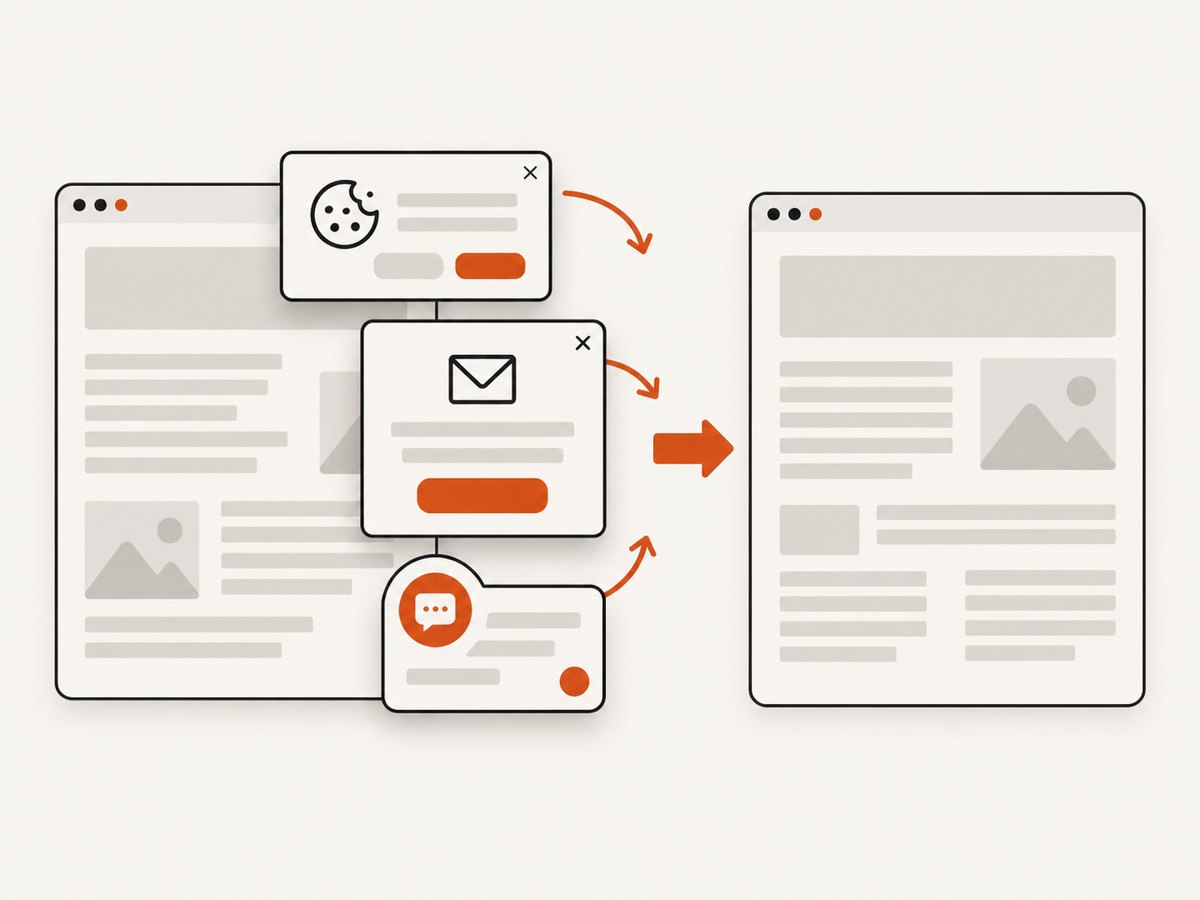
ScreenshotNeo provides a website screenshot and PDF API. One GET request can capture a URL as a PDF, PNG, JPEG, or WebP, while its capture pipeline accepts consent banners and removes more than 60 known consent platforms, newsletter popups, and chat widgets before the shot.
For a PDF capture, send the URL and your API key as documented at ScreenshotNeo’s API documentation:
curl -G "https://api.screenshotneo.com/v1/shot" \
  -d access_key=YOUR_API_KEY \
  --data-urlencode url=https://example.test/account \
  -o account.pdf
import requests
r = requests.get(
"https://api.screenshotneo.com/v1/shot",
params={"access_key": "YOUR_API_KEY", "url": "https://example.test/account"},
timeout=90,
)
r.raise_for_status()
open("account.pdf", "wb").write(r.content)const q = new URLSearchParams({
access_key: 'YOUR_API_KEY',
url: 'https://example.test/account'
});
const res = await fetch(`https://api.screenshotneo.com/v1/shot?${q}`);
if (!res.ok) throw new Error(`HTTP ${res.status}`);
const data = Buffer.from(await res.arrayBuffer());
require('fs').writeFileSync('account.pdf', data);ScreenshotNeo can also accept custom headers, cookies, user agents, and Authorization values when the target requires them. Bot checks, blank pages, timeouts, failed loads, and cache hits are not billed as clean shots, and each response identifies the result with X-Page-Verdict and X-Billed headers. Its MCP server provides take_screenshot, get_page_info, and capture_pdf tools for Claude, Cursor, and other MCP clients. The Free plan includes 1,000 screenshots each month with no card; paid plans start at $5 for 3,000.
Create a free ScreenshotNeo account to try the API.
FAQ
Can I pass Rails’ entire cookie header?
Use the renderer’s cookie options and pass individual name/value pairs. Forwarding an unparsed browser header can include unrelated or unsafe values and does not match every wrapper’s API.
When should I use a cookie jar instead of inline cookies?
Use a jar when several pages share state or when the renderer must persist cookies between loads. Use inline values when one request needs a small, known set.
Why does authentication work in Ruby but not in the PDF?
Your Ruby HTTP client and wkhtmltopdf are separate processes. The renderer does not inherit Ruby’s cookies, headers, DNS environment, or session unless you provide and configure them.
Is wkhtmltopdf suitable for untrusted HTML?
No. The project explicitly warns against using it with untrusted HTML. Sanitize user-controlled markup and scripts before rendering.
Can a cookie alone authenticate a single-page application?
Not always. The page may require JavaScript to run, an Authorization header, a CSRF token, or API requests that use different credentials. Diagnose the renderer’s network and timing separately from the initial Ruby request.


