How to Load CSS from a String When Converting HTML to PDF in Ruby
Pass inline CSS safely to Ruby HTML-to-PDF tools. Learn the Grover option, PDFKit and Wicked PDF fallbacks, path fixes, debugging, and production tips.

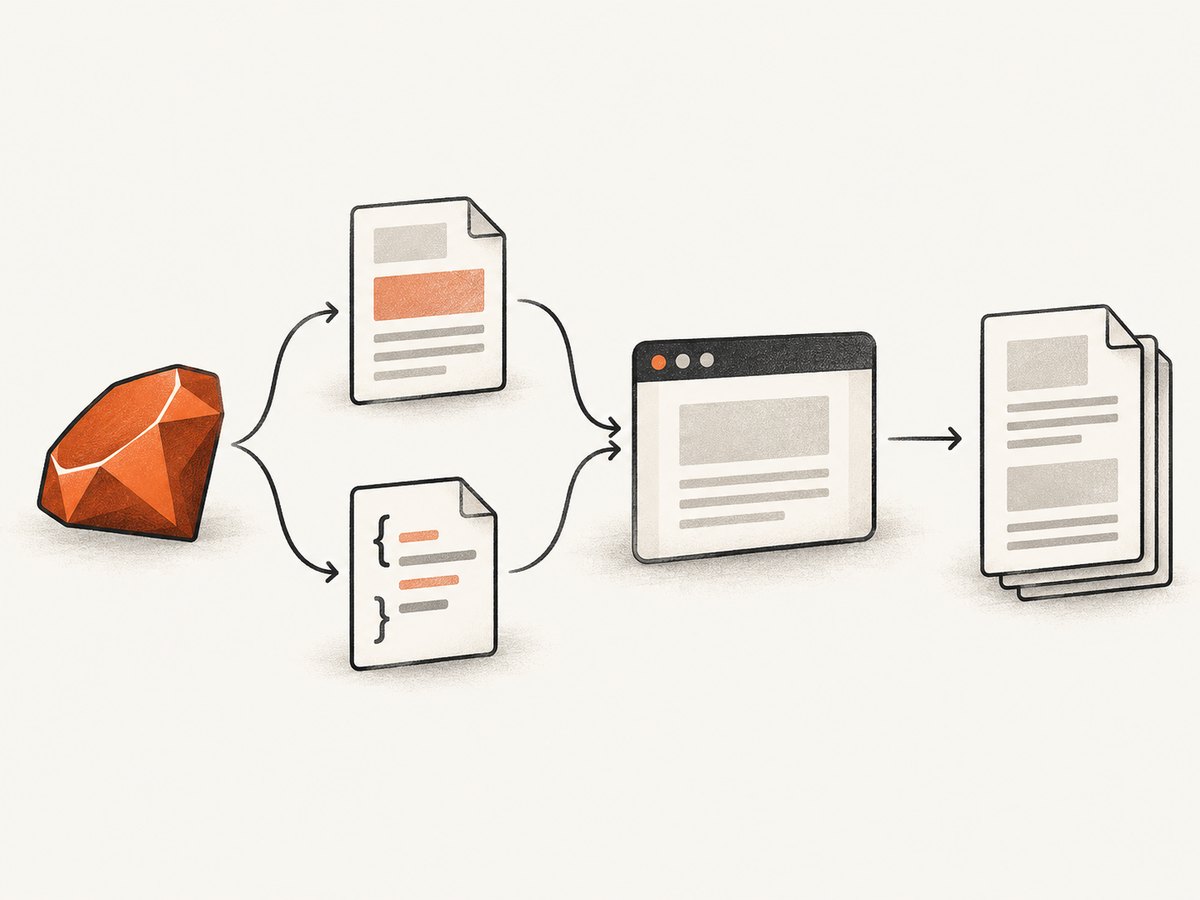
When your CSS already exists as a Ruby string, the most direct way to use it during HTML-to-PDF conversion is to inject that string into a <style> element. With Grover, the renderer documents a dedicated option: pass the CSS as style_tag_options: [{ content: css_string }]. Grover then renders the inline HTML with Puppeteer and Chromium.
This article shows a complete implementation, explains equivalent approaches for PDFKit and Wicked PDF, covers relative asset paths and production failures, and includes a troubleshooting checklist. If you need a hosted capture service instead of maintaining a browser runtime, the final section shows how ScreenshotNeo can produce PDFs through one HTTP request.
1. The direct Grover solution
Keep the CSS in a string, create the HTML separately, and pass the string in style_tag_options:
require 'grover'

css = <<~CSS
  body {
    font-family: Arial, sans-serif;
    color: #222;
    margin: 0;
  }

  .invoice {
    padding: 32px;
    background: white;
  }

  .total {
    color: #b00020;
    font-weight: bold;
  }
CSS

html = <<~HTML
  <html>
    <head>
      <meta charset='utf-8'>
      <title>Invoice</title>
    </head>
    <body>
      <main class='invoice'>
        <h1>Invoice 1042</h1>
        <p>Consulting services</p>
        <p class='total'>Total: $1,200</p>
      </main>
    </body>
  </html>
HTML

pdf = Grover.new(
  html,
  style_tag_options: [{ content: css }]
).to_pdf

File.binwrite('invoice.pdf', pdf)
The Grover README documents inline HTML input and this style_tag_options form. The content value is CSS text, so no temporary stylesheet file is required.
Install and run it
gem install grover
ruby invoice.rb
Grover uses Puppeteer and Chromium. Your deployment therefore needs a compatible Node.js and Chromium setup in addition to Ruby. Follow the project installation instructions for the version you deploy; browser availability is a runtime dependency, not a CSS issue.
2. A reusable Ruby helper
For applications that generate many documents, wrap the conversion in a method. Validate inputs before passing them to the browser and make the output path explicit.
require 'grover'

class HtmlPdf
  def self.render(html:, css:, output:)
    raise ArgumentError, 'HTML cannot be empty' if html.to_s.strip.empty?
    raise ArgumentError, 'Output path is required' if output.to_s.empty?

    pdf_bytes = Grover.new(
      html,
      style_tag_options: [{ content: css.to_s }],
      print_options: {
        format: 'A4',
        print_background: true,
        margin: { top: '16mm', right: '16mm', bottom: '16mm', left: '16mm' }
      }
    ).to_pdf

    File.binwrite(output, pdf_bytes)
    output
  end
end

HtmlPdf.render(
  html: '<html><body><h1>Report</h1></body></html>',
  css: 'body { font-family: sans-serif; } h1 { color: navy; }',
  output: 'report.pdf'
)
The exact PDF option names can vary with the Grover release and Puppeteer version. Keep the CSS-string mechanism unchanged, then consult the versioned Grover documentation for print settings you add.
3. Build CSS and HTML safely
CSS interpolation is useful for themes, but treat values as data. Escape values that originate from users, and avoid accepting arbitrary CSS from untrusted users when the renderer can load network resources or execute page scripts.
require 'cgi'

def css_color(value)
  value = value.to_s
  value.match?(/\A#[0-9a-fA-F]{6}\z/) ? value : '#222222'
end

def page_html(title)
  safe_title = CGI.escapeHTML(title.to_s)
  <<~HTML
    <html><body><h1>#{safe_title}</h1></body></html>
  HTML
end

theme_css = "body { color: #{css_color('#336699')}; }"
pdf = Grover.new(page_html('Quarterly report'), style_tag_options: [{ content: theme_css }]).to_pdf
File.binwrite('quarterly.pdf', pdf)
Do not confuse CSS injection with HTML escaping. Escaping a title protects the HTML text node; it does not validate a CSS declaration. Use allowlists for values such as colors, sizes, and font names.
4. When CSS is in a file or URL
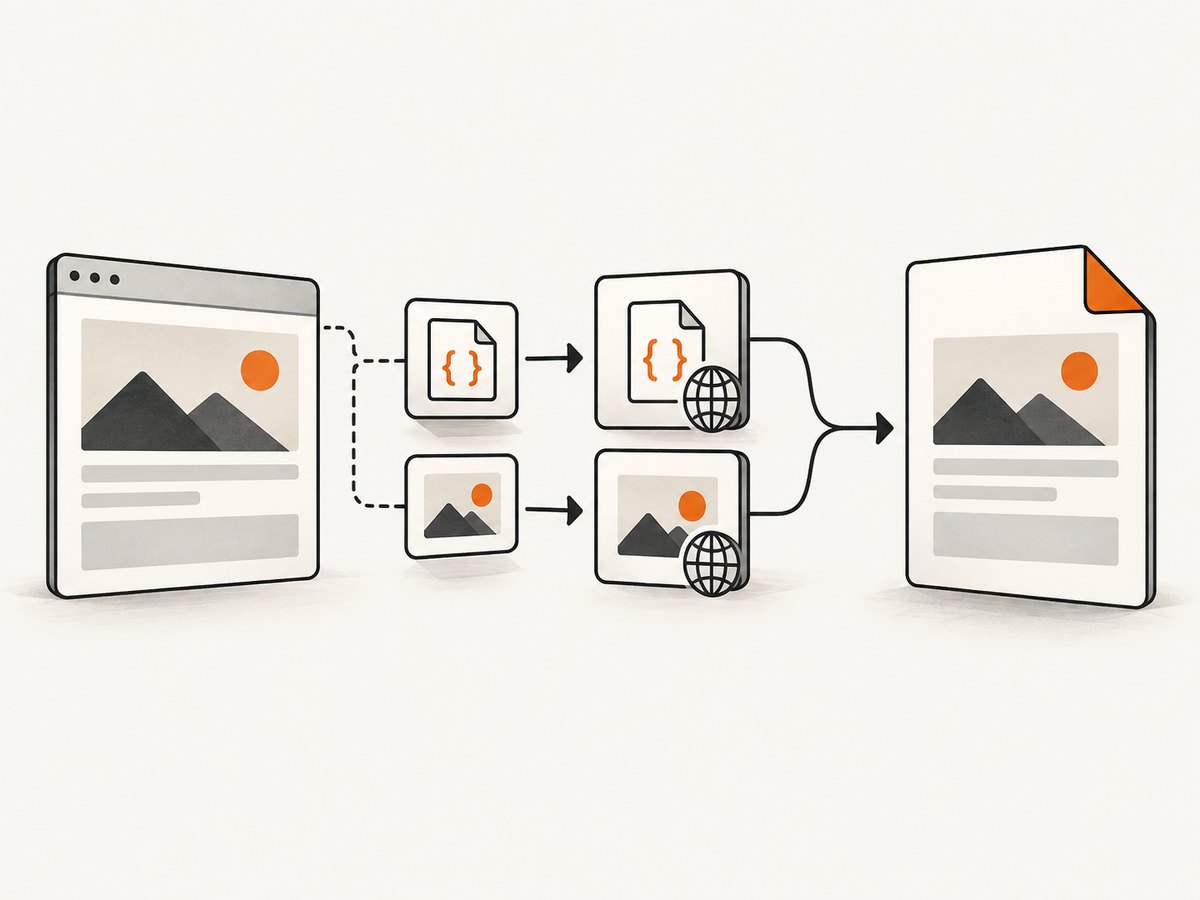
A CSS string and a stylesheet file are different inputs. Grover documents style_tag_options for CSS text and also supports url and path options for separately stored stylesheets. Use a file when the stylesheet is shared by many templates or is maintained by a front-end build.
stylesheet = File.expand_path('assets/print.css', __dir__)
html = File.read(File.expand_path('templates/report.html', __dir__))

pdf = Grover.new(
  html,
  style_tag_options: [{ path: stylesheet }]
).to_pdf

File.binwrite('report.pdf', pdf)
Relative references need a base location. Grover’s documentation explains that direct conversions may need a display_url or absolute paths; otherwise Chromium can resolve relative paths against its default display URL, http://example.com. A robust approach is to use absolute filesystem paths for local assets or serve the page from a reachable URL.
5. PDFKit: inject a style element or use a file
PDFKit’s README documents PDFKit.new(html) and adding stylesheet file paths with kit.stylesheets << '/path/to/css/file'. It does not document a dedicated CSS-string parameter. If your CSS is already a string, put it in the HTML before creating the kit.
require 'pdfkit'

css = 'body { font-family: Arial, sans-serif; } .total { font-weight: bold; }'
html = <<~HTML
  <html>
    <head>
      <style>#{css}</style>
    </head>
    <body>
      <h1>Statement</h1>
      <p class='total'>$500</p>
    </body>
  </html>
HTML

kit = PDFKit.new(html)
File.binwrite('statement.pdf', kit.to_pdf)
For a file-based stylesheet:
kit = PDFKit.new(html_without_style)
kit.stylesheets << File.expand_path('assets/print.css', __dir__)
File.binwrite('statement.pdf', kit.to_pdf)
PDFKit advises complete paths for images, CSS, and JavaScript in raw HTML. Its root_url and protocol options can help resolve relative references; configure them when your document uses web-style paths.
6. Wicked PDF: inline CSS and Rails assets
Wicked PDF’s README targets wkhtmltopdf and Rails-oriented rendering. It recommends absolute references for linked CSS and other assets because the executable runs outside the Rails application. For CSS text, an HTML <style> element is the straightforward approach.
<style>
  <%= @css_string %>
</style>

<div class='invoice'>
  <h1><%= @title %></h1>
</div>
render pdf: 'invoice',
template: 'invoices/show',
layout: 'pdf',
javascript_delay: 500In production, precompile assets used by PDF views and verify the generated HTML contains the expected style block. Wicked PDF also documents Rails helpers and embedding assets as base64 through wicked_pdf_asset_base64. Use those mechanisms for fonts and images that the wkhtmltopdf process cannot otherwise reach.
7. Choosing the renderer
| Renderer | CSS string method | Asset behavior | Best fit |
|---|---|---|---|
| Grover | style_tag_options: [{ content: css }] |
Chromium; configure display URL or absolute paths | Modern browser HTML and CSS |
| PDFKit | Insert <style> in HTML |
Use complete paths, root_url, or protocol |
Existing wkhtmltopdf workflows |
| Wicked PDF | Insert <style> in the view |
Absolute references, precompiled Rails assets, or base64 | Rails applications using wkhtmltopdf |
| Prawn | Not an HTML-to-PDF CSS pipeline | You construct PDF content in Ruby | Programmatic PDFs without rich HTML |
Prawn’s project documentation describes it as a pure Ruby PDF generator, not an HTML-to-PDF generator. Choose it when you want to draw PDF content directly, not when you need a browser to interpret an existing HTML document.
8. Common failures and fixes
| Symptom | Likely cause | Fix |
|---|---|---|
| PDF has default fonts or no colors | The CSS string was never inserted or the stylesheet failed to load | Use Grover’s style_tag_options, or inspect the final HTML for a <style> element. |
| Local images are blank | Relative paths cannot be resolved from the renderer process | Use absolute paths, a configured display/root URL, or base64 data URLs. |
| External fonts do not appear | The browser cannot reach the font host, or the font loads after printing | Check network access, use a reachable URL, and wait for fonts before generating the PDF. |
| CSS works in Chrome but not PDF | The renderer uses a different engine or print-media rules | Check @media print, supported CSS, and the renderer version. Reproduce with a minimal HTML file. |
| Only some pages are styled | Selectors depend on missing classes or invalid HTML nesting | Inspect the generated HTML and validate the selector scope. |
| Conversion hangs | Browser startup, network requests, or page JavaScript never completes | Set explicit navigation/time limits, remove unnecessary third-party requests, and log the failing URL. |
| Works locally, fails in production | Chromium, wkhtmltopdf, fonts, or asset paths differ | Pin runtime dependencies, install required fonts, and test from the deployed filesystem/container. |
9. A repeatable debugging checklist
- Save the exact HTML string sent to the renderer.
- Confirm the CSS string is non-empty and contains the expected selector.
- Open the HTML in the same rendering engine used by the library.
- Replace external assets with one local color and one system font to isolate path problems.
- Change one variable at a time: inline style, local file, then remote URL.
- Inspect renderer logs and exit codes, not only the Ruby exception.
- Compare screen and print media rules, page margins, and background-print settings.
10. Performance, reliability, and cost
Browser startup is often the largest fixed cost in a small conversion job. Reuse a browser process where your library supports it, keep HTML bounded, and avoid loading analytics, ads, and unrelated third-party scripts. Inline CSS removes one network lookup, but a very large string still increases parsing and memory work.
For reliable output, make fonts and images deterministic. Pin renderer versions, keep a sample PDF in regression checks, and record the input URL or document identifier with failures. Do not assume screen CSS and print CSS produce the same pagination. Explicit page size, margins, and break rules reduce surprises.
If you generate many PDFs, queue work and limit concurrent browser pages to the memory available in your process. Set timeouts and return a useful error when a remote asset is unavailable. Cache stable CSS and templates in your application, while still creating a fresh document when data changes.
11. Or skip the browser setup
If your requirement is a rendered PDF or screenshot from a public URL and you do not want to install Chromium, wkhtmltopdf, fonts, and asset plumbing, ScreenshotNeo provides an HTTP API. Its PDF capture supports paper size, margins, landscape mode, and page ranges. The service can also wait for a selector, delay, or network idle, apply custom CSS and JavaScript, set cookies and headers, choose a user agent, set timezone or geolocation, block requests, and capture an element or a full page.
One request returns the rendered file:
curl -G 'https://api.screenshotneo.com/v1/shot' -d access_key=YOUR_API_KEY --data-urlencode url=https://stripe.com -o shot.webpimport requests
r = requests.get(
'https://api.screenshotneo.com/v1/shot',
params={'access_key': 'YOUR_API_KEY', 'url': 'https://stripe.com'},
timeout=90,
)
r.raise_for_status()
open('shot.webp', 'wb').write(r.content)const q = new URLSearchParams({ access_key: 'YOUR_API_KEY', url: 'https://stripe.com' });
const res = await fetch(`https://api.screenshotneo.com/v1/shot?${q}`);
if (!res.ok) throw new Error(`HTTP ${res.status}`);
const data = Buffer.from(await res.arrayBuffer());
require('fs').writeFileSync('shot.webp', data);See the ScreenshotNeo API documentation for PDF parameters and response handling. Cookie banners, newsletter popups, and chat widgets are removed before the shot. Bot checks, blank pages, timeouts, failed loads, and cache hits are not billed; response headers identify the page verdict and whether the request was billed. An MCP server lets Claude, Cursor, and other MCP clients call take_screenshot, get_page_info, and capture_pdf. The Free plan includes 1,000 screenshots each month without a card; paid plans start at $5 for 3,000 shots. Create a free ScreenshotNeo account.
12. FAQ
Can I pass CSS directly to PDFKit?
The cited PDFKit README documents stylesheet file paths, not a dedicated CSS-string option. Put the CSS in a <style> element in the HTML you pass to PDFKit.new.
Does Grover require a temporary CSS file?
No. Use style_tag_options: [{ content: css_string }]. Use path or url when you intentionally load a separate stylesheet.
Why does a relative image path fail?
The renderer may have no page origin to resolve it. Supply an absolute path, a display/root URL, or an embedded data URL.
Should I use Prawn for HTML templates?
No. Prawn constructs PDFs in Ruby and is not an HTML-to-PDF renderer. Choose Grover, PDFKit, or Wicked PDF when the input is HTML.
How do I verify the CSS was applied?
Save the final HTML, confirm the style block or stylesheet path, render a deliberately obvious test rule, and then remove the test after the pipeline is proven.


