How to Use a Proxy with Ruby and Faraday
Route Ruby Faraday requests through an explicit proxy, configure credentials safely, understand environment proxy discovery, and troubleshoot adapter-specific behavior.

1. The direct answer
Create a Faraday connection with Faraday.new and pass a proxy option. Use a proxy URL for an unauthenticated proxy, or a hash containing the proxy URI and credentials when authentication is required. If you leave the option out, Faraday attempts to discover a proxy from the environment. The adapter configured on the connection performs the network request, so verify proxy and authentication behavior for the Faraday version and adapter your application actually uses.
For an authenticated HTTP proxy, the basic shape is:
require 'faraday'

connection = Faraday.new(
  url: 'https://api.example.com',
  proxy: {
    uri: 'http://proxy.example.com:8080',
    user: ENV.fetch('PROXY_USER', nil),
    password: ENV.fetch('PROXY_PASSWORD', nil)
  }
)

response = connection.get('/status')
puts response.status
puts response.body
Keep credentials in environment configuration or your deployment’s secret manager rather than committing them in the source file. Faraday documents both a proxy URL and a hash form; check your installed Faraday version and adapter before relying on details such as authentication parsing.
2. Add Faraday and make a request
Faraday is a Ruby HTTP client interface. Add the gem to your application using its normal dependency workflow, then create a connection with a base URL. A connection is useful when several requests share settings such as the host, proxy, headers, and adapter configuration.
# Gemfile
gem 'faraday'
require 'faraday'
connection = Faraday.new(url: 'https://api.example.com')
response = connection.get('/status')
puts "HTTP #{response.status}"
puts response.bodyFor a one-off request, a connection can still be used; the connection API makes the proxy association visible alongside the target URL and other connection settings. The target URL in the examples is illustrative. Replace it with a host you are permitted to access.
3. Configure an explicit proxy
Unauthenticated proxy
Pass the proxy endpoint as a URL when it does not require credentials:
require 'faraday'

connection = Faraday.new(
  url: 'https://api.example.com',
  proxy: 'http://proxy.example.com:8080'
)

response = connection.get('/status')
puts response.status
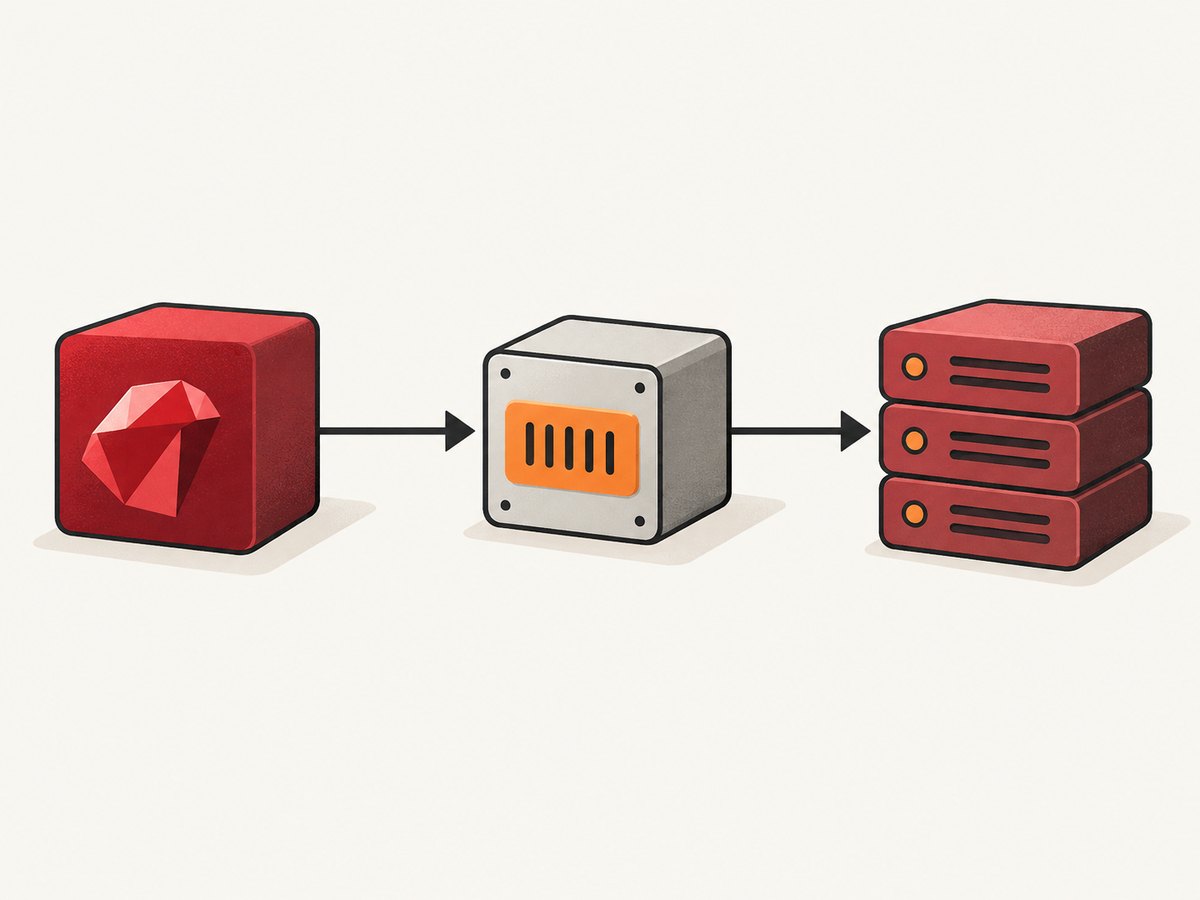
Use the scheme and port expected by the proxy operator. The proxy URI is separate from the destination URL: the destination is the API host, and the proxy is the intermediary through which the adapter sends the request.
Authenticated proxy
Use the hash form for a proxy URI and optional user and password values:
require 'faraday'

proxy_user = ENV.fetch('PROXY_USER')
proxy_password = ENV.fetch('PROXY_PASSWORD')

connection = Faraday.new(
  url: 'https://api.example.com',
  proxy: {
    uri: 'http://proxy.example.com:8080',
    user: proxy_user,
    password: proxy_password
  }
)

response = connection.get('/status')
puts response.status
This version fails early if the credential variables are absent, which is often preferable for a production service that cannot make useful requests without its proxy. If the proxy is optional in a local environment, fetch with a nil fallback and decide explicitly whether to create a proxied connection. Do not print the credential values in logs, error reports, or debug output.
Make proxy choice explicit per connection
An explicit setting is straightforward to review because it sits next to the connection that uses it. This helps when one service must use a proxy while another service in the same Ruby process must connect directly. It also avoids silently depending on whichever environment variables happen to be present in a deployment.
Environment-based discovery can be convenient when infrastructure supplies proxy configuration at runtime. It also means the effective route may differ between a laptop, CI runner, container, and production host. Choose one configuration model deliberately and document it for the service.
4. Environment proxy discovery
When no manual proxy is given, Faraday attempts environment-based proxy discovery. Its connection implementation uses Ruby’s URI#find_proxy for a URL with a host, and its default-proxy path checks lowercase http_proxy. Exact behavior around uppercase variables and no_proxy exclusions is version-sensitive, so inspect the deployed Faraday version and Ruby environment when those details matter.
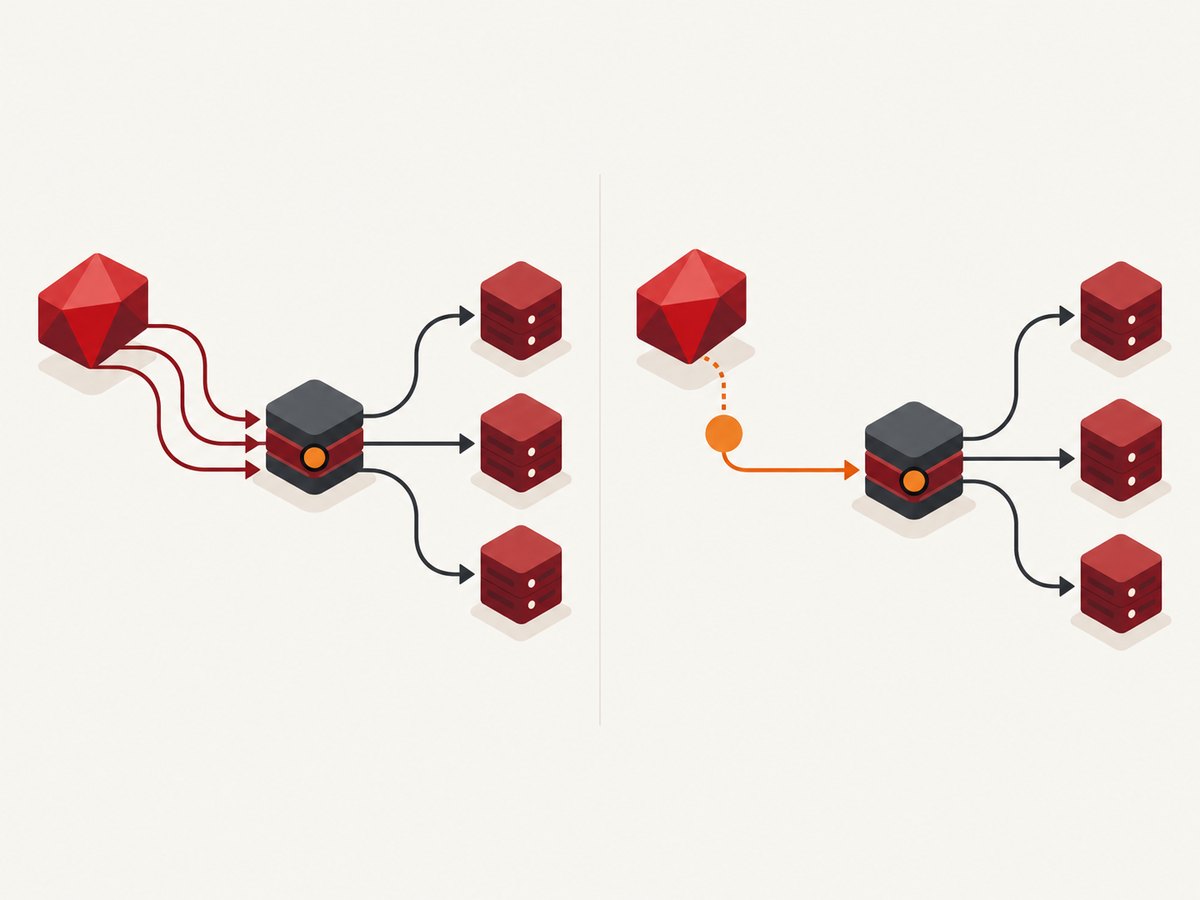
Faraday also exposes Faraday.ignore_env_proxy. Faraday 2.14.3 API documentation says this setting defaults to false. It is a global setting, so changing it affects proxy discovery process-wide rather than just one connection. In a shared application or library, avoid changing global behavior casually.
require 'faraday'

# Disable environment-based proxy lookup globally.
# Apply this only when the process should ignore environment proxy settings.
Faraday.ignore_env_proxy = true

connection = Faraday.new(url: 'https://api.example.com')
response = connection.get('/status')
Prefer a per-connection explicit proxy when only one client needs special routing. If the deployment intentionally configures proxy routing through environment variables, verify the actual variables and exclusions in that environment rather than assuming a local shell matches production.
5. Adapters determine network behavior
Faraday delegates request execution to an adapter. The project’s quick start documents Net::HTTP as the default adapter, and Net::HTTP is part of Ruby’s standard library. Other adapters are available, and proxy parsing or authentication behavior should not be assumed to match across all of them. Check the documentation for the adapter installed in your application and confirm how it consumes Faraday’s proxy setting.
When an application selects an adapter explicitly, keep that choice consistent in local and deployed environments. A configuration that works with the default adapter may need different adapter-specific setup elsewhere. Record the Faraday gem version and adapter when diagnosing connection issues; together they define the code path that actually opens the socket.
Configuration checklist
- Confirm the destination hostname and proxy endpoint are distinct and correct.
- Confirm the installed Faraday version and selected adapter.
- Check the adapter documentation for proxy authentication support.
- Load proxy credentials from runtime secrets and ensure they are not logged.
- Check whether environment discovery is enabled and whether the process sets proxy variables.
- Test from the same network and runtime environment as the application.
6. Troubleshooting
| Symptom | Likely cause | What to check |
|---|---|---|
| Connection times out before reaching the API | The proxy host or port is unreachable, the route is blocked, or the proxy is not accepting connections. | Confirm the endpoint with the proxy operator and test from the same machine or container. Check outbound network rules and whether the configured URI uses the expected scheme and port. |
| Proxy authentication is rejected | Credentials are missing or wrong, or the installed adapter handles the supplied proxy configuration differently than expected. | Verify the runtime secret values without printing them. Check Faraday and adapter documentation for the exact version, then confirm the expected hash keys and authentication method. |
| The request bypasses the expected proxy | An explicit setting was omitted, environment lookup is disabled, or environment variables/exclusions differ from expectations. | Inspect the connection construction and process environment. Check Faraday.ignore_env_proxy, the lowercase http_proxy behavior, URL host, and version-specific no_proxy handling. |
| One service is proxied unexpectedly | Environment proxy settings apply more broadly than the service’s local configuration suggests. | Pass an explicit proxy for the intended connection, or review process-wide environment settings. Treat ignore_env_proxy as global configuration. |
| Works locally but fails in production | The production image may use a different Faraday version, adapter, secret source, or network route. | Compare dependency lockfiles, adapter selection, environment variables, and network reachability. Reproduce using the deployed runtime rather than only a developer shell. |
| URI or option parsing error | The proxy URI is malformed, or the option shape does not match the installed Faraday version. | Validate the URI scheme, host, and port. Compare the URL or hash form with the documentation for the exact gem version. |
For diagnosis, first establish whether the request is reaching the proxy at all; then separate network reachability from credentials and adapter option parsing. Avoid adding credentials to diagnostic commands or checked-in sample files.
7. Performance, reliability, and operating cost
A proxy adds another network hop. It can affect latency and availability, and it introduces a dependency on proxy capacity and routing. The dossier does not establish numerical performance characteristics, so measure request latency and failure rates in the environment where the application runs rather than relying on a generic benchmark.
For reliability, keep proxy configuration and credentials under deployment control, and make failure handling appropriate for the request’s purpose. If the proxy is required for access policy or egress routing, silently retrying directly would change the route and may violate that policy. If a proxy is optional, represent that choice explicitly and make any fallback behavior intentional. Faraday’s adapter and the application’s timeout/retry configuration determine further request behavior; consult their version-specific documentation.
Proxy pricing and service limits depend on the proxy provider and are outside the Faraday configuration itself. Track usage and errors at the application or proxy layer, and avoid recording sensitive authentication values. There are no supported benchmark or cost figures for a generic proxy in the research material.
8. Or skip the browser setup
If your end goal is a website screenshot rather than a Ruby HTTP request through a proxy, ScreenshotNeo provides a screenshot API and MCP server. A single GET request returns a PNG, JPEG, WebP, or PDF capture. See the ScreenshotNeo API documentation for request options.
curl -G "https://api.screenshotneo.com/v1/shot" -d access_key=YOUR_API_KEY --data-urlencode url=https://stripe.com -o shot.webpScreenshotNeo accepts cookie and consent banners and removes more than 60 known consent platforms, newsletter popups, and chat widgets before capture; each step can be turned off. Bot checks or CAPTCHAs, blank pages, timeouts, failed loads, and cache hits cost nothing, and responses include X-Page-Verdict and X-Billed headers. Its MCP server offers take_screenshot, get_page_info, and capture_pdf tools for Claude, Cursor, and other MCP clients. The free plan includes 1,000 shots per month with no card; paid plans start at $5 for 3,000 shots. Every feature is available on every plan.
Create a free ScreenshotNeo account for 1,000 screenshots a month, with no card.
9. Further reading and FAQ
Which proxy form should I use?
Use a URL for an unauthenticated proxy and a hash with URI and credentials when authentication is needed. Verify the exact parsing behavior against your installed Faraday version and adapter.
Does Faraday always use the Net::HTTP adapter?
No. Net::HTTP is the documented default in the quick start, but Faraday supports other adapters. The configured adapter performs the I/O.
Should I disable environment proxy settings?
Only when that is the intended behavior for the whole process. The setting is global; explicit per-connection configuration is generally clearer when proxy choice differs by client.
Where should credentials live?
Use the application’s runtime secret-management mechanism or environment injection. Keep credentials out of source control and logs.
For implementation details, start with the Faraday project and the documentation for your installed version and adapter. In particular, confirm environment variable and authentication behavior in the deployed configuration.


