Ruby HTML and XML Parsers
Choose a Ruby parser for HTML or XML, then use runnable examples for Nokogiri, REXML, Ox and Oga—including selectors, streaming, security and troubleshooting.
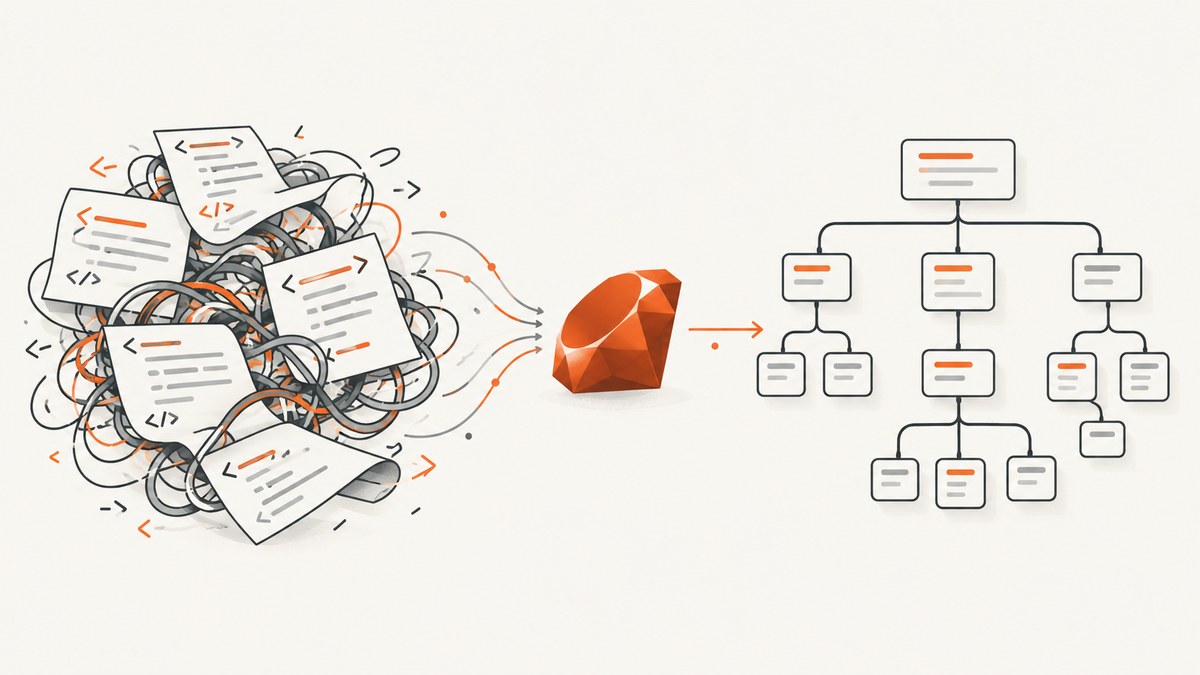
For most Ruby applications that need to parse both HTML and XML, start with Nokogiri. It supports document trees, CSS and XPath queries, XML and HTML processing, validation, transformation, and document building. For XML-only work, compare Ruby’s built-in REXML with Ox; Oga is another option when its documented HTML/XML and stream APIs fit. Choose based on your runtime, input format, query needs, data size, and deployment constraints—not an unverified speed ranking.
Parsing and downloading are separate tasks. An HTTP client retrieves bytes from a website; a parser turns markup into a structure your Ruby code can query. If your real goal is to capture a rendered page as an image or PDF, parsing the source is not equivalent: browsers run scripts and render layout, while parsers inspect markup. For that job, see ScreenshotNeo.
1. Choose a Ruby parser
| Library | Good fit | Tradeoffs to check |
|---|---|---|
| Nokogiri | HTML and XML parsing, CSS/XPath queries, editing, validation and XSLT | HTML5 support has a JRuby caveat; native installation details depend on platform. |
| REXML | XML parsing with Ruby tree or stream APIs | XML-focused; its stream parser does not provide all tree features, including XPath. |
| Ox | XML parsing and writing, object serialization, and SAX-like streaming | Do not treat project speed claims as neutral current benchmarks without reviewing their methods. |
| Oga | An alternative documenting HTML/XML, DOM, stream, SAX, XPath and CSS support | Check current maintenance, Ruby compatibility, and the project’s available time for maintenance. |
Nokogiri is the broadest starting point when a project needs one toolkit across HTML and XML. Its documented features include DOM parsing for XML, HTML4 and HTML5; XML and HTML4 SAX/push parsing; CSS and XPath; XSD validation; XSLT; and a builder API. The project’s documentation also describes different CRuby and JRuby implementations, so verify behavior on the runtime you deploy. Nokogiri documentation
For HTML5, the Nokogiri tutorial documents Nokogiri.HTML5(string) and Nokogiri::HTML5.fragment(string) from version 1.12.0 onward, and says HTML5 support is unavailable on JRuby. Confirm the needed method is present in the exact gem version and runtime in your application. Nokogiri HTML5 tutorial
2. Install and parse with Nokogiri
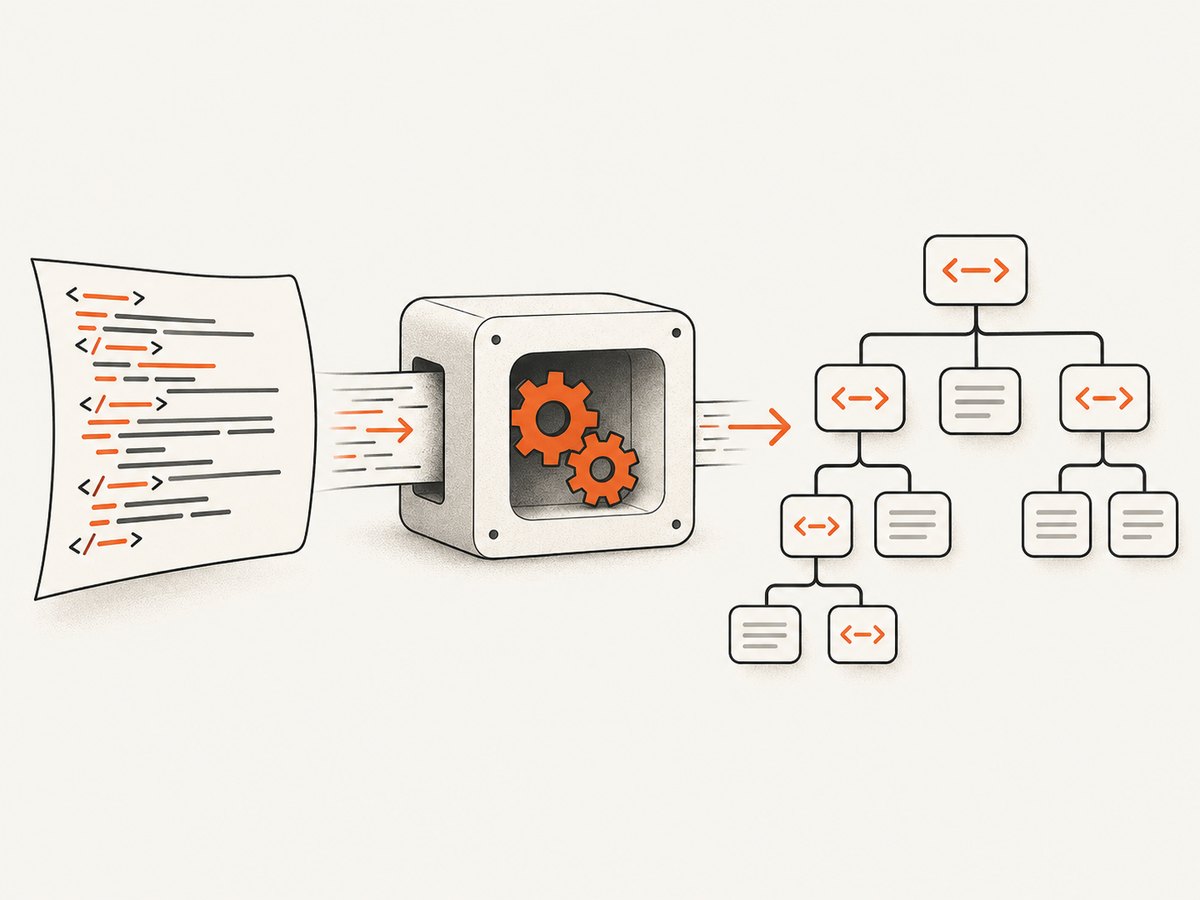
Add the gem to the application rather than depending on an unpinned global install. Bundler records the dependency and makes the deployment reproducible.
# Gemfile
gem "nokogiri"
bundle install
For a document already in a string, parse and query it as follows:
require "nokogiri"

html = <<~HTML
  <!doctype html>
  <html>
    <body>
      <main>
        <h1>Ruby parsers</h1>
        <a class="docs" href="/guide">Guide</a>
      </main>
    </body>
  </html>
HTML

doc = Nokogiri::HTML(html)
puts doc.at_css("h1")&.text
puts doc.at_css("a.docs")&["href"]
puts doc.at_xpath("//main")&.text&.strip
Nokogiri::HTML is appropriate for ordinary HTML parsing. CSS selectors are often concise for class/id-based extraction; XPath is useful for relationships and conditions that are awkward to express in CSS. A missing match returns nil from at_css or at_xpath, so safe navigation avoids exceptions when a page changes.
Fetch a website, then parse it
This runnable standard-library example makes the distinction explicit. For production, set suitable timeouts, handle HTTP status and redirects, respect the target site’s access rules, and consider a maintained HTTP client if you need richer behavior.
require "net/http"
require "uri"
require "nokogiri"

uri = URI("https://example.com/")
response = Net::HTTP.start(
  uri.host,
  uri.port,
  use_ssl: uri.scheme == "https",
  open_timeout: 5,
  read_timeout: 20
) do |http|
  http.get(uri.request_uri)
end

unless response.is_a?(Net::HTTPSuccess)
  abort "Request failed: #{response.code} #{response.message}"
end

doc = Nokogiri::HTML(response.body)
puts doc.at_css("title")&.text
This retrieves the server response body; it does not run JavaScript or reproduce the browser’s rendered page. A script-built page may have little useful content in its initial HTML. A screenshot or browser automation workflow is the better fit when rendered pixels or post-script DOM are what you need.
Parse XML and namespaces
require "nokogiri"

xml = <<~XML
  <catalog xmlns="urn:books">
    <book id="b1"><title>Parser guide</title></book>
  </catalog>
XML

doc = Nokogiri::XML(xml)
ns = { "b" => "urn:books" }
book = doc.at_xpath("//b:book[@id='b1']", ns)
puts book.at_xpath("b:title", ns)&.text
XML namespaces are part of element identity. If a query unexpectedly finds nothing, inspect the namespace declarations and bind a prefix in the query; the document’s chosen prefix need not match the one you use in XPath. For simpler navigation, Nokogiri also provides namespace-aware APIs; consult its XPath documentation for the version in use.
3. Select the right parsing mode
HTML4, HTML5, fragments, and XML
HTML and XML have different parsing rules. HTML parsers are designed to recover from common malformed markup. XML expects well-formed structure and has namespace semantics. Use the parser matching the input rather than treating an XML feed as HTML or assuming HTML output is valid XML.
# HTML5 document and fragment (verify runtime/version support)
html5_doc = Nokogiri::HTML5("<!doctype html><h1>Hello")
fragment = Nokogiri::HTML5.fragment("<strong>Important</strong>")

# XML document
xml_doc = Nokogiri::XML("<root><item>one</item></root>")
Fragments are useful for snippets that are not complete documents, such as a partial response from an endpoint. HTML5 parsing can behave differently across runtime implementations; the cited Nokogiri tutorial specifically excludes JRuby. Test representative malformed inputs on the production runtime.
Tree parsing versus streaming
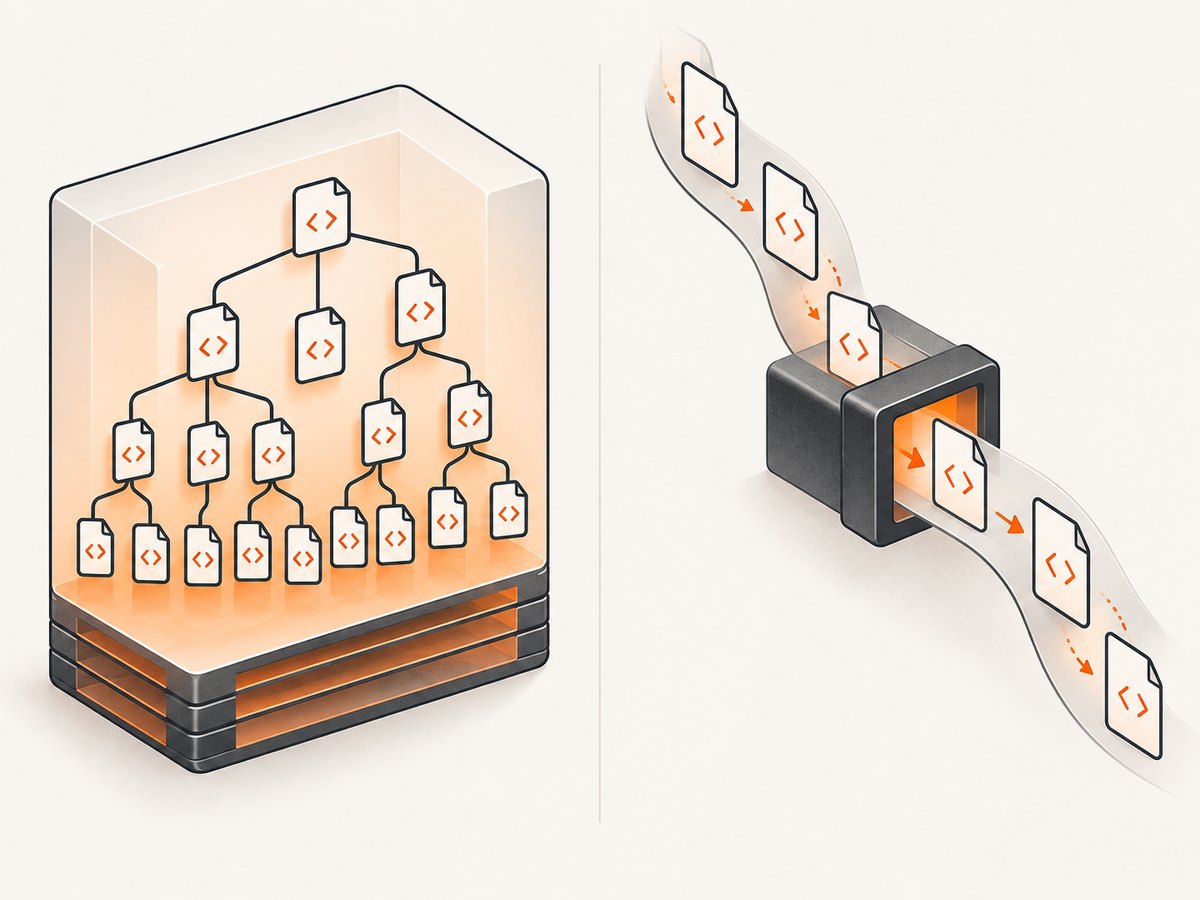
A DOM/tree parser builds a navigable representation of the document. This is convenient when you need arbitrary selectors, parent/sibling relationships, or multiple passes, but uses memory for the tree. Streaming approaches process events or nodes as input arrives and can suit large XML files when you need only a subset of data. The tradeoff is that stream APIs may omit tree features such as XPath. REXML, Ox, and Oga document stream-oriented options; compare their actual APIs and requirements before changing modes.
REXML’s project README describes it as “an XML toolkit for Ruby.” Its tree and stream interfaces serve different use cases; its documentation notes that stream parsing lacks features such as XPath. REXML project
Do not choose a parser based only on a library’s speed claim. Results depend on Ruby version, parser version, document shape and size, encoding, callbacks, and machine. If throughput matters, benchmark the exact workload with equivalent output and correctness checks.
4. Alternatives in runnable form
REXML for XML
REXML is the standard XML-oriented choice to consider when its APIs meet the need. It is included with Ruby distributions in some setups and can also be managed as a gem; declare it explicitly if the application depends on it, and check compatibility for your Ruby version.
require "rexml/document"

xml = '<catalog><book id="b1"><title>Parser guide</title></book></catalog>'
doc = REXML::Document.new(xml)

title = REXML::XPath.first(doc, "/catalog/book[@id='b1']/title")
puts title&.text
For very large XML, inspect REXML’s stream APIs and their feature limitations before assuming a tree query can be translated directly. If your code relies on XPath, confirm the chosen mode supports it.
Ox and Oga
Ox documents XML parsing, writing, object serialization, and SAX-like parsing. Oga documents HTML and XML parsing, including DOM, pull/stream, SAX, XPath, and CSS capabilities. Their project documentation is the source for their supported interfaces; evaluate current release activity and compatibility rather than inferring support from an old example.
# Ox: install with Bundler, then use its documented API for your chosen mode.
# Gemfile: gem "ox"

# Oga: install with Bundler, then use its documented parser/query APIs.
# Gemfile: gem "oga"
These comments are intentionally not presented as complete copy-paste parser programs: APIs and options should be taken from the matching installed release’s documentation, and the right API differs by tree, SAX, and streaming use. Pin a version and run representative input tests before adopting either library.
5. Encoding, malformed input, and untrusted markup
Markup arrives as bytes. A byte sequence may be valid under more than one encoding, so perfect automatic detection is not always possible. If the source encoding is known, make it explicit using the parser API’s supported encoding option and verify that the decoded text is correct. Nokogiri’s documentation explains encoding behavior and recommends explicitly setting encoding when needed. Nokogiri parsing tutorial
Malformed HTML is common, and HTML recovery can produce a usable tree that differs from the author’s apparent intent. XML parsing is stricter: malformed XML may raise a syntax error. Log enough context to diagnose failures, but avoid logging secrets or entire sensitive documents. Test bad encodings, truncated responses, empty bodies, unexpected content types, and namespace changes.
Nokogiri says it treats documents as untrusted by default. That is a useful default, not a substitute for reviewing parser options and the threat model for the exact library version. Be cautious with hostile XML, external entities, very large inputs, and resource exhaustion. Enforce response-size limits before parsing, use safe parser settings, and do not enable network/entity behavior unless required and understood. Nokogiri security and parsing guidance
6. Installation and deployment
Nokogiri’s supported platforms may install a native gem. Building from source can require a C compiler toolchain, Ruby development headers, and system dependencies. Its CRuby implementation depends on libxml2 and libxslt; its JRuby implementation uses Java libraries including Xerces and NekoHTML. Check the current installation guide for the target OS, architecture, Ruby implementation, and container image before deploying. Nokogiri installation guide
- Pin Ruby and gem versions in the project’s normal dependency files.
- Install in a clean environment matching production, including CPU architecture and runtime implementation.
- Run a smoke parse against representative HTML and XML during build or deployment validation.
- Confirm the runtime supports the APIs you use, especially HTML5 parsing and platform-specific native extensions.
7. Troubleshooting
| Symptom | Likely cause | Fix |
|---|---|---|
| Gem install fails while compiling Nokogiri | Missing compiler, Ruby headers, or platform dependencies; unsupported platform combination | Use a supported native gem where available or install the current documented build dependencies; verify Ruby and OS support. |
| HTML5 method is missing or unavailable | Old Nokogiri version or JRuby runtime | Check gem version and runtime; the cited tutorial says HTML5 support begins at v1.12.0 and is unavailable on JRuby. |
| Selector returns nil | Markup differs, content is script-generated, namespaces are unbound, or the selector is too specific | Inspect the parsed tree and source response; test a smaller selector; bind XML namespaces; use browser rendering if content appears only after JavaScript. |
| XML raises a syntax error | Truncated or malformed XML, wrong encoding, or HTML passed to an XML parser | Check response completeness and encoding; use an HTML parser for HTML; retain the error location while avoiding sensitive payload logging. |
| Text contains replacement characters or mojibake | Bytes decoded using the wrong or guessed encoding | Determine the source encoding and pass it explicitly using the parser’s supported option. |
| XPath misses namespaced XML elements | XPath does not bind the document namespace | Map a query prefix to the namespace URI and use that prefix in the expression. |
| Memory rises on a large feed | A full document tree is retained | Set an input-size bound, release references promptly, or evaluate an event/stream API that supports the required extraction. |
| Parsed page lacks visible content | HTTP response is only initial markup; JavaScript has not been executed | Use a browser-based rendering/capture workflow when rendered output is required. |
8. Reliability, performance, and cost
For scraping or ingestion, parsing is only one failure point. Network timeouts, redirects, status codes, throttling, changed markup, and server-side bot checks can all affect retrieval. Use explicit connect/read timeouts, bounded retries for transient network failures, rate limits, and response-size ceilings. Do not retry deterministic parse errors endlessly. Keep selectors covered by fixtures from representative pages, and monitor missing-field rates so upstream layout changes are visible.
Tree parsing is convenient but retains a structure in memory; streaming reduces the need to keep a whole large document, at the cost of query flexibility. Measure memory and elapsed time on documents like production input, with the same Ruby runtime and extraction work. No named, dated independent benchmark establishes a general winner among these parsers, so project-level speed claims should not be repeated as current comparative fact.
Parser gems have no per-request API fee, but total operating cost includes engineering time, compute, native build dependencies, and maintenance. A hosted screenshot API instead charges according to its own plan and is useful when the desired output is a rendered image or PDF, not a parsed DOM. Choose the output you need before choosing the tool.
9. Or skip the browser setup
If the task is a rendered screenshot or PDF rather than HTML/XML extraction, ScreenshotNeo provides a one-request capture API and an MCP server. Its capture flow accepts cookie/consent banners like a visitor and removes 60+ known consent platforms, newsletter popups, and chat widgets; each of those steps can be turned off. Bot checks/CAPTCHAs, blank pages, timeouts, failed loads, and cache hits cost nothing, and response headers identify the page verdict and billing status. AI agents can use its MCP tools take_screenshot, get_page_info, and capture_pdf.
See the ScreenshotNeo API documentation for request options and setup. This cURL example saves a WebP screenshot:
curl -G "https://api.screenshotneo.com/v1/shot" \
  -d access_key=YOUR_API_KEY \
  --data-urlencode url=https://example.com \
  -o shot.webp
Python:
import requests

r = requests.get(
    "https://api.screenshotneo.com/v1/shot",
    params={"access_key": "YOUR_API_KEY", "url": "https://example.com"},
    timeout=90,
)
r.raise_for_status()
with open("shot.webp", "wb") as f:
    f.write(r.content)
Node.js:
const q = new URLSearchParams({
  access_key: 'YOUR_API_KEY',
  url: 'https://example.com'
});
const res = await fetch(`https://api.screenshotneo.com/v1/shot?${q}`);
if (!res.ok) throw new Error(`Screenshot request failed: ${res.status}`);
await require('node:fs/promises').writeFile('shot.webp', Buffer.from(await res.arrayBuffer()));
Cookie banners, popups, and chat widgets are removed before the shot; bot checks, blank pages, and failed loads are never billed; an MCP server lets AI agents take screenshots; 1,000 screenshots a month are free with no card, and paid plans start at $5 for 3,000. Create a free ScreenshotNeo account.
10. Frequently asked questions
Can I use Nokogiri to edit HTML?
Yes. It can manipulate document nodes as well as parse and query them. If the output will be served as HTML, consider escaping untrusted values and validating the generated result.
Should I use CSS or XPath?
Use whichever expresses the query clearly and reliably. CSS is concise for common element/class selection; XPath helps with richer relationships and conditions.
Can a parser extract content that appears after page load?
Only if that content is present in the bytes you give it. A parser does not execute page JavaScript; use a browser rendering workflow when the content depends on scripts.
Which parser is fastest?
There is no universal answer supported by a neutral, current benchmark in the reviewed research. Benchmark your document set, runtime, and extraction task.


