Ruby Screenshot API: Capture Any Website in Code
Capture websites from Ruby with hosted APIs or Ferrum, including full-page, selector, authenticated, reliable and production-ready examples.
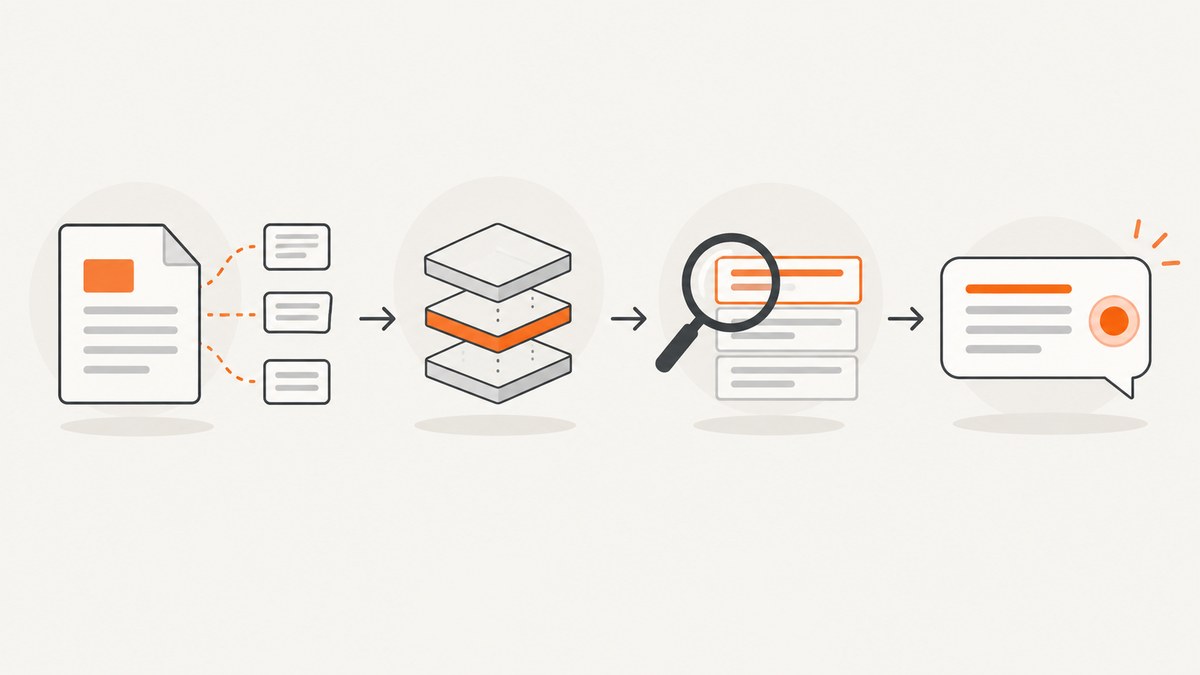
A Ruby screenshot API lets your application send a URL and receive rendered pixels without installing Chrome. You can also run Chrome yourself with Ferrum when you need browser-level control. For most production jobs, choose a hosted API when you want predictable deployment and concurrency; choose Ferrum when pages are private, browser state must stay inside your network, or you need custom DevTools operations.
Quick decision
| Need | Best fit | Reason |
|---|---|---|
| One HTTP call, no browser fleet | Hosted API | The provider owns Chrome, patching, queues and scaling. |
| Private pages behind your firewall | Ferrum | Your process can reach internal hosts and keep credentials local. |
| Full-page, selector, device and wait controls | Either | Hosted APIs expose these as request options; Ferrum exposes the browser directly. |
| High parallel volume | Hosted API or a managed Ferrum pool | Each Chrome process consumes memory; a service can enforce concurrency. |
Hosted products differ in endpoint names, retention, quotas and pricing. Confirm those details in provider documentation before shipping. The examples below keep credentials on the server and write binary responses directly to disk or object storage.
Option 1: call a hosted screenshot API from Ruby
The common shape is a JSON POST containing a target URL and capture options, authenticated with an API key. RenderKit documents PNG, JPEG and WebP output, full-page and selector capture, ad/cookie blocking, device scale and wait controls. html2img documents public URL capture with viewport, full-page, selector, CSS injection and delayed-content options. Screenshot API documents GET and POST endpoints, API-key authentication, PNG/JPEG/WebP/PDF output and advanced POST options. Their exact parameter names are provider-specific.
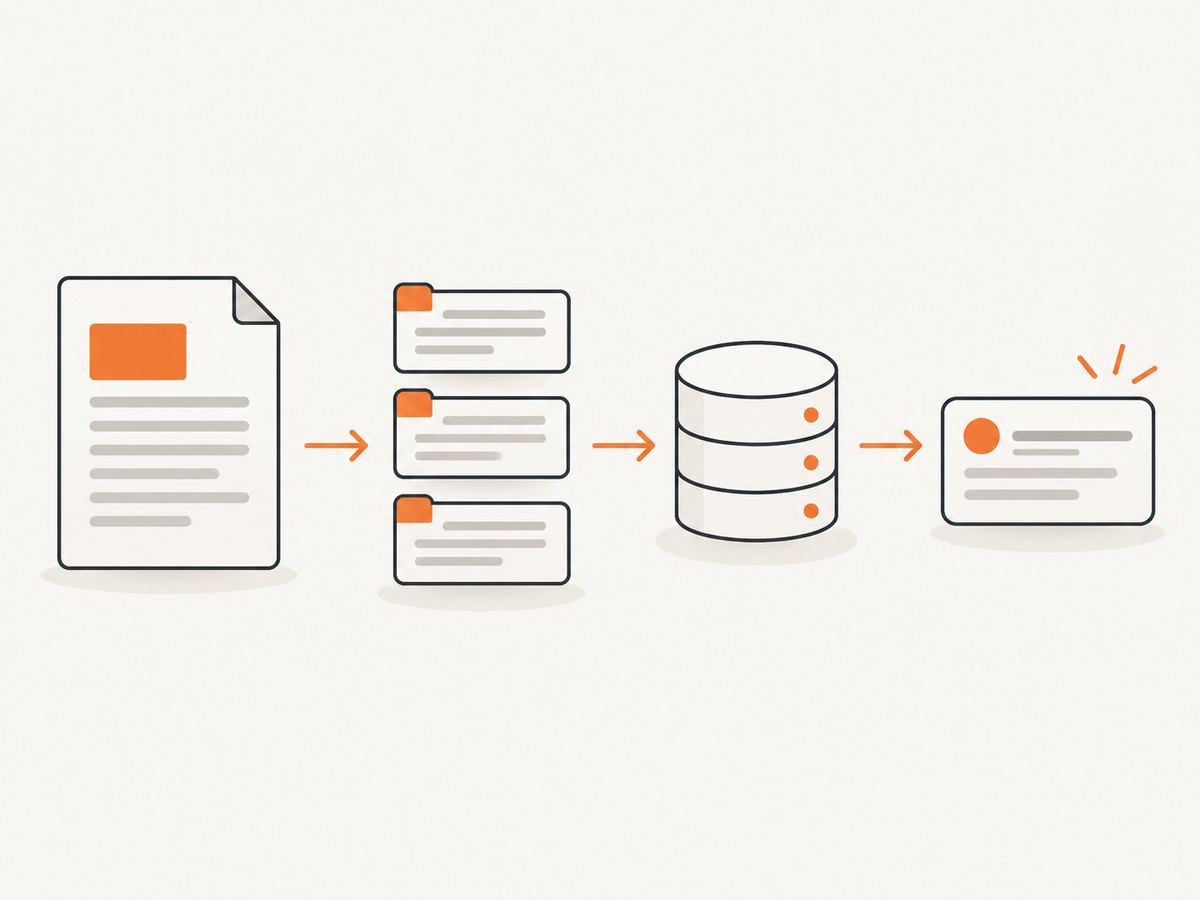
Runnable Net::HTTP client
require 'net/http'
require 'json'
require 'uri'

endpoint = URI(ENV.fetch('SCREENSHOT_ENDPOINT'))
api_key  = ENV.fetch('SCREENSHOT_API_KEY')

payload = {
  url: 'https://example.com',
  format: 'webp',
  full_page: true,
  viewport: { width: 1440, height: 900 },
  device_scale_factor: 2,
  wait: { selector: '#main', timeout_ms: 10_000 }
}

request = Net::HTTP::Post.new(endpoint)
request['Authorization'] = "Bearer #{api_key}"
request['Content-Type'] = 'application/json'
request['Accept'] = 'image/webp'
request.body = JSON.generate(payload)

http = Net::HTTP.new(endpoint.host, endpoint.port)
http.use_ssl = endpoint.scheme == 'https'
http.open_timeout = 10
http.read_timeout = 90

response = http.start { |connection| connection.request(request) }
unless response.is_a?(Net::HTTPSuccess)
  warn "capture failed (#{response.code}): #{response.body}"
  exit 1
end

File.binwrite('shot.webp', response.body)
puts "saved #{response.body.bytesize} bytes"
Set SCREENSHOT_ENDPOINT and SCREENSHOT_API_KEY in your deployment secret store. Do not put keys in client-side JavaScript, URLs logged by proxies, or checked-in Rails credentials. Some APIs return an image immediately; others return JSON containing a download URL. Branch on Content-Type and parse JSON when the response is not an image.
POST options to model explicitly
| Option | Use | Watch for |
|---|---|---|
url |
Public page to render. | Redirects, robots rules and geo restrictions can change the result. |
format |
png for lossless UI, jpeg for small photos, webp for a compact modern format; some providers also offer PDF. |
JPEG has no alpha channel. Verify PDF page sizing separately. |
viewport |
Set CSS pixel width and height for responsive layouts. | Mobile breakpoints depend on width, user agent and touch emulation. |
full_page |
Capture document height instead of the viewport. | Lazy images may need a delay or scroll-triggered loading; very tall pages create large files. |
selector |
Capture one CSS element. | Wait until the element exists and has non-zero dimensions. |
wait |
Delay, selector wait or network-idle wait for client-rendered content. | Network idle can never occur on pages with analytics or streams; use a bounded delay or selector timeout. |
| CSS injection | Hide animations, force print styles, or adjust layout for a report. | Keep overrides deterministic and versioned with your code. |
| Blocking | Block ads, cookies, trackers or resource types to reduce noise and bytes. | Blocking a required script can leave a blank component. |
Option 2: self-host Chrome with Ferrum
Ferrum is a Ruby API over the Chrome DevTools Protocol. A Chrome or Chromium binary must be installed where the Ruby process runs, and you own browser lifecycle, updates, memory limits and concurrency.
Minimal screenshot script
require 'ferrum'

browser = Ferrum::Browser.new(
  browser_path: ENV['CHROME_BIN'],
  window_size: [1440, 900],
  timeout: 30
)

begin
  browser.go_to('https://example.com')
  browser.network.wait_for_idle
  browser.screenshot(path: 'example.png', full: true)
ensure
  browser.quit
end
Install the gem with gem install ferrum or add gem 'ferrum' to your Gemfile. In containers, install a compatible Chrome/Chromium package and its shared libraries, set CHROME_BIN, and run as a user permitted to start the sandbox. Keep one browser per job or maintain a bounded pool; creating unlimited instances will exhaust RAM and file descriptors.
Element capture, JavaScript and authentication
require 'ferrum'

browser = Ferrum::Browser.new(window_size: [1280, 800], timeout: 45)
begin
  browser.go_to('https://example.com/dashboard')
  browser.cookies.set(name: 'session', value: ENV.fetch('SESSION_COOKIE'), domain: 'example.com')
  browser.go_to('https://example.com/dashboard')
  browser.at_css('#revenue-chart').wait_until(&:present?)
  browser.evaluate <<~JS
    document.querySelectorAll('.cookie-banner, .chat-widget').forEach { |el| el.remove() }
  JS
  browser.at_css('#revenue-chart').screenshot(path: 'chart.png')
ensure
  browser.quit
end
Ferrum also lets you execute JavaScript, set cookies and inspect the DOM. Treat those capabilities as application code: validate selectors, avoid embedding secrets in page scripts, and clear state between jobs if a browser is reused.
Rails integration pattern
Wrap capture in a service object and enqueue it with Active Job. Return an Active Storage blob or object-storage key instead of holding a multi-megabyte image in a web request.
class CapturePageJob < ApplicationJob
  queue_as :screenshots

  def perform(url, output_key)
    response = ScreenshotClient.capture(url)
    raise "capture failed: #{response.status}" unless response.success?

    ScreenshotBlobStore.write(output_key, response.body, content_type: response.content_type)
  end
end
Validate allowed URL schemes and hosts before fetching user-supplied URLs. If your service accepts arbitrary URLs, enforce egress rules to protect internal metadata endpoints and private network services.
Dynamic pages and edge cases
- Cookie or consent dialogs: wait for the page, then dismiss the dialog or inject CSS that hides it. A hosted provider may offer consent handling; verify whether it clicks, removes, or only hides the banner.
- Lazy loading: use full-page mode plus a delay, or scroll in Ferrum before capture so images enter the viewport.
- Animations: disable transitions with injected CSS or wait for a stable selector. Otherwise two captures can differ by a frame.
- Fonts: wait for
document.fonts.ready; missing web fonts cause layout shifts and fallback glyphs. - Cross-origin frames: you may capture the outer page but cannot read another origin’s DOM from page JavaScript.
- Very tall documents: split into sections or use PDF pagination. Browser bitmap limits vary by Chromium version and host memory.
- Authenticated pages: send headers/cookies only through a provider that documents them, or use Ferrum with an isolated context. Never log authorization headers.
- Bot checks and CAPTCHAs: detect challenge pages and report a distinct failure rather than storing them as valid screenshots.
- Redirects and certificates: allow expected redirects, and fix certificate chains instead of disabling TLS verification in production.
Reliability, performance and cost
Make captures repeatable
- Pin viewport, device scale, locale, timezone and user agent.
- Wait on a semantic selector such as a chart container, not an arbitrary long sleep.
- Record URL, options, response status, render duration and final dimensions.
- Retry transient network failures with exponential backoff and a finite attempt count. Do not retry deterministic 4xx errors.
- Hash normalized options and URL to deduplicate identical work; cache only when freshness permits.
Control resource use
Viewport screenshots are cheaper to transfer than full-page images. WebP usually reduces bytes for photographic pages; PNG preserves sharp text and transparency. With Ferrum, measure resident memory per browser under your own pages, cap concurrent jobs, recycle browsers after a bounded number of captures, and enforce a total navigation timeout. Hosted APIs shift those browser costs into per-request pricing and quotas; compare included volume, overage behavior, retention and cache policy before selecting a plan.
Security checklist
- Keep API keys and session cookies in server-side secret storage.
- Allow-list outbound domains when users can submit URLs.
- Strip sensitive response headers from logs.
- Use separate browser profiles or contexts per tenant.
- Set maximum image dimensions and response sizes to prevent memory exhaustion.
Troubleshooting
| Symptom | Likely cause | Fix |
|---|---|---|
| 401/403 from API | Missing, expired or incorrectly formatted key. | Check the provider’s required header/query format and rotate the secret. |
| Blank or white image | JavaScript not finished, blocked asset, bot challenge or zero-size selector. | Wait for a selector, inspect final HTML, relax blocking and classify challenge pages. |
| Missing lower-page images | Lazy loading triggered only by scroll. | Use provider full-page lazy-load support or scroll the document in Ferrum. |
| Timeout | Slow origin, never-ending network activity or an unreachable host. | Set navigation and read timeouts, wait on a bounded selector, and retry transient failures. |
| Ferrum cannot start Chrome | Binary absent, incompatible version, sandbox or shared-library issue. | Install matching Chromium dependencies, set browser_path, and inspect container permissions. |
| Fonts or layout differ | Web fonts not loaded, wrong viewport, locale or device scale. | Pin those values and wait for document.fonts.ready. |
| File is huge | Full-page capture, high device scale or uncompressed PNG. | Capture a selector, lower scale, choose WebP/JPEG, or paginate as PDF. |
Or skip the browser setup
ScreenshotNeo is a hosted website screenshot API and MCP server. One GET request returns PNG, JPEG, WebP or PDF. The service accepts consent banners like a visitor and removes more than 60 known consent platforms, newsletter popups and chat widgets before capture; each step can be turned off. Only clean shots are billed: bot checks, CAPTCHAs, blank pages, timeouts, failed loads and cache hits cost nothing, and X-Page-Verdict and X-Billed headers explain the result.
Ruby can call the API with the standard library:
require 'net/http'
require 'uri'

uri = URI('https://api.screenshotneo.com/v1/shot')
uri.query = URI.encode_www_form(access_key: ENV.fetch('SCREENSHOTNEO_KEY'), url: 'https://stripe.com')
response = Net::HTTP.get_response(uri)
raise "capture failed: #{response.code}" unless response.is_a?(Net::HTTPSuccess)
File.binwrite('shot.webp', response.body)
See the ScreenshotNeo API documentation for all options. The same endpoint supports full-page and CSS-selector captures, dark mode, 12 device presets or any viewport, retina scale, PDF paper size/margins/landscape/page ranges, HTML/CSS input, custom CSS and JavaScript, clicks, waits, blocking rules, headers, cookies, user agent, Authorization, timezone, geolocation, transparent backgrounds, resizing, TTL caching, signed links, async webhooks, bulk capture of 100 URLs and a usage API. Its MCP server exposes take_screenshot, get_page_info and capture_pdf to Claude, Cursor and other MCP clients.
cURL
curl -G 'https://api.screenshotneo.com/v1/shot' -d access_key=YOUR_API_KEY --data-urlencode url=https://stripe.com -o shot.webpPython
import requests
r = requests.get('https://api.screenshotneo.com/v1/shot', params={'access_key': 'YOUR_API_KEY', 'url': 'https://stripe.com'}, timeout=90)
open('shot.webp', 'wb').write(r.content)
Node.js
const q = new URLSearchParams({ access_key: 'YOUR_API_KEY', url: 'https://stripe.com' });
const res = await fetch(`https://api.screenshotneo.com/v1/shot?${q}`);
The Free plan includes 1,000 shots each month with no card. Paid plans start at $5 for 3,000 shots; yearly billing gives two months free. Create a free ScreenshotNeo account to get an API key.
FAQ
Can Ruby capture a single CSS selector?
Yes. Hosted APIs expose a selector option; Ferrum can locate the element and call its screenshot method. Wait until it is present and has dimensions.
Is Ferrum a Ruby gem or a separate service?
Ferrum is a Ruby library that drives a local Chrome or Chromium process. Your deployment supplies and maintains the browser binary.
Should I use a delay or network-idle wait?
Use a selector wait when possible. Network idle is useful for finite pages but unreliable with analytics, polling and streaming connections. A bounded delay is a fallback.
How do I capture private pages?
Use Ferrum inside the trusted network, or a hosted API that explicitly supports headers, cookies or authenticated browser contexts. Keep credentials out of logs.
Which image format should I return?
PNG is best for crisp text and transparency, JPEG for photographic content without alpha, and WebP when clients support it and transfer size matters.