How to Run Browser Tests in Headless Mode
Run Playwright and Cypress tests without a visible browser, configure CI, capture failures, and debug headless-only problems.
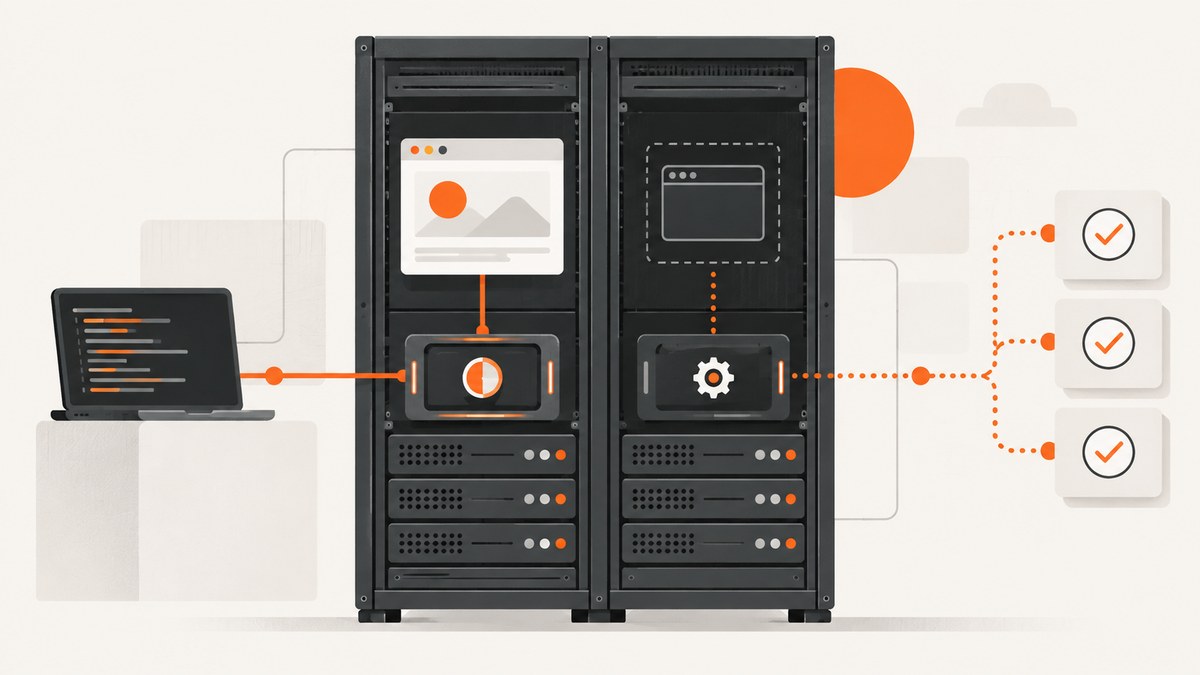
Run your test runner’s normal command in its default headless mode. For Playwright Test, use npx playwright test. For Cypress, use npx cypress run. Install the browser binary and operating-system dependencies in the same environment where the tests run, then configure screenshots, traces, or video so a failed headless run leaves evidence you can inspect.
Headless mode means the browser renders and executes pages without opening a visible browser window. It is the normal choice for CI and servers. When a test fails only in headless mode, replay it headed and compare the resulting screenshots, video, and trace.
1. Choose Playwright or Cypress
| Question | Playwright Test | Cypress |
|---|---|---|
| Headless command | npx playwright test |
npx cypress run |
| Headed command | Set headless: false or use a headed project configuration |
npx cypress run --headed or npx cypress open |
| Browser selection | chromium, firefox, or webkit |
--browser with an installed supported browser |
| Failure evidence | Screenshots, traces, and video can be enabled by policy | Screenshots and video are available through Cypress configuration and CLI workflows |
Use the framework already established in your project. Add Firefox or WebKit coverage when those engines matter to your users; Chromium is a practical starting point for many suites.
2. Run Playwright tests headlessly
Install the project and browsers
npm install -D @playwright/test
npx playwright install
In a Linux CI image, install the operating-system dependencies using the installation method documented for your Playwright version. For headless-only usage with no browser channel specified, Playwright documents a separate Chromium headless shell and the command npx playwright install --with-deps --only-shell. Check the versioned Playwright browser installation documentation before using that reduced installation.
Write a test
import { test, expect } from '@playwright/test';

test('homepage has the expected title', async ({ page }) => {
  await page.goto('https://example.com', { waitUntil: 'domcontentloaded' });
  await expect(page).toHaveTitle(/Example Domain/);
});
Run it in headless mode
npx playwright testPlaywright Test defaults to headless: true. Make the setting explicit when a shared configuration could otherwise obscure it:
// playwright.config.ts
import { defineConfig } from '@playwright/test';

export default defineConfig({
  use: {
    headless: true,
    browserName: 'chromium'
  }
});
Choose a browser deliberately
npx playwright test --project=chromium
npx playwright test --project=firefox
npx playwright test --project=webkit
Define projects when you need a repeatable matrix:
import { defineConfig, devices } from '@playwright/test';

export default defineConfig({
  projects: [
    { name: 'chromium', use: { ...devices['Desktop Chrome'], browserName: 'chromium' } },
    { name: 'firefox', use: { ...devices['Desktop Firefox'], browserName: 'firefox' } },
    { name: 'webkit', use: { ...devices['Desktop Safari'], browserName: 'webkit' } }
  ]
});
Keep useful failure artifacts
// playwright.config.ts
import { defineConfig } from '@playwright/test';

export default defineConfig({
  use: {
    screenshot: 'only-on-failure',
    trace: 'on-first-retry',
    video: 'on-first-retry'
  },
  retries: process.env.CI ? 2 : 0
});
These policies keep routine runs small while preserving evidence for failures and retries. Use screenshot: 'on', trace: 'on', or video: 'on' temporarily when diagnosing a difficult problem, then set retention to match your CI storage limits.
Debug a browser launch failure
DEBUG=pw:browser npx playwright testThe launch log helps distinguish a missing executable, missing shared library, sandbox restriction, or a test failure that occurs after the browser has started.
3. Run Cypress tests headlessly
Install and open a project
npm install -D cypress
npx cypress verify
Create or use your existing Cypress test, then run the CLI workflow:
npx cypress runCypress launches supported browsers headlessly for cypress run. The interactive cypress open workflow is headed.
Select a browser and viewport
npx cypress run --browser chrome
npx cypress run --browser firefox
Cypress documents headless launch details by browser: Chrome-family browsers use --headless=new, Firefox uses -headless, and experimental WebKit is launched through Playwright. Browser flags can change with browser releases, so treat them as implementation details rather than test assertions.
Cypress’s documented headless rendering defaults are a 1280 by 720 viewport and device pixel ratio 1. Set the viewport in configuration when screenshots or layout assertions require another size:
// cypress.config.js
const { defineConfig } = require('cypress');

module.exports = defineConfig({
  e2e: {
    baseUrl: 'https://example.com',
    viewportWidth: 1440,
    viewportHeight: 900,
    video: true,
    screenshotOnRunFailure: true
  }
});
Replay a failure visibly
npx cypress run --headed --no-exit --browser chromeCompare the headed run with the screenshots and videos produced by the headless run. This is the fastest way to find timing, viewport, browser-engine, and rendering differences.
4. Make headless runs reproducible in CI
- Pin framework and browser versions. Keep the lockfile, test runner, and browser binary aligned. Chrome for Developers recommends a version-pinned Chrome for Testing binary when deterministic automation matters.
- Install dependencies in the image. A headless browser still needs its executable, shared libraries, fonts, certificates, and sandbox support.
- Use the same viewport and timezone. Layout, date formatting, and responsive breakpoints otherwise vary between a laptop and CI.
- Persist artifacts. Upload screenshots, traces, videos, and the test report before the CI job cleans its workspace.
- Separate retries from diagnosis. Retries can reveal a transient failure, but they should not hide a deterministic failure. Keep the first failure artifact.
Headed execution on Linux CI agents needs a virtual display such as Xvfb. A normal headless run does not need a visible desktop, but it still needs browser dependencies. Playwright’s Docker image and GitHub Action include Xvfb for headed debugging.
Example CI commands
# Install JavaScript dependencies
npm ci

# Install Playwright browsers and Linux dependencies
npx playwright install --with-deps

# Run the suite headlessly
npx playwright test

# Replay headed on a Linux agent when Xvfb is available
xvfb-run -a npx playwright test --project=chromium
# Cypress
npm ci
npx cypress verify
npx cypress run --browser chrome5. Headless options that affect test results
| Setting | Why it matters | Practical choice |
|---|---|---|
| Browser engine | Rendering and API support vary by Chromium, Firefox, and WebKit | Start with the engine used by your users, then add coverage for required engines |
| Viewport | Changes responsive breakpoints and screenshot dimensions | Set it explicitly in shared configuration |
| Device pixel ratio | Changes raster size and visual comparisons | Keep it fixed for snapshot tests |
| Timezone and locale | Changes dates, numbers, language, and sorting | Set deterministic values in CI |
| Fonts | Missing fonts change line wrapping and element dimensions | Install the same fonts in the runner image |
| Network waits | Assertions can run before data or images are ready | Wait for a user-visible state or stable API response, not an arbitrary long sleep |
| Animations | Motion causes flaky screenshots and click timing | Disable or wait for animations during visual assertions |
6. Troubleshoot common failures
Browser executable is missing
Cause: The runner package is installed but its browser binary is not. Fix: Run the framework’s browser installation command in the same image and user environment as the tests. Cache the browser directory only when its version key includes the framework version.
Shared-library or sandbox errors on Linux
Cause: The CI image lacks native browser dependencies or applies a restrictive container policy. Fix: Use the supported dependency installation command or a maintained framework image. Avoid changing sandbox flags unless your environment requires it and your security review permits it.
Test passes headed but fails headlessly
Cause: Different viewport, pixel ratio, timing, browser channel, fonts, or an assumption that a visible window exists. Fix: Capture a screenshot and trace, replay with --headed or headless: false, and compare computed layout and network timing.
Element is not clickable
Cause: A popup, animation, overlay, or late-loading content covers it. Fix: Wait for the intended state, assert visibility and enabled status, disable known animations for tests, and inspect the failure screenshot before adding a timeout.
Only visual tests fail
Cause: Font files, device pixel ratio, viewport, timezone, or browser version differs. Fix: Pin those inputs and regenerate baselines only after confirming the rendered page is correct.
Cypress cannot find the selected browser
Cause: --browser names a browser that is not installed in the CI image. Fix: Install that browser or select one present in the image. Chrome for Testing is useful when the browser build must remain pinned.
Headed debugging fails in Linux CI
Cause: There is no X server. Fix: Run through Xvfb, for example xvfb-run -a npx playwright test, or use the framework’s CI image that includes a virtual display.
Tests are slow or flaky only under load
Cause: Too many parallel workers, CPU throttling, limited memory, or rate limits. Fix: Reduce workers, shard the suite, wait on stable application signals, and reserve enough memory for the browser processes. Measure before increasing timeouts.
7. Performance, reliability, and cost
- Performance: Reuse browser contexts where the framework supports it, avoid repeated logins with saved authenticated state, and parallelize independent tests within the memory budget. Installing browsers once per CI image is faster than downloading them per job.
- Reliability: Pin versions, fix locale and timezone, wait for deterministic application states, and preserve the first failure artifact. A retry is evidence about flakiness, not a fix for a race.
- Cost: Headless mode removes the visible desktop requirement but still consumes CPU, memory, CI minutes, browser storage, and network bandwidth. Video and full traces increase artifact storage. Keep them on failure or retry unless continuous recording is required.
- Coverage: Each additional browser engine increases runtime and maintenance. Select engines based on your supported audience and risk, then run the smallest useful matrix on every change and the full matrix on a schedule.
8. Keep screenshots of pages without maintaining a browser runner
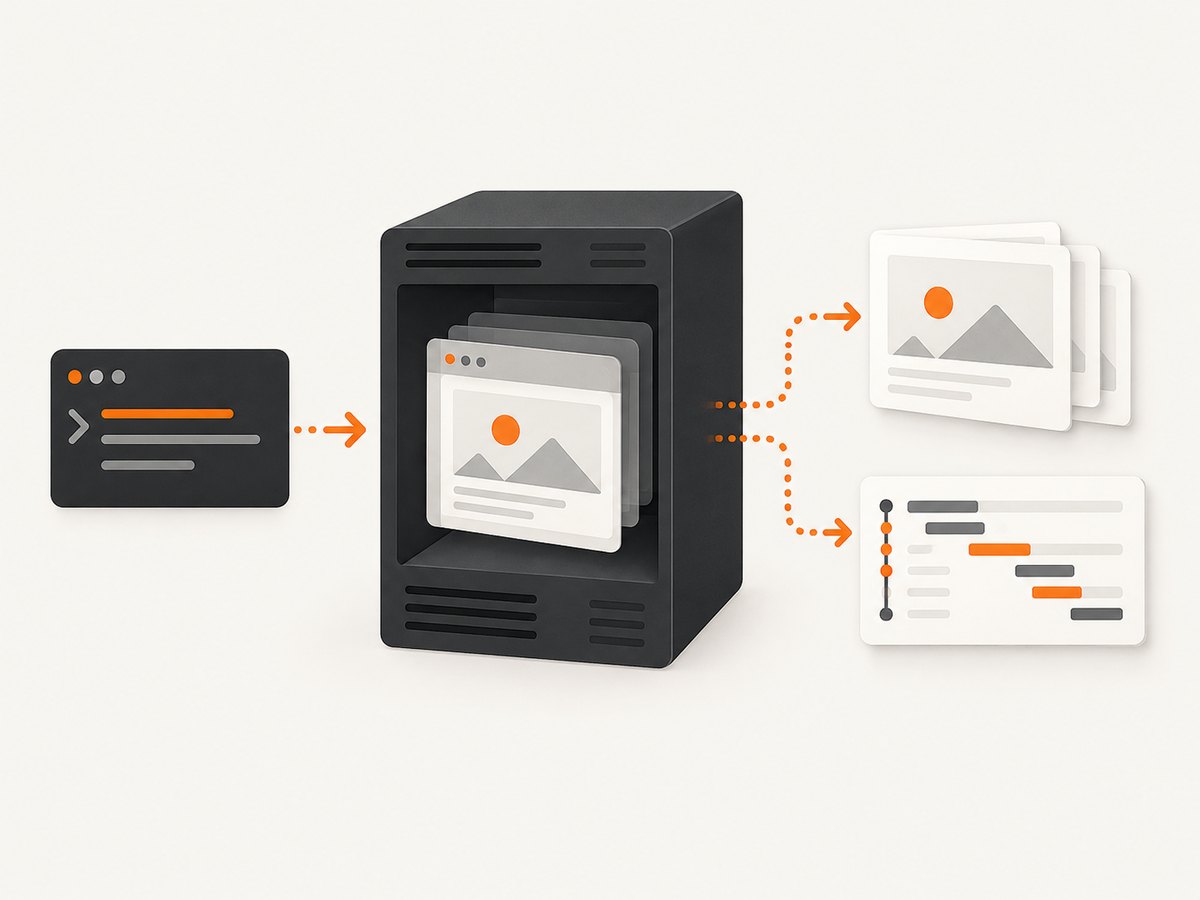
Browser tests are the right tool for interaction, assertions, and regression coverage. For a static page image, a hosted screenshot API can remove browser installation and CI maintenance.
Or skip the browser setup
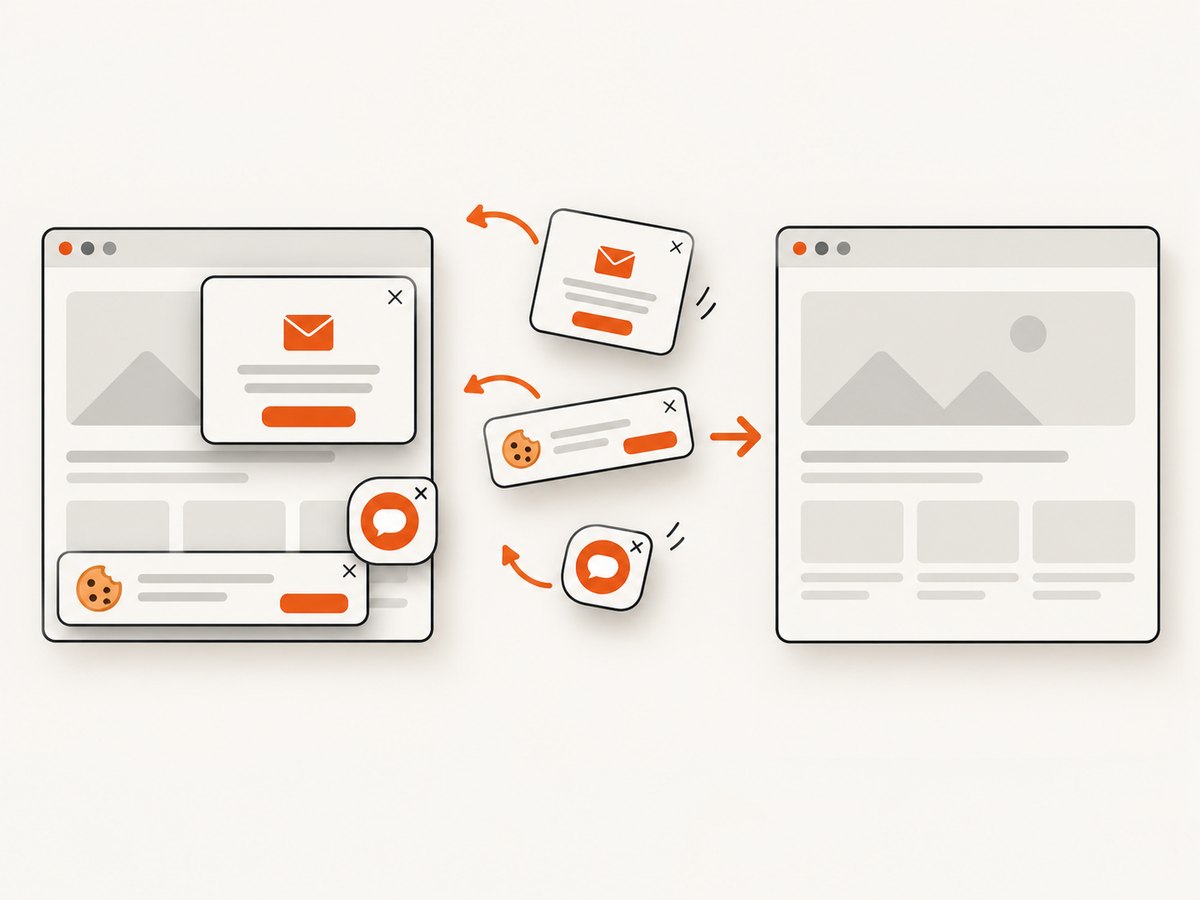
ScreenshotNeo takes a screenshot with one GET request. Cookie and consent banners, newsletter popups, and chat widgets are removed before capture; bot checks, blank pages, failed loads, timeouts, and cache hits are not billed. Responses identify the page verdict and billing status with X-Page-Verdict and X-Billed headers. Its MCP server also gives Claude, Cursor, and other MCP clients take_screenshot, get_page_info, and capture_pdf tools.
See the ScreenshotNeo API documentation for all options.
curl -G "https://api.screenshotneo.com/v1/shot" -d access_key=YOUR_API_KEY --data-urlencode url=https://stripe.com -o shot.webpimport requests
r = requests.get("https://api.screenshotneo.com/v1/shot", params={"access_key": "YOUR_API_KEY", "url": "https://stripe.com"}, timeout=90)
open("shot.webp", "wb").write(r.content)const q = new URLSearchParams({ access_key: 'YOUR_API_KEY', url: 'https://stripe.com' });
const res = await fetch(`https://api.screenshotneo.com/v1/shot?${q}`);ScreenshotNeo supports full-page and element captures, dark mode, device presets and custom viewports, retina scale, PDFs, custom CSS and JavaScript, clicks, waits, blocked requests, headers, cookies, user agents, authorization, timezone, geolocation, transparent backgrounds, resizing, caching, signed links, asynchronous webhooks, bulk capture, usage reporting, and an OpenAPI specification. Every feature is on every plan. The Free plan includes 1,000 shots per month with no card; paid plans start at $5 for 3,000 shots.
Create a free ScreenshotNeo account with 1,000 screenshots a month and no card.
9. Headless testing checklist
- Use
npx playwright testornpx cypress run. - Install the exact browser binaries and Linux dependencies in CI.
- Pin framework, browser, viewport, locale, timezone, and fonts.
- Select browser engines intentionally.
- Capture screenshots on failure and traces or video on retry when useful.
- Persist artifacts before the CI workspace is deleted.
- Replay headless-only failures headed; use Xvfb for headed Linux CI.
- Control workers and retries so resource pressure does not look like application flakiness.
FAQ
Is headless mode faster?
It usually avoids the overhead of a visible desktop, but total time still depends on browser startup, page work, test parallelism, and CI resources. Measure your suite rather than assuming a fixed speedup.
Can I run headed and headless tests with the same test code?
Yes. Keep the test code the same and change the runner configuration or CLI flags. Differences usually come from environment inputs, timing, browser versions, or rendering defaults.
Do I need Xvfb for headless tests?
No. Xvfb is needed when you switch to headed execution on a Linux agent that has no display.
Should every CI retry record video?
No. Record video or a full trace when the extra storage helps diagnosis. Screenshots on failure and traces on the first retry are a smaller default.
What is the simplest way to capture a page image?
Use a screenshot API such as ScreenshotNeo when you need an image rather than browser interaction. It accepts a URL and returns PNG, JPEG, WebP, or PDF while handling common consent and popup cleanup before capture.


