How to Run ChromeDriver in Headless Mode With Python
Run ChromeDriver headlessly with Selenium Python, match browser versions, configure options, troubleshoot failures, and capture reliable screenshots.
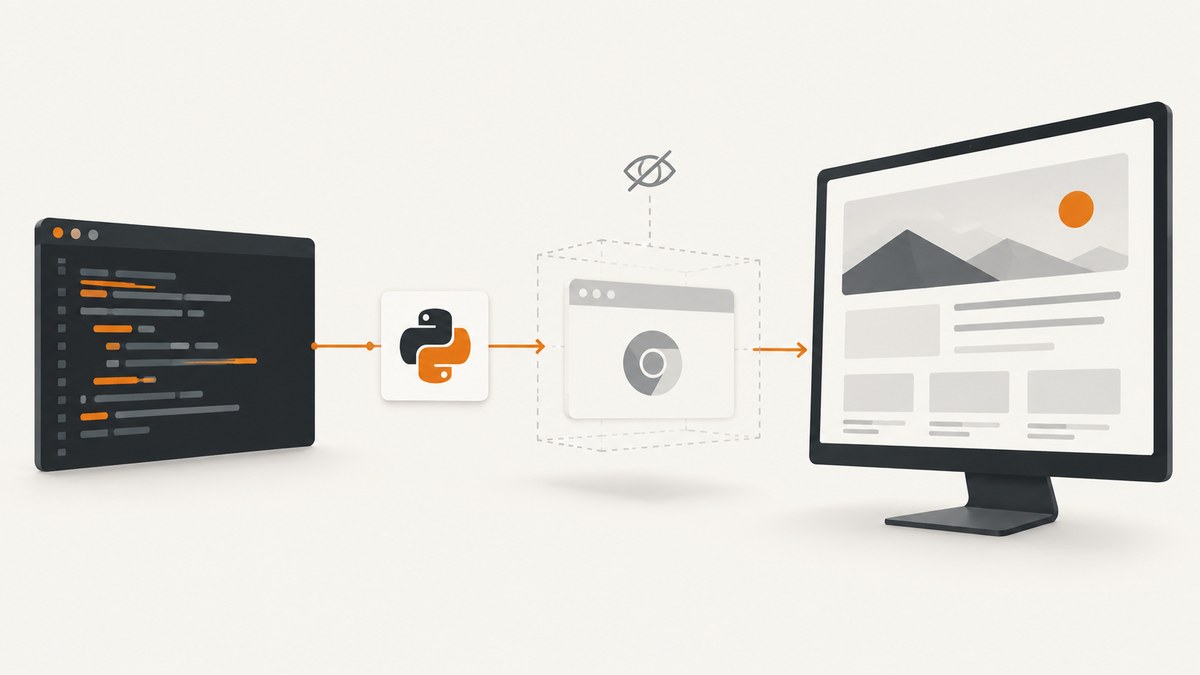
Use Selenium’s Python binding, create webdriver.ChromeOptions(), add --headless=new, and pass the options to webdriver.Chrome(options=options). Selenium Manager is built in, so a separate driver-manager package is normally unnecessary. Always call driver.quit() in a finally block.
from selenium import webdriver

options = webdriver.ChromeOptions()
options.add_argument("--headless=new")

 driver = webdriver.Chrome(options=options)
try:
    driver.get("https://example.com")
    print(driver.title)
finally:
    driver.quit()
Chrome Headless runs the browser without a visible window while WebDriver still controls a full browser session. See Chrome’s Headless mode documentation and Selenium’s Python Chrome WebDriver API.
1. Install Python, Chrome and Selenium
Install Selenium in the active environment
python -m pip install -U seleniumRun the command with the same Python interpreter that will execute your script. Selenium Manager, included with Selenium, can obtain a compatible driver when the environment permits downloads. You generally do not need a separate WebDriver Manager dependency.
Confirm Chrome is available
ChromeDriver is the WebDriver server that lets Selenium control Chrome. A Chrome desktop installation must be available unless you deliberately point Selenium at another Chrome binary. Chrome documents the relationship between Chrome and ChromeDriver in What is ChromeDriver?.
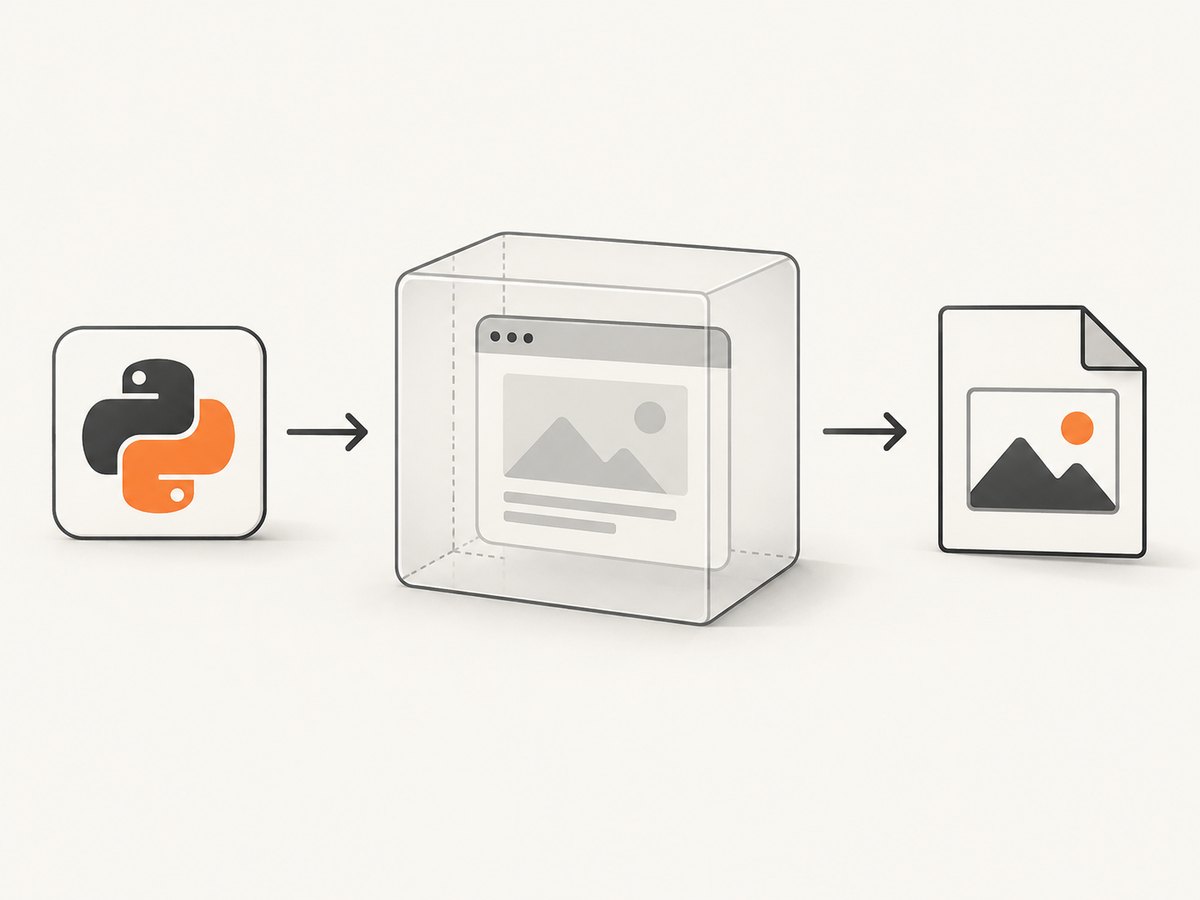
2. A complete headless screenshot script
from pathlib import Path
from selenium import webdriver
from selenium.webdriver.chrome.options import Options

TARGET = "https://example.com"
OUTPUT = Path("example.png")

options = Options()
options.add_argument("--headless=new")
options.add_argument("--window-size=1365,900")

# Selenium Manager resolves ChromeDriver for the installed browser.
driver = webdriver.Chrome(options=options)
try:
    driver.get(TARGET)
    driver.save_screenshot(str(OUTPUT))
    print(f"title={driver.title!r}")
    print(f"saved={OUTPUT.resolve()}")
finally:
    driver.quit()
--window-size controls the viewport used for layout. A screenshot captures the visible viewport; it does not automatically include the entire document.
3. Configure ChromeOptions
| Setting | Example | Use |
|---|---|---|
| Headless mode | --headless=new |
Run without visible UI. |
| Viewport | --window-size=1440,1000 |
Set CSS viewport dimensions for responsive layouts. |
| Chrome binary | options.binary_location = "/path/to/chrome" |
Use a non-default Chrome executable. |
| Download directory | Chrome preferences via add_experimental_option |
Control where downloads are written. |
| User agent | --user-agent=... |
Send a specific user-agent string. |
| Language | --lang=en-US |
Influence locale-sensitive rendering. |
from selenium import webdriver
from selenium.webdriver.chrome.options import Options

options = Options()
options.add_argument("--headless=new")
options.add_argument("--window-size=1440,1000")
options.add_argument("--lang=en-US")
options.add_argument("--user-agent=MyScreenshotBot/1.0")
options.binary_location = "/usr/bin/google-chrome"  # optional

driver = webdriver.Chrome(options=options)
try:
    driver.get("https://example.com")
    print(driver.current_url)
finally:
    driver.quit()
Use a custom driver service
Browser settings belong in options=. If you need to select a specific driver executable or service configuration, use Selenium’s service= parameter.
from selenium import webdriver
from selenium.webdriver.chrome.options import Options
from selenium.webdriver.chrome.service import Service

options = Options()
options.add_argument("--headless=new")
service = Service(executable_path="/opt/chromedriver")

driver = webdriver.Chrome(service=service, options=options)
try:
    driver.get("https://example.com")
    print(driver.title)
finally:
    driver.quit()
4. Capture full pages and dynamic content
For a full-page image, obtain the document’s scroll dimensions, resize the window, and capture. Very tall pages can consume substantial memory.
from selenium import webdriver
from selenium.webdriver.chrome.options import Options

options = Options()
options.add_argument("--headless=new")
options.add_argument("--window-size=1440,900")

driver = webdriver.Chrome(options=options)
try:
    driver.get("https://example.com")
    width = driver.execute_script("return document.documentElement.scrollWidth")
    height = driver.execute_script("return document.documentElement.scrollHeight")
    driver.set_window_size(width, height)
    driver.save_screenshot("full-page.png")
finally:
    driver.quit()
For JavaScript-rendered pages, wait for a condition instead of sleeping for an arbitrary duration.
from selenium import webdriver
from selenium.webdriver.chrome.options import Options
from selenium.webdriver.common.by import By
from selenium.webdriver.support.ui import WebDriverWait

options = Options()
options.add_argument("--headless=new")
driver = webdriver.Chrome(options=options)
try:
    driver.get("https://example.com/dashboard")
    WebDriverWait(driver, 20).until(
        lambda d: d.find_element(By.CSS_SELECTOR, "[data-ready='true']")
    )
    driver.save_screenshot("dashboard.png")
finally:
    driver.quit()
5. Version matching and reproducible CI
A browser and driver mismatch is a common startup failure. For Chrome 115 and later, Chrome and ChromeDriver releases are aligned through Chrome for Testing. Its dashboard and JSON endpoints provide matching downloads. For deterministic CI, pin a Chrome for Testing browser and driver pair rather than relying on whatever version happens to be installed.
- Record the Chrome version in the environment.
- Choose the matching ChromeDriver release, preferably from Chrome for Testing.
- Install both in the same CI image or cache them together.
- Run a smoke test that starts a session, loads a known URL and quits.
If you use a non-Chrome-for-Testing Chrome binary, Chrome documents a MAJOR.MINOR.BUILD lookup and milestone fallback in the version-selection guide.
6. Chrome Headless generations
Use --headless=new (or unified --headless) for current Chrome. Chrome 132 removed the old implementation from the regular Chrome binary; the legacy implementation is distributed separately as chrome-headless-shell. See Chrome’s announcement about removing --headless=old.
7. Troubleshooting
| Error or symptom | Likely cause | Fix |
|---|---|---|
NoSuchDriverException or startup failure |
Selenium is installed in another Python environment, or Selenium Manager cannot obtain a driver. | Run python -m pip install -U selenium with the same interpreter; check network access; or pass a verified executable through Service. |
| “This version of ChromeDriver only supports Chrome version …” | Browser and driver versions do not match. | Check the installed Chrome version and download the matching ChromeDriver/Chrome for Testing pair. |
| No browser window appears | Headless mode intentionally has no visible UI. | Inspect screenshots, page source, logs or run once without the headless argument while debugging. |
--headless=old fails |
The old headless implementation was removed from Chrome 132. | Use --headless=new or unified --headless; use chrome-headless-shell only when legacy behavior is required. |
| Script hangs during navigation | The page or a resource never finishes loading. | Set a page-load timeout, wait for a specific application condition, and capture diagnostics before quitting. |
| Driver process remains after an exception | Cleanup was skipped. | Construct the session before a try block and call driver.quit() in finally. |
| Blank or incomplete screenshot | Rendering was captured before asynchronous content arrived, or the viewport is unsuitable. | Wait for a meaningful selector, set the required window size, and verify the page’s ready state. |
Do not add flags such as --no-sandbox as universal fixes. Diagnose the specific container, permissions or sandbox error first.
8. Reliability and performance checklist
- Pin browser and driver versions in CI.
- Use explicit waits for application state instead of fixed sleeps.
- Set navigation and script timeouts so a broken origin cannot stall a worker forever.
- Reuse a driver only when sessions are isolated and the site state is reset; otherwise start a fresh session per job.
- Keep screenshots at the smallest viewport and scale that meets your requirement.
- Limit full-page captures of extremely long documents and watch worker memory.
- Always quit sessions, including exception paths.
- Store the URL, browser version, driver version and exception details with failed artifacts.
9. Or skip the browser setup
If your goal is a clean website image rather than browser infrastructure, ScreenshotNeo provides a single GET request that returns PNG, JPEG, WebP or PDF. Its API accepts the URL and access key; documentation is at screenshotneo.com/docs.
curl -G "https://api.screenshotneo.com/v1/shot" -d access_key=YOUR_API_KEY --data-urlencode url=https://stripe.com -o shot.webpimport requests
r = requests.get("https://api.screenshotneo.com/v1/shot", params={"access_key": "YOUR_API_KEY", "url": "https://stripe.com"}, timeout=90)
open("shot.webp", "wb").write(r.content)const q = new URLSearchParams({ access_key: 'YOUR_API_KEY', url: 'https://stripe.com' });
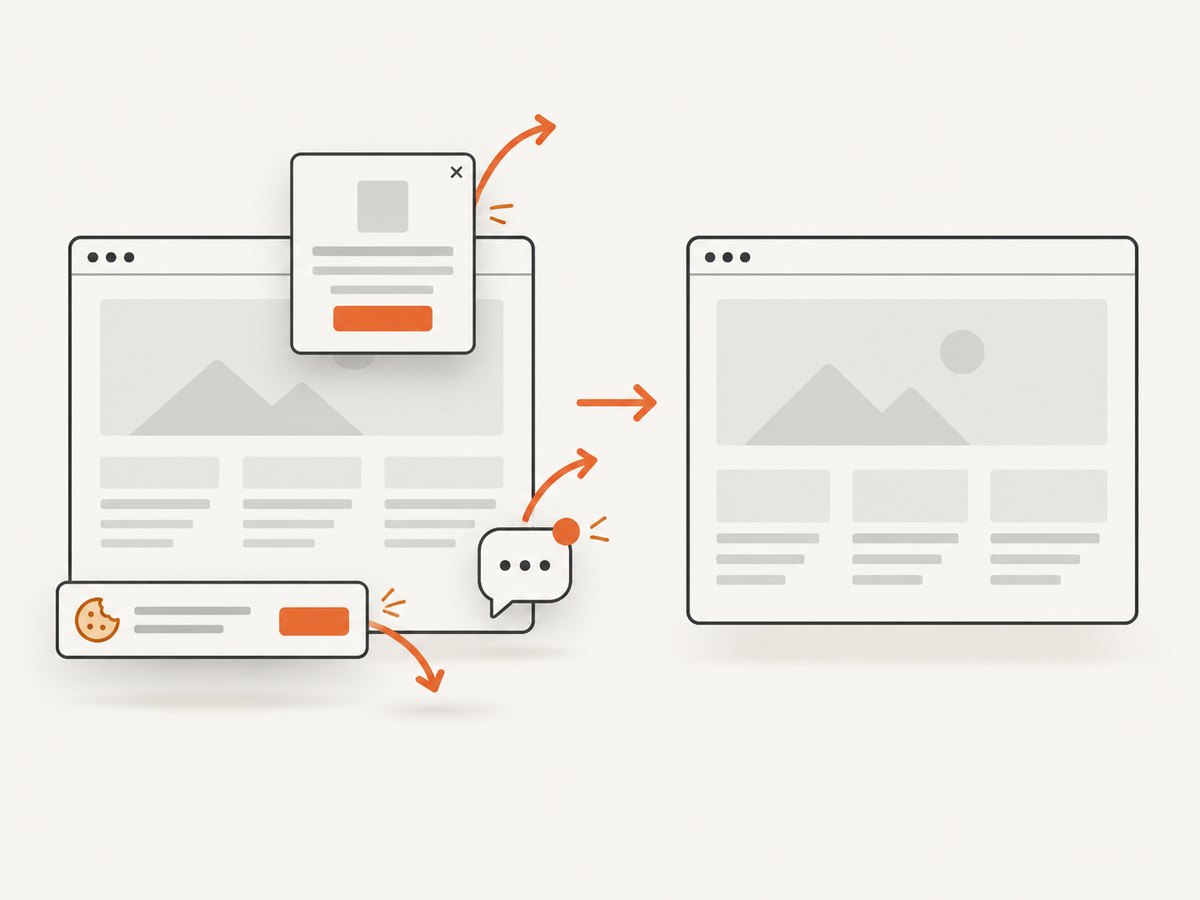
const res = await fetch(`https://api.screenshotneo.com/v1/shot?${q}`);Before capture, cookie and consent banners, newsletter popups and chat widgets are removed. Bot checks, blank pages and failed loads are not billed, and response headers identify the page verdict and billing result. An MCP server provides take_screenshot, get_page_info and capture_pdf tools for Claude, Cursor and other MCP clients. The Free plan includes 1,000 screenshots per month with no card; paid plans start at $5 for 3,000 shots. Create a free ScreenshotNeo account.
10. FAQ
Do I need to install ChromeDriver separately?
Usually no. Selenium Manager is built into Selenium and can manage the driver. Install and invoke Selenium from the same Python environment.
What is the difference between headless and headed mode?
Headless runs without a visible browser window; the WebDriver-controlled browser still loads and renders pages. Remove the headless argument when you need to watch the UI during debugging.
Can I use Firefox or Edge with this code?
No. This code configures Chrome. Other browsers require their Selenium driver and browser-specific options.
Why does a screenshot miss content below the fold?
save_screenshot captures the current viewport. Resize to the document height or scroll and stitch images when you need a full-page result.
Should I use a fixed sleep after get()?
Prefer an explicit wait for the selector or state that proves the page is ready. Fixed sleeps are slower when pages are fast and unreliable when pages are slow.
When should I pin Chrome for Testing?
Pin a matching browser and driver pair when CI reproducibility matters or the installed browser changes independently of your code.


