How to Run CutyCapt from Java to Capture Web Pages
Launch CutyCapt safely from Java, capture PNG or PDF files, wait for JavaScript, pass headers, and troubleshoot modern-page failures.
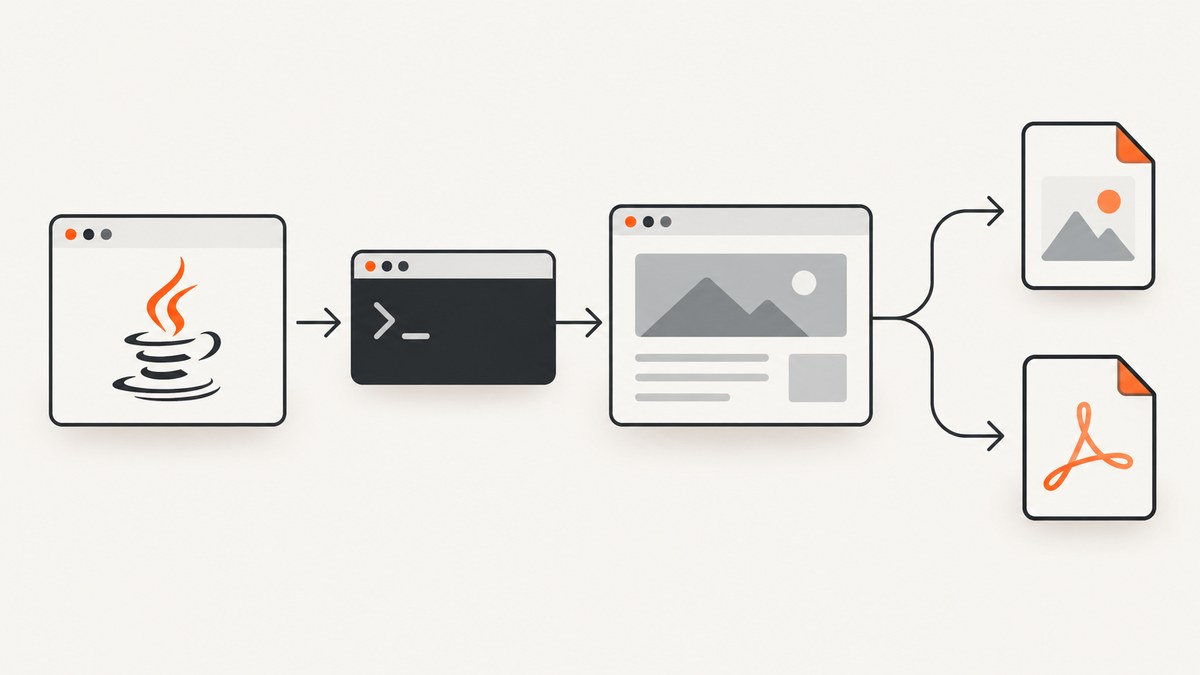
Direct answer: CutyCapt is a command-line executable, so Java runs it as a child process. Build an argument list with ProcessBuilder, pass --url and --out, wait for the process with a timeout, then verify both the exit code and the output file.
import java.io.IOException;
import java.nio.charset.StandardCharsets;
import java.nio.file.Files;
import java.nio.file.Path;
import java.time.Duration;
import java.util.List;
import java.util.concurrent.TimeUnit;

public class CutyCaptExample {
    public static void main(String[] args) throws Exception {
        Path output = Path.of("/tmp/example.png");

        List<String> command = List.of(
            "cutycapt",
            "--url=https://example.com",
            "--out=" + output,
            "--min-width=1280",
            "--min-height=900",
            "--delay=1500",
            "--max-wait=90000",
            "--javascript=on"
        );

        Process process = new ProcessBuilder(command)
            .redirectErrorStream(true)
            .start();

        String outputLog;
        try (var stream = process.getInputStream()) {
            outputLog = new String(stream.readAllBytes(), StandardCharsets.UTF_8);
        }

        boolean finished = process.waitFor(100, TimeUnit.SECONDS);
        if (!finished) {
            process.destroy();
            if (!process.waitFor(5, TimeUnit.SECONDS)) {
                process.destroyForcibly();
            }
            throw new IOException("CutyCapt timed out after 100 seconds");
        }

        int exitCode = process.exitValue();
        if (exitCode != 0) {
            throw new IOException("CutyCapt failed with exit code " + exitCode + ": " + outputLog);
        }
        if (!Files.isRegularFile(output) || Files.size(output) == 0) {
            throw new IOException("CutyCapt returned successfully but produced no data: " + output);
        }

        System.out.println("Wrote " + output + " (" + Files.size(output) + " bytes)");
    }
}
CutyCapt renders a page with its Qt/WebKit runtime and writes formats such as PNG, JPEG, PDF, SVG, PS, TIFF, GIF, and BMP. The Debian cutycapt(1) documentation describes the command contract as cutycapt [options] --url=http://www.someurl.com --out=output.png.
Install CutyCapt and verify the runtime
- Install the executable and its Qt dependencies. On Kali, the documented command is:
sudo apt update
sudo apt install cutycapt- Confirm that Java can find it:
command -v cutycapt
cutycapt --help
On another Linux distribution, use its equivalent package and check that the executable is on the PATH inherited by the Java service. Keep the CutyCapt executable and Qt libraries from the same distribution package where possible.
The packaged runtime is Qt based and WebKit based. A successful installation therefore does not guarantee that a current JavaScript-heavy site will render like a current Chrome browser.
Build a safe Java process wrapper
Pass one argument per list element. Do not concatenate a shell command string: separate arguments avoid quoting bugs in URLs, headers, cookies, and file paths.
static Path capture(String url, Path output, Duration timeout)
        throws IOException, InterruptedException {
    List<String> command = List.of(
        "cutycapt",
        "--url=" + url,
        "--out=" + output,
        "--min-width=1280",
        "--min-height=900",
        "--delay=1500",
        "--max-wait=90000",
        "--javascript=on"
    );

    Process process = new ProcessBuilder(command)
        .redirectErrorStream(true)
        .start();

    String logs;
    try (var input = process.getInputStream()) {
        logs = new String(input.readAllBytes(), StandardCharsets.UTF_8);
    }

    if (!process.waitFor(timeout.toMillis(), TimeUnit.MILLISECONDS)) {
        process.destroy();
        if (!process.waitFor(5, TimeUnit.SECONDS)) {
            process.destroyForcibly();
        }
        throw new IOException("Timed out running CutyCapt. Output: " + logs);
    }

    if (process.exitValue() != 0) {
        throw new IOException("CutyCapt exit code " + process.exitValue() + ": " + logs);
    }
    if (!Files.exists(output) || Files.size(output) == 0) {
        throw new IOException("Missing or empty capture: " + output);
    }
    return output;
}
Read merged standard output and error. Qt warnings can otherwise look like a successful capture. In a server, create a unique output path per job, restrict writable directories, and never log secrets embedded in headers or cookies.
Choose the important CutyCapt options
| Option | Purpose | Practical use |
|---|---|---|
--url |
Source URL | Supports HTTP, file URLs, and other forms accepted by the runtime. |
--out |
Destination file | Use an absolute path when running from a service. |
--out-format |
Output format | Choose PNG, JPEG, PDF, SVG, TIFF, GIF, BMP, or another supported format. |
--min-width, --min-height |
Viewport floor | Documented defaults are 800 by 600. Set both for deterministic layouts. |
--delay |
Extra wait after loading | Allow client-rendered content, fonts, or animations to settle. |
--max-wait |
Load deadline | Documented default is 90,000 ms. Keep it bounded in workers. |
--javascript=on|off |
Enable or disable scripts | Disable scripts for a static view; leave enabled for applications. |
--auto-load-images=on|off |
Image loading | Turn off when images are unnecessary or expensive. |
--plugins=on|off |
Plugin loading | Usually leave off unless a legacy page requires it. |
--header |
HTTP header | Repeat the option for multiple headers. |
--method=get|post|put |
HTTP method | Use with --body-string or --body-base64. |
--user-agent |
Request identity | Match the markup served to your intended client. |
--app-name, --app-version |
Application identification | Set predictable client metadata when required. |
--zoom-factor, --zoom-text-only |
Scale rendering | Useful for print-like output or accessibility checks. |
--print-backgrounds |
Include CSS backgrounds | Enable when background colors or images are part of the design. |
--http-proxy |
Proxy traffic | Use the proxy syntax accepted by your package version. |
| Private-browsing controls | Reduce persisted browser state | Prefer isolated runs for repeatable captures. |
Capture JavaScript-rendered pages
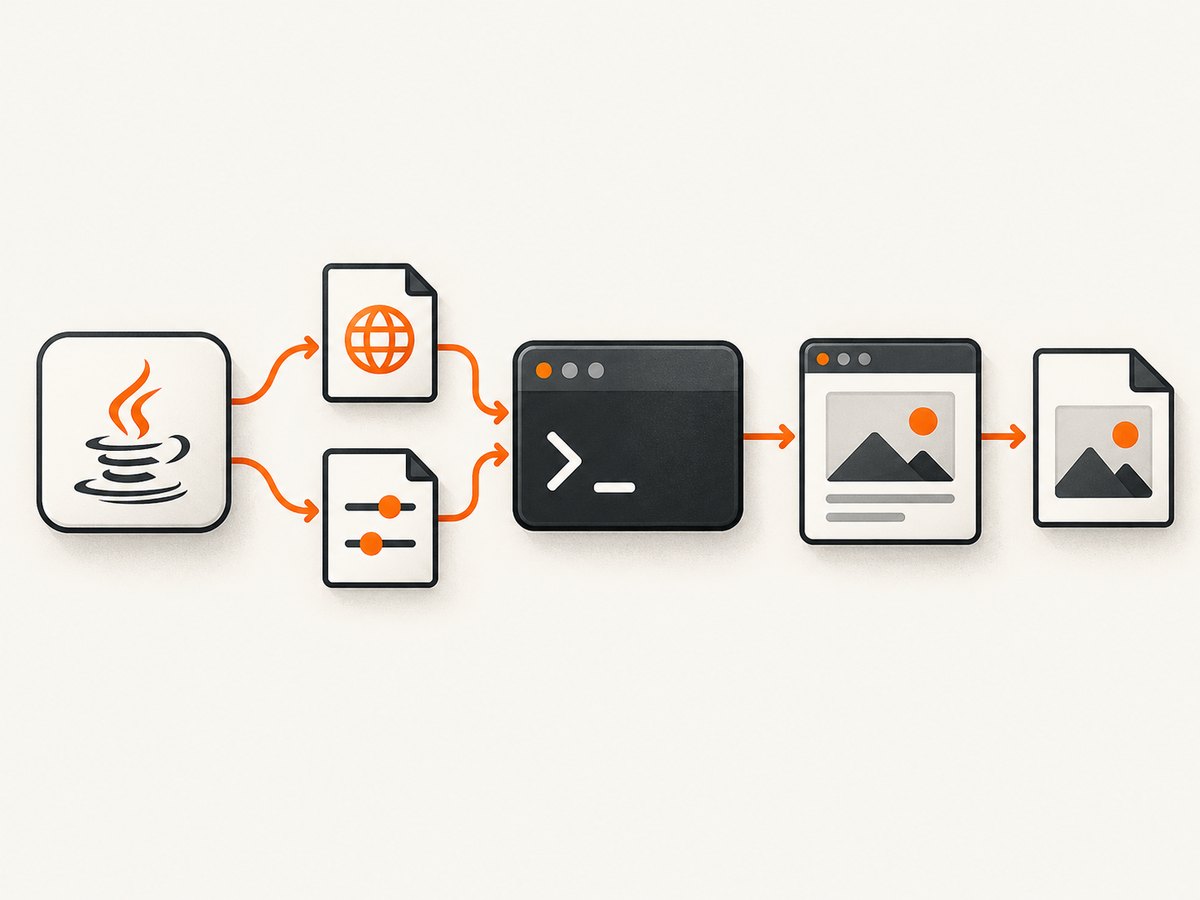
CutyCapt does not provide a selector-based “wait until this element exists” primitive in the documented option set. Use a bounded --max-wait plus a conservative --delay, and make sure JavaScript is enabled.
List<String> command = List.of(
    "cutycapt",
    "--url=https://example.com/dashboard",
    "--out=/tmp/dashboard.png",
    "--javascript=on",
    "--auto-load-images=on",
    "--delay=3000",
    "--max-wait=90000"
);
For pages with animations, choose a delay long enough for the desired state and disable motion at the application level when you control the page. Inspect the resulting image; process completion alone does not prove that asynchronous content appeared.
Send headers, cookies, POST data, and authentication
Repeat --header for each header. Keep access tokens out of command logs and process listings where your operating system exposes them; prefer short-lived credentials and a restricted worker account.
List<String> command = List.of(
    "cutycapt",
    "--url=https://internal.example/report",
    "--out=/tmp/report.pdf",
    "--out-format=pdf",
    "--header=Authorization: Bearer " + token,
    "--header=Accept-Language: en-US",
    "--method=post",
    "--body-string=range=today",
    "--user-agent=ReportCapture/1.0",
    "--max-wait=90000"
);
For binary request bodies, use --body-base64. For a cookie-based page, pass the cookie header required by that site. Test authentication separately: a login redirect or access-denied page can still produce a valid-looking image file.
Capture PNG, JPEG, PDF, or SVG
List<String> png = List.of("cutycapt",
    "--url=https://example.com", "--out=/tmp/page.png", "--out-format=png");
List<String> pdf = List.of("cutycapt",
    "--url=https://example.com", "--out=/tmp/page.pdf", "--out-format=pdf");
List<String> svg = List.of("cutycapt",
    "--url=https://example.com", "--out=/tmp/page.svg", "--out-format=svg");
Choose a format based on the consumer: PNG preserves sharp UI edges, JPEG reduces size for photographic pages, PDF is convenient for documents, and SVG is useful when the rendered output remains compatible with the target workflow. Confirm that your installed package supports the requested format.
Headless and display considerations
The cited CutyCapt documentation does not promise a universal headless mode. On a server without a graphical display, verify the display requirements of your distribution package and use an appropriate virtual-display arrangement when needed. Record the operating system, CutyCapt package version, display setup, URL, and options for every failure investigation.
Troubleshooting common failures
| Symptom | Likely cause | Fix |
|---|---|---|
Cannot run program cutycapt |
Executable is missing or absent from Java’s PATH. |
Install the package, use an absolute executable path, and print the service environment. |
| Non-zero exit code | Invalid option, inaccessible URL, missing runtime library, or display problem. | Capture merged output, run the exact command as the service user, and check Qt/display dependencies. |
| Process hangs | A resource never completes or the page keeps network activity open. | Set --max-wait, enforce a Java timeout, then terminate and forcibly clean up the child. |
| Blank or partial image | JavaScript has not finished, a page blocked the client, or the WebKit engine lacks a required API. | Increase --delay, verify --javascript=on, inspect logs, and compare with a current browser. |
| Missing images or fonts | Network access, asset timing, SSL, or unsupported web features. | Check resource URLs from the capture host, allow more time, and verify font availability. |
| Wrong layout | Viewport defaults, zoom, responsive CSS, or WebKit differences. | Set both minimum dimensions, adjust zoom, and inspect at the target viewport. |
| Authentication page captured | Header, cookie, method, or redirect handling is incorrect. | Check the final page manually, pass only required headers, and test credentials outside production logs. |
| Output exists but is zero bytes | Write permission, invalid destination, or failed renderer. | Use a writable absolute path and verify file size after exit. |

Reliability, performance, and cost
- Bound every job: combine CutyCapt’s
--max-waitwith a JavawaitFortimeout and process cleanup. - Use a worker limit: browser processes consume CPU and memory; cap concurrent captures and queue excess work.
- Reuse nothing implicitly: isolate output paths and browser state when captures must be reproducible.
- Measure the result: record duration, exit code, output size, and a content check appropriate to the page.
- Control delays: a large fixed delay improves completeness but lowers throughput. Start small, then increase for pages that need it.
- Plan for WebKit gaps: modern sites may need browser APIs that this Qt/WebKit stack does not reproduce.
- Budget infrastructure: CutyCapt itself is a local process, so account for your VM, display setup, storage, and operations rather than assuming a hosted per-shot price.
When a current browser engine is a better fit
Compare tools on browser-engine fidelity, JavaScript and web-platform coverage, wait and network controls, output formats, deployment footprint, licensing, and CI stability. A Puppeteer/Chrome-based command-line tool such as capture-website-cli is a migration lead when WebKit compatibility is the problem. Validate its current options and license before adopting it.
Or skip the browser setup
ScreenshotNeo provides a hosted screenshot API and MCP server. One request returns a PNG, JPEG, WebP, or PDF, without installing Qt or managing a display.
cURL: See the ScreenshotNeo API documentation for the full option set.
curl -G "https://api.screenshotneo.com/v1/shot" -d access_key=YOUR_API_KEY --data-urlencode url=https://stripe.com -o shot.webpimport requests
r = requests.get("https://api.screenshotneo.com/v1/shot", params={"access_key": "YOUR_API_KEY", "url": "https://stripe.com"}, timeout=90)
open("shot.webp", "wb").write(r.content)const q = new URLSearchParams({ access_key: 'YOUR_API_KEY', url: 'https://stripe.com' });
const res = await fetch(`https://api.screenshotneo.com/v1/shot?${q}`);Cookie and consent banners are accepted and removed before capture, along with more than 60 known consent platforms, newsletter popups, and chat widgets. Bot checks, blank pages, timeouts, failed loads, and cache hits are not billed; response headers identify the page verdict and whether the shot was billed. Its MCP server lets Claude, Cursor, and other MCP clients call take_screenshot, get_page_info, and capture_pdf. One thousand screenshots per month are free with no card, and paid plans start at $5 for 3,000 shots. Create a free ScreenshotNeo account.
FAQ
Can Java run CutyCapt without a shell?
Yes. ProcessBuilder starts the executable directly, which is preferable to passing a single command string through a shell.
Does CutyCapt wait for a specific DOM selector?
The documented options provide a delay and a maximum wait, but not a selector wait. Use a bounded delay or a renderer with selector-aware waits.
Why does a page work in Chrome but fail in CutyCapt?
CutyCapt uses a Qt/WebKit-based runtime. A modern page can depend on browser APIs, JavaScript behavior, fonts, or security features that this stack does not implement.
Is a zero exit code enough to trust the capture?
No. Check that the file exists and has non-zero size, then inspect its visual content for missing scripts, images, fonts, redirects, or access-denied pages.
How do I make captures repeatable?
Pin the package version, set viewport and timing explicitly, isolate output paths and browser state, and record the environment and command options with each job.


