How to Run jQuery in Rotativa ViewAsPdf
Run jQuery in the Razor view Rotativa converts, verify asset paths, and handle asynchronous work safely. Includes MVC and ASP.NET Core guidance.
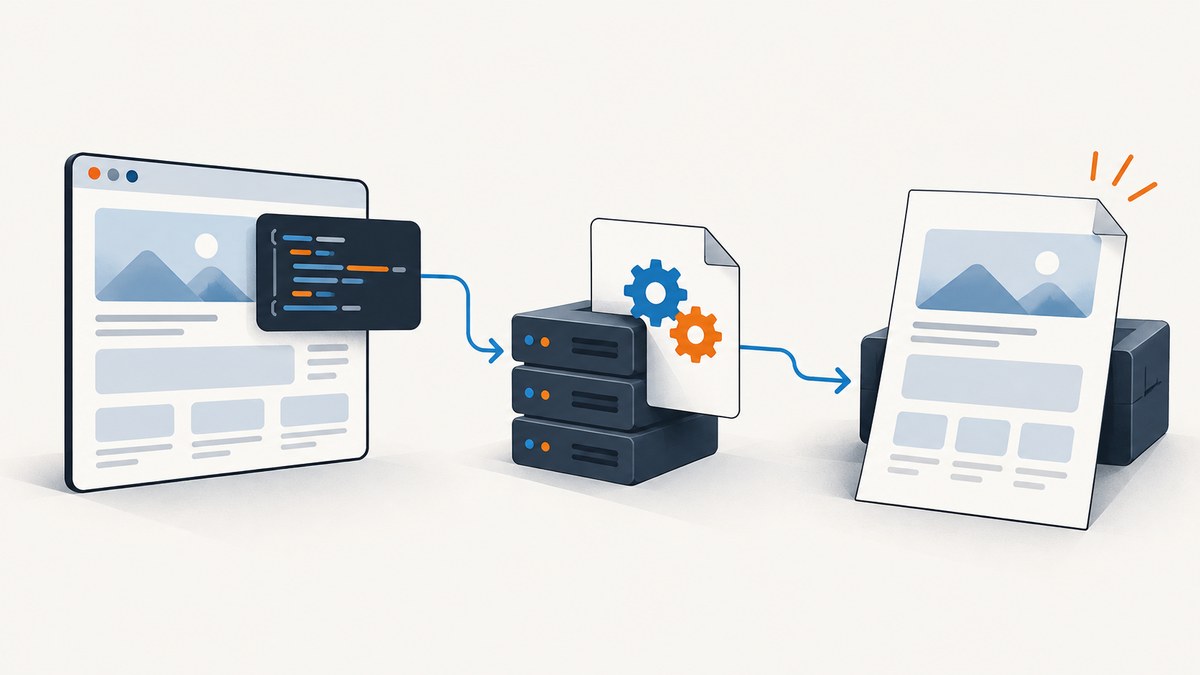
Short answer: Put jQuery and any dependent scripts in the Razor view that Rotativa renders, and make sure wkhtmltopdf can load their URLs. Rotativa renders the view to HTML and passes that HTML to the converter. A jQuery ready handler can perform synchronous DOM changes if the converter runs the script before capture, but the available Rotativa documentation does not guarantee that AJAX or other asynchronous work will finish in time. Render essential PDF data on the server whenever possible.
This guide focuses on Rotativa.AspNetCore where noted. The original Rotativa package targets legacy ASP.NET MVC and has a different integration model; do not copy controller setup between the packages. The reviewed ASP.NET Core README lists .NET Core 3.1 and .NET 5 through .NET 8 as its supported range. Check the documentation for the exact package version in your application before relying on that range.
1. Understand where jQuery runs
ViewAsPdf is a server-side conversion path, not a browser session that stays open for a person to interact with. Rotativa.AspNetCore renders a Razor view to HTML and gives that HTML to wkhtmltopdf. Any scripts that run do so in the converter’s HTML-rendering environment, before the resulting PDF is opened. The PDF viewer does not subsequently run jQuery.
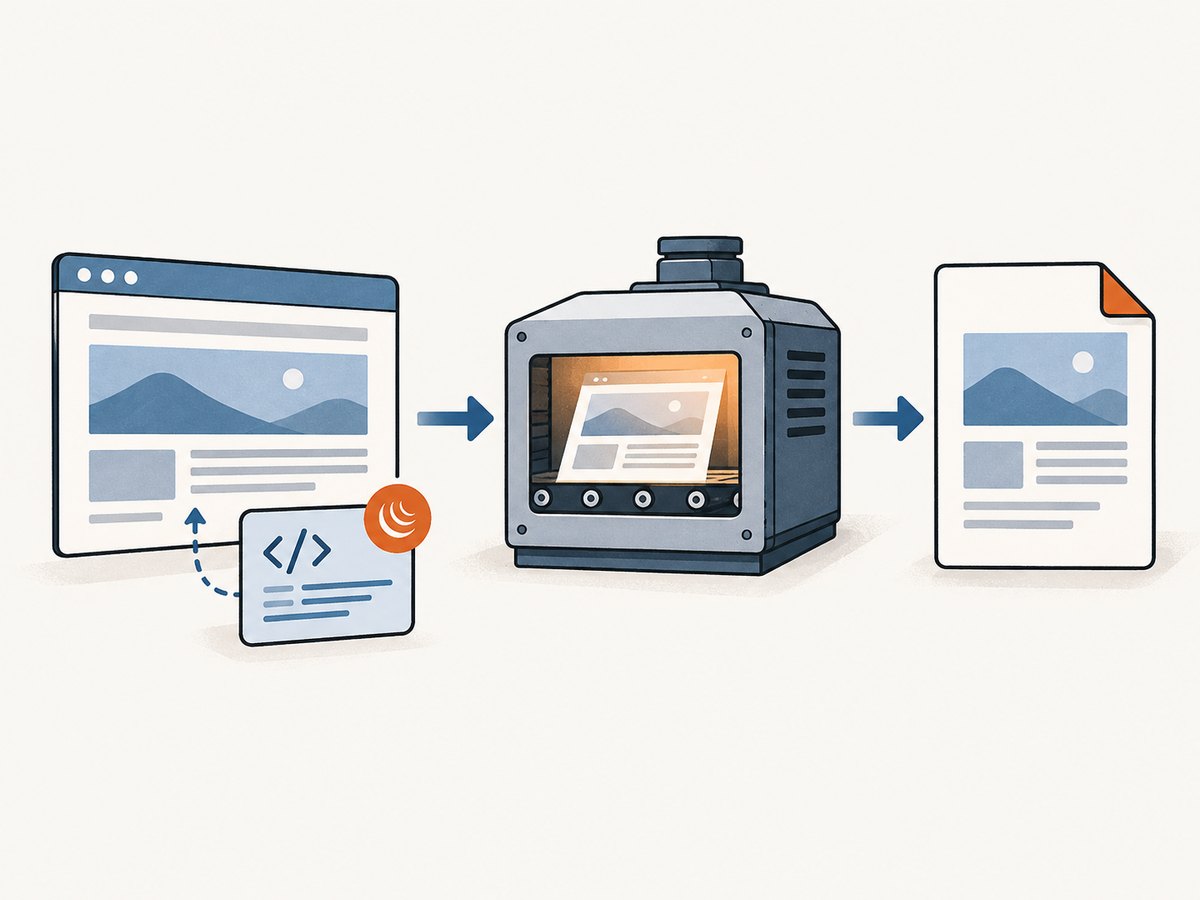
That distinction is useful for diagnosing failures. A script can work in Chrome when you browse to the page, yet fail in the PDF if the converter cannot resolve the script URL, if a dependency is missing, if the binary does not run JavaScript as expected, or if the script waits on work that is not complete at conversion time. The source establishes the HTML-to-converter flow; it does not establish a universal script timing guarantee.
For a report, invoice, or other document, use Razor and the model to produce the final values whenever feasible. jQuery is appropriate for synchronous presentation adjustments, but it should not be the only place essential document data is created.
2. Install and configure the right Rotativa package
ASP.NET Core
Use the Rotativa.AspNetCore package and its README for the installed version. The documented startup call differs by target framework:
// .NET 6 through .NET 8, as described by the project README
app.UseRotativa();
// .NET Core 3.1 and .NET 5, as described by the project README
app.UseRotativa(env);The README says the running application needs access to the wkhtmltopdf executable. By default it searches for it in a Rotativa directory in the web application root; configuration can point to another relative path. Confirm the deployed executable exists and can be read and executed by the application process. Match the binary to your operating system and deployment environment.
Classic ASP.NET MVC
The original Rotativa project documents ViewAsPdf as an MVC action result. Its setup and package APIs differ from Rotativa.AspNetCore. If the application uses classic MVC, follow the original project’s README rather than combining its action result with ASP.NET Core startup examples. The conversion concepts in this guide still apply: the HTML, script URLs, and converter process determine whether client-side code can affect the output.
3. Return a Razor view as a PDF
For Rotativa.AspNetCore, a minimal action returns a named view and its model. Adjust the overload to the version installed in your project; the project documents overloads for view data, view names, models, and conversion options.
public IActionResult Report()
{
    var model = BuildReportModel();
    return new ViewAsPdf("Report", model);
}
The action must prepare the data before conversion. For example, if a chart or total is required in the PDF, calculate its values in BuildReportModel() and expose them to the view. A script that fetches the value later introduces a timing dependency.
4. Load jQuery in the rendered view
Put the script reference in the Razor view that is actually returned as the PDF. A static local asset is often the simplest dependency to reason about:
@* Report.cshtml *@
<!doctype html>
<html>
<head>
    <meta charset="utf-8" />
    <title>Report</title>
    <script src="/lib/jquery/jquery.min.js"></script>
    <script>
        $(function () {
            // Synchronous DOM updates can be made here.
            // Keep required report values in the server-rendered markup.
            $(".temporary-note").remove();
        });
    </script>
</head>
<body>
    <h1>Monthly report</h1>
    <p>Total: @Model.Total</p>
</body>
</html>
Use the actual jQuery location in your application. If the PDF request renders a standalone view without the normal layout, scripts included only in the layout will not appear. Inspect the HTML output or temporarily log it in a controlled development environment to verify the script tag exists in the HTML sent for conversion.
5. Make asset URLs resolvable
A path that works in a browser is not automatically available to the converter. The converter runs as a process on the web server and must be able to load the document’s CSS, scripts, fonts, and images. Rotativa.AspNetCore documents base URL injection by default and supports disabling it with setBaseUrl: false. Base URL handling changes how relative paths resolve, so check the generated HTML and the package API for the overload you use.
- Root-relative path:
/lib/jquery/jquery.min.jsresolves from the site root if the converter can access the site at the expected host. - Document-relative path:
lib/jquery/jquery.min.jsdepends on the base URL and the rendered document location. - Absolute URL: A full
https://URL avoids ambiguity about the host, but the server process still needs network and certificate access to fetch it. - Local file: A local asset may be useful in a controlled deployment, but verify that the converter is permitted to read it and that paths are valid on the deployed operating system.
Rotativa.io advertises support for local images, CSS, and JavaScript assets, but that hosted product’s description does not prove that every self-hosted Rotativa configuration resolves assets the same way. For self-hosted output, validate paths under the actual service account and deployment environment.
6. Handle asynchronous JavaScript deliberately
There is no documented universal guarantee in the reviewed Rotativa.AspNetCore README or implementation that AJAX calls, timers, or other asynchronous work will finish before the converter captures the page. Do not assume that $(function () { ... }) waits for requests started inside the handler. DOM-ready means the document is ready for the handler; it does not mean a later network request has completed.
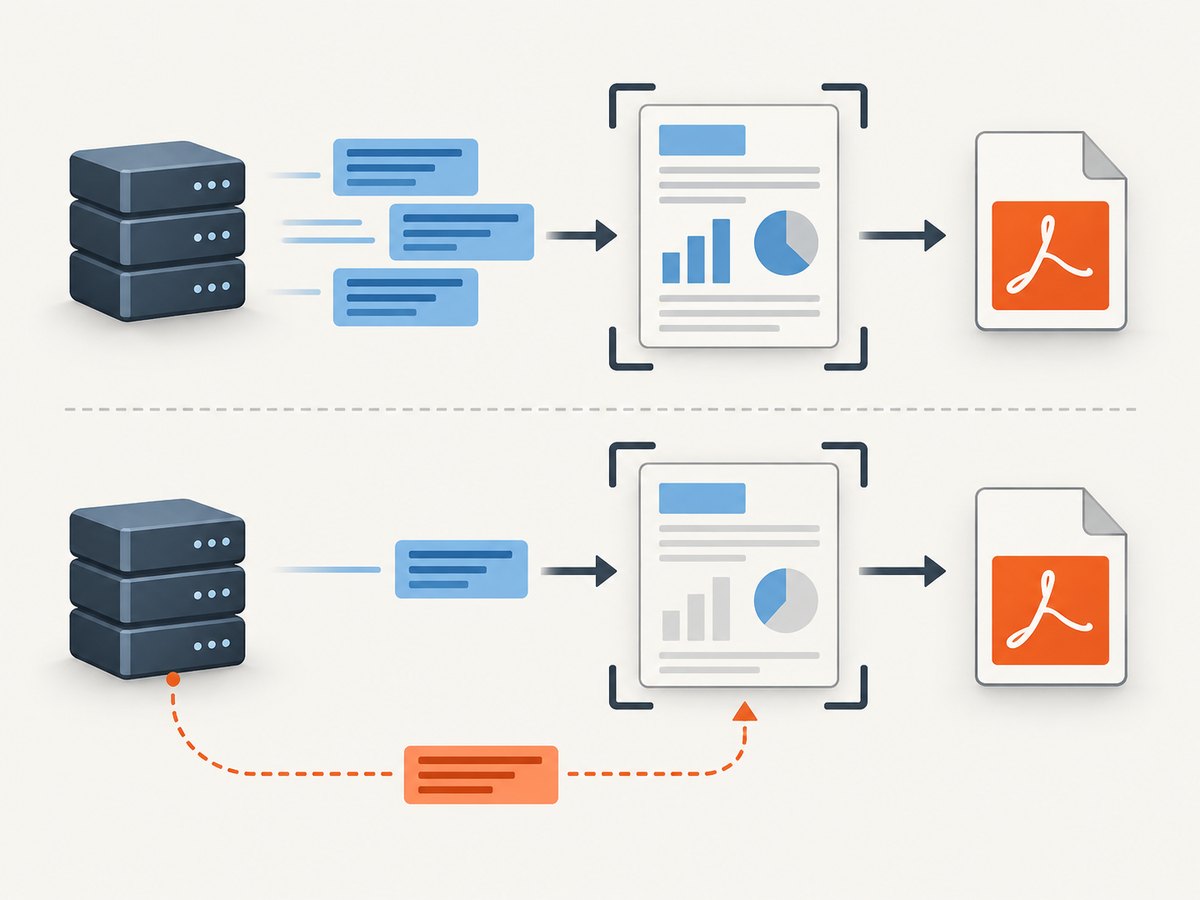
Prefer this order of solutions:
- Render data on the server. Fetch database or service data in the controller/service before returning
ViewAsPdf. Bind it to the model and let Razor emit complete markup. - Use deterministic markup. If the script only formats values or removes an element, consider producing the desired HTML directly in Razor or applying print-specific CSS.
- If client-side data is unavoidable, verify the exact binary behavior. Check the wkhtmltopdf version, supported switches, and package support for the installed deployment. Test with the real converter under the same environment. The source reviewed here does not specify a portable wait option or timing contract.
Rotativa documents passing custom switches, but not every switch behaves consistently across converter versions. Only use a switch after confirming it is supported by the binary you deploy. A delay can make a particular page appear to work while remaining brittle when network latency or page complexity changes.
7. Configure view and conversion options
Rotativa.AspNetCore’s documented ViewAsPdf overloads include view data or a model, a view name, and options for partial views and base URL handling. Use the overload that matches the installed package rather than assuming every version has an identical signature.
- View name and model: Identify the Razor view and provide the complete report data before conversion.
- Partial views: Use the documented partial-view option if the PDF is rendered from a partial rather than a full view.
- Base URL: Leave the documented default enabled when relative assets need the injected base URL; set
setBaseUrl: falseonly when you deliberately provide paths that do not need it. - Custom switches: Pass only switches supported by the wkhtmltopdf executable in use. The library accepting a switch does not ensure the binary supports its behavior.
For classic MVC, consult the original Rotativa README and API; do not transplant ASP.NET Core overloads into that package.
8. Troubleshooting: jQuery or page content missing
| Symptom | Likely cause | What to check or change |
|---|---|---|
$ is not defined |
jQuery did not load, or the dependent script ran first. | Verify the jQuery script tag appears in the rendered view, its URL resolves from the converter, and dependent scripts come after it. |
| Script works in browser, not PDF | The converter cannot reach an asset, or its rendering environment differs from the interactive browser. | Check network access, URL scheme, certificate trust, base URL behavior, and server-side access to the asset. |
| AJAX data is blank or stale | The converter captured before asynchronous work completed. | Render the data in the controller/model before conversion. If that is impossible, validate a supported wait strategy for the exact converter binary. |
| Relative CSS or JS is missing | The document base URL differs from the expected site path. | Inspect generated HTML and absolute/relative URLs; verify whether base URL injection is enabled. |
| PDF action fails to start conversion | The executable is absent, inaccessible, or configured at the wrong path. | Check the Rotativa directory or configured path, permissions, OS compatibility, and application logs. |
| Only some pages fail | A particular view uses a layout, partial, route, or asset URL not present in other views. | Confirm the actual view returned, the model, and every referenced asset for that route. |
| A custom switch has no effect | The installed wkhtmltopdf binary may not support it, or the package passes it differently than expected. | Check the converter version and its supported options; avoid assuming switch support is version-independent. |
9. Performance, reliability, and operating cost
Each PDF conversion depends on the server-rendered view, the converter executable, and any external assets it needs to load. A script that waits on a remote endpoint adds a network dependency and variable delay. Moving required data retrieval into the server-side report generation makes the conversion input more predictable and removes a browser-side race.
For reliability, deploy and configure the same converter binary across environments, make its executable path explicit where needed, and test representative views with the production service account. Large reports and remote resources can add conversion time, but the reviewed sources provide no benchmark that would support a numeric estimate. Measure your own workload with its real pages and infrastructure.
For cost, a self-hosted configuration means your team operates the application environment and converter process; the sources reviewed do not establish a universal hosting cost or performance figure. Rotativa.io describes hosted generation on Azure and as avoiding local converter hosting, but current pricing, limits, and program terms were not established by the reviewed pages. Compare those details directly before choosing a hosted service.
10. When the task is a website screenshot instead
Rotativa is for generating a PDF from an application view. If the actual task is capturing a website as an image or PDF, ScreenshotNeo is a separate option: it is a website screenshot API and MCP server from ScreenshotNeo. It is not a replacement for rendering a model-driven Razor report. Its API takes a URL and returns an image or PDF; see the API documentation.
Or skip the browser setup
For a public page such as Stripe, one GET request returns a screenshot. The request below writes the response to a file, and the Python and Node.js forms follow it.
curl -G "https://api.screenshotneo.com/v1/shot" -d access_key=YOUR_API_KEY --data-urlencode url=https://stripe.com -o shot.webpimport requests
r = requests.get(
"https://api.screenshotneo.com/v1/shot",
params={"access_key": "YOUR_API_KEY", "url": "https://stripe.com"},
timeout=90,
)
open("shot.webp", "wb").write(r.content)const q = new URLSearchParams({ access_key: 'YOUR_API_KEY', url: 'https://stripe.com' });
const res = await fetch(`https://api.screenshotneo.com/v1/shot?${q}`);
if (!res.ok) throw new Error(`Screenshot request failed: ${res.status}`);
const image = Buffer.from(await res.arrayBuffer());
await (await import('node:fs/promises')).writeFile('shot.webp', image);ScreenshotNeo removes cookie banners, popups, and chat widgets before the shot. Bot checks, blank pages, and failed loads are never billed. Its MCP server lets AI agents take screenshots. The free plan includes 1,000 screenshots a month with no card, and paid plans start at $5 for 3,000. Sign up for the free plan and get 1,000 screenshots a month with no card.
11. Short FAQ
Does jQuery run after someone opens the PDF?
No. Any script execution relevant to the output happens during HTML conversion, before the PDF is opened.
Can I use the jQuery CDN?
Only if the converter process can reach that URL during conversion. A locally hosted copy can reduce dependence on external network access.
Should I use Rotativa or ScreenshotNeo for a Razor report?
Use Rotativa when the output must be generated from a server-rendered application view and its model. ScreenshotNeo captures pages available at a URL; it does not render your Razor model as an application report.
Does a successful browser preview prove the PDF will match?
No. Browser and converter environments can differ in asset access and script timing. Validate the output through the deployed conversion path.
12. Final checklist
- Identify whether the project uses classic Rotativa or Rotativa.AspNetCore.
- Return the intended Razor view with its data ready in the model.
- Include jQuery in that rendered view or its included layout.
- Confirm every script, stylesheet, font, and image URL is accessible to wkhtmltopdf.
- Check base URL behavior and the configured executable path in the deployed environment.
- Keep essential values server-rendered; do not assume AJAX completes before capture.
- Use custom switches only when supported by the exact converter binary.
With those conditions in place, jQuery can make synchronous DOM changes during the conversion pass. For data and behavior that must be dependable in every PDF, generate the final content before the view reaches Rotativa.


