How to Run Multiple PuppeteerSharp Browsers Concurrently
Run PuppeteerSharp browsers in parallel with isolated profiles, bounded workers, reliable cleanup, and practical troubleshooting.
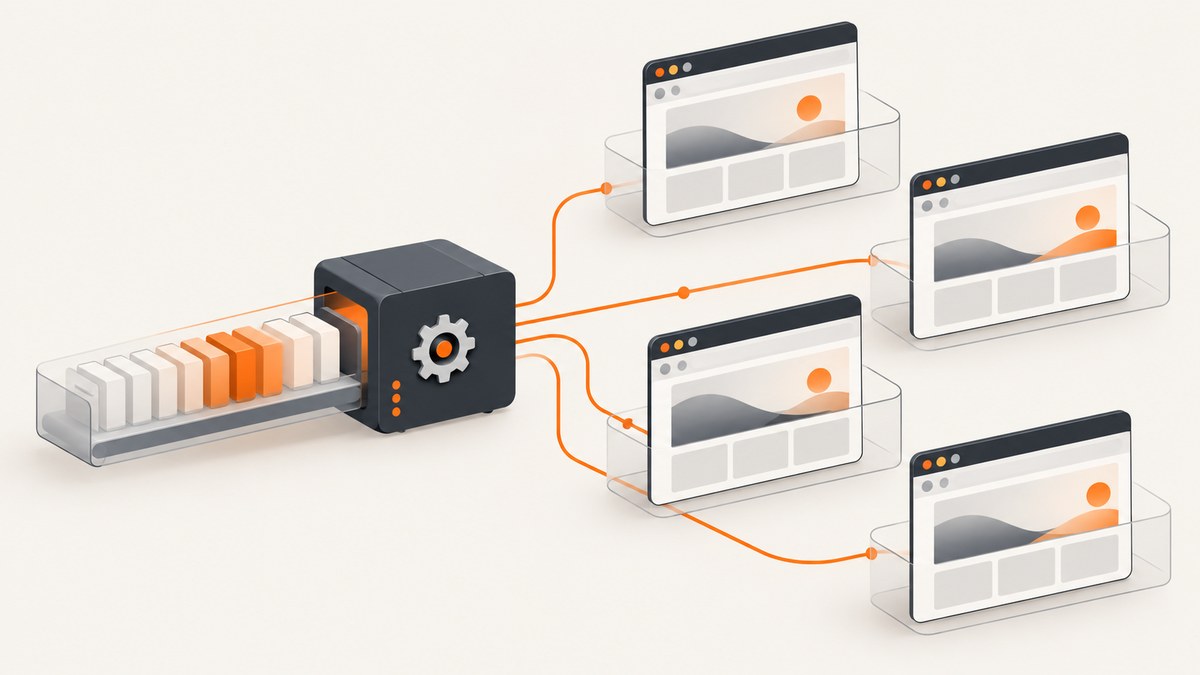
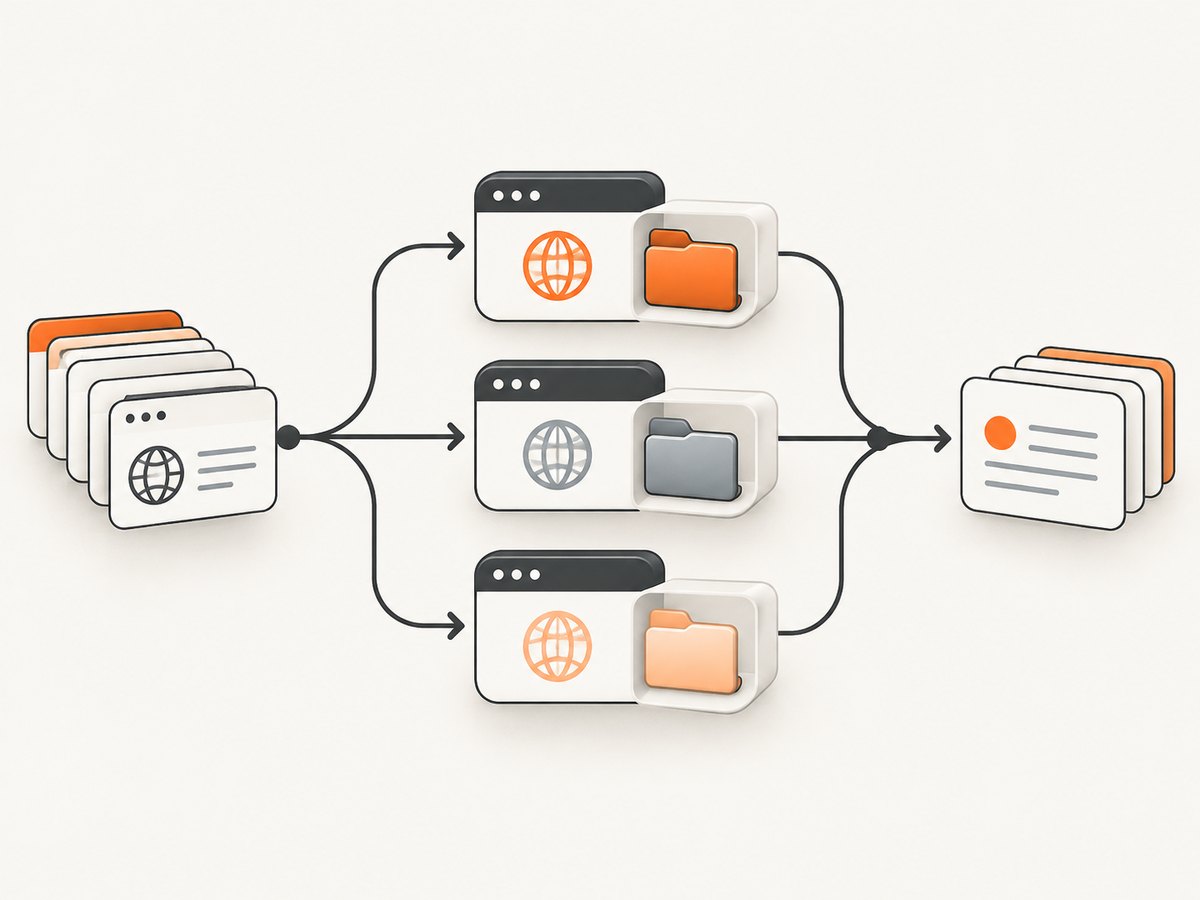
Yes. Run independent PuppeteerSharp launches as asynchronous tasks, then await them with Task.WhenAll. Give every browser its own temporary UserDataDir when you launch multiple processes, keep each page local to its worker, and cap concurrency with SemaphoreSlim or a bounded queue. This avoids profile-lock errors and prevents an unbounded burst of Chromium processes.
The pattern below covers browser download, isolated profiles, cancellation, cleanup, result collection, and bounded workers. PuppeteerSharp is a .NET port of the official Node.js Puppeteer API. See the official PuppeteerSharp repository for version-specific API details.
1. Choose a concurrency model
There are two valid designs:
| Design | Isolation | Startup cost | Use it when |
|---|---|---|---|
| Several browser processes | Strong: crashes, flags, binaries and profiles are separate | Highest | Jobs need different launch arguments, maximum fault isolation, or independent browser lifecycles |
| One browser, many contexts | Session and cookie isolation, shared process | Lower | Jobs can share one browser binary and you want less process overhead |
A browser context is an independent browser session inside one process. It is not equivalent to an operating-system process: a browser crash can affect every context, and launch flags are shared. Separate processes also require separate profile directories. Chromium locks a user-data directory while it is running, so two workers must never launch against the same persistent profile.
2. Prepare PuppeteerSharp once
Download the required browser during application startup, before creating workers. Doing this once avoids a race where every worker tries to provision the same executable.
using PuppeteerSharp;

await new BrowserFetcher().DownloadAsync();
Pin the PuppeteerSharp package version in your project and review the matching browser revision when upgrading. In containers or Linux hosts, install the system libraries required by Chromium and verify headless startup before increasing worker count.
3. Launch several browsers with Task.WhenAll
This complete multi-process example creates a unique profile, launches one browser, navigates one URL, returns page HTML, and disposes everything even when navigation fails.
using PuppeteerSharp;

var urls = new[]
{
    "https://example.com/",
    "https://httpbin.org/html",
    "https://www.wikipedia.org/"
};

await new BrowserFetcher().DownloadAsync();

var jobs = urls.Select(async (url, index) =>
{
    var profilePath = Path.Combine(
        Path.GetTempPath(),
        $"puppeteer-profile-{index}-{Guid.NewGuid():N}");

    try
    {
        await using var browser = await Puppeteer.LaunchAsync(new LaunchOptions
        {
            Headless = true,
            UserDataDir = profilePath
        });

        await using var page = await browser.NewPageAsync();
        await page.GoToAsync(url, new NavigationOptions
        {
            WaitUntil = new[] { WaitUntilNavigation.Networkidle0 },
            Timeout = 60_000
        });

        return new {
            Url = url,
            Html = await page.GetContentAsync()
        };
    }
    finally
    {
        try
        {
            if (Directory.Exists(profilePath))
                Directory.Delete(profilePath, recursive: true);
        }
        catch (IOException)
        {
            // Log this and remove the directory with a later cleanup job.
        }
    }
});

var results = await Task.WhenAll(jobs);
foreach (var result in results)
    Console.WriteLine($"{result.Url}: {result.Html.Length} bytes");
Task.WhenAll starts asynchronous launch operations without serializing them. It propagates failure after all tasks complete. Keep the URL and worker ID in logs so you can identify failures.
4. Bound the number of simultaneous browsers
Launching one process per URL is unsafe for a large queue. PuppeteerSharp does not publish a universal maximum browser count or CPU/RAM benchmark. The correct limit depends on page weight, JavaScript, screenshots, PDFs, downloads and the host. Start with a small limit, measure, then tune.
using PuppeteerSharp;

var maxConcurrent = 4;
using var gate = new SemaphoreSlim(maxConcurrent);

await new BrowserFetcher().DownloadAsync();

async Task<string> CaptureAsync(string url, int jobId, CancellationToken ct)
{
    await gate.WaitAsync(ct);
    var profilePath = Path.Combine(
        Path.GetTempPath(), $"ps-{jobId}-{Guid.NewGuid():N}");

    try
    {
        await using var browser = await Puppeteer.LaunchAsync(new LaunchOptions
        {
            Headless = true,
            UserDataDir = profilePath
        });
        await using var page = await browser.NewPageAsync();
        await page.GoToAsync(url, new NavigationOptions
        {
            WaitUntil = new[] { WaitUntilNavigation.Networkidle2 },
            Timeout = 45_000
        });
        ct.ThrowIfCancellationRequested();
        return await page.GetContentAsync();
    }
    finally
    {
        gate.Release();
        if (Directory.Exists(profilePath))
        {
            try { Directory.Delete(profilePath, true); }
            catch (IOException) { /* schedule deferred cleanup */ }
        }
    }
}

using var cts = new CancellationTokenSource(TimeSpan.FromMinutes(5));
var tasks = urls.Select((url, i) => CaptureAsync(url, i, cts.Token));
var htmlPages = await Task.WhenAll(tasks);
For long-running services, a Channel<T> with fixed consumers provides back-pressure and a place to record retries. A semaphore is sufficient when the input set is already in memory.
5. Reuse one browser with independent contexts
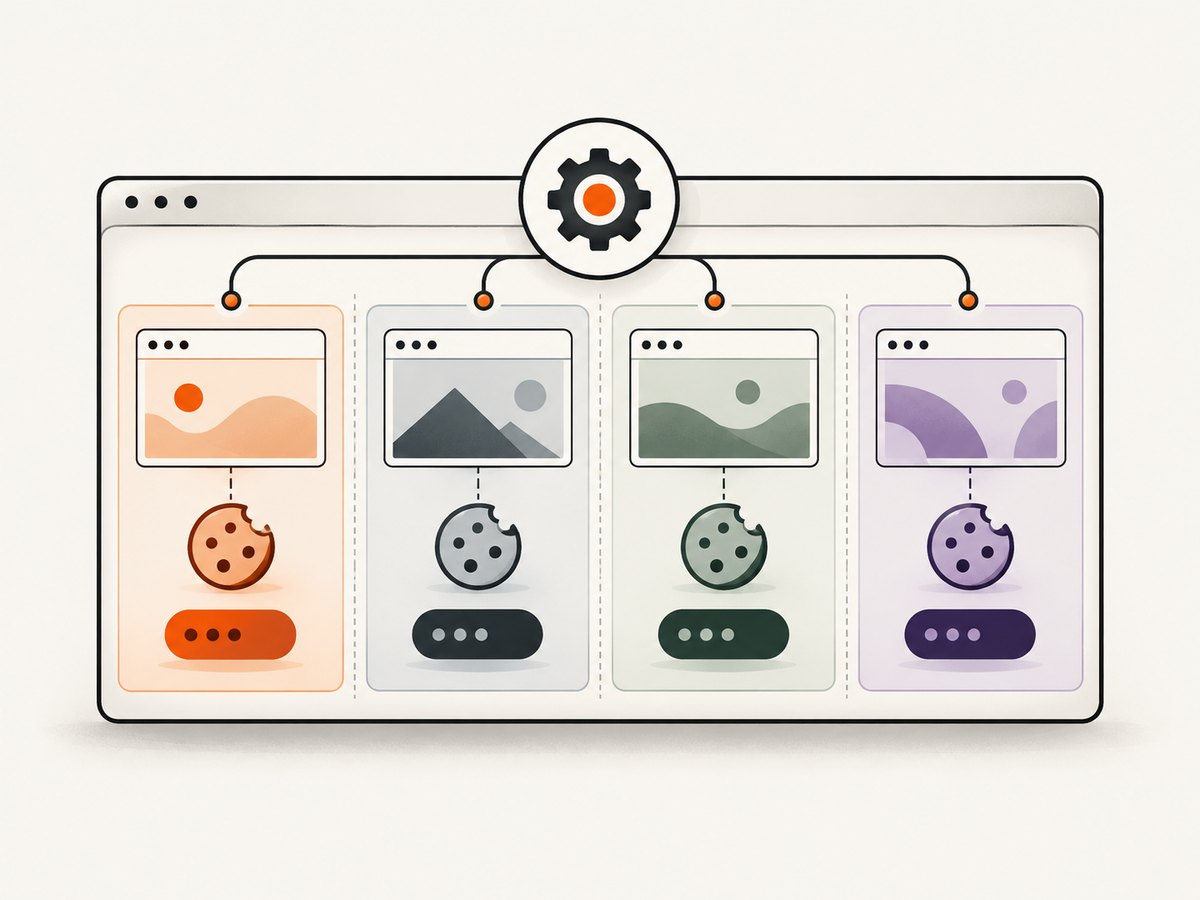
Contexts reduce repeated process startup. Create a context for each parallel session and close it after its job.
using PuppeteerSharp;

await new BrowserFetcher().DownloadAsync();
await using var browser = await Puppeteer.LaunchAsync(new LaunchOptions
{
    Headless = true
});

var tasks = urls.Select(async url =>
{
    await using var context = await browser.CreateIncognitoBrowserContextAsync();
    await using var page = await context.NewPageAsync();
    await page.GoToAsync(url, new NavigationOptions
    {
        WaitUntil = new[] { WaitUntilNavigation.Networkidle2 },
        Timeout = 45_000
    });
    return await page.GetContentAsync();
});

var pages = await Task.WhenAll(tasks);
Use contexts when cookie and storage separation is enough. Use processes when a crash, launch flag, browser binary, proxy, or profile must be isolated. Contexts still compete for the same process memory and event loop, so bound their number too.
6. Make lifecycle and cancellation reliable
- Call
BrowserFetcher.DownloadAsynconce during startup. - Create a unique profile directory for every process worker.
- Use
await usingor afinallyblock for browser, context and page objects. - Pass cancellation into queue waits and check it before expensive work.
- Close pages and contexts before deleting profiles.
- Record navigation duration, exception type, browser exit events, and cleanup failures.
Do not share an IPage instance between tasks. Keep browser state in the worker that owns it. If a worker is retried, create a fresh browser or context rather than reusing a possibly broken page.
7. Navigation, timeouts and page readiness
Networkidle0 waits for no network connections; analytics, polling and streaming pages may never reach it. Networkidle2 allows a small number of connections and is often more practical. For apps that keep sockets open, wait for a known selector or use a bounded delay after navigation. Always set a timeout.
Handle redirects and non-HTML responses explicitly. A successful HTTP response can still produce a bot-check page, an empty shell, or an application error. Check the final URL, response status, expected selectors, and a content-length threshold before treating the result as valid.
8. Screenshots, PDFs and resource control
Screenshot and PDF jobs use more memory than extracting HTML, especially for full-page captures. Limit page dimensions, avoid unnecessary tabs, and close each page promptly. Block nonessential resources only when the page does not need them; blocking scripts or fonts can change layout. If downloads or large assets are required, budget disk space and clean temporary files.
9. Troubleshooting
| Symptom | Cause | Fix |
|---|---|---|
| User data directory is already in use | Two processes share a profile path | Generate a unique UserDataDir per worker and delete stale profiles after shutdown |
| Browser executable not found | Browser revision was not downloaded or cache is unavailable | Run BrowserFetcher.DownloadAsync() during startup and use a persistent cache location |
| Navigation timeout | Slow origin, long polling, blocked request or unsuitable readiness event | Set a bounded timeout, use Networkidle2 or a selector, and log the final URL |
| Out-of-memory or host thrashing | Too many processes, tabs, large pages or full-page captures | Lower the semaphore limit, reuse contexts, close pages, and monitor memory |
| Blank or partial screenshot | Capture ran before layout or lazy content finished | Wait for a selector, images, network idle or a short bounded delay |
| Linux launch failure | Missing libraries, sandbox restrictions or display configuration | Use headless mode, install Chromium dependencies, and follow Linux troubleshooting guidance |
| One failed task hides other errors | Task.WhenAll reports a combined failure |
Wrap each worker, log its URL and exception, then inspect all task results before retrying |
10. Performance and cost decisions
Measure completed jobs per minute alongside CPU, RSS memory, disk usage, navigation latency and error rate. Increase concurrency only while latency and failure rate remain acceptable. Process-per-job gives cleaner failure boundaries but pays browser startup repeatedly. Context-per-job amortizes startup but concentrates risk in one process.
There is no authoritative universal concurrency number for PuppeteerSharp. Treat any value as a deployment setting, not a library guarantee. Test representative pages on the exact VM or container image, including worst-case JavaScript and media.
11. Or skip the browser setup
If your goal is dependable website images rather than controlling Chromium yourself, ScreenshotNeo provides a single screenshot API call. Before capture it accepts cookie and consent banners and removes more than 60 known consent platforms, newsletter popups and chat widgets; each cleanup step can be disabled. Bot checks, CAPTCHAs, blank pages, timeouts, failed loads and cache hits are not billed, and the response identifies the verdict with X-Page-Verdict and X-Billed headers. It also has an MCP server with take_screenshot, get_page_info and capture_pdf tools for Claude, Cursor and other MCP clients.
See the ScreenshotNeo API documentation for all options.
cURL
curl -G "https://api.screenshotneo.com/v1/shot" -d access_key=YOUR_API_KEY --data-urlencode url=https://stripe.com -o shot.webpPython
import requests
r = requests.get("https://api.screenshotneo.com/v1/shot", params={"access_key": "YOUR_API_KEY", "url": "https://stripe.com"}, timeout=90)
open("shot.webp", "wb").write(r.content)
Node.js
const q = new URLSearchParams({ access_key: 'YOUR_API_KEY', url: 'https://stripe.com' });
const res = await fetch(`https://api.screenshotneo.com/v1/shot?${q}`);
ScreenshotNeo supports full-page and element captures, dark mode, device presets or custom viewports, retina scale, PDF paper and page-range controls, custom CSS and JavaScript, clicks, waits, blocked resources, headers, cookies, user agents, authorization, timezone, geolocation, transparent backgrounds, resizing, TTL caching, signed links, asynchronous jobs with signed webhooks, bulk capture of up to 100 URLs per call, usage reporting and an OpenAPI specification. Parameter names used by other screenshot APIs also work, which can simplify migration.
The Free plan includes 1,000 shots each month with no card. Paid plans start at $5 for 3,000 shots; Growth is $15 for 15,000, Pro $39 for 60,000, Scale $99 for 250,000 and Business $249 for 1,000,000. Yearly billing gives two months free, and every feature is on every plan. Create a free ScreenshotNeo account to start.
12. FAQ
Can I launch browsers from multiple threads?
Yes, as long as each worker owns its browser or context and profile. Avoid sharing mutable page state.
Should I use one browser or many?
Use contexts for lower startup overhead and session separation. Use processes for stronger crash, binary, launch-flag and profile isolation.
Does Task.WhenAll limit concurrency?
No. It waits for the tasks you create. Add a semaphore, channel or queue to enforce a safe upper bound.
How do I pick a worker count?
Measure on the target host with representative pages. There is no PuppeteerSharp-published universal limit or benchmark.
Can one profile be reused sequentially?
Yes, after the previous browser has fully closed. Never use that same directory concurrently across processes.


