How to Run a MySQL MCP Server in Docker
Run a MySQL MCP server in Docker with the askdba image, Docker Compose, stdio or HTTP transports, secure credentials, and troubleshooting.
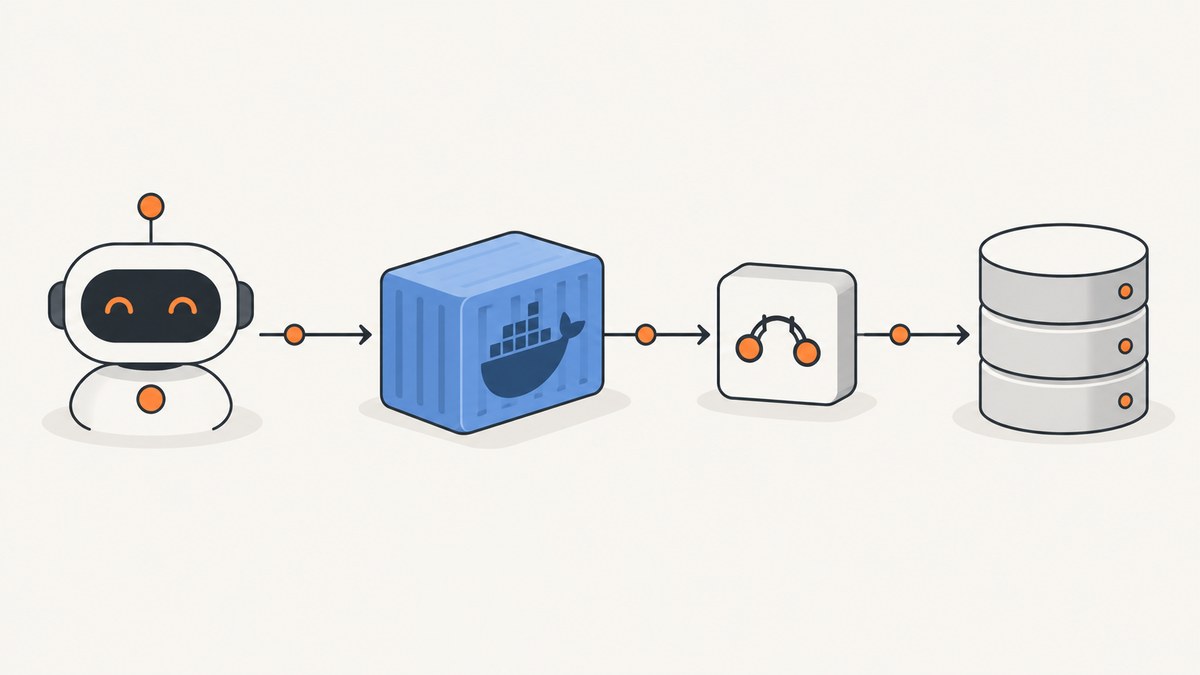
A MySQL MCP server lets an MCP-compatible AI client use database tools through the Model Context Protocol. “MySQL MCP server” is a category, not one standard image or configuration format. This guide uses the askdba implementation for the main walkthrough because its documented Docker image and Compose example support both a standalone MCP container and a MySQL service in the same Compose project.
The commands below are documentation examples. Check the selected repository’s current release, image tag, and client configuration before deploying.
What you will build
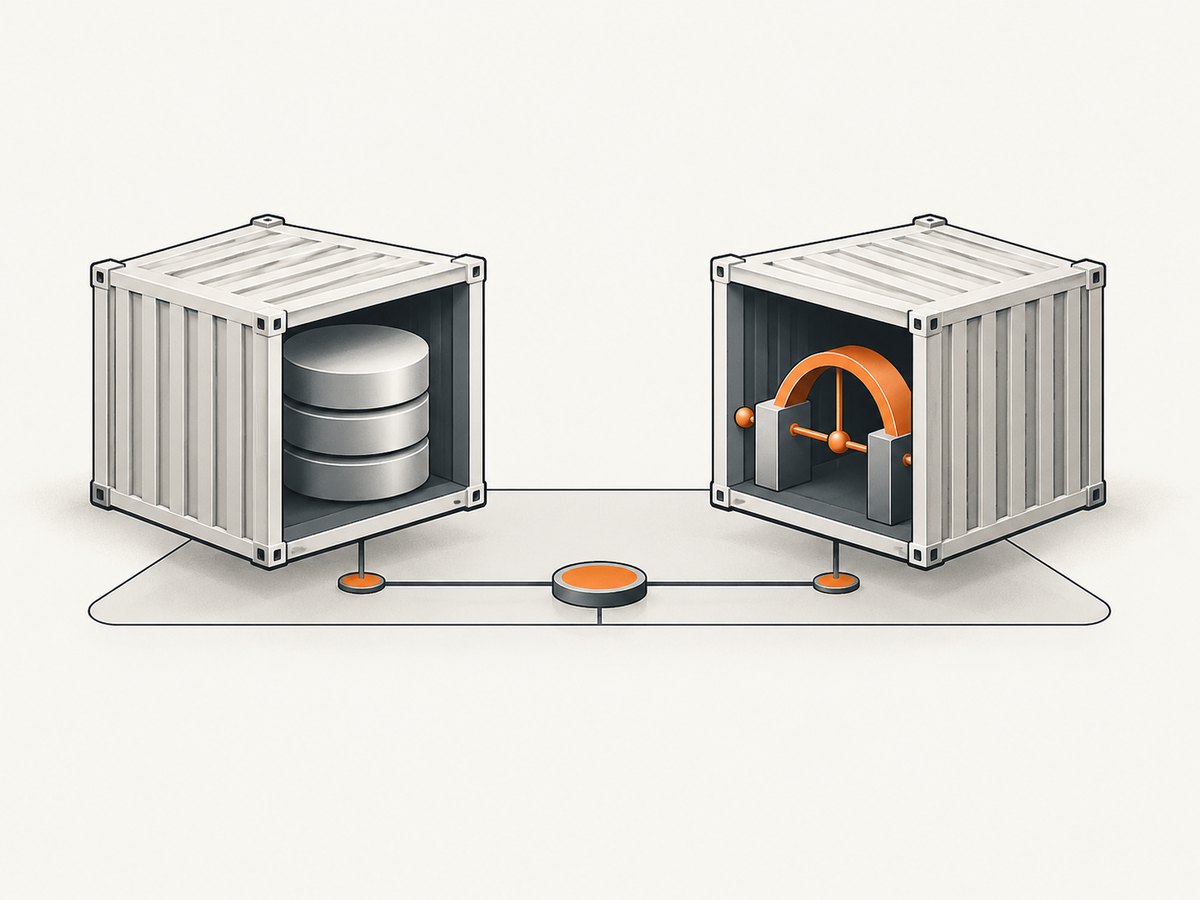
The main setup has two containers:
mysql: the database service.mcp-server: the askdba MCP server, configured with aMYSQL_DSN.
Inside a Compose network, the MCP container reaches MySQL at the service name mysql, not localhost. You can also run only the MCP container against MySQL already running on your host or on another network.
Prerequisites
- Docker Engine and Docker Compose.
- A MySQL database, either managed by Compose or reachable from the MCP container.
- An MCP client such as Claude, Cursor, or another client that can launch a stdio server or connect to an HTTP MCP endpoint.
- A database account with only the permissions required by the tools you intend to expose.

Option 1: Run the askdba image with an existing MySQL database
The askdba image uses a MySQL connection string in MYSQL_DSN. Replace the values with a database identity created for this integration.
docker run --rm -i \
  -e MYSQL_DSN='mysql://readonly:REPLACE_PASSWORD@db.example.internal:3306/appdb' \
  askdba/mysql-mcp-server:latest
The -i flag keeps standard input attached. That matters when an MCP client launches the container as a child process over stdio. Do not place a real password in shell history or a committed configuration file; use your secret manager or the client’s environment-variable support in production.
Connecting to MySQL on the Docker host
A container’s localhost is the container itself. To reach a MySQL process on the host, use a hostname resolvable from inside the container. The askdba examples use host.docker.internal:
docker run --rm -i \
  -e MYSQL_DSN='mysql://readonly:REPLACE_PASSWORD@host.docker.internal:3306/appdb' \
  askdba/mysql-mcp-server:latest
On Linux, host-name behavior can require additional Docker host-gateway configuration. Confirm the correct setting for your Docker version and distribution before relying on this hostname. If MySQL binds only to 127.0.0.1, it may also need a bind-address and firewall change so the container can reach it.
Connecting to remote MySQL
Use the remote server’s routable DNS name or address in the DSN, open only the required network path, and enforce TLS according to your MySQL deployment. Verify that DNS resolution, routing, firewall rules, and the account’s host permissions all allow the container’s source address.
Option 2: Run MySQL and the MCP server with Docker Compose
This example follows the askdba topology: both services share a Compose network, and the DSN uses mysql as the hostname.
services:
  mysql:
    image: mysql:8.0
    environment:
      MYSQL_DATABASE: appdb
      MYSQL_USER: readonly
      MYSQL_PASSWORD: ${MYSQL_PASSWORD}
      MYSQL_ROOT_PASSWORD: ${MYSQL_ROOT_PASSWORD}
    volumes:
      - mysql-data:/var/lib/mysql

  mcp-server:
    image: askdba/mysql-mcp-server:latest
    environment:
      MYSQL_DSN: mysql://readonly:${MYSQL_PASSWORD}@mysql:3306/appdb
    depends_on:
      - mysql
    stdin_open: true

volumes:
  mysql-data:
Create a local .env file outside version control:
MYSQL_PASSWORD=replace-with-a-long-password
MYSQL_ROOT_PASSWORD=replace-with-a-different-long-password
Start the services:
docker compose up -d mysql mcp-server
docker compose logs -f mcp-server
depends_on controls startup order, but it does not prove that MySQL is ready to accept connections. If the MCP server starts before MySQL is ready, restart it after the database is accepting connections or add a health check and a dependency condition supported by your Compose version.
Use a separate database user
Create an account dedicated to the MCP integration. Grant only the schemas and operations your AI workflow needs. A name such as readonly is an example convention; it does not automatically make the account read-only. Confirm the actual grants in MySQL.
CREATE USER 'readonly'@'%' IDENTIFIED BY 'replace-with-a-secret';
GRANT SELECT ON appdb.* TO 'readonly'@'%';
FLUSH PRIVILEGES;
Adjust the grants for your use case. If the MCP implementation offers SQL or tool restrictions, inspect its current documentation rather than assuming those controls exist.
Connect an MCP client over stdio
Stdio is appropriate when a local MCP client launches Docker as a subprocess. Configure the client with the askdba image and keep stdin attached.
{
  "mcpServers": {
    "mysql": {
      "command": "docker",
      "args": [
        "run", "--rm", "-i",
        "-e", "MYSQL_DSN=mysql://readonly:REPLACE_PASSWORD@host.docker.internal:3306/appdb",
        "askdba/mysql-mcp-server:latest"
      ]
    }
  }
}
The exact file location and schema depend on your MCP client. Keep the configuration specific to the implementation you selected; futuretea and neverinfamous use different image names, flags, and environment variables.
Alternative: futuretea transports and configuration
The futuretea project documents a different configuration interface. Do not combine these variables with the askdba MYSQL_DSN setup.
futuretea stdio example
docker run --rm -i \
  -e MYSQL_MCP_HOST=db.example.internal \
  -e MYSQL_MCP_DB_PORT=3306 \
  -e MYSQL_MCP_USERNAME=readonly \
  -e MYSQL_MCP_PASSWORD=REPLACE_PASSWORD \
  -e MYSQL_MCP_DATABASE=appdb \
  futuretea/mysql-mcp-server
futuretea HTTP example
docker run --rm \
  -p 8080:8080 \
  -e MYSQL_MCP_HOST=db.example.internal \
  -e MYSQL_MCP_DB_PORT=3306 \
  -e MYSQL_MCP_USERNAME=readonly \
  -e MYSQL_MCP_PASSWORD=REPLACE_PASSWORD \
  -e MYSQL_MCP_DATABASE=appdb \
  futuretea/mysql-mcp-server \
  --port 8080 --listen 0.0.0.0
The project documents /healthz, /mcp, /sse, and /message endpoints. A documented health check is:
curl http://localhost:8080/healthzFuturetea’s documentation states that its HTTP and SSE modes do not provide built-in authentication or TLS. Keep such a service on a trusted network, or put it behind a correctly configured reverse proxy that supplies authentication, TLS, request limits, and access logging before exposing it more broadly.
Transport choice: stdio, Streamable HTTP, or SSE
| Transport | Use it when | Operational concern |
|---|---|---|
| stdio | A local MCP client launches the server process. | Keep stdin attached and make secrets available to the child process. |
| Streamable HTTP | Network clients need a standalone service and the implementation supports it. | Secure the endpoint with network controls and the implementation’s documented authentication approach. |
| SSE | Your client and selected implementation require server-sent events. | Configure proxy buffering, connection timeouts, authentication, and TLS carefully. |
Networking checklist
- Same Compose project: use the MySQL service name, such as
mysql:3306. - MySQL on the host: use a host address reachable from the container, commonly
host.docker.internal; verify Linux host-gateway behavior. - Remote MySQL: use its routable DNS name or address and allow the container network through the firewall.
- Never use container localhost for another service:
localhostpoints back to the MCP container. - Check MySQL binding: the server must listen on an interface reachable from the container.
- Check account host rules: MySQL grants can restrict which source hosts may log in.
Troubleshooting
| Symptom | Likely cause | Fix |
|---|---|---|
ECONNREFUSED or “Can’t connect to MySQL” |
Wrong hostname, MySQL is not ready, or the port is blocked. | Use mysql for the Compose service, wait for readiness, and verify routing and firewall rules. |
| Connection attempts reach the wrong machine | The DSN uses localhost inside the container. |
Replace it with the Compose service name, host gateway name, or remote DNS name. |
Unknown host host.docker.internal |
The hostname is unavailable on the current platform or Docker setup. | Configure the documented host-gateway mapping for your platform or use a reachable host address. |
| Access denied for user | Incorrect credentials or MySQL grants do not allow the container’s source host. | Verify the secret, username, database, and account host pattern; grant only required privileges. |
| Server exits immediately in an MCP client | stdin is not attached or the client command uses the wrong image/configuration. | Use Docker’s -i option and the selected project’s exact command and variables. |
| HTTP client cannot connect | The port is not published, the process listens only on loopback, or a firewall blocks it. | Publish the port, use the implementation’s documented listen address, and test from the client network. |
| HTTP endpoint is exposed without protection | The server was published directly to a broad interface. | Restrict network access and use a reverse proxy with authentication and TLS where required. |
| Works once, then fails after restart | MySQL readiness was assumed from container startup order. | Add a health check or retry strategy and inspect both service logs. |
Reliability, performance, and cost considerations
- Readiness: startup order is not readiness. Add health checks or retries for production Compose deployments.
- Connection reuse: follow the selected implementation’s pooling behavior and avoid creating a new database connection for every tool call if the server supports reuse.
- Query limits: constrain expensive queries with database permissions, views, statement limits, or client-side policies appropriate to your workload.
- Network latency: place the MCP server near MySQL when possible, especially for interactive AI sessions.
- Observability: retain container logs, database connection errors, and proxy access logs without recording passwords or sensitive query results.
- Image tags: floating tags such as
latestcan change. Prefer a verified release tag or digest for reproducible deployments after checking the project’s current releases. - Cost: Docker and the MCP software do not remove the costs of the MySQL host, storage, backups, compute, or network traffic. Size those resources for query volume and result size.
Or skip the browser setup
If your AI workflow also needs website screenshots, ScreenshotNeo provides a one-call API instead of maintaining browser automation:
curl -G "https://api.screenshotneo.com/v1/shot" -d access_key=YOUR_API_KEY --data-urlencode url=https://stripe.com -o shot.webpimport requests
r = requests.get("https://api.screenshotneo.com/v1/shot", params={"access_key": "YOUR_API_KEY", "url": "https://stripe.com"}, timeout=90)
open("shot.webp", "wb").write(r.content)const q = new URLSearchParams({ access_key: 'YOUR_API_KEY', url: 'https://stripe.com' });
const res = await fetch(`https://api.screenshotneo.com/v1/shot?${q}`);See the ScreenshotNeo API documentation for options. Cookie banners, newsletter popups, and chat widgets are removed before the shot. Bot checks, blank pages, failed loads, timeouts, and cache hits are not billed, and the response identifies the page verdict and billing result. ScreenshotNeo also includes an MCP server so AI agents can take screenshots, inspect pages, and capture PDFs. The free plan includes 1,000 screenshots each month with no card; paid plans start at $5 for 3,000 shots.
Sign up free for ScreenshotNeo.
FAQ
Is there one official MySQL MCP Docker image?
No. Different projects use different images, transports, flags, and configuration names. Choose one implementation and follow its documentation consistently.
Can an MCP server connect to MySQL in another container?
Yes. Put both services on a shared Compose network and use the database service name and port in the connection string.
Why does localhost fail from the MCP container?
Container localhost refers to the MCP container itself. Use the MySQL service name, a host-gateway hostname, or a routable remote address.
Should I expose the MCP server publicly?
Only after reviewing the selected implementation’s security controls. Futuretea documents no built-in authentication or TLS for its HTTP/SSE modes, so use a trusted network or a secured reverse proxy.
Should I use stdio or HTTP?
Use stdio when a local client launches Docker. Use HTTP or SSE when your selected implementation and client require a network service, with authentication and TLS handled as documented.


