How to Run Playwright in an Azure Function
Deploy Playwright reliably in Azure Functions with Linux, browser binaries, Flex Consumption, containers, troubleshooting, and a no-browser API option.
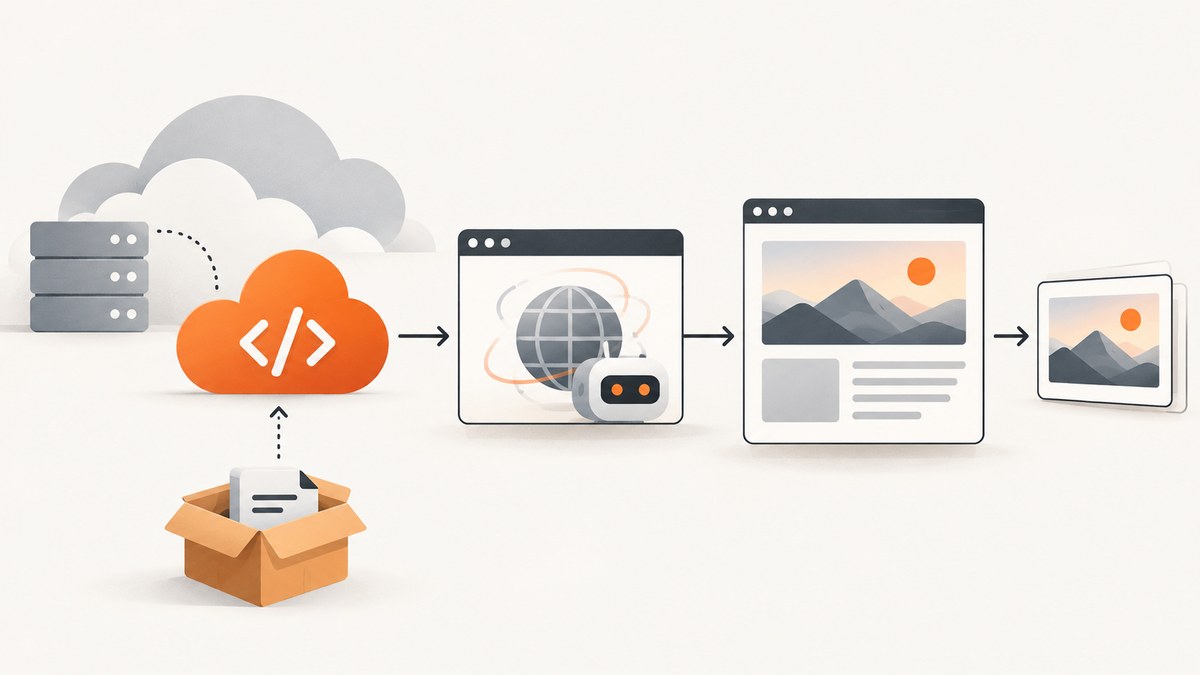
Running Playwright in an Azure Function works when the function has a Linux-compatible browser executable, its system libraries, and a deployment process that installs matching binaries. Installing only the playwright npm package is not enough.
For a package-based deployment, use a Linux Function App, configure PLAYWRIGHT_BROWSERS_PATH, and enable a remote build so Azure installs dependencies and browser binaries during deployment. For deterministic dependencies, use a custom Linux container. If the Function should only orchestrate tests while browsers run elsewhere, Microsoft Playwright Testing is the managed option.
What Playwright needs inside Azure Functions
At runtime, Playwright requires three compatible pieces:
- The language package, such as the Node.js
playwrightpackage. - Browser executables, such as Chromium.
- Linux system dependencies required by that browser.
A local installation can hide this distinction because npx playwright install downloads browsers to your development machine. A clean Function host does not automatically contain those files. Microsoft’s Ceruleoscope sample sets PLAYWRIGHT_BROWSERS_PATH to the deployed browser directory and enables scmDoBuildDuringDeployment=true, allowing the remote build to run npm installation and Playwright’s browser install script. Without the path or the deployment-time install, Playwright commonly reports that its browser engine cannot be found. See the Azure Functions Playwright sample.
Choose an Azure hosting pattern
| Pattern | Browser ownership | Best for | Main operational cost |
|---|---|---|---|
| Package-based Linux Function | Deployment artifact and Azure build | Small services and straightforward HTTP captures | Diagnosing build output, cold starts, and binary paths |
| Custom Linux container | Your pinned image | Reproducible dependencies, special fonts, controlled versions | Rebuilding images for code and security updates |
| Microsoft Playwright Testing | Microsoft-managed browser workers | Scheduled or CI test suites where the Function is an orchestrator | Service configuration and consumption charges |
For new serverless applications, Microsoft recommends evaluating Flex Consumption; the older Consumption plan is described as a legacy plan to migrate from. A Linux Function App must use kind: functionapp,linux, set reserved: true, and provide a Linux runtime version. See Azure Functions hosting and scaling.
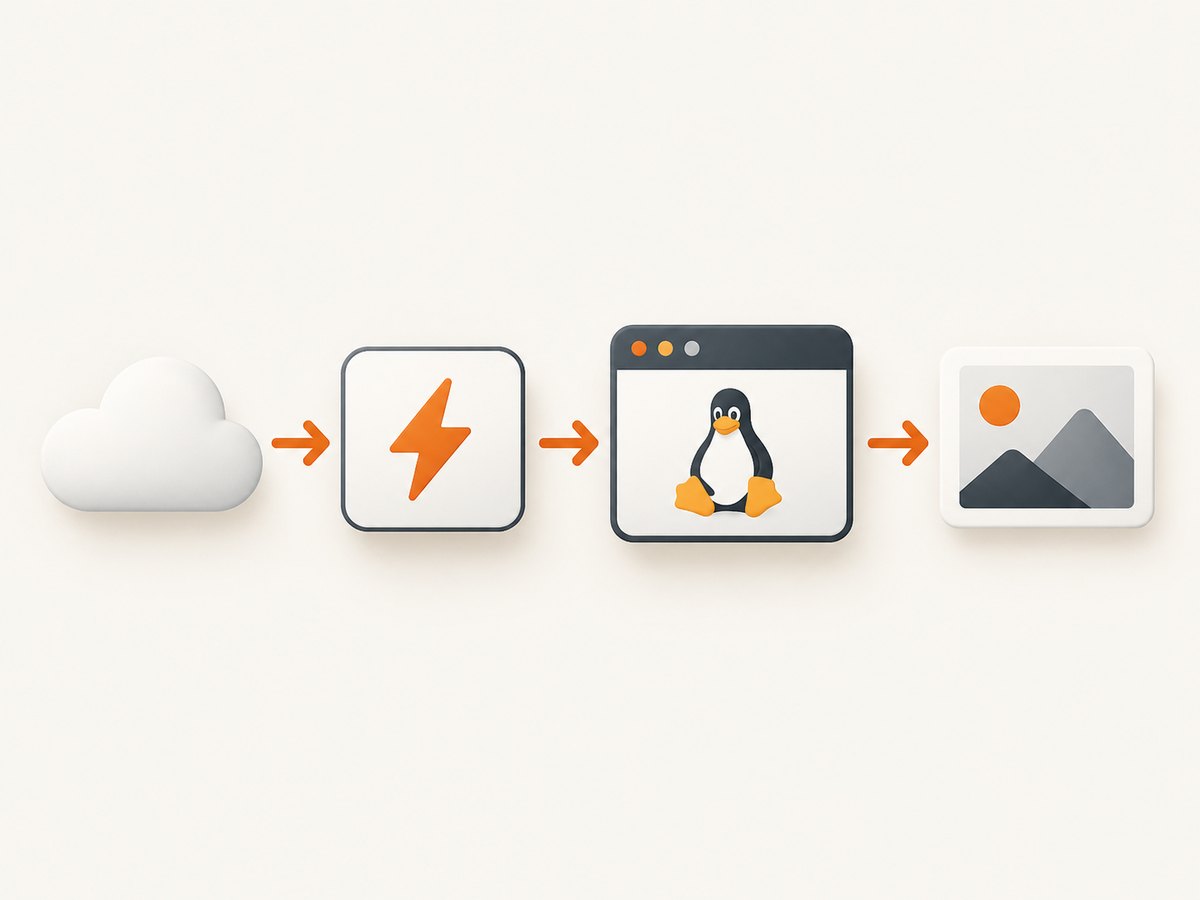
Pattern A: Node.js Playwright in a Linux Function App
1. Create the project
The example below uses the Node.js programming model and an HTTP-triggered function. Adapt the exported handler to the Functions programming model used by your project.
mkdir playwright-function
cd playwright-function
npm init -y
npm install playwright
Use a supported Linux Node.js Function App. Flex Consumption is the preferred starting point for a new serverless deployment. Enable Application Insights so invocation failures, duration, and startup behavior are visible.
2. Configure the browser path and remote build
In Function App configuration, add:
PLAYWRIGHT_BROWSERS_PATH=/home/site/wwwroot/node_modules/playwright-chromium/.local-browsers/
SCM_DO_BUILD_DURING_DEPLOYMENT=true
The Ceruleoscope sample uses the equivalent Azure deployment setting scmDoBuildDuringDeployment=true. The important behavior is that Azure performs the Linux dependency installation during deployment rather than receiving a package built on another operating system.
Keep node_modules out of the upload when the remote build is responsible for installing dependencies. A typical .funcignore contains:
.git*
.vscode
local.settings.json
node_modules
If you deploy a prebuilt artifact instead, it must contain Linux-compatible browser files. Do not copy macOS or Windows browser binaries into a Linux Function App.
3. Launch and close the browser for every invocation
const { chromium } = require('playwright');

module.exports = async function (context, req) {
  const target = req.query.url || (req.body && req.body.url);

  if (!target) {
    context.res = {
      status: 400,
      body: 'Pass a url query parameter or JSON body property.'
    };
    return;
  }

  let browser;
  try {
    browser = await chromium.launch({
      headless: true
    });

    const contextOptions = {
      ignoreHTTPSErrors: false
    };
    const browserContext = await browser.newContext(contextOptions);
    const page = await browserContext.newPage();

    await page.goto(target, {
      waitUntil: 'domcontentloaded',
      timeout: 30000
    });

    const title = await page.title();
    context.res = {
      status: 200,
      headers: { 'content-type': 'application/json' },
      body: { title, url: page.url() }
    };
  } catch (error) {
    context.log.error(error);
    context.res = {
      status: 502,
      body: { error: error.message }
    };
  } finally {
    if (browser) {
      await browser.close();
    }
  }
};
The finally block matters. A warm Function instance can handle more than one request, but browser processes left behind by an exception consume memory and file descriptors. Treat each invocation as short-lived and do not depend on a warm instance retaining browser state.
4. Add waits, browser context settings, and limits
Choose the readiness condition that matches the page:
await page.goto(url, { waitUntil: 'domcontentloaded' });
await page.waitForSelector('[data-ready="true"]', { timeout: 15000 });
await page.waitForTimeout(500);
domcontentloadedreturns after the document is parsed and is usually faster than waiting for every resource.waitForSelectoris better when your application exposes a reliable readiness marker.- A short fixed delay helps with animations but increases cost and timeout risk.
- Set explicit navigation and selector timeouts. Never allow an unbounded page load inside a serverless request.
Use a new browser context for each tenant or authentication session. Supply cookies, headers, locale, timezone, and geolocation through browser.newContext. Validate or restrict incoming URLs if the endpoint is public; otherwise it can become a server-side request forgery proxy.
5. Deploy
Deploy with Azure Functions Core Tools or your CI system after setting the application configuration. Confirm the deployment log contains npm installation and the Playwright browser installation. A successful code upload with no browser-install step is a warning sign.
func azure functionapp publish <FUNCTION_APP_NAME>
After deployment, invoke the function with a simple public URL and inspect Application Insights logs. Record the Playwright version, Node.js runtime, and browser revision in your build metadata so a later browser update is traceable.
Python Functions: the same dependency rule
The Python package also needs browser binaries and Linux libraries. A Python HTTP function can use the same lifecycle:
from playwright.async_api import async_playwright

async def main(req):
    url = req.params.get("url")
    if not url:
        return {"status": 400, "body": "Missing url"}

    async with async_playwright() as p:
        browser = await p.chromium.launch(headless=True)
        try:
            page = await browser.new_page()
            await page.goto(url, wait_until="domcontentloaded", timeout=30000)
            return {"status": 200, "body": {"title": await page.title()}}
        finally:
            await browser.close()
Install the Python package and browsers as part of a Linux deployment or bake them into a container. The exact build command depends on your Functions deployment workflow; verify the deployment artifact contains the browser executable before accepting traffic.
Pattern B: a custom Linux container
A container makes the browser version, system libraries, fonts, and environment explicit. Azure’s Node.js 22 Functions image examples include mcr.microsoft.com/azure-functions/node:4-node22. A minimal image concept is:
FROM mcr.microsoft.com/azure-functions/node:4-node22

WORKDIR /home/site/wwwroot
COPY package*.json ./
RUN npm ci
RUN npx playwright install --with-deps chromium
COPY . .
Pin your Playwright version and rebuild the image whenever application dependencies change. Azure notes that a moving base-image tag alone does not provide security maintenance; periodically pull the updated base image and rebuild it. See Azure custom containers for Functions.
Playwright’s Docker guidance recommends the Docker --init flag so child processes are reaped correctly and recommends --ipc=host for Chromium. In Azure’s managed container runtime you may not control every Docker flag, so check the Functions container documentation and watch Chromium memory use. Do not use Alpine for Firefox or WebKit builds; Playwright documents glibc requirements and does not support musl-based distributions for those browser builds. For untrusted pages, run as a separate non-root user and apply an appropriate seccomp profile. See Playwright Docker guidance.
Pattern C: Microsoft Playwright Testing
With Microsoft Playwright Testing, the Function can schedule or coordinate tests while browser workers run in Azure. Microsoft describes consumption-based pricing, Linux and Windows support, Chromium, WebKit, and Firefox support, availability in East US, West US 3, East Asia, and West Europe, and up to 50 parallel tests per workspace. This is useful when browser execution should be externalized or when a CI suite needs managed parallelism. It is less appropriate when the Function must render a page and immediately return the pixels from the same request.
Troubleshooting common failures
| Symptom | Cause | Fix |
|---|---|---|
| Executable doesn’t exist | Browser was not installed, or the path points elsewhere. | Enable remote build, install Chromium during deployment, and set PLAYWRIGHT_BROWSERS_PATH to the deployed directory. |
| Works locally, fails in Azure | Local OS binaries or libraries were copied into a Linux host. | Build on Linux or install browsers in Azure during deployment; do not ship your workstation’s node_modules. |
| Missing shared library | System dependencies are absent from the Function image. | Use npx playwright install --with-deps chromium in a custom image, or use a base image that includes the required libraries. |
| Navigation timeout | Slow origin, blocked outbound request, never-ending network activity, or an overly strict timeout. | Use domcontentloaded, set a bounded timeout, wait for a specific selector, and log the final URL and response status. |
| Function runs out of memory | Large pages, several browsers per invocation, or leaked processes. | Close every browser in finally, use one browser per invocation, reduce concurrency, and select a plan with sufficient memory. |
| Blank or incomplete page | Lazy content has not loaded, JavaScript failed, or the page requires interaction. | Wait for a readiness selector, scroll or click deliberately, capture console errors, and verify the page in a container matching production. |
| CAPTCHA or bot-check page | The origin challenged the automated browser. | Respect the site’s access policy. Do not attempt to bypass a challenge; classify the result as unavailable and retry only when appropriate. |
Performance, reliability, and cost
- Cold starts: Browser startup is expensive relative to ordinary JavaScript. Keep the handler focused, avoid installing packages at request time, and measure startup separately from navigation.
- Concurrency: A single Chromium process can use substantial memory. Start with low per-instance concurrency and increase it only after observing memory, duration, and failure rates.
- Retries: Retry transient DNS, 5xx, and connection failures with a small bounded backoff. Do not blindly retry deterministic 4xx responses or bot challenges.
- Idempotency: If a request triggers a screenshot or test artifact, attach an idempotency key so a retry does not create duplicate downstream work.
- Observability: Log target host, elapsed navigation time, final URL, HTTP status, browser version, and a request identifier. Avoid logging cookies, authorization headers, or page contents.
- Cost: Function consumption includes execution time and memory. Long fixed delays, unnecessary full-page loads, and high parallelism increase spend. Managed Playwright Testing uses consumption-based pricing, so compare worker time with the cost of maintaining browser infrastructure.
- Security: Restrict outbound destinations when possible, validate URL schemes, isolate credentials by browser context, and never expose an unrestricted browsing endpoint to the public internet.
Or skip the browser setup
If your goal is a clean website image or PDF rather than browser automation logic, ScreenshotNeo provides a single HTTP request to capture a URL. It removes cookie and consent banners, newsletter popups, and chat widgets before capture; bot checks, blank pages, failed loads, timeouts, and cache hits are not billed, and the response identifies the result with X-Page-Verdict and X-Billed headers. ScreenshotNeo also provides an MCP server with take_screenshot, get_page_info, and capture_pdf tools for Claude, Cursor, and other MCP clients.

See the ScreenshotNeo API documentation for all options. The same request works from cURL:
curl -G "https://api.screenshotneo.com/v1/shot" -d access_key=YOUR_API_KEY --data-urlencode url=https://stripe.com -o shot.webpPython:
import requests
r = requests.get("https://api.screenshotneo.com/v1/shot", params={"access_key": "YOUR_API_KEY", "url": "https://stripe.com"}, timeout=90)
open("shot.webp", "wb").write(r.content)
Node.js:
const q = new URLSearchParams({ access_key: 'YOUR_API_KEY', url: 'https://stripe.com' });
const res = await fetch(`https://api.screenshotneo.com/v1/shot?${q}`);
Every plan includes the capture features. The Free plan provides 1,000 shots per month without a card; paid plans start at $5 for 3,000 shots. Create a free ScreenshotNeo account.
FAQ
Can I run Playwright on a Windows Function App?
The package pattern described here targets Linux. Use a Linux Function App for the documented browser path and dependency behavior, or choose a managed browser service when you need a different operating system.
Should I reuse one browser between invocations?
Reuse can reduce startup time, but it complicates crash recovery, isolation, and memory management. Begin with one browser per invocation and optimize only after measuring.
When is a container better than remote build?
Choose a container when you need pinned browser revisions, custom fonts, extra OS packages, or identical local and production environments. Accept the responsibility to rebuild from updated base images.
Can ScreenshotNeo run arbitrary Playwright code?
No. ScreenshotNeo is a screenshot and PDF API with capture controls. Use Playwright when you need general browser automation, assertions, or multi-step workflows.


