How to Run wkhtmltopdf on Azure App Service
Deploy wkhtmltopdf reliably on Azure App Service with a pinned container, compatible libraries, startup checks, troubleshooting, and a hosted alternative.
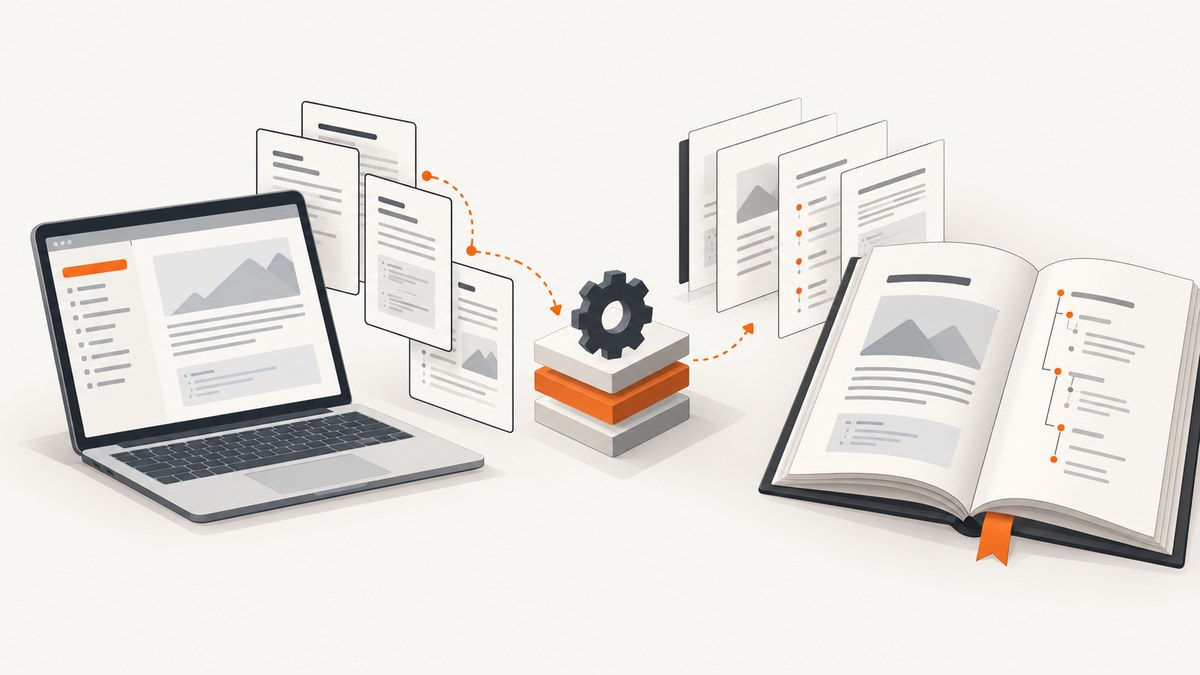
Direct answer: For dependable wkhtmltopdf execution on Azure App Service, package the wkhtmltopdf executable and its compatible native libraries in a custom container image, then deploy that image to App Service. Treat wkhtmltopdf as an operating-system dependency: your application needs the executable plus every shared library required by that exact build. Do not depend on software installed manually over SSH. Microsoft says persistent software installations should be part of the Docker image because interactive container changes do not survive restarts unless they are stored in shared storage.
A built-in Linux runtime with a startup command or file can work when the selected App Service image exposes the package manager, permissions, and libraries you need. However, a startup script is a configuration mechanism, not proof that apt-get can install a compatible wkhtmltopdf build. If you need a known binary and repeatable native dependencies, use the custom-container route.
Choose the deployment model
| Option | Best fit | What you must verify |
|---|---|---|
| Custom container | wkhtmltopdf needs a pinned build or several native libraries | Base image, CPU architecture, library ABI, executable path, application launch command |
| Built-in Linux runtime plus startup file | You want the platform-managed language runtime and the image already contains compatible packages | Package-manager availability, permissions, package names, startup ordering, persistence behavior |
Microsoft’s custom-container guidance says changes such as software installation should be included in the Docker image. On Linux custom containers, /home persistence can be enabled for shared data, but persistent storage does not replace putting executable dependencies in the image. See Microsoft’s custom container documentation.
Before you deploy: identify the exact dependency set
- Record the platform: Linux or Windows, built-in stack or custom container, architecture, and App Service plan.
- Record the wkhtmltopdf build: distribution, version, packaging source, and whether it expects patched Qt or other bundled components.
- Inspect shared libraries: run
ldd $(command -v wkhtmltopdf)in the same base image you will deploy. Every required library must resolve there. - Check the runtime user: your container may run as a non-root user. Installation belongs in the image build stage, not in the running process.
- Define writable paths: use
/tmpor another writable directory for intermediate HTML, images, and PDFs. Do not assume the application directory is writable.
A missing loader error names a symptom, not a universal package recipe. One Microsoft Q&A report describes libjpeg.so.62 missing and suggests packages for that particular environment. Package names and ABI compatibility vary by distribution and wkhtmltopdf build, so use that report as a diagnostic example rather than copying its package list blindly: the Microsoft Q&A case.
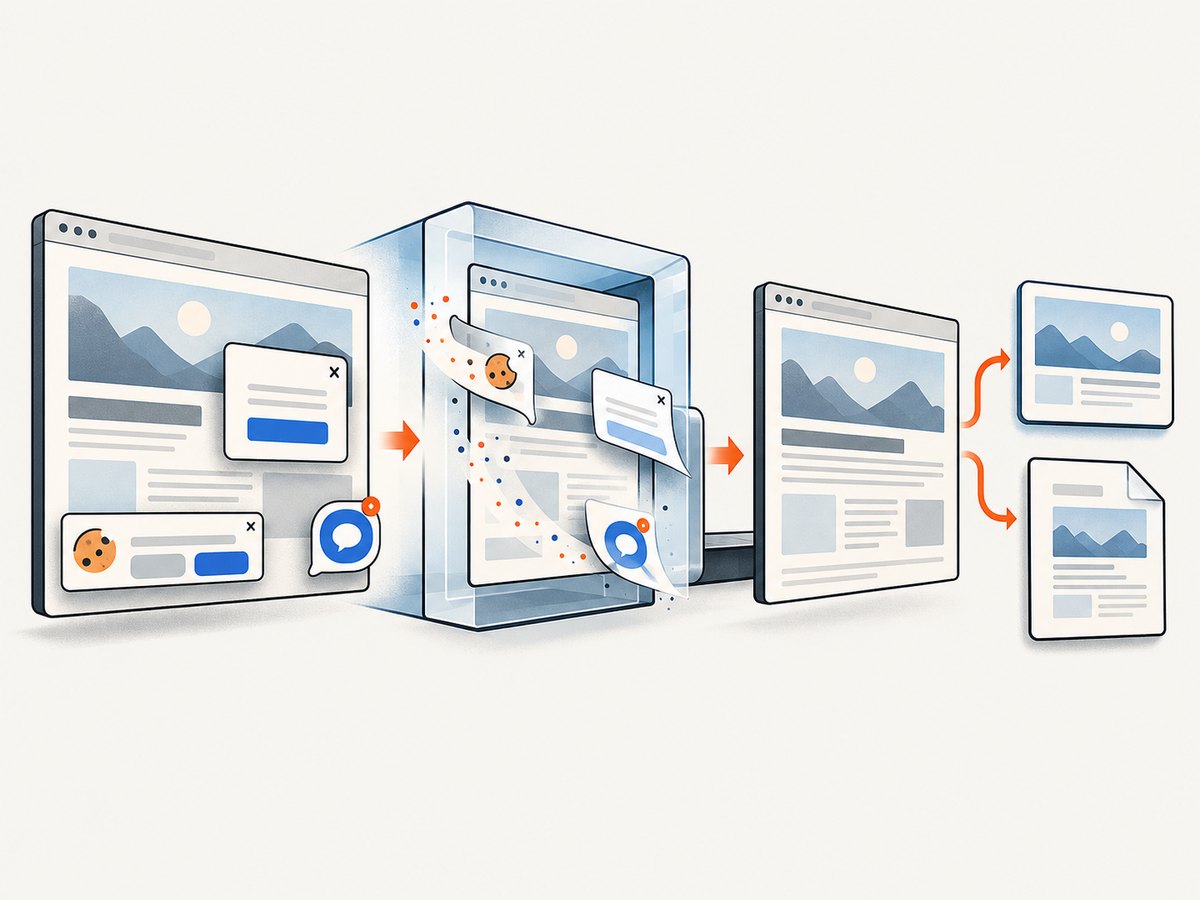
Recommended method: build a custom image
The Dockerfile below shows the deployment shape. Replace the download and package commands with the wkhtmltopdf build approved for your application and base image. The important property is that the binary and libraries are installed during image creation and travel together through deployment.
# Dockerfile
FROM python:3.12-slim

ENV PYTHONDONTWRITEBYTECODE=1 \\
    PYTHONUNBUFFERED=1 \\
    WKHTMLTOPDF_BIN=/usr/local/bin/wkhtmltopdf

WORKDIR /app

# Install only the libraries required by your chosen wkhtmltopdf build.
# Verify names and ABI compatibility in this exact base image.
RUN apt-get update \\
    && apt-get install -y --no-install-recommends \\
       ca-certificates \\
       fontconfig \\
       fonts-dejavu \\
       libfreetype6 \\
       libjpeg62-turbo \\
       libpng16-16 \\
       libx11-6 \\
       libxcb1 \\
       libxext6 \\
       libxrender1 \\
       xfonts-75dpi \\
       xfonts-base \\
    && rm -rf /var/lib/apt/lists/*

# Copy a vetted executable into the image, or install it from your
# controlled artifact repository. Do not rely on an SSH-time install.
COPY wkhtmltopdf /usr/local/bin/wkhtmltopdf
RUN chmod 0755 /usr/local/bin/wkhtmltopdf \\
    && /usr/local/bin/wkhtmltopdf --version \\
    && ldd /usr/local/bin/wkhtmltopdf

COPY requirements.txt .
RUN pip install --no-cache-dir -r requirements.txt
COPY . .

EXPOSE 8000
CMD ["gunicorn", "--bind", "0.0.0.0:8000", "app:app"]
The package list is illustrative, not a promise that every build needs exactly those packages. Start with the output of ldd, then add fonts and rendering dependencies required by your documents. Keep the image build deterministic: pin the base image tag, keep the wkhtmltopdf artifact under version control or an internal registry, and rebuild whenever the binary or native libraries change.
Build and run the image locally
docker build -t my-wkhtmltopdf-app:1 .
docker run --rm -p 8080:8000 my-wkhtmltopdf-app:1

# Inside a running container, verify the executable and libraries
docker run --rm my-wkhtmltopdf-app:1 wkhtmltopdf --version
docker run --rm my-wkhtmltopdf-app:1 ldd /usr/local/bin/wkhtmltopdf
Exercise an actual PDF request before pushing. Confirm that local HTML, remote assets, fonts, JavaScript, and output permissions behave as expected. This is a verification step you should perform in your pipeline; the research sources do not report a particular test run or success rate.
Deploy the image to Azure App Service
- Push the image to a registry that your App Service can pull from.
- Create or update the Web App to use that image.
- Set the container port to the port your server listens on, such as
8000. - Configure the application command through the image’s
CMDor App Service startup setting. - Provide registry credentials through the supported App Service configuration rather than hard-coding them in the image.
- Restart the app after changing image settings and inspect container logs.
# Azure CLI shape; substitute your resource names and registry details
az webapp create \\
  --resource-group RESOURCE_GROUP \\
  --plan APP_SERVICE_PLAN \\
  --name APP_NAME \\
  --deployment-container-image-name REGISTRY.azurecr.io/my-wkhtmltopdf-app:1

az webapp config appsettings set \\
  --resource-group RESOURCE_GROUP \\
  --name APP_NAME \\
  --settings WEBSITES_PORT=8000

az webapp log config \\
  --resource-group RESOURCE_GROUP \\
  --name APP_NAME \\
  --docker-container-logging filesystem
The exact launch command is stack-specific. A Python app may use Gunicorn, while a Node, PHP, or .NET app needs its own server process. The title does not determine that command; configure the process your application actually uses. A container that contains wkhtmltopdf but does not keep the web server listening on the expected port will still fail health checks.
Using a built-in Linux runtime and startup file
App Service supports a custom startup command or file for Linux applications. Microsoft recommends keeping the startup file in your project so it can be version controlled. This route is reasonable only after confirming that the selected runtime image has the package manager, privileges, and compatible packages.
#!/bin/bash
set -eu

# Diagnostic checks run on every startup.
command -v wkhtmltopdf
wkhtmltopdf --version
ldd "$(command -v wkhtmltopdf)"

# Start the application using the command for your stack.
exec gunicorn --bind 0.0.0.0:8000 app:app
Do not assume that adding apt-get install to this file makes the installation persistent or reliable. Startup runs after the image is built, package repositories may be unavailable, the process may lack root privileges, and package versions can change. If you must install at startup, fail fast when a package or library is unavailable and move the dependency into a custom image once the requirement is known.
Application code: invoke wkhtmltopdf safely
Keep input and output files isolated per request, pass an argument array rather than a shell string, and enforce a timeout. The following Python example avoids shell interpolation and captures stderr for diagnosis.
import os
import subprocess
import tempfile
from pathlib import Path

def render_pdf(html: str) -> bytes:
    executable = os.environ.get("WKHTMLTOPDF_BIN", "/usr/local/bin/wkhtmltopdf")
    with tempfile.TemporaryDirectory() as directory:
        root = Path(directory)
        source = root / "input.html"
        output = root / "output.pdf"
        source.write_text(html, encoding="utf-8")
        command = [
            executable,
            "--quiet",
            "--enable-local-file-access",
            str(source),
            str(output),
        ]
        try:
            completed = subprocess.run(
                command,
                check=True,
                capture_output=True,
                text=True,
                timeout=60,
            )
        except subprocess.TimeoutExpired as error:
            raise RuntimeError("wkhtmltopdf timed out") from error
        except subprocess.CalledProcessError as error:
            raise RuntimeError(error.stderr or "wkhtmltopdf failed") from error
        return output.read_bytes()
Only enable local file access when your input is trusted or you have explicitly controlled which files can be read. If the HTML references remote assets, make sure outbound access, DNS, TLS certificates, and authentication are available from App Service. For untrusted HTML, sanitize input and avoid exposing sensitive local paths.
Or skip the browser setup
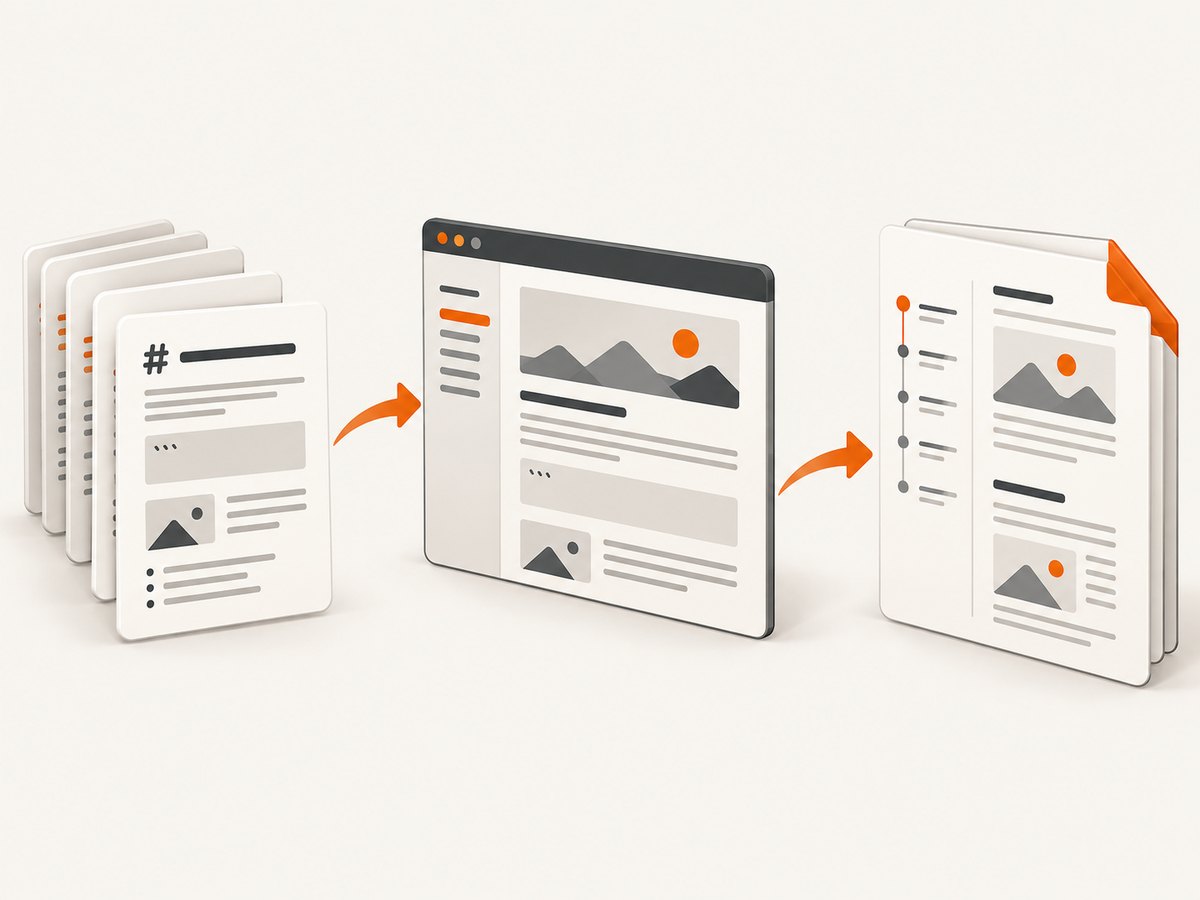
If your goal is simply to obtain a clean screenshot or PDF from a URL, ScreenshotNeo provides a hosted website screenshot API. Its one-call endpoint handles the browser environment for you; the API documentation lists the parameters and response headers.
curl -G "https://api.screenshotneo.com/v1/shot" -d access_key=YOUR_API_KEY --data-urlencode url=https://stripe.com -o shot.webpimport requests
r = requests.get("https://api.screenshotneo.com/v1/shot", params={"access_key": "YOUR_API_KEY", "url": "https://stripe.com"}, timeout=90)
open("shot.webp", "wb").write(r.content)const q = new URLSearchParams({ access_key: 'YOUR_API_KEY', url: 'https://stripe.com' });
const res = await fetch(`https://api.screenshotneo.com/v1/shot?${q}`);Cookie and consent banners, newsletter popups, and chat widgets are removed before the shot. Bot checks, blank pages, failed loads, timeouts, and cache hits are not billed; response headers identify the page verdict and whether it was billed. ScreenshotNeo also offers an MCP server for AI agents, including Claude, Cursor, and other MCP clients, with take_screenshot, get_page_info, and capture_pdf tools. The free plan includes 1,000 screenshots per month without a card; paid plans start at $5 for 3,000 shots. Create a free ScreenshotNeo account.
Configuration checklist
- Executable: absolute path is known and
wkhtmltopdf --versionruns as the application user. - Libraries:
lddreports no “not found” entries in the deployed image. - Fonts: required font packages are installed, and output is checked for substituted glyphs.
- Network: remote CSS, images, and fonts resolve from App Service.
- Timeouts: application, wkhtmltopdf, and App Service time limits are aligned.
- Storage: temporary files use a writable directory and are deleted after each request.
- Startup: the web server binds to
0.0.0.0and the configured port. - Persistence: software is in the image; shared storage is reserved for data that truly needs it.
- Observability: stderr, exit codes, duration, input URL, and output size are logged without secrets.
Troubleshooting common failures
| Symptom | Likely cause | Fix |
|---|---|---|
error while loading shared libraries |
A required .so file is absent or has an incompatible ABI. |
Run ldd in the deployed base image, identify the matching package for that distribution, and rebuild the image. The reported libjpeg.so.62 case is environment-specific. |
| Works until restart | Binary or packages were installed interactively in the container. | Put the installation in the Dockerfile and redeploy. Microsoft says interactive software changes do not persist across restarts. |
| Executable not found | The application user has a different PATH, or the binary was copied elsewhere. |
Use an absolute path such as /usr/local/bin/wkhtmltopdf, verify permissions, and log command -v. |
| Blank or incomplete PDF | JavaScript has not finished, remote assets failed, or the page requires authentication. | Check outbound networking and certificates, add an appropriate wait strategy, and pass required headers or cookies through your application. |
| Fonts or symbols are wrong | Fonts are absent from the image or fontconfig cache is stale. | Install the needed fonts during image build and regenerate or verify the font cache. |
| App Service reports an unhealthy container | The server is listening only on localhost or the wrong port. | Bind to 0.0.0.0, expose the application port, and set WEBSITES_PORT consistently. |
| Startup installation fails | No package manager, insufficient privileges, unavailable repository, or changing package versions. | Stop treating startup as the dependency layer; build a custom image with pinned artifacts. |
| Requests hang | Slow page resources, a network stall, or a process waiting indefinitely. | Use subprocess timeouts, return useful logs, cap concurrent conversions, and clean temporary files in a finally path. |
Performance, reliability, and cost considerations
PDF generation consumes CPU and memory while rendering pages. Keep conversions bounded with a queue or concurrency limit appropriate to your App Service plan, and measure your own documents rather than relying on an assumed throughput number. Reusing a warm process avoids repeated image startup work, while a container restart still requires all dependencies to be present in the image.
Cache inputs only when the document is safe to reuse and its source data has a clear invalidation rule. Record the wkhtmltopdf version, image digest, exit status, duration, and output size so a library or base-image change can be correlated with regressions. Avoid logging full HTML, authorization headers, cookies, or sensitive query strings.
There is no universal dependency package list or performance benchmark for this deployment. Library availability, page complexity, external network behavior, and App Service sizing all affect results. Validate representative pages in the same image and region you will operate.
FAQ
Is wkhtmltopdf installed by default on Azure App Service?
Do not assume it is. The built-in runtime image and permissions determine what is available. A custom image gives you control over the executable and libraries.
Can I install wkhtmltopdf over SSH?
You can inspect a running container, but an interactive software installation is not a deployment strategy. Rebuild the image so the dependency survives replacement and restart.
Does enabling persistent storage preserve installed packages?
Shared storage can preserve data under the configured path. It is not a substitute for putting operating-system software in the image.
Why does a package name from a forum answer fail?
Package names and ABIs depend on the distribution and wkhtmltopdf build. Use ldd against the exact image and choose compatible packages.
When should I use a hosted screenshot API?
Use one when you want URL-to-image or URL-to-PDF capture without maintaining browser binaries, native libraries, startup scripts, and rendering infrastructure. ScreenshotNeo is one option with a free monthly tier and an MCP server for AI agents.
Source notes
The deployment recommendations in this guide are based on Microsoft’s documentation for custom containers, custom startup files, and Linux Python App Service configuration, plus the Microsoft Q&A missing-library report. The report is an individual failure example, not a universal installation recipe.


