How to Run wkhtmltopdf in Docker
Run wkhtmltopdf reproducibly in Docker, save PDFs to your host, choose an image, and troubleshoot fonts, Qt, entrypoints, and missing output.
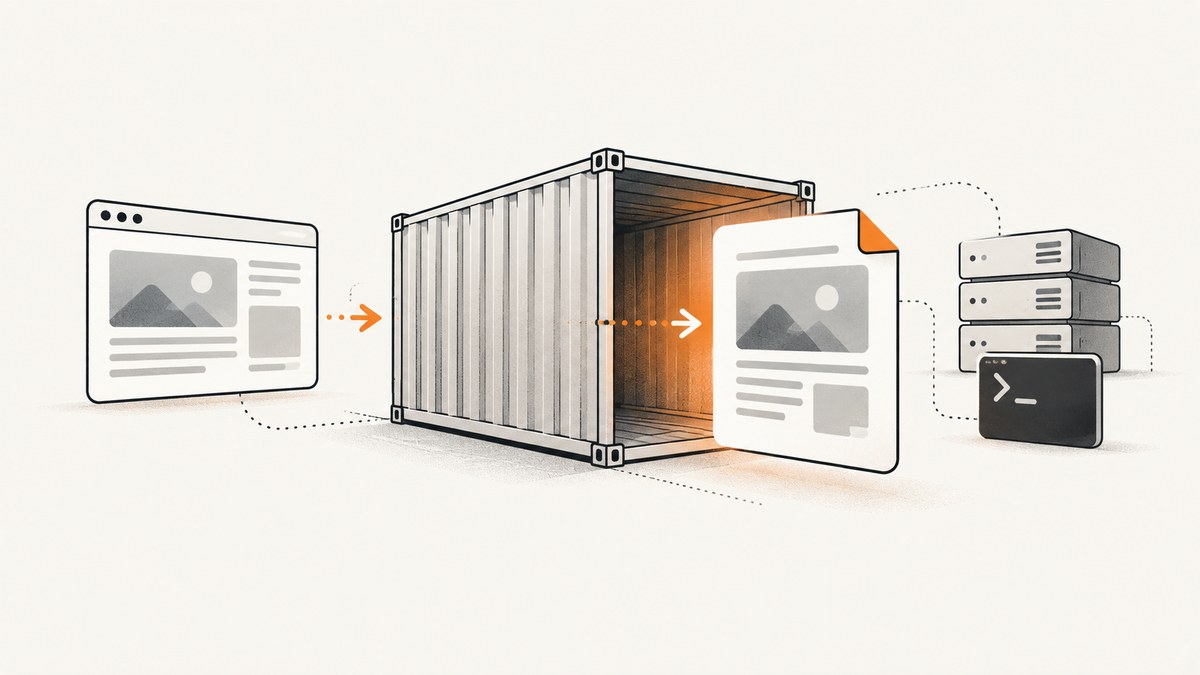
Use a container image that includes wkhtmltopdf and its runtime dependencies, then pass the source URL or HTML file and a destination path. To keep the PDF after the container exits, write it into a bind-mounted directory or redirect PDF bytes emitted to standard output. Pin the image tag or digest, inspect its entrypoint, and verify the Qt build, fonts, architecture, and command syntax before using it in production.
wkhtmltopdf is a headless command-line renderer based on Qt WebKit. It does not require an X server or display service. The upstream wkhtmltopdf repository has been archived since January 2, 2023, and the separate packaging repository has also been archived, so treat both the binary and its Docker image as legacy dependencies that need version pinning and regression tests. See the upstream project and its packaging project.
1. The basic Docker command
The most portable pattern is to mount the current directory at /data and write the output PDF there:
docker run --rm \
  -v "$PWD:/data" \
  <image>:<pinned-tag> \
  https://example.com /data/output.pdf
After the container exits, output.pdf is present in the host directory. This command assumes the image entrypoint invokes wkhtmltopdf and accepts normal input and output arguments. Read the image documentation first, or inspect it directly:
docker run --rm <image>:<pinned-tag> --version
docker image inspect <image>:<pinned-tag> --format '{{json .Config.Entrypoint}} {{json .Config.Cmd}}'
Replace the placeholder with a concrete, maintained tag or digest selected from the image maintainer’s documentation. Avoid treating latest as a reproducibility guarantee.
2. Save a PDF outside the container
Bind-mount a host directory
A container’s writable filesystem disappears when the container is removed. A bind mount gives the process a path that maps to your host:
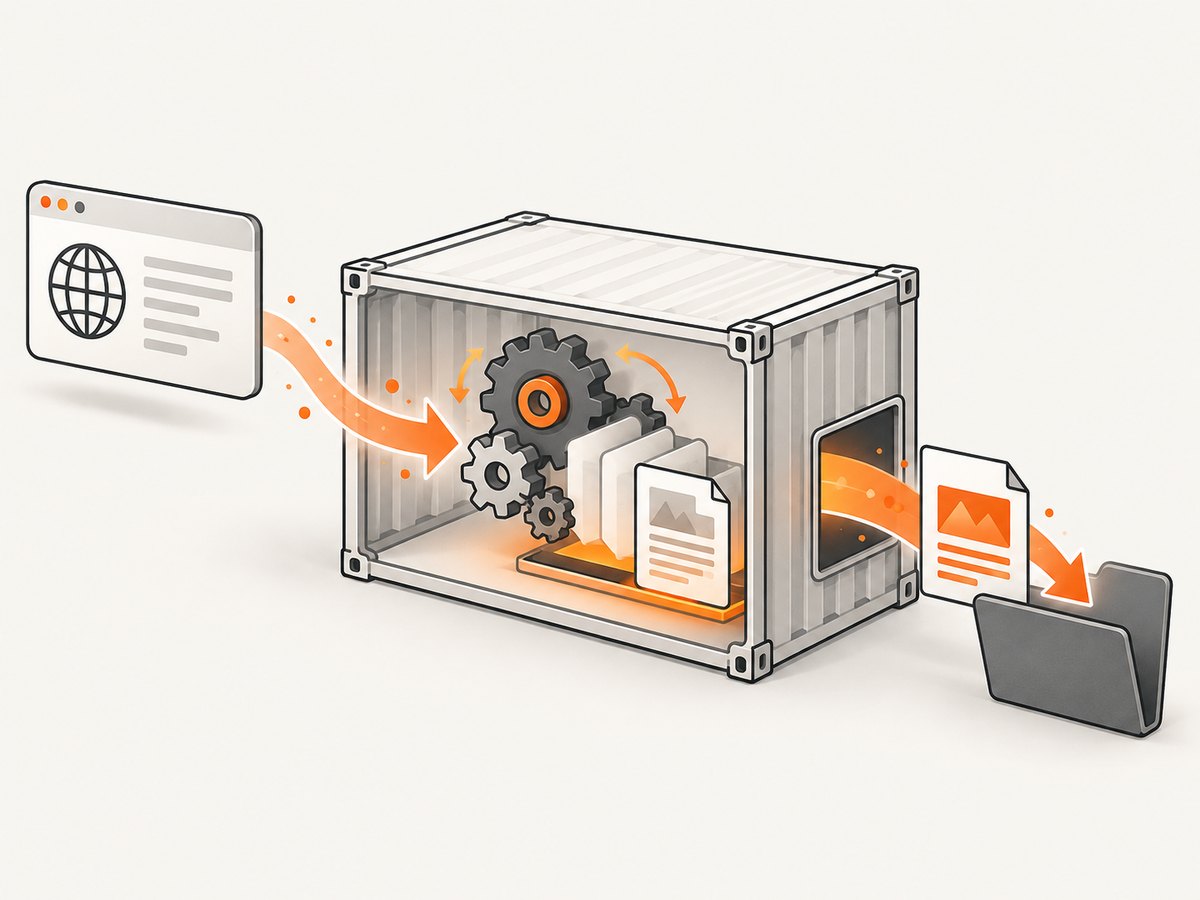
mkdir -p pdf-output
docker run --rm \
  --mount type=bind,src="$PWD/pdf-output",dst=/data \
  <image>:<pinned-tag> \
  https://example.com /data/example.pdf
ls -lh pdf-output/example.pdf
Use an absolute host path when running Docker from automation. The destination argument must be inside the mounted directory. If the image runs as a non-root user, make sure that user can write to the mount; on Linux, adjust ownership or permissions on pdf-output rather than granting broad permissions to the whole filesystem.
Capture PDF bytes from standard output
Some images document an entrypoint that writes the PDF to standard output when the destination is -:
docker run --rm <image>:<pinned-tag> \
  https://example.com - > output.pdf
Only use this form when the image explicitly supports it. A diagnostic message written to standard output can corrupt the PDF; stderr should carry logs. The Surnet image documentation describes this invocation style and publishes small and full variants. Its tags encode details such as base-image version, wkhtmltopdf version, and edition, so select and pin the exact tag from the current repository rather than copying an unpinned example. See Surnet’s image repository.
3. Render a local HTML file
Mount the directory containing the source file and refer to the container path:
docker run --rm \
  -v "$PWD/site:/site:ro" \
  -v "$PWD/pdf-output:/out" \
  <image>:<pinned-tag> \
  file:///site/index.html /out/index.pdf
Use file:/// URLs with an absolute path. Relative CSS, image, and font references are resolved from the HTML file’s location. If the page loads remote assets, the container must have DNS and outbound network access. A read-only mount for input prevents accidental modification while a separate writable mount receives the PDF.
4. Select a Docker image safely
Images that appear interchangeable can differ in ways that change output or break commands. Compare candidates using this checklist:
| Check | Why it matters |
|---|---|
| wkhtmltopdf and Qt variant | Patched Qt builds provide additional functionality. Confirm what --version reports and test the features your pages require. |
| Concrete version and architecture | Pin a tag or digest and verify support for amd64, arm64, or your deployment architecture. Emulation can change build and runtime behavior. |
| Entrypoint and command | Some images invoke wkhtmltopdf directly; others wrap it or emit output to stdout. Check Entrypoint, Cmd, and documented examples. |
| Included binaries and libraries | The full edition of some images includes wkhtmltoimage and more libraries, while a small edition may omit them. |
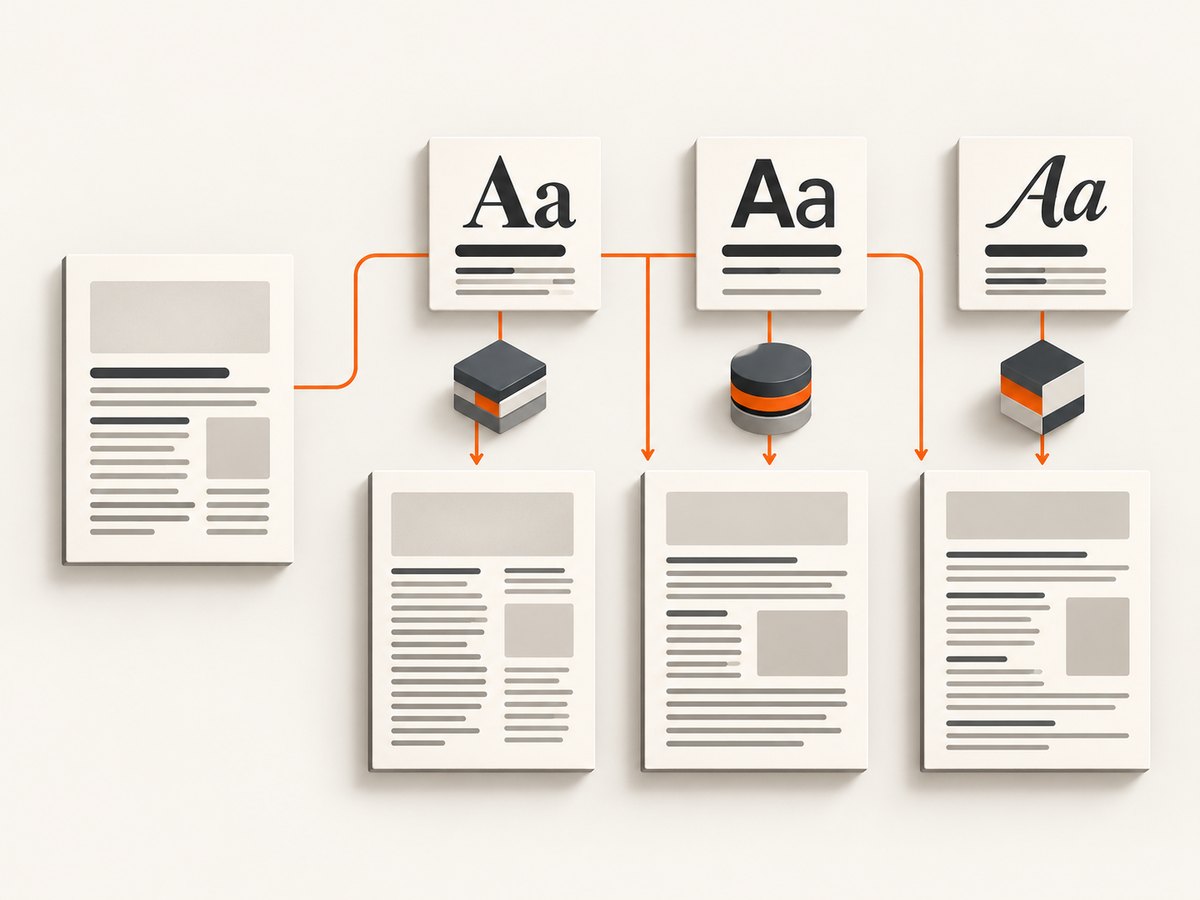
| Fonts | Missing fonts alter line breaks, pagination, and visual output. Confirm the image includes the fonts your documents use or build a controlled image. |
| Maintenance history | Check the registry and source repository for updates, issue activity, and base-image status before adopting a third-party image. |
The openlabs Docker Hub page documents the bind-mount approach, but its page reports an image update almost 11 years before the referenced research access. That is a maintenance warning, not a recommendation. Prefer a source you can audit and a version you can reproduce.
5. Build a project-owned image
A project-owned image lets you control the binary, fonts, and operating-system libraries. The exact installation recipe depends on the target distribution and the wkhtmltopdf build you select. Do not assume that every distribution’s apt-get install wkhtmltopdf package has the same patched Qt features as upstream packaging.
# Dockerfile outline; choose a supported base and verified package source
FROM <pinned-base-image>

# Install the exact wkhtmltopdf build and runtime libraries required by it.
# Install the fonts used by your documents.
# Copy or install wkhtmltopdf so it is on PATH.

ENTRYPOINT ["wkhtmltopdf"]
The upstream packaging project documents Docker as a build method and explains why packaging is difficult: wkhtmltopdf needs a patched Qt for additional functionality and targets multiple platforms. Record the base-image digest, wkhtmltopdf version, Qt variant, font packages, and architecture in your build metadata. Build once, scan the resulting image, and run a representative document set whenever any of those inputs changes.
6. Useful wkhtmltopdf options
Put options before the input and output arguments. The exact supported set depends on the binary in your image, so use wkhtmltopdf --extended-help inside the selected container.
docker run --rm \
  -v "$PWD/pdf-output:/out" \
  <image>:<pinned-tag> \
  --enable-local-file-access \
  --javascript-delay 1000 \
  --encoding utf-8 \
  --print-media-type \
  --margin-top 15mm \
  --margin-right 15mm \
  --margin-bottom 15mm \
  --margin-left 15mm \
https://example.com /out/tuned.pdf--enable-local-file-accesspermits local assets when your security model allows it.--javascript-delaywaits for client-side rendering; it increases runtime and does not guarantee that every asynchronous request has finished.--print-media-typeselects print CSS where the page defines it.--margin-*,--page-size,--orientation, and--dpicontrol page geometry and output scale.- Headers, footers, table-of-contents options, cookies, and custom headers are available in builds that support them; verify with the image’s help output.
7. Troubleshooting
The PDF is not on the host
Check that the output path is inside the mounted directory, that the mount source is the directory you expect, and that the command actually completed:
docker run --rm -v "$PWD/pdf-output:/out" <image>:<pinned-tag> \
  https://example.com /out/check.pdf
echo $?
ls -la pdf-output
A path such as /tmp/check.pdf inside the container is lost when the container exits unless /tmp is mounted.
“Unknown option” or an argument error
The image may have a wrapper entrypoint, an older binary, or a different command convention. Run --version and --extended-help, inspect the entrypoint, and follow that image’s documented ordering. Do not combine the stdout syntax with an image that expects a filesystem destination.
Blank pages or missing remote content
Test the URL from inside the container, then check DNS, proxy settings, TLS trust stores, authentication, and the page’s bot checks. A page that requires a browser feature unsupported by the image’s Qt WebKit build may never render correctly. If JavaScript populates the document, try a measured delay and verify that the content exists in the generated PDF.
Local CSS, images, or fonts are missing
Confirm that every asset is under a mounted path, use an absolute file:/// source, and enable local file access when appropriate. Install the required fonts in the image and rebuild the font cache if the base distribution requires it. Compare output on the target architecture because font availability changes pagination.
Different layout between machines
Differences usually come from the binary version, patched versus unpatched Qt, fonts, locale, timezone, architecture, or input content changing between runs. Pin the image digest, set locale and timezone deliberately, bundle fonts, and keep a small visual regression corpus.
Permission denied on the mounted output
The container user may not own the host directory. Create the directory with an ownership mapping suitable for your runtime, or run the process with an explicit user ID when the image supports it. Avoid making the output directory world-writable as a default fix.
8. Performance and reliability
Each invocation starts a process and loads a WebKit runtime, so startup cost is significant for small documents. Reuse a long-lived service only if you can isolate jobs and control resource limits; otherwise, one-shot containers are simpler to reason about. Set CPU and memory limits, queue work, and enforce an outer timeout because a page can hang on scripts or network requests.
Rendering time grows with page length, JavaScript, remote assets, image resolution, and font work. Use a fixed input URL or snapshot for repeatable builds, cache stable assets where your security policy permits, and avoid waiting longer than necessary for scripts. Keep stderr logs with the image digest and command options so a failed PDF can be diagnosed.
For production reliability, pin a digest, mirror or retain the image you approved, test on every supported architecture, and rerun representative PDFs after changing the base image, fonts, Qt build, or wkhtmltopdf version. Because upstream repositories are archived, plan a migration path if a security or compatibility issue requires a maintained renderer.
9. Cost and operational considerations
Docker itself does not charge per PDF, but CPU time, memory, storage, registry traffic, and the host running the container do. Large images increase pull time and disk use. A small image can reduce those costs while omitting utilities or libraries you need, so measure the complete job rather than choosing by image size alone. Keep generated PDFs outside ephemeral container storage and apply retention rules to the host or object store.
10. Or skip the browser setup
If your goal is a clean screenshot or PDF from a URL rather than maintaining a Qt WebKit container, ScreenshotNeo provides a hosted API and an MCP server. One GET request returns a PNG, JPEG, WebP, or PDF. Cookie and consent banners are accepted and removed before capture, along with more than 60 known consent platforms, newsletter popups, and chat widgets; each cleanup step can be turned off.
Only clean shots are billed. Bot checks and CAPTCHAs, blank pages, timeouts, failed loads, and cache hits cost nothing, and response headers identify the page verdict and whether it was billed. An MCP server exposes take_screenshot, get_page_info, and capture_pdf to Claude, Cursor, and other MCP clients.
See the ScreenshotNeo API documentation for all 63 options, including full-page capture with lazy images, CSS element capture, dark mode, device presets, retina scale, PDF paper and margin controls, custom CSS and JavaScript, click and wait actions, blocking rules, headers, cookies, user agents, authorization, timezone, geolocation, transparent backgrounds, resizing, TTL caching, signed links, asynchronous webhooks, bulk capture of up to 100 URLs, usage data, and the OpenAPI specification.
curl -G "https://api.screenshotneo.com/v1/shot" -d access_key=YOUR_API_KEY --data-urlencode url=https://stripe.com -o shot.webpimport requests
r = requests.get("https://api.screenshotneo.com/v1/shot", params={"access_key": "YOUR_API_KEY", "url": "https://stripe.com"}, timeout=90)
open("shot.webp", "wb").write(r.content)const q = new URLSearchParams({ access_key: 'YOUR_API_KEY', url: 'https://stripe.com' });
const res = await fetch(`https://api.screenshotneo.com/v1/shot?${q}`);The Free plan includes 1,000 screenshots each month with no card. Paid plans start at $5 for 3,000 shots, and every feature is on every plan. Create a free ScreenshotNeo account.
11. FAQ
Does wkhtmltopdf need an X server in Docker?
No. The upstream project describes wkhtmltopdf and wkhtmltoimage as headless tools that do not require a display service.
Why does my PDF disappear after docker run --rm?
It was written to the container filesystem. Bind-mount a host directory and write into the mounted path, or use an image that emits PDF bytes to stdout.
Should I use the latest tag?
No for reproducible builds. Pin a concrete tag or digest and record the binary, Qt, base image, fonts, and architecture.
Can I use wkhtmltopdf for modern web applications?
It uses Qt WebKit, so browser features and JavaScript behavior differ from current Chromium-based browsers. Test the exact pages and consider a maintained browser renderer when compatibility is a requirement.
How do I know whether an image includes wkhtmltoimage?
Run wkhtmltoimage --version inside the container or inspect the image documentation. Some “small” variants intentionally omit it.


