How to Run wkhtmltopdf Reliably with Java ProcessBuilder
Run wkhtmltopdf safely from Java: configure ProcessBuilder, drain output, enforce timeouts, validate PDFs, and troubleshoot production failures.
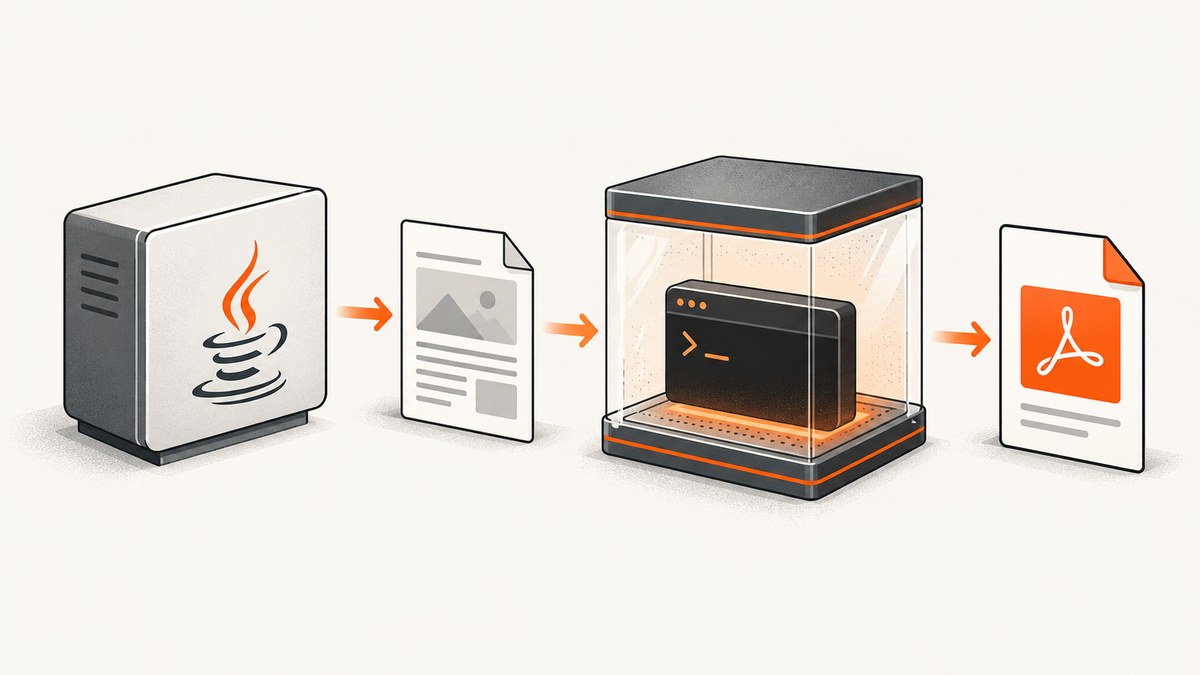
Direct answer: Java does not render HTML itself when you use wkhtmltopdf. Your service starts an external executable, passes arguments, consumes its output streams, waits with an application-defined deadline, checks the exit code, and validates the generated PDF. The dependable pattern is to use a known platform-specific binary, pass every command argument as a separate ProcessBuilder list element, keep stderr available for diagnostics, and remove partial output after failures.
This guide shows a production-oriented implementation, deployment checks, security controls, performance considerations, and common fixes. It also explains when a hosted screenshot or PDF API can remove the browser and binary maintenance burden.
1. Understand the process boundary
ProcessBuilder starts an operating-system process; it is not an in-process HTML renderer. Oracle describes process startup as highly system-dependent, so executable paths, accepted command forms, permissions, environment variables, and available libraries must be checked on the target operating system. See the ProcessBuilder API.
Build a command as a list such as:
[
  "/opt/wkhtmltopdf/bin/wkhtmltopdf",
  "--quiet",
  "--page-size", "A4",
  "input.html",
  "output.pdf"
]
Keep the executable, option, option value, input, and output as separate elements. Do not add shell quotes yourself. A value containing spaces is still one list element. Avoid invoking a shell unless you specifically need shell features; a shell adds quoting and injection risks.
2. Install and pin the executable
The official downloads page lists wkhtmltopdf 0.12.6 as the stable series, released June 11, 2020. Packages differ by operating system, architecture, distribution, and whether they use the project’s patched Qt build. A package that starts on one Linux distribution is not proof that it will behave identically on another. Record the exact package source and the output of wkhtmltopdf --version during deployment diagnostics. Read the official downloads and installation notes, including the warning that static builds can still require system packages.
The upstream GitHub repository is archived and read-only (archive date shown as January 2, 2023). Treat package provenance, downstream security support, and a migration plan as operational requirements.
Deployment checklist
- Install one approved binary per platform and architecture.
- Store its absolute path in configuration, not in request data.
- Run
wkhtmltopdf --versionin a health or diagnostics command. - Verify execute permission and required shared libraries at startup.
- Use a dedicated working directory with restrictive permissions.
- Keep temporary input and output files isolated per request.
3. A complete Java implementation
The following example targets a modern JDK and demonstrates separate arguments, concurrent stream draining, a timeout, exit-status handling, and PDF validation. It uses an HTML file and an explicit output path so the conversion result can be checked deterministically.
import java.io.*;
import java.nio.charset.StandardCharsets;
import java.nio.file.*;
import java.time.Duration;
import java.util.*;
import java.util.concurrent.*;

public final class WkhtmltopdfRunner {
    public static Path render(Path executable, Path html, Path pdf,
                              Duration timeout) throws Exception {
        if (!Files.isRegularFile(executable) || !Files.isExecutable(executable)) {
            throw new IOException("wkhtmltopdf is not executable: " + executable);
        }
        if (!Files.isRegularFile(html)) {
            throw new FileNotFoundException("HTML input does not exist: " + html);
        }
        Files.createDirectories(pdf.toAbsolutePath().getParent());
        Path tempPdf = pdf.resolveSibling(pdf.getFileName() + ".partial");
        Files.deleteIfExists(tempPdf);

        List<String> command = List.of(
            executable.toString(),
            "--quiet",
            "--page-size", "A4",
            "--encoding", "utf-8",
            "--load-error-handling", "abort",
            html.toAbsolutePath().toString(),
            tempPdf.toAbsolutePath().toString()
        );

        ProcessBuilder builder = new ProcessBuilder(command)
            .directory(html.toAbsolutePath().getParent().toFile());
        Process process = builder.start();

        ExecutorService readers = Executors.newFixedThreadPool(2);
        Future<String> stdout = readers.submit(() -> read(process.getInputStream()));
        Future<String> stderr = readers.submit(() -> read(process.getErrorStream()));
        try {
            if (!process.waitFor(timeout.toMillis(), TimeUnit.MILLISECONDS)) {
                process.destroy();
                if (!process.waitFor(2, TimeUnit.SECONDS)) {
                    process.destroyForcibly();
                }
                throw new TimeoutException("wkhtmltopdf exceeded " + timeout);
            }
            int exit = process.exitValue();
            String errorText = stderr.get(5, TimeUnit.SECONDS);
            stdout.get(5, TimeUnit.SECONDS); // ensure the other pipe is drained
            if (exit != 0) {
                throw new IOException("wkhtmltopdf exit " + exit + ": " + errorText);
            }
            validatePdf(tempPdf);
            Files.move(tempPdf, pdf, StandardCopyOption.REPLACE_EXISTING,
                       StandardCopyOption.ATOMIC_MOVE);
            return pdf;
        } finally {
            readers.shutdownNow();
            Files.deleteIfExists(tempPdf);
        }
    }

    private static String read(InputStream input) throws IOException {
        try (input; var out = new ByteArrayOutputStream()) {
            input.transferTo(out);
            return out.toString(StandardCharsets.UTF_8);
        }
    }

    private static void validatePdf(Path file) throws IOException {
        if (!Files.isRegularFile(file) || Files.size(file) == 0) {
            throw new IOException("wkhtmltopdf produced no non-empty PDF");
        }
        try (InputStream in = Files.newInputStream(file)) {
            byte[] header = in.readNBytes(5);
            if (!Arrays.equals(header, "%PDF-".getBytes(StandardCharsets.US_ASCII))) {
                throw new IOException("Output does not start with a PDF header");
            }
        }
    }
}
In a service, wrap this method with request-level limits and structured logging. Include the executable version, elapsed time, exit code, stderr, input size, and output size, but never log secrets or untrusted document contents.
4. Why stream handling matters
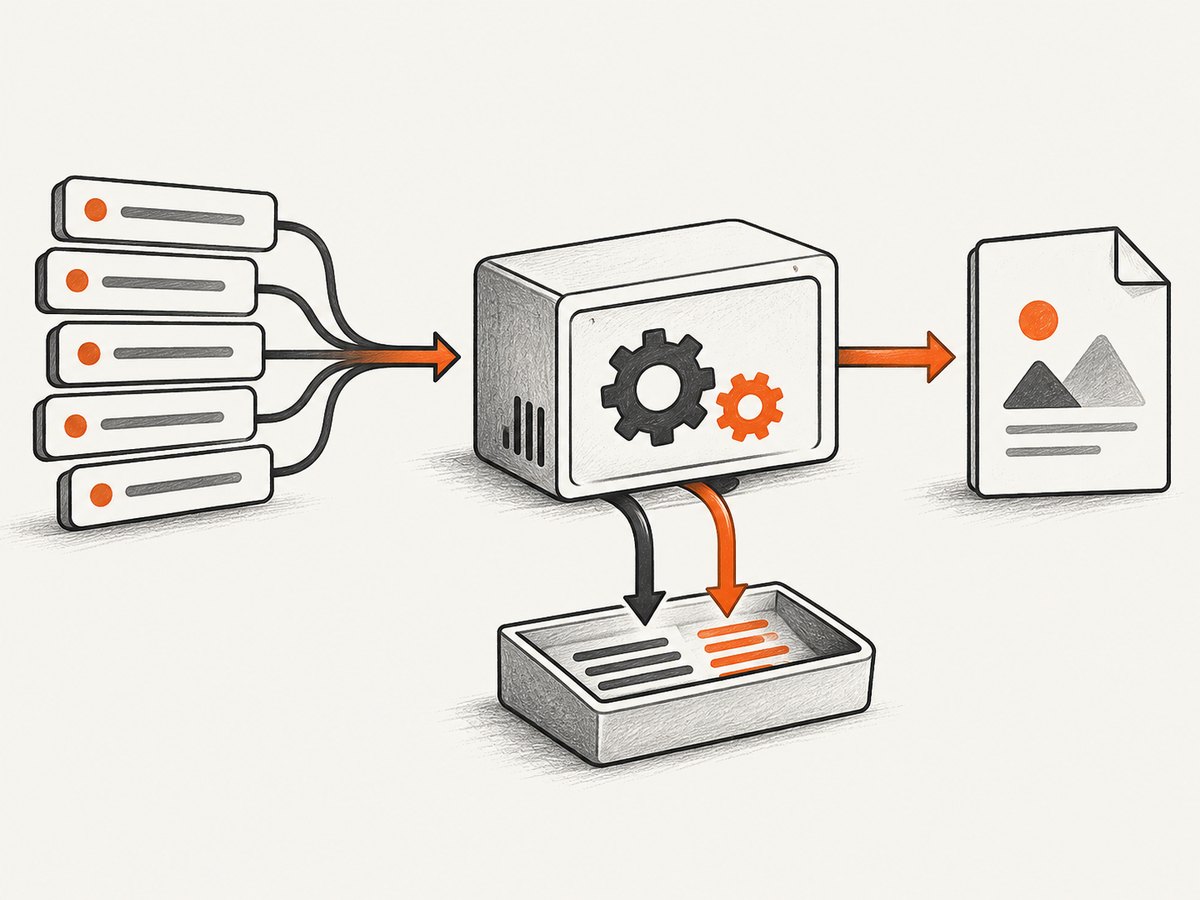
By default, Java gives the child separate pipes for stdout and stderr. If either pipe fills while the parent is waiting, the child can block and your request can appear hung. Consume both streams concurrently, redirect them to files, redirect to inherited output, or deliberately merge them when separate diagnostics are unnecessary. Keep stderr available because wkhtmltopdf reports conversion and resource problems there. The Process API documents waiting, exit status, redirection, and destruction.
Do not call waitFor() before arranging stream handling. Do not assume start() means conversion succeeded; it only means the operating-system process launched.
5. Timeouts, cancellation, and cleanup
Choose a deadline from your workload and service-level objective. There is no universal wkhtmltopdf timeout. Documents that run JavaScript, wait for a page condition, fetch slow resources, or load many images need more time than simple local HTML. Configure one deadline for the whole operation, then use a short escalation interval for process termination.
- Start the process and stream readers.
- Wait only until the configured deadline.
- On expiry, call
destroy(). - If the child remains alive after a short grace period, call
destroyForcibly(). - Delete partial files and report a distinct timeout error.
A third-party wrapper may choose a 10-second default, but that is a library policy, not a safe universal value. Review any default against your templates and options, especially settings that wait for window.status.
6. wkhtmltopdf options that affect reliability
Review the command-line manual for the exact syntax supported by your binary. Common groups include:
| Need | Options to evaluate | Operational note |
|---|---|---|
| Page geometry | --page-size, --orientation, --margin-* |
Pin these rather than relying on package defaults. |
| Diagnostics | --log-level, --quiet |
Use quieter logs only after your stderr capture is reliable. |
| Resource failures | --load-error-handling, --load-media-error-handling |
Choose whether a failed resource aborts, ignores, or continues. |
| JavaScript | --javascript-delay, --enable-javascript, --window-status |
Delays increase latency; page conditions can wait indefinitely without a process deadline. |
| Files | --disable-local-file-access, --allow |
Disable local access unless the document needs selected files. |
| Requests | --custom-header, --cookie, --user-style-sheet |
Keep credentials out of logs and temporary filenames. |
Pass every option and value as its own list element. Generate the list from an allowlisted configuration model rather than accepting arbitrary flags from callers.
7. Security boundary
The wkhtmltopdf project warns: Do not use wkhtmltopdf with any untrusted HTML – be sure to sanitize any user-supplied HTML/JS, otherwise it can lead to complete takeover of the server it is running on!
Treat conversion as a security boundary.
- Sanitize HTML and JavaScript before rendering.
- Run the process as a dedicated low-privilege account or container.
- Disable local-file access and allow only required paths.
- Restrict outbound network access to approved destinations.
- Do not expose environment secrets, host mounts, or service tokens.
- Apply CPU, memory, process-count, file-size, and wall-clock limits.
- Review the exact package’s security status. Debian’s tracker lists CVE-2022-35583 as an SSRF issue affecting wkhtmltopdf 0.12.6; downstream status can vary.
8. Concurrency, performance, and cost
Each conversion is a separate process with startup, font, layout, JavaScript, and network costs. Measure your own templates; the dossier provides no universal throughput or fidelity benchmark. Use a bounded executor so traffic cannot create unlimited child processes. Queue work when the renderer pool is full, and reject or defer requests before the host becomes memory-bound.
Reuse immutable configuration, but do not reuse a mutable temporary directory between requests. Give every job unique input and output names. If output is published, move a validated temporary PDF into place atomically. Cache only when the HTML, assets, options, and binary version are part of the cache key.
wkhtmltopdf itself is open-source command-line software, so direct license cost is not the main operational cost. Budget for binary packaging, patching, isolation, fonts, observability, queue capacity, and migration work as the upstream project ages.
9. Troubleshooting
| Symptom | Likely cause | Fix |
|---|---|---|
IOException: Cannot run program |
Wrong path, missing execute bit, or missing shared library. | Use the absolute configured path; run --version as the service user and inspect package dependencies. |
| Java request hangs | stdout or stderr pipe is full, or the page waits forever. | Drain both streams concurrently and enforce a deadline with termination. |
| Exit code is nonzero | Invalid option, inaccessible input, failed load, or renderer error. | Capture stderr, verify the exact command, and review log and load-error options. |
| Zero-byte or missing PDF | Process failed, output path is unwritable, or a partial file remained. | Check exit status, parent-directory permissions, and validate before publishing. |
| Images or CSS are absent | Relative URLs, blocked local files, network policy, or timing. | Use correct base URLs, explicitly allow required files, verify network access, and choose a deliberate JavaScript wait. |
| Works locally, fails in production | Different Qt build, fonts, architecture, environment, or working directory. | Pin the package, record version and platform, and reproduce under the deployment user. |
| SSRF or data exposure risk | Untrusted HTML can fetch internal URLs or read local resources. | Sanitize input, disable local access, restrict egress, and isolate the process. |
10. Or skip the browser setup
If your requirement is simply to obtain a clean website image or PDF, ScreenshotNeo provides a hosted API and MCP server. It removes cookie and consent banners, newsletter popups, and chat widgets before capture; bot checks, blank pages, failed loads, timeouts, and cache hits are not billed. Every response identifies the page verdict and billing state with X-Page-Verdict and X-Billed headers. Its MCP server exposes take_screenshot, get_page_info, and capture_pdf for Claude, Cursor, and other MCP clients.

See the ScreenshotNeo API documentation for all options. A one-call screenshot looks like this:
cURL
curl -G "https://api.screenshotneo.com/v1/shot" -d access_key=YOUR_API_KEY --data-urlencode url=https://stripe.com -o shot.webpPython
import requests
r = requests.get("https://api.screenshotneo.com/v1/shot", params={"access_key": "YOUR_API_KEY", "url": "https://stripe.com"}, timeout=90)
open("shot.webp", "wb").write(r.content)
Node.js
const q = new URLSearchParams({ access_key: 'YOUR_API_KEY', url: 'https://stripe.com' });
const res = await fetch(`https://api.screenshotneo.com/v1/shot?${q}`);
const data = new Uint8Array(await res.arrayBuffer());
ScreenshotNeo supports full-page and element captures, device presets, retina scale, dark mode, PDF paper and margin controls, custom CSS and JavaScript, waits, request blocking, headers, cookies, user agents, authorization, timezone, geolocation, resizing, chosen cache TTLs, signed links, asynchronous webhooks, bulk capture, usage reporting, and HTML/CSS-to-image. It accepts the parameter names used by other screenshot APIs, which can simplify migration.
There are 1,000 screenshots per month free with no card. Paid plans start at $5 for 3,000 shots; yearly billing gives two months free, and every feature is available on every plan. Create a free ScreenshotNeo account.
11. FAQ
Should I merge stdout and stderr?
Only if you do not need separate diagnostics. Keeping stderr separate makes conversion failures easier to classify. Either approach is safe when the resulting stream is consumed continuously.
Is a successful process start a successful conversion?
No. Check the exit code, inspect stderr, and validate that the expected file is a non-empty PDF beginning with %PDF-.
Can I accept arbitrary wkhtmltopdf flags from an API caller?
Avoid it. Map supported options from an allowlist and reject unknown values. Arbitrary flags can weaken local-file, network, or JavaScript controls.
What timeout should I choose?
Measure representative documents and set a deadline that fits your service objective. Add a shorter termination grace period. No single timeout is correct for every template or deployment.
When should I replace wkhtmltopdf?
Reassess when your required browser features, security posture, package support, or maintenance expectations exceed what your pinned build can provide. Compare alternatives on your own templates and isolation requirements.


