How to Run wkhtmltopdf Without Installing It on the Server
Package wkhtmltopdf with the right libraries, fonts, and runtime—or use a Lambda layer or container—without installing it system-wide.
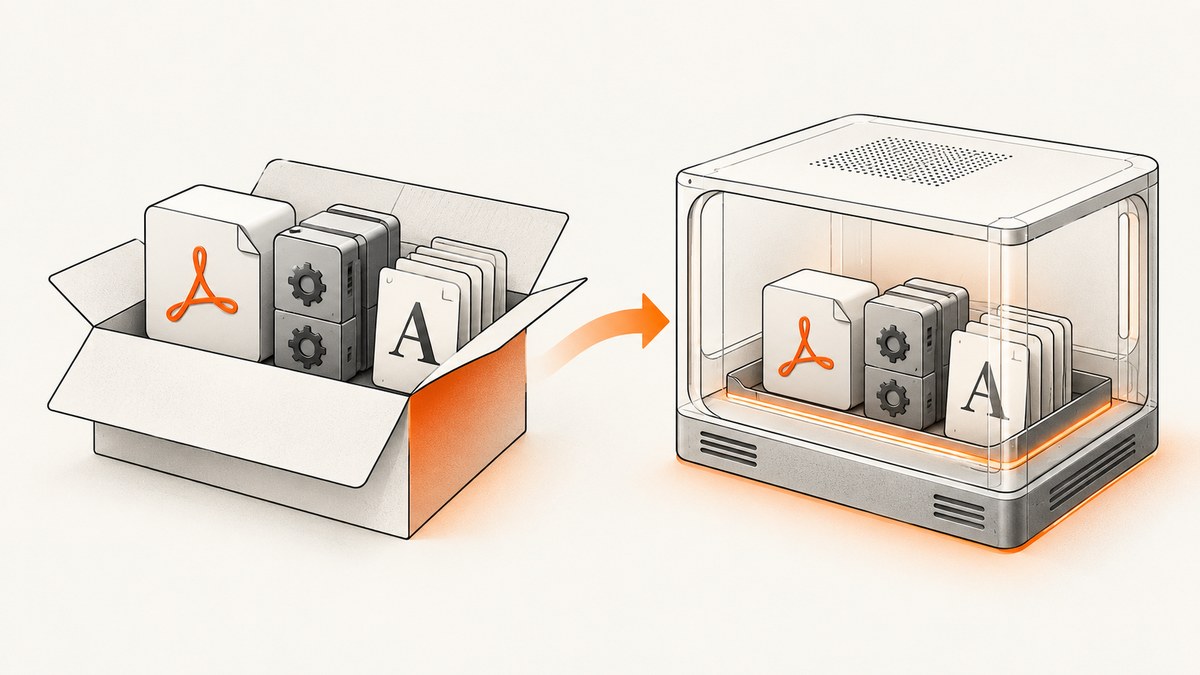
Direct answer: extract a distribution-specific wkhtmltopdf package into a directory owned by your application, include the runtime libraries and font configuration your deployment image lacks, and invoke the executable by its absolute path. Verify the bundle inside the same operating-system image and CPU architecture used in production. A package described as “static” still needs system libraries, fontconfig, freetype2, and fonts.
This approach avoids a system package install, but it does not remove compatibility or security work. The official project documents distribution-specific packages, an Amazon Linux 2 Lambda bundle, and the limitations of generic Linux binaries. See the official FAQ, downloads page, and project status page.
1. Choose the deployment model
| Model | Use it when | Main requirement |
|---|---|---|
| Application-owned bundle | The host permits files but not system package installation | Match the target distribution, libc, architecture, libraries, fonts, and loader paths |
| Container | Your platform can run a separate image | Build the image for the same OS family and architecture as the wkhtmltopdf package |
| AWS Lambda layer or zip | The function runs on Amazon Linux 2 | Use the documented Lambda package and set LD_LIBRARY_PATH and FONTCONFIG_PATH |
The project’s stable series is 0.12.6, released June 11, 2020. Release assets are distribution- and architecture-specific, and the packaging repository also lists Lambda assets. Check the selected release asset before copying commands into a deployment pipeline.
2. Bundle wkhtmltopdf in your application
Step 1: Identify the runtime
- Record the distribution and version used by production.
- Record the CPU architecture, such as x86_64 or arm64.
- Check whether the image uses glibc or musl. Alpine uses musl; the official FAQ says generic upstream binaries did not reliably work there.
- Confirm where writable temporary and output directories exist.
Step 2: Select and extract a matching package
Download the package matching that OS and architecture from the official downloads page or the project’s packaging releases. Extract it under your application directory rather than /usr/bin.
# Example layout; use the package and archive format for your target release
mkdir -p app/vendor/wkhtmltopdf
# Extract the verified archive into app/vendor/wkhtmltopdf
# Then inspect the executable and its libraries
app/vendor/wkhtmltopdf/bin/wkhtmltopdf --version
The exact archive name changes by distribution and architecture, so do not substitute an arbitrary Linux build. Extraction only changes where files live; it does not supply missing shared libraries or fonts.
Step 3: Find and package runtime dependencies
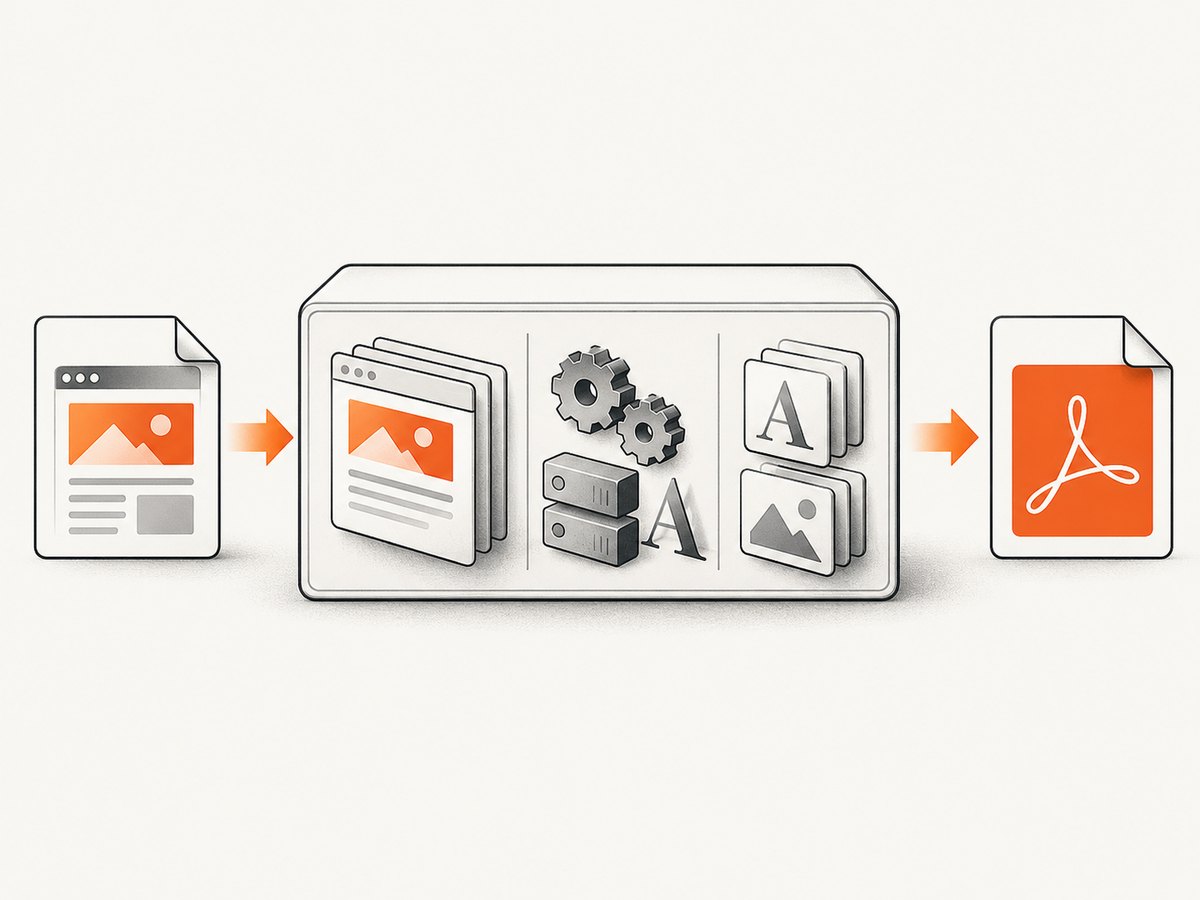
The FAQ explains that “static” refers to Qt being statically linked. Other system packages can still be required, including libraries related to OpenSSL, libc, fontconfig, and freetype2. Inspect the executable inside the target image and copy the required libraries into the bundle only when your deployment policy allows it.
# Run this in the same image used by production
ldd app/vendor/wkhtmltopdf/bin/wkhtmltopdf
# Look for “not found” entries and resolve them before deployment
Keep fonts and font configuration with the renderer. A binary can start successfully while producing substituted fonts or different line wrapping because production lacks the fonts used during development.
Step 4: Invoke an explicit path
#!/usr/bin/env bash
set -eu
WKHTMLTOPDF='/app/vendor/wkhtmltopdf/bin/wkhtmltopdf'
INPUT='/app/templates/invoice.html'
OUTPUT='/tmp/invoice.pdf'

"$WKHTMLTOPDF" \
  --page-size A4 \
  --margin-top 12mm \
  --margin-right 12mm \
  --margin-bottom 12mm \
  --margin-left 12mm \
  "$INPUT" "$OUTPUT"
Using an absolute path avoids depending on a host-wide PATH. If the package expects private libraries or fonts, set the loader and fontconfig variables for the child process:
export LD_LIBRARY_PATH='/app/vendor/wkhtmltopdf/lib:/app/vendor/wkhtmltopdf/lib64'
export FONTCONFIG_PATH='/app/vendor/wkhtmltopdf/fonts'
/app/vendor/wkhtmltopdf/bin/wkhtmltopdf input.html output.pdf
3. Run it in a container
A container keeps the renderer, libraries, and fonts together while leaving the host application installation untouched. Build from an OS family supported by the package you selected. Do not copy a generic glibc binary into an Alpine musl image and assume that the container boundary makes it portable.
FROM debian:bookworm-slim
WORKDIR /app
COPY vendor/wkhtmltopdf /app/vendor/wkhtmltopdf
COPY render.sh /app/render.sh
RUN chmod +x /app/render.sh
ENTRYPOINT ["/app/render.sh"]
#!/usr/bin/env bash
set -eu
exec /app/vendor/wkhtmltopdf/bin/wkhtmltopdf "$1" "$2"
Pass input and output through a controlled directory or stream. Keep the image versioned and run the smoke test below whenever the base image, renderer package, or fonts change.
4. Use the documented AWS Lambda bundle
The official FAQ describes an Amazon Linux 2 zip whose files can accompany the function or be published as a layer. Its example uses /opt/bin/wkhtmltopdf, libraries under /opt/lib, and fonts under /opt/fonts.
import os
import subprocess

os.environ['LD_LIBRARY_PATH'] = '/opt/lib'
os.environ['FONTCONFIG_PATH'] = '/opt/fonts'

subprocess.run([
    '/opt/bin/wkhtmltopdf',
    '--page-size', 'A4',
    '/tmp/input.html',
    '/tmp/output.pdf',
], check=True)
Confirm that the Lambda package’s Amazon Linux version and architecture match the deployed function. The release list identifies a Lambda-specific 0.12.6 package as well as distribution packages; verify the asset itself before deployment.
5. Verify the bundle before shipping
- Run
wkhtmltopdf --versionfrom the production image. - Run
lddand resolve every missing library. - Render a local HTML fixture containing web fonts or bundled fonts, images, page breaks, headers, footers, and a small JavaScript interaction if your documents use one.
- Compare page size, margins, font fallback, image loading, headers, footers, and output bytes with a known-good render.
- Repeat the test after changing the base image, architecture, package, or font set.
cat > /tmp/smoke.html <<'HTML'
Renderer smoke test
Fonts, layout, and images must be checked in the target runtime.
Second page.
HTML
/app/vendor/wkhtmltopdf/bin/wkhtmltopdf /tmp/smoke.html /tmp/smoke.pdf
file /tmp/smoke.pdf
6. Options that matter in production
| Need | Typical options or practice |
|---|---|
| Paper and layout | --page-size A4, --orientation Landscape, and explicit margin options |
| Headers and footers | Configure header/footer options and test page wrapping with the production fonts |
| JavaScript | Allow enough time for the page’s scripts, but remember wkhtmltopdf uses an old Qt WebKit engine |
| Images and assets | Use accessible absolute URLs or local files and verify network access from the runtime |
| Temporary files | Write to a runtime-writable directory and remove files after successful or failed jobs |
| Timeouts | Enforce an outer process timeout so a stalled page cannot consume a worker indefinitely |
The official command-line manual documents --version and the renderer’s options. Treat those options as version-specific and test the exact binary you deploy.
7. Troubleshooting
“No such file or directory” when the binary exists
This often means the ELF loader or a required shared library is missing, not that the path is wrong. Run ldd in the target image, check the architecture, and provide the expected loader and library paths.
“error while loading shared libraries”
Include the missing library in the image or application bundle and set LD_LIBRARY_PATH where appropriate. Rebuild against the target distribution if the library ABI does not match.
Works on Debian, fails on Alpine
Alpine uses musl instead of glibc. Use a package built for the actual target or choose a glibc-based image compatible with the upstream asset.
Fonts are missing or text wraps differently
Package the required font files and fontconfig configuration. Set FONTCONFIG_PATH, refresh the font cache when your image build requires it, and compare output in the production image rather than on a developer workstation.
Blank pages or missing images
Check that the renderer can reach every asset from its network namespace, that file URLs are permitted by your runtime policy, and that the HTML does not depend on browser APIs unavailable in old Qt WebKit.
JavaScript content is incomplete
wkhtmltopdf’s WebKit engine is old. Increase the page’s wait time only when that is sufficient; for modern JavaScript applications, use a current browser renderer instead.
Output differs after a base-image update
Compare libc, OpenSSL, font packages, locale, and architecture. Pin the renderer bundle and base image together, then rerun the representative fixture.
8. Security and maintenance
The official status page says Qt 4 has not been supported since 2015 and its WebKit has not been updated since 2012. It warns: “Do not use wkhtmltopdf with any untrusted HTML – be sure to sanitize any user-supplied HTML/JS, otherwise it can lead to complete takeover of the server it is running on!” Sanitize input and isolate the process with a container, restricted user, filesystem permissions, network policy, and—where appropriate—AppArmor or SELinux.
The main GitHub repository was archived and became read-only on January 2, 2023. A packaging repository still exposes release assets, but that does not make the rendering engine current or remove its security risks.
9. When another renderer is a better fit
For controlled report HTML, the maintainer suggests considering WeasyPrint or the commercial Prince renderer. For pages that depend on modern JavaScript, the status page suggests Puppeteer or a wrapper around it. These are workload-based recommendations, not benchmark claims.
10. Or skip the browser setup
If your goal is a clean screenshot or PDF from a URL rather than a server-managed wkhtmltopdf process, ScreenshotNeo provides a single API request. See the ScreenshotNeo documentation.
curl -G "https://api.screenshotneo.com/v1/shot" -d access_key=YOUR_API_KEY --data-urlencode url=https://stripe.com -o shot.webpimport requests
r = requests.get("https://api.screenshotneo.com/v1/shot", params={"access_key": "YOUR_API_KEY", "url": "https://stripe.com"}, timeout=90)
open("shot.webp", "wb").write(r.content)const q = new URLSearchParams({ access_key: 'YOUR_API_KEY', url: 'https://stripe.com' });
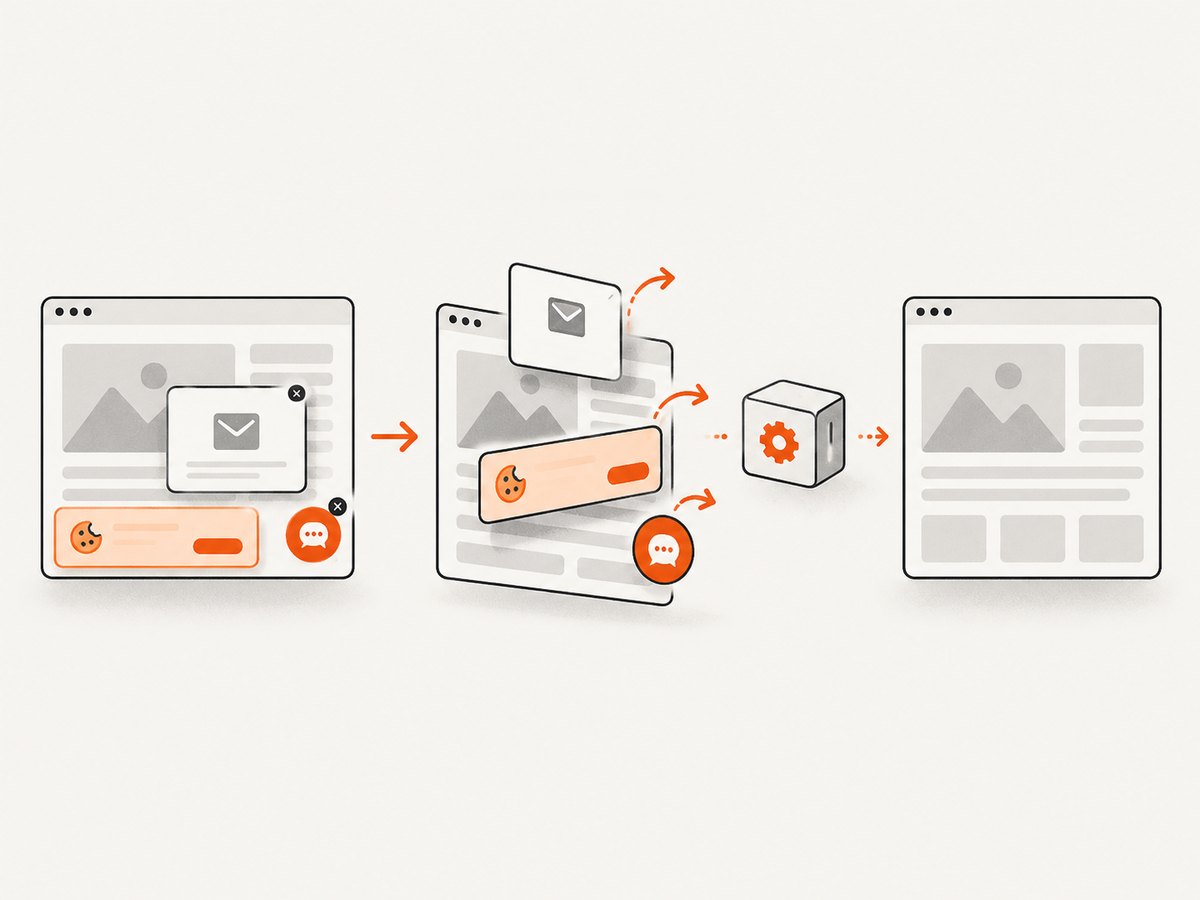
const res = await fetch(`https://api.screenshotneo.com/v1/shot?${q}`);ScreenshotNeo removes cookie banners, newsletter popups, and chat widgets before capture. Bot checks, blank pages, failed loads, timeouts, and cache hits are not billed, and the response identifies the page verdict and billing status. Its MCP server lets Claude, Cursor, and other MCP clients use take_screenshot, get_page_info, and capture_pdf. The free plan includes 1,000 screenshots per month with no card; paid plans start at $5 for 3,000. Create a free ScreenshotNeo account.
FAQ
Does “without installing” mean no files are installed?
No. The renderer and its dependencies must still be present somewhere your process can execute them; they are simply application-owned, container-owned, or supplied as a Lambda layer instead of installed system-wide.
Can I copy one Linux binary to every server?
No. Distribution, libc, architecture, OpenSSL, fonts, and loader differences can break execution or change output.
Is a container automatically safe for user HTML?
No. A container helps isolate the process, but untrusted HTML still requires sanitization and restrictive runtime controls.
What should I pin?
Pin the renderer package, base image or function runtime, architecture, and font set together, then rerun a representative rendering fixture after updates.


