How to Save a Div as an Image
Use html2canvas to turn a div into a downloadable PNG, handle fonts and cross-origin images, and know when a server screenshot API is better.
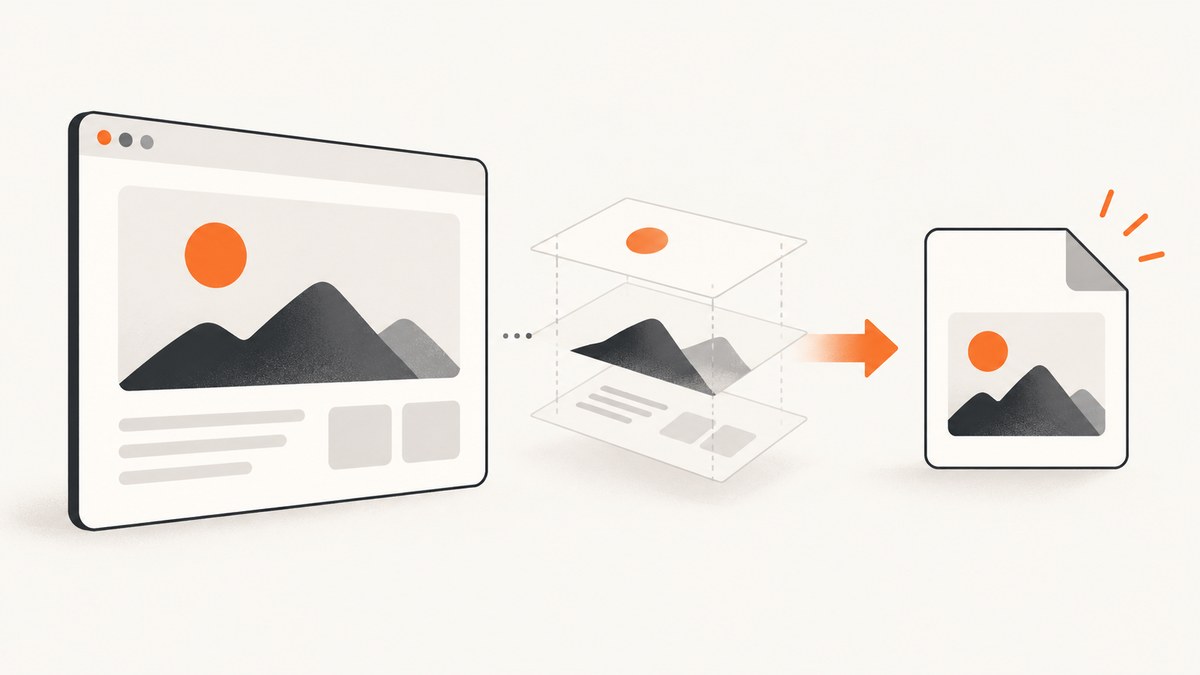
The simplest browser-side method is html2canvas: select the div, await html2canvas(element), convert the returned canvas to a PNG, and click a temporary download link.
const element = document.querySelector('#capture');

if (!element) {
  throw new Error('The #capture element was not found');
}

const canvas = await html2canvas(element);
const link = document.createElement('a');
link.download = 'capture.png';
link.href = canvas.toDataURL('image/png');
link.click();
html2canvas reconstructs the selected DOM element as a canvas. It does not capture the browser’s already-composited pixels, so unsupported CSS, cross-origin assets and embedded documents can change the result.
1. Install and create a download button
Install the package with npm:
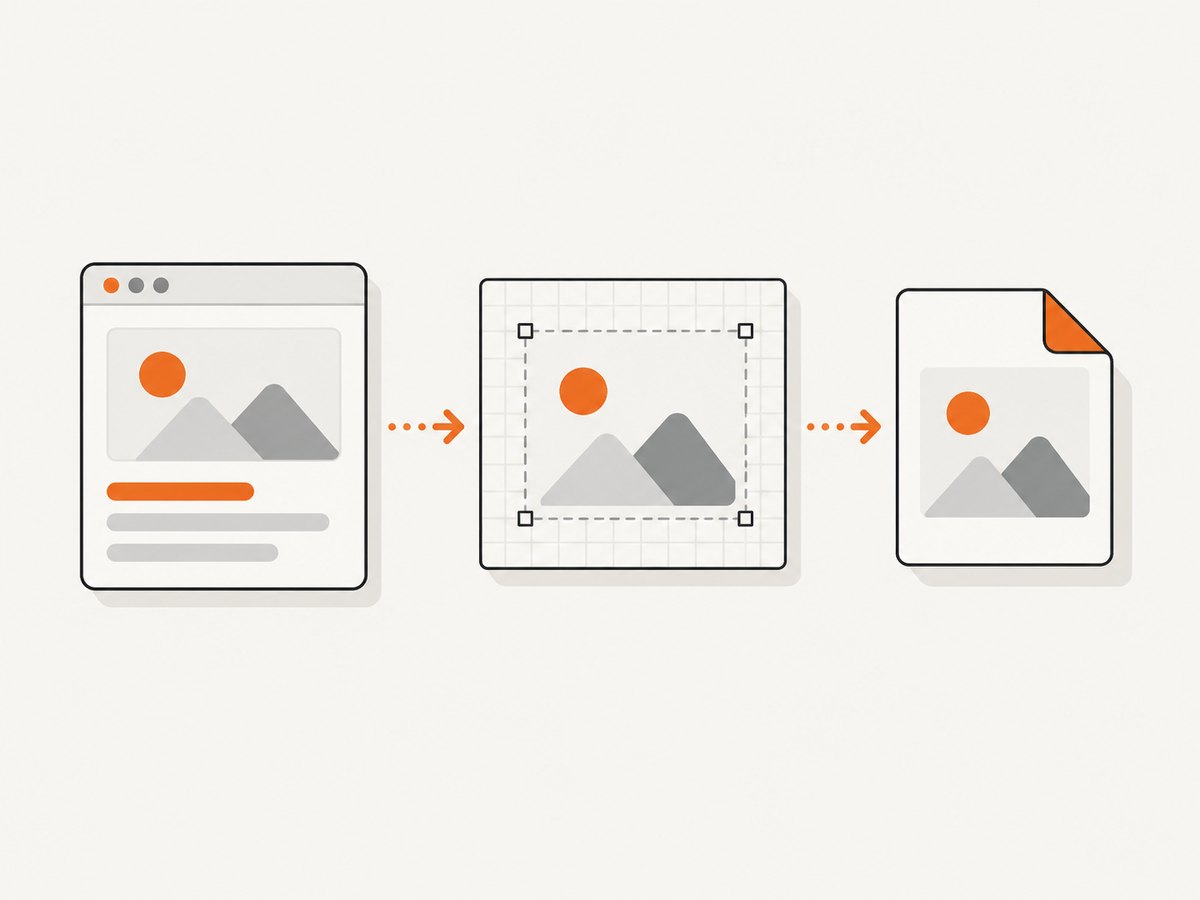
npm install html2canvasThen import it in an ES-module application:
import html2canvas from 'html2canvas';

const button = document.querySelector('#save');
const element = document.querySelector('#capture');

button.addEventListener('click', async () => {
  if (!element) return;

  button.disabled = true;
  try {
    const canvas = await html2canvas(element);
    const blob = await new Promise((resolve, reject) =>
      canvas.toBlob(blob => blob ? resolve(blob) : reject(new Error('PNG encoding failed')), 'image/png')
    );
    const url = URL.createObjectURL(blob);
    const link = document.createElement('a');
    link.href = url;
    link.download = 'capture.png';
    link.click();
    URL.revokeObjectURL(url);
  } finally {
    button.disabled = false;
  }
});
Use toBlob() for larger images because it avoids creating a large base64 string. Use toDataURL() when you specifically need a data URL.
2. Make the capture match the visible div
Capture the smallest element that contains the content you need. The element must be in the document and have a measurable layout.
const canvas = await html2canvas(document.querySelector('#capture'), {
  backgroundColor: '#ffffff',
  scale: window.devicePixelRatio,
  useCORS: true,
  logging: false
});| Option | Use | Notes |
|---|---|---|
scale |
Control output density | window.devicePixelRatio produces sharper output but increases memory and file size. Set a fixed value such as 1 or 2 for predictable dimensions. |
backgroundColor |
Set the image background | White is the documented default. Use null for transparency when the rendered content supports it. |
useCORS |
Request CORS-enabled images | Works only when the image server sends a suitable Access-Control-Allow-Origin header. |
windowWidth, windowHeight |
Control the virtual viewport | Useful when responsive CSS changes the layout. Match the breakpoint you want to render. |
logging |
Diagnose rendering | Enable it while investigating missing nodes or assets, then disable it in production. |
ignoreElements |
Exclude controls or overlays | Return true for elements that should not appear in the image. |
onclone |
Adjust the cloned document | Hide buttons, expand sections or apply capture-only styles without changing the live page. |
Check the configuration reference for your installed version; option names and behavior should be verified against that dependency version.
Wait for fonts and asynchronous content
await document.fonts.ready;

const images = [...document.querySelectorAll('#capture img')];
await Promise.all(images.map(image => {
  if (image.complete) return Promise.resolve();
  return new Promise(resolve => {
    image.addEventListener('load', resolve, { once: true });
    image.addEventListener('error', resolve, { once: true });
  });
}));

const canvas = await html2canvas(document.querySelector('#capture'));
If your application fetches data, render the final state first. For lazy-loaded images, scroll or otherwise trigger loading before capture.
3. Capture a high-resolution or transparent PNG
const element = document.querySelector('#capture');
const rect = element.getBoundingClientRect();
const scale = 2;

const canvas = await html2canvas(element, {
  scale,
  width: rect.width,
  height: rect.height,
  backgroundColor: null,
  useCORS: true
});

canvas.toBlob(blob => {
  if (!blob) throw new Error('Could not create image blob');
  const url = URL.createObjectURL(blob);
  const link = Object.assign(document.createElement('a'), {
    href: url,
    download: 'capture@2x.png'
  });
  link.click();
  URL.revokeObjectURL(url);
}, 'image/png');
A larger scale multiplies both canvas width and height, so memory use grows quickly. Pick the output dimensions your users need rather than always using the highest device pixel ratio.
4. Export JPEG or WebP
const canvas = await html2canvas(document.querySelector('#capture'), {
  backgroundColor: '#ffffff'
});

canvas.toBlob(blob => {
  const url = URL.createObjectURL(blob);
  const link = document.createElement('a');
  link.href = url;
  link.download = 'capture.jpg';
  link.click();
  URL.revokeObjectURL(url);
}, 'image/jpeg', 0. nine);
Replace 0. nine with a JavaScript number such as 0.9; the value controls JPEG quality. WebP is available when the browser supports image/webp. JPEG has no transparency, so set a solid background.
5. Capture only part of a div or hide controls
const canvas = await html2canvas(document.querySelector('#capture'), {
  onclone: clonedDocument => {
    clonedDocument.querySelectorAll('[data-capture-hide]').forEach(node => {
      node.style.display = 'none';
    });
  },
  ignoreElements: element => element.matches('.no-export')
});
For a subregion, wrap that region in its own element and capture the wrapper. This is more reliable than trying to crop after rendering because layout, shadows and clipping are resolved inside the target.
6. Cross-origin images and the tainted-canvas error
Images hosted on another origin need permission from that server. Set useCORS: true only when the image response includes an appropriate CORS header. If the server cannot be changed, use a proxy that fetches the image and serves it from your origin.
const canvas = await html2canvas(element, {
  useCORS: true,
  imageTimeout: 15000
});

// The following can throw SecurityError if any canvas pixel is tainted.
const png = canvas.toDataURL('image/png');
Do not treat allowTaint: true as a download fix. A tainted canvas remains unreadable: MDN documents that exporting a tainted canvas with toDataURL(), toBlob() or captureStream() throws a SecurityError. Cross-origin iframes cannot be rendered because the page cannot access their document. See the html2canvas FAQ and MDN’s CORS image guidance.
7. Common errors and fixes
| Symptom | Cause | Fix |
|---|---|---|
Cannot read properties of null |
The selector matched no element. | Run after the DOM exists, check the result, and use a stable ID or ref. |
| Images are missing | The image is still loading, blocked by CORS, or served from an inaccessible URL. | Wait for images, set useCORS: true with server headers, or proxy the asset. |
SecurityError during export |
The canvas is tainted by a cross-origin image. | Fix CORS or proxy every image; do not rely on allowTaint. |
| Fonts look wrong | Web fonts were not ready when capture started. | Await document.fonts.ready and ensure the font request succeeds. |
| Content is clipped | The target has fixed dimensions, overflow clipping or a collapsed layout. | Capture a wrapper, expand it for the cloned document, or set appropriate windowWidth/windowHeight. |
| CSS effect is absent | html2canvas supports only CSS properties it implements. | Check the supported-features list and simplify or render that effect directly on a canvas. |
| Browser freezes or crashes | The canvas is too large, often because of a high scale and full-page dimensions. | Lower scale, capture a smaller region, or move rendering to a controlled server workflow. |
| Download does nothing | The click was not initiated by a user gesture, or the blob URL was revoked too early. | Start capture from the button event and revoke the URL after the link click. |
8. Browser rendering limits
html2canvas builds a DOM representation, so it is not pixel-identical to a browser screenshot. Complex filters, blend modes, pseudo-elements, SVG details, videos, plugins and cross-origin iframes may differ or be absent. The project documents that it can render correctly only the CSS properties it understands. Test the exact pages and browsers your application supports.
For a true browser-level capture, use an automated browser such as Playwright or Puppeteer on a server. That approach can render cross-origin pages from the browser context, but it requires browser binaries, sandboxing, concurrency limits, cleanup and a policy for untrusted URLs.
9. Performance, reliability and cost
- Capture only the needed element; full-page DOM reconstruction costs more memory.
- Use a fixed scale for predictable processing and file sizes.
- Wait for a known ready state instead of using an unnecessarily long delay.
- Limit concurrent captures to avoid main-thread jank and memory spikes.
- Use
toBlob()and object URLs for large output. - Handle image errors and timeouts so one broken asset does not leave the button disabled.
- Browser-side capture has no API charge, but it uses the user’s CPU, memory and network. A server workflow adds infrastructure or service cost and must protect against abusive URLs.
Or skip the browser setup
ScreenshotNeo captures a URL with one request and returns PNG, JPEG, WebP or PDF. It can capture a full page or one CSS-selected element, wait for a selector, delay or network idle, set a viewport and device preset, use retina scale, add custom CSS or JavaScript, hide selectors, set headers, cookies, user agent, timezone and geolocation, and block unwanted requests or resource types. See the ScreenshotNeo API documentation for the complete option list.
curl -G "https://api.screenshotneo.com/v1/shot" -d access_key=YOUR_API_KEY --data-urlencode url=https://stripe.com -o shot.webpimport requests
r = requests.get(
"https://api.screenshotneo.com/v1/shot",
params={"access_key": "YOUR_API_KEY", "url": "https://stripe.com"},
timeout=90,
)
r.raise_for_status()
open("shot.webp", "wb").write(r.content)const q = new URLSearchParams({ access_key: 'YOUR_API_KEY', url: 'https://stripe.com' });
const res = await fetch(`https://api.screenshotneo.com/v1/shot?${q}`);
if (!res.ok) throw new Error(`Screenshot failed: ${res.status}`);
const buffer = Buffer.from(await res.arrayBuffer());
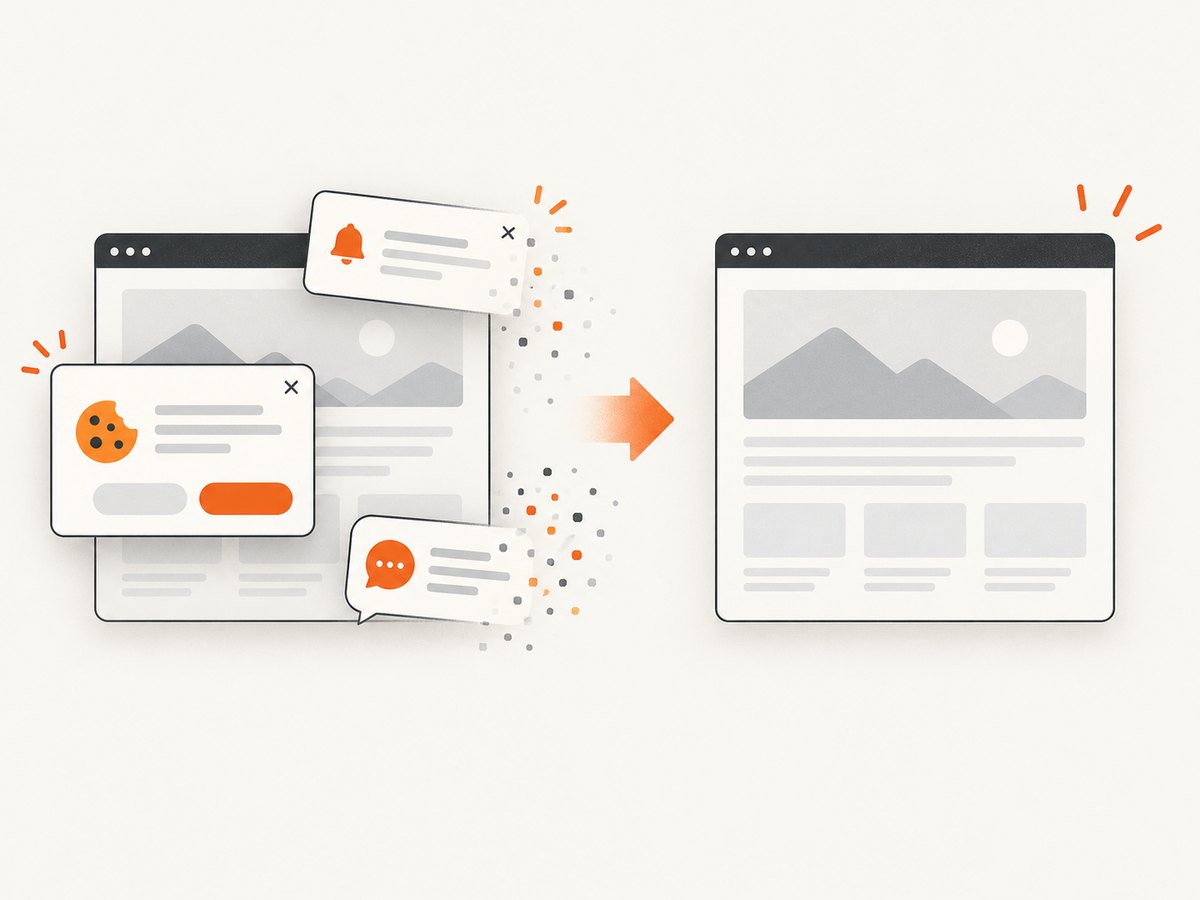
require('node:fs').writeFileSync('shot.webp', buffer);Cookie and consent banners, newsletter popups and chat widgets are removed before the shot, with each cleanup step configurable. Bot checks, blank pages, failed loads, timeouts and cache hits are not billed, and the response identifies the result with X-Page-Verdict and X-Billed headers. An MCP server provides take_screenshot, get_page_info and capture_pdf tools for Claude, Cursor and other MCP clients. The Free plan includes 1,000 shots each month with no card; paid plans start at $5 for 3,000 shots. Create a free ScreenshotNeo account.
FAQ
Can I save a div as SVG instead?
html2canvas produces a raster canvas. To create SVG, render the design with SVG elements or use a library designed for SVG serialization; ordinary HTML and CSS cannot be losslessly converted to SVG.
Why is the downloaded PNG blurry?
Increase scale or capture at a larger CSS size, then check the resulting pixel dimensions. Higher scale also increases memory and file size.
Can html2canvas capture a cross-origin iframe?
No. The browser prevents access to another origin’s document. Capture content you control from inside the iframe or use a server-side browser workflow.
Should I use PNG or JPEG?
PNG preserves transparency and sharp text. JPEG is smaller for photographic content but requires a background and introduces compression artifacts.


