Save Generated PDFs to Amazon S3 from Java
Generate a PDF in Java, then upload its file, bytes, or stream to Amazon S3 with AWS SDK for Java 2.x. Choose the right request body and avoid stream-length errors.
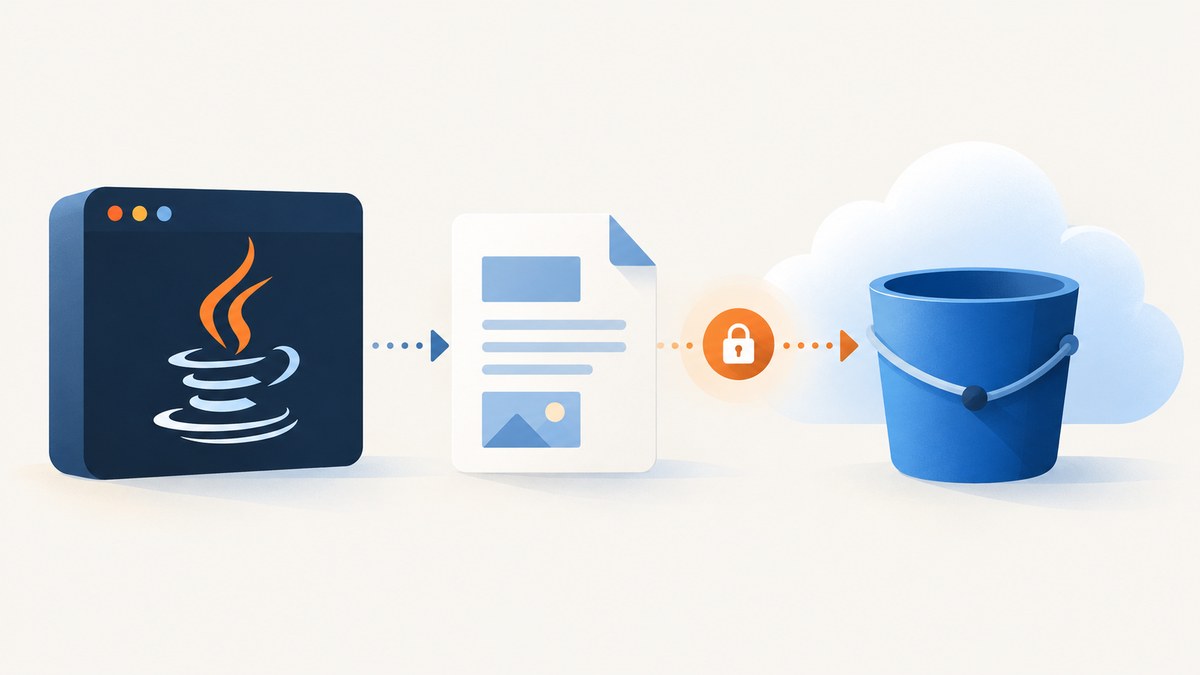
Generate the PDF in your Java application, then upload the resulting bytes to S3. With AWS SDK for Java 2.x, use RequestBody.fromFile for a file, RequestBody.fromBytes for a byte array, or RequestBody.fromInputStream for a stream whose exact length you know. Set the object’s content type to application/pdf. PDF generation and S3 upload are separate operations: S3 stores the bytes your application provides.
This guide uses AWS SDK for Java 2.x. See AWS’s stream upload guidance and S3 Transfer Manager documentation for the supported request body patterns and file-transfer options.
1. Choose how to hand the generated PDF to S3
| PDF output | Upload method | Best fit | Watch for |
|---|---|---|---|
Local Path |
RequestBody.fromFile(path) |
Your PDF library writes to disk, or the document is large. | Keep the file available until the synchronous upload finishes. |
byte[] |
RequestBody.fromBytes(bytes) |
The generator already returns bytes and the document fits comfortably in memory. | The PDF already occupies heap memory; avoid unnecessary duplicate copies. |
InputStream with known size |
RequestBody.fromInputStream(stream, exactLength) |
The generator exposes a stream and you can determine its exact byte length. | A wrong length can truncate the object or cause a failed or hanging request. |
| Unknown-length stream | Content provider or a suitable multipart/async design | The output is streamed and its size is not known up front. | Some synchronous provider approaches buffer the entire stream to calculate length. |
For an ordinary generated report, the simplest path is usually a file if the generator writes one, or bytes if the generator produces an in-memory PDF. Choose a streaming path when it fits the generator’s output and memory constraints; streaming alone does not remove the need to manage size and completion correctly.

2. Configure the AWS SDK and credentials
Add the AWS SDK for Java 2.x S3 module to your build, using the version management already established by your project. Do not mix version 1 examples such as com.amazonaws.services.s3 with version 2 classes under software.amazon.awssdk. The samples below use the v2 API and the standard credential provider chain. Configure the AWS region and credentials for the environment that runs the application, such as its role or local AWS profile; do not hard-code secrets.
The application identity needs permission to write objects to the intended bucket and key. Keep bucket name and key configuration separate from generated document content. Use a key convention that avoids accidental overwrites, for example a report identifier plus a date or unique ID.
3. Upload a generated PDF file
If your PDF library writes to a path, pass it directly to the synchronous client. The PDF-producing code is deliberately left to your chosen library; once it has finished and closed the output file, upload it:
import java.nio.file.Path;
import software.amazon.awssdk.regions.Region;
import software.amazon.awssdk.services.s3.S3Client;
import software.amazon.awssdk.services.s3.model.PutObjectRequest;
import software.amazon.awssdk.core.sync.RequestBody;

public class UploadPdfFile {
    public static void upload(Path pdfPath, String bucket, String key) {
        try (S3Client s3 = S3Client.builder()
                .region(Region.US_EAST_1)
                .build()) {
            PutObjectRequest request = PutObjectRequest.builder()
                    .bucket(bucket)
                    .key(key)
                    .contentType("application/pdf")
                    .build();
            s3.putObject(request, RequestBody.fromFile(pdfPath));
        }
    }
}
Replace the region with the bucket’s region. Client creation and closing are shown in one method for clarity; applications that upload repeatedly should generally create a client for the application lifecycle and close it during shutdown rather than recreating it for every PDF. The file upload completes before the synchronous call returns successfully.
4. Upload bytes from an in-memory PDF
Many PDF libraries can write to a byte output stream, after which the application can call toByteArray(). Use fromBytes when the resulting array is already available and document size is suitable for memory:
import software.amazon.awssdk.core.sync.RequestBody;
import software.amazon.awssdk.services.s3.S3Client;
import software.amazon.awssdk.services.s3.model.PutObjectRequest;

byte[] pdfBytes = createPdfBytesWithYourLibrary();
PutObjectRequest request = PutObjectRequest.builder()
        .bucket("reports-bucket")
        .key("reports/report-2026-09.pdf")
        .contentType("application/pdf")
        .build();
s3Client.putObject(request, RequestBody.fromBytes(pdfBytes));
createPdfBytesWithYourLibrary() represents your PDF generator and must return the complete PDF bytes. It is not an AWS method. This separation matters: an S3 upload cannot repair an incomplete or invalid PDF produced upstream.
5. Upload an InputStream with its exact length
If you have an input stream and know its size in bytes, provide that exact length. AWS warns that a value smaller than the actual size may truncate the uploaded object, while a value larger than the actual size can cause a failed or hanging request. Do not estimate from character count; PDF data is binary.
import java.io.InputStream;
import software.amazon.awssdk.core.sync.RequestBody;
import software.amazon.awssdk.services.s3.S3Client;
import software.amazon.awssdk.services.s3.model.PutObjectRequest;

void uploadStream(S3Client s3, InputStream pdfInput,
                  long exactPdfLength, String bucket, String key) {
    PutObjectRequest request = PutObjectRequest.builder()
            .bucket(bucket)
            .key(key)
            .contentType("application/pdf")
            .build();
    s3.putObject(request,
            RequestBody.fromInputStream(pdfInput, exactPdfLength));
}
The caller owns the input stream and should close it, typically with try-with-resources around the call. Do not have another thread read from the same stream while the SDK is uploading; that changes the stream position and can corrupt the request. If the generator can provide a repeatable source such as a file or byte array, that can be easier to retry than a one-shot stream.
6. Handle unknown stream size and large PDFs
When the length is unknown, the synchronous SDK has content-provider options. AWS documents RequestBody.fromContentProvider; an unknown-length provider can buffer the complete stream in memory to determine its length. That may be acceptable for small documents, but assess heap use before applying it to large or concurrent uploads.
For large unknown-length streams, consider an approach designed for multipart uploads or the asynchronous client. AWS documents asynchronous stream bodies through AsyncRequestBody and offers S3 Transfer Manager for file transfers. Pick based on whether you have a file, whether the size is known, and whether the surrounding application is synchronous or asynchronous. Avoid choosing based on an assumed speed ranking: the right design depends on document size, available memory, and concurrency.
For a file-backed upload managed by Transfer Manager, its returned upload object exposes a completion future. Wait for that future if the application must know upload completion before proceeding, or attach completion and error handlers if the workflow is asynchronous. Returning from the method that starts an async transfer does not by itself mean the PDF is in S3.
7. Verify metadata, object key, and access
- Confirm the PDF generator completed and closed its output before starting the upload.
- Build a
PutObjectRequestwith the intended bucket, unique key, andapplication/pdfcontent type. - Pass the body that matches your output: file, bytes, or stream.
- For synchronous uploads, treat a successful method return as completion; for async or Transfer Manager operations, observe the future and its errors.
- Record the bucket and key in application logs or job state so downstream code can locate the object. Avoid logging credentials or sensitive PDF contents.
- Check access policy through the intended application path. Upload success does not imply that an object is public or that a particular user can read it.
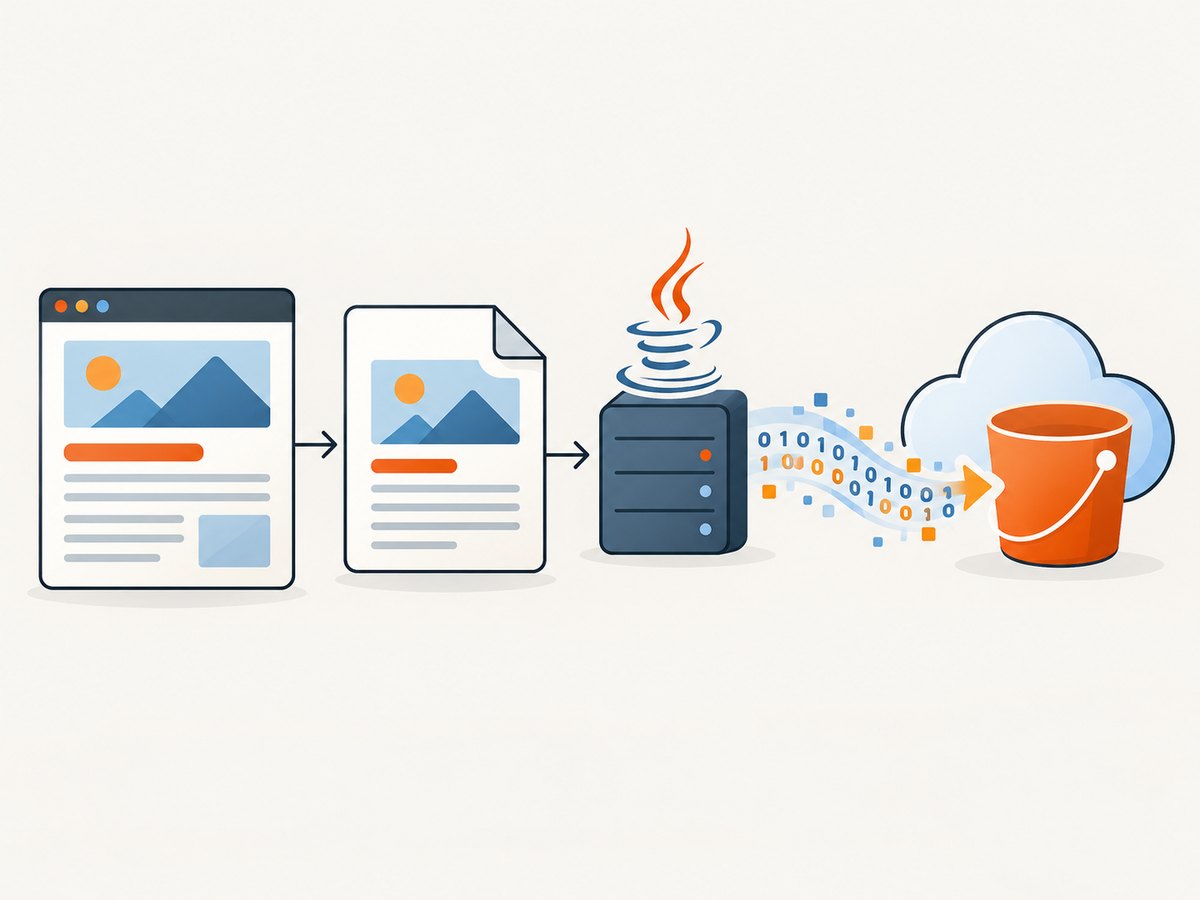
8. Generate a website PDF and save it to S3
If the generated PDF is a capture of a web page, ScreenshotNeo can produce the PDF, while your Java code can upload the returned PDF bytes with the same AWS SDK body patterns above. Its API accepts a URL and can return a PDF; see the ScreenshotNeo website and API documentation for the current request options. Keep the API key in a secret store or environment configuration, and treat the response as binary data.
Or skip the browser setup
Make one API request to capture a URL as a PDF, then pass the PDF response bytes to your existing Java S3 upload flow. See the ScreenshotNeo docs for PDF parameters and response behavior.
curl -G "https://api.screenshotneo.com/v1/shot" -d access_key=YOUR_API_KEY --data-urlencode url=https://stripe.com -o shot.pdfCookie banners, popups, and chat widgets are removed before the shot. Bot checks, blank pages, and failed loads are never billed. An MCP server lets AI agents take screenshots. The free plan includes 1,000 screenshots a month with no card; paid plans start at $5 for 3,000. Sign up free and get 1,000 screenshots a month with no card.
9. Troubleshoot common upload failures
| Symptom | Likely cause | Fix |
|---|---|---|
| Access denied | The active credentials lack permission for the bucket/key, or the request targets an unintended bucket. | Check which identity the SDK credential chain resolved, the bucket and key, and the applicable write permission. |
| Wrong region or redirect-related error | The client is configured for a different region than the bucket. | Configure the S3 client with the bucket’s region and retry using the normal credential setup. |
| Truncated PDF | The supplied stream length is too small or generation ended before all bytes were written. | Use the exact byte length; ensure the generator completes and closes before uploading. |
| Request hangs or fails while streaming | The declared stream length exceeds bytes available, or a stream was consumed or concurrently read. | Correct the byte count, provide a fresh stream, and do not read the stream elsewhere during the request. |
| High memory use | The PDF is held in a byte array, or an unknown-length provider buffers it. | Prefer a file-backed flow or an upload design appropriate for large/unknown streams; limit concurrent generation and uploads to available heap. |
| Object exists but opens as a download or wrong media type | The request omitted or set an incorrect content type. | Set contentType("application/pdf") in the object request. |
| Application reports success too early | An async upload was started but its completion stage was ignored. | Await the completion future when sequencing depends on the upload, or handle success and failure callbacks. |
| Code does not compile against configured SDK | SDK v1 imports or method signatures were copied into an SDK v2 project, or a module is absent. | Use v2 software.amazon.awssdk imports and include the matching v2 S3 dependency and any Transfer Manager module you use. |
10. Performance, reliability, and cost considerations
Bytes are convenient but consume memory in proportion to PDF size, in addition to any intermediate buffers created by the generator. A file keeps the handoff simple and avoids requiring one large application byte array. A stream can reduce intermediate storage, but only if the generator and SDK path stream it appropriately; unknown length can bring buffering back. If many jobs run concurrently, account for total working memory, not just the size of one PDF.
Use stable object keys when replacing a report is intentional; use unique keys when every generated version must remain addressable. Design retries around the output source: a file or reproducible byte array can be sent again, while a consumed InputStream generally needs to be recreated. For asynchronous transfers, record failures and retry at the job boundary with a fresh source. AWS’s documentation describes API mechanics, not a universal performance result; measure with your application’s real PDF sizes and concurrency if capacity planning requires it.
S3 charges and any transfer or storage charges depend on your AWS account, region, request pattern, and retention configuration. The cited SDK documentation does not establish a per-PDF cost, so estimate using your own workload and current AWS pricing. Avoid retaining temporary local PDFs longer than the application requires, and set retention behavior according to your data needs.
FAQ
Does S3 generate the PDF?
No. Your Java PDF library or capture service generates the bytes; the SDK uploads those bytes as an object.
Should I use SDK v1 or v2?
These examples use SDK v2. Use the generation already adopted by your project, and keep imports and dependencies consistent.
Can the object key end in .pdf?
Yes. The key is the object’s name in the bucket; choose a naming convention your application can retrieve reliably.
Does a successful upload make the PDF public?
No. Uploading and granting read access are separate concerns governed by your bucket and application access configuration.
Can I upload a PDF response directly from a web capture API?
Yes. Read the response as binary PDF bytes or a stream, then provide those bytes to the matching SDK v2 request body. Check the API’s PDF options and response behavior in its documentation.


