How to Save an Image with a Link in HTML
Learn how to make an image clickable, request downloads, suggest filenames, handle cross-origin limits, and troubleshoot browser behavior.
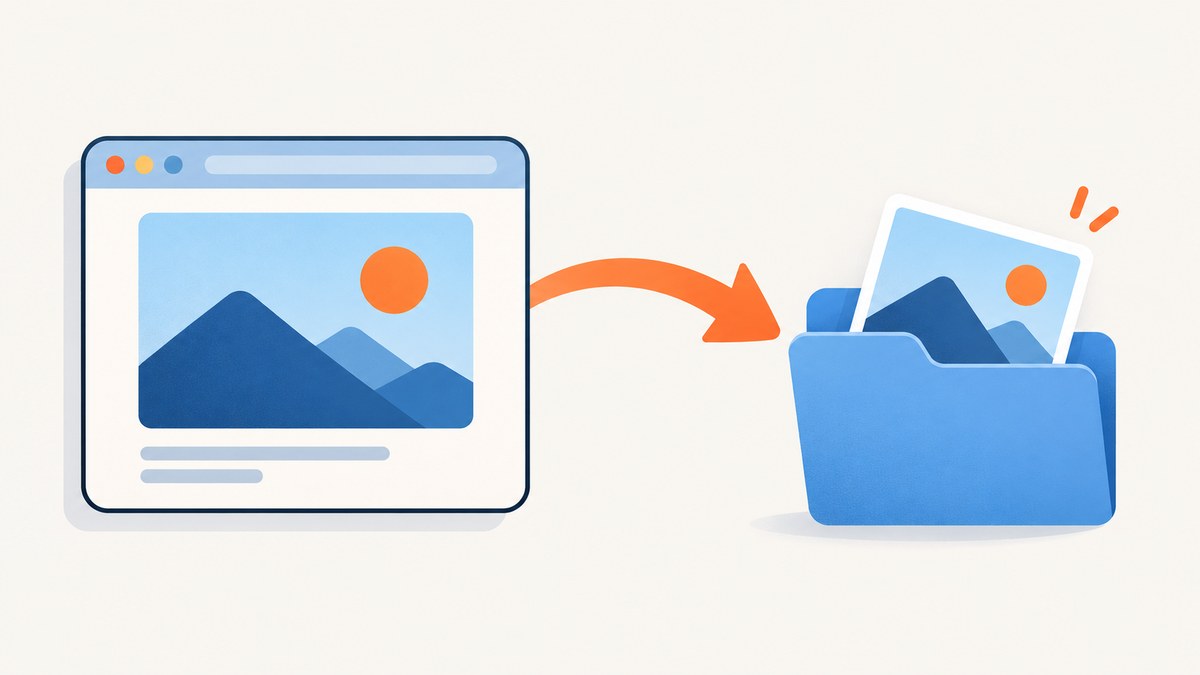
To make an image clickable in HTML, place the <img> element inside an <a> anchor. Put the URL you want to open or download in the anchor’s href. To ask the browser to download the resource instead of navigating to it, add the download attribute.
<a href="/images/photo.jpg" download="photo.jpg">
  <img src="/images/photo-thumbnail.jpg" alt="Download the photo">
</a>
The displayed image and the downloaded file do not have to be the same file. src controls what appears on the page; href controls the link destination. If you use the same URL for both, the image itself is the file the browser is asked to save.
1. Choose the behavior you want
There are two related but different goals:
| Goal | Markup | Typical result |
|---|---|---|
| Open the image | <a href="photo.jpg"><img ...></a> |
The browser navigates to the image URL. |
| Request a download | <a href="photo.jpg" download><img ...></a> |
The browser asks to save the resource, subject to browser, origin, and server rules. |
| Suggest a filename | download="holiday-photo.jpg" |
The suggested filename is used when the browser and server permit it. |
MDN documents the anchor and linked-image pattern in its HTML anchor element reference. The download attribute is a request, not a promise that every browser will silently save the file.
2. Make an image open when clicked
Use this version when the image should lead to a larger image, an image detail page, a gallery, or another destination:
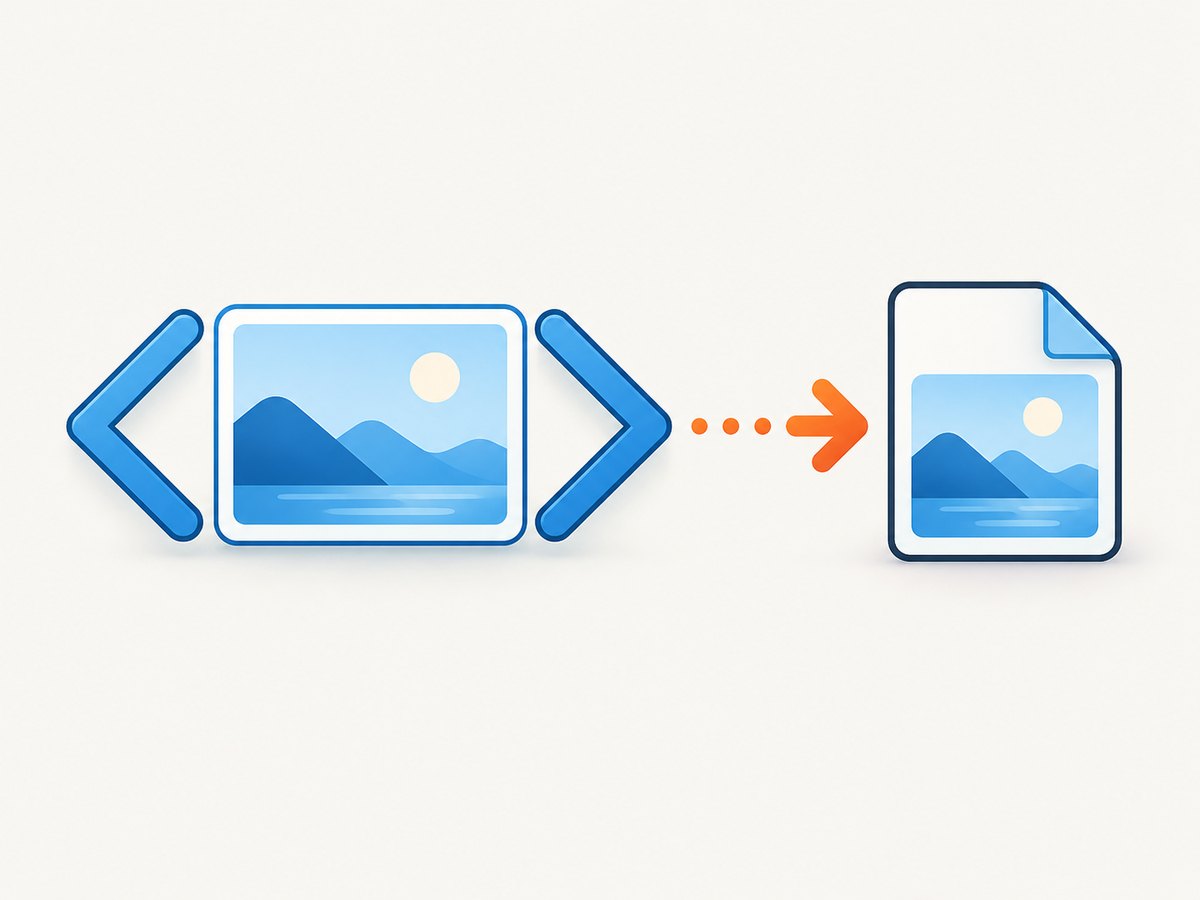
<a href="/images/photo-original.jpg">
  <img
    src="/images/photo-thumbnail.jpg"
    alt="View the full-size mountain photo"
    width="320"
    height="200"
  >
</a>
The alt text should describe the destination or action when the image is functioning as a link. “View the full-size mountain photo” tells a screen-reader user what activating the link does. “Image” or a filename does not.
Open the link in a new tab
<a
  href="/images/photo-original.jpg"
  target="_blank"
  rel="noopener"
>
  <img src="/images/photo-thumbnail.jpg" alt="View the full-size photo">
</a>
Use a new tab only when it helps the user. rel="noopener" prevents the opened page from getting a script reference to the original page.
3. Request that the image be downloaded
Add the boolean download attribute to the anchor:
<a href="/images/photo.jpg" download>
  <img src="/images/photo.jpg" alt="Download the photo">
</a>
You can provide a suggested filename:
<a href="/images/photo.jpg" download="holiday-photo.jpg">
  <img src="/images/photo.jpg" alt="Download the holiday photo">
</a>
The value is a suggestion. A browser may derive a name from the response headers, URL path, or media type. A server-supplied filename can take precedence. Avoid path separators and keep the name appropriate for the file type.
Use a thumbnail but download the original
<a href="/images/product-2400w.webp" download="product.webp">
  <img
    src="/images/product-480w.webp"
    alt="Download the high-resolution product image"
    width="480"
    height="320"
  >
</a>
This pattern saves page weight while giving the user the larger asset. Make sure the downloaded file really matches the extension and MIME type you send.
4. A complete accessible example
The following page includes a visible action label, keyboard focus, responsive sizing, and a fallback text link. The image remains the clickable control, while the adjacent link makes the action explicit for users who do not identify the image as interactive.
<!doctype html>
<html lang="en">
<head>
  <meta charset="utf-8">
  <meta name="viewport" content="width=device-width, initial-scale=1">
  <title>Download image</title>
  <style>
    .image-download {
      display: inline-block;
      border-radius: 8px;
      outline: none;
    }
    .image-download:focus-visible {
      outline: 3px solid #1769e0;
      outline-offset: 4px;
    }
    .image-download img {
      display: block;
      max-width: 100%;
      height: auto;
    }
  </style>
</head>
<body>
  <main>
    <h1>Download the event photo</h1>
    <a
      class="image-download"
      href="/images/event-original.jpg"
      download="event-photo.jpg"
    >
      <img
        src="/images/event-thumbnail.jpg"
        alt="Download the original event photo"
        width="640"
        height="400"
      >
    </a>
    <p>
      <a href="/images/event-original.jpg" download="event-photo.jpg">
        Download the original JPEG
      </a>
    </p>
  </main>
</body>
</html>
5. Same-origin and cross-origin rules
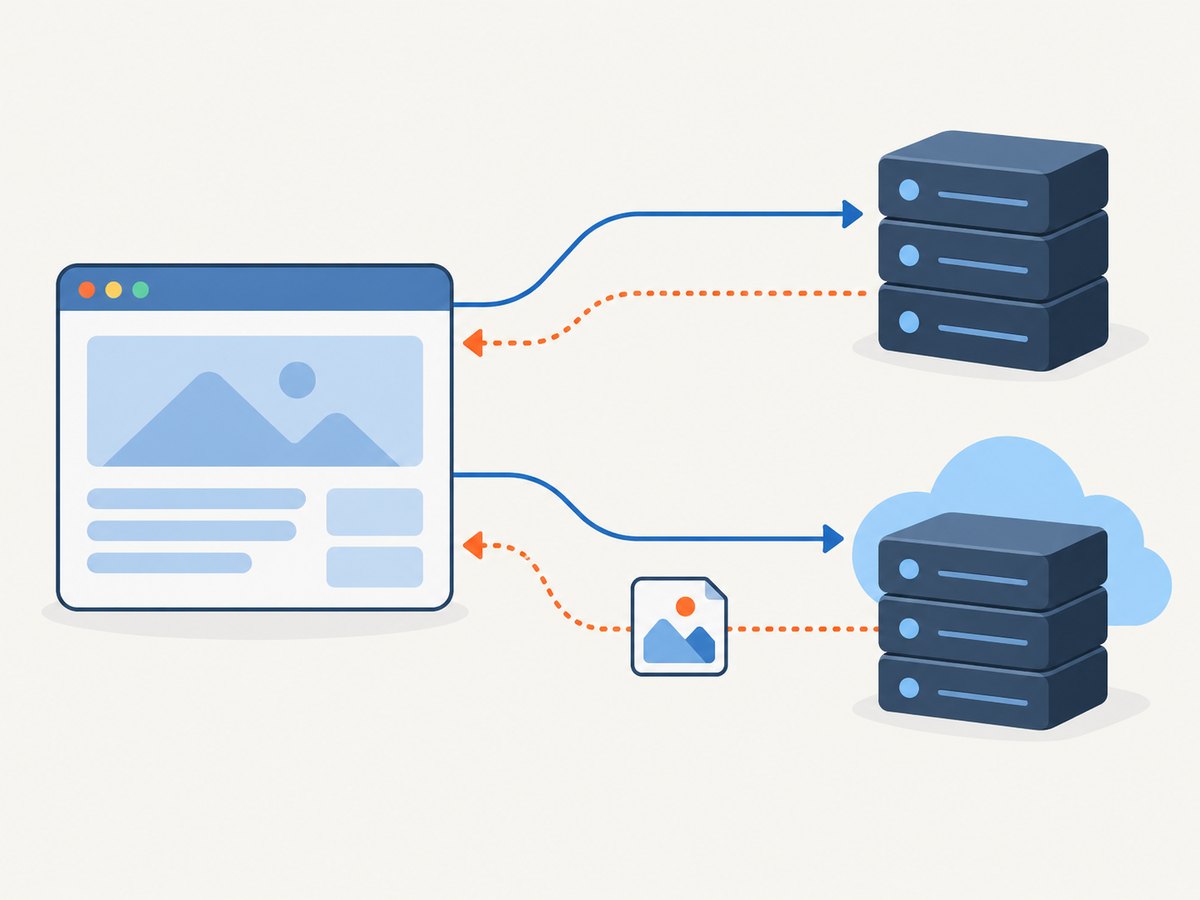
The download attribute works reliably for same-origin URLs and for blob: and data: URLs, as documented by MDN. “Same origin” means the scheme, host, and port match the page that contains the link. Moving an image from https://example.com to a separate asset host can change the result even when both servers belong to the same company.
Same-origin file
<a href="/assets/report.png" download="report.png">
  <img src="/assets/report-preview.png" alt="Download the report image">
</a>
Cross-origin file
<a href="https://cdn.example.net/report.png" download="report.png">
  <img src="https://cdn.example.net/report-preview.png" alt="Download the report image">
</a>
For a cross-origin download, do not rely on the attribute alone. The HTML Standard’s downloading resources section describes the need for a server response using Content-Disposition: attachment in cross-origin cases. Configure the asset server like this:
Content-Type: image/png
Content-Disposition: attachment; filename="report.png"
Access-Control-Allow-Origin: https://www.example.com
The exact CORS header is only needed for requests that your application makes with JavaScript or other cross-origin rules; it does not replace Content-Disposition for the download behavior. The server’s filename parameters may override the filename suggested in the HTML.
6. Blob and data URL downloads
When your application creates an image in the browser, turn the resulting Blob into an object URL and use that URL in the anchor:
<button id="make-download" type="button">Create image</button>
<div id="output"></div>
<script>
  document.querySelector('#make-download').addEventListener('click', () => {
    const canvas = document.createElement('canvas');
    canvas.width = 400;
    canvas.height = 200;
    const context = canvas.getContext('2d');
    context.fillStyle = '#1769e0';
    context.fillRect(0, 0, canvas.width, canvas.height);
    context.fillStyle = '#ffffff';
    context.font = '24px sans-serif';
    context.fillText('Generated image', 110, 110);

    canvas.toBlob((blob) => {
      if (!blob) return;
      const url = URL.createObjectURL(blob);
      const link = document.createElement('a');
      link.href = url;
      link.download = 'generated-image.png';
      link.textContent = 'Download generated image';
      document.querySelector('#output').replaceChildren(link);
      link.addEventListener('click', () => {
        setTimeout(() => URL.revokeObjectURL(url), 1000);
      }, { once: true });
    }, 'image/png');
  });
</script>
Revoke object URLs after the download so a long-running page does not retain unnecessary memory. A data: URL can also be used, but large images make the HTML and URL unwieldy.
7. Server headers and filename control
For files served by your application, return a correct content type and a disposition that matches your intended behavior:
Content-Type: image/jpeg
Content-Disposition: attachment; filename="portrait.jpg"
Use inline when the server should encourage in-browser viewing and attachment when it should encourage saving. A browser can still apply user preferences, security rules, or a different handling choice. Treat the HTML attribute and server header as coordinated hints rather than a guaranteed save dialog.
8. Common mistakes and fixes
| Symptom | Likely cause | Fix |
|---|---|---|
| The image is not clickable | The image is not nested inside an anchor, or an overlay intercepts pointer events. | Put <img> inside <a>; inspect positioned elements and pointer-events. |
| The click opens the image instead of downloading | The URL is cross-origin, or the browser/server ignored the request. | Serve the file from the same origin or return Content-Disposition: attachment from the file server. |
| The wrong file downloads | href points to a thumbnail, redirect, or HTML error page. |
Open the href directly, inspect the final response, and use the original asset URL. |
| The filename is ignored | The response header supplies another filename or the browser sanitizes it. | Set the desired name in Content-Disposition and use a safe extension. |
| A new tab opens unexpectedly | target="_blank" remains on the anchor. |
Remove target for a download link and test again. |
| Keyboard users cannot find the control | CSS removed focus outlines or the link is hidden from the accessibility tree. | Keep a visible :focus-visible style and meaningful alt text. |
| The saved file is corrupt | The server returned an HTML error, a redirect requiring authentication, or a mismatched extension. | Check status, Content-Type, redirects, authentication, and the actual file bytes. |
| Safari, Firefox, and Chrome behave differently | Download handling and user settings vary by browser. | Test the supported browsers and provide a normal text download link as a fallback. |
9. A practical debugging checklist
- Inspect the rendered HTML and confirm that the image is inside the anchor.
- Copy the anchor’s
hrefinto a new tab and verify that it returns the intended image. - Check the origin: compare scheme, hostname, and port between the page and file.
- Use browser developer tools to inspect the response status, redirects, MIME type, and
Content-Disposition. - Remove JavaScript click handlers temporarily. A handler calling
preventDefault()can cancel the anchor. - Try keyboard activation with Tab and Enter. This exposes focus and overlay problems that mouse testing misses.
- Test a short, ASCII filename and then add your preferred filename once the basic download works.
- Test an ordinary text link to the same URL. If it also fails, fix the server or URL before changing the image markup.
10. Security and privacy considerations
Only link to files you intend users to access. A download link does not bypass authentication, signed URL expiration, or server authorization. If the image is private, generate a short-lived authorized URL and make sure the server validates it.
Do not construct an href from untrusted input without validation. Restrict allowed schemes to https: and http: where appropriate, and reject unexpected protocols such as javascript:. Sanitize filenames before placing them in server headers.
11. Performance and format choices
Use a small preview in src and a high-resolution file in href when users need the original. Set width and height to reserve layout space. Compress the preview, choose WebP or AVIF when your browser support policy allows it, and keep a compatible fallback for the downloaded format you promise.
A download link does not duplicate the file in the page; it creates another request when activated. Set long-lived cache headers for immutable assets with versioned filenames. For frequently changing images, use a cache-busting filename or query parameter and a shorter cache lifetime.
12. Or skip the browser setup
If your goal is to create clean image assets from web pages before linking or downloading them, ScreenshotNeo provides a website screenshot API. It accepts one GET request and returns PNG, JPEG, WebP, or PDF output. Before capture, it accepts cookie and consent banners and removes more than 60 known consent platforms, newsletter popups, and chat widgets; each step can be turned off. Bot checks, blank pages, timeouts, failed loads, and cache hits are not billed, and the response reports the result with X-Page-Verdict and X-Billed headers.
See the ScreenshotNeo API documentation for the full option list. This runnable cURL request saves a WebP screenshot:
curl -G "https://api.screenshotneo.com/v1/shot" \
  -d access_key=YOUR_API_KEY \
  --data-urlencode url=https://stripe.com \
  -o shot.webp
Python:
import requests

r = requests.get(
    "https://api.screenshotneo.com/v1/shot",
    params={"access_key": "YOUR_API_KEY", "url": "https://stripe.com"},
    timeout=90,
)
r.raise_for_status()
open("shot.webp", "wb").write(r.content)
Node.js:
const q = new URLSearchParams({ access_key: 'YOUR_API_KEY', url: 'https://stripe.com' });
const res = await fetch(`https://api.screenshotneo.com/v1/shot?${q}`);
if (!res.ok) throw new Error(`Screenshot failed: ${res.status}`);
const fs = await import('node:fs/promises');
await fs.writeFile('shot.webp', Buffer.from(await res.arrayBuffer()));
Relevant capture options include full-page shots with lazy images loaded, a single element selected by CSS, dark mode, 12 device presets or any viewport, retina scale, custom CSS and JavaScript, clicks before capture, waits for a selector, delay, or network idle, blocked ads and resource types, custom headers, cookies, user agents and Authorization, timezone and geolocation, transparent backgrounds, resizing, caching with a chosen TTL, signed links for public <img> tags, asynchronous jobs with signed webhooks, bulk capture of up to 100 URLs per call, a usage API, and an OpenAPI specification. PDF output supports paper size, margins, landscape mode, and page ranges.
An MCP server provides take_screenshot, get_page_info, and capture_pdf tools for Claude, Cursor, and other MCP clients. The Free plan includes 1,000 screenshots each month with no card; paid plans start at $5 for 3,000 screenshots. Create a free ScreenshotNeo account.
13. FAQ
Can I make an image download without JavaScript?
Yes. Use an anchor with href and download. JavaScript is only needed for generated blobs, custom actions, or application-specific flows.
Can I force a browser to save a file silently?
No. The attribute requests a download, but browser policy and user settings determine whether the file opens, prompts, or saves automatically.
Does the filename in download always win?
No. A server Content-Disposition filename can override it, and browsers can sanitize or change unsafe names.
Why does the same markup work locally but fail in production?
Production commonly introduces a CDN, a different origin, redirects, authentication, or response headers. Compare the final URL and headers in developer tools.
Should the thumbnail and downloaded image use the same URL?
Only when you want users to download exactly what they see. Use separate URLs when a small preview should link to a larger original.


