How to Save a Laravel View as a PNG Image
Render a Blade view to HTML, capture it with Laravel Screenshot, and save a reliable PNG with correct assets, dimensions, and background jobs.
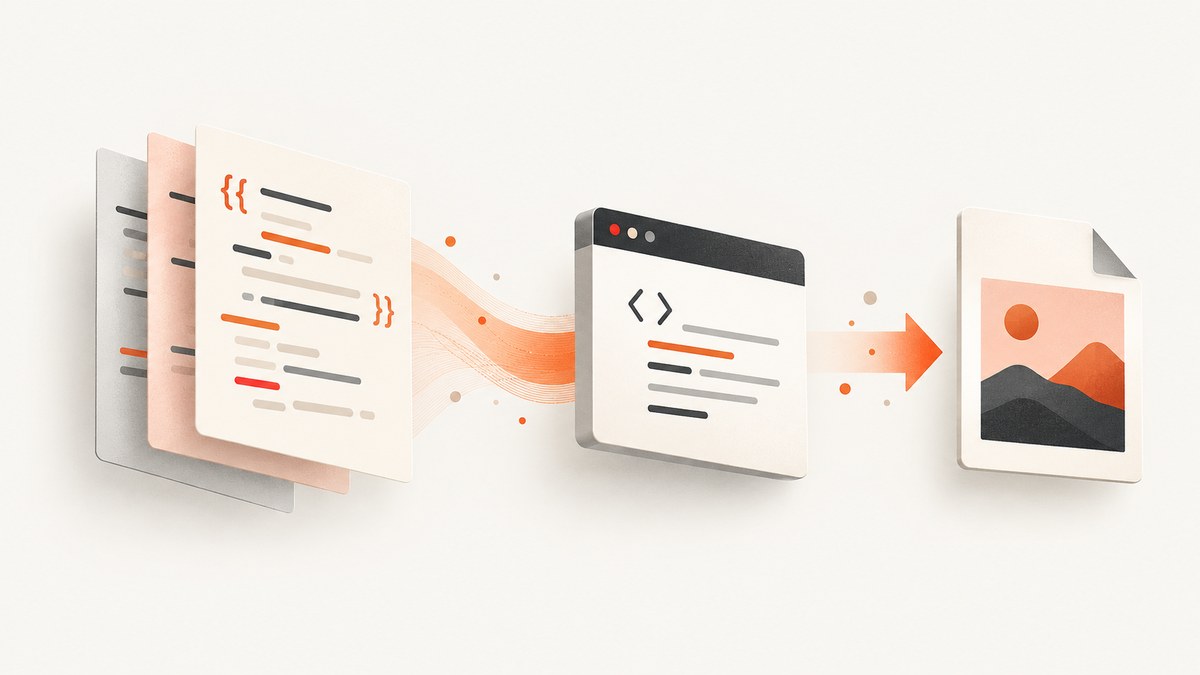
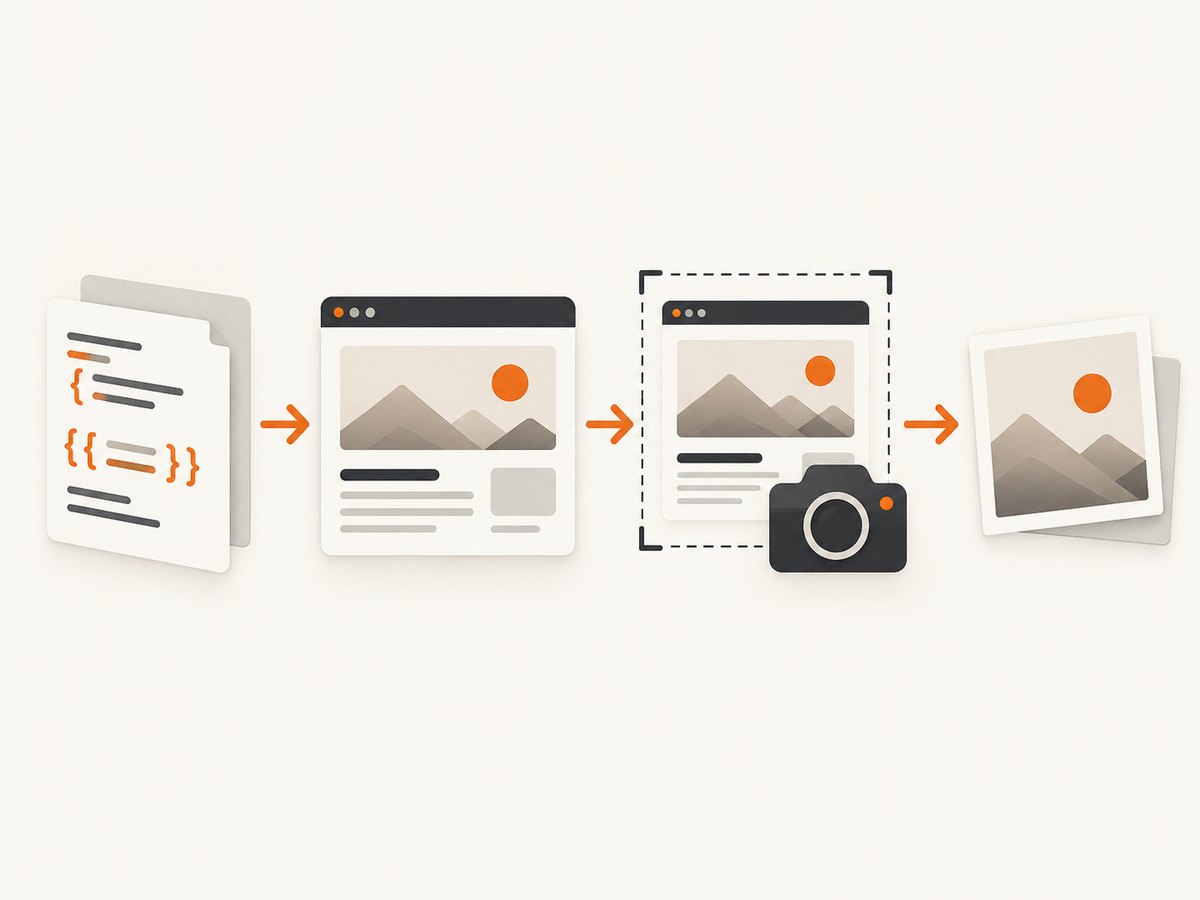
Direct answer: render the Blade view to an HTML string, pass that HTML to a browser-based screenshot renderer, and save the result as a PNG. With Spatie Laravel Screenshot, the core sequence is view(...)->render(), followed by Screenshot::html($html)->save(...).
use Spatie\LaravelScreenshot\Facades\Screenshot;

$html = view('reports.summary', $data)->render();

Screenshot::html($html)
    ->save(storage_path('app/reports/summary.png'));
This approach keeps Laravel responsible for data and Blade rendering while a browser handles CSS, JavaScript, fonts, and layout. The Blade-to-HTML-to-image sequence combines Laravel’s view rendering with the package’s documented raw-HTML capture API. See the Laravel Screenshot capture guide and the ScreenshotNeo documentation for current version-specific details.
1. Install and prepare the renderer
Install the package with Composer:
composer require spatie/laravel-screenshotThe default driver uses Browsershot. The package documentation describes Browsershot and its runtime dependencies, including Node.js and a Chrome or Chromium binary. Follow the current installation and setup instructions for your package version and deployment operating system.
The package also documents a Cloudflare Browser Rendering driver. It avoids a local Node.js installation and Chrome binary, but requires a Cloudflare account and service configuration. Choose the driver that fits where your Laravel workers run; the available sources do not provide a general cost, speed, privacy, or fidelity winner.
2. Render a Blade view and save a PNG
Create a view such as resources/views/reports/summary.blade.php:
<!doctype html>
<html lang="en">
<head>
    <meta charset="utf-8">
    <style>
        body { font-family: Arial, sans-serif; margin: 40px; color: #222; }
        .metric { display: inline-block; margin-right: 24px; }
        .label { color: #666; font-size: 12px; }
        .value { font-size: 28px; font-weight: 700; }
    </style>
</head>
<body>
    <h1>{{ $report->title }}</h1>
    <div class="metric">
        <div class="label">Revenue</div>
        <div class="value">{{ $report->revenue }}</div>
    </div>
</body>
</html>
Then capture it from a controller, service, or command:
namespace App\Http\Controllers;

use App\Models\Report;
use Illuminate\Http\Response;
use Spatie\LaravelScreenshot\Facades\Screenshot;

class ReportImageController
{
    public function __invoke(Report $report): Response
    {
        $data = compact('report');
        $html = view('reports.summary', $data)->render();
        $path = storage_path("app/reports/summary-{$report->id}.png");

        Screenshot::html($html)->save($path);

        return response()->download($path, 'summary.png', [
            'Content-Type' => 'image/png',
        ]);
    }
}
Ensure the destination directory exists and is writable by the PHP process. If you store the image on a Laravel filesystem disk, write the generated file according to the disk API used by your application.
3. Make assets resolve inside raw HTML
A rendered HTML string does not automatically inherit every browser context that exists when a user visits your Laravel URL. Check the captured output for missing CSS, images, fonts, and JavaScript.
- Use absolute or correctly rooted asset URLs when the renderer needs to fetch external files.
- Prefer inline critical CSS for small report images.
- Confirm that remote fonts and images are reachable from the machine or service doing the capture.
- Remember that JavaScript supplied in the HTML executes during capture, but code that depends on unavailable APIs or delayed requests can still produce incomplete output.
- If the page depends on authenticated routes, render the view to HTML in Laravel or use a URL capture with the required authentication configuration.
Laravel Screenshot also supports capturing a URL. Use raw HTML when the image represents a view rendered with application data; use URL capture when the target page is already reachable as a fully addressable page.
4. Choose viewport, scale, and capture scope
The Laravel Screenshot documentation lists defaults of 1280 × 800 pixels, a device scale factor of 2, PNG output, and waiting for network idle. Those defaults may be unsuitable for a long report, a social card, or a fixed-size export.
| Requirement | What to configure |
|---|---|
| Fixed card or thumbnail | Set an explicit viewport width and height and keep the layout within those bounds. |
| Long invoice or report | Use full-page capture when the document should extend beyond the viewport. |
| One chart or panel | Capture or clip the relevant element instead of the complete page. |
| High-density output | Keep the documented device scale factor in mind; pixel dimensions and CSS dimensions are different. |
| Stable automation output | Wait for network idle or an application-specific readiness condition before capture. |
Browsershot documents controls for PNG output, viewport sizing, clipping, selecting an element, and full-page screenshots. Method names can vary by package version, so use the versioned Browsershot image guide when applying these controls.
5. Handle JavaScript, lazy content, and timing
JavaScript in supplied HTML executes during capture. A page that looks correct in an interactive browser can still be incomplete if data arrives after the renderer’s wait condition, if an image is lazy-loaded below the fold, or if a chart needs a browser API.
- Render the view with all data needed for the first paint whenever possible.
- Use a readiness condition or a deliberate delay for charts and other client-rendered elements.
- For long pages, verify that lazy images are loaded before saving the file.
- Capture a representative sample in the same environment used by production workers.
6. Queue expensive captures
Browser startup and asset loading can make a screenshot unsuitable for a synchronous web request. Laravel Screenshot documents queued screenshot generation. Dispatch the capture from a job, then persist or notify about the generated path using your application’s normal queue and storage conventions.
// Illustrative job structure: keep the capture operation in a queued job.
public function handle(): void
{
    $html = view('reports.summary', ['report' => $this->report])->render();

    Screenshot::html($html)->save($this->outputPath);

    // Mark the export complete or publish the stored path here.
}
Set queue timeouts and retry behavior for the browser runtime and the assets it loads. Make the output path deterministic or attach a unique export ID so retries do not overwrite unrelated files.
7. Browsershot and Cloudflare driver choices
| Browsershot driver | Cloudflare driver | |
|---|---|---|
| Rendering location | Browser-based rendering through the local Browsershot stack. | Cloudflare Browser Rendering. |
| Dependencies | Spatie Browsershot and its runtime dependencies, including Node.js and Chrome or Chromium according to the setup documentation. | No local Node.js or Chrome binary according to the package documentation; requires a Cloudflare account and configuration. |
| Evaluation question | Can each worker deploy and maintain the browser runtime? | Is an external rendering service suitable for the application’s deployment and operational requirements? |
8. Troubleshooting checklist
| Symptom | Likely cause | Fix |
|---|---|---|
| Chrome or Chromium executable not found | The Browsershot runtime is missing or not configured on the worker. | Install the documented dependencies and verify the executable path for the deployed environment, or evaluate the Cloudflare driver. |
| Node.js command fails | Node.js or Browsershot is absent, or the worker uses a different runtime user. | Install the required package and make the runtime available to the same user that runs the queue or PHP process. |
| Blank or partly rendered image | Assets, JavaScript, fonts, or data requests did not finish. | Inspect asset URLs, wait for network idle or a readiness condition, and ensure required requests are reachable. |
| Images or fonts are missing | Relative paths resolve differently from the browser page. | Use valid absolute or rooted URLs, inline critical assets, and test from the capture host. |
| Only the top of a report appears | The capture used the default viewport instead of full-page capture. | Enable the documented full-page option or capture the required element. |
| Output has unexpected dimensions | Viewport size and device scale factor were confused with final pixel dimensions. | Set the CSS viewport and scale deliberately, then inspect the resulting PNG dimensions. |
| Request times out | Browser startup or a remote resource exceeds the request budget. | Move work to a queue, reduce remote dependencies, and configure an appropriate timeout and retry policy. |
| Works locally but fails in production | The production worker lacks browser binaries, fonts, permissions, or network access. | Reproduce on the production image and validate every runtime dependency there. |
9. Performance, reliability, and cost considerations
- Performance: browser startup, JavaScript execution, font loading, images, and external requests all add latency. Reuse a stable worker setup, keep templates focused, and avoid unnecessary remote assets.
- Reliability: make captures idempotent, use queue retries for transient failures, and record the output path and capture status. Treat third-party assets as dependencies that can fail.
- Memory: full-page pages and high device scale factors produce larger images. Measure worker memory with your own templates before choosing concurrency.
- Cost: local rendering consumes your own compute. A hosted driver can move browser operations to a service but introduces its own account and configuration requirements. The supplied documentation does not establish a universal price or speed comparison.
- Validation: compare generated files in the same runtime, viewport, and asset conditions used in production. A successful PHP call does not guarantee that every visual asset loaded.
10. Or skip the browser setup
ScreenshotNeo provides a website screenshot API. Send one GET request with the URL and receive a PNG, JPEG, WebP, or PDF. The API can be useful when you do not want to install and maintain a browser runtime beside Laravel.

curl -G "https://api.screenshotneo.com/v1/shot" -d access_key=YOUR_API_KEY --data-urlencode url=https://stripe.com -o shot.webpimport requests
r = requests.get(
"https://api.screenshotneo.com/v1/shot",
params={"access_key": "YOUR_API_KEY", "url": "https://stripe.com"},
timeout=90,
)
open("shot.webp", "wb").write(r.content)const q = new URLSearchParams({ access_key: 'YOUR_API_KEY', url: 'https://stripe.com' });
const res = await fetch(`https://api.screenshotneo.com/v1/shot?${q}`);ScreenshotNeo removes cookie and consent banners, newsletter popups, and chat widgets before capture. Bot checks, blank pages, failed loads, timeouts, and cache hits are not billed, and the response identifies the result with X-Page-Verdict and X-Billed headers. It also offers an MCP server with take_screenshot, get_page_info, and capture_pdf tools for Claude, Cursor, and other MCP clients. Features include full-page capture, CSS-element capture, custom CSS and JavaScript, waits, request blocking, headers, cookies, user agents, authorization, timezone and geolocation, resizing, caching, signed links, async webhooks, bulk capture, and a usage API.
Every plan includes every feature. The Free plan includes 1,000 shots per month with no card; paid plans start at $5 for 3,000 shots. Read the ScreenshotNeo API documentation, then sign up free.
11. FAQ
Can I save a Blade view without exposing a public URL?
Yes. Render the view with view(...)->render() and pass the resulting HTML to Screenshot::html(). This is the appropriate path for application data that is not available through a public URL.
Does the PNG include JavaScript-rendered content?
JavaScript in supplied HTML executes during capture, but the required scripts and data requests must be reachable and complete before the screenshot is taken.
Should I use HTML capture or URL capture?
Use HTML capture for a rendered Blade view and URL capture for an already reachable page. Choose based on where authentication, data loading, and asset resolution are simplest.
Why is my image smaller or larger than expected?
Viewport dimensions describe the browser’s CSS area, while the device scale factor affects output pixels. Set both deliberately and inspect the resulting file.
Can this run during a web request?
It can, but queueing is usually safer for captures that start a browser or load many assets. Laravel Screenshot documents queued screenshot generation for this use case.


