How to Save and Load Cookies in Selenium
Persist Selenium cookies between runs, restore logged-in sessions safely, and fix domain, expiry, security, and parallel-test problems.
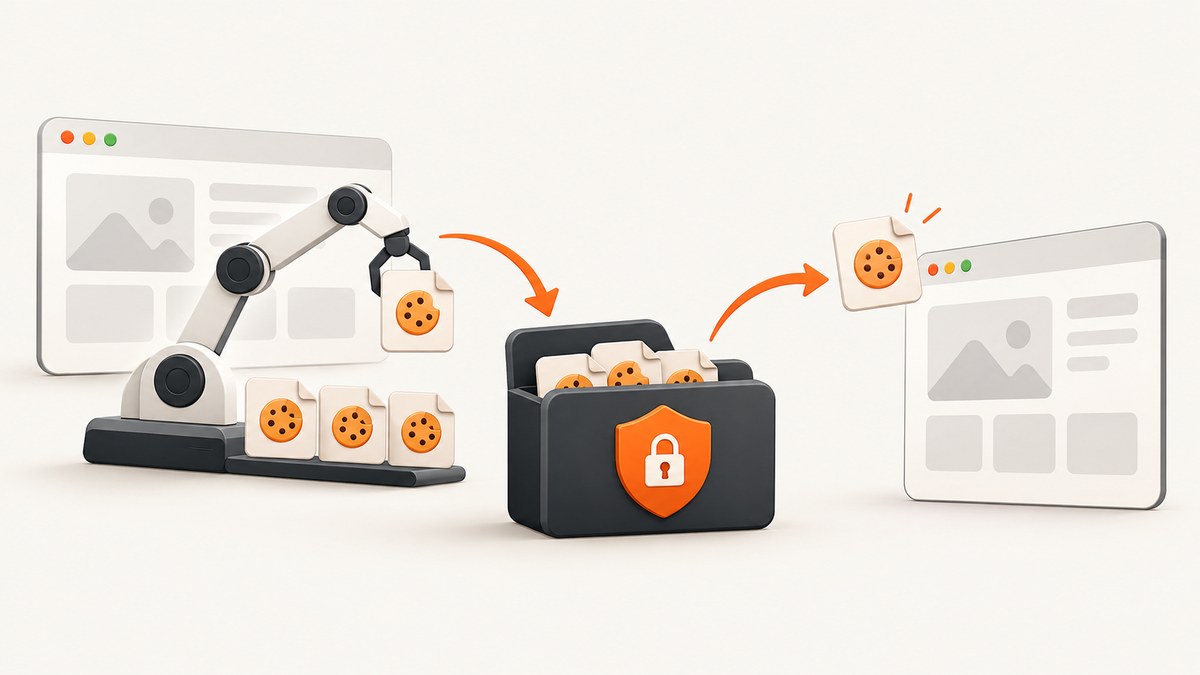
Saving Selenium cookies lets a later browser session reuse an existing login or preference state. After a successful login, call driver.get_cookies(), save the returned list of cookie dictionaries, and load those dictionaries only after navigating to a URL on the cookie domain. Refresh the page after insertion so the browser sends the restored cookies.
This pattern works for local scripts, CI jobs, regression tests, and long-running automation. It does not make a login permanent by itself: cookies expire, servers can revoke sessions, and some applications require additional browser storage or device checks.
What Selenium cookies contain
A cookie is a small piece of data sent by a website and stored on your computer. Selenium exposes cookies visible to the current WebDriver context as dictionaries. A typical dictionary can contain:
| Attribute | Purpose | What to check |
|---|---|---|
name |
Cookie identifier | Required when adding a cookie |
value |
Session, preference, or tracking value | Treat as sensitive authentication data |
domain |
Host or hosts that receive the cookie | Must match the site you opened |
path |
URL path where the cookie is sent | A cookie for /app may not work at / |
secure |
Send only over HTTPS | Load it over HTTPS |
httpOnly |
Prevents page JavaScript from reading it | It can still be sent by the browser |
sameSite |
Cross-site request policy | Preserve the value returned by Selenium |
expiry |
Unix timestamp when it expires | Discard expired entries |
Keep the complete dictionaries returned by Selenium whenever possible. Removing domain, path, secure, httpOnly, sameSite, or expiry can alter where the browser sends the cookie or cause the browser to reject it.
Complete Python example: save after login and load later
Install Selenium and use a driver available on your PATH, such as ChromeDriver or a Selenium Manager-supported browser.
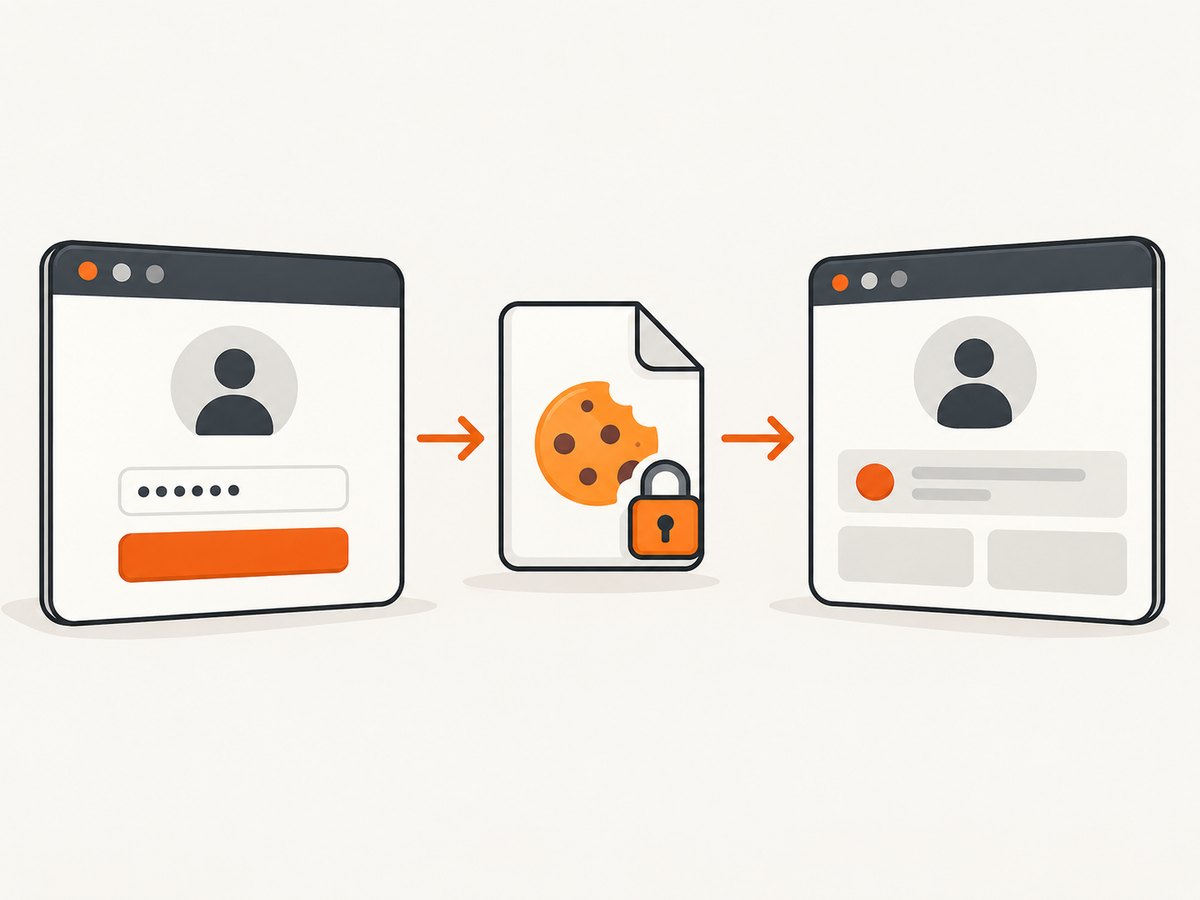
pip install seleniumThe following script has two modes. Run login once, complete the login in the opened browser, and press Enter. Run reuse on later executions.
import json
import sys
from pathlib import Path
from selenium import webdriver
from selenium.webdriver.chrome.options import Options

COOKIE_FILE = Path('cookies.json')
BASE_URL = 'https://example.com'
TARGET_URL = 'https://example.com/account'

def make_driver():
    options = Options()
    # options.add_argument('--headless=new')  # Enable in CI when interactive login is not needed
    return webdriver.Chrome(options=options)

def save_cookies(driver):
    cookies = driver.get_cookies()
    with COOKIE_FILE.open('w', encoding='utf-8') as file:
        json.dump(cookies, file, indent=2)
    print(f'Saved {len(cookies)} cookies to {COOKIE_FILE}')

def load_cookies(driver):
    if not COOKIE_FILE.exists():
        raise FileNotFoundError(f'Missing {COOKIE_FILE}; complete login first')

    # Establish the cookie domain before add_cookie.
    driver.get(BASE_URL)
    with COOKIE_FILE.open(encoding='utf-8') as file:
        cookies = json.load(file)

    loaded = 0
    for cookie in cookies:
        # Expired cookies cannot restore a session.
        if 'expiry' in cookie and cookie['expiry'] <= 0:
            continue
        try:
            driver.add_cookie(cookie)
            loaded += 1
        except Exception as error:
            print(f'Could not load {cookie.get("name")}: {error}')

    driver.get(TARGET_URL)
    print(f'Loaded {loaded} cookies')

def main():
    mode = sys.argv[1] if len(sys.argv) > 1 else 'reuse'
    driver = make_driver()
    try:
        if mode == 'login':
            driver.get(BASE_URL + '/login')
            input('Finish login in the browser, then press Enter here: ')
            save_cookies(driver)
        elif mode == 'reuse':
            load_cookies(driver)
            print('Current URL:', driver.current_url)
        else:
            raise ValueError('Use login or reuse')
    finally:
        driver.quit()

if __name__ == '__main__':
    main()
Replace the example URLs with the same host used by your application. The first navigation in load_cookies is deliberate: Selenium requires the browser to be on the cookie domain before add_cookie is called. After insertion, navigating to the protected page causes the browser to send the cookies.
Minimal save and load functions
If your test framework already owns the driver lifecycle, these two functions are enough:
import json
from pathlib import Path

COOKIE_FILE = Path('cookies.json')
BASE_URL = 'https://example.com'

def save_cookies(driver):
    with COOKIE_FILE.open('w', encoding='utf-8') as file:
        json.dump(driver.get_cookies(), file, indent=2)

def load_cookies(driver):
    driver.get(BASE_URL)
    with COOKIE_FILE.open(encoding='utf-8') as file:
        cookies = json.load(file)
    for cookie in cookies:
        driver.add_cookie(cookie)
    driver.refresh()
The Selenium Python API documents get_cookies() as a list of dictionaries visible in the current session. add_cookie() requires name and value; optional attributes include path, domain, secure, httpOnly, and sameSite. See the Selenium cookie guide and the Python API documentation.
Step-by-step workflow
- Start a clean driver. Do not assume a new driver has cookies from a previous process.
- Open the login page. Complete username, password, MFA, or other required steps normally.
- Verify authentication. Check a URL, account heading, or server response before saving.
- Export cookies. Call
get_cookies()and serialize the entire list. - Protect the file. Restrict permissions and keep it out of source control and build logs.
- Start the later session. Navigate to a small page on the same host before adding cookies. Selenium’s guide notes that a 404 page can be used when the homepage is expensive.
- Insert each dictionary. Call
add_cookieonce per saved cookie. - Navigate or refresh. Open the authenticated target after insertion.
- Confirm the session. If the site redirects to login, inspect the cookie attributes and repeat the normal login flow.
Inspect, replace, and clear cookies
# One cookie, or None when it does not exist
auth = driver.get_cookie('sessionid')
print(auth)

# Every cookie visible in the current domain context
for cookie in driver.get_cookies():
    print(cookie['name'], cookie.get('domain'), cookie.get('expiry'))

# Remove one cookie
driver.delete_cookie('sessionid')

# Remove all cookies in this WebDriver session
driver.delete_all_cookies()
Inspect cookies after login and again after restoration. This quickly shows whether the server issued a new session, whether an expected cookie is host-only, and whether an expiry has passed.
Domain, path, and navigation rules
Most add_cookie errors come from loading at the wrong origin. A cookie for app.example.com is not automatically valid on example.com, and a cookie for one environment should not be replayed against another. Open the exact host, including the correct scheme and port when relevant, before insertion.
Domain cookies can cover subdomains, while host-only cookies apply to the host that set them. Preserve the returned domain rather than rewriting it. The path also matters: a cookie scoped to /dashboard may not be sent on /api. Secure cookies require HTTPS. SameSite rules can prevent a cookie from being sent in cross-site flows even when it appears in the browser.
Use a lightweight same-domain URL when the home page triggers expensive requests:
driver.get('https://example.com/404')
for cookie in cookies:
    driver.add_cookie(cookie)
driver.get('https://example.com/account')
Handling expiry and stale sessions
A saved file is a snapshot, not a guarantee that the server still accepts the session. Before loading, remove entries whose expiry is in the past. Some session cookies have no expiry and are valid only while the original server-side session remains active.
When a session is rejected, delete the stale file, perform the normal login flow, and save a fresh export. Do not keep retrying a rejected cookie indefinitely; repeated failures usually indicate server-side revocation, an expired token, a changed password, or a required MFA/device challenge.
Security practices
- Store cookie files outside the repository and add them to
.gitignore. - Use filesystem permissions that allow only the test user to read the file.
- Encrypt cookies at rest when they leave the local machine or are stored as CI artifacts.
- Never print cookie values, authorization headers, or the complete JSON file in CI logs.
- Use a dedicated low-privilege test account with limited data access.
- Rotate or revoke the account if a cookie artifact is exposed.
- Delete temporary cookie files after the job finishes.
Cookies often provide the same access as a logged-in browser. Treat them like passwords.
JSON file versus a browser profile
| Approach | Portability | Attribute control | Invalidation | Parallel runs | Exposure |
|---|---|---|---|---|---|
| JSON cookie export | Easy to move between compatible machines | Explicit control of each cookie | Delete or replace one file | Simple to give each worker its own file | Session values are plainly present unless encrypted |
| Browser profile | Often tied to browser and OS details | Less convenient to edit individual cookies | Clear profile data or use a new profile | Requires separate profiles to avoid locking and cross-test state | May contain history, cache, and other sensitive data |
JSON is useful when you need a small, reviewable set of cookies or must distribute state to isolated workers. A profile can preserve more browser state, but it also carries more unrelated data and makes parallel execution harder. Neither strategy bypasses server-side expiry or authentication checks.
Using cookies in pytest fixtures
import json
import pytest
from pathlib import Path
from selenium import webdriver

COOKIE_FILE = Path('cookies.json')
BASE_URL = 'https://example.com'

@pytest.fixture
def driver():
    browser = webdriver.Chrome()
    browser.get(BASE_URL)
    with COOKIE_FILE.open(encoding='utf-8') as file:
        for cookie in json.load(file):
            browser.add_cookie(cookie)
    browser.refresh()
    yield browser
    browser.quit()

def test_account_page(driver):
    driver.get(BASE_URL + '/account')
    assert '/login' not in driver.current_url
For reliable suites, create a separate cookie file per environment and account. Do not let tests mutate a shared file while another worker is loading it.
cURL, Python, and Node.js alternatives
Selenium is appropriate when you need a real interactive browser and must perform a login flow. For a static screenshot or page capture, an API can remove browser setup and cookie-management code.

cURL
curl -G 'https://api.screenshotneo.com/v1/shot' -d access_key=YOUR_API_KEY --data-urlencode 'url=https://stripe.com' -o shot.webpPython
import requests
r = requests.get('https://api.screenshotneo.com/v1/shot', params={'access_key': 'YOUR_API_KEY', 'url': 'https://stripe.com'}, timeout=90)
r.raise_for_status()
open('shot.webp', 'wb').write(r.content)
Node.js
const q = new URLSearchParams({ access_key: 'YOUR_API_KEY', url: 'https://stripe.com' });
const res = await fetch(`https://api.screenshotneo.com/v1/shot?${q}`);
if (!res.ok) throw new Error(`HTTP ${res.status}`);
require('fs').writeFileSync('shot.webp', Buffer.from(await res.arrayBuffer()));
Or skip the browser setup
ScreenshotNeo is a website screenshot API and MCP server. Its capture flow accepts cookie and consent banners like a visitor, then removes more than 60 known consent platforms, newsletter popups, and chat widgets before the shot. Each step can be turned off. Bot checks, blank pages, timeouts, failed loads, and cache hits cost nothing, and response headers report the page verdict and whether the request was billed.
The API supports full-page captures with lazy images loaded, CSS selector element shots, dark mode, device presets, custom viewports, retina scale, PDF output, custom CSS and JavaScript, clicks, selector or network-idle waits, request and resource blocking, headers, cookies, user agents, authorization, timezone, geolocation, transparent backgrounds, resizing, configurable caching, signed image links, asynchronous jobs with signed webhooks, bulk capture of up to 100 URLs per call, a usage API, and an OpenAPI specification. See the ScreenshotNeo API documentation.
An MCP server provides take_screenshot, get_page_info, and capture_pdf tools for Claude, Cursor, and other MCP clients. The Free plan includes 1,000 screenshots each month with no card. Paid plans start at $5 for 3,000 shots.
Create a free ScreenshotNeo account and get 1,000 screenshots a month with no card.
Troubleshooting checklist
| Symptom | Likely cause | Fix |
|---|---|---|
InvalidCookieDomainException |
Browser is on another host or URL scheme | Navigate to the cookie’s domain first |
UnableToSetCookieException |
Malformed dictionary or unsupported attribute | Keep Selenium’s original dictionary and verify name and value |
| Login page appears after restore | Expired or revoked server session | Run login again and overwrite the file |
| Cookie appears but is not sent | Path, Secure, or SameSite restriction | Use the matching path and HTTPS; inspect attributes |
| Only some cookies load | Mixed domains or invalid entries | Log cookie names and domains, then load per host |
| Works locally but not in CI | Different host, clock, browser, or encrypted secret setup | Use environment-specific exports and synchronize system time |
| Parallel tests interfere | Workers share one profile or cookie file | Give every worker an isolated driver and file |
| JSON cannot be parsed | Partial write or manually edited file | Write atomically and regenerate from a successful login |
Performance and reliability notes
Cookie import itself is small compared with starting a browser and loading a page. The expensive operations are navigation, JavaScript execution, network requests, and login challenges. Open a minimal same-domain page before adding cookies, then navigate once to the target to avoid unnecessary page loads.
For reliability, save only after verifying the authenticated state, write the file atomically, keep one export per environment, and record cookie names and domains without values for diagnostics. Retry normal navigation for transient network errors, but do not blindly retry authentication failures. A fresh driver per test or worker avoids hidden state leaking between cases.
FAQ
Can I load cookies before calling driver.get?
No. Navigate to a URL on the cookie’s domain first; Selenium and the browser need that context to validate the cookie.
Should I save local storage too?
Only if the application stores authentication or required state there. get_cookies() exports cookies, not local storage, session storage, IndexedDB, or a browser cache.
Can I use cookies on another subdomain?
Only when the cookie’s domain scope allows that subdomain. Host-only cookies remain limited to the host that set them.
Why does a cookie file work once and then stop?
The server may expire or revoke the session, or the cookie may have reached its expiry timestamp. Repeat the normal login flow and save a new export.
Is a cookie file safe to commit?
No. It can contain active session credentials. Keep it private, encrypt it when transported, and revoke the account if it leaks.


