How to Save a Map with Markers as an Image Using PhantomJS
Capture a map and its markers with PhantomJS, wait for tiles reliably, troubleshoot missing overlays, and compare modern alternatives.

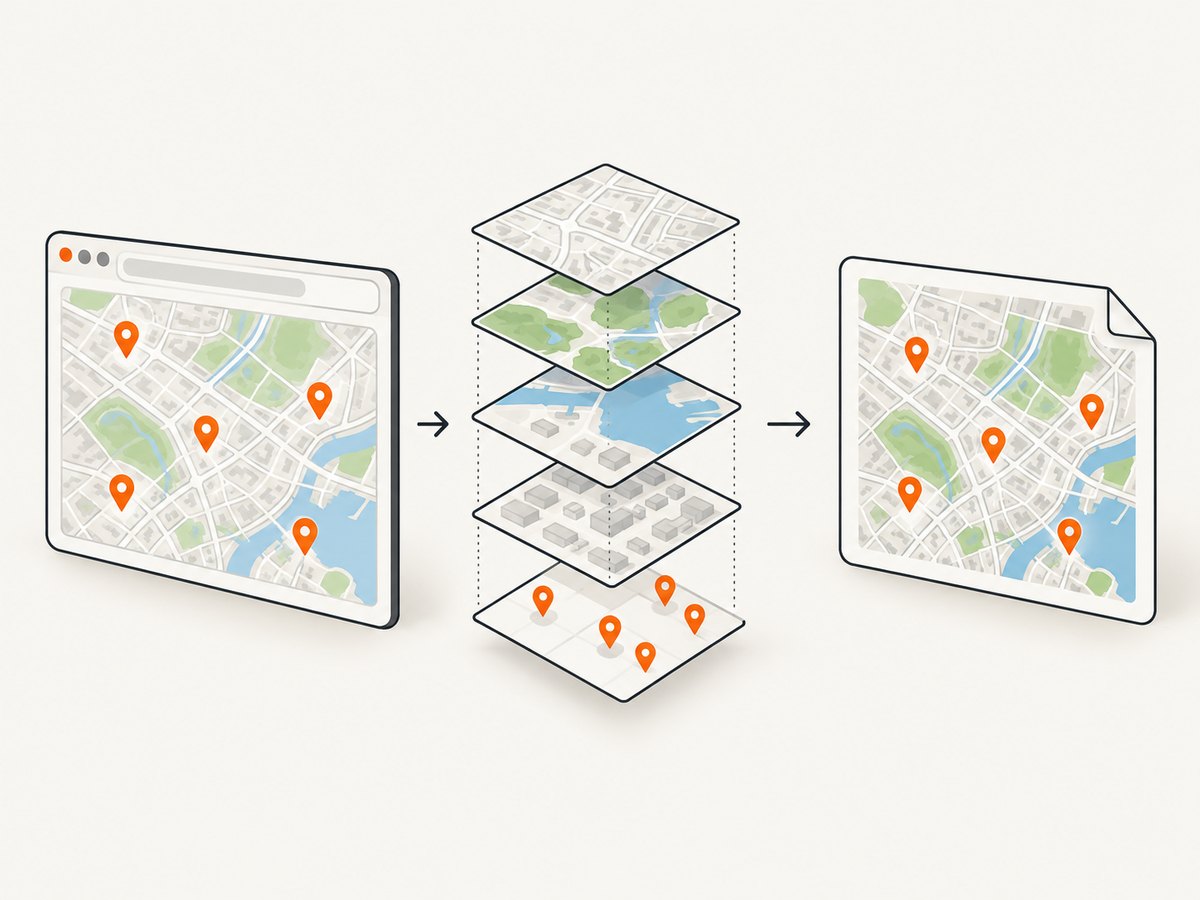
Direct answer: create a PhantomJS webpage, set its viewport, open the map page, wait for a map-specific ready signal after tiles and markers have rendered, then call page.render('map.png'). The page.open callback only reports that the document load completed; it does not prove that asynchronous map tiles or marker overlays are ready.
PhantomJS can save a rendered page as PNG, JPEG, PDF and several other formats, but the project is now legacy software. The PhantomJS project homepage states that development is suspended, and its GitHub repository is archived and read-only. Version 2.1.1 is the last known stable release. Use the workflow below when you must support an existing PhantomJS job, and evaluate a maintained browser such as Puppeteer for new capture systems.
1. What you need before capturing
- A map page that initializes its map and adds markers in the browser.
- A PhantomJS installation available to your deployment or build environment.
- A known viewport, such as 1200 by 800 pixels, that includes the map and every marker you need.
- A readiness signal. Prefer a flag or callback that your page sets after map initialization, required tile work and marker creation finish.
- Permission to capture the map and compliance with the selected tile provider’s terms, including required attribution.
For a page you control, expose a simple signal:
<script>
  window.mapCaptureReady = false;
  // Initialize the map, add the tile layer and markers...
  // Set this only after the required work is complete.
  window.mapCaptureReady = true;
</script>
A fixed delay is only a fallback. The PhantomJS homepage uses a 200 ms delay in a basic Google homepage example, but that delay is not a guarantee for maps whose tiles and overlays arrive over the network.
2. Complete PhantomJS capture script
Save this as capture-map.js. Replace the URL and adjust the readiness selector or flag to match the page.
var system = require('system');
var webpage = require('webpage');

var page = webpage.create();
var targetUrl = system.args[1] || 'https://example.test/map';
var outputPath = system.args[2] || 'map.png';

page.viewportSize = { width: 1200, height: 800 };
page.settings.userAgent = 'Mozilla/5.0 (compatible; PhantomJS map capture)';

page.onError = function (message, trace) {
  console.log('Page error: ' + message);
  trace.forEach(function (item) {
    console.log('  ' + item.file + ':' + item.line + ' ' + item.function);
  });
};

page.onResourceError = function (error) {
  console.log('Resource error: ' + error.url + ' (' + error.errorString + ')');
};

function finish(code) {
  phantom.exit(code || 0);
}

page.open(targetUrl, function (status) {
  if (status !== 'success') {
    console.log('Map page failed to load: ' + status);
    finish(1);
    return;
  }

  var started = Date.now();
  var timeoutMs = 30000;
  var poll = setInterval(function () {
    var ready = page.evaluate(function () {
      return window.mapCaptureReady === true;
    });

    if (ready) {
      clearInterval(poll);
      page.render(outputPath);
      console.log('Saved ' + outputPath);
      finish(0);
      return;
    }

    if (Date.now() - started > timeoutMs) {
      clearInterval(poll);
      console.log('Timed out waiting for map readiness');
      finish(2);
    }
  }, 100);
});
Run it with:
phantomjs capture-map.js https://example.test/map map.pngIf you cannot change the page, replace the flag check with a condition that can be observed in the page, such as a map container class, a marker count or a tile-loading counter:
var ready = page.evaluate(function () {
  var map = document.querySelector('#map');
  var markers = document.querySelectorAll('.marker, .leaflet-marker-icon');
  return map && markers.length > 0 && !map.classList.contains('loading');
});
That condition is application-specific. A marker element may exist before every visible tile has finished loading, so combine it with the map library’s own load event when possible.
3. Leaflet maps and marker setup
Leaflet’s quick start uses L.map(...).setView(...), a tile layer and L.marker([latitude, longitude]).addTo(map). A capture page can set the readiness flag after the marker and tile events complete:
<div id="map" style="height:800px"></div>
<script>
window.mapCaptureReady = false;
var map = L.map('map').setView([51.505, -0.09], 13);
var tiles = L.tileLayer('https://{s}.tile.openstreetmap.org/{z}/{x}/{y}.png', {
attribution: '© OpenStreetMap contributors'
}).addTo(map);
L.marker([51.5, -0.09]).addTo(map).bindPopup('Marker one');
L.marker([51.51, -0.1]).addTo(map).bindPopup('Marker two');
tiles.on('load', function () {
window.mapCaptureReady = true;
});
</script>Keep the attribution required by the tile provider. Leaflet itself is provider-agnostic; OpenStreetMap data requires attribution, and other providers generally impose their own attribution and usage rules. If your page loads additional overlays, wait for those layers too.
4. Google Maps pages
Google Maps markers are geographic overlays attached to latitude and longitude coordinates. Google documents both raster maps and vector maps rendered client-side with WebGL. The <gmp-map> element defaults to vector rendering, while the traditional google.maps.Map div implementation defaults to raster. Do not assume that a current vector map will render correctly in an old PhantomJS engine; test the exact page, API version and authentication setup.
For a Google Maps page you control, set your readiness flag after the map and markers are created and after any required idle event. If the page uses a third-party map implementation, inspect the DOM and network behavior rather than relying on a generic sleep.
5. Viewport, crop and output format
Set page.viewportSize before opening the page. The viewport controls responsive layout and the dimensions of a full-page render. Use clipRect when only the map rectangle should be saved:
page.clipRect = { top: 0, left: 0, width: 1200, height: 800 };
page.render('map-crop.png');
page.render() infers the format from the filename extension. Common choices are:
| Format | Use it when | Notes |
|---|---|---|
| PNG | Markers, labels and sharp lines matter | Lossless; compression changes file size, not visual appearance |
| JPEG | Small photographic or satellite output is preferred | Configure JPEG quality from 0 to 100 |
| The deliverable is a document page | Set paper and viewport behavior deliberately | |
| WebP | Your downstream clients support it | Verify the Qt build used by your PhantomJS package |
Inspect the result for clipped markers, missing tiles, controls that should be hidden and attribution that must remain visible. A viewport that is too short can cut off a legend or lower map region even when the map itself loaded successfully.
6. Static map image instead of a browser screenshot
If you only need a map image with supported markers, Google’s Static Maps API can return one directly. Its request supports dimensions, map type, center, zoom and markers, and it requires an API key. Geocoded marker locations are limited to 15 per request; marker locations supplied as coordinates are not subject to that geocoding-specific limit. URLs are limited to 16,384 characters, and the documentation describes support for larger images up to 2048 by 2048 pixels in applicable cases.
Choose a browser capture when the complete webpage, custom HTML overlays or page-specific styling must appear. Choose a static map request when a provider-supported map image is sufficient. Preserve attribution and follow the selected provider’s terms in either case.
7. Troubleshooting PhantomJS captures
| Symptom | Likely cause | Fix |
|---|---|---|
| Blank or partial map | Rendering started before tiles arrived | Wait for a tile or map-idle event and increase the timeout. |
| Markers are missing | Marker code runs after page.open returns |
Wait for a marker count, readiness flag or application callback. |
| Only a gray background appears | Tile requests failed, were blocked or require unsupported features | Log page.onResourceError, check URLs and credentials, and test the map in a current browser. |
| Modern map controls do not render | Unsupported JavaScript, WebGL or browser APIs | Use a maintained browser such as Puppeteer and test the target map implementation. |
| Output is cropped | Viewport or clip rectangle is too small | Increase viewportSize or correct clipRect. |
| Authentication or API errors | Missing key, referrer restriction or expired session | Check the provider console and capture in the same authentication context as the page. |
| Attribution is absent | Controls were hidden or the crop excludes attribution | Keep required attribution visible and confirm provider rules. |
| PhantomJS crashes or hangs | Legacy engine incompatibility or resource-heavy page | Reduce page complexity, add a hard timeout, or migrate the job. |
8. Reliability, performance and cost considerations
- Readiness: application-specific signals are more reliable than arbitrary delays. Track tile, overlay and marker completion separately when the page has several asynchronous layers.
- Timeouts: always fail with a nonzero exit code when the page cannot load or readiness is not reached. This prevents an apparently successful blank image from entering a pipeline.
- Repeatability: use a fixed viewport, zoom and map center. External tile servers, rate limits and changing map data can still make pixels vary between runs.
- Resource use: large viewports and full-page captures consume more memory. Crop to the map bounds when surrounding page content is unnecessary.
- Provider limits: map APIs may require keys, impose URL or marker limits and enforce attribution or usage terms.
- Legacy risk: PhantomJS receives no ongoing browser compatibility fixes. New sites may depend on JavaScript or rendering features it cannot execute.
9. Or skip the browser setup
ScreenshotNeo provides a website screenshot API and MCP server. It accepts one GET request and returns PNG, JPEG, WebP or PDF. It can capture a map page after its markers appear, with options for full-page capture, a CSS-selected element, custom JavaScript, waits, custom headers, cookies, user agents, geolocation, timezone, resource blocking, caching and more. See the ScreenshotNeo API documentation for the complete option list.
cURL:
curl -G "https://api.screenshotneo.com/v1/shot" -d access_key=YOUR_API_KEY --data-urlencode url=https://stripe.com -o shot.webpPython:
import requests
r = requests.get("https://api.screenshotneo.com/v1/shot", params={"access_key": "YOUR_API_KEY", "url": "https://stripe.com"}, timeout=90)
open("shot.webp", "wb").write(r.content)
Node.js:
const q = new URLSearchParams({ access_key: 'YOUR_API_KEY', url: 'https://stripe.com' });
const res = await fetch(`https://api.screenshotneo.com/v1/shot?${q}`);
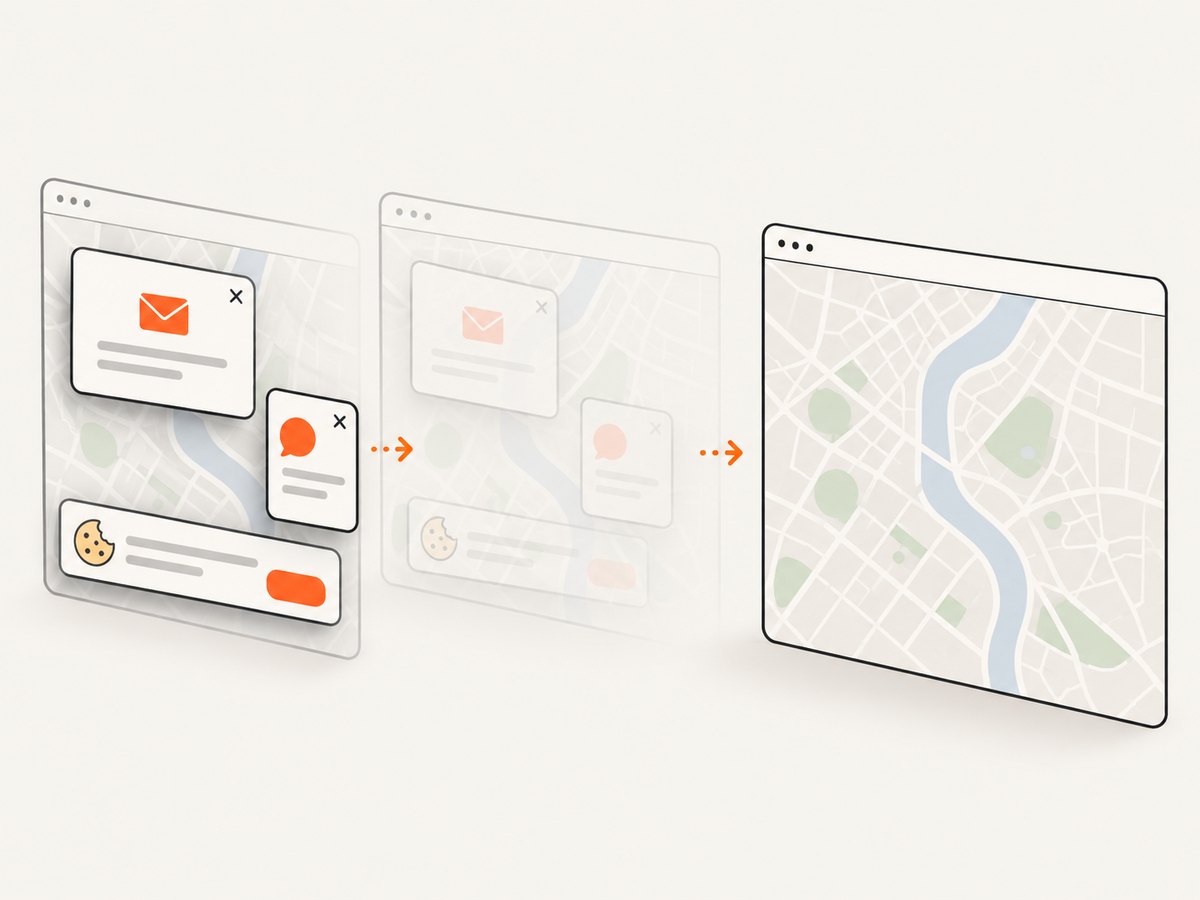
Cookie banners, newsletter popups and chat widgets can be removed before the shot. Bot checks, blank pages, timeouts, failed loads and cache hits are not billed; response headers identify the page verdict and whether the shot was billed. An MCP server lets AI agents such as Claude and Cursor call take_screenshot, get_page_info and capture_pdf. The free plan includes 1,000 screenshots each month with no card, and paid plans start at $5 for 3,000 shots. Create a free ScreenshotNeo account.
10. PhantomJS versus current alternatives
| Option | Best fit | Trade-off |
|---|---|---|
| PhantomJS | Existing legacy jobs | Suspended project and limited compatibility |
| Puppeteer | New browser automation and current web APIs | You manage a browser runtime, waits and deployment |
| Static map API | Provider-supported map image with markers | Cannot capture arbitrary page HTML or custom overlays |
| ScreenshotNeo | Managed website screenshots and agent workflows | Requires an API key and network request |
FAQ
Does page.open wait for map tiles?
No. It reports document loading status. Wait for the map’s own readiness condition.
Can PhantomJS save JPEG?
Yes. Use a .jpg filename and configure JPEG quality when needed.
Should I hide map attribution?
No. Keep provider-required attribution visible and inside the captured area.
When is a static map better?
When you need only a supported map image with markers, not an arbitrary webpage.
Is PhantomJS suitable for a new project?
Usually evaluate a maintained browser or a screenshot API first because PhantomJS development is suspended.


