How to Save Multiple Puppeteer Screenshots Without Overwriting Files
Give every Puppeteer screenshot a unique, collision-safe filename with counters, run IDs, URL slugs, and exclusive file creation.
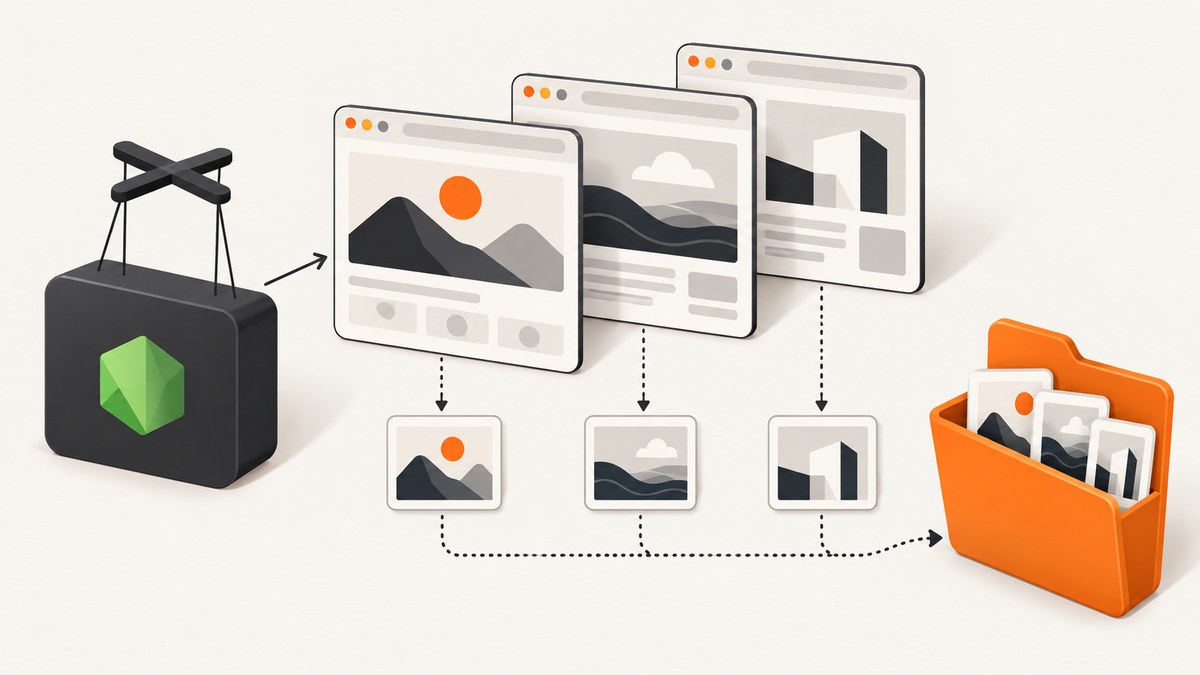
If every Puppeteer iteration writes to screenshot.png, the next capture replaces the previous one. The fix is to generate a different destination path for every screenshot, await each capture, and create the output directory before the loop starts.
The simplest reliable pattern is a deterministic counter:
import puppeteer from 'puppeteer';
import { mkdir } from 'node:fs/promises';
import { join } from 'node:path';

const outputDir = join(process.cwd(), 'screenshots');
await mkdir(outputDir, { recursive: true });

const browser = await puppeteer.launch();
try {
  const page = await browser.newPage();
  const urls = [
    'https://example.com/one',
    'https://example.com/two',
    'https://example.com/three',
  ];

  for (const [index, url] of urls.entries()) {
    await page.goto(url, { waitUntil: 'networkidle2' });
    const filename = `page-${String(index + 1).padStart(3, '0')}.png`;
    await page.screenshot({
      path: join(outputDir, filename),
      fullPage: true,
    });
  }
} finally {
  await browser.close();
}
Puppeteer’s ScreenshotOptions.path is the destination. It is optional, relative paths resolve from the current working directory, and the extension determines the image type. The official guide recommends Page.screenshot() for page captures, fullPage: true for the full scrollable document, and ElementHandle.screenshot() for one rendered element. See the ScreenshotOptions API and Puppeteer screenshots guide.
Why Puppeteer keeps overwriting the previous image
A path such as screenshots/page.png identifies one file, not one capture. If a loop uses that same path repeatedly, every call targets the same inode. Node’s file-system write operation replaces an existing file by default, so the final iteration is all that remains. This is a file-naming problem rather than a screenshot-rendering problem.
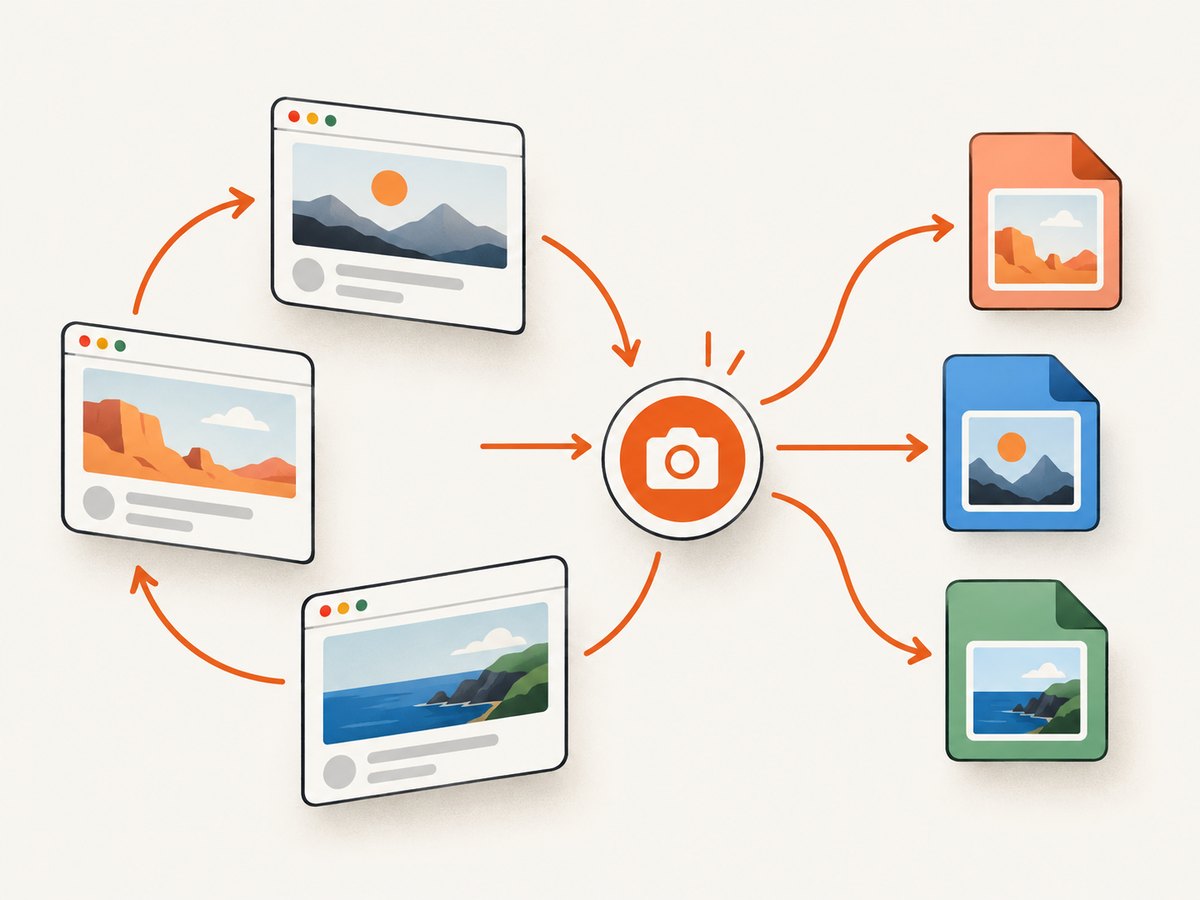
There are two related mistakes:
- Reusing a constant path: every iteration writes
page.png. - Starting asynchronous captures without awaiting them: multiple operations can race, making ordering and failures difficult to reason about.
Use a new path for each iteration and await both navigation and capture. Screenshot operations are coordinated within a browser context, but your application still needs to control the sequence and destination.
Choose a filename strategy
| Strategy | Collision resistance | Sortability | Best use |
|---|---|---|---|
| Counter | Good in a fresh directory | Excellent | One ordered batch |
| Run ID plus counter | Very good | Excellent | Repeated runs that must be preserved |
| URL slug plus counter | Good after sanitizing | Good | Human-readable archives |
| Random suffix | Very high | Moderate | Concurrent workers sharing a directory |
| Exclusive create | Guaranteed by the write step | Depends on name | Never replace an existing path |
1. Deterministic counter
A zero-padded counter gives stable, naturally sorted names such as page-001.png. It is ideal when the input order matters and each run gets a new directory.
for (const [index, url] of urls.entries()) {
  await page.goto(url, { waitUntil: 'networkidle2' });
  const filename = `page-${String(index + 1).padStart(3, '0')}.png`;
  await page.screenshot({ path: join(outputDir, filename) });
}
A counter alone does not preserve earlier runs if you reuse the same directory. The next run starts at page-001.png and replaces it.
2. Run identifier plus counter
Create a directory for each invocation. An ISO timestamp is readable and sortable; remove punctuation that is inconvenient in filenames.
import { mkdir } from 'node:fs/promises';
import { join } from 'node:path';

const runId = new Date().toISOString().replace(/[.:]/g, '-');
const runDir = join(process.cwd(), 'screenshots', runId);
await mkdir(runDir, { recursive: true });

for (const [index, url] of urls.entries()) {
  await page.goto(url, { waitUntil: 'networkidle2' });
  const name = `page-${String(index + 1).padStart(3, '0')}.webp`;
  await page.screenshot({ path: join(runDir, name), type: 'webp' });
}
This keeps reruns separate and makes it easy to compare two batches. If two processes can start in the same instant, add a random suffix to the run ID.
3. URL-derived names
Readable names help when reviewing an archive, but URL text cannot be copied directly into a path. Query strings, slashes, backslashes, reserved characters, and very long titles must be normalized.
function safeSlug(rawUrl) {
  const parsed = new URL(rawUrl);
  const text = `${parsed.hostname}${parsed.pathname}`
    .toLowerCase()
    .replace(/[^a-z0-9]+/g, '-')
    .replace(/^-+|-+$/g, '')
    .slice(0, 100);
  return text || 'page';
}

for (const [index, url] of urls.entries()) {
  await page.goto(url, { waitUntil: 'networkidle2' });
  const prefix = safeSlug(url);
  const name = `${String(index + 1).padStart(3, '0')}-${prefix}.png`;
  await page.screenshot({ path: join(outputDir, name), fullPage: true });
}
Keep the counter even when the slug is present. Two URLs can normalize to the same text, and a URL can redirect to another page. Never allow unsanitized user input to become a path segment.
4. Random suffixes for concurrent workers
When workers share one directory, a timestamp or counter maintained in each process can collide. Use a cryptographically strong suffix from Node’s crypto module.
import { randomUUID } from 'node:crypto';

const filename = `page-${randomUUID()}.png`;
await page.screenshot({ path: join(outputDir, filename) });
A UUID is less convenient to sort or read, so combine it with a short slug or job ID.
Guarantee that an existing file is never replaced
A unique-looking name reduces collisions; exclusive creation detects one. Puppeteer writes directly when you pass path, while Node’s wx flag belongs to the file-writing layer. To enforce exclusive creation, request the screenshot as a buffer, then write it with flag: 'wx'.
import { writeFile } from 'node:fs/promises';
import { randomUUID } from 'node:crypto';

async function saveWithoutReplacing(page, directory) {
  for (;;) {
    const path = join(directory, `page-${randomUUID()}.png`);
    const buffer = await page.screenshot({ type: 'png' });
    try {
      await writeFile(path, buffer, { flag: 'wx' });
      return path;
    } catch (error) {
      if (error.code !== 'EEXIST') throw error;
    }
  }
}
wx fails with EEXIST instead of replacing the file. The retry loop generates another name. This is useful when an external process can write to the same directory, or when preserving every artifact is a hard requirement.
Complete batch script with retries and metadata
The following example creates a separate run directory, records the source URL, waits for the page, and continues only after each image has been written.
import puppeteer from 'puppeteer';
import { mkdir, writeFile } from 'node:fs/promises';
import { join } from 'node:path';

const urls = [
  'https://example.com/one',
  'https://example.com/two',
  'https://example.com/three',
];

const runId = new Date().toISOString().replace(/[.:]/g, '-');
const outputDir = join(process.cwd(), 'screenshots', runId);
await mkdir(outputDir, { recursive: true });

const browser = await puppeteer.launch();
const results = [];
try {
  const page = await browser.newPage();
  await page.setViewport({ width: 1440, height: 900, deviceScaleFactor: 1 });

  for (const [index, url] of urls.entries()) {
    const number = String(index + 1).padStart(3, '0');
    const filename = `page-${number}.png`;
    const path = join(outputDir, filename);

    try {
      await page.goto(url, { waitUntil: 'networkidle2', timeout: 45_000 });
      await page.screenshot({ path, fullPage: true, type: 'png' });
      results.push({ url, filename, status: 'saved' });
    } catch (error) {
      results.push({ url, filename, status: 'failed', error: String(error) });
    }
  }
} finally {
  await browser.close();
}

await writeFile(
  join(outputDir, 'manifest.json'),
  JSON.stringify({ runId, results }, null, 2),
);
The manifest makes failures discoverable without guessing which file is missing. For strict pipelines, throw after the loop when any result has status: 'failed'.
Capture choices that affect the output
- Viewport capture: omit
fullPageor set it tofalseto capture the visible viewport. - Full page: set
fullPage: truefor the document’s scrollable height. This does not automatically load an infinite-scroll feed; implement scrolling and a stopping condition yourself. - One element: locate an element and call its screenshot method. This avoids saving surrounding content.
- Format: use
.png,.jpeg, or.webpconsistently. Puppeteer infers the format from the extension when using a path; explicit options are useful when returning a buffer. - Quality: JPEG and WebP quality settings reduce size, while PNG is lossless.
- Device scale: set
deviceScaleFactorfor retina-style output, but expect larger files and more memory use.
Reliability and performance
Reuse one browser, isolate pages
Launching Chromium for every URL is expensive. Launch one browser per batch and reuse a page or create a small pool of pages. Reusing one page is simplest and keeps memory predictable. Close the browser in a finally block so navigation failures do not leave Chromium processes running.
Control concurrency
Sequential captures are easiest to reason about and preserve input order. Parallel pages improve throughput but increase CPU, memory, network load, and filename-collision risk. If you parallelize, assign names before starting work, cap the number of active pages, and use unique IDs or exclusive creation.
Wait for the content you need
networkidle2 is useful for pages that finish loading their important resources, but analytics, chat, and long polling can prevent a quiet network. Prefer a specific selector or application-ready signal when available. Add a timeout and record the URL that failed.
Keep output storage manageable
Full-page retina PNGs can become large. Choose WebP or JPEG when lossless pixels are unnecessary, resize after capture when appropriate, and archive or delete old run directories. A manifest lets downstream jobs process files without scanning every directory.
Troubleshooting
| Symptom | Cause | Fix |
|---|---|---|
| Only the last image exists | The same path was reused |
Include a counter, run ID, UUID, or another unique component. |
ENOENT for the destination |
The parent directory does not exist | Call mkdir(directory, { recursive: true }) before capture. |
| Files have the wrong format | Extension and options disagree | Use matching .png, .jpeg, or .webp names and options. |
| Names collide between runs | The counter resets in a shared directory | Create a run-specific directory or add a random suffix. |
| Images are incomplete | Capture happened before content rendered | Await goto, then wait for a selector, delay, or suitable network state. |
| Infinite feed is short | fullPage does not trigger infinite scrolling |
Scroll in steps, wait for new items, and stop when no more content appears. |
| Concurrent jobs replace files | Each process generated the same name | Use UUIDs and write with wx when replacement is unacceptable. |
| Chromium remains running | An exception skipped cleanup | Put browser.close() in finally. |
| Path works locally but not in CI | Relative paths resolve from a different working directory | Build an absolute path with process.cwd() or a configured workspace directory. |
Or skip the browser setup
If you only need an image for a URL, ScreenshotNeo provides a one-request screenshot API and supports PNG, JPEG, WebP, and PDF. Read the ScreenshotNeo API docs for the full parameter list.
cURL
curl -G "https://api.screenshotneo.com/v1/shot" -d access_key=YOUR_API_KEY --data-urlencode url=https://stripe.com -o shot.webpPython
import requests

r = requests.get(
    "https://api.screenshotneo.com/v1/shot",
    params={"access_key": "YOUR_API_KEY", "url": "https://stripe.com"},
    timeout=90,
)
r.raise_for_status()
open("shot.webp", "wb").write(r.content)
Node.js
const q = new URLSearchParams({ access_key: 'YOUR_API_KEY', url: 'https://stripe.com' });
const res = await fetch(`https://api.screenshotneo.com/v1/shot?${q}`);
if (!res.ok) throw new Error(`Screenshot failed: ${res.status}`);
const data = Buffer.from(await res.arrayBuffer());
await import('node:fs/promises').then(({ writeFile }) => writeFile('shot.webp', data));
ScreenshotNeo removes cookie and consent banners, newsletter popups, and chat widgets before the capture. Bot checks, blank pages, timeouts, failed loads, and cache hits are not billed; response headers identify the page verdict and whether the request was billed. Its MCP server lets Claude, Cursor, and other MCP clients call take_screenshot, get_page_info, and capture_pdf. The Free plan includes 1,000 shots each month with no card; paid plans start at $5 for 3,000 shots. Create a free ScreenshotNeo account.
FAQ
Does Puppeteer automatically choose a unique filename?
No. Puppeteer writes to the path you provide. Your code must generate a distinct path for each capture.

Should I use a timestamp or a counter?
Use a counter for stable ordering within a fresh run directory. Add a run ID when preserving repeated runs matters. Use a random suffix or exclusive creation for shared concurrent directories.
Can I save several screenshots from one page?
Yes. Change the page state, wait for the required content, and call page.screenshot() with a new path each time.
Will fullPage: true capture lazy-loaded images?
It captures the rendered document, but it does not guarantee that an infinite-scroll application has loaded every item. Scroll and wait for content explicitly when that is required.
What is the safest way to avoid accidental replacement?
Generate a collision-resistant name and write the screenshot buffer with Node’s wx flag. Handle EEXIST by generating another name.


