How to Save a PDF Online and Retrieve Its URL in Go
Upload a PDF from Go, store it securely, and return either a stable application URL or an expiring signed download link.
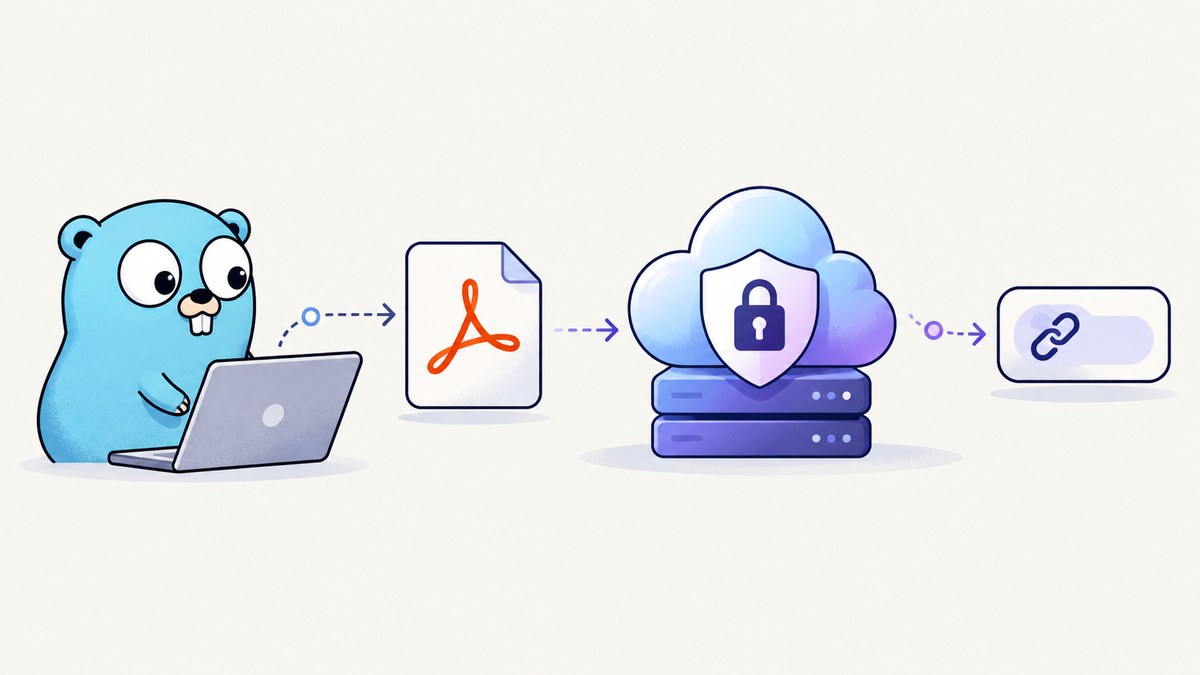
To save a PDF online and retrieve its URL in Go, upload the bytes to private object storage, save the object key in your database, and then return either an application-controlled download route or a time-limited signed GET URL. The object key identifies the file; it is not automatically a public URL.
This distinction determines your security model. A stable application URL such as /documents/8f2... can check the logged-in user’s permissions on every request. A signed object URL gives whoever holds it temporary access to one object. Google Cloud describes signed URLs as limited-time access to restricted resources, while Amazon S3 documents presigned URLs for temporary object access without changing a bucket policy.
Choose the URL your application should return
| Pattern | What the client receives | Best for | Trade-off |
|---|---|---|---|
| Application URL | Your route, for example /documents/{id} |
Long-lived links, permission checks, audit logging | Your server handles every download or redirects after authorization |
| Signed GET URL | A provider URL containing a signature and expiry | Temporary downloads, email attachments, browser delivery | It is a bearer credential and expires |
| Public object URL | A direct storage address available to anyone who has it | Truly public documents | Anyone with the address can read the file |
Do not return a signed PUT URL as the download URL. PUT authorizes an upload; GET authorizes reading. Generate the GET link only after the upload has completed and your application has verified the object.
Server-side upload with Google Cloud Storage
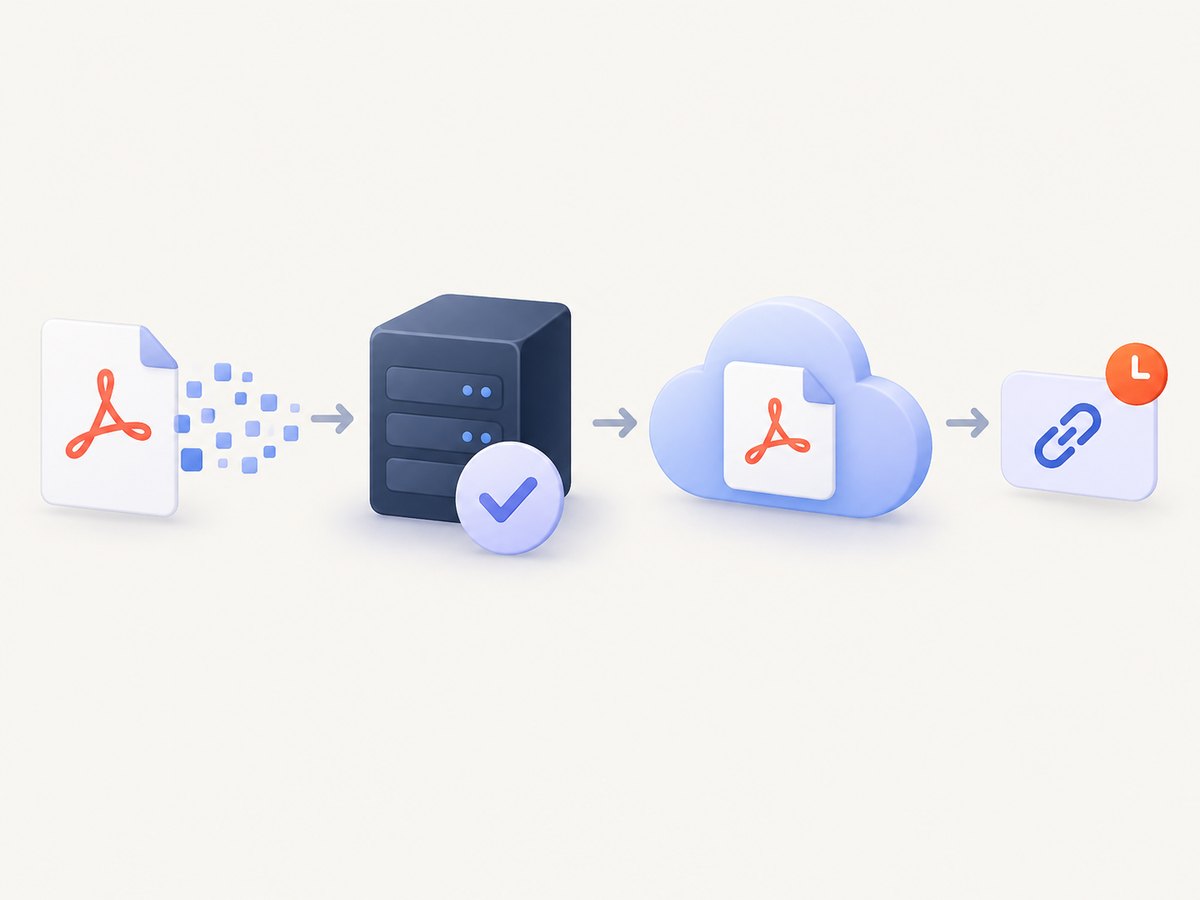
The following service accepts a multipart form field named pdf, validates the payload, writes it to a private Google Cloud Storage bucket, and returns a signed GET URL. The Google Cloud Go client uses Application Default Credentials (ADC), so the runtime identity needs permission to create objects and sign URLs. See the Google Cloud Storage upload documentation and the signed URL documentation for provider setup.
1. Create the module
mkdir pdf-uploader
cd pdf-uploader
go mod init example.com/pdf-uploader
go get cloud.google.com/go/storage
2. Complete Go server
package main

import (
    "context"
    "crypto/rand"
    "encoding/hex"
    "encoding/json"
    "errors"
    "fmt"
    "io"
    "log"
    "net/http"
    "os"
    "strings"
    "time"

    "cloud.google.com/go/storage"
    "google.golang.org/api/option"
)

type server struct {
    bucket string
}

type response struct {
    ObjectKey string `json:"object_key"`
    URL       string `json:"url"`
    ExpiresAt string `json:"expires_at"`
}

func main() {
    bucket := os.Getenv("GCS_BUCKET")
    if bucket == "" {
        log.Fatal("GCS_BUCKET is required")
    }

    http.Handle("/upload", server{bucket: bucket})
    log.Println("listening on :8080")
    log.Fatal(http.ListenAndServe(":8080", nil))
}

func (s server) ServeHTTP(w http.ResponseWriter, r *http.Request) {
    if r.Method != http.MethodPost {
        http.Error(w, "method not allowed", http.StatusMethodNotAllowed)
        return
    }

    // Reject oversized requests before parsing the multipart body.
    const maxPDFSize = 25 << 20 // 25 MiB; choose a limit for your product.
    r.Body = http.MaxBytesReader(w, r.Body, maxPDFSize+1<<20)
    if err := r.ParseMultipartForm(maxPDFSize); err != nil {
        http.Error(w, "request is too large or is not valid multipart data", http.StatusRequestEntityTooLarge)
        return
    }

    file, header, err := r.FormFile("pdf")
    if err != nil {
        http.Error(w, "missing pdf field", http.StatusBadRequest)
        return
    }
    defer file.Close()

    if header.Size <= 0 || header.Size > maxPDFSize {
        http.Error(w, "PDF must be between 1 byte and 25 MiB", http.StatusBadRequest)
        return
    }

    // Read only enough bytes to identify the format, then put them back.
    probe := make([]byte, 512)
    n, err := io.ReadFull(file, probe)
    if err != nil && !errors.Is(err, io.ErrUnexpectedEOF) {
        http.Error(w, "could not read upload", http.StatusBadRequest)
        return
    }
    if n < 5 || string(probe[:5]) != "%PDF-" {
        http.Error(w, "uploaded file is not a PDF", http.StatusBadRequest)
        return
    }
    reader := io.MultiReader(strings.NewReader(string(probe[:n])), file)

    key, err := randomObjectKey()
    if err != nil {
        http.Error(w, "could not create object key", http.StatusInternalServerError)
        return
    }

    ctx, cancel := context.WithTimeout(r.Context(), 90*time.Second)
    defer cancel()

    client, err := storage.NewClient(ctx)
    if err != nil {
        log.Printf("storage client: %v", err)
        http.Error(w, "storage is unavailable", http.StatusInternalServerError)
        return
    }
    defer client.Close()

    obj := client.Bucket(s.bucket).Object(key)
    writer := obj.NewWriter(ctx)
    writer.ContentType = "application/pdf"
    writer.Metadata = map[string]string{"source": "go-upload"}

    if _, err := io.Copy(writer, reader); err != nil {
        _ = writer.Close()
        log.Printf("upload %s: %v", key, err)
        http.Error(w, "upload failed", http.StatusBadGateway)
        return
    }
    if err := writer.Close(); err != nil {
        log.Printf("finalize %s: %v", key, err)
        http.Error(w, "upload could not be finalized", http.StatusBadGateway)
        return
    }

    // This URL is a bearer credential. Keep its lifetime appropriate for the use case.
    expires := time.Now().Add(15 * time.Minute)
    signedURL, err := storage.SignedURL(s.bucket, key, &storage.SignedURLOptions{
        Method:  "GET",
        Expires: expires,
    })
    if err != nil {
        log.Printf("sign %s: %v", key, err)
        http.Error(w, "could not create download URL", http.StatusInternalServerError)
        return
    }

    // In production, persist key, owner, content length, and checksum before responding.
    w.Header().Set("Content-Type", "application/json")
    _ = json.NewEncoder(w).Encode(response{ObjectKey: key, URL: signedURL, ExpiresAt: expires.UTC().Format(time.RFC3339)})
}

func randomObjectKey() (string, error) {
    b := make([]byte, 16)
    if _, err := rand.Read(b); err != nil {
        return "", err
    }
    return fmt.Sprintf("pdf/%s.pdf", hex.EncodeToString(b)), nil
}
Run it with ADC configured for the service account or workload identity used by the process:
export GCS_BUCKET=my-private-pdf-bucket
export GOOGLE_APPLICATION_CREDENTIALS=/path/to/service-account.json
go run .

curl -F 'pdf=@invoice.pdf;type=application/pdf' http://localhost:8080/upload
The example deliberately generates a random key instead of trusting the original filename. Uploading to an existing key replaces that object in common object-storage workflows, so a controlled key prevents accidental overwrites and path manipulation.
Return a stable application URL
For products where users may revisit a document months later, store the object key and ownership data in your database. Return a route such as https://app.example.com/documents/123. That handler should authenticate the caller, check authorization, confirm the object exists, and then either stream it or create a fresh signed GET URL and redirect.
func (s server) download(w http.ResponseWriter, r *http.Request) {
    // 1. Parse document ID.
    // 2. Load object key and owner from your database.
    // 3. Check the authenticated user's permission.
    // 4. Create a short-lived signed GET URL.
    // 5. Redirect with http.StatusFound, or stream the object.
}
This indirection lets you revoke access, change storage providers, record downloads, or change expiry rules without changing the URL stored in your application.
Direct browser upload with a signed PUT URL
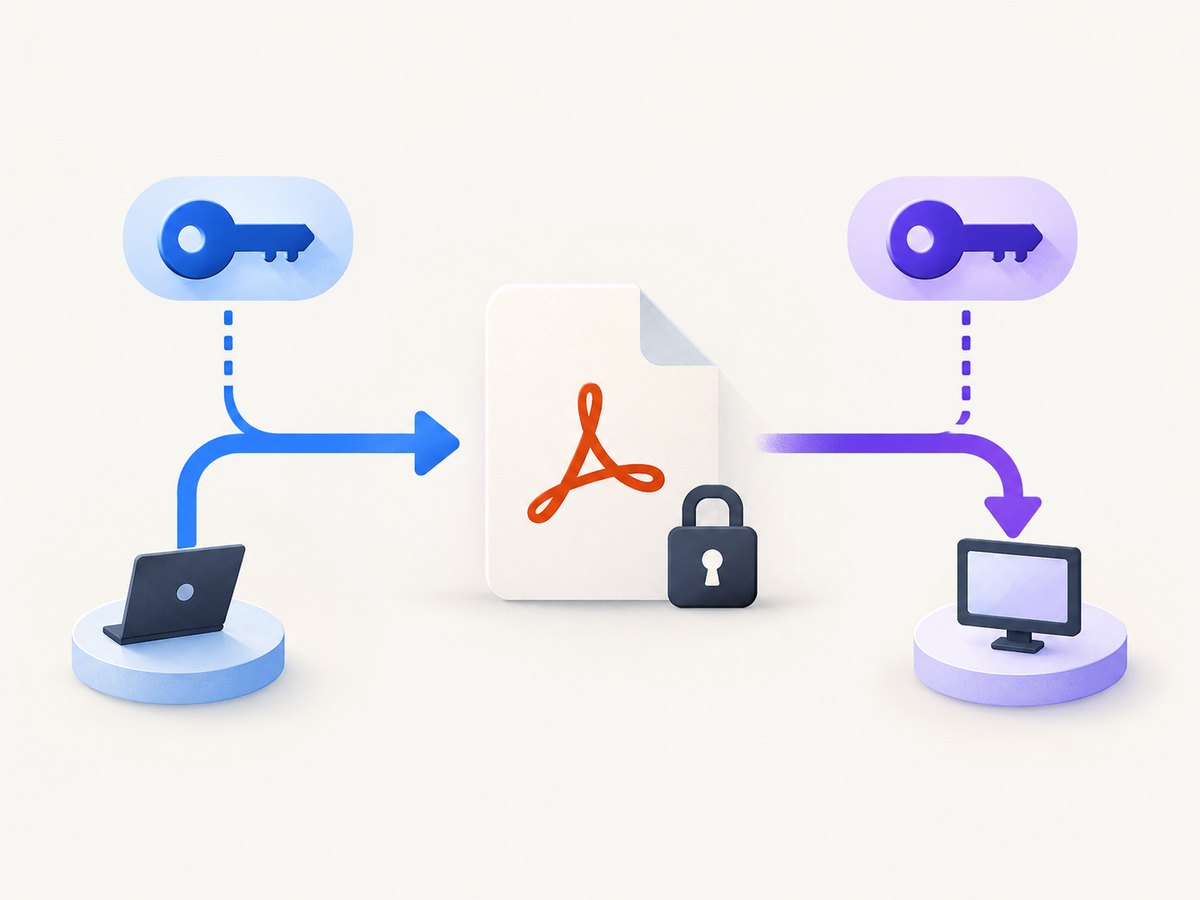
For large files, your Go service can authenticate the user and issue a narrow, short-lived PUT URL. The browser uploads bytes directly to storage, reducing work for your application server. Google documents V4 signed PUT URLs; Amazon S3 documents the equivalent presigned URL model and provides Go examples.
signedURL, err := storage.SignedURL(bucket, key, &storage.SignedURLOptions{
    Method:      "PUT",
    ContentType: "application/pdf",
    Expires:     time.Now().Add(10 * time.Minute),
})
Return the key and URL to the authenticated client. The client then sends the exact method and content type used when signing:
curl -X PUT \
  -H 'Content-Type: application/pdf' \
  --upload-file invoice.pdf \
  'SIGNED_PUT_URL'
A successful HTTP response from the PUT request is not, by itself, your application’s completion record. Have the client call a completion endpoint, or have the server verify the object with a metadata request before marking the document ready. Only then issue a signed GET URL.
Validation and security checklist
- Set a request-size limit before reading arbitrary bytes.
- Check the PDF signature such as
%PDF-, and apply any deeper parsing or malware scanning required by your product. - Do not rely on the filename or client-supplied
Content-Typealone. - Generate object keys on the server and include a tenant or user namespace when useful.
- Keep buckets private unless the document is intentionally public.
- Treat signed URLs as bearer credentials. Do not log them, put them in analytics events, or send them to untrusted systems.
- Use short expirations for one-time downloads and issue a new URL after reauthorization.
- Set context deadlines and handle cancellation when a client disconnects.
- Persist the key, owner, size, content type, creation time, and storage status.
- Delete abandoned multipart uploads and temporary objects according to your retention policy.
Google Cloud Storage versus Amazon S3
| Question | How to decide |
|---|---|
| Which provider? | Use the platform where your application already has credentials, networking, monitoring, and operational knowledge. |
| Go tooling | Google provides a Go Storage client and signed URL samples. AWS documents presigned GET and PUT requests and a Go SDK example. |
| Access model | Use a private object plus signed links, or an application route when you need authorization and revocation on every request. |
| Upload path | Stream through your backend for simple workflows; use a signed PUT for large browser uploads. |
| Limits and cost | Choose the maximum size, expiry, retention, and retry behavior for your application, then check the provider's current limits and pricing. |
The official provider documentation establishes the upload and signing capabilities. It does not establish that one provider is always cheaper or faster, so compare your actual region, traffic, storage duration, and existing operations.
Troubleshooting
“Could not find default credentials”
ADC is not configured, or the runtime identity cannot be used. Configure workload identity or GOOGLE_APPLICATION_CREDENTIALS for local development, and grant the service account the minimum storage and signing permissions it needs.
The upload returns 400 even though the file ends in .pdf
The filename is not proof of the format. Inspect the bytes, ensure the request is multipart with a field named pdf, and check that your size limit is not being exceeded.
The signed URL returns 403
Check the URL expiry, system clock skew, bucket and object key, signing identity, and whether the request method is GET. A URL signed for PUT cannot be used for GET.
The browser upload returns a signature or content-type mismatch
The request must match the values included when signing. Sign the same HTTP method and content type that the browser sends, and avoid adding headers that the signature does not permit.
The response says success but the file is missing
Do not mark the database row ready before the writer is closed successfully. For direct uploads, verify the object in a completion endpoint before creating the reader-facing link.
Users can download documents belonging to another tenant
Never authorize from a user-supplied object key. Load the key by document ID and authenticated tenant, check ownership, and only then sign or stream the object.
Performance, reliability, and cost notes
Streaming with io.Copy avoids loading the entire PDF into memory. Put a bounded request limit in front of the handler and choose a timeout that covers expected upload sizes. For direct browser uploads, your service handles authorization while storage handles the byte transfer.
Retries need care. A retry after an unknown network failure can create a second object unless the key is idempotent. Generate the object key once per logical document, persist it, and retry the same upload when safe. Record the final storage status separately from the user-facing URL.
Storage cost depends on bytes stored, operations, egress, retention, and region. Signed URLs themselves do not make storage free. Delete expired documents and abandoned objects, and measure actual download traffic before selecting a retention policy.
Or skip the browser setup
If your goal is to capture a web page as a PDF rather than upload an existing PDF, ScreenshotNeo provides a single-request website screenshot and PDF API. Its API base is https://api.screenshotneo.com/v1/shot.
See the ScreenshotNeo documentation for all options. A PDF request can be made with the same endpoint and your PDF parameters:
curl -G "https://api.screenshotneo.com/v1/shot" -d access_key=YOUR_API_KEY --data-urlencode url=https://stripe.com -o page.pdf
import requests

r = requests.get("https://api.screenshotneo.com/v1/shot", params={"access_key": "YOUR_API_KEY", "url": "https://stripe.com"}, timeout=90)
r.raise_for_status()
open("page.pdf", "wb").write(r.content)
const q = new URLSearchParams({ access_key: 'YOUR_API_KEY', url: 'https://stripe.com' });
const res = await fetch(`https://api.screenshotneo.com/v1/shot?${q}`);
if (!res.ok) throw new Error(`HTTP ${res.status}`);
const pdf = Buffer.from(await res.arrayBuffer());
require('fs').writeFileSync('page.pdf', pdf);
ScreenshotNeo removes cookie and consent banners, newsletter popups, and chat widgets before capture. Bot checks, blank pages, failed loads, timeouts, and cache hits are not billed, and the response identifies the result with X-Page-Verdict and X-Billed headers. It also provides an MCP server for AI agents, including Claude, Cursor, and other MCP clients, with take_screenshot, get_page_info, and capture_pdf tools. One thousand screenshots per month are free with no card; paid plans start at $5 for 3,000 shots. Create a free ScreenshotNeo account.
FAQ
Can I make the URL permanent?
A signed URL is temporary by design. Use a stable application route and generate a fresh signed URL after authorization when long-lived access is required.
Should I store the URL or the object key?
Store the provider, bucket, object key, owner, and metadata. Generate signed URLs when needed instead of storing an expiring URL as the canonical record.
Is a PDF MIME type enough validation?
No. Validate the bytes and apply the security checks appropriate to files your application accepts.
Can a client sign its own upload URL?
No. Keep cloud signing credentials on your backend. The backend can issue a restricted, expiring URL without exposing those credentials.
When should I use an application route instead of a signed URL?
Use an application route when you need revocation, per-request authorization, audit logging, or a stable address that survives storage changes.


