How to Save a URL as a Link
Learn how to turn a URL into clickable text, copy named links, and save links on desktop, Android, iPhone, and iPad.
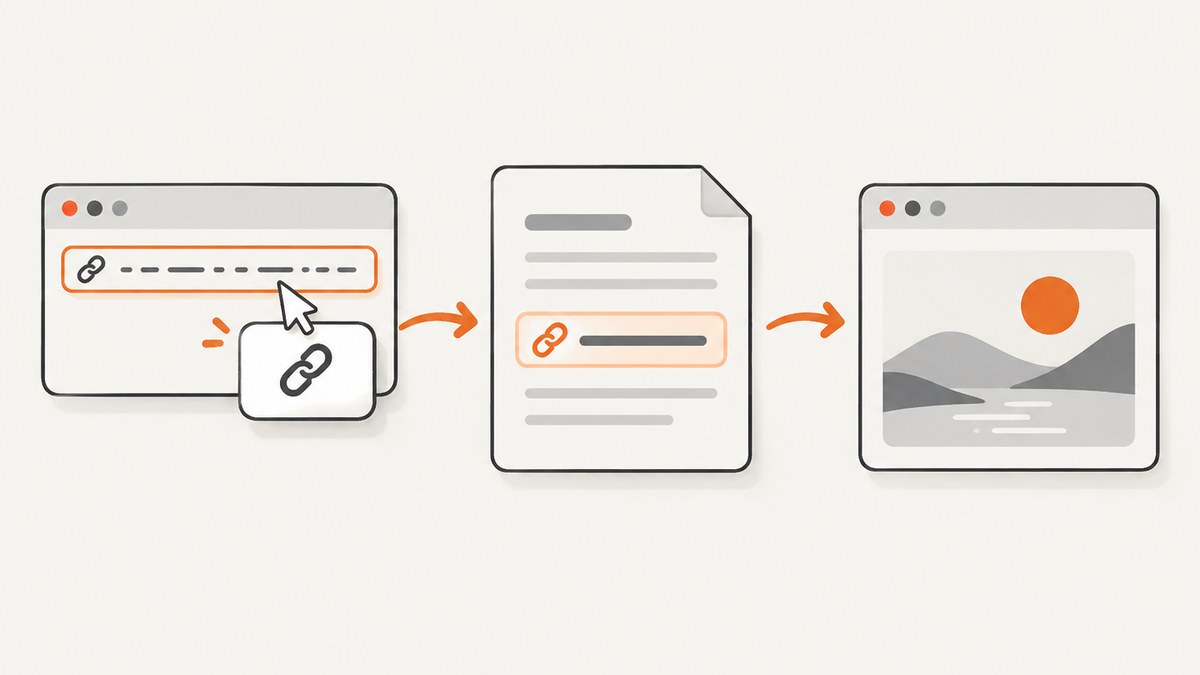
A URL becomes a clickable link when you attach the web address to display text or an image. In Microsoft Word and many other editors, select the text, choose Insert > Link, paste the destination into the address field, and apply it. You can also type a complete web address and press Space, Enter, or Return to let Office create the hyperlink automatically.
Choose the result you need
| Goal | Best method | What the reader sees |
|---|---|---|
| Clickable text in a document | Insert a link and set display text | A friendly title such as “Project documentation” |
| Share a page or paste its address | Copy the URL or use Share | The raw web address or a preview generated by the app |
| Open a page quickly later | Add a bookmark or Home Screen shortcut | A saved browser item or app-like icon |
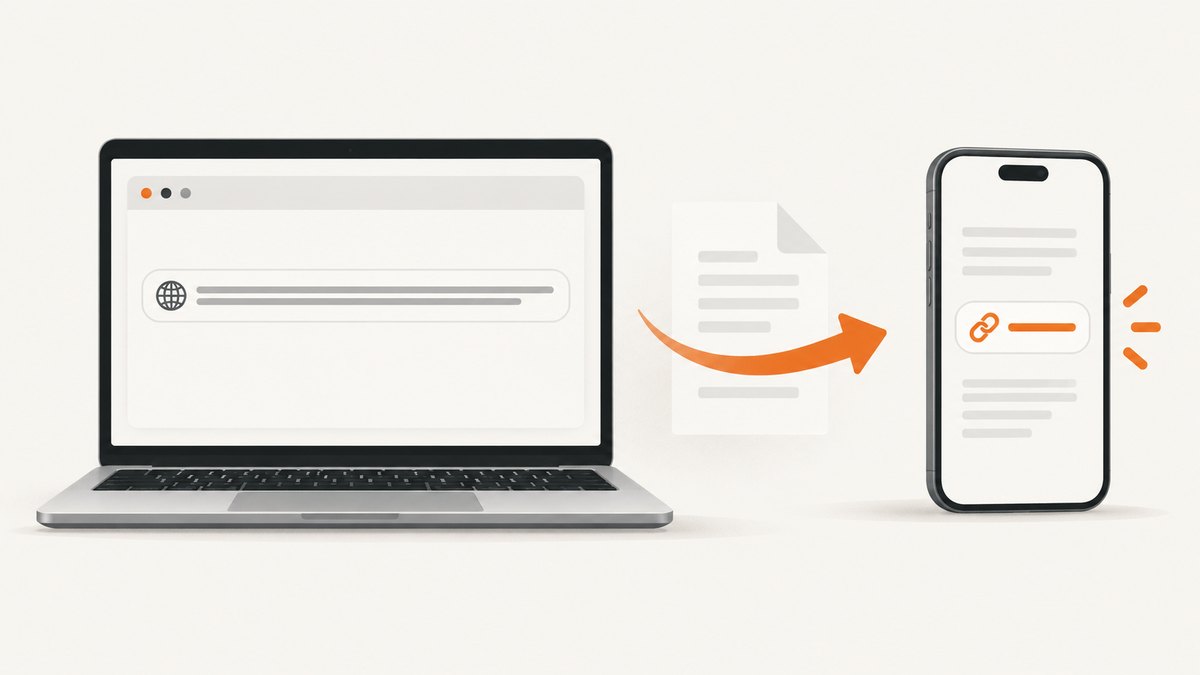
How to save a URL as a clickable link in Microsoft Word
Word desktop
- Open the document and select the words or image that should be clickable.
- Choose Insert > Link. You can also right-click the selection and choose Link.
- Paste the destination URL into Address.
- Change Text to display if you want a title instead of the long URL.
- Apply the link, then follow it once to confirm that it opens the intended page.
Word may require its normal follow-link modifier when you test a link, depending on your settings. A complete URL can also be converted automatically: type it and press Enter or the Spacebar. Microsoft documents this as the simplest way to create a hyperlink in a Microsoft 365 document.
Word for the web
- Select the display text or image.
- Open Insert > Link.
- Enter the display text and web address.
- Apply the link and test it in the browser.
If showing the full address is acceptable, type the URL and press Space or Enter for automatic linking.
Link an image
Select the image instead of words, choose Insert > Link, and enter the destination. The image remains visible while clicking it opens the URL.
How to paste a URL as a named link in Microsoft Edge
Edge can copy a page title together with its address. Copy the URL from the address bar and press Ctrl+V in an editor that supports rich pasting. The result is a titled hyperlink instead of the full address when the link format is enabled.
To paste only the raw address, press Ctrl+Shift+V or choose Paste as > Plain text.
To choose the default behavior, open Settings > Appearance > Browser behavior and features > Change URL copy and paste format. The available choice affects whether copied addresses paste as titled hyperlinks or plain URLs.
How to save a URL as a link on Android, iPhone, and iPad
Microsoft Office mobile apps
For a raw clickable URL, type a valid web address and press Return. For custom display text:
- Select the words or image.
- Open Insert > Link. The exact menu location differs between Android and iPhone or iPad.
- Enter the display text and destination address.
- Insert the link and test it.
Google app
On Android, open the page in the Google app, tap More > Copy link, and paste the result into a message, note, or document. On iPhone or iPad, use Share > Copy URL. This copies the address for sharing; it does not by itself create custom display text in a document.
Safari on iPhone
If you want a persistent shortcut rather than a document hyperlink, open the page in Safari, open the page menu, tap Share, and choose Add to Home Screen. Enable Open as Web App if you want the shortcut to open in an app-like window.
HTML: save a URL as a link in a web page
Use an anchor element. The text between the opening and closing tags is what visitors click.
<a href="https://example.com/docs">Read the documentation</a>For a new tab, add target="_blank" and the protective relationship value:
<a href="https://example.com/docs" target="_blank" rel="noopener noreferrer">Read the documentation</a>Keep the visible text descriptive. “Read the documentation” tells users where the link goes more clearly than “click here.”
Markdown: save a URL as a named link
[Read the documentation](https://example.com/docs)Markdown renders the bracketed text as the clickable label and keeps the URL inside parentheses.
Plain text, rich text, and URL encoding
- Plain text: the address is visible and may or may not become clickable depending on the app.
- Rich text: display text or an image stores a separate hyperlink destination.
- Encoded URLs: preserve special characters such as spaces, question marks, and ampersands. Do not remove existing percent encoding from a URL.
When a link contains query parameters, copy the complete address, including everything after ?. A shortened or truncated URL can lead to a different page or lose tracking and filter settings.
Or skip the browser setup
If your goal is to capture the page behind a URL instead of merely saving it, ScreenshotNeo returns a clean screenshot or PDF from one GET request. See the ScreenshotNeo API documentation for all options.
curl -G "https://api.screenshotneo.com/v1/shot" -d access_key=YOUR_API_KEY --data-urlencode url=https://stripe.com -o shot.webpimport requests
r = requests.get("https://api.screenshotneo.com/v1/shot", params={"access_key": "YOUR_API_KEY", "url": "https://stripe.com"}, timeout=90)
open("shot.webp", "wb").write(r.content)const q = new URLSearchParams({ access_key: 'YOUR_API_KEY', url: 'https://stripe.com' });
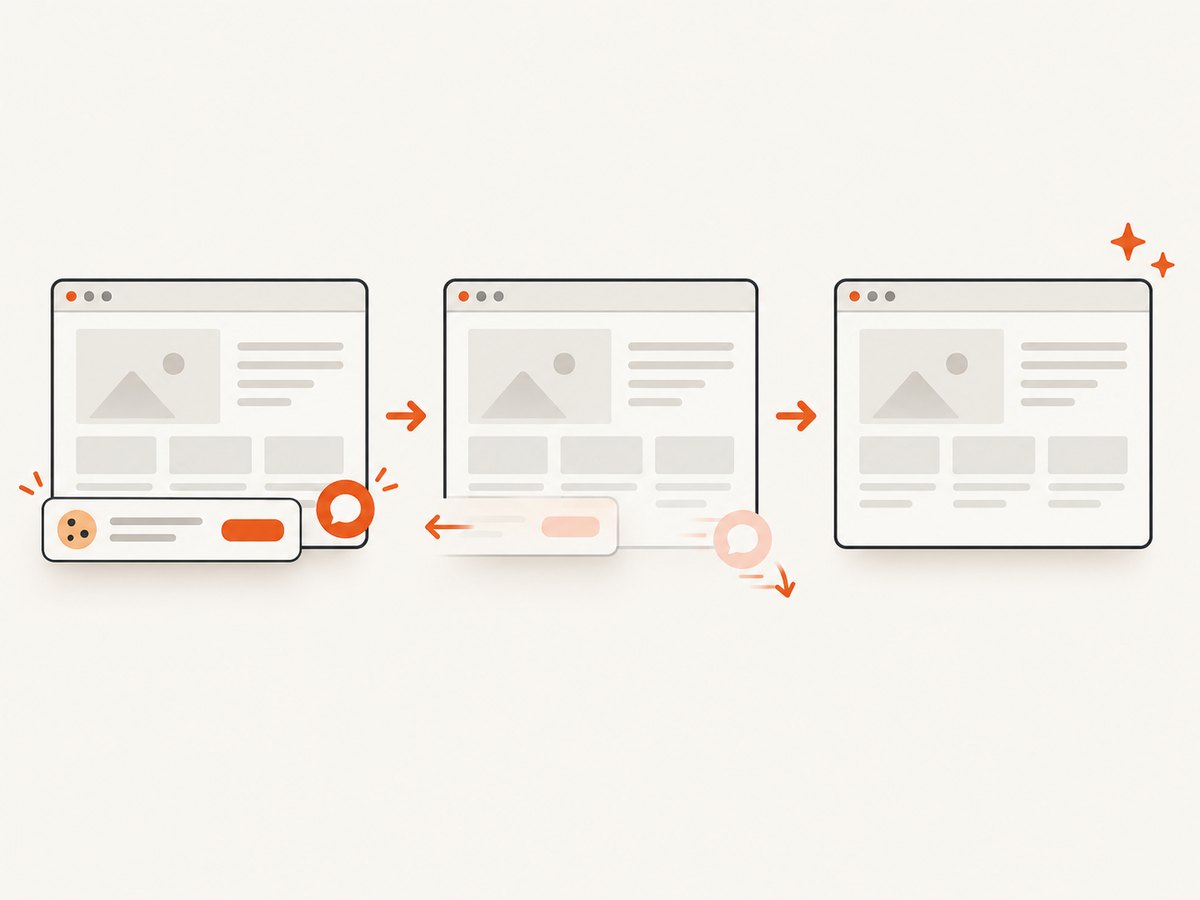
const res = await fetch(`https://api.screenshotneo.com/v1/shot?${q}`);ScreenshotNeo accepts cookie and consent banners before capture and removes more than 60 known consent platforms, newsletter popups, and chat widgets. Bot checks, blank pages, timeouts, failed loads, and cache hits are not billed; response headers identify the page verdict and billing result. Its MCP server provides take_screenshot, get_page_info, and capture_pdf for Claude, Cursor, and other MCP clients. The Free plan includes 1,000 screenshots each month with no card, and paid plans start at $5 for 3,000 shots.
Create a free ScreenshotNeo account and start with 1,000 screenshots per month at no charge.
Troubleshooting
The URL is not clickable
Make sure the address begins with a complete scheme such as https://. In Word, press Enter or Space after the URL, or create it manually through Insert > Link. Some apps keep pasted content as plain text until you apply a hyperlink command.
The link shows the wrong words
Edit the hyperlink and replace Text to display. The visible label and destination are separate fields.
The link opens the wrong page
Copy the full URL again and check its path, query string, and fragment. Remove accidental punctuation copied after the address, such as a trailing period or closing parenthesis.
Edge pastes the raw URL instead of a title
Use Ctrl+V with the link format enabled, or change Edge’s URL copy-and-paste setting. Use Ctrl+Shift+V when you specifically need plain text.
A mobile menu does not match these steps
Office places Insert > Link differently across Android and iOS versions. Select the text first, then look for Insert, Link, or the chain icon. Updating the app can restore missing commands.
A Home Screen icon is not a document link
Add to Home Screen saves a device shortcut. To place a clickable link inside a document, note, or message, use the app’s Insert Link command or paste the URL into a field that supports rich text.
Performance, reliability, and privacy checks
- Use HTTPS URLs whenever the destination supports them.
- Test links after publishing and after moving or renaming pages.
- For documents shared outside your organization, verify that the destination does not require an internal login.
- Prefer descriptive labels so screen-reader users can understand a link without reading surrounding text.
- When sharing a URL, review query parameters for private tokens or other information that should not be exposed.
FAQ
Can I save a URL without showing the full address?
Yes. Select descriptive text and attach the URL with Insert > Link, or use Markdown or HTML link syntax.
Is a bookmark the same as a hyperlink?
No. A bookmark is saved in a browser or app for later access. A hyperlink is embedded in content that other people can click.
Why does pressing Space sometimes create a link?
Word and Office recognize valid web addresses and automatically convert them when you press Space, Enter, or Return.
Can I link an image?
Yes. Select the image, choose Insert > Link, and enter the destination.
What should I use when I need a visual record of a URL?
Use a screenshot or PDF capture service such as ScreenshotNeo when the page itself must be preserved or reviewed.


