How to Save a Complete Web Page, Including CSS and Images, Using Python and Selenium
Use Selenium and Chrome DevTools to save a rendered page, its CSS, images, iframes, and shadow DOM as one offline MHTML file.
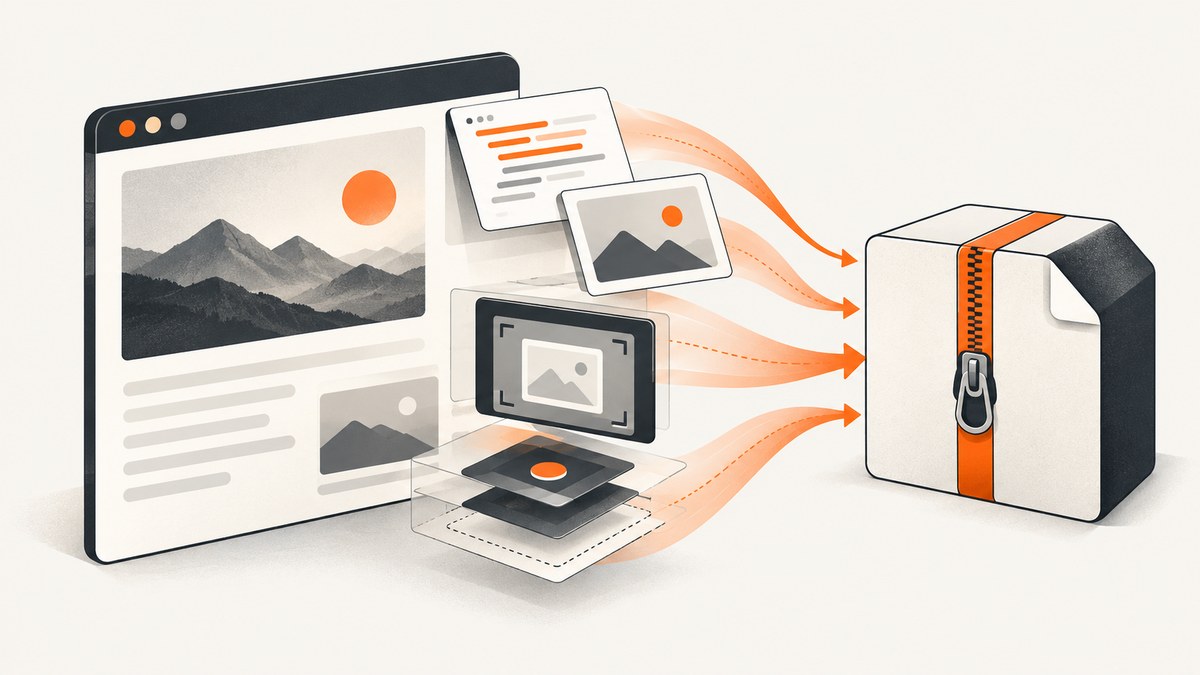
Direct answer: In Chromium, use Selenium to load the page, wait until the content you need is rendered, then call Chrome DevTools Protocol’s Page.captureSnapshot with format: "mhtml". Write the returned data string to a file ending in .mhtml. MHTML is a single archive that can include the rendered document, iframes, shadow DOM, external CSS, images, and inline styles.
driver.page_source is useful when you only need HTML, but it does not package linked stylesheets or image files. If you need a folder containing index.html plus separate assets, you need a different resource-downloading workflow.
What you will build
The script below will:
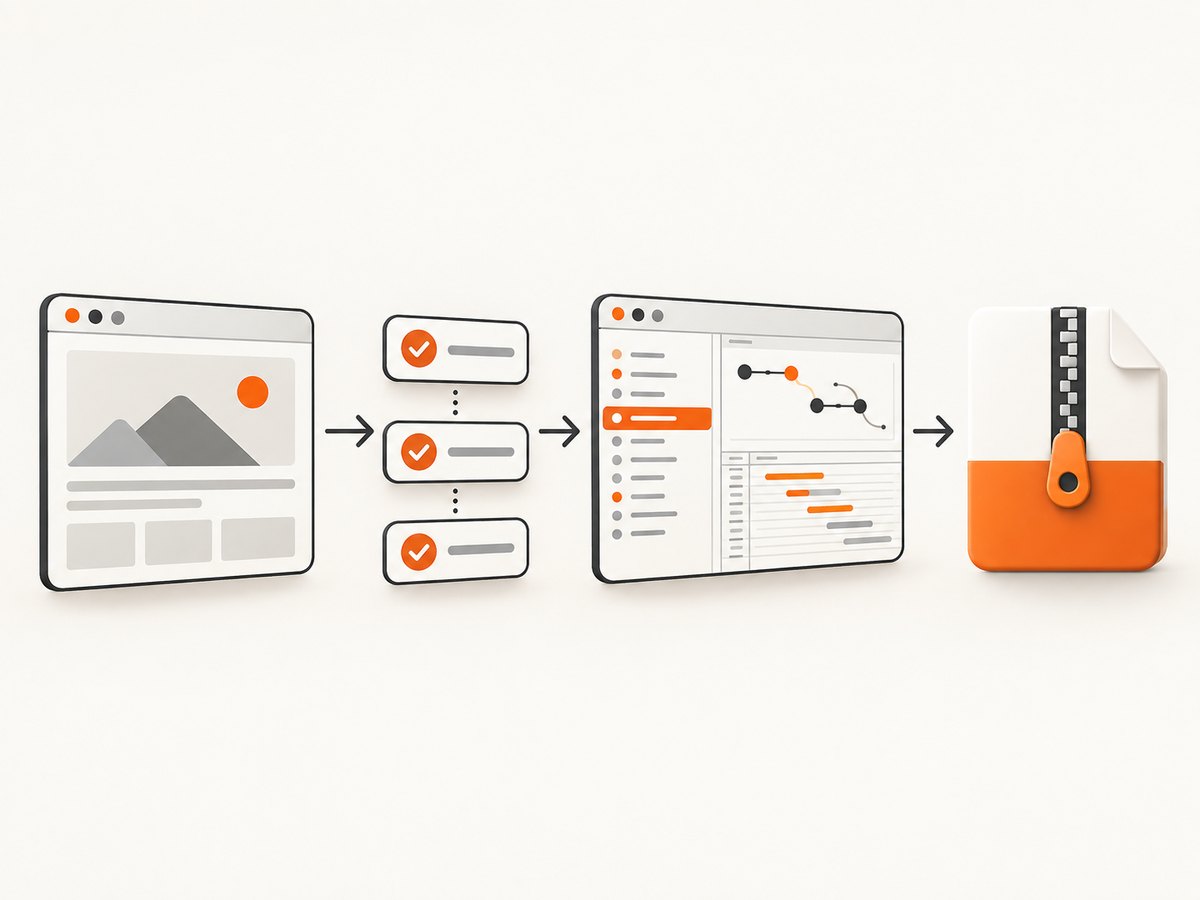
- Open a Chromium browser with Selenium.
- Navigate to a URL.
- Wait for a meaningful element instead of assuming navigation means every dynamic request has finished.
- Ask Chrome for an MHTML snapshot through CDP.
- Save the archive safely before closing the driver.
from pathlib import Path
from selenium import webdriver
from selenium.webdriver.common.by import By
from selenium.webdriver.support.ui import WebDriverWait

url = "https://example.com"
out = Path("page.mhtml")

driver = webdriver.Chrome()
try:
    driver.get(url)
    WebDriverWait(driver, 30).until(
        lambda d: d.find_element(By.TAG_NAME, "body")
    )

    snapshot = driver.execute_cdp_cmd(
        "Page.captureSnapshot", {"format": "mhtml"}
    )
    out.write_text(snapshot["data"], encoding="utf-8")
    print(f"Saved {out.resolve()}")
finally:
    driver.quit()
Selenium exposes execute_cdp_cmd for sending a Chrome DevTools Protocol command. Chrome’s Page.captureSnapshot documentation states that MHTML serialization includes iframes, shadow DOM, external resources, and element-inline styles. Selenium’s Python WebDriver API documents both CDP execution and page_source.
Install Selenium and prepare Chromium
Install the Python package in a virtual environment:
python -m venv .venv
# macOS/Linux
. .venv/bin/activate
# Windows PowerShell
# .venv\\Scripts\\Activate.ps1
python -m pip install --upgrade pip selenium
Recent Selenium releases can manage a compatible driver for common browsers. If your environment uses a locked-down build, install Chromium and its matching driver through your operating system or CI image. The browser must support the CDP command; the MHTML method is therefore Chromium-specific.
Wait for the page you actually want to save
A navigation call returning does not prove that a single-page application has finished rendering. Selenium supports three page-load strategies:
| Strategy | Navigation waits for | Use when |
|---|---|---|
normal |
The load event and normal document loading | You want the safest baseline for ordinary pages |
eager |
DOMContentLoaded | You will explicitly wait for application content |
none |
No navigation blocking | You control all readiness checks yourself |
The default normal strategy is a useful starting point, but dynamic applications can keep fetching data after readyState becomes complete. Use a condition that proves the content you need exists.
Wait for an article, table, or application state
from selenium.webdriver.common.by import By
from selenium.webdriver.support import expected_conditions as EC
from selenium.webdriver.support.ui import WebDriverWait

wait = WebDriverWait(driver, 30)
wait.until(EC.presence_of_element_located((By.CSS_SELECTOR, "article")))
wait.until(EC.visibility_of_element_located((By.CSS_SELECTOR, "article h1")))
Wait for a loading indicator to disappear
wait.until(EC.invisibility_of_element_located(
    (By.CSS_SELECTOR, ".loading-spinner")
))
Wait for a JavaScript condition
wait.until(lambda d: d.execute_script(
    "return window.appReady === true"
))
For lazy-loaded images, scroll through the page before capturing. This gives intersection observers an opportunity to request images that are outside the initial viewport:
driver.execute_script("""
  const step = Math.max(400, window.innerHeight);
  let y = 0;
  const timer = setInterval(() => {
    window.scrollBy(0, step);
    y += step;
    if (y >= document.body.scrollHeight) {
      clearInterval(timer);
      window.scrollTo(0, 0);
    }
  }, 150);
""")

WebDriverWait(driver, 30).until(lambda d: d.execute_script(
    "return document.readyState === 'complete'"
))
This scroll script is only a trigger. It does not guarantee that every image has finished downloading. For stricter capture, wait until all relevant image elements report complete:
WebDriverWait(driver, 30).until(lambda d: d.execute_script("""
  return Array.from(document.images).every(img => img.complete)
"""))
Capture a complete page as MHTML
Once the rendered state is ready, call CDP while the driver is still alive:
snapshot = driver.execute_cdp_cmd(
    "Page.captureSnapshot",
    {"format": "mhtml"}
)

if not snapshot.get("data"):
    raise RuntimeError("Chrome returned an empty snapshot")

Path("archive.mhtml").write_text(snapshot["data"], encoding="utf-8")
MHTML is a MIME archive. Open it in a browser that supports MHTML to inspect the saved page offline. It is a single file, which makes it convenient to attach to an issue, store as an artifact, or move between machines.
Choose a stable output name
from datetime import datetime, timezone
from pathlib import Path
from urllib.parse import urlparse

parsed = urlparse(url)
host = parsed.netloc.replace(":", "_") or "page"
stamp = datetime.now(timezone.utc).strftime("%Y%m%dT%H%M%SZ")
out = Path(f"{host}-{stamp}.mhtml")
Authentication, cookies, headers, and user agents
Selenium captures what the browser can access. For a page behind a login, authenticate in the same driver before taking the snapshot:
driver.get("https://example.com/login")
driver.find_element(By.NAME, "email").send_keys("user@example.com")
driver.find_element(By.NAME, "password").send_keys("your-password")
driver.find_element(By.CSS_SELECTOR, "button[type=submit]").click()
WebDriverWait(driver, 30).until(
    lambda d: d.find_element(By.CSS_SELECTOR, ".account-home")
)

driver.get("https://example.com/private/report")
You can add a cookie before navigation when the site permits it. Selenium requires a page on the target domain before adding that domain's cookie:
driver.get("https://example.com/")
driver.add_cookie({
    "name": "session",
    "value": "SESSION_VALUE",
    "secure": True,
    "httpOnly": True,
})
driver.get("https://example.com/private/report")
Do not put secrets into source control or archive files. An MHTML file can contain authenticated content and embedded response data, so treat it as sensitive output.
HTML-only fallback and folder-based archives
If CDP is unavailable, retrieve the current HTML:
html = driver.page_source
Path("page.html").write_text(html, encoding="utf-8")
This fallback contains the current DOM serialization, not a self-contained copy of linked CSS, images, fonts, or scripts. A folder archive requires you to parse resource URLs, download each permitted resource, rewrite references, and handle relative URLs, redirects, cache headers, authentication, content types, and duplicate names. That approach is more portable but has more failure modes than MHTML.
Important edge cases
Cross-origin iframes
MHTML serialization can include iframe content, but only resources the browser successfully loaded. A frame blocked by permissions, authentication, CSP, or a network error will not become magically available offline.
Shadow DOM
Chrome's MHTML serializer includes shadow DOM. A page that builds content after the snapshot call can still be incomplete, so wait for the component's final state first.
Streaming and continuously updating pages
There is no universal moment when a live feed is complete. Choose a business rule such as “capture after the first 100 rows” or “capture five seconds after the last update,” then wait for that condition.
Bot checks and CAPTCHAs
If the site serves a challenge instead of the requested document, Selenium will faithfully save the challenge page. Do not attempt to bypass access controls. Use an authorized session or an approved integration.
Blocked mixed content and third-party assets
HTTPS pages can block insecure HTTP resources. Privacy extensions, corporate proxies, CSP, robots policies, and third-party outages can also prevent assets from loading. Inspect the browser console and network logs when the archive appears incomplete.
Fonts and video
Fonts may be embedded only if they loaded before capture and the browser can serialize them. A video element represents a media resource and playback state; an MHTML archive is not a guaranteed downloadable copy of an entire streaming service.
Make the capture more reliable
- Use a pinned browser and Selenium version in CI.
- Set an explicit page-load timeout and explicit waits for application content.
- Scroll to trigger lazy loading, then wait for images and key selectors.
- Capture before calling
driver.quit(). - Write to a temporary path and rename after a successful write.
- Record the URL, timestamp, browser version, and readiness condition beside the archive.
- Retry navigation failures with a fresh driver rather than reusing a corrupted session.
from pathlib import Path
import os

final_path = Path("page.mhtml")
tmp_path = final_path.with_suffix(".mhtml.tmp")
tmp_path.write_text(snapshot["data"], encoding="utf-8")
os.replace(tmp_path, final_path)
Troubleshooting
| Symptom | Likely cause | Fix |
|---|---|---|
unknown command: Page.captureSnapshot |
The driver is not Chromium-based or CDP is unavailable. | Use Chrome/Chromium with a compatible driver, or fall back to page_source. |
| File contains a spinner or empty shell | The SPA had not finished rendering. | Wait for a content selector, application-ready flag, or loading indicator to disappear. |
| CSS or images are missing | Assets were blocked, still loading, or never requested. | Check console/network errors, scroll for lazy content, and wait for image completion. |
| Only the login page was saved | The session was unauthenticated or expired. | Authenticate in the same driver and verify a post-login selector before navigation. |
TimeoutException |
The selector never appears, the site is slow, or the selector is wrong. | Inspect the DOM, choose a stable selector, and set a timeout matching the page. |
| Archive is truncated or empty | The process ended during the write or the driver was closed too early. | Check snapshot["data"], write before quitting, and use an atomic rename. |
| Offline file behaves differently | The page depends on server APIs, service workers, streaming, or runtime state. | Define what “complete” means and capture after required state is present; MHTML is a snapshot, not a server replica. |
Performance and cost considerations
Capture time is dominated by navigation, JavaScript execution, image downloads, lazy-loading scrolls, and explicit waits. A shorter timeout does not make a page complete; it only fails sooner. Reusing one driver for a controlled batch can reduce browser startup overhead, while a fresh driver per job provides stronger isolation and easier recovery.
MHTML size grows with embedded resources. Large images, fonts, and repeated frames increase disk usage and upload time. If you only need a visual record, a screenshot is smaller. If you need offline inspection of the rendered DOM and resources, MHTML is the better fit.
For reproducible archives, pin viewport size, locale, timezone, user-agent, authentication state, and feature flags. Record these inputs with each output because responsive layouts and personalized pages can change the result.
Or skip the browser setup
If your goal is a clean image or PDF rather than a local MHTML archive, ScreenshotNeo provides a single HTTP request. Its API accepts a URL and returns PNG, JPEG, WebP, or PDF. See the ScreenshotNeo documentation for all options.
curl -G "https://api.screenshotneo.com/v1/shot" -d access_key=YOUR_API_KEY --data-urlencode url=https://stripe.com -o shot.webpimport requests
r = requests.get(
"https://api.screenshotneo.com/v1/shot",
params={"access_key": "YOUR_API_KEY", "url": "https://stripe.com"},
timeout=90,
)
r.raise_for_status()
open("shot.webp", "wb").write(r.content)const q = new URLSearchParams({ access_key: 'YOUR_API_KEY', url: 'https://stripe.com' });
const res = await fetch(`https://api.screenshotneo.com/v1/shot?${q}`);
if (!res.ok) throw new Error(`HTTP ${res.status}`);
const buffer = Buffer.from(await res.arrayBuffer());
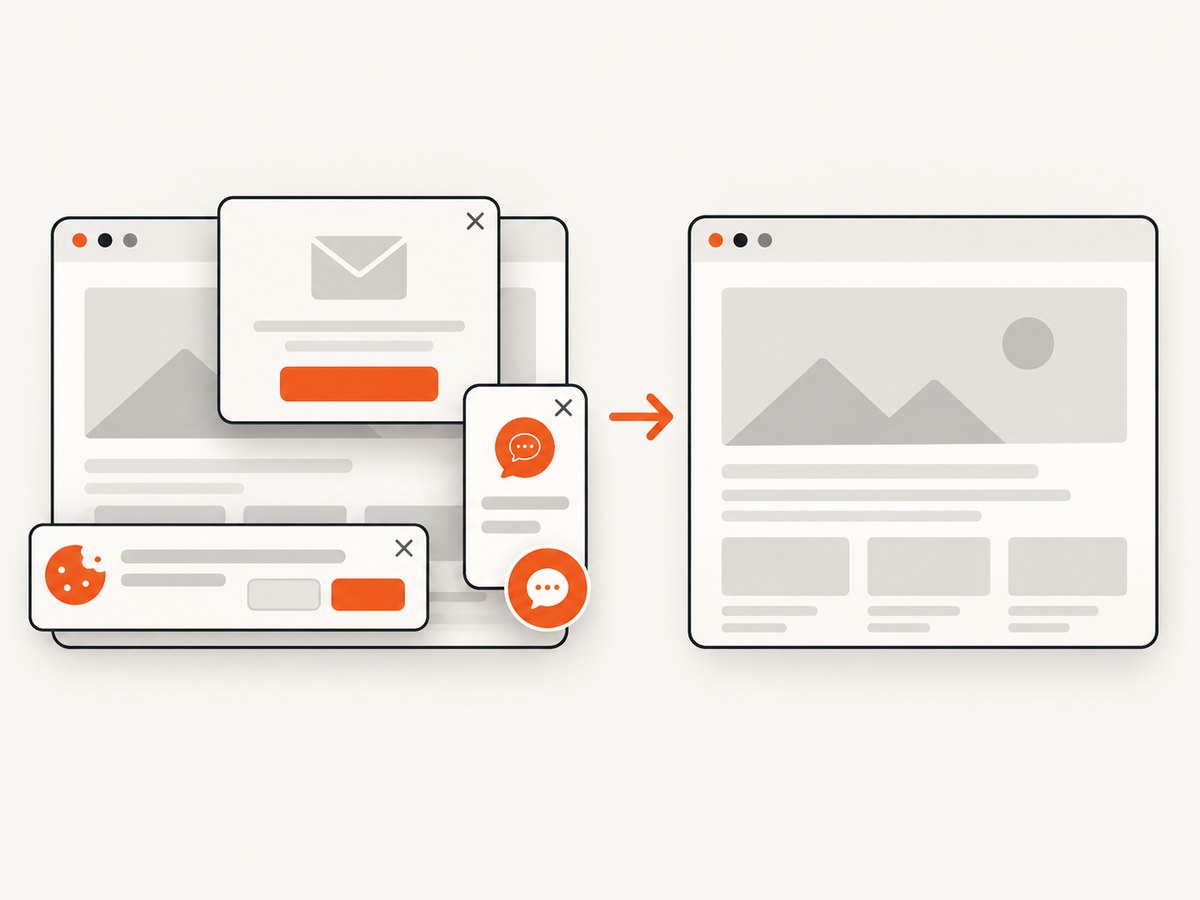
await Bun.write("shot.webp", buffer);ScreenshotNeo removes cookie and consent banners, newsletter popups, and chat widgets before capture. Bot checks, blank pages, failed loads, timeouts, and cache hits are not billed, and response headers identify the page verdict and billing status. It also offers an MCP server with take_screenshot, get_page_info, and capture_pdf tools for Claude, Cursor, and other MCP clients. The free plan includes 1,000 screenshots per month with no card; paid plans start at $5 for 3,000 shots.
Create a free ScreenshotNeo account to try the API with 1,000 screenshots each month and no card.
FAQ
Can Selenium save a page exactly like Chrome’s “Save Page” command?
For Chromium, CDP MHTML capture is the closest programmable equivalent for a rendered page. It still represents the state at capture time and cannot guarantee every future, blocked, streaming, or authenticated request.
Does page_source include CSS and images?
It returns the current HTML source. Linked CSS, images, fonts, and scripts remain external references unless you build a separate downloader or use MHTML.
Can I use Firefox or Safari?
The Page.captureSnapshot command is a Chromium CDP command. Other browsers need an HTML fallback or a browser-specific archival mechanism.
Should I save MHTML or a screenshot?
Use MHTML when you need offline inspection of the rendered document and resources. Use a screenshot when the required output is a visual image or PDF.
Why is my dynamic page incomplete even after readyState is complete?
Modern applications often fetch data after the document load event. Wait for a meaningful selector, state flag, row count, or other application-specific condition.


