How to Save Website Screenshots from URLs with PHP
Capture rendered web pages from URLs in PHP with Playwright or Browsershot, handle full-page and element shots, and avoid common failures.
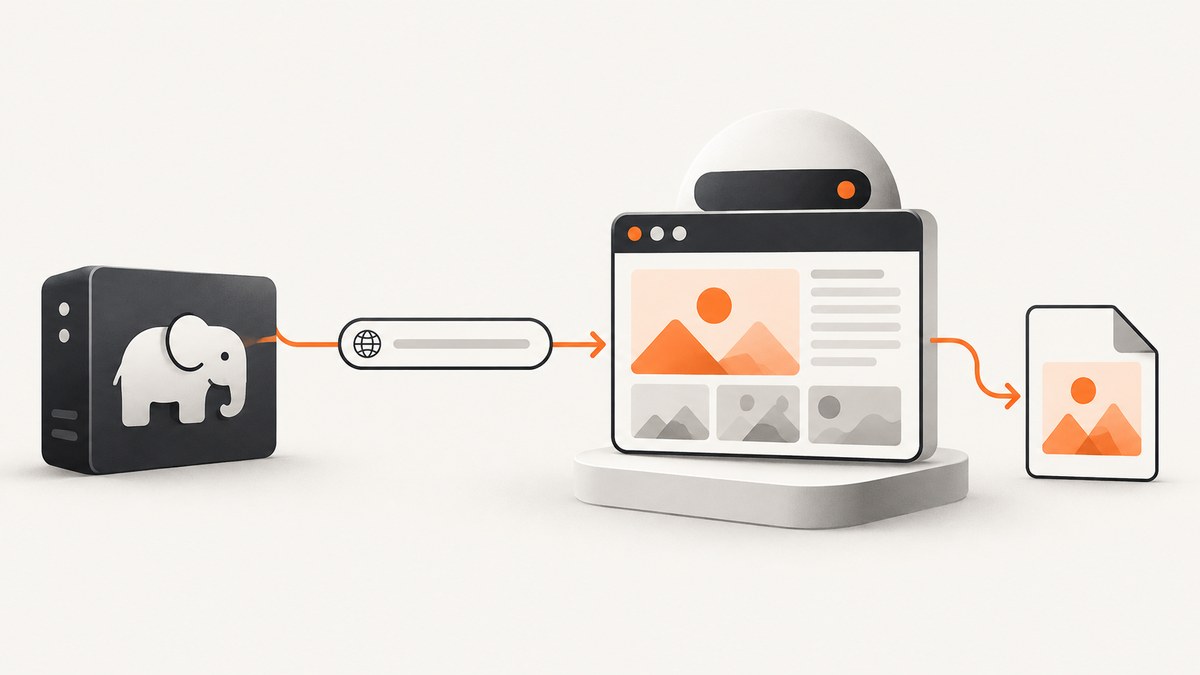
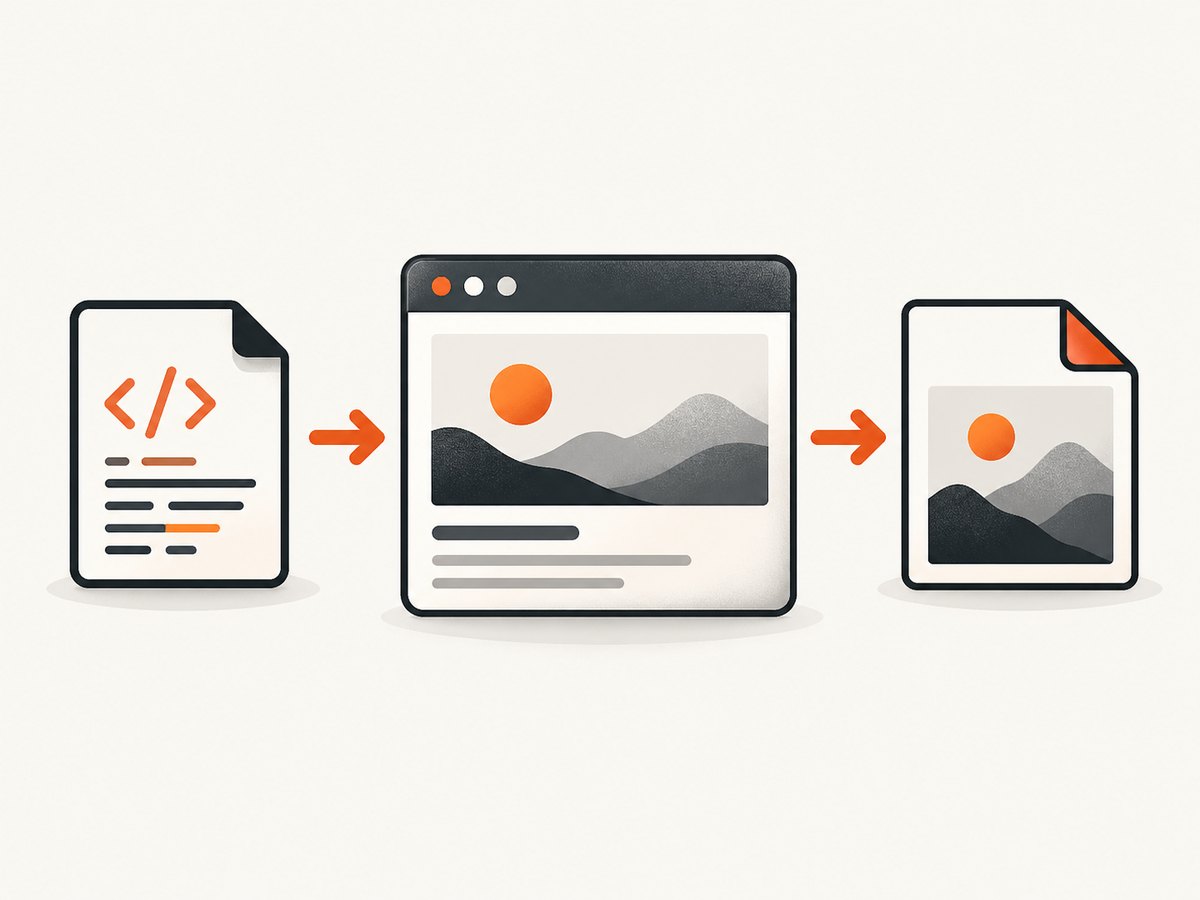
Direct answer: use PHP to control a real browser engine, navigate to the URL, wait for the state you need, and save a screenshot. Playwright PHP and Spatie Browsershot are two practical routes. A screenshot records what the browser rendered at one moment, so viewport, fonts, animations, data and browser versions affect the result.
1. Choose a PHP screenshot method
| Method | Best fit | Runtime considerations |
|---|---|---|
| Playwright PHP | Projects that need browser control, full-page or element captures, and assertions | The documented PHP examples specify PHP 8.2 or newer, Node.js 20 or newer and an installed Chromium browser. Verify current requirements for the package version you deploy. |
| Spatie Browsershot | Laravel or PHP applications that want a PHP wrapper around Puppeteer | Browsershot runs conversion through Puppeteer and a headless version of Google Chrome. |
| ScreenshotNeo | Hosted captures without managing browser processes | A GET request returns PNG, JPEG, WebP or PDF. Cookie banners, popups and chat widgets can be removed before capture. |
Read the Playwright PHP screenshot guide and Browsershot documentation for package-specific installation details.
2. Save a URL screenshot with Playwright PHP
The documented API shape is navigation followed by a screenshot save:
<?php

$page->goto('https://example.com');
$page->screenshot(__DIR__.'/artifacts/example.png');
Your application must create the browser, context and page before these calls. The Playwright PHP examples document PHP 8.2+, Node.js 20+ and browser installation through the package-provided command. Check the current guide before pinning versions in CI.
Keep artifacts in a directory that exists and is writable by the PHP process. In CI, upload that directory explicitly if you need to inspect screenshots after a job finishes.
3. A complete Browsershot script
Browsershot gives PHP code for the common URL-to-image flow. Install the package and its documented Puppeteer and Chrome dependencies, then create capture.php:
<?php

require __DIR__.'/vendor/autoload.php';

use Spatie\Browsershot\Browsershot;

$url = $argv[1] ?? 'https://example.com';
$output = __DIR__.'/artifacts/page.png';

$directory = dirname($output);
if (!is_dir($directory) && !mkdir($directory, 0775, true) && !is_dir($directory)) {
    throw new RuntimeException('Could not create artifact directory');
}

Browsershot::url($url)
    ->windowSize(1440, 900)
    ->save($output);

echo "Saved {$output}\n";
Run it with:
php capture.php https://example.comThe exact browser and Node setup belongs to the Browsershot version you install; follow its current documentation rather than assuming a globally installed Chrome binary.
4. Pick the right capture scope
Viewport screenshot
A viewport shot records the visible browser area. Use it for hero sections, above-the-fold checks and fixed-size previews. Set a fixed viewport so a laptop, CI runner and local machine do not produce different dimensions.
Full-page screenshot
Use full-page capture when content below the fold matters. Long pages can be expensive to render and may contain lazy images that only load after scrolling. Confirm that images and fonts have finished loading before saving.
Element screenshot
Capture one component when you need a card, chart or form rather than the whole document. Element screenshots reduce output size and make visual comparisons easier, but the selector must identify a visible element at capture time.
Image format and scale
PNG is useful for lossless visual comparisons and transparent pixels. JPEG is smaller for photographic pages. WebP often reduces size while preserving good visual quality. Retina or device scale increases pixel dimensions and file size, so choose it only when consumers need higher-density output.
5. Make captures repeatable
- Use the same browser version, operating system, viewport, device scale and headless mode for baselines and comparisons.
- Wait for a meaningful state: a selector, a known delay or network idle, depending on how the page loads.
- Disable or mask animations, rotating banners and live timestamps with custom CSS where your browser tool supports it.
- Use stable test data and deterministic query parameters when the page content changes by account, locale or time.
- Set timezone, locale, user agent and geolocation explicitly when they affect layout or content.
- Capture after fonts, images and client-side rendering complete. A successful navigation does not prove that the page is ready.
Playwright’s visual comparison guidance notes that rendering can vary with host OS, browser version, settings, hardware, power source and headless mode. Keep those inputs fixed when pixel-level consistency matters.
6. Handle dynamic pages and access controls
Waiting
Choose a wait condition that represents readiness. A selector wait is usually more meaningful than an arbitrary delay when a specific component signals completion. Network idle can be unsuitable for applications with analytics or long polling that never become fully idle.
Cookies and authentication
Private pages need an authenticated browser context. Supply cookies or authorization headers through the browser library, and keep secrets out of screenshot filenames and logs. If a page redirects to a login screen, verify the final URL and a page marker before saving.
Bot checks and consent dialogs
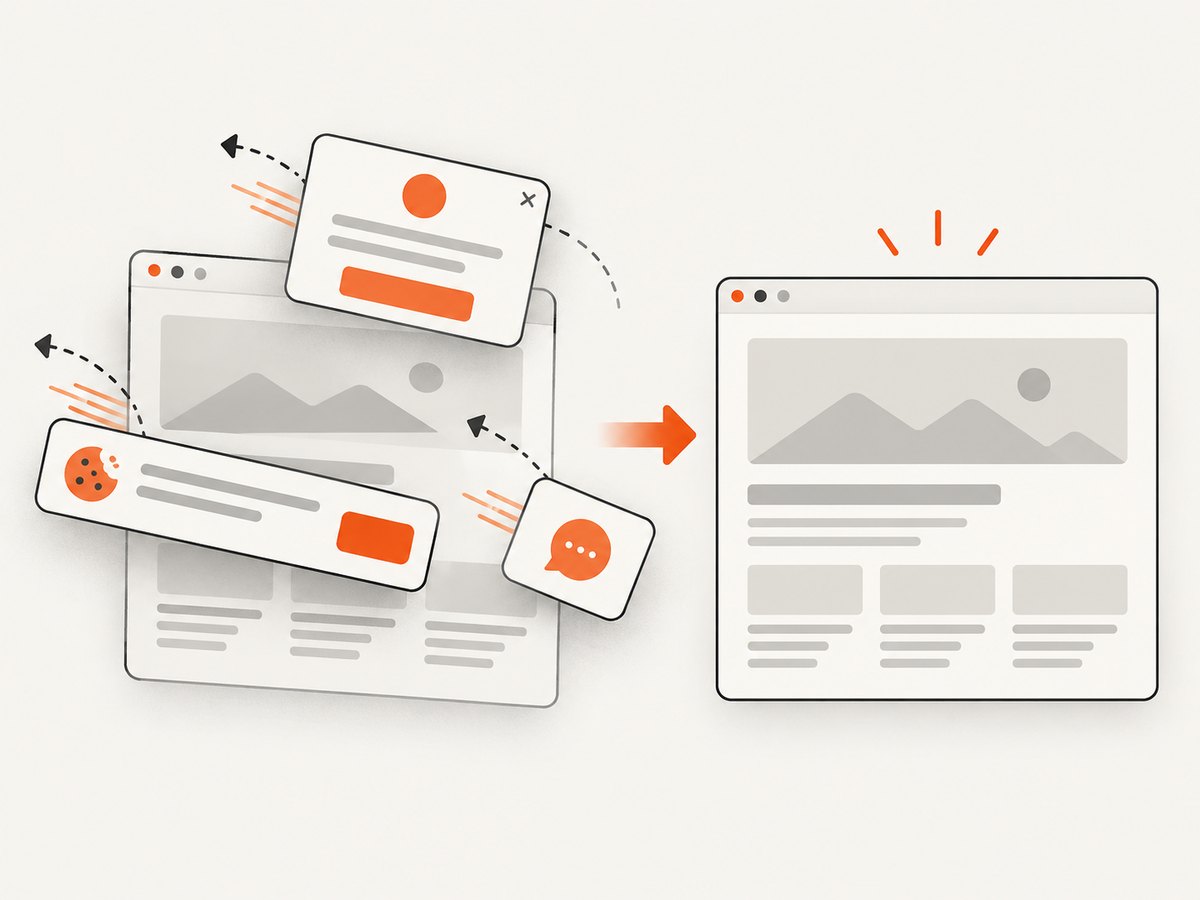
Bot checks, cookie dialogs, newsletter popups and chat widgets can obscure the page. In a self-managed browser, handle each dialog with the automation API or inject narrowly scoped CSS/JavaScript after confirming that doing so is permitted for your use case.
7. Troubleshooting checklist
| Symptom | Likely cause | Fix |
|---|---|---|
| Blank or mostly white image | Capture occurred before client rendering or navigation completed | Wait for a stable selector, confirm the final URL and capture after the page’s content is present. |
| Images are missing | Lazy loading, blocked requests or an early screenshot | Use full-page behavior that triggers lazy content, wait for image completion and inspect failed requests. |
| Permission denied on save | Missing directory or unwritable path | Create the directory during setup and grant the PHP worker write access. |
| Browser executable not found | Chromium/Chrome was not installed where the package expects it | Run the package’s browser installation command or configure the executable path documented for your version. |
| Timeout | Slow page, blocked third-party request or a wait condition that never occurs | Increase the navigation timeout carefully, remove unnecessary waits and inspect network and console errors. |
| Different pixels in CI | Different browser, fonts, OS, scale, data or animation state | Pin the rendering environment and stabilize dynamic content before comparing images. |
| Login page captured instead of the target | Cookies or authorization were not applied, or the session expired | Load the authenticated context, assert a post-login selector and record the final URL. |
| Screenshot contains a consent banner | The site displayed a modal before capture | Accept or close it through the browser workflow, or use a service that handles known consent platforms. |
8. Performance, reliability and cost
- Browser startup: launching Chromium for every URL adds latency. Reuse a browser process when your worker model allows it, while isolating cookies and storage in separate contexts.
- Concurrency: each page consumes CPU and memory. Bound concurrent captures and queue large batches so one host does not exhaust resources.
- Page weight: full-page images, videos, third-party scripts and large fonts increase capture time. Blocking unnecessary requests can improve throughput when the blocked resources do not affect the intended image.
- Retries: retry transient navigation failures with a limit and backoff. Do not blindly retry deterministic 4xx responses or authentication failures.
- Storage: choose a retention policy for generated files and use content-addressed names when duplicate captures are common.
- Self-hosting cost: browser automation shifts cost to your compute, browser maintenance and operational work. The research sources do not establish a universal speed or reliability winner between Playwright and Browsershot.
A screenshot is evidence of rendered pixels at a moment. It does not prove that controls, text semantics or business behavior work correctly; pair screenshots with assertions or functional checks.
9. Or skip the browser setup
ScreenshotNeo provides a hosted URL-to-image and URL-to-PDF API. The API documentation covers the available options.
curl -G 'https://api.screenshotneo.com/v1/shot' \
  -d access_key=YOUR_API_KEY \
  --data-urlencode url=https://stripe.com \
  -o shot.webp
import requests
r = requests.get(
'https://api.screenshotneo.com/v1/shot',
params={'access_key': 'YOUR_API_KEY', 'url': 'https://stripe.com'},
timeout=90,
)
r.raise_for_status()
open('shot.webp', 'wb').write(r.content)const q = new URLSearchParams({
access_key: 'YOUR_API_KEY',
url: 'https://stripe.com'
});
const res = await fetch(`https://api.screenshotneo.com/v1/shot?${q}`);
if (!res.ok) throw new Error(`HTTP ${res.status}`);
const data = Buffer.from(await res.arrayBuffer());
require('fs').writeFileSync('shot.webp', data);Before capture, ScreenshotNeo can accept cookie or consent banners and remove more than 60 known consent platforms, newsletter popups and chat widgets; each step can be turned off. Bot checks or CAPTCHAs, blank pages, timeouts, failed loads and cache hits are not billed, and response headers report the page verdict and billing status. Its MCP server provides take_screenshot, get_page_info and capture_pdf for Claude, Cursor and other MCP clients. The Free plan includes 1,000 screenshots per month without a card; paid plans start at $5 for 3,000 shots.
Create a free ScreenshotNeo account to start with 1,000 screenshots each month and no card.
10. FAQ
Can PHP take a screenshot without a browser?
Not of a normally rendered modern webpage. PHP needs to control a browser engine directly or call a hosted screenshot service that runs one for you.
Should I use Playwright or Browsershot?
Choose based on your existing dependencies, deployment constraints, browser control needs and capture scope. The research does not establish a universal winner.
Why does the same URL produce different images?
Rendering depends on viewport, fonts, browser and OS versions, page data, animations, hardware and headless settings. Fix those inputs and wait for a stable state.
Is a screenshot a test?
It is a visual artifact, not proof that controls or business behavior work. Add assertions or functional tests for those requirements.


