How to Save a YouTube Thumbnail Image
Save any YouTube thumbnail from its video ID, find higher-resolution variants, automate downloads, and check reuse rights before publishing.
Fastest method: copy the video’s ID, place it in https://i.ytimg.com/vi/VIDEO_ID/maxresdefault.jpg, open the URL, then use your browser’s Save image command. Replace VIDEO_ID with the value after v= in a normal YouTube watch URL.
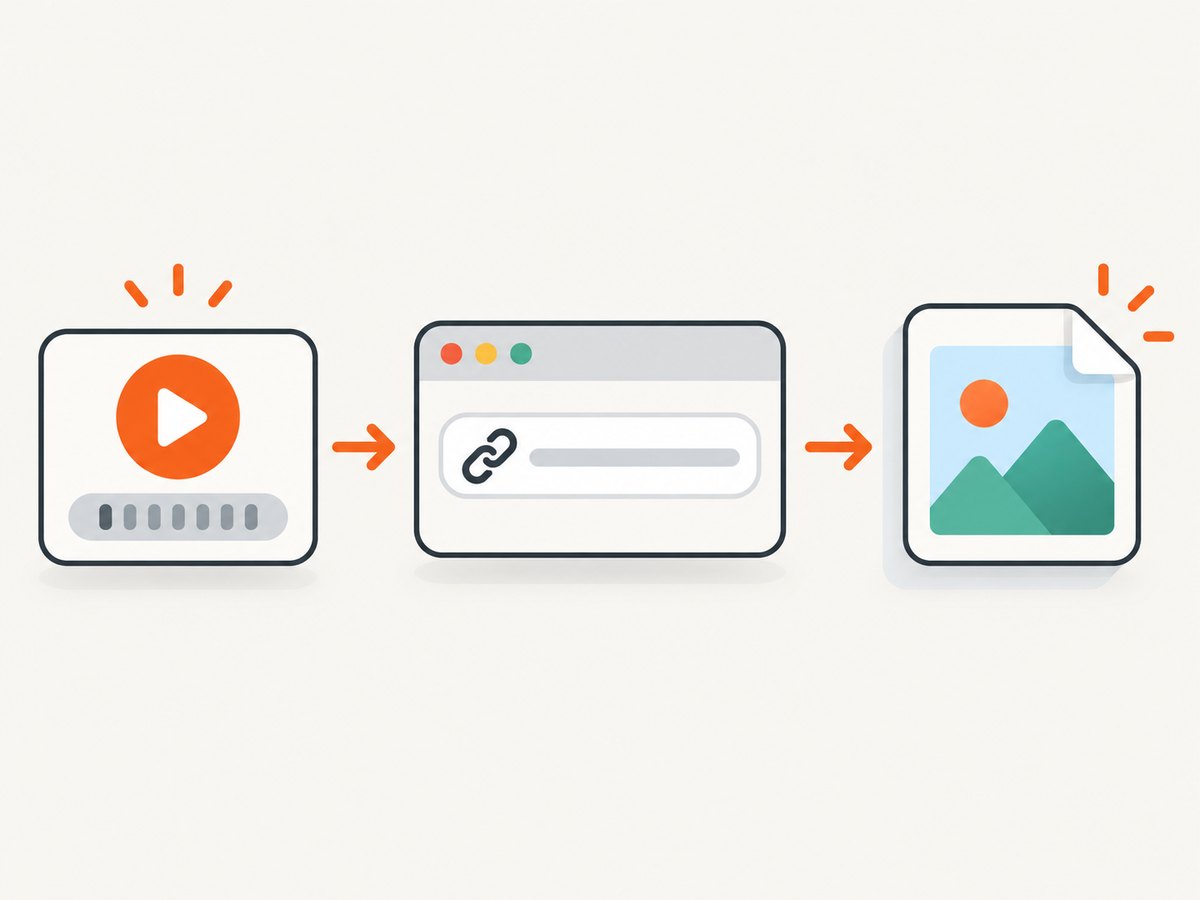
1. Find the YouTube video ID
The video ID is the short identifier YouTube uses for a video.
| URL form | Video ID |
|---|---|
https://www.youtube.com/watch?v=dQw4w9WgXcQ |
dQw4w9WgXcQ |
https://youtu.be/dQw4w9WgXcQ |
dQw4w9WgXcQ |
https://www.youtube.com/embed/dQw4w9WgXcQ |
dQw4w9WgXcQ |
For a watch URL, read the v query parameter. Ignore other parameters such as &t=30s or &list=....
Extract the ID in JavaScript
function getYouTubeVideoId(input) {
  const url = new URL(input);

  if (url.hostname === 'youtu.be') {
    return url.pathname.slice(1).split('/')[0] || null;
  }

  if (url.searchParams.get('v')) {
    return url.searchParams.get('v');
  }

  const parts = url.pathname.split('/').filter(Boolean);
  const marker = parts.findIndex((part) => ['embed', 'shorts', 'live'].includes(part));
  return marker >= 0 ? parts[marker + 1] || null : null;
}

console.log(getYouTubeVideoId('https://www.youtube.com/watch?v=dQw4w9WgXcQ'));
2. Build the thumbnail URL
Insert the ID into one of YouTube’s image URL patterns:
| Variant | URL pattern | Use |
|---|---|---|
| Maximum requested resolution | https://i.ytimg.com/vi/VIDEO_ID/maxresdefault.jpg |
Try this first for the largest JPEG. |
| Maximum requested resolution, WebP | https://i.ytimg.com/vi_webp/VIDEO_ID/maxresdefault.webp |
Use when WebP is preferable. |
| Standard quality | https://i.ytimg.com/vi/VIDEO_ID/sddefault.jpg |
Fallback when the maximum variant is unavailable. |
| High quality | https://i.ytimg.com/vi/VIDEO_ID/hqdefault.jpg |
Widely available fallback. |
| Medium quality | https://i.ytimg.com/vi/VIDEO_ID/mqdefault.jpg |
Smaller files and faster loading. |
| Default | https://i.ytimg.com/vi/VIDEO_ID/0.jpg |
Default thumbnail variant. |
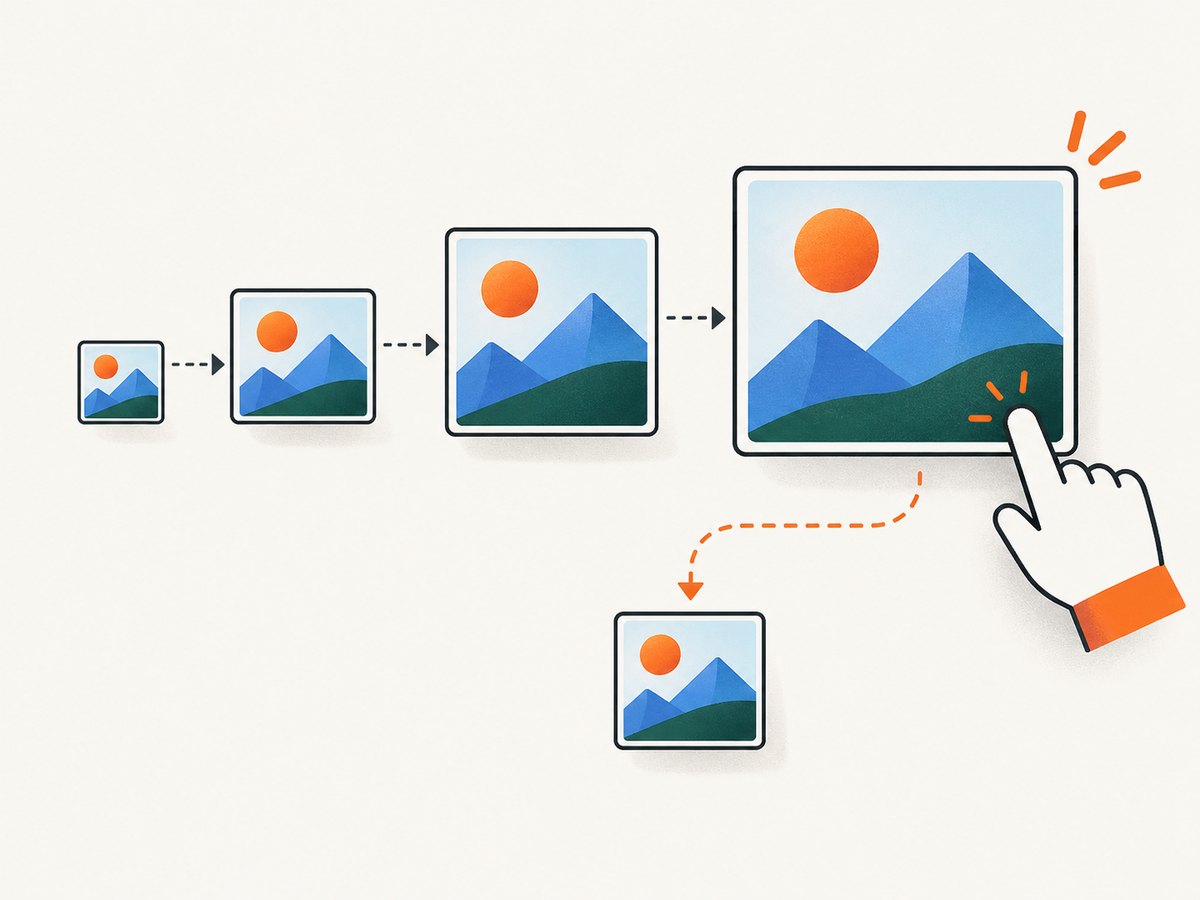
maxresdefault requests a high-resolution file; it does not guarantee that the video has one. If it returns a placeholder or fails, try another variant or use the official YouTube Data API, which returns the thumbnail URL and any width and height YouTube exposes. The API’s default thumbnail is typically 120 × 90 pixels, although available sizes vary. See the YouTube Data API thumbnails reference.
3. Save the image in a browser
- Open the constructed image URL in a new tab.
- Check that the image is the correct video and resolution.
- Desktop: right-click the image and choose Save image as (wording varies by browser).
- Mobile: press and hold the image, then choose the browser’s save or share action.
- Choose a filename ending in
.jpgor.webp, matching the URL you used.
If the browser displays a small or generic image, the requested variant is unavailable. Try hqdefault.jpg, sddefault.jpg, or 0.jpg.
4. Download thumbnails from the command line
cURL
curl -L "https://i.ytimg.com/vi/VIDEO_ID/maxresdefault.jpg" -o thumbnail.jpgUse -L so redirects are followed. Check the file before publishing; an HTTP response alone does not prove that the maximum-resolution variant exists.
Python
from pathlib import Path
import requests

video_id = "VIDEO_ID"
urls = [
    f"https://i.ytimg.com/vi/{video_id}/maxresdefault.jpg",
    f"https://i.ytimg.com/vi/{video_id}/sddefault.jpg",
    f"https://i.ytimg.com/vi/{video_id}/hqdefault.jpg",
    f"https://i.ytimg.com/vi/{video_id}/mqdefault.jpg",
    f"https://i.ytimg.com/vi/{video_id}/0.jpg",
]

for index, url in enumerate(urls):
    response = requests.get(url, timeout=30)
    response.raise_for_status()
    content_type = response.headers.get("content-type", "")
    if "image" in content_type and len(response.content) > 1000:
        Path("thumbnail.jpg").write_bytes(response.content)
        print(f"Saved {url} ({len(response.content)} bytes)")
        break
else:
    raise RuntimeError("No usable thumbnail variant was returned")
Node.js
import { writeFile } from 'node:fs/promises';

const videoId = 'VIDEO_ID';
const variants = ['maxresdefault', 'sddefault', 'hqdefault', 'mqdefault', '0'];

for (const variant of variants) {
  const url = `https://i.ytimg.com/vi/${videoId}/${variant}.jpg`;
  const res = await fetch(url, { redirect: 'follow' });
  const type = res.headers.get('content-type') || '';
  const data = Buffer.from(await res.arrayBuffer());

  if (res.ok && type.includes('image') && data.length > 1000) {
    await writeFile('thumbnail.jpg', data);
    console.log(`Saved ${url}`);
    break;
  }
}
5. Use the YouTube Data API for reliable metadata
The direct image endpoints are convenient when you already know the ID. For an application that must discover videos or select the largest available image, request the video’s snippet.thumbnails object from the YouTube Data API videos.list method. Each thumbnail entry can include a URL, width, and height.
curl "https://www.googleapis.com/youtube/v3/videos?part=snippet&id=VIDEO_ID&key=YOUR_API_KEY"import requests
response = requests.get(
"https://www.googleapis.com/youtube/v3/videos",
params={"part": "snippet", "id": "VIDEO_ID", "key": "YOUR_API_KEY"},
timeout=30,
)
response.raise_for_status()
item = response.json()["items"][0]
thumbnails = item["snippet"]["thumbnails"]
best = max(
thumbnails.values(),
key=lambda image: image.get("width", 0) * image.get("height", 0),
)
print(best["url"], best.get("width"), best.get("height"))6. Automate a thumbnail download safely
For batch jobs, validate IDs, preserve the source URL, use timeouts, retry transient failures, and record the selected variant and dimensions. Do not assume every video has the same image sizes.
- Validate input: reject empty IDs and unexpected characters before constructing a URL.
- Keep fallbacks: try lower-resolution variants when
maxresdefaultis missing. - Verify content: inspect the HTTP status, content type, and file size.
- Cache results: avoid repeatedly downloading an unchanged thumbnail.
- Respect limits: use the official API when you need catalog-wide metadata and follow its quota rules.
7. Copyright, licenses, and publishing rights
Saving a file and having permission to republish it are separate questions. YouTube explains that an original work such as a video is usually owned by its creator under copyright law in its Copyright on YouTube guidance. The Standard YouTube license is the default for uploads; a creator may instead select Creative Commons Attribution (CC BY).
Before using a thumbnail on a website, in marketing, or in a product, verify one of the following:
- You have direct permission from the rights holder.
- The video is offered under a license that permits your intended reuse and you meet its attribution terms.
- A specific copyright exception or public-domain rule applies in your jurisdiction.
YouTube’s Terms of Service restrict accessing, reproducing, downloading, distributing, displaying, selling, licensing, altering, or modifying content except where the service permits it, the rights holder allows it, or applicable law allows it. A thumbnail can also violate YouTube policy when it is misleading, sexually explicit, graphic, or otherwise prohibited.
For an API-powered page, review the YouTube API Services Terms and developer policies. Metadata such as the thumbnail and title must remain visible and unmodified; a custom play button is acceptable only when activating it starts playback.
8. Troubleshooting
| Problem | Cause | Fix |
|---|---|---|
maxresdefault.jpg is missing or generic |
The video has no maximum-resolution thumbnail. | Try sddefault, hqdefault, mqdefault, or 0.jpg; use the API for the sizes actually available. |
| The URL shows a broken image | The ID is wrong, truncated, or includes query-string characters. | Copy only the ID, then rebuild the URL. |
| The downloaded file is not an image | A redirect, error response, or placeholder was saved. | Follow redirects, check status and content-type, and reject suspiciously small files. |
| The image looks blurry | A smaller variant was selected or the source itself is low resolution. | Try maxresdefault and sddefault; use the API dimensions to choose the largest available file. |
| The API returns no video | The ID is invalid, private, removed, or unavailable to the API key. | Confirm the URL and ID, check visibility, and inspect the API error response. |
| API quota errors | Your project has exhausted its quota or the key is restricted. | Check Google Cloud quota and key restrictions; cache results and avoid repeated requests. |
9. Or skip the browser setup
If you need a clean image capture in an automated workflow, ScreenshotNeo can capture the thumbnail URL with one request. Its API accepts a URL and returns PNG, JPEG, WebP, or PDF; see the ScreenshotNeo API documentation.
curl -G "https://api.screenshotneo.com/v1/shot" -d access_key=YOUR_API_KEY --data-urlencode url=https://i.ytimg.com/vi/VIDEO_ID/maxresdefault.jpg -o shot.webpimport requests
r = requests.get("https://api.screenshotneo.com/v1/shot", params={"access_key": "YOUR_API_KEY", "url": "https://i.ytimg.com/vi/VIDEO_ID/maxresdefault.jpg"}, timeout=90)
open("shot.webp", "wb").write(r.content)const q = new URLSearchParams({ access_key: 'YOUR_API_KEY', url: 'https://i.ytimg.com/vi/VIDEO_ID/maxresdefault.jpg' });
const res = await fetch(`https://api.screenshotneo.com/v1/shot?${q}`);ScreenshotNeo removes cookie banners, popups, and chat widgets before a shot; bot checks, blank pages, and failed loads are never billed; and its MCP server lets AI agents take screenshots. The Free plan includes 1,000 screenshots a month with no card, and paid plans start at $5 for 3,000. Create a free ScreenshotNeo account.
10. Performance and cost considerations
- Direct
i.ytimg.comURLs are usually the simplest and fastest option when the ID is known. - Use WebP when your consumers support it and smaller transfers matter; keep JPEG when compatibility is the priority.
- Cache by video ID and variant. A thumbnail URL is deterministic for a given ID and variant.
- For many videos, batch metadata requests and store the returned URL and dimensions instead of probing every variant repeatedly.
- When using ScreenshotNeo, cache captures with a TTL that matches your update needs and inspect its response headers for the page verdict and billing status.
11. FAQ
What is the highest-quality YouTube thumbnail URL?
https://i.ytimg.com/vi/VIDEO_ID/maxresdefault.jpg requests the largest common variant, but not every video provides it.
Can I save a thumbnail from a YouTube Short?
Yes. Extract the ID from the /shorts/VIDEO_ID path and use the same thumbnail URL patterns.
Does downloading mean I can reuse the thumbnail?
No. Downloading is a technical action; reuse still requires permission, a suitable license, a valid exception, or public-domain status.
Should I use a screenshot tool or the image URL?
Use the direct image URL for a simple file download. Use ScreenshotNeo when you need an automated capture pipeline, configurable rendering, or MCP access for AI agents.


