Take a Screenshot on Every Failure with ScalaTest
Capture Selenium browser state whenever a ScalaTest test fails, with synchronous and asynchronous fixtures, CI artifacts, troubleshooting, and reliable naming.

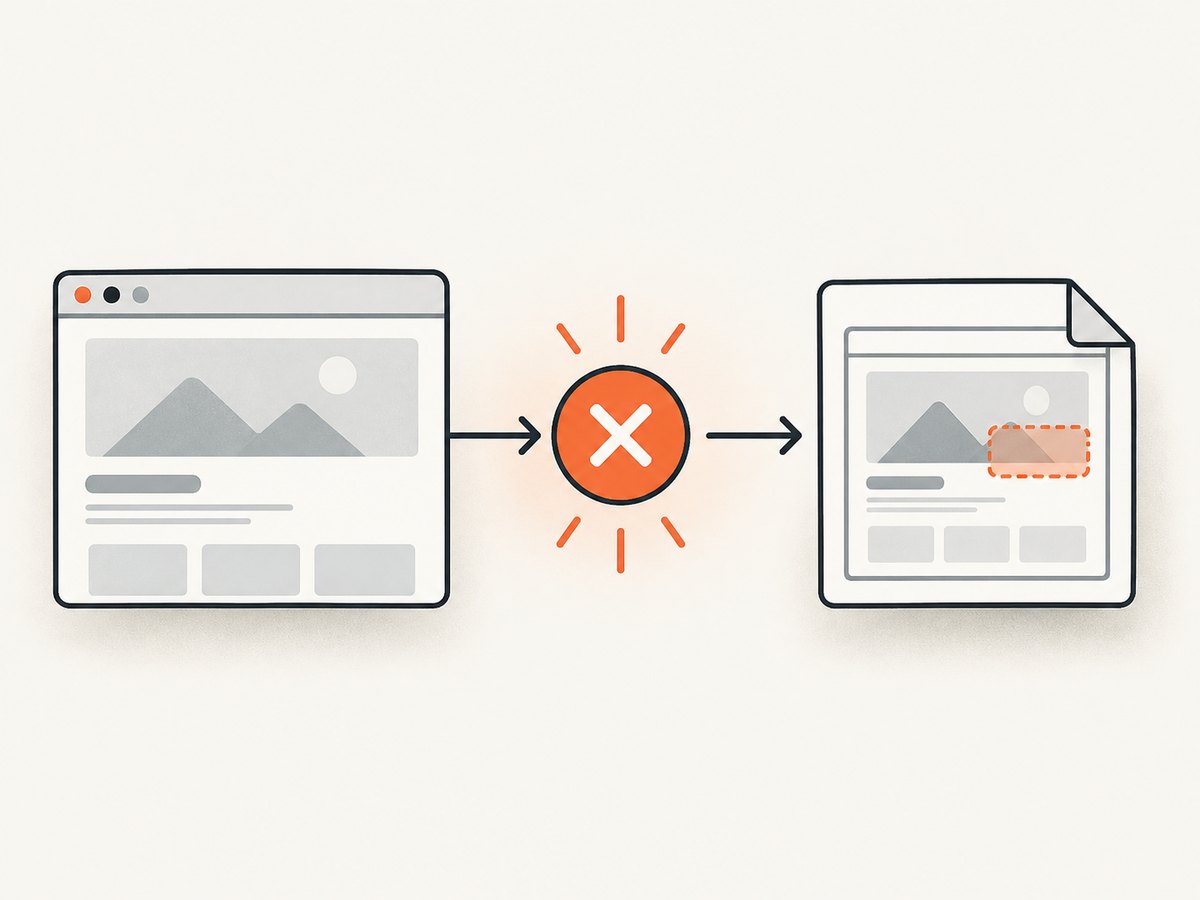
Use ScalaTest’s withFixture hook to inspect the test outcome after execution. For a synchronous suite, call super.withFixture(test), match the returned Failed outcome, and capture the live Selenium driver before teardown. For an asynchronous suite, attach onFailedThen to the FutureOutcome returned by super.withFixture(test) and return that wrapper so ScalaTest waits for the callback.
The examples below save a uniquely named Selenium image into a CI artifact directory, preserve the original test failure when capture or file writing fails, and work with parallel test execution when the run identifier is unique.
1. Synchronous ScalaTest fixture
ScalaTest documents that withFixture is designed to be stacked, so always delegate to the superclass. Do not invoke the test function directly from your override.
import java.nio.file.{Files, Path, Paths, StandardCopyOption}
import java.util.UUID

import scala.util.control.NonFatal

import org.openqa.selenium.{OutputType, TakesScreenshot, WebDriver}
import org.scalatest.{Outcome, TestSuite}
import org.scalatest.funsuite.AnyFunSuite

abstract class ScreenshotOnFailureSuite extends AnyFunSuite {
  protected def driver: WebDriver
  protected def artifactDirectory: Path =
    Paths.get(sys.props.getOrElse("screenshot.dir", "target/test-artifacts/screenshots"))

  private def safePart(value: String): String =
    value.replaceAll("[^A-Za-z0-9._-]", "_").take(160)

  private def captureScreenshot(testName: String): Unit = {
    Files.createDirectories(artifactDirectory)

    val source =
      driver.asInstanceOf[TakesScreenshot].getScreenshotAs(OutputType.FILE)

    val runId = sys.props.getOrElse("test.run.id", UUID.randomUUID().toString)
    val fileName = s"${safePart(getClass.getSimpleName)}-${safePart(testName)}-$runId.png"
    val destination = artifactDirectory.resolve(fileName)

    Files.copy(
      source.toPath,
      destination,
      StandardCopyOption.REPLACE_EXISTING
    )
  }

  override def withFixture(test: NoArgTest): Outcome = {
    val outcome = super.withFixture(test)

    outcome match {
      case failed: org.scalatest.exceptions.Failed =>
        try captureScreenshot(test.name)
        catch {
          case NonFatal(error) =>
            info(s"Screenshot capture failed for '${test.name}': ${error.getMessage}")
        }
        failed

      case other => other
    }
  }
}
ScalaTest’s TestSuite documentation describes the stacking requirement. The driver must still be alive when captureScreenshot runs; create and quit it in the surrounding fixture lifecycle rather than before withFixture receives the outcome.
A concrete suite using the fixture
import org.openqa.selenium.chrome.ChromeDriver
import org.scalatest.BeforeAndAfterAll

final class CheckoutBrowserSpec
    extends ScreenshotOnFailureSuite
    with BeforeAndAfterAll {

  private var currentDriver: ChromeDriver = _
  override protected def driver = currentDriver

  override protected def beforeAll(): Unit = {
    super.beforeAll()
    currentDriver = new ChromeDriver()
  }

  override protected def afterAll(): Unit = {
    try {
      if (currentDriver != null) currentDriver.quit()
    } finally {
      super.afterAll()
    }
  }

  test("checkout shows the confirmation page") {
    currentDriver.get("https://example.com/checkout")
    assert(currentDriver.getTitle == "Order confirmation")
  }
}
For suites that create one driver per test, replace the shared driver with a per-test field and initialize it in beforeEach. The important constraint is the same: do not quit the session until after the failure hook has captured the image.
2. Asynchronous ScalaTest suites
An asynchronous test returns a FutureOutcome, so pattern matching on a synchronous Outcome is the wrong hook. Use FutureOutcome.onFailedThen. The callback runs only when the test outcome is failed, and returning the callback-derived value keeps screenshot handling in ScalaTest’s outcome chain.
import scala.util.control.NonFatal

import org.scalatest.futures.AsyncTestSuite
import org.scalatest.{FutureOutcome, Outcome}

abstract class AsyncScreenshotSuite extends AsyncTestSuite {
  protected def driver: org.openqa.selenium.WebDriver
  protected def captureScreenshot(testName: String): Unit = {
    // Reuse the synchronous implementation shown above.
  }

  override def withFixture(test: NoArgAsyncTest): FutureOutcome = {
    super.withFixture(test).onFailedThen { _ =>
      try captureScreenshot(test.name)
      catch {
        case NonFatal(error) =>
          info(s"Screenshot capture failed for '${test.name}': ${error.getMessage}")
      }
    }
  }
}
Check the exact FutureOutcome signature against the ScalaTest version in your build. ScalaTest 3.2.6 documents onFailedThen; the callback must not throw if the original assertion failure should remain the primary result. A screenshot exception thrown from the callback can affect the resulting outcome.
3. A reusable capture helper
Keep file naming and error handling in one helper so synchronous and asynchronous suites behave consistently.
import java.nio.file.{Files, Path, StandardCopyOption}
import org.openqa.selenium.{OutputType, TakesScreenshot, WebDriver}

final class ScreenshotWriter(directory: Path, runId: String) {
  private def clean(value: String): String =
    value.replaceAll("[^A-Za-z0-9._-]", "_").take(160)

  def write(driver: WebDriver, suite: String, test: String): Path = {
    Files.createDirectories(directory)
    val source = driver.asInstanceOf[TakesScreenshot]
      .getScreenshotAs(OutputType.FILE)
    val path = directory.resolve(
      s"${clean(suite)}-${clean(test)}-${clean(runId)}.png"
    )
    Files.copy(source.toPath, path, StandardCopyOption.REPLACE_EXISTING)
    path
  }
}- Include the suite name, test name, and CI run identifier.
- Sanitize names because test titles can contain slashes, punctuation, or Unicode characters that are awkward in artifact paths.
- Use a unique run identifier when tests execute in parallel. If retries are enabled, include an attempt number too.
- Create the directory before capture, not as a separate manual CI step.
4. Selenium capture details and scope
Selenium Java exposes screenshots through TakesScreenshot.getScreenshotAs(OutputType.FILE). The returned temporary file must be copied to durable storage before the driver is closed. The API can fail when the driver does not support screenshots, the browser session has crashed, or the destination cannot be written.
The usual result is a screenshot of the current browsing context or viewport. Full-page behavior varies by browser and driver. If you require a complete document, use a driver-specific full-page capability or stitch viewport images deliberately, and document that choice in the test suite.
5. Fixture hook versus reporter
| Approach | Best when | Trade-off |
|---|---|---|
withFixture |
The suite owns the live WebDriver | Small amount of suite coupling, but direct access to the session |
| Reporter | You need centralized event processing | The reporter must locate the correct driver, and runner filters can drop events |
ScalaTest reporters receive lifecycle events such as TestFailed, but configured reporter settings can suppress events. A fixture is usually simpler when the screenshot must be taken from the exact browser session that just failed.
6. CI artifact workflow
- Set a writable directory such as
target/test-artifacts/screenshots. - Pass a stable run identifier:
-Dtest.run.id=$CI_PIPELINE_ID. - Run the ScalaTest suite.
- Upload the directory as a CI artifact even when the test command exits nonzero.
- Keep the original test exit status; screenshot capture is diagnostic evidence, not a reason to convert a failed test into a passing one.
sbt \
  -Dtest.run.id="$CI_PIPELINE_ID" \
  -Dscreenshot.dir="target/test-artifacts/screenshots" \
  test
Configure the CI system’s artifact upload step with an “always upload” or equivalent setting. Retention is a project decision: short retention reduces storage, while longer retention helps investigate intermittent browser failures.
7. Troubleshooting
| Symptom | Likely cause | Fix |
|---|---|---|
| No image is created | The hook never calls super.withFixture(test), or the result is not matched as failed |
Delegate to super, inspect the returned outcome, and verify the test actually fails |
ClassCastException for TakesScreenshot |
The selected driver does not implement screenshot capture | Use a screenshot-capable driver or check support before casting |
| “Session ID is null” or invalid session | The driver was quit before the fixture callback ran | Move quit() to the outer teardown and capture before it executes |
| Permission denied | The CI worker cannot write the artifact directory | Use a workspace-relative path and create it with Files.createDirectories |
| Files overwrite each other | Parallel tests share the same filename | Add suite, test, run, and attempt identifiers |
| Only the last screenshot remains | Every failure uses a fixed filename | Generate a unique path for every test invocation |
| Async failure changes into a capture error | The onFailedThen callback throws |
Catch operational capture exceptions and log them while preserving the original result |
| Screenshot shows the wrong page | Another test shares the driver or navigation is still in progress | Use one isolated session per test where practical and wait for the expected page state before assertions |
| Reporter receives no failure event | Runner reporter filtering is enabled | Inspect runner settings or use the fixture hook for direct access |
8. Reliability, performance, and cost
Reliability
- Screenshot capture is best effort. Preserve the assertion failure when the browser or filesystem is already broken.
- Log the artifact path and the capture exception as secondary diagnostics.
- Do not catch fatal JVM errors; catch operational exceptions such as I/O and driver failures.
- Capture before teardown and before any cleanup that changes the page.
Performance
A screenshot adds browser and filesystem work only on failed tests, so the normal passing path stays unchanged. In a failure storm, many large PNG files can slow artifact upload. Use JPEG or WebP only if your capture stack supports the format and the reduced detail is acceptable; keep PNG for text-heavy debugging images. Avoid sharing a driver between parallel tests because contention can make both assertions and screenshots unreliable.
Storage
Choose an artifact retention period and cap runaway output. A retry policy can produce several images for one test; include the attempt number rather than silently overwriting evidence.
9. Or skip the browser setup
ScreenshotNeo provides a website screenshot API and MCP server. One GET request returns a PNG, JPEG, WebP, or PDF. The request below can capture a page without maintaining a Selenium session; see the ScreenshotNeo API documentation for the available options.

curl -G "https://api.screenshotneo.com/v1/shot" \
  -d access_key=YOUR_API_KEY \
  --data-urlencode url=https://example.com \
  -o shot.webp
import requests
r = requests.get(
"https://api.screenshotneo.com/v1/shot",
params={"access_key": "YOUR_API_KEY", "url": "https://example.com"},
timeout=90,
)
r.raise_for_status()
open("shot.webp", "wb").write(r.content)const q = new URLSearchParams({
access_key: 'YOUR_API_KEY',
url: 'https://example.com'
});
const res = await fetch(`https://api.screenshotneo.com/v1/shot?${q}`);
if (!res.ok) throw new Error(`Screenshot failed: ${res.status}`);
require('fs').writeFileSync('shot.webp', Buffer.from(await res.arrayBuffer()));ScreenshotNeo removes cookie and consent banners, newsletter popups, and chat widgets before capture. Bot checks, blank pages, failed loads, timeouts, and cache hits are not billed, and response headers identify the page verdict and billing result. Its MCP server includes take_screenshot, get_page_info, and capture_pdf for Claude, Cursor, and other MCP clients. The free plan includes 1,000 screenshots per month with no card; paid plans start at $5 for 3,000 screenshots.
Create a free ScreenshotNeo account and start with 1,000 screenshots a month at no charge.
10. FAQ
Should I capture on every failed assertion or only on browser tests?
Capture when the live browser state helps explain the failure. For unit tests without a browser, a screenshot hook adds no useful evidence.
Can a screenshot failure make the test pass?
Not if the hook returns the original failed outcome and handles capture errors separately. The test remains failed; the image is supplemental evidence.
Does withFixture work with parallel execution?
Yes, provided each test has an isolated driver or otherwise synchronized session and each artifact filename contains a unique run or test identifier.
Why use onFailedThen for async tests?
Async failures are represented by FutureOutcome. The callback observes that outcome after completion, whereas treating ordinary future completion as proof of success can miss a failed test result.
Can I use a reporter instead?
Yes, but the reporter must receive the failure event and find the correct live driver. A fixture is usually easier when the suite owns that driver.


