How to Scrape AJAX-Driven Websites
Find the request behind dynamically loaded data, replay it when practical, and use a browser when the page’s behavior is part of the data.

When a page displays records that are missing from your Scrapy response, find out where the browser gets them. Often a separate request returns the data, and replaying that request is simpler and more reliable than rendering every page. If the data request is difficult to reproduce, or your task depends on browser-visible behavior, use a headless browser.
This guide shows how to inspect the page, identify and replay its data request, parse common response formats, and choose when browser automation is appropriate. It uses Scrapy and Python for the examples, with cURL and Node.js alternatives. The examples assume you are authorized to access the target and follow its applicable site rules.
1. Check what the first response contains
“AJAX” is often used as shorthand for data loaded after the initial page request, whether the page uses XMLHttpRequest, fetch, or another browser mechanism. The visible data may come from a second HTTP request, but it may also already be present in the original HTML or embedded in a script. Check before building a browser workflow.
- Fetch the page without JavaScript rendering.
- Inspect the response body, not only the live browser DOM. Search for a known record, label, or value.
- Inspect script elements for embedded JSON or state data.
- If the data is absent, open the browser’s developer tools, select the Network panel, reload the page, and inspect requests made as the content appears.
Scrapy’s dynamic-content guidance recommends locating and reproducing the request that contains the desired data when possible. The original HTML response and the live DOM can differ because the browser may fetch data separately. Scrapy: Selecting dynamically-loaded content.
2. Find the request that supplies the records
In the Network panel, filter to Fetch/XHR if available, then reload. Look for a response whose preview or body contains the target records. If the request only appears after scrolling, clicking a tab, or submitting a search, repeat that action with the panel open.
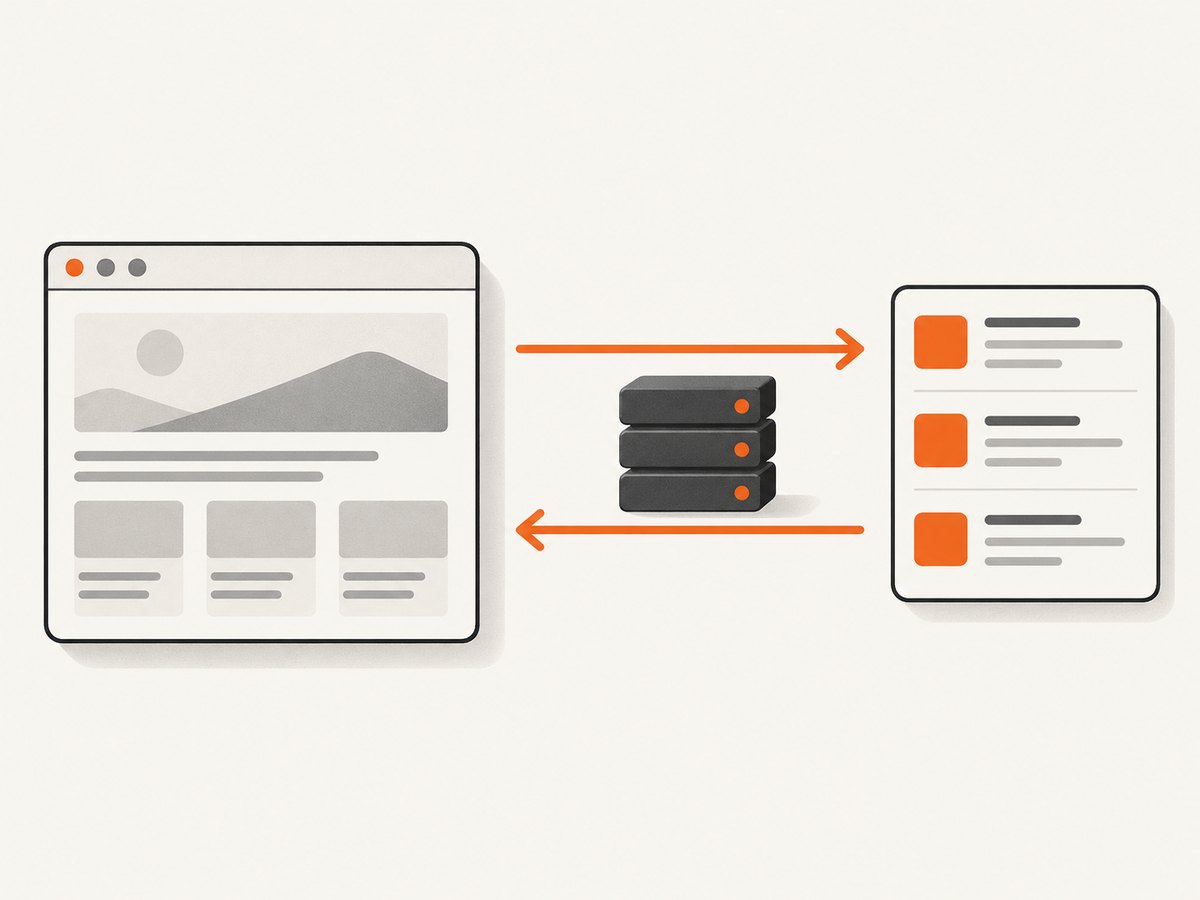
Record enough information to reproduce the request:
- Method and URL: GET and POST requests are both common.
- Query parameters or body: look for search terms, page numbers, filters, sort order, and cursor values.
- Headers: determine whether content type, authorization, or another header is necessary. Do not copy browser-only headers blindly.
- Cookies or session state: check whether the request depends on a session established by earlier navigation.
- Response format: JSON, HTML, XML, or a script containing serialized data need different parsing.
Playwright can observe and handle HTTP and HTTPS traffic, including XHR and fetch requests, which helps when inspecting dynamic behavior. Observing traffic does not determine the right extraction method; that depends on the response itself. Playwright: Network.
3. Reproduce a JSON request with Scrapy
Suppose the browser calls a JSON endpoint with a page parameter. The following standalone spider sends that request, parses JSON, and yields records. Replace the example domain, path, and record keys with values from the request you inspected.
import scrapy

class RecordsSpider(scrapy.Spider):
    name = "records"
    allowed_domains = ["example.com"]
    start_urls = ["https://example.com/api/records?page=1"]

    def parse(self, response):
        payload = response.json()
        for record in payload.get("results", []):
            yield {
                "id": record.get("id"),
                "name": record.get("name"),
            }

        # Add pagination only if inspection confirms another page exists.
        next_url = payload.get("next")
        if next_url:
            yield response.follow(next_url, callback=self.parse)
Save as records.py and run scrapy runspider records.py -O records.json in an environment with Scrapy installed. The example assumes the endpoint returns a JSON object with a results list and an optional next URL. Adapt the parser to the actual schema; a JSON array, nested object, or cursor-based API needs different handling.
POST bodies and required headers
When the inspected request is POST, pass its body as structured JSON or form data. Add only the headers you determine the endpoint requires.
import scrapy
import json

class SearchSpider(scrapy.Spider):
    name = "search"

    def start_requests(self):
        body = {"query": "widgets", "page": 1}
        yield scrapy.Request(
            "https://example.com/api/search",
            method="POST",
            body=json.dumps(body),
            headers={
                "Content-Type": "application/json",
                "Accept": "application/json",
            },
            callback=self.parse,
        )

    def parse(self, response):
        payload = response.json()
        for item in payload.get("results", []):
            yield {"id": item.get("id"), "name": item.get("name")}
For a form-encoded request, use the body and content type shown in the browser request, or use Scrapy’s form request helpers when suitable. If the server requires a cookie or authorization header, supply it through configuration or a secure environment variable; avoid committing credentials to source control.
4. Parse the response according to its format
Do not assume every dynamic endpoint returns JSON. Inspect the response body and content type, then choose a parser that matches it.
| Response | How to parse | Typical check |
|---|---|---|
| JSON | response.json(), then navigate the returned dictionaries and lists |
Confirm the expected key exists and is the right type |
| HTML | Scrapy selectors such as response.css() or response.xpath() |
Check that the selector matches records in the response |
| XML | Selectors or an XML parser suited to the response | Account for namespaces and repeated elements |
| Embedded JavaScript | Extract the relevant script content, then parse its data structure carefully | Avoid brittle assumptions about script formatting |
For example, if a request returns HTML snippets rather than JSON, parse the snippet as a response instead of calling response.json():
def parse_fragment(self, response):
    for card in response.css(".record"):
        yield {
            "name": card.css(".record__name::text").get(),
            "href": card.css("a::attr(href)").get(),
        }
When parsing scripts, first identify the exact serialization format. A script can contain valid JSON, JSON wrapped in an assignment, or ordinary JavaScript that is not valid JSON. Do not use a broad regular expression as a substitute for understanding the structure.
5. Use cURL or Node.js to inspect and replay a request
For a simple GET endpoint, cURL is a quick way to check the raw response. Replace the URL and parameters with the values observed in the Network panel.
curl -G 'https://example.com/api/records' \
  --data-urlencode 'page=1' \
  --data-urlencode 'sort=name' \
  -H 'Accept: application/json'
For a POST request, send the body and content type that the site expects:
curl 'https://example.com/api/search' \
  -X POST \
  -H 'Content-Type: application/json' \
  -H 'Accept: application/json' \
  --data '{"query":"widgets","page":1}'
Node.js with the built-in fetch API can replay a JSON GET and inspect its status before parsing:
const url = new URL('https://example.com/api/records');
url.searchParams.set('page', '1');

const response = await fetch(url, {
  headers: { Accept: 'application/json' },
});
if (!response.ok) {
  throw new Error(`Request failed: ${response.status}`);
}
const payload = await response.json();
for (const record of payload.results ?? []) {
  console.log({ id: record.id, name: record.name });
}
In Node.js, use JSON.stringify(body) and set Content-Type: application/json for a JSON POST. These examples show request mechanics, not permission to access any particular endpoint. Respect the target’s access conditions and avoid sending unnecessary traffic.
6. Handle pagination and changing data
AJAX lists often load one page at a time. The next request may use a page number, offset, cursor, or continuation token. Inspect successive requests in the browser to learn which value changes and where it comes from. Do not guess that page numbers are continuous or that a missing result means the collection has ended.
- Stop when the actual response indicates there is no next page, or when the inspected interface shows the end.
- For cursor pagination, pass the returned cursor into the next request; do not manufacture one.
- Deduplicate records if the endpoint can return overlapping pages.
- Validate a sample across multiple pages, including the final page.
- If filters or sorting change the request, preserve them consistently across pages.
Some interfaces load more content when the user scrolls. Inspect the corresponding network activity to see whether it is still a repeatable data request. If it is, reproduce that request and its cursor or page token. If the task depends on scrolling behavior itself, a browser may be more appropriate.
7. When to render the page in a browser
Use a headless browser when the necessary request is unusually difficult to reproduce, when the response does not contain what you need, or when your output depends on browser-rendered behavior. Examples include extracting a value revealed only after an interaction or producing a screenshot of the rendered page.

With Scrapy, scrapy-playwright integrates Playwright page handling into Scrapy’s download workflow, while retaining Scrapy’s scheduling and item-processing approach. Playwright can also help observe XHR and fetch traffic during diagnosis. See the Scrapy dynamic-content guide for its browser-rendering guidance.
Before adding rendering, ask whether the output really needs a browser. For structured records in a repeatable JSON response, direct requests are generally less work to parse and transfer. For a rendered DOM or screenshot, browser rendering supplies the browser-visible result directly. Choose based on the result you need, not simply because the page uses JavaScript.
8. Or skip the browser setup
If your goal is a screenshot rather than extracting structured records, ScreenshotNeo returns a screenshot or PDF from one GET request. It is a website screenshot API and MCP server from Yorker Media. It does not replace a data API when you need individual records; it is useful when the browser-rendered page is the intended output.
cURL:
curl -G "https://api.screenshotneo.com/v1/shot" -d access_key=YOUR_API_KEY --data-urlencode url=https://stripe.com -o shot.webpPython:
import requests
r = requests.get("https://api.screenshotneo.com/v1/shot", params={"access_key": "YOUR_API_KEY", "url": "https://stripe.com"}, timeout=90)
open("shot.webp", "wb").write(r.content)
Node.js:
const q = new URLSearchParams({ access_key: 'YOUR_API_KEY', url: 'https://stripe.com' });
const res = await fetch(`https://api.screenshotneo.com/v1/shot?${q}`);
See the ScreenshotNeo documentation for request options. Cookie banners, newsletter popups, and chat widgets are removed before the shot; each step can be turned off. Bot checks, blank pages, timeouts, failed loads, and cache hits cost nothing, and response headers indicate the page verdict and billing status. The MCP server provides take_screenshot, get_page_info, and capture_pdf for AI agents. The Free plan includes 1,000 screenshots per month with no card; paid plans start at $5 for 3,000, and every feature is on every plan.
Sign up free for 1,000 screenshots a month, with no card required.
9. Troubleshooting common failures
| Symptom | Likely cause | What to check or fix |
|---|---|---|
| The response is empty, but the browser shows records | You fetched only the initial document, or the request needs a browser session | Inspect Fetch/XHR traffic and embedded scripts; replay the data request with required parameters and state |
| HTTP 400 or 422 | A parameter, body field, or encoding is missing or malformed | Compare method, query, body, and content type with the observed request |
| HTTP 401 or 403 | The endpoint may require authentication, a session, or access not available to your request | Check the site’s supported access path and necessary session state; do not try to bypass access controls |
| HTTP 429 | The service is limiting request frequency | Reduce request rate, honor any retry guidance, and avoid aggressive retries |
| JSON parsing fails | The body is HTML, an error message, or a different JSON shape | Inspect status, content type, and a safe sample of the raw body before parsing |
| Some pages are missing | Pagination token, filter, or sort state was not carried forward | Compare requests across pages and follow the response’s actual next-page mechanism |
| Browser-rendered result differs from the API result | The page transforms, filters, or supplements the response client-side | Compare the raw response with the DOM and determine which representation meets the task |
| A selector returns no records | The selector targets the wrong structure or is being applied to JSON | Inspect the actual response format and verify the selector against its markup |
10. Performance, reliability, and cost
Direct data requests are usually the efficient choice when one repeatable request contains the required records: they avoid browser rendering and let you parse structured data directly. Browser rendering adds browser startup, page execution, and rendering work, so reserve it for cases where that work provides necessary output. The exact time and resource cost depends on the target and configuration; the cited documentation provides no universal benchmark.
Reliability comes from validating assumptions at the response boundary. Check status codes and content types, confirm expected keys or selectors, detect empty or unexpectedly shaped results, and record which page or cursor produced each item. Treat endpoint schemas and session requirements as site-specific; recheck them if the page changes.
For either method, use bounded retries and avoid retrying permanent client errors unchanged. Respect any site-specific rate guidance and access conditions. A browser workflow can reduce custom request-reproduction work when the page needs interaction, but it also has more moving parts than a direct request. There is no fixed cost estimate in this guide because it depends on request volume, infrastructure, and the target.
11. A decision checklist
- Is the data in the initial response or script? Parse it there if possible.
- Does a network request return the records? Reproduce its method, URL, parameters, and necessary state.
- Is the response structured and complete? Parse that format and validate the schema and pagination.
- Is reproducing the request difficult, or do you need browser-visible behavior? Use a headless browser, such as Playwright; for Scrapy integration, consider scrapy-playwright.
- Is the intended output a screenshot? Use a screenshot workflow such as ScreenshotNeo rather than scraping records from pixels.
12. FAQ
Does AJAX mean I must use Selenium or Playwright?
No. The browser’s request may be reproducible directly, so inspect network activity first. Use a browser when request reproduction is difficult or the task needs rendered behavior.
Can I scrape a site just because its endpoint is visible?
Technical visibility does not settle whether a particular use is permitted. Check the target’s applicable access rules and conditions; this guide does not make a legal determination.
Should I scrape the API response or the final DOM?
Choose the representation that contains the fields and meaning you need. The API response is often convenient for structured records; the DOM is useful when the page’s rendered presentation or interaction matters.
What if the endpoint changes frequently?
Keep request construction, parsing, and validation separate so a schema or parameter change is easier to diagnose. Add checks for missing fields and unexpected response types.
Can ScreenshotNeo extract the page’s underlying JSON?
ScreenshotNeo is for screenshots and PDFs. Use the site’s data response or a browser automation workflow when you need structured records.


