How to Scrape Allegro.pl in 2026 Without Getting Blocked
Allegro requires consent for material use. Learn the compliant 2026 route: its authorized REST API, identity rules, key lifecycle, and safer capture options.
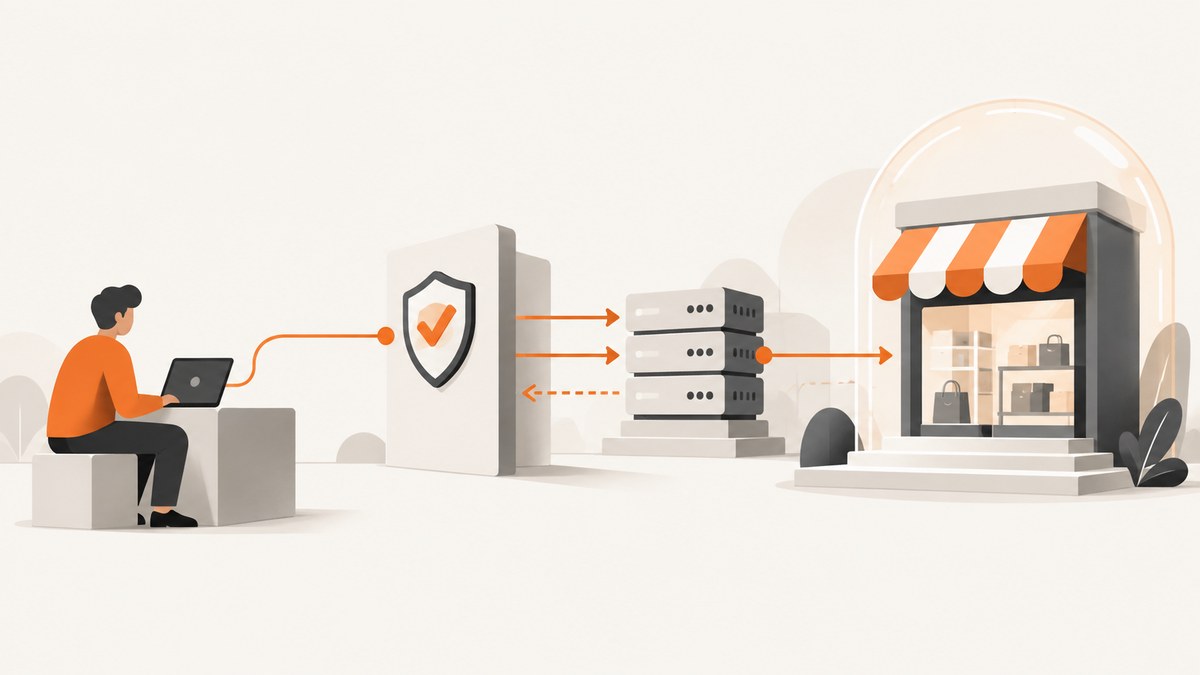
Direct answer: You cannot make unauthorized Allegro.pl scraping compliant by slowing requests, rotating proxies, changing headers, or hiding a browser. Allegro’s current terms require company consent to download or use its materials and prohibit collecting or processing Allegro data for further use, including scraping. For a permitted integration, apply for access to Allegro’s authorized REST API, confirm that your intended downstream use is allowed, identify your client with a custom User-Agent, and follow the current API documentation and rules.
This guide explains the permission boundary, the authorized implementation path, key lifecycle changes announced for new API keys from September 1, 2026, operational safeguards, and what to do when a request is denied. It does not provide anti-detection, CAPTCHA-solving, fingerprint-spoofing, or identity-cycling instructions.
What “without getting blocked” means in 2026
Allegro’s English Terms & Conditions say that downloading or using materials available on Allegro, including data and other information, requires the company’s consent and must comply with the terms and applicable law. The terms also prohibit bots and other tools for data exploration, collection, or extraction in harmful or excessive-traffic scenarios, and reserve the ability to restrict access or block bots. Read the current Allegro Terms & Conditions before designing an integration.
There is no official request-rate number, header, proxy, or browser technique that guarantees a scraper will not be blocked. A lower rate can reduce load, but it does not create permission. If your project lacks consent or an authorized API use case, stop and obtain approval rather than trying to conceal automation.
Choose the compliant route
| Approach | Authorization | Permitted downstream use | Identity and access | Maintenance |
|---|---|---|---|---|
| Allegro REST API | Apply and satisfy Allegro account and application requirements. | Still governed by API rules; API access is not blanket permission to reuse marketplace data. | Credentials and a custom User-Agent on every request. | Monitor documentation, quotas, key lifecycle, and policy changes. |
| Direct page scraping | Requires company consent and must comply with the terms. | Unauthorized collection or further use conflicts with the published terms. | Changing IPs, headers, browsers, or identities does not fix the permission issue. | High policy and operational risk; access may be restricted. |
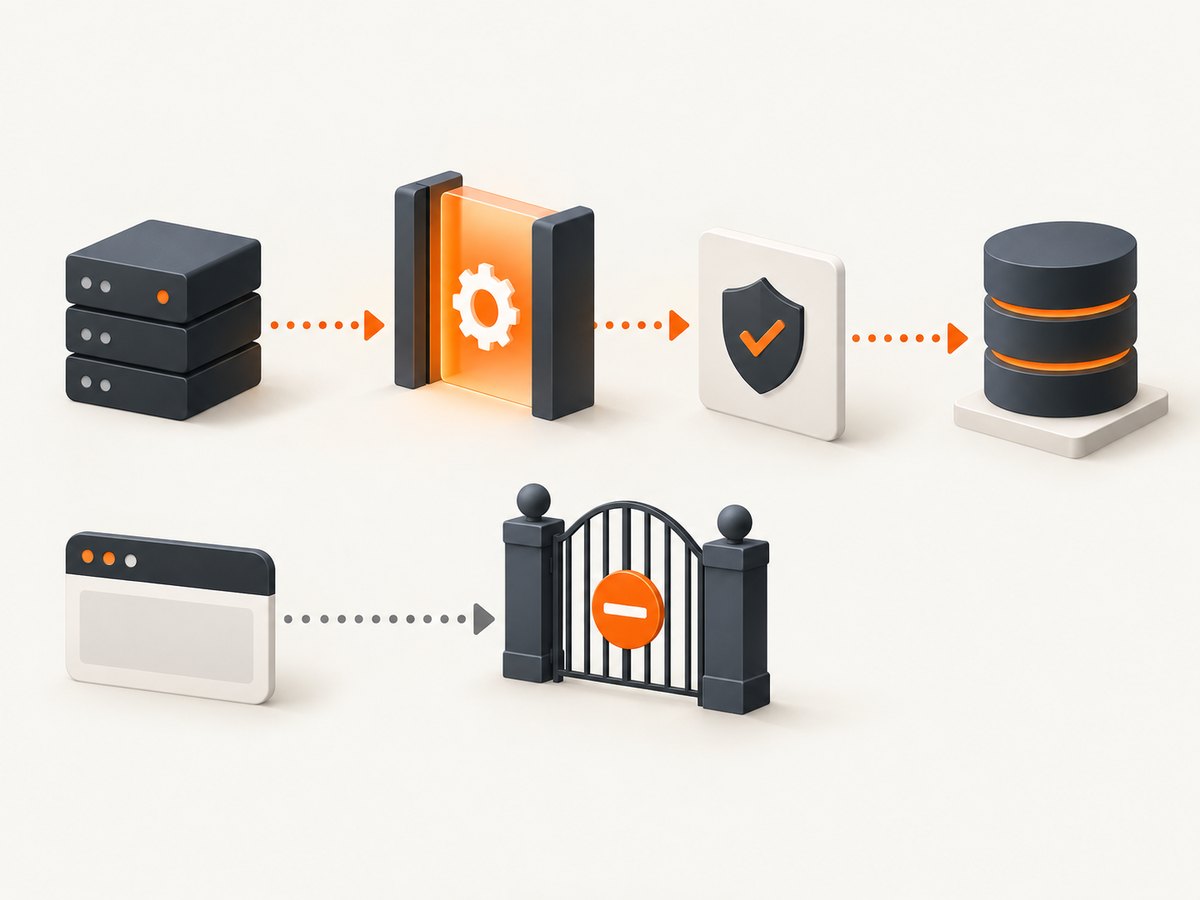
Step 1: confirm permission and apply for API access
- Write down exactly what data you need, why you need it, retention periods, users who will see it, and whether it will appear on another service.
- Review the REST API rules and the current API documentation. Allegro describes its REST API as “a method of communication between external applications and Allegro resources authorized by the Company.”
- Use an active, fully registered Allegro account and complete the application requirements. Some resources have additional conditions.
- Obtain the appropriate credentials and verify that your proposed collection and display use is allowed before writing a collector.
Step 2: identify every request correctly
Allegro’s developer FAQ requires a User-Agent header on every API request. Register an application name and documentation URL, then use a stable value in the recommended shape:
NazwaAplikacji/Wersja (+AdresURL_Dokumentacji)Use your own application identity. This header identifies the client; it is not an evasion technique.
Step 3: call the documented endpoint
Do not hard-code an endpoint from an old tutorial. Set ALLEGRO_ENDPOINT to the exact resource documented for your approved use case, and set the credential method required by the current API documentation.
cURL
export ALLEGRO_ENDPOINT='https://api.allegro.pl/REPLACE_WITH_DOCUMENTED_ENDPOINT'
export ALLEGRO_TOKEN='YOUR_ACCESS_TOKEN'

curl --fail-with-body --silent --show-error \
  -H "Authorization: Bearer ${ALLEGRO_TOKEN}" \
  -H "Accept: application/vnd.allegro.public.v1+json" \
  -H "User-Agent: MyAllegroApp/1.0 (+https://example.com/docs)" \
  "${ALLEGRO_ENDPOINT}" \
  -o allegro-response.json
Python
import os
import requests

endpoint = os.environ["ALLEGRO_ENDPOINT"]
token = os.environ["ALLEGRO_TOKEN"]
headers = {
    "Authorization": f"Bearer {token}",
    "Accept": "application/vnd.allegro.public.v1+json",
    "User-Agent": "MyAllegroApp/1.0 (+https://example.com/docs)",
}

response = requests.get(endpoint, headers=headers, timeout=30)
response.raise_for_status()
with open("allegro-response.json", "w", encoding="utf-8") as file:
    file.write(response.text)
print(response.status_code)
Node.js
const endpoint = process.env.ALLEGRO_ENDPOINT;
const token = process.env.ALLEGRO_TOKEN;

if (!endpoint || !token) {
  throw new Error('Set ALLEGRO_ENDPOINT and ALLEGRO_TOKEN');
}

const response = await fetch(endpoint, {
  headers: {
    Authorization: `Bearer ${token}`,
    Accept: 'application/vnd.allegro.public.v1+json',
    'User-Agent': 'MyAllegroApp/1.0 (+https://example.com/docs)'
  }
});

const body = await response.text();
if (!response.ok) throw new Error(`${response.status}: ${body}`);
await require('node:fs/promises').writeFile('allegro-response.json', body);
console.log(response.status);
Step 4: handle pagination, retries, and storage responsibly
- Follow the endpoint’s documented pagination fields and stop when the API reports no next page.
- Use bounded concurrency. Start with one request at a time, then increase only within documented limits and your approved workload.
- Retry transient 429 and 5xx responses with exponential backoff and jitter. Respect any
Retry-Aftervalue. - Do not retry authentication failures, permission errors, or policy denials automatically.
- Cache responses where the API rules allow it, record retrieval time, and delete data when your retention purpose ends.
- Keep credentials in environment variables or a secret manager; never commit tokens to source control.
New API-key lifecycle rules for keys registered from September 1, 2026
Allegro’s August 12, 2026 notice limits these changes to newly registered REST API keys; older keys are outside this specific change. For new keys, Allegro describes three conditions:
- A key unused during its first 30 days can be removed.
- Application access can be revoked after more than 90 days without use.
- The default limit is one key; request additional keys individually when needed.
Plan a legitimate health check or scheduled API operation that complies with the rules, and monitor the live notice and developer documentation for changes.
What not to do
- Do not rotate proxies or accounts to bypass a block.
- Do not spoof browser fingerprints, forge identities, or omit the required User-Agent.
- Do not solve CAPTCHAs or defeat bot checks for an unauthorized collector.
- Do not assume robots.txt, a public page, or a low request rate grants consent.
- Do not republish Allegro offers or data on a competing service without confirming that the use is permitted.
Troubleshooting
| Symptom | Likely cause | Fix |
|---|---|---|
| 401 or 403 | Missing, expired, or unauthorized credentials. | Recheck the application, token scope, and documented authentication flow. Do not bypass the response. |
| 403 after page requests | Access restriction or bot controls. | Stop the page scraper. Confirm consent and move to the authorized API route. |
| 429 | Too many requests for the applicable limit. | Honor Retry-After, reduce concurrency, cache results, and review the API rules. |
| 400 | Invalid query or endpoint parameters. | Compare every parameter with the current endpoint documentation; do not guess undocumented fields. |
| Empty or incomplete data | Wrong endpoint, pagination omission, or a use restriction. | Inspect the response metadata, implement documented pagination, and confirm that the requested fields are available to your application. |
| New key stops working after inactivity | The 2026 lifecycle rules for newly registered keys. | Check key age and activity, then contact Allegro through its documented support or application process. |
Performance, reliability, and cost planning
Measure the number of records, pages, fields, and refresh frequency before implementation. The largest savings usually come from requesting only needed fields, caching permitted results, deduplicating identifiers, and scheduling refreshes instead of repeatedly downloading unchanged pages. Keep a request log with timestamp, endpoint, status, latency, retry count, and correlation data returned by the API.
For reliability, make jobs resumable: store the last successful page or cursor, use idempotent writes, and send failures to a review queue. Set connection and total timeouts. Treat a policy or authorization error as a human decision, not a transient network failure.
Budget for your own infrastructure and any API-specific limits or commercial terms. Allegro’s published materials reviewed for this guide do not provide a universal “safe” rate or a guaranteed block-free threshold.
Or skip the browser setup
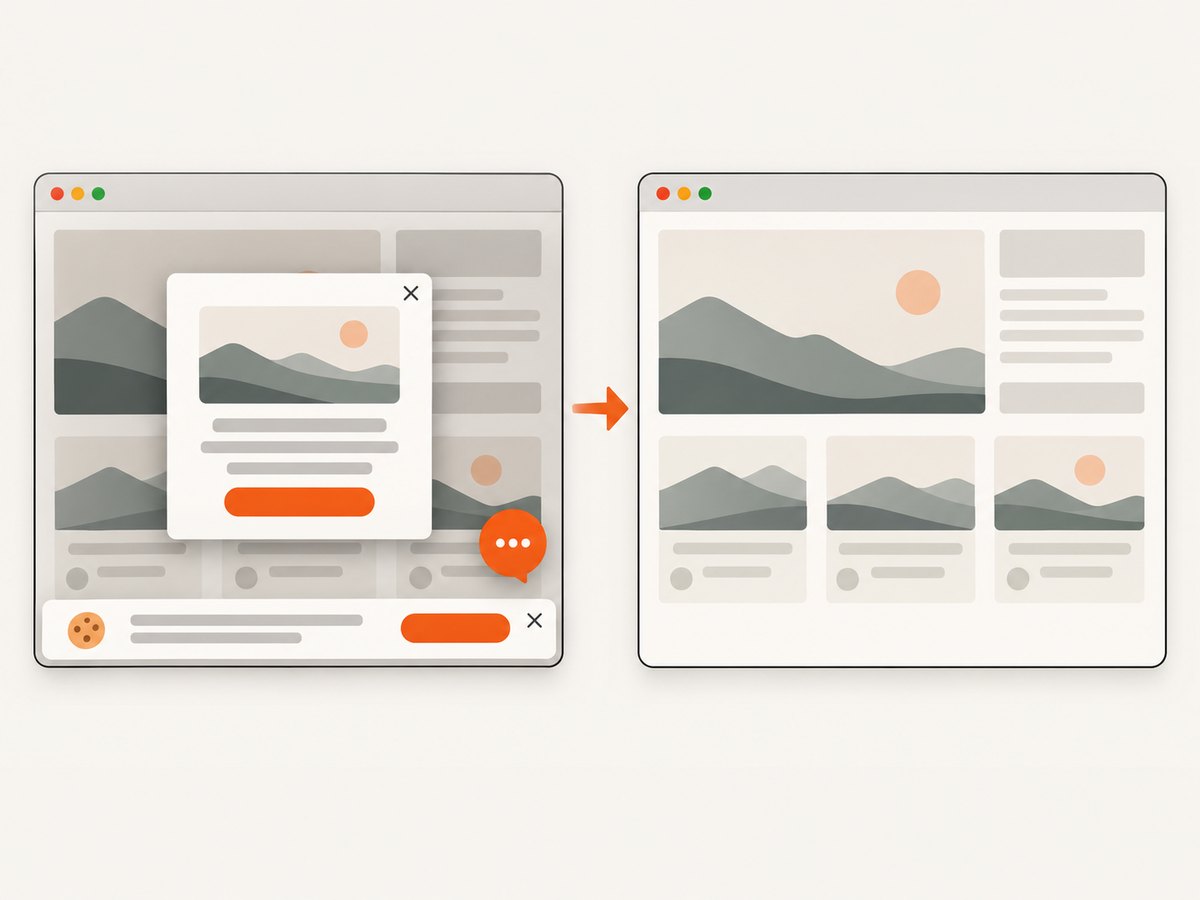
If you have permission to capture a page visually, ScreenshotNeo provides a single screenshot request and supports PNG, JPEG, WebP, or PDF output. Its consent step accepts cookie banners and removes more than 60 known consent platforms, newsletter popups, and chat widgets before capture; each step can be disabled. Bot checks, blank pages, timeouts, failed loads, and cache hits are not billed, and the response identifies the result with X-Page-Verdict and X-Billed headers. Use it only for pages and purposes you are authorized to capture; it is not a way to bypass Allegro’s permission requirements.
See the ScreenshotNeo API documentation for all options.
cURL
curl -G "https://api.screenshotneo.com/v1/shot" -d access_key=YOUR_API_KEY --data-urlencode url=https://allegro.pl -o shot.webpPython
import requests
r = requests.get("https://api.screenshotneo.com/v1/shot", params={"access_key": "YOUR_API_KEY", "url": "https://allegro.pl"}, timeout=90)
open("shot.webp", "wb").write(r.content)
Node.js
const q = new URLSearchParams({ access_key: 'YOUR_API_KEY', url: 'https://allegro.pl' }); const res = await fetch(`https://api.screenshotneo.com/v1/shot?${q}`);ScreenshotNeo also has an MCP server for AI agents, including Claude, Cursor, and other MCP clients. The free plan includes 1,000 screenshots each month with no card; paid plans start at $5 for 3,000 shots. Create a free ScreenshotNeo account.
FAQ
Can I scrape Allegro if I send only one request per minute?
A low rate does not replace the consent requirement. Use an authorized API integration or obtain permission for another method.
Does changing the User-Agent prevent blocking?
No. Allegro requires a truthful, consistent custom User-Agent for API clients. It identifies your application; it does not authorize scraping.
Are older API keys affected by the September 2026 lifecycle notice?
The notice describes the changes for newly registered keys. Verify the current notice for your key’s registration date and status.
Can API data be displayed in my own product?
Only if that downstream use complies with Allegro’s API rules and your application’s approval. API access is not blanket permission to reuse marketplace data.
What should I do after an access restriction?
Stop automated requests, preserve the response details, review the terms and API rules, and contact Allegro through its documented support or application channel.


