How to Scrape Amazon Search Results with Next.js
Learn the server-side Next.js patterns for Amazon search data, when to use the official Creators API, and why HTML scraping needs policy review.

Short answer: put the request on the server, keep credentials out of browser code, and evaluate Amazon’s official Creators API before fetching search-page HTML. Next.js can make either request through an App Router Route Handler, but framework capability does not grant permission to extract Amazon data. Amazon’s Associates policy says its limited Program Content license excludes “any use of data mining, robots, or similar data gathering and extraction tools.” Check the current terms for your marketplace and account before building an HTML scraper.
For authorized catalog searches, Amazon’s Creators API documents the SearchItems operation. The documentation lists Associates enrollment, API registration, credentials, and at least 10 qualifying sales in the previous 30 days for PA API access through Creators API. Requirements can change, so verify the current documentation before implementation.
1. Choose the access path first
| Path | What it does | When to choose it | Main constraint |
|---|---|---|---|
| Creators API | Searches Amazon’s catalog with SearchItems and related operations. |
You need product data for an authorized application. | Enrollment, credentials, eligibility, licensing, and marketplace rules apply. |
| Search-page HTML | Fetches a web response and parses its markup. | Only after confirming that your use is authorized and operationally acceptable. | HTML is not a documented data contract, can change without notice, and the Associates license restricts data mining and similar extraction tools. |
Do not infer authorization from the fact that a server can send an HTTP request. Treat permission, account eligibility, robots or terms, and data licensing as separate decisions from the Next.js implementation.
2. Create a server-side Route Handler
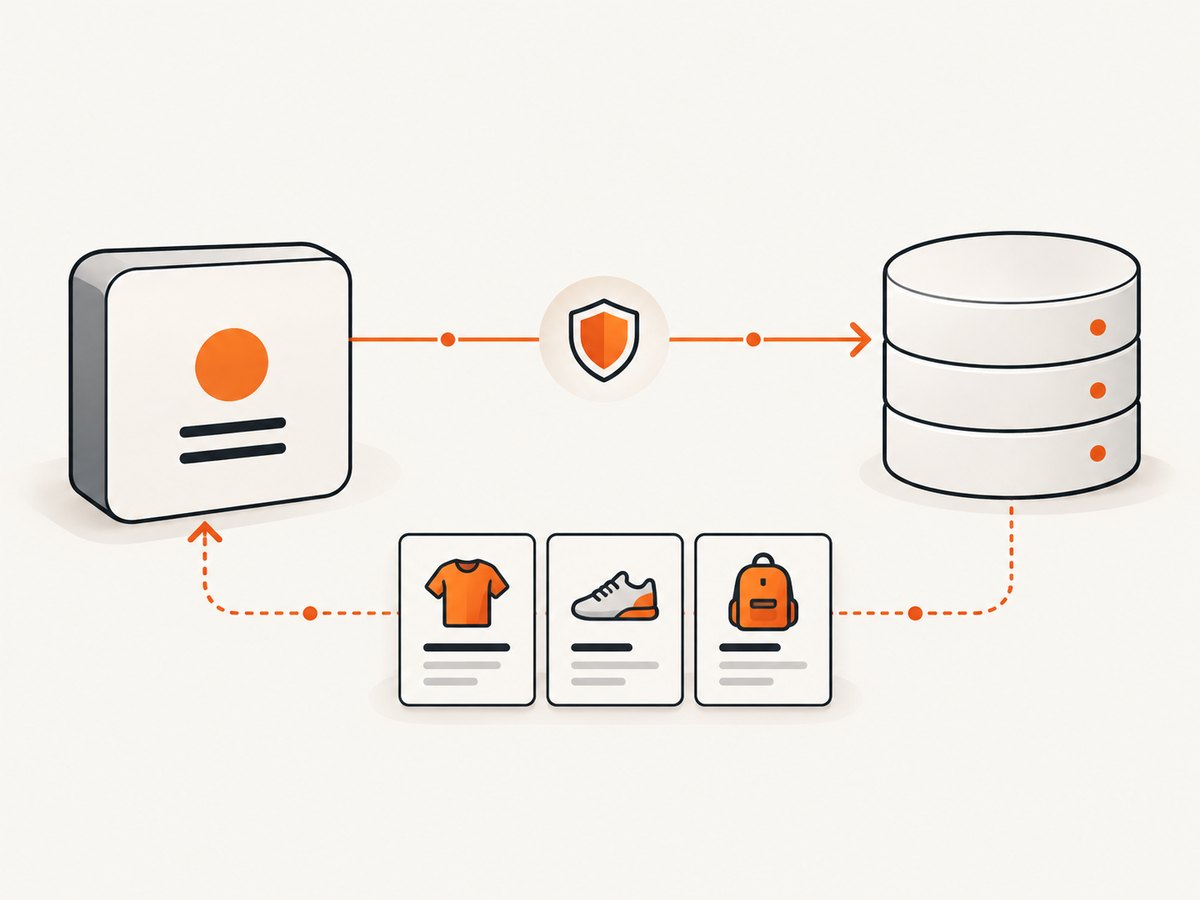
In the App Router, create app/api/search/route.ts. Route Handlers use the Web Request and Response APIs and can return JSON without rendering a page. They support standard methods such as GET and POST; unsupported methods receive 405.
import { NextRequest } from 'next/server';

const MAX_QUERY_LENGTH = 120;

export async function GET(request: NextRequest) {
  const query = request.nextUrl.searchParams.get('q')?.trim() ?? '';

  if (!query || query.length > MAX_QUERY_LENGTH) {
    return Response.json(
      { error: 'q is required and must be at most 120 characters' },
      { status: 400 }
    );
  }

  // Keep this URL and credentials in server environment variables.
  const creatorsApiUrl = process.env.CREATORS_API_SEARCH_URL;
  const accessToken = process.env.CREATORS_API_ACCESS_TOKEN;

  if (!creatorsApiUrl || !accessToken) {
    return Response.json(
      { error: 'Creators API is not configured on the server' },
      { status: 500 }
    );
  }

  const upstream = new URL(creatorsApiUrl);
  upstream.searchParams.set('Keywords', query);

  try {
    const response = await fetch(upstream, {
      method: 'GET',
      headers: {
        Authorization: `Bearer ${accessToken}`,
        Accept: 'application/json'
      },
      cache: 'no-store'
    });

    const text = await response.text();
    if (!response.ok) {
      return Response.json(
        { error: 'Creators API request failed', upstreamStatus: response.status },
        { status: 502 }
      );
    }

    return new Response(text, {
      status: 200,
      headers: { 'content-type': 'application/json' }
    });
  } catch (error) {
    console.error('Creators API request error', error);
    return Response.json({ error: 'Upstream request failed' }, { status: 502 });
  }
}
Use the exact endpoint, signing method, request fields, and response schema from the current Creators API documentation for the target marketplace. The example deliberately reads the endpoint and token from server environment variables instead of inventing an Amazon URL or exposing credentials.
Call the route from a Server Component
export default async function SearchPage({
  searchParams
}: {
  searchParams: Promise<{ q?: string }>
}) {
  const { q = '' } = await searchParams;
  const response = await fetch(
    `${process.env.APP_ORIGIN}/api/search?q=${encodeURIComponent(q)}`,
    { cache: 'no-store' }
  );

  if (!response.ok) {
    throw new Error(`Search failed: ${response.status}`);
  }

  const data = await response.json();
  return <pre>{JSON.stringify(data, null, 2)}</pre>;
}
Server Components can perform asynchronous I/O. Identical fetches in a component tree are memoized by default, so avoid adding unnecessary unique query parameters when you want request deduplication.
3. Decide how fresh results must be
Next.js extends server-side fetch. Select caching intentionally:
| Setting | Behavior | Use when |
|---|---|---|
cache: 'no-store' |
Requests data for every invocation. | Search results must be current or responses are user-specific. |
cache: 'force-cache' |
Uses the Next.js Data Cache. | A repeatable snapshot is acceptable. |
next: { revalidate: 60 } |
Sets a maximum cache lifetime in seconds. | You can tolerate bounded staleness. |
Do not combine no-store with a numeric revalidation setting. Caching affects your request behavior; it does not make Amazon’s HTML stable or make an extraction use authorized.
// Fresh on every request
await fetch(url, { cache: 'no-store' });

// Revalidate at most once per minute
await fetch(url, { next: { revalidate: 60 } });

// A cacheable catalog response
await fetch(url, { cache: 'force-cache' });
4. If you have confirmed HTML access is permitted
This is a technical pattern, not an authorization recommendation. Fetch only from an endpoint and account for which you have permission. Never add CAPTCHA bypasses, stealth browser settings, proxy rotation, or other evasion steps.
// app/api/authorized-page/route.ts
import { NextRequest } from 'next/server';
import * as cheerio from 'cheerio';

export async function GET(request: NextRequest) {
  const target = request.nextUrl.searchParams.get('url');
  if (!target) return Response.json({ error: 'url is required' }, { status: 400 });

  let parsed: URL;
  try {
    parsed = new URL(target);
  } catch {
    return Response.json({ error: 'Invalid URL' }, { status: 400 });
  }

  // Restrict hosts to an allowlist you control.
  const allowedHosts = new Set(['example.com']);
  if (!allowedHosts.has(parsed.hostname)) {
    return Response.json({ error: 'Host is not allowed' }, { status: 403 });
  }

  const response = await fetch(parsed, {
    headers: { 'user-agent': 'YourAuthorizedClient/1.0' },
    cache: 'no-store',
    signal: AbortSignal.timeout(15000)
  });

  if (!response.ok) {
    return Response.json({ error: 'Upstream returned an error' }, { status: 502 });
  }

  const html = await response.text();
  const $ = cheerio.load(html);
  const items = $('[data-product-id]').map((_, element) => ({
    id: $(element).attr('data-product-id') ?? null,
    title: $(element).find('h2, h3').first().text().trim(),
    href: $(element).find('a').first().attr('href') ?? null
  })).get();

  return Response.json({ items });
}
Selectors in this example are placeholders for a site you are authorized to parse. Do not assume Amazon keeps any selector, class, or attribute unchanged. Validate the response content type, cap body size, set a timeout, and return a controlled error when the expected structure is missing.
5. Validate, protect, and normalize your endpoint
- Validate and length-limit
q, page, sort, and filter parameters. - Keep API keys, signing secrets, and marketplace credentials in server-only environment variables.
- Allowlist upstream hosts when accepting a URL to prevent server-side request forgery.
- Add authentication and rate limits before exposing a public search proxy.
- Set timeouts and abort signals; do not let a slow upstream request occupy a server worker indefinitely.
- Normalize your own response schema so a provider change does not break every client.
- Log status, latency, request ID, and parser version without logging credentials or unnecessary personal data.
6. Error handling and troubleshooting
| Symptom | Likely cause | Fix |
|---|---|---|
405 Method Not Allowed |
The route does not export the method you called. | Export GET, POST, or the method your client sends. |
400 from your route |
Missing or invalid query input. | Send a non-empty, URL-encoded q and respect length limits. |
401/403 upstream |
Missing, expired, or unauthorized Creators API credentials. | Check enrollment, registration, marketplace, signing, and current eligibility requirements. |
429 |
Provider or your own rate limit. | Back off with jitter, cache appropriate searches, and enforce per-user limits. |
| HTML is empty or unexpected | Consent page, bot check, login wall, client-rendered content, or markup change. | Stop parsing, record the response status and content type, and use an authorized API where available. |
| Requests never finish | Missing timeout or a slow upstream. | Use AbortSignal.timeout, return 502, and retry only idempotent calls. |
| Stale results | Data Cache or an intermediate cache is serving an older response. | Use no-store or choose a shorter revalidate interval deliberately. |
| Credentials appear in browser code | The secret was prefixed for client exposure or imported by a Client Component. | Move the call to a Route Handler or Server Component and keep the variable server-only. |
7. Performance, reliability, and cost
- Latency: reuse cached authorized responses when freshness permits; otherwise set a bounded timeout and fail quickly.
- Concurrency: cap parallel upstream requests and queue bulk work. A user-controlled search endpoint should not fan out without limits.
- Retries: retry transient network failures and selected
5xxresponses with exponential backoff. Do not blindly retry authentication errors or malformed requests. - Parsing: parse only the fields you need and cap the response size. A parser that accepts missing fields should still mark the result incomplete.
- Observability: measure upstream status, cache hit or miss, parse success, and end-to-end latency. Alert on sudden parse failures.
- Cost: account for compute, bandwidth, API quotas, and any provider charges. Caching can reduce duplicate work, but it does not change Amazon’s terms.
8. Or skip the browser setup
If your goal is a reliable screenshot of a search page or product page rather than catalog extraction, ScreenshotNeo provides a single HTTP request. Its capture API can remove cookie and consent banners, newsletter popups, and chat widgets before the shot. Bot checks, blank pages, failed loads, timeouts, and cache hits are not billed, and response headers identify the page verdict and billing status. Its MCP server lets Claude, Cursor, and other MCP clients use take_screenshot, get_page_info, and capture_pdf.

See the ScreenshotNeo API documentation for all options.
cURL
curl -G "https://api.screenshotneo.com/v1/shot" \
  -d access_key=YOUR_API_KEY \
  --data-urlencode url="https://www.amazon.com/s?k=mechanical+keyboard" \
  -o amazon-search.webp
Python
import requests

r = requests.get(
    "https://api.screenshotneo.com/v1/shot",
    params={
        "access_key": "YOUR_API_KEY",
        "url": "https://www.amazon.com/s?k=mechanical+keyboard",
        "full_page": "true",
        "format": "webp",
    },
    timeout=90,
)
r.raise_for_status()
open("amazon-search.webp", "wb").write(r.content)
print(r.headers.get("X-Page-Verdict"), r.headers.get("X-Billed"))
Node.js
const q = new URLSearchParams({
  access_key: 'YOUR_API_KEY',
  url: 'https://www.amazon.com/s?k=mechanical+keyboard',
  full_page: 'true',
  format: 'webp'
});

const res = await fetch(`https://api.screenshotneo.com/v1/shot?${q}`);
if (!res.ok) throw new Error(`Screenshot failed: ${res.status}`);
const image = Buffer.from(await res.arrayBuffer());
await import('node:fs/promises').then(fs => fs.writeFile('amazon-search.webp', image));
console.log(res.headers.get('X-Page-Verdict'), res.headers.get('X-Billed'));
ScreenshotNeo supports full-page capture, CSS element capture, device presets and custom viewports, dark mode, retina scale, custom CSS and JavaScript, waits, blocked resources, cookies, headers, user agents, timezone and geolocation, resizing, caching with a chosen TTL, signed links, asynchronous jobs, webhooks, bulk capture, PDFs, and HTML/CSS to image. Use those controls for visual capture; use an authorized catalog API when you need structured product data.
Create a free ScreenshotNeo account for 1,000 screenshots each month with no card. Paid plans start at $5 for 3,000 screenshots.
9. Implementation checklist
- Confirm the target marketplace’s current API and Associates terms.
- Prefer Creators API
SearchItemsfor authorized product data. - Keep credentials in server-only environment variables.
- Validate inputs, allowlist hosts, authenticate public routes, and add rate limits.
- Choose
no-store,force-cache, orrevalidatebased on freshness needs. - Set timeouts, handle upstream errors, and monitor parser or schema failures.
- Do not add CAPTCHA bypass or other evasion behavior.
- Use ScreenshotNeo when the deliverable is a screenshot or PDF rather than structured catalog data.
FAQ
Does Next.js make Amazon scraping allowed?
No. Next.js supplies server-side request and routing primitives. Authorization depends on Amazon’s current terms, licenses, marketplace rules, and your account.
What is Amazon’s official search operation called?
The Creators API documentation calls it SearchItems.
Should search results use no-store?
Use it when every request needs fresh data. If bounded staleness is acceptable, use revalidate or another deliberate cache policy.
Can I put the Amazon credential in a Client Component?
No. Keep it in a Route Handler, Server Component, or other server-only module.
Can ScreenshotNeo return product prices as JSON?
ScreenshotNeo captures images or PDFs. It is suitable for visual records; use an authorized product-data API for structured catalog fields.


