How to Scrape Audible Audiobook Data to Build a Personal Library
Build a private Audible catalog safely: understand licensing, export metadata, normalize ASINs, and organize everything in Audiobookshelf.
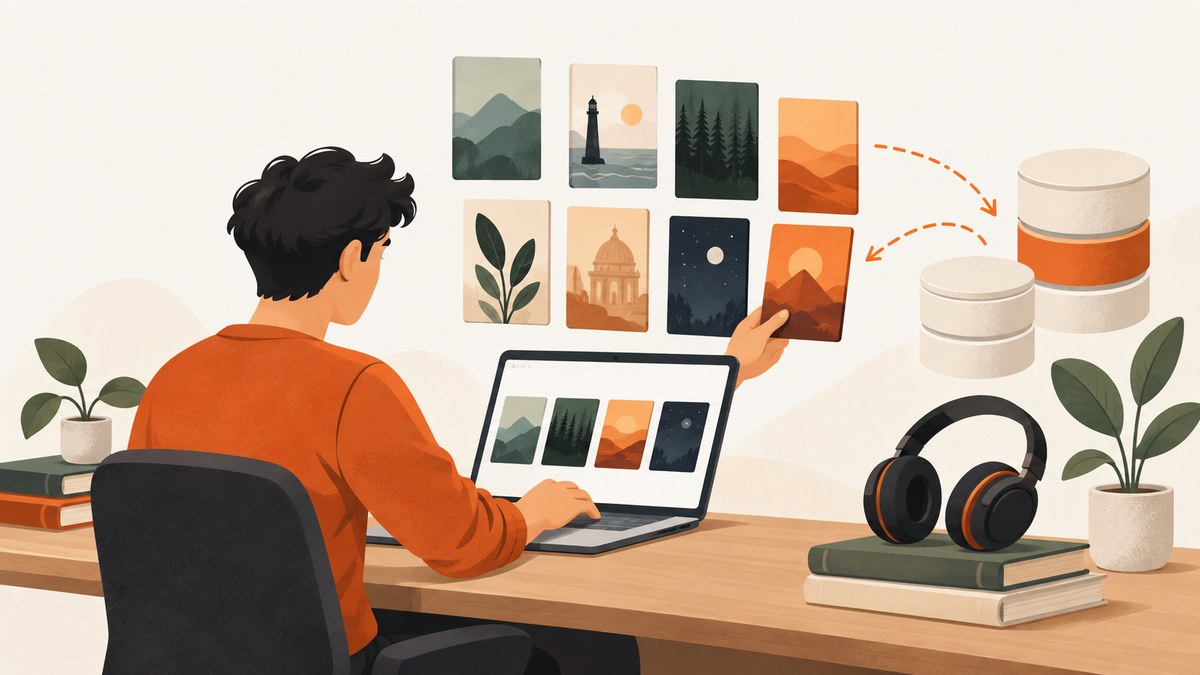
Short answer: do not begin with an unattended Audible scraper. Audible’s license (last updated February 18, 2025) limits purchased content to personal and non-commercial use and excludes “data mining, robots, or similar data gathering and extraction tools.” Review the current license and obtain permission before automated collection. For a personal catalog, the safer workflow is to export metadata with a documented tool, preserve stable identifiers such as ASIN and ISBN, normalize the records locally, and import them into a private Audiobookshelf server.
This guide covers metadata organization, not downloading or redistributing audiobook audio. A catalog of titles, authors, narrators, series, durations, covers, and identifiers can help you find books you already own. It does not grant rights to share files, bypass access controls, defeat bot checks, or publish Audible listings.
1. Define exactly what you are collecting
Write down the output before selecting a tool. Most personal-library projects need one or both of these:
- Catalog metadata: title, subtitle, authors, narrators, series and sequence, publisher, release date, language, duration, cover URL, ASIN, ISBN, source URL, and retrieval time.
- Local files you already possess lawfully: audio files, cover art, and sidecar metadata for a self-hosted server.
Keep the resulting library private unless you have separate rights for every audio file, cover, description, and recording. Audible’s license is non-exclusive, non-transferable, and non-sublicensable; it also excludes collection or use of listings, descriptions, or prices through data-mining tools. Treat this as compliance guidance rather than a statement that every jurisdiction applies identical rules.
2. Prefer an export or documented integration
A direct browser scraper gives you schema control, but it also creates the greatest legal, operational, and account risk. Start with an export that the tool documents and maintains.
| Option | Best use | Output and control | Trade-off |
|---|---|---|---|
| OpenAudible | One-time or periodic library export | Web page, JSON, CSV, spreadsheet, and a books.json file |
Third-party software; verify current terms, releases, and sign-in behavior |
| Libation | Library handling with an Audiobookshelf handoff | Optional upload to a configured Audiobookshelf server | Requires local server and API-token configuration; review third-party trust |
| Direct scraper | Custom research or catalog analysis with permission | Maximum schema control | Audible expressly excludes data mining, robots, and similar extraction tools |
| Audiobookshelf | Private, self-hosted destination | Database, metadata sidecars, local tags, and API | You operate storage, updates, backups, and provider security |
OpenAudible documents exports to HTML, JSON, CSV, and spreadsheet formats. Libation documents an optional automatic upload for each book after you configure an Audiobookshelf URL and API token. Both are third-party products; check their current documentation and security posture before entering credentials.
3. Preserve identifiers and editions
Use ASIN as the primary deduplication key when it is present, but do not collapse every record with the same title. A single work can have different narrators, editions, abridgements, languages, and release dates. Keep ISBN when available and retain the original source URL and retrieval timestamp.
A practical raw record looks like this:
{
  "asin": "B000000000",
  "isbn": "9780000000000",
  "title": "Example title",
  "subtitle": null,
  "authors": ["Author Name"],
  "narrators": ["Narrator Name"],
  "series": "Example series",
  "sequence": 1,
  "publisher": "Publisher",
  "release_date": "2024-01-15",
  "language": "English",
  "duration_seconds": 36000,
  "cover_url": "https://example.invalid/cover.jpg",
  "source_url": "https://example.invalid/book",
  "retrieved_at": "2026-09-29T00:00:00Z"
}
Store the raw export unchanged and create a second, cleaned record. That separation lets you undo a bad normalization or provider match.
4. Normalize the export locally
Normalize whitespace and Unicode, but preserve the original values for auditability. Do not silently overwrite narrator, edition, or series fields during cleanup. A small Python script can convert a CSV export into versioned JSON while retaining every input column:
import csv, json, unicodedata
from pathlib import Path
from datetime import datetime, timezone

def clean(value):
    if value is None:
        return None
    value = unicodedata.normalize("NFC", value)
    return " ".join(value.split()) or None

rows = []
with Path("audible-export.csv").open(newline="", encoding="utf-8") as f:
    for row in csv.DictReader(f):
        cleaned = {k: clean(v) for k, v in row.items()}
        cleaned["retrieved_at"] = datetime.now(timezone.utc).isoformat()
        rows.append(cleaned)

Path("audible-library.normalized.json").write_text(
    json.dumps(rows, ensure_ascii=False, indent=2), encoding="utf-8"
)
Keep a change log with the input filename, tool version, date, and transformations. Back up both raw and normalized files. Descriptions and cover art may be copyrighted; keep them within your private collection unless you have permission to republish them.
5. Organize files for Audiobookshelf
Audiobookshelf is an open-source, self-hosted media server for audiobooks and podcasts. It stores metadata in a database and metadata.json sidecars, can extract tags from audio files, and can merge multiple audio files into an M4B. A predictable convention is:
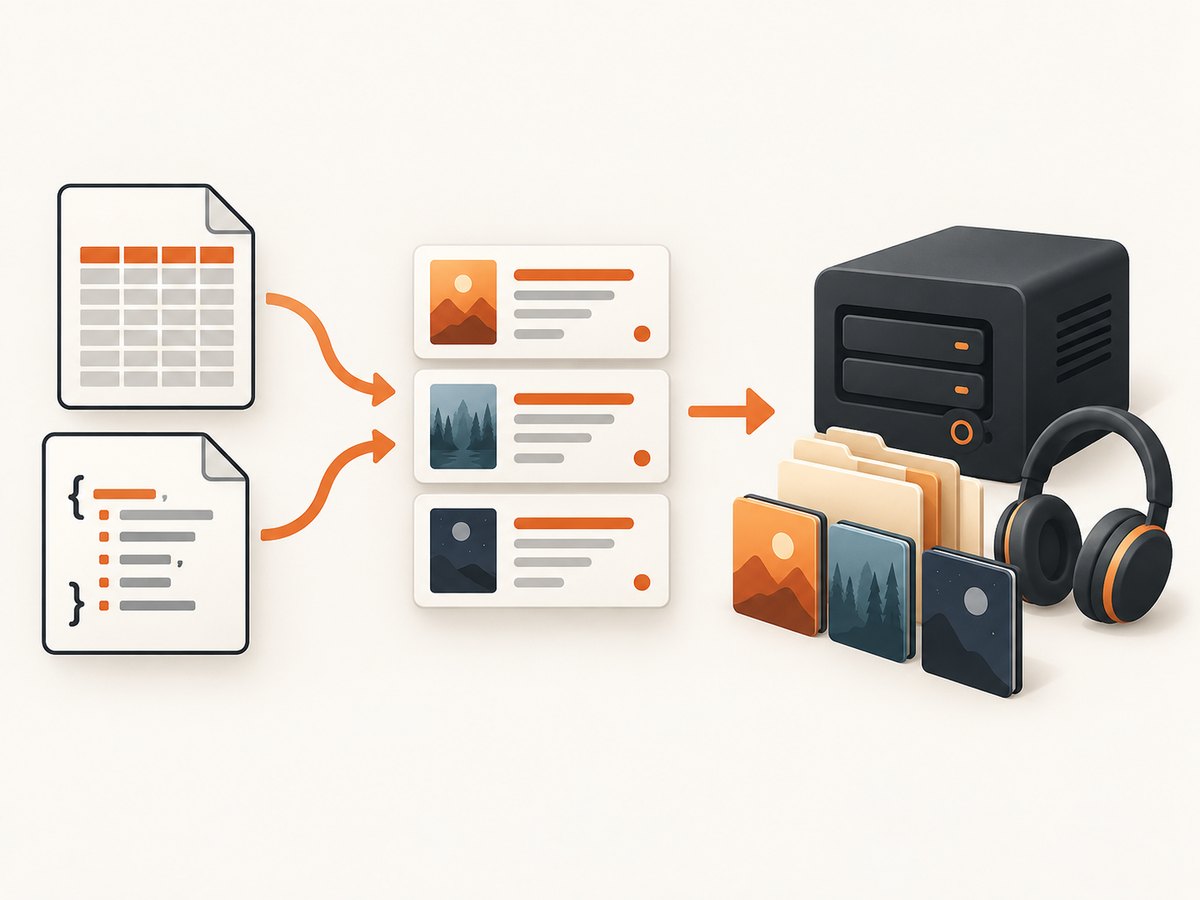
Author/
  Series/
    01 - Book Title/
      book.m4b
      cover.jpg
      metadata.json
Adapt the folders to your server’s library configuration. Include title, series, position, genre, publisher, ISBN, ASIN, language, description, narrator, and duration where your files support them. Let the server extract embedded tags first, then review the sidecar and database values.
If you have several tracks, verify chapter order and duration before merging. Keep the original files until playback, chapter navigation, and cover display are correct. Back up the Audiobookshelf database and the media directory separately.
6. Match online metadata deliberately
Audiobookshelf says matching a book against an online metadata provider is intentionally manual and must be initiated by an administrator or through its API. That protects carefully edited fields from an unattended scan.
- Match by ASIN or ISBN when possible.
- Check title, narrator, language, duration, and edition.
- Accept only fields that improve your local record.
- Record the provider, match date, and fields changed.
- Keep a copy of the previous metadata so the operation is reversible.
The API supports explicit matching by provider, title, author, ISBN, or ASIN. Build a review queue rather than issuing a blanket update. For example, flag records where the provider’s narrator differs from your local narrator or where duration changes by more than a small tolerance.
7. Optional community enrichment
Audiobookshelf supports custom metadata providers, but its documentation warns that community providers are not maintained by the Audiobookshelf team and have not been security-reviewed by it. Audit source code, permissions, update history, and network behavior before enabling one.
AudioSilo describes a browser-side import that accepts OpenAudible, Libation, Audiobookshelf, or folder-scan exports. It checks ASINs and ISBNs and says the file remains in the browser while lookup fields are sent to its API. Treat this as optional enrichment, not an official Audible export service. Remove credentials and unrelated personal fields from an export before uploading it anywhere.
8. If you must automate collection
Use automation only after confirming that you have permission and that the current Audible conditions allow the specific activity. Do not bypass login controls, CAPTCHAs, rate limits, robots directives, or geographic restrictions. Minimize requests, cache results, identify your application where appropriate, and stop when access is denied.
Design the pipeline so it can be halted safely:
- Persist a queue and checkpoint after every record.
- Use exponential backoff for transient failures.
- Never retry authentication failures indefinitely.
- Hash or encrypt local exports if they contain account-linked data.
- Log status codes and timestamps, but never passwords or session cookies.
- Run a small, permitted sample before a larger job.
For catalog research, prefer a licensed data source or a documented export. A scraper that works technically can still violate terms or create an account-security problem.
9. Capture a visual record of a catalog page
If you need a visual audit trail for your own records, capture only pages you are allowed to access. A browser automation script can open the page, wait for the library to render, dismiss a consent dialog, and save a screenshot. Keep screenshots private and avoid capturing payment details or unrelated account information.
10. Or skip the browser setup
ScreenshotNeo can capture a permitted catalog or documentation URL with one GET request. See the API documentation for all options.
curl -G "https://api.screenshotneo.com/v1/shot" -d access_key=YOUR_API_KEY --data-urlencode url=https://stripe.com -o shot.webpimport requests
r = requests.get("https://api.screenshotneo.com/v1/shot", params={"access_key": "YOUR_API_KEY", "url": "https://stripe.com"}, timeout=90)
open("shot.webp", "wb").write(r.content)const q = new URLSearchParams({ access_key: 'YOUR_API_KEY', url: 'https://stripe.com' });
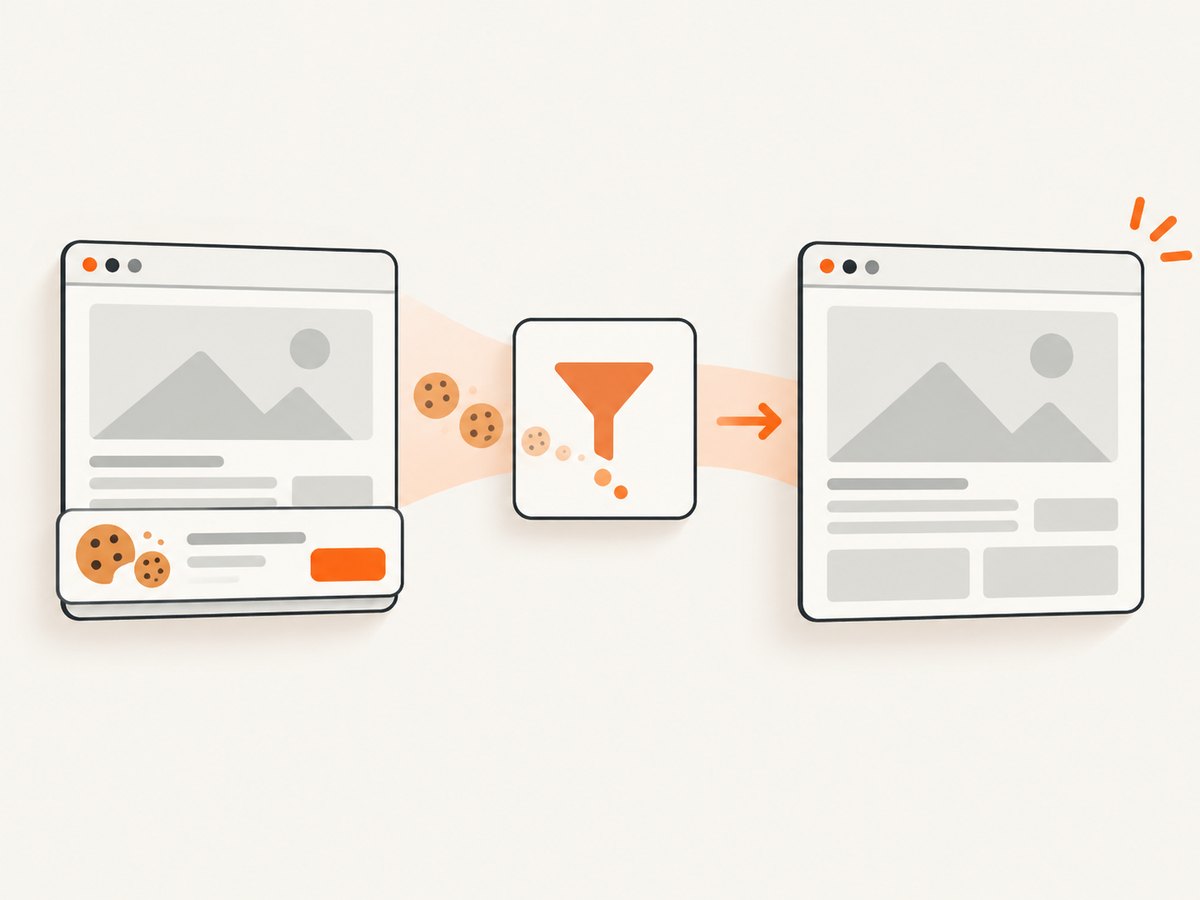
const res = await fetch(`https://api.screenshotneo.com/v1/shot?${q}`);ScreenshotNeo accepts cookie and consent banners before capture and removes more than 60 known consent platforms, newsletter popups, and chat widgets. Bot checks, blank pages, timeouts, failed loads, and cache hits are not billed; response headers identify the page verdict and whether the shot was billed. Its MCP server gives Claude, Cursor, and other MCP clients take_screenshot, get_page_info, and capture_pdf tools. You can also set a viewport or device preset, wait for a selector or network idle, hide selectors, inject CSS or JavaScript, send cookies and headers, block resource types, capture one element, load lazy images, use a custom user agent, and choose PNG, JPEG, WebP, or PDF output.
Free accounts include 1,000 screenshots each month with no card. Paid plans start at $5 for 3,000 shots; yearly billing provides two months free. Create a free ScreenshotNeo account.
11. Troubleshooting
| Symptom | Likely cause | Fix |
|---|---|---|
| Duplicate books | Title used as the key | Deduplicate by ASIN, retain ISBN, narrator, edition, and language. |
| Wrong narrator or cover | Automatic provider match selected another edition | Match manually, inspect identifiers, and restore the previous sidecar. |
| Series order is missing | Provider has no sequence or it was not mapped | Set series and position locally; keep the raw export for reference. |
| Tracks play out of order | Filename sorting or tag order is inconsistent | Use zero-padded track numbers, verify tags, and test the merged M4B. |
| Images or descriptions disappear | Provider precedence overwrote local fields | Review metadata-source settings and reapply the cleaned record. |
| Export contains credentials | Session or account fields were included | Remove secrets, rotate exposed tokens, and store exports with restricted permissions. |
| Screenshot is blank | Page timed out, blocked automation, or rendered after capture | Use a permitted URL, wait for a selector or network idle, and inspect the page verdict header. |
12. Performance, reliability, and cost
For local normalization, process files in batches and write atomically so an interrupted run does not corrupt the export. Keep raw and normalized data on separate storage. For server imports, schedule backups before bulk changes and monitor disk space because cover art and duplicate audio can grow quickly.
For any permitted remote collection, caching and checkpoints reduce load and make retries predictable. A screenshot service can reduce browser maintenance, but it does not make an unauthorized target lawful. ScreenshotNeo’s cache hits are not billed, while clean captures are billed according to your plan; failed loads and bot checks are not billed. Use the smallest viewport and output format that meets your audit need, and use asynchronous jobs or bulk capture when processing many permitted URLs.
FAQ
Can I export my Audible library to CSV?
OpenAudible documents CSV, JSON, spreadsheet, and web-page exports. Confirm its current release and account terms before signing in.
Does a personal library let me share audiobook files?
No. Personal organization does not grant redistribution, resale, account sharing, or public-hosting rights.
Should I let Audiobookshelf automatically match every book?
No. Matching is intentionally manual. Review ASIN or ISBN, narrator, edition, and language before accepting changes.
Is a community metadata provider safe?
It requires your own review. Audiobookshelf warns that community providers are not maintained or security-reviewed by its team.
Can ScreenshotNeo download Audible audio?
No. It captures permitted web pages as images or PDFs. It is useful for visual records of pages, not for obtaining or redistributing audiobook recordings.


