How to Scrape Baidu Search Results
A careful, runnable guide to collecting Baidu results with validation, restrained requests, troubleshooting, and a screenshot workflow.

How to Scrape Baidu Search Results
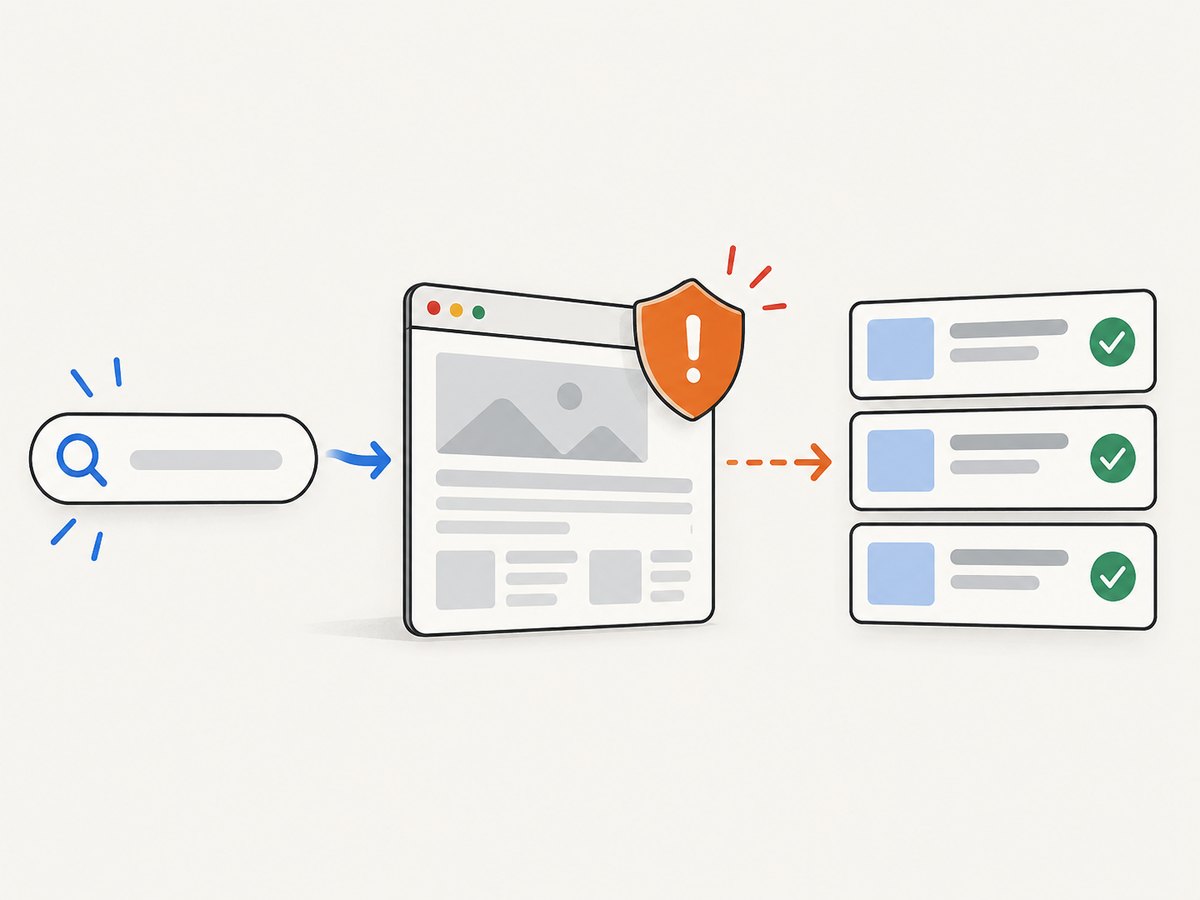
Short answer: treat Baidu result pages as changing, access-controlled web pages rather than a stable API. Define the fields you need, check the current Baidu terms and your access rights, make slow requests, and validate every result. The examples below show a small, observable collector; they deliberately avoid pretending that a selector or endpoint is permanent.
Baidu’s official material documents how Baiduspider reads a site’s root robots.txt; those rules are for webmasters controlling Baiduspider, not a permission slip for scraping Baidu result pages. Baidu’s search terms also disclaim guarantees about result correctness and timeliness and prohibit uses that adversely affect normal internet or mobile-network operation. Read the live Baiduspider help and current Baidu service terms before running an automated job.
1. Define the dataset before you write code
Write down the query, language, location, device, time, and fields. Typical fields are visible title, destination URL, snippet, rank, result type, and collection timestamp. Keep only what your purpose requires. A rank tracker may need the first page at fixed intervals; a research export may need one snapshot with provenance. Store the exact query and locale beside each row so that a later reader can interpret it.
| Question | Decision |
|---|---|
| Which page? | Result page number and maximum rows |
| Which audience? | Language, region, device and safe-search settings |
| Which fields? | Title, link, snippet, rank and visible labels |
| How long? | One-off snapshot or recurring schedule |
| What is allowed? | Current Baidu terms and internal policy |
2. Understand what is official
The reviewed Baidu sources do not establish a current public SERP extraction API or a stable HTML contract. Baidu says a blocked page can still appear in results when another site links to it, with descriptive text supplied by those sites. That explains why a robots rule on a destination site does not remove a result from Baidu and why a scraper must not infer page content from a search snippet.
The separate 2015 Baidu Site Search Service Agreement restricts storing, modifying, reassembling or repurposing hosted site-search results without prior agreement. Its scope is that service, so do not generalize it to every form of web search. These limits affect engineering choices: isolate parsing behind a versioned adapter, retain raw evidence only when permitted, and expect markup, consent pages, challenges and localization to change.
3. A restrained browser workflow
- Start with one query and one page in a normal browser and note the fields a human can see.
- Use a normal, identified client and a conservative interval. Stop when access is denied, a challenge appears, or behavior indicates that the service is being stressed.
- Capture the response status, final URL, timestamp and a hash of the raw HTML. Do not bypass a CAPTCHA or access restriction.
- Parse only visible result cards. Reject rows without an absolute destination URL and record parse failures for review.
- Compare a sample with what a human currently sees. Baidu does not guarantee result accuracy or timeliness.
Python example
import hashlib, json, time
from datetime import datetime, timezone
from urllib.parse import quote, urljoin
import requests
from bs4 import BeautifulSoup

query = '北京天气'
page_url = 'https://www.baidu.com/s?wd=' + quote(query)
headers = {'User-Agent': 'ResearchCollector/1.0 (contact: ops@example.com)'}
r = requests.get(page_url, headers=headers, timeout=20)
r.raise_for_status()
raw = r.text
soup = BeautifulSoup(raw, 'html.parser')
rows = []
# Baidu markup changes. Keep selectors in one adapter and review failures.
for rank, card in enumerate(soup.select('.result, .c-container'), 1):
    a = card.select_one('h3 a, h3 a[href]')
    if not a or not a.get('href'):
        continue
    snippet = card.select_one('.c-abstract, .content-right_8Zs40')
    rows.append({'rank': rank, 'title': a.get_text(' ', strip=True), 'url': urljoin(page_url, a['href']), 'snippet': snippet.get_text(' ', strip=True) if snippet else ''})
record = {'query': query, 'url': page_url, 'collected_at': datetime.now(timezone.utc).isoformat(), 'html_sha256': hashlib.sha256(raw.encode(r.encoding or 'utf-8', 'ignore')).hexdigest(), 'results': rows}
print(json.dumps(record, ensure_ascii=False, indent=2))
time.sleep(3)
The selectors are examples, not a promise about today’s page. If results is empty, save the HTML and inspect it manually; do not respond by increasing request volume or trying to defeat a challenge.
cURL inspection
curl --fail --location --max-time 20 \
  -A 'ResearchCollector/1.0 (contact: ops@example.com)' \
  --get 'https://www.baidu.com/s' \
  --data-urlencode 'wd=北京天气' \
  -o baidu.html
sha256sum baidu.html
cURL is useful for checking status, redirects and saved evidence. It is not an extractor by itself.
Node.js example
import { writeFile } from 'node:fs/promises';
const query = '北京天气';
const u = new URL('https://www.baidu.com/s');
u.searchParams.set('wd', query);
const res = await fetch(u, {headers: {'User-Agent': 'ResearchCollector/1.0 (contact: ops@example.com)'}});
if (!res.ok) throw new Error(`HTTP ${res.status}`);
const html = await res.text();
await writeFile('baidu.html', html);
console.log({status: res.status, bytes: Buffer.byteLength(html), url: res.url});
For DOM parsing in Node, add a maintained HTML parser such as Cheerio and put all selectors in one module. Keep a fixture from each format you support and run the parser against it whenever Baidu’s markup changes.
4. Pagination, locale and validation
Pagination parameters and result composition can vary by query, language, device and location. Treat each requested page as an independent observation; never assume page two is simply the next ten rows. Record the final URL and any visible result-count text. Deduplicate by canonicalized destination URL while retaining every observed rank. Flag redirects, tracking parameters, missing titles, non-HTTP schemes and duplicate ranks for review.
Validation checks should include required fields, non-empty visible titles and snippets, a parseable destination host, an integer rank within the requested range, and confirmation that the page was not a login, error or challenge document. A failed validation should produce an explicit status such as blocked, layout_changed or no_results, never a silent empty export.
5. Reliability, performance and cost
- Reliability: use short timeouts, bounded retries with exponential backoff, and a circuit breaker that pauses after repeated denials. Do not rotate identities or evade controls.
- Performance: one session can reuse TCP connections, but parallel bursts increase load and failure risk. Prefer a queue with a low worker count and a delay between queries.
- Storage: keep compact normalized rows plus a permitted raw snapshot hash. Encrypt credentials and restrict access to collected data.
- Cost: self-hosted code costs compute, bandwidth, parser maintenance and review time. A managed data provider can reduce browser work, but verify Baidu coverage, geography, fields, retention, reliability, price and terms before committing.
6. Common errors and fixes
| Symptom | Cause | Fix |
|---|---|---|
| 403, 429 or challenge page | Access restriction or request rate | Stop, slow down, inspect terms and use an authorized route; never automate CAPTCHA solving. |
| HTTP 200 but no results | Consent, login, error or changed markup | Save HTML, check title and final URL, classify the page, then update the adapter. |
| Titles parse but links are wrong | Redirect or tracking URL | Resolve against the final page, follow redirects only when allowed, and store observed and canonical URLs. |
| Chinese text is garbled | Incorrect charset handling | Use the response-declared encoding and verify with a known Chinese string. |
| Rows change between runs | Locale, personalization or normal freshness | Fix query context, record timestamps and compare distributions instead of assuming deterministic order. |
| Requests become slow | Retries, waits or throttling | Bound retries, use per-request timeouts and pause the queue when latency rises. |
7. When a managed SERP service is appropriate
If you need recurring structured data, evaluate a service only after confirming that it supports Baidu and your target geography. Ask for fields, retention and reuse rights, request limits, error semantics, export format, and a way to identify blocked or stale results. The research for this guide did not verify a named provider, coverage claim or benchmark.

Or skip the browser setup
ScreenshotNeo is useful when your job needs a visual record of the rendered Baidu page rather than a DOM dataset. One GET request returns PNG, JPEG, WebP or PDF. Cookie and consent banners, newsletter popups and chat widgets are removed before capture; bot checks, blank pages and failed loads are not billed, and response headers report the page verdict and billing result. Its MCP server gives Claude, Cursor and other MCP clients take_screenshot, get_page_info and capture_pdf tools.
See the ScreenshotNeo API documentation for full-page lazy-image loading, CSS-selector element capture, custom headers and cookies, JavaScript, waits, blocking rules, caching, signed links, async webhooks, bulk capture and usage reporting.
cURL
curl -G 'https://api.screenshotneo.com/v1/shot' -d access_key=YOUR_API_KEY --data-urlencode 'url=https://www.baidu.com/s?wd=北京天气' -o baidu.webpPython
import requests
r = requests.get('https://api.screenshotneo.com/v1/shot', params={'access_key': 'YOUR_API_KEY', 'url': 'https://www.baidu.com/s?wd=北京天气'}, timeout=90)
open('baidu.webp', 'wb').write(r.content)
Node.js
const q = new URLSearchParams({access_key: 'YOUR_API_KEY', url: 'https://www.baidu.com/s?wd=北京天气'});
const res = await fetch(`https://api.screenshotneo.com/v1/shot?${q}`);
if (!res.ok) throw new Error(`HTTP ${res.status}`);
require('fs').writeFileSync('baidu.webp', Buffer.from(await res.arrayBuffer()));
Free usage is 1,000 screenshots each month with no card. Paid plans start at $5 for 3,000 shots; every feature is on every plan. Create a free ScreenshotNeo account.
FAQ
Does robots.txt authorize scraping Baidu results?
No. Baiduspider documentation describes how Baidu’s crawler reads a destination site’s robots.txt. It does not grant permission to automate Baidu’s result pages.
Can I rely on one CSS selector forever?
No. Treat selectors as an adapter, keep fixtures, and alert on empty or implausibly small result sets.
Should I store complete result pages?
Only when your purpose, policy and current terms allow it. Otherwise store the minimum fields and provenance needed for analysis.
Is a screenshot the same as structured scraping?
No. A screenshot preserves appearance. Extracting titles, links and snippets still requires a parser and validation.


