How to Scrape Bath & Body Works Product Pages
Bath & Body Works’ U.S. terms prohibit scraping. Learn what is allowed, how to request authorization, and safer ways to handle product-page research.
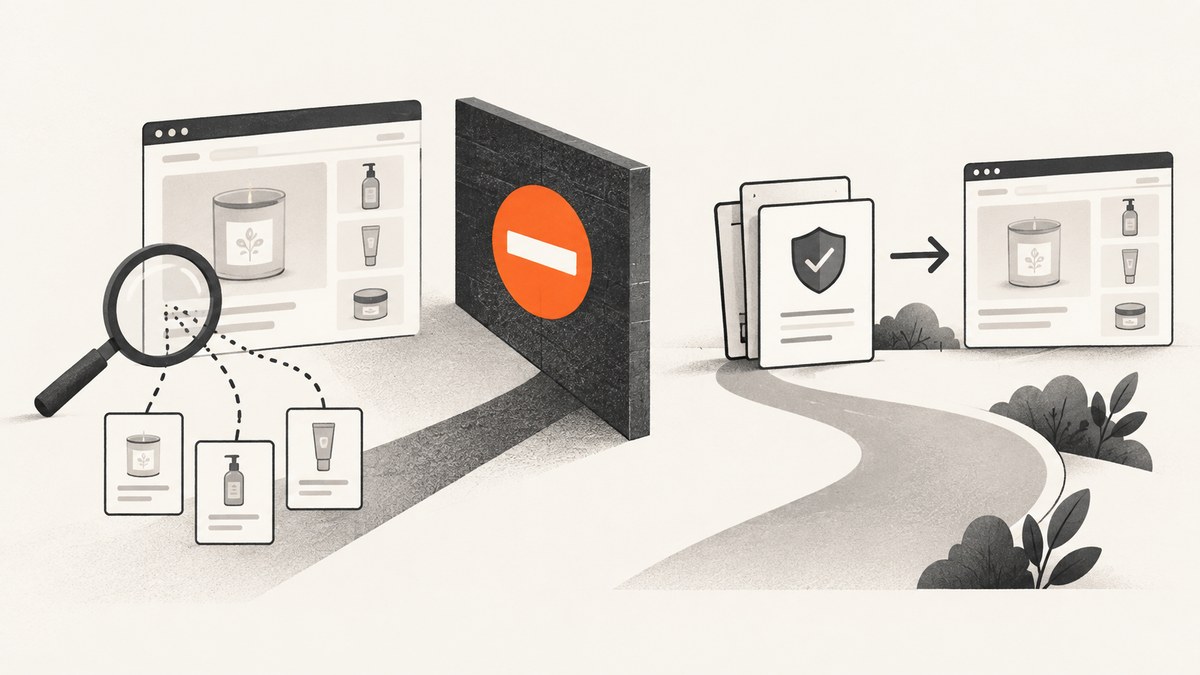
Direct answer: You should not assume that Bath & Body Works product pages may be scraped. The published U.S. Terms of Use prohibit monitoring, gathering, copying, or distributing site content with a bot, spider, scraper, crawler, extraction tool, other automatic device, or manual process, with a limited exception for ordinary search-engine activity and standard browser use. The terms also specifically restrict commercial use that includes collecting product prices. Before collecting any product-page data, obtain written authorization and ask whether Bath & Body Works can provide an approved feed, API, or other access method.
This guide explains what the public rules say, how to evaluate a legitimate data request, what robots.txt does and does not mean, and how to document an authorized workflow without bypassing controls. It does not provide instructions for defeating bot checks, rotating identities, evading rate limits, or harvesting content that the site rules prohibit.
Can you scrape Bath & Body Works product pages?
The U.S. Terms of Use say no, unless your activity falls within the stated exception or you have separate authorization. Section 2.B states that users will not “monitor, gather, copy, or distribute the Content” using a robot, rover, bot, spider, scraper, crawler, spyware, engine, device, software, extraction tool, automatic device, utility, or manual process, except where the activity results from standard search-engine activity or use of a standard browser. The terms page identifies January 31, 2025 as its last update date. Read the official Bath & Body Works Terms of Use before making a decision.
That language matters because a product page being publicly viewable is not the same as permission to copy its contents into a database, republish images, or collect prices at scale. The terms define “Content” broadly. The definition includes text, data, images, scripts, URLs, software, and the selection, compilation, assembly, and arrangement of material. A limited personal, non-commercial license does not grant rights that the terms reserve.
What is the browser exception?
The exception covers information that results from ordinary search-engine activity or use of a standard browser. It should not be stretched into a general license for automated extraction. Searching for a product, opening a page, and reading it as a person are different from running a scheduled collector that requests thousands of pages, stores every description, or republishes prices. If your workflow automates navigation, parses page responses, or repeatedly copies fields, ask for written permission first.
Does Bath & Body Works allow commercial price collection?
The U.S. terms expressly identify collecting product prices as an example of a prohibited commercial purpose. A price-monitoring dashboard, competitor catalog, resale feed, or market-analysis dataset therefore needs explicit authorization. Do not infer approval from the fact that prices appear in search results or in a browser.
What does robots.txt tell you?
Bath & Body Works’ robots.txt file is a crawler signal, not a contract or a grant of permission. The retrieved file contains broad disallow rules and selected search, account, cart, and checkout paths, as well as a sitemap. A path that is not listed as disallowed is not automatically approved for collection.
Robots.txt and the Terms of Use answer different questions:
| Question | What to check | What it does not prove |
|---|---|---|
| May an automated crawler request this path? | Robots.txt instructions for your user agent | That the site owner has licensed copying or reuse |
| May you gather, copy, or distribute content? | Terms of Use and any written agreement | That an unblocked path is permitted |
| May you use data commercially? | Commercial-use clauses and your authorization | That public pricing is free to collect |
Do not use robots.txt as a loophole. Compliance with it does not override the terms, copyright, trademark rights, privacy obligations, or a written restriction that applies to your project.
Safe workflow for a legitimate data need
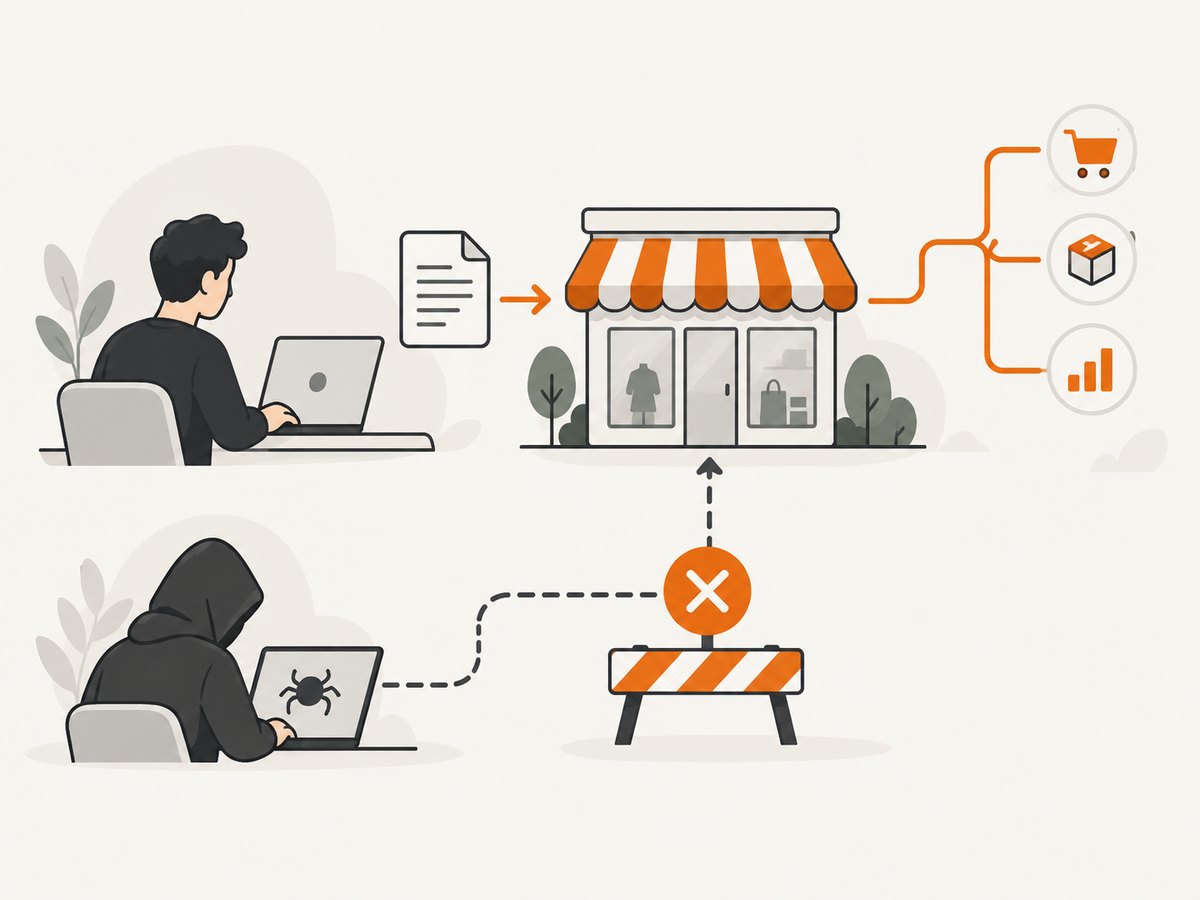
If you need product information for research, an internal comparison, accessibility work, or an integration, use this sequence.
1. Define exactly what you need
Write down the fields, URLs, request frequency, retention period, users of the result, and intended publication. “Product data” is too broad. Specify whether you need a product name, SKU, availability, ingredients, images, prices, variants, or a one-time human-readable reference. Identify whether the use is personal, internal, academic, nonprofit, or commercial.
2. Review the applicable regional terms
This research addresses the U.S. site. Regional sites can have different rules. The surfaced U.K. terms separately prohibit text and data mining and scraping unless authorized by law or prior written agreement. That does not answer the rules for Canada, Australia, or another locale. Confirm which domain and jurisdiction your project will use, then save a dated copy or link to the applicable terms.
3. Ask Bath & Body Works for written authorization
Contact the company through an official channel and describe the project plainly. Ask whether an authorized feed, API, partner export, or other access method exists; the researched materials do not confirm that one is available. Request permission before building an automated collector.
Your request should cover:
- The exact domains and URL patterns involved.
- The fields you want and whether prices or images are included.
- Maximum request volume, schedule, and expected duration.
- Whether data is stored, shared, displayed, or republished.
- How you will attribute content and handle takedown requests.
- Whether a test account, allowlist, or approved endpoint is required.
- Which regional terms and laws govern the activity.
4. Wait for specific approval
A general statement such as “the pages are public” is not written authorization. Keep the response that identifies the approved fields, endpoints, rate limits, retention rules, and permitted purpose. If the response is silent on a material point, ask a follow-up question instead of assuming consent.
5. Build only the approved scope
Once permission is clear, implement the smallest workflow that satisfies the agreement. Enforce an allowlist of approved hosts and paths, a request budget, and a stop switch. Preserve the authorization record with your deployment documentation. Never add checkout, account, or other restricted paths because they happen to be discoverable.
6. Respect content and reuse rights
Authorization to access data may not equal permission to republish every image, description, script, or price. Separate facts you are allowed to store from expressive content that needs a license. Apply deletion and correction requests promptly, and do not expose personal or account information.
What not to do
- Do not bypass bot checks, CAPTCHAs, access denials, paywalls, or geographic controls.
- Do not rotate proxies, identities, cookies, or user agents to evade a block.
- Do not increase concurrency until a site responds more slowly.
- Do not copy complete catalogs or images for a commercial service without a written license.
- Do not treat a search-engine cache, snippet, or sitemap as permission to bulk collect.
- Do not publish a dataset merely because individual pages can be opened manually.
If you only need a small amount of information
Use the site through ordinary browser interaction, within the applicable terms, and record only what you need for the immediate task. Avoid automating that browsing or copying protected material into a public database. For a report, cite the page URL and access date, and distinguish your own analysis from Bath & Body Works’ text, images, and marks.
Or skip the browser setup
If your authorized use case is to create a visual record of a page rather than extract its content, ScreenshotNeo can return a screenshot or PDF from one GET request. See the ScreenshotNeo API documentation for the current parameters and response details.
curl -G "https://api.screenshotneo.com/v1/shot" -d access_key=YOUR_API_KEY --data-urlencode url=https://www.bathandbodyworks.com -o shot.webpimport requests
r = requests.get("https://api.screenshotneo.com/v1/shot", params={"access_key": "YOUR_API_KEY", "url": "https://www.bathandbodyworks.com"}, timeout=90)
open("shot.webp", "wb").write(r.content)const q = new URLSearchParams({ access_key: 'YOUR_API_KEY', url: 'https://www.bathandbodyworks.com' });
const res = await fetch(`https://api.screenshotneo.com/v1/shot?${q}`);Use this only for pages and purposes you are allowed to access and capture. ScreenshotNeo removes cookie and consent banners, newsletter popups, and chat widgets before capture. Bot checks, blank pages, timeouts, failed loads, and cache hits are not billed, and each response identifies the page verdict and billing status in headers. Its MCP server provides take_screenshot, get_page_info, and capture_pdf tools for Claude, Cursor, and other MCP clients. The Free plan includes 1,000 screenshots per month with no card; paid plans start at $5 for 3,000 shots. Create a free ScreenshotNeo account.
Troubleshooting and decision table
| Symptom | Likely cause | Compliant fix |
|---|---|---|
| You receive an access denied page | The site or its security layer has blocked the request | Stop automated requests and ask for authorization or an approved endpoint. Do not evade the block. |
| Your legal team rejects the project | The purpose, fields, or reuse rights are outside the terms | Reduce the scope, obtain a written license, or do not collect the data. |
| Robots.txt allows a URL but policy review fails | Robots.txt does not grant reuse rights | Follow the Terms of Use and written authorization, not the allow rule alone. |
| Prices change between observations | Promotions, region, account state, or time can affect display | Do not build a price feed without explicit approval; document locale and timestamp if authorized. |
| A screenshot includes a banner or widget | The page rendered consent or overlay elements | For an authorized visual capture, configure consent handling or use ScreenshotNeo’s cleanup behavior; never use it to bypass access controls. |
| A capture is blank or times out | The page failed to load, required interaction, or triggered a bot check | Verify the URL manually, reduce scope, and follow the site owner’s approved integration instructions. |
Performance, reliability, and cost considerations
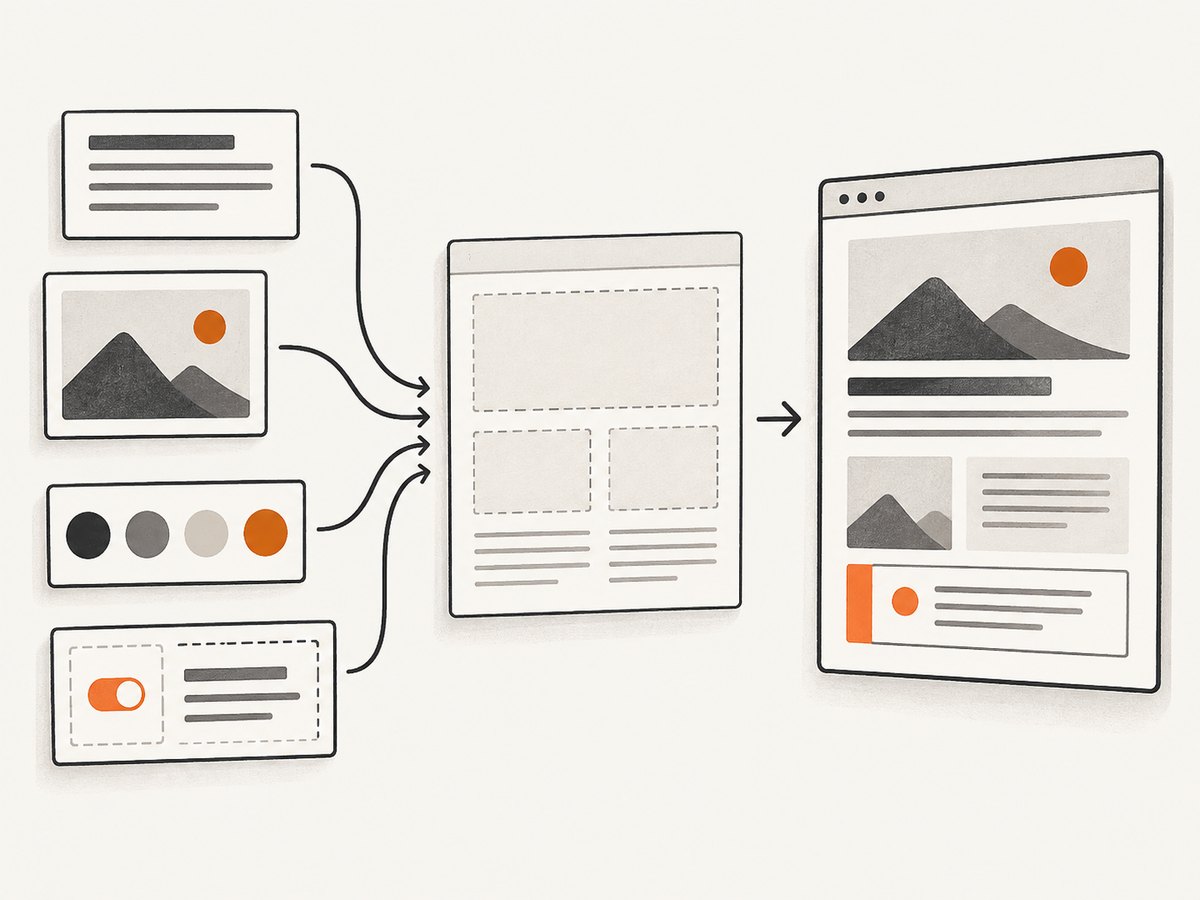
For an authorized workflow, reliability starts with permission boundaries rather than concurrency. Keep a small request rate, use exponential backoff only where the agreement permits retries, and record status, timestamp, URL, and authorization scope. Cache results only for the period you are allowed to retain them. A queue with a hard daily budget prevents an accidental loop from becoming a catalog crawl.
Separate page availability from data correctness. A successful HTTP response can still contain a consent wall, a bot challenge, stale promotion, or a different regional price. Validate required fields, preserve the source URL, and flag changes for human review. Never claim a complete catalog or a stable price history without evidence and permission.
For visual captures, ScreenshotNeo’s cache can use a TTL you choose, and asynchronous jobs with signed webhooks can help schedule approved work. Its bulk endpoint accepts up to 100 URLs per call. Those capabilities reduce browser infrastructure, but they do not expand your permission to collect Bath & Body Works content.
FAQ
Is scraping allowed if I set a normal user agent?
No. A user-agent string does not change the Terms of Use or create authorization.
Can I scrape only one product page?
The terms address the method and use, not only the number of pages. Ask for permission if your activity involves automated extraction or copying.
Does following robots.txt make a project legal?
No. Robots.txt is a crawler instruction. Review the terms and obtain written authorization for the proposed use.
Can I publish product names and prices?
Commercial price collection is specifically restricted in the U.S. terms. Obtain a written license that addresses both collection and publication.
Are the U.S. rules the same elsewhere?
No. Regional terms differ. Review the terms for the exact site and jurisdiction you will use.
Can ScreenshotNeo extract the product data for me?
ScreenshotNeo is a screenshot and PDF service. Use it to capture an authorized visual record; it does not grant permission to scrape, copy, or republish Bath & Body Works content.
Bottom line
The safest answer to “How to Scrape Bath & Body Works Product Pages” is to pause before scraping. The U.S. terms prohibit automated and manual gathering or copying of content, with a narrow standard-search and standard-browser exception, and they call out commercial price collection. Define your need, review the correct regional terms, request written authorization and an approved interface, and implement only the scope you receive. If your authorized deliverable is a screenshot or PDF, ScreenshotNeo can handle the capture while you remain responsible for permission and reuse rights.
Sources accessed September 29, 2026: Bath & Body Works U.S. Terms of Use and U.S. robots.txt. Policies and files can change; review the live versions before acting.


