How to Scrape Bed Bath & Beyond Product Pages
A responsible, resilient workflow for collecting Bed Bath & Beyond product data, with permission checks, Playwright code, validation, and a no-browser API option.
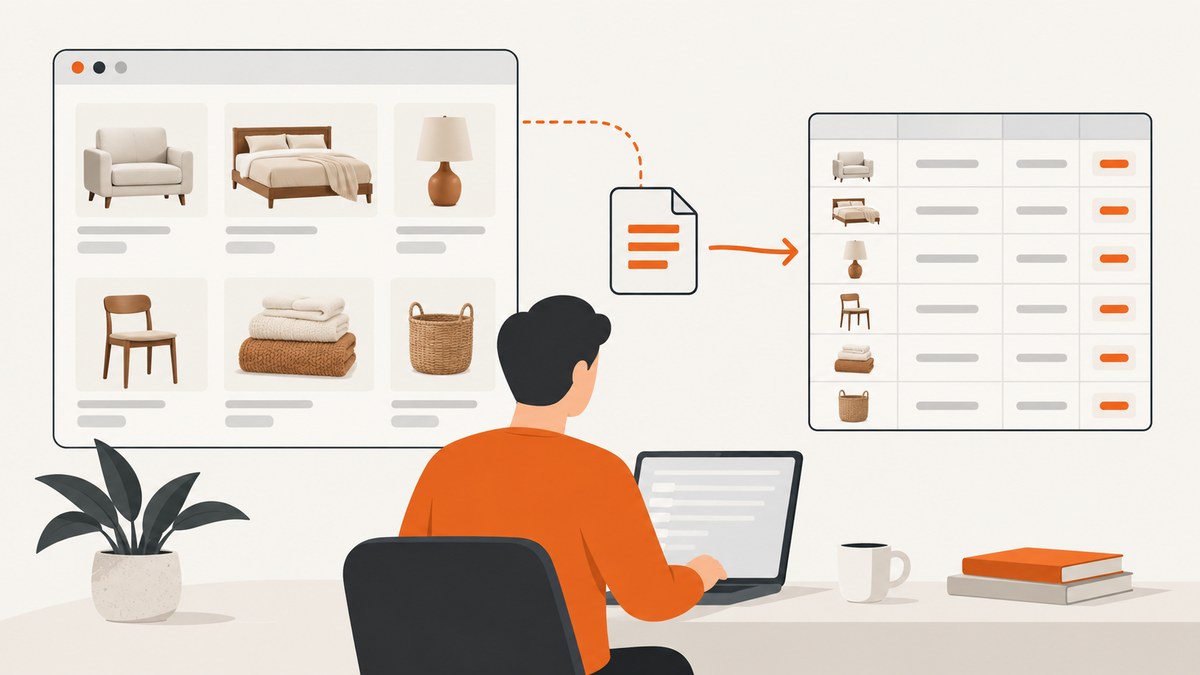
Scraping a Bed Bath & Beyond product page means requesting a page, reading the product information that is actually visible or embedded in the page, and storing only the fields your use case requires. Before writing code, check the current Terms & Conditions and robots.txt for the exact Bed Bath & Beyond host you plan to access. The available research does not establish that automated collection of the current US site is permitted, nor does it identify a public product API or feed. If the policy or an approved access route is unclear, ask the retailer for authorization or a data feed.
The storefront is an online home-goods catalog with categories such as furniture, bedding, rugs, bath, kitchen, and home improvement. Review the live storefront manually before designing selectors. Product markup, URLs, prices, availability, and variant controls can change.
How do I scrape Bed Bath & Beyond product pages?
- Define the job. Write down the page volume, schedule, geography, and fields you need. Typical fields are product name, brand, displayed price, availability, selected variant, and page URL.
- Check permission. Read the current terms and robots rules for the actual host. Look for an official developer, vendor, or partner API or feed. The research for this guide did not locate one. Contact Bed Bath & Beyond when the permitted route is uncertain.
- Inspect a small sample manually. Confirm what a customer sees, how variants change the displayed price, and whether information appears only after JavaScript runs. Do not assume selectors or pagination from another retailer.
- Collect gently. Use low concurrency, reasonable delays, honest identification, and a stop condition for blocks, authentication prompts, errors, or rate limits. Never bypass bot checks or access controls.
- Validate and preserve provenance. Store the URL, collection timestamp, selected variant, and extraction status with every record. Recheck price and availability before making decisions because retail data is time-sensitive.
Plan the data before opening a browser
A narrow schema makes a collection easier to audit and less expensive to run. Separate values that belong to a variant instead of merging every color or size into one product record.
| Field | Why it matters | Validation question |
|---|---|---|
url |
Identifies the source page | Is it the canonical product URL? |
name |
Human-readable product identity | Does it match the visible heading? |
brand |
Supports catalog matching | Is it a brand field or text in the title? |
price_displayed |
Records what the page showed | Does it include a sale price, range, or membership price? |
availability |
Indicates the page’s current status | Was it visible for the selected variant? |
variant |
Prevents size/color collisions | Which options were selected? |
collected_at |
Establishes freshness | Can you tell when the value was observed? |
Do not call a displayed price the final checkout price. Taxes, shipping, promotions, membership conditions, and variant selection can alter the amount later in the purchase flow.
Permission and robots checks
Perform these checks for every hostname and collection purpose:
- Read the current Terms & Conditions and identify restrictions on automated access, reuse, and storage.
- Fetch
https://www.bedbathandbeyond.com/robots.txtand interpret its rules for the paths you intend to request. A robots file is an access signal, not a substitute for legal advice or written authorization. - Search official developer, vendor, affiliate, and partner resources for a documented product feed or API. The research did not establish that one exists.
- When the intended use, volume, or policy is unclear, contact the retailer through its current customer-care or business channels and request an approved route.
Keep a dated copy of the policy decision, the host, and the approved scope. If permission changes, stop the job and review the new instruction.
Inspect a product page safely
Use a browser only when the permitted route requires rendering. Start with one or two pages and compare extracted values with the visible page. The following Playwright example is a template: the selectors are deliberately generic because the research did not inspect a live product detail page. Replace them after inspecting an authorized sample.
import asyncio
import json
from datetime import datetime, timezone
from playwright.async_api import async_playwright

URL = 'https://www.bedbathandbeyond.com/example-product'

async def main():
    async with async_playwright() as p:
        browser = await p.chromium.launch(headless=True)
        page = await browser.new_page(
            locale='en-US',
            timezone_id='America/New_York',
            user_agent='CatalogResearchBot/1.0 (contact: you@example.com)'
        )
        try:
            response = await page.goto(URL, wait_until='domcontentloaded', timeout=60000)
            if response is None or response.status >= 400:
                raise RuntimeError(f'HTTP response: {response.status if response else "none"}')

            # Replace these selectors after inspecting the authorized page.
            name = await page.locator('h1').first.text_content()
            price = await page.locator('[data-product-price]').first.text_content()
            availability = await page.locator('[data-availability]').first.text_content()

            record = {
                'url': page.url,
                'name': name.strip() if name else None,
                'price_displayed': price.strip() if price else None,
                'availability': availability.strip() if availability else None,
                'collected_at': datetime.now(timezone.utc).isoformat(),
            }
            print(json.dumps(record, ensure_ascii=False))
        finally:
            await browser.close()

asyncio.run(main())
Install with pip install playwright and playwright install chromium. Keep the browser context small, close it after the sample, and do not turn a template into a high-volume crawler before confirming permission.
Extract structured data before relying on CSS
Many commerce pages expose JSON-LD or other structured data. It can be a useful cross-check, but it is not guaranteed to contain every variant or the value currently visible to a shopper. Compare it with the rendered page.
import json
from bs4 import BeautifulSoup

html = open('saved-product.html', encoding='utf-8').read()
soup = BeautifulSoup(html, 'html.parser')
items = []
for tag in soup.select('script[type="application/ld+json"]'):
    try:
        value = json.loads(tag.string or tag.get_text())
        items.append(value)
    except json.JSONDecodeError:
        continue
print(json.dumps(items, indent=2, ensure_ascii=False))
When multiple JSON-LD objects exist, look for a Product object and inspect its offers, price, availability, and variant-related fields. Treat missing, stale, or conflicting values as an extraction warning rather than filling them from inference.
Run a controlled collection
For an allowed list of URLs, add pacing, retries with a cap, and durable output. Do not retry a denial or bot challenge repeatedly.
import csv
import time
import requests

urls = [
    'https://www.bedbathandbeyond.com/example-product-1',
    'https://www.bedbathandbeyond.com/example-product-2',
]
headers = {
    'User-Agent': 'CatalogResearchBot/1.0 (contact: you@example.com)',
    'Accept': 'text/html,application/xhtml+xml',
}

with open('pages.csv', 'w', newline='', encoding='utf-8') as out:
    writer = csv.DictWriter(out, fieldnames=['url', 'status', 'collected_at'])
    writer.writeheader()
    for url in urls:
        try:
            r = requests.get(url, headers=headers, timeout=30)
            writer.writerow({
                'url': url,
                'status': r.status_code,
                'collected_at': time.strftime('%Y-%m-%dT%H:%M:%SZ', time.gmtime()),
            })
            if r.status_code in (401, 403, 429):
                print('Stopping after access or rate-limit response:', r.status_code)
                break
        except requests.RequestException as exc:
            writer.writerow({'url': url, 'status': f'error:{exc}', 'collected_at': ''})
        time.sleep(3)
This records request outcomes, not a claim that the site permits collection. Add parsing only after the request behavior and page structure have been approved.
Variants, lazy content, and changing prices
- Variants: Capture the selected size, color, quantity, or configuration with the price and availability. A product URL may open with a default variant.
- Lazy loading: Scroll only when the permitted page requires it, then wait for the specific content you need. A fixed sleep is less reliable than waiting for a selector or network state.
- Unavailable items: Preserve the unavailable state instead of dropping the row. It explains why a later run differs.
- Price ranges: Store the displayed range exactly and add separate normalized fields only when the page clearly identifies minimum and maximum values.
- Locale and geography: Keep location, currency, and timezone consistent. Do not merge US and other regional pages.
Validation checklist
- Compare at least a sample of extracted names and prices with the visible page.
- Check that the URL, timestamp, and selected variant are present for every record.
- Flag missing fields and selector changes instead of silently producing empty strings.
- Run duplicate checks on canonical URL plus variant.
- Revisit prices and availability immediately before publishing comparisons or inventory decisions.
- Retain raw HTML or a permitted audit artifact with appropriate retention limits.
Troubleshooting common errors
| Symptom | Likely cause | Fix |
|---|---|---|
| 403 or 429 response | Access policy, rate limit, or bot control | Stop, review permission, reduce traffic only if allowed, and ask for an approved route. Do not bypass the control. |
| Blank fields | Wrong selector or content rendered later | Inspect one authorized page, wait for a specific selector, and record a missing-field warning. |
| Price differs from the page | Wrong variant, stale cache, sale/member price, or locale | Capture variant and timestamp; compare with the visible value and checkout conditions. |
| Browser timeout | Slow page, blocked resource, or transient failure | Use a bounded timeout, one cautious retry for transient failures, and stop on repeated failures. |
| Duplicate products | Multiple URLs or variants for one item | Canonicalize URLs and include variant selections in the key. |
| HTML differs between runs | Catalog redesign, experiment, or personalization | Version selectors, keep raw samples, and alert on structural changes. |
Performance, reliability, and cost
Rendering a browser page costs more CPU and memory than a plain HTTP request. Use direct HTTP only when the permitted page contains the needed data without JavaScript. Reuse a browser process for a small batch, limit concurrent pages, and wait for the smallest reliable readiness condition. A bounded queue prevents one slow page from consuming all workers.
Reliability comes from observability: log status code, duration, final URL, parser version, missing fields, and stop reasons. Separate transient network errors from policy denials. Schedule a small canary sample before a larger run so selector changes are detected early. Prices and availability become stale even when the scraper succeeds, so define a freshness window for your application.
Cost includes browser compute, storage, bandwidth, engineering time, and the operational cost of handling policy changes. An approved feed, if the retailer offers one, may be cheaper and more stable than page rendering. The research does not identify such a feed, so verify it directly with the retailer.
Or skip the browser setup
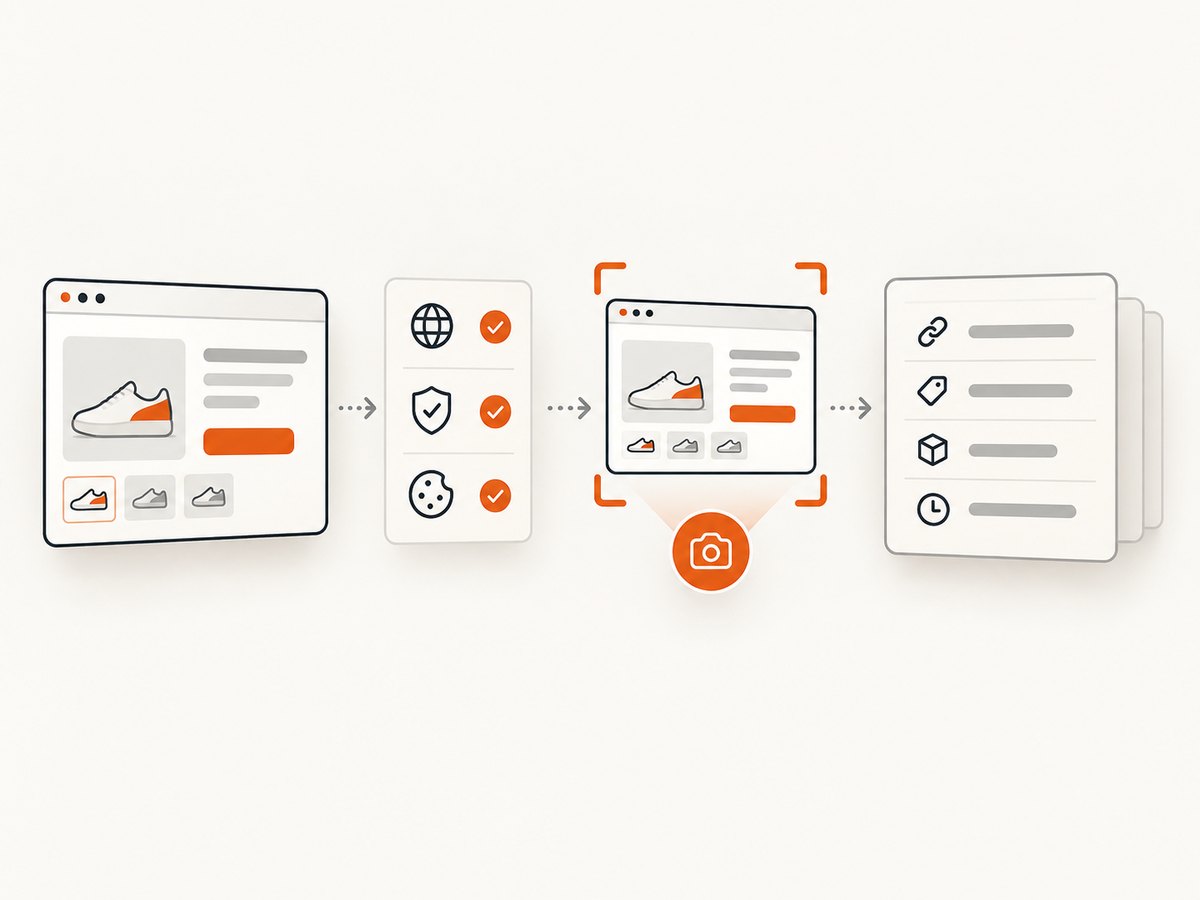
If your task is to create visual page captures for review, documentation, or an AI workflow, ScreenshotNeo provides a single request that returns a PNG, JPEG, WebP, or PDF. See the ScreenshotNeo API documentation for the complete option list.
curl -G 'https://api.screenshotneo.com/v1/shot' -d access_key=YOUR_API_KEY --data-urlencode url=https://www.bedbathandbeyond.com/example-product -o shot.webpimport requests
r = requests.get('https://api.screenshotneo.com/v1/shot', params={'access_key': 'YOUR_API_KEY', 'url': 'https://www.bedbathandbeyond.com/example-product'}, timeout=90)
r.raise_for_status()
open('shot.webp', 'wb').write(r.content)const q = new URLSearchParams({ access_key: 'YOUR_API_KEY', url: 'https://www.bedbathandbeyond.com/example-product' });
const res = await fetch(`https://api.screenshotneo.com/v1/shot?${q}`);
if (!res.ok) throw new Error(`HTTP ${res.status}`);
const fs = await import('node:fs/promises');
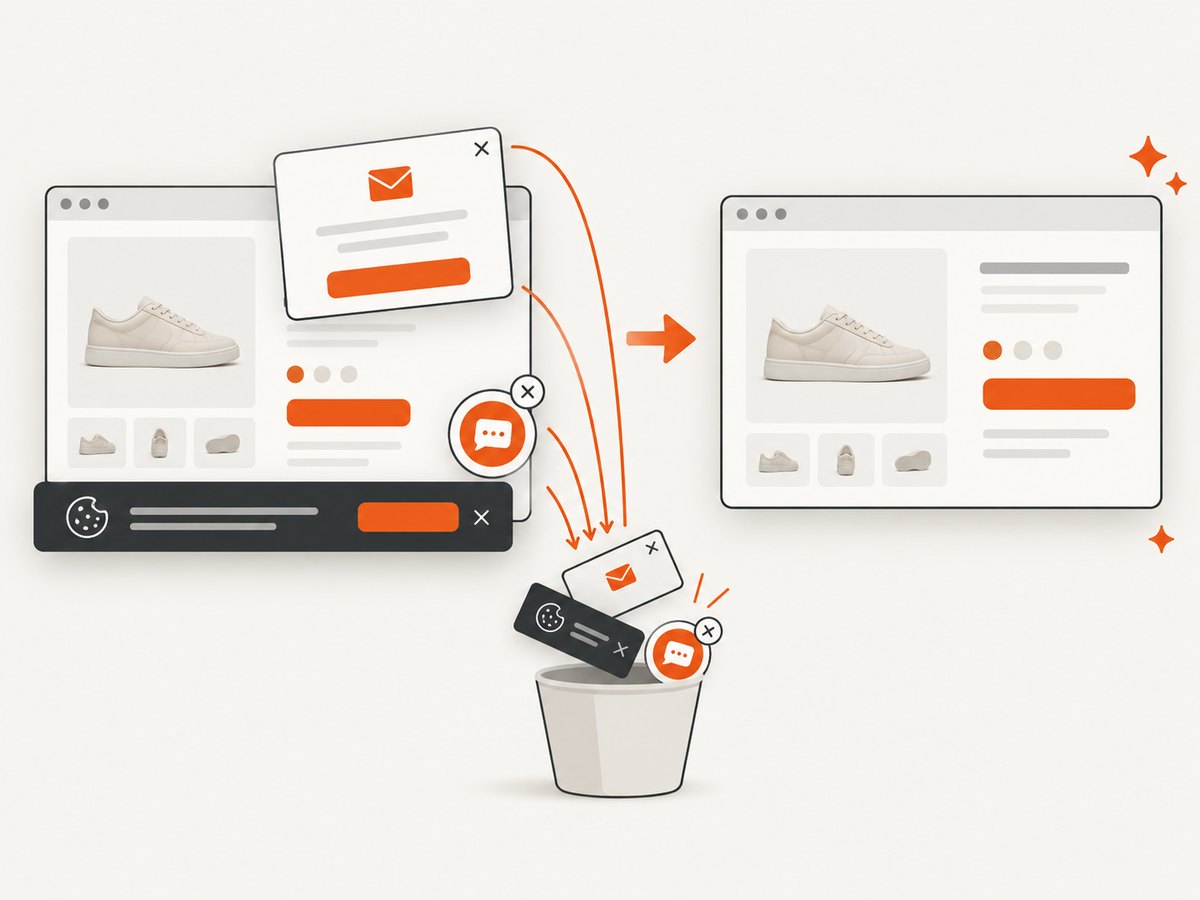
await fs.writeFile('shot.webp', Buffer.from(await res.arrayBuffer()));ScreenshotNeo can accept cookie and consent banners before capture and remove more than 60 known consent platforms, newsletter popups, and chat widgets; each step can be turned off. Bot checks, blank pages, timeouts, failed loads, and cache hits are not billed, and the response identifies the result with X-Page-Verdict and X-Billed headers. Its MCP server provides take_screenshot, get_page_info, and capture_pdf tools for Claude, Cursor, and other MCP clients. You can use full-page or element captures, custom headers and cookies, a user agent, JavaScript, custom CSS, waits, blocking rules, device presets, retina scale, caching, signed links, asynchronous jobs, bulk capture, and PDF options when your authorized workflow needs them.
There are 1,000 screenshots per month on the free plan with no card. Paid plans start at $5 for 3,000 shots, and every feature is available on every plan. Create a free ScreenshotNeo account.
FAQ
Is scraping Bed Bath & Beyond automatically allowed because pages are public?
No. Public visibility does not establish permission for bulk automated collection. Check current terms, robots rules, and an approved feed or written authorization.
Does this guide identify Bed Bath & Beyond’s product API?
No. The research did not establish a public product API or feed. Search current official resources and ask the retailer.
Can I use extracted prices as checkout prices?
Use them as observations tied to a timestamp and variant. Verify final price, shipping, taxes, and promotions before relying on them.
Should I keep collecting after a CAPTCHA appears?
No. Stop and resolve authorization or access questions. Do not bypass bot controls.
When is ScreenshotNeo a better fit?
Use it when you need clean visual captures, PDFs, or AI-agent access without maintaining a browser stack. It does not replace permission to access the retailer’s pages or provide a product-data API.


