How to Scrape Bilibili Video Pages
For video details, Bilibili’s documented route is its authorized Open Platform API—not an unrestricted public-page scraper. Learn the access requirements, signing workflow, runnable examples, and safe alternatives.
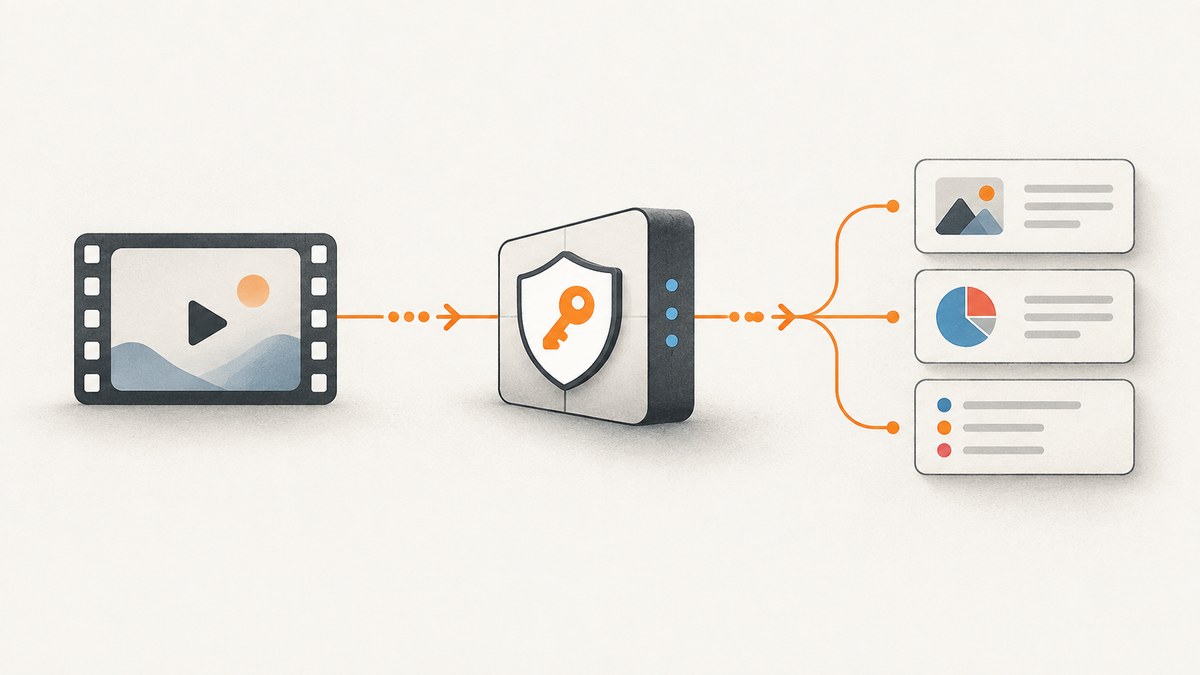
If you need details for a Bilibili video, start with Bilibili’s authorized Open Platform API. The documented single-video endpoint is permission-gated: it requires ARC_BASE, authorization from the relevant creator, and applies to a video belonging to the authorized author or co-author. It is not documented as a general API for collecting arbitrary public video pages. [video detail API]
There is an additional boundary to understand before writing a scraper: Bilibili’s developer service agreement says that, without written consent, developers may not use robots, spiders, crawlers, scripts, or other automated programs to obtain Open Platform services, data, user data, operational data, or related resources. If you do not have the required access and consent, stop and seek written authorization or confirm another route in Bilibili’s current official documentation. [developer service agreement]
This guide shows the documented, authorized workflow for an eligible video. It also explains how to assess the public-page scraping question without treating undocumented endpoints as stable or permitted.
1. What “scraping a Bilibili video page” can mean
The phrase can describe two different jobs:
- Retrieve metadata for a video you or an authorized creator manages. Bilibili documents an archive detail endpoint for an authorized user’s own or co-authored video. This is the route covered by the runnable examples below.
- Collect metadata from arbitrary public video pages. The official sources reviewed here do not establish a generally available, permissionless API for this. That is a documentation limit, not proof that no other endpoint exists. Do not assume an endpoint found by inspecting web traffic is official, stable, supported, or permitted.
For the first job, obtain the required platform permission and creator authorization, then call the official endpoint. For the second, get written permission or ask Bilibili about an applicable official data access route. Do not try to evade access controls or substitute an undocumented scraper for authorization.
2. What the authorized video detail API returns
The documented response can provide useful archive metadata, including:
- Title and description
- Tags and category ID
- Cover image reference
- Video duration
- Creation and publication times
- Playback and sharing URLs
These are fields in the authorized API response. They do not establish that anonymous page scraping can retrieve the same data, nor do they grant permission to reuse it for any purpose. Bilibili’s agreement says user data should be obtained and used only within the scope explicitly approved by the associated creator. [agreement] [API fields]
3. Check access before implementing
- Confirm eligibility. Verify that the target archive belongs to the authorized user as author or co-author, and that the creator has authorized the application for the intended use.
- Complete developer onboarding. Bilibili describes onboarding as account registration, qualification verification, applying for access, and integration. The exact availability and review process can depend on the account and application. [Open Platform onboarding]
- Obtain the documented permission. The video detail API lists
ARC_BASEas required and says user authorization is required. Check the live API page for current prerequisites and approval steps. [API requirements] - Prepare credentials on a trusted server. The signing workflow uses an app credential and, for signature version 2.0, an OAuth access token. Keep the app secret and token out of browser code, public repositories, client-side applications, and logs.
- Limit collection and use. Request only archives and fields needed for the consented purpose, and retain or share the data only within the approved scope.
If a required permission or authorization is missing, the endpoint is not an appropriate workaround. Resolve access first.
4. Signing and request requirements
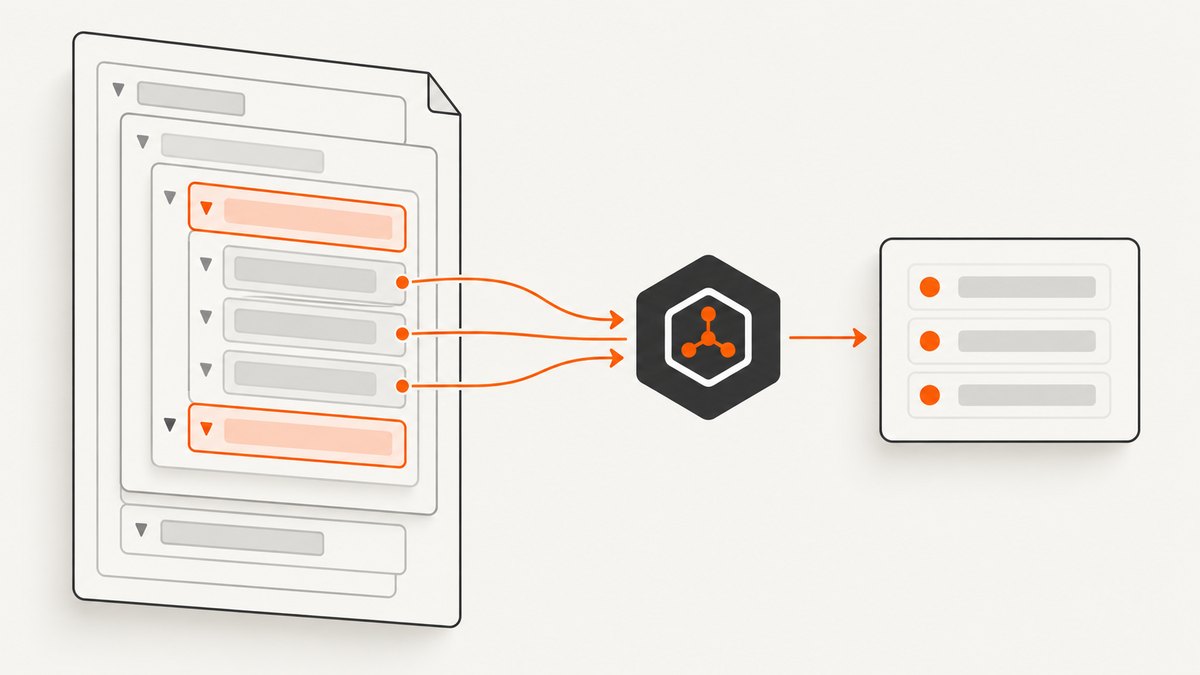
The official signing standard describes HMAC-SHA256 and request values that include the access-key ID, content MD5, signing method, a unique nonce, signature version, and Unix timestamp. Signature version 2.0 also requires an OAuth access token. Requests whose timestamp differs from current time by more than ten minutes are rejected, according to the published standard. [Open Platform signature standard]
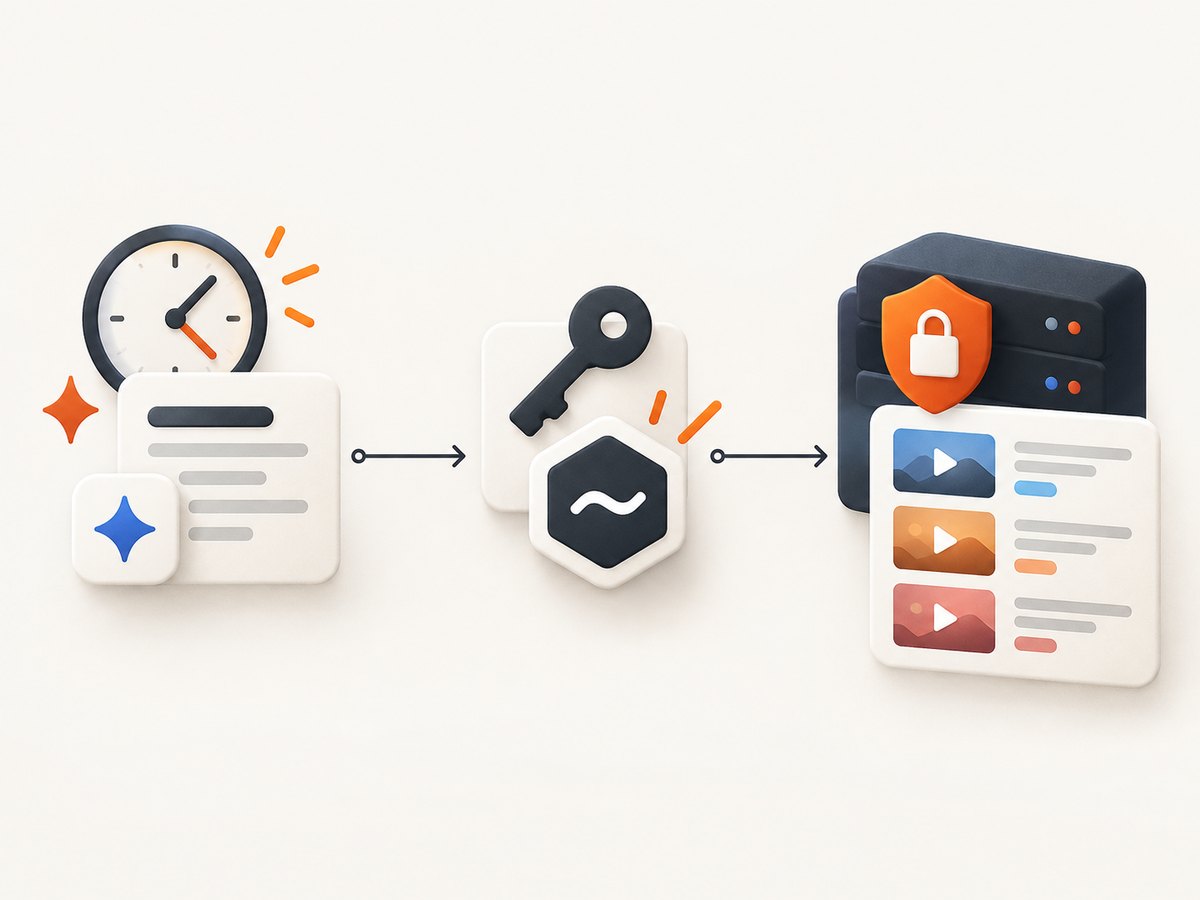
The archive view endpoint documented for a single video is:
GET https://member.bilibili.com/arcopen/fn/archive/view?resource_id=VIDEO_IDIts parameter is resource_id; the documentation gives a BV-style identifier as an example. Do not copy a sample identifier into production and expect it to represent your own video. Use the identifier format accepted for your authorized archive as specified by the current API documentation.
The examples below show the request shape, but deliberately do not invent a signing implementation or pretend the endpoint accepts an unsigned request. Generate the signature and required headers according to Bilibili’s current official signing specification and the credentials issued to your app. The precise fields, canonicalization, and signature placement must match that live specification.
5. Runnable request examples
Each example expects a locally generated, valid set of official headers. Use environment variables or a secret manager to supply them. Never put your app secret in a command line that may be recorded in shell history. The examples print the response for inspection; production code should parse it, validate the response status and API-level result, and handle errors as described below.
cURL
curl --fail-with-body --silent --show-error \
  --get 'https://member.bilibili.com/arcopen/fn/archive/view' \
  --data-urlencode 'resource_id=YOUR_AUTHORIZED_VIDEO_ID' \
  -H "access-key-id: ${BILI_ACCESS_KEY_ID}" \
  -H "content-md5: ${BILI_CONTENT_MD5}" \
  -H " signature: ${BILI_SIGNATURE}" \
  -H "timestamp: ${BILI_TIMESTAMP}" \
  -H "nonce: ${BILI_NONCE}" \
  -H "sign-method: HMAC-SHA256" \
  -H "sign-version: 2.0" \
  -H "access-token: ${BILI_ACCESS_TOKEN}"
Important: header names and signature placement must follow the current Bilibili specification exactly. The placeholders above illustrate values the published scheme calls for; they are not a ready-made signing library. Remove the accidental leading space in the sample signature header name when adapting it: the intended header is signature.
Python
import os
import requests

endpoint = "https://member.bilibili.com/arcopen/fn/archive/view"
params = {"resource_id": os.environ["BILI_VIDEO_ID"]}
headers = {
    "access-key-id": os.environ["BILI_ACCESS_KEY_ID"],
    "content-md5": os.environ["BILI_CONTENT_MD5"],
    "signature": os.environ["BILI_SIGNATURE"],
    "timestamp": os.environ["BILI_TIMESTAMP"],
    "nonce": os.environ["BILI_NONCE"],
    "sign-method": "HMAC-SHA256",
    "sign-version": "2.0",
    "access-token": os.environ["BILI_ACCESS_TOKEN"],
}

response = requests.get(endpoint, params=params, headers=headers, timeout=30)
response.raise_for_status()
data = response.json()
print(data)
Node.js
const endpoint = new URL(
  "https://member.bilibili.com/arcopen/fn/archive/view"
);
endpoint.searchParams.set("resource_id", process.env.BILI_VIDEO_ID);

const headers = {
  "access-key-id": process.env.BILI_ACCESS_KEY_ID,
  "content-md5": process.env.BILI_CONTENT_MD5,
  "signature": process.env.BILI_SIGNATURE,
  "timestamp": process.env.BILI_TIMESTAMP,
  "nonce": process.env.BILI_NONCE,
  "sign-method": "HMAC-SHA256",
  "sign-version": "2.0",
  "access-token": process.env.BILI_ACCESS_TOKEN,
};

const response = await fetch(endpoint, { headers, signal: AbortSignal.timeout(30_000) });
if (!response.ok) {
  throw new Error(`HTTP ${response.status}: ${await response.text()}`);
}
console.log(await response.json());
These snippets assume Node.js with global fetch and a runtime that supports AbortSignal.timeout. If your runtime lacks either, use its supported HTTP client and timeout mechanism. In all languages, the signature values must be freshly generated for the request using the documented algorithm; static values will expire or fail validation.
6. Implement the signing step safely
Signing is not optional decoration. It is part of the access check. Implement it from the official standard and verify your implementation against any current examples Bilibili publishes. At a minimum, your signing component should:
- Read the app secret and OAuth token from server-side secret storage.
- Generate a unique nonce and current Unix timestamp for each request.
- Build the canonical request/signature input exactly as the specification defines; do not guess field order, encoding, or whitespace rules.
- Compute HMAC-SHA256 with the issued secret and encode the signature exactly as required.
- Send all required headers, including the access token for version 2.0.
- Never log the secret, access token, full signature input if it contains credentials, or authorization headers.
- Regenerate time-sensitive signing fields when retrying; do not replay a stale signed request.
Because endpoint requirements and signing details can change, treat the live official documentation as authoritative. The code above is a complete HTTP request once valid signed headers are supplied, but an invented signing algorithm would make it misleading and insecure.
7. Parse results without over-collecting
First check that the HTTP request succeeded. Then inspect the API’s application-level status and error fields before treating the response as an archive record. A successful HTTP status alone does not prove the API returned the requested video. Validate that the returned resource corresponds to the authorized ID, and map only the fields your application needs.
For example, a catalog that needs title and duration should not retain unrelated data indefinitely. Preserve the creator-approved purpose with the record, and apply an appropriate retention policy. The agreement’s data-use limit applies even when the API response technically contains more information.
8. Edge cases to plan for
- Video outside the app user’s authorship: the documented API scope is author or co-author archives; do not assume any public BV ID is eligible.
- Authorization was revoked or changed: a token may no longer represent valid creator consent. Reauthorize through the official flow rather than retrying indefinitely.
- Timestamp drift: synchronize the host clock. The documented tolerance is ten minutes, so a badly skewed server can invalidate otherwise correct signatures.
- Duplicate jobs: if your workflow retries, make downstream writes idempotent by resource ID and retrieval time. Avoid creating duplicate records when a timeout leaves the outcome uncertain.
- Missing or changed fields: tolerate optional metadata being absent, and avoid hard-coding assumptions beyond the current response schema.
- Unclear page/API equivalence: the archive API fields do not guarantee the same representation as a public web page. Use the endpoint as an authorized data API, not as a page renderer.
9. Troubleshooting common failures
| Symptom | Likely cause | What to check |
|---|---|---|
| Permission or access denied | ARC_BASE is not enabled, the application lacks approval, or authorization is missing. |
Check the app’s granted permissions and creator authorization in the official console and API documentation. |
| Signature validation error | Wrong canonicalization, missing header, stale timestamp, reused nonce, incorrect secret, or signature encoding mismatch. | Rebuild the signature from the current official standard; generate a fresh nonce and timestamp; compare exact header names and values. |
| Request rejected for timestamp | Server time differs by more than the documented ten-minute window. | Enable system clock synchronization and generate the timestamp immediately before signing and sending. |
| Token-related error | Expired, revoked, wrong-scope, or omitted OAuth access token for signature version 2.0. | Refresh or reauthorize through the official OAuth flow and confirm the token belongs to the expected user and app. |
| Resource not found or invalid ID | The identifier format is wrong, the archive is inaccessible, or the requested video is outside the authorized scope. | Use the resource ID format documented for the endpoint and verify the archive is the authorized user’s own or co-authored video. |
| HTTP success but no usable record | The response can carry an application-level error or an empty result. | Parse the API-level status and message, then handle it explicitly instead of assuming HTTP 200 means success. |
| Intermittent timeout | Network delay, server-side processing, or client timeout. | Use bounded timeouts, retry transient failures with backoff and fresh signatures, and make writes idempotent. Do not retry permanent authorization errors. |
10. Performance, reliability, and cost
The sources reviewed describe permissions, fields, and signing, but do not publish a supported throughput benchmark, general rate limit, or price for this archive query. Do not design capacity around invented figures. Check the current API documentation and your application’s granted quota before scaling.
For reliability, keep request timeouts finite, monitor HTTP and API-level failures separately, and use conservative retries only for transient network or service errors. Re-sign each retry with a current timestamp and new nonce. Cache authorized metadata only when that is consistent with the creator-approved purpose and any current platform terms; the sources here do not establish a universal cache duration.
Cost depends on the developer access terms available to your application; the reviewed official materials do not provide a price figure for this endpoint. Confirm current terms directly with Bilibili rather than assuming that public visibility means unrestricted or free programmatic use.
11. Safer alternatives when you cannot use this API
If your goal is to collect details for videos you do not manage, ask Bilibili for written permission or a documented access route that covers that use. If you only need a link or a small amount of information, consider linking to the video and asking the creator to provide the metadata directly. For a research or archival project, document authorization and approved use before collecting data.
Do not treat browser automation, copied internal requests, rotating identities, or CAPTCHA workarounds as a substitute for written permission. The agreement explicitly names automated programs such as crawlers in its restriction. The sources reviewed do not establish an official permissionless API for arbitrary public video pages.
12. Capture a Bilibili page image for an authorized workflow
If your task is to capture a visual record of a Bilibili page that you are authorized to access, a screenshot is different from extracting structured metadata. A screenshot captures the rendered appearance at a moment; it does not confer permission to collect, republish, or reuse the underlying page content. Respect the same access and content-use boundaries.
For a local browser-based capture, use a browser automation library such as Playwright against a page you are permitted to access, wait for the relevant content to render, then save a screenshot. The exact selectors and wait conditions depend on the page and may change. Keep the session and cookies private, and do not bypass a login or other access control.
Or skip the browser setup
ScreenshotNeo is a website screenshot API and MCP server for developers. One GET request can return a PNG, JPEG, WebP, or PDF capture. The one-call example below captures a Bilibili video page; use it only for a page you are authorized to access. See the ScreenshotNeo API documentation for request options.
curl -G "https://api.screenshotneo.com/v1/shot" \
  -d access_key=YOUR_API_KEY \
  --data-urlencode url=https://www.bilibili.com/video/BV1xx411c7mD \
  -o shot.webp
ScreenshotNeo accepts cookie or consent banners like a visitor and removes more than 60 known consent platforms, newsletter popups, and chat widgets before capture; each of those steps can be turned off. Bot checks and CAPTCHAs, blank pages, timeouts, failed loads, and cache hits cost nothing, and response headers say which page verdict and billing status applied. Its MCP server offers take_screenshot, get_page_info, and capture_pdf for Claude, Cursor, and other MCP clients. The free plan includes 1,000 shots a month with no card; paid plans start at $5 for 3,000 shots, and every feature is on every plan.
Start with 1,000 free screenshots a month, no card required.
13. FAQ
Can I use this endpoint for any public Bilibili video?
The documented single-video endpoint is scoped to a video belonging to the authorized user as author or co-author. The sources reviewed do not establish an official, generally available API for arbitrary public pages.
Does a BV ID alone grant access?
No. An identifier locates a resource; it does not provide the required app permission, user authorization, or creator-approved data-use scope.
Can I use page HTML if the API does not grant access?
The developer agreement explicitly restricts automated programs used to obtain platform services and data without written consent. Seek consent or an applicable official access route instead.
Is the official API guaranteed to return every field visible on the page?
No such equivalence is established by the reviewed documentation. Use the documented response schema and do not infer that page-only details are available from the archive endpoint.
What should I verify before shipping an integration?
Recheck the live developer agreement, ARC_BASE requirements, authorization flow, signing headers, timestamp rules, response schema, quota, and permitted data use. Documentation and terms can change.
Sources
- Bilibili Open Platform onboarding
- Bilibili Open Platform Developer Service Agreement
- Single-video archive detail API
- Open Platform signature standard
API requirements and agreement terms may change. Confirm current official documentation before implementation.


