How to Scrape Canadian Tire Product Pages
Learn the legal, reliable way to collect Canadian Tire product data using official channels or a careful, permission-based scraper.
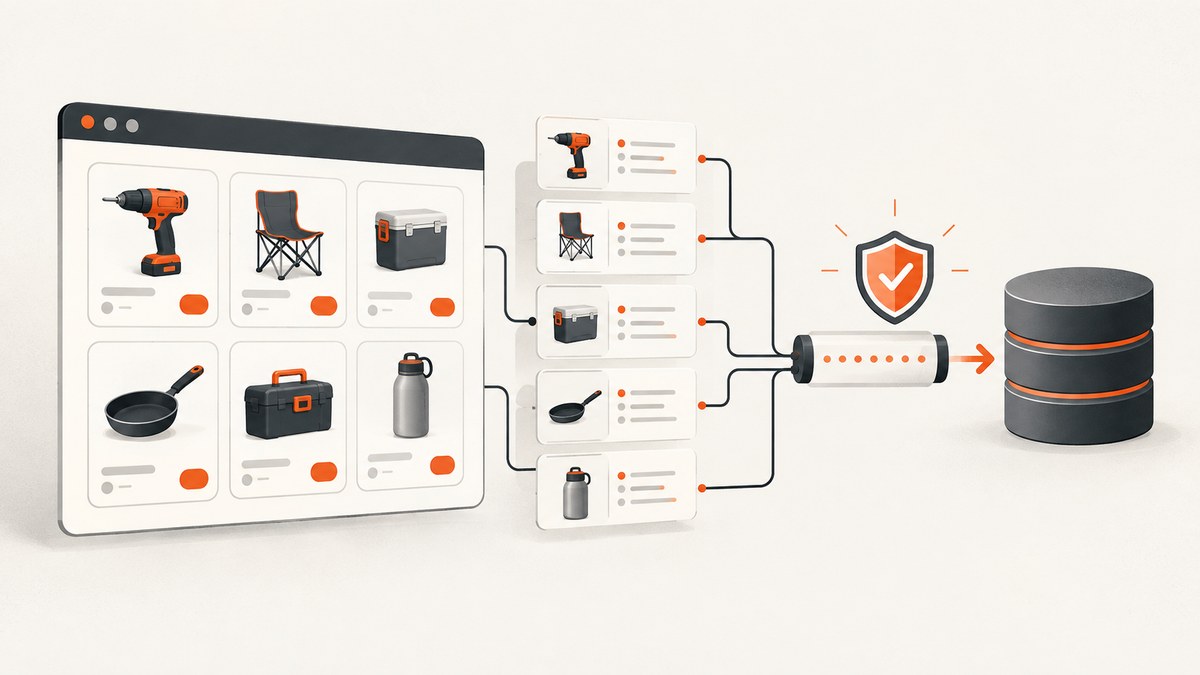
Direct answer: Start with Canadian Tire’s official Developer Portal or supplier data channels before writing a page scraper. If your use case permits fetching public pages, build a slow, auditable pipeline that follows Canadian Tire’s terms, robots directives and crawl controls. Treat third-party scraping recipes as engineering leads, never as proof that bulk extraction is authorized.
This guide explains how to choose an access route, verify permission, discover product URLs, extract fields, handle price and availability changes, and operate a resilient crawler. It also includes a minimal Python implementation, equivalent cURL and Node.js requests, troubleshooting, and a managed screenshot option when you need rendered evidence of a page.
1. Check authorization before collecting data
Canadian Tire’s Website Terms & Conditions (c1) state that site content may not be copied, reproduced, republished, uploaded, posted, transmitted or distributed without written permission. The stated exception is downloading, displaying and printing content for personal, non-commercial use. The terms also warn that unauthorized use can raise copyright, trademark and other intellectual-property issues, and that access may be restricted without notice.
For a production project, write down the permission basis before you schedule requests. Confirm whether you have a contract, written permission, an approved partner relationship, or another license that covers the exact fields, volume, geography and commercial purpose. Do not assume that a page being publicly visible grants permission to copy its contents into another service.
- Keep a dated copy or URL record of the terms and permission documents.
- Collect only fields required for the stated purpose.
- Exclude account, checkout, order and other personal information.
- Do not bypass authentication, paywalls, CAPTCHAs, bot checks or technical controls.
- Define a stop condition for 403, 429, challenge pages and unexpected markup.
2. Choose the best data source
| Route | Best for | Questions to verify | Maintenance |
|---|---|---|---|
| Official Developer Portal | Authorized catalog, price or availability integrations | Product scopes, key registration, quotas, geography, attribution and commercial terms | Lowest parser maintenance |
| Supplier channels | Vendors maintaining product content | Eligibility and access to Product Page Standards, Data Vault, Product Data Exchange (PDX) or Vendor Gateway | Usually stable after onboarding |
| Permitted page extraction | Specific fields unavailable through an approved feed | Written permission, crawl limits and allowed redistribution | Highest; markup changes require monitoring |
| Managed provider | Licensed workloads where browser/proxy operations are useful | Authorization, retention, geography, rate limits and current pricing | Provider handles infrastructure; you still own compliance |
The official Developer Portal advertises API documentation, interactive documentation, access-key registration, usage reports and support (c2). Its documentation shows authenticated HTTP requests using an API-key parameter (c3). The current search did not establish product endpoints, scopes, rate limits or commercial licensing, so verify those details directly with the portal before coding.
Canadian Tire’s supplier resources name Product Page Standards, Data Vault, Product Data Exchange and Vendor Gateway (c5). These channels may be more appropriate than reverse-engineering HTML for a vendor, but access for general researchers is not confirmed.
3. Plan the fields and data model
Define a narrow schema before fetching pages. A practical product record contains:
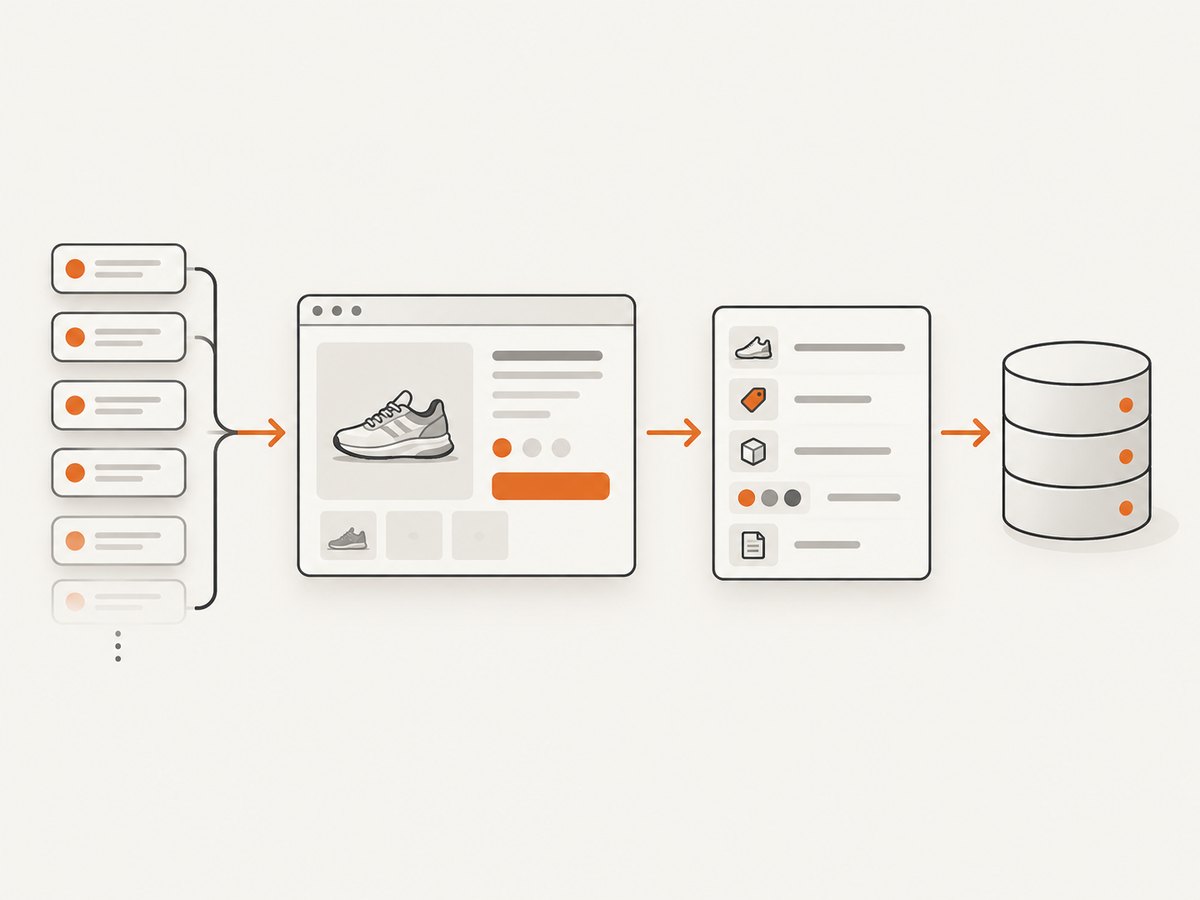
product_id, sku, title, brand, price, currency,
availability, canonical_url, locale, retrieved_at,
source, parser_version
Keep the original URL and retrieval timestamp. Store a raw response or content hash when your permission allows it, then retain the parser version that produced each normalized record. This makes it possible to distinguish a real price change from a selector regression.
Normalize prices as decimal values, never binary floating-point numbers. Preserve the displayed currency and unit text. Availability should be an enum such as in_stock, out_of_stock, backorder or unknown; do not turn an unrecognized page into false “in stock” data.
4. Discover product URLs conservatively
Review the live robots.txt before every new deployment. Directives and crawl-delay values can change. If your permission or the file requires a delay, use a queue with one request at a time. A Crawlbase cookbook reports sitemap behavior and 122,796 URLs across nine files in a September 2026 observation, but that number is vendor-reported and volatile; verify the live sitemap before relying on it.
Prefer URLs supplied through an approved feed or sitemap. If you receive category pages, extract canonical product links and deduplicate them before fetching detail pages. Keep a maximum URL count for each run and a kill switch that pauses the queue when error rates rise.
5. Build a permission-based Python extractor
The following example is intentionally conservative. Replace the selectors with ones validated against pages you are allowed to fetch. It uses one request at a time, a ten-second delay, timeouts, retries for transient server errors, and explicit failure records.
import json
import re
import time
from datetime import datetime, timezone
from decimal import Decimal, InvalidOperation

import requests
from bs4 import BeautifulSoup

URLS = [
    # Add only URLs covered by your permission or license.
]
DELAY_SECONDS = 10
TIMEOUT_SECONDS = 30
HEADERS = {
    "User-Agent": "AuthorizedCatalogResearch/1.0 (contact: data@example.org)",
    "Accept-Language": "en-CA,en;q=0.8",
}

session = requests.Session()
session.headers.update(HEADERS)

def money(value):
    if not value:
        return None
    cleaned = re.sub(r"[^0-9.,-]", "", value).replace(",", "")
    try:
        return str(Decimal(cleaned))
    except InvalidOperation:
        return None

def extract(url):
    response = session.get(url, timeout=TIMEOUT_SECONDS)
    if response.status_code in (403, 429):
        raise RuntimeError(f"stop requested by server: HTTP {response.status_code}")
    response.raise_for_status()

    soup = BeautifulSoup(response.text, "html.parser")
    title = soup.select_one("h1")
    canonical = soup.select_one('link[rel="canonical"]')
    price = soup.select_one('[data-testid="price"], .price')
    availability = soup.select_one('[data-testid="availability"], .availability')

    return {
        "title": title.get_text(" ", strip=True) if title else None,
        "price": money(price.get_text(" ", strip=True)) if price else None,
        "availability": availability.get_text(" ", strip=True) if availability else "unknown",
        "canonical_url": canonical.get("href") if canonical else url,
        "retrieved_at": datetime.now(timezone.utc).isoformat(),
        "source_url": url,
        "parser_version": "2026-09-01",
    }

records = []
for url in URLS:
    try:
        records.append({"ok": True, "record": extract(url)})
    except Exception as exc:
        records.append({"ok": False, "url": url, "error": str(exc)})
    time.sleep(DELAY_SECONDS)

with open("canadian-tire-products.json", "w", encoding="utf-8") as file:
    json.dump(records, file, ensure_ascii=False, indent=2)
Selectors in this sample are placeholders. First inspect a permitted response and identify stable attributes or embedded structured data. Test English and French pages, sale prices, products with variants, and out-of-stock states. If a selector returns no value, emit unknown and a review record instead of silently publishing stale data.
6. Equivalent HTTP requests with cURL and Node.js
Use these examples for an approved endpoint or a page you are authorized to retrieve. They show the request mechanics; they do not grant access or permission.
curl --fail-with-body --max-time 30 \
  -H 'User-Agent: AuthorizedCatalogResearch/1.0' \
  -H 'Accept-Language: en-CA,en;q=0.8' \
  'https://www.canadiantire.ca/example-permitted-product-url'
const url = 'https://www.canadiantire.ca/example-permitted-product-url';
const res = await fetch(url, {
headers: {
'User-Agent': 'AuthorizedCatalogResearch/1.0',
'Accept-Language': 'en-CA,en;q=0.8'
},
signal: AbortSignal.timeout(30000)
});
if (res.status === 403 || res.status === 429) {
throw new Error(`Stop requested: HTTP ${res.status}`);
}
if (!res.ok) throw new Error(`HTTP ${res.status}`);
const html = await res.text();
console.log(html.length);7. Handle JavaScript rendering and variants
A server response may not contain the same fields a browser displays. Before adding a browser, check whether permitted structured data, an approved API or a supplier feed already contains the value. If a browser is necessary, keep concurrency low, block unnecessary resources only when your permission allows it, and record the final URL after redirects.
Variants can change price, SKU and stock after a selection. Model the parent product and each variant separately. Capture the selected option state and never assume the first visible price applies to every size or color. For location-specific inventory, document the store, postal code or geography used; otherwise label availability as location-dependent.
8. Reliability, rate limits and cost
- Rate: A Crawlbase cookbook requests a ten-second wait between requests and reports a 96.1% success rate for August 2026. These are vendor observations, not Canadian Tire commitments; use them only as conservative starting points and verify current guidance.
- Backoff: Retry a small number of times for 408, 425, 500, 502, 503 and 504 responses with exponential backoff and jitter. Do not automatically retry 403, 429 or challenge pages.
- Freshness: Schedule according to business need. Price and stock may change faster than titles or specifications, but your permission may impose a maximum frequency.
- Auditing: Log status, latency, response size, parser version and reason for every skipped URL. Alert on sudden changes in missing-field rates.
- Cost: Your main expenses are approved data access, bandwidth, browser infrastructure, storage and engineering time. A slower queue reduces load and can reduce retry volume.
9. Troubleshooting common failures
| Symptom | Likely cause | Fix |
|---|---|---|
| 403 Forbidden | Access restriction, missing permission or an automated request detected | Stop the queue, verify authorization and contact the approved channel. Do not rotate identities to evade the restriction. |
| 429 Too Many Requests | Rate limit exceeded | Honor the response guidance, lower concurrency and add a longer delay. |
| HTML has no product data | Data is rendered client-side or a challenge page was returned | Inspect the response type and use an approved API, feed or permitted browser workflow. |
| Price is blank | Sale or member pricing uses a different element, or location is unset | Capture structured data and visible labels separately; record currency, location and unknown values. |
| Stock changes between runs | Real inventory volatility or store context changed | Store retrieval time and location context; avoid presenting a historical value as current. |
| Parser suddenly returns nulls | Markup changed | Fail closed, compare response hashes, update selectors after review and replay a small fixture set. |
10. Or skip the browser setup
When your goal is a rendered record of a permitted Canadian Tire page, ScreenshotNeo provides a single HTTP request that returns PNG, JPEG, WebP or PDF. See the ScreenshotNeo API documentation for all options.

curl -G "https://api.screenshotneo.com/v1/shot" -d access_key=YOUR_API_KEY --data-urlencode url=https://stripe.com -o shot.webpimport requests
r = requests.get("https://api.screenshotneo.com/v1/shot", params={"access_key": "YOUR_API_KEY", "url": "https://stripe.com"}, timeout=90)
open("shot.webp", "wb").write(r.content)const q = new URLSearchParams({ access_key: 'YOUR_API_KEY', url: 'https://stripe.com' });
const res = await fetch(`https://api.screenshotneo.com/v1/shot?${q}`);Cookie banners, newsletter popups and chat widgets are removed before the shot. Bot checks, blank pages and failed loads are never billed, and response headers identify the page verdict and whether it was billed. An MCP server lets Claude, Cursor and other MCP clients call take_screenshot, get_page_info and capture_pdf. The free plan includes 1,000 screenshots a month with no card; paid plans start at $5 for 3,000 shots. Use it only for pages you are authorized to capture.
Create a free ScreenshotNeo account to start with 1,000 screenshots per month and no card.
11. A production checklist
- Confirm written permission, API access or supplier eligibility.
- Review live terms, robots.txt and crawl controls.
- Define fields, retention and geography.
- Start with a small fixture set across languages, categories and stock states.
- Run one request at a time until limits are documented.
- Log every response and parser decision.
- Stop on 403, 429, challenge pages or unexpected markup.
- Review data before redistribution and keep attribution required by your agreement.
FAQ
Is there a Canadian Tire product API?
Canadian Tire operates an official Developer Portal, but current product scopes, limits and commercial terms must be confirmed through the portal.
Can I use the sitemap as permission to scrape?
No. A sitemap helps discover URLs; it does not establish a license to copy or redistribute content.
Should I use a ten-second delay?
It is a conservative vendor-reported recommendation, not a universal rule. Follow the limits in your permission and current crawl directives.
How do I keep prices accurate?
Store retrieval time, currency, location and variant, then refresh at a permitted frequency. Treat missing or ambiguous values as unknown.


