How to Scrape Caseking Product Pages
Before collecting Caseking product data, identify the exact store, review its current terms and robots.txt, and get permission for automated access.
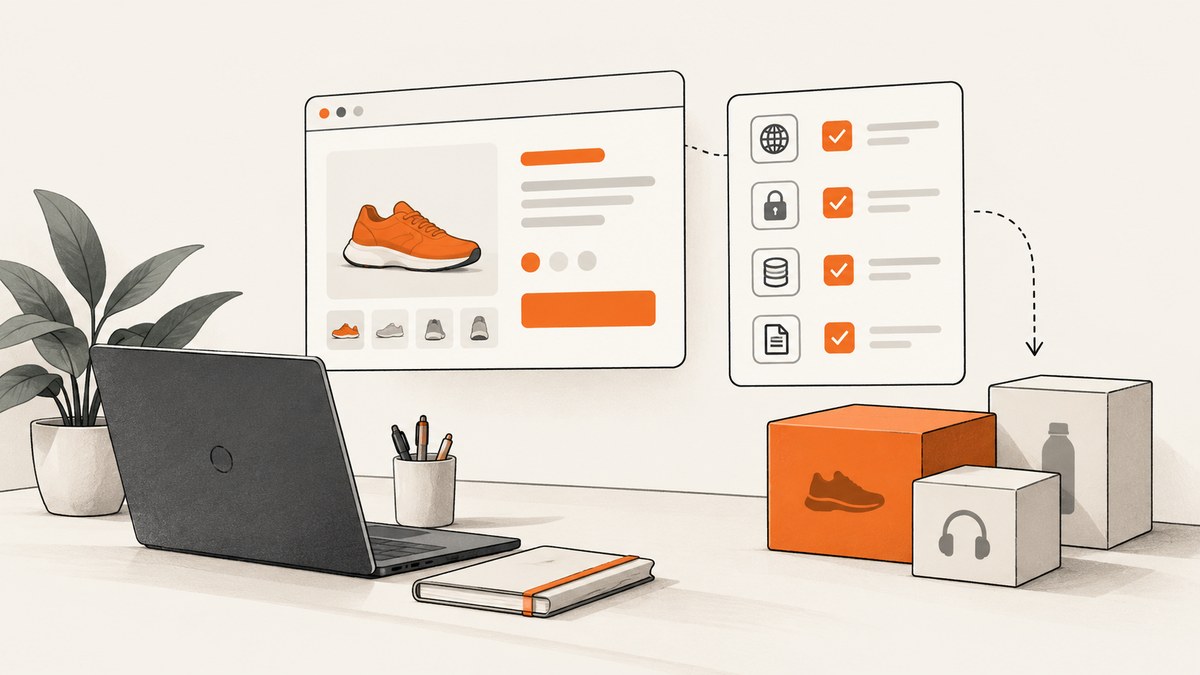
Can you scrape Caseking product pages? First identify the exact Caseking domain, read its current terms, check that domain’s current robots.txt, and obtain permission or an authorized data interface before making automated requests. The available terms differ by store: Caseking USA’s terms prohibit spidering, crawling, and scraping, while Caseking.de’s private-consumer terms say shop content may only be used for private, non-commercial purposes. Those statements are specific to their respective documents; neither establishes a global Caseking policy or permission for a particular crawler.
This guide shows how to make that decision, how to verify the rules without guessing, and how to structure a compliant product-data workflow if the site owner authorizes one. It does not provide techniques for bypassing blocks, authentication, rate limits, or other controls.
1. Identify the exact Caseking store
Start with the hostname on the product page. A URL on casekingusa.com and one on caseking.de are different sites with separate terms. Do not apply a clause found for one storefront to another country-specific domain.
| Store in the available research | Relevant terms wording | What it means for your decision |
|---|---|---|
| Caseking USA | The terms prohibit using the site or its content to “spider, crawl, or scrape.” They also prohibit interfering with or circumventing security features. | Do not run a scraper against this storefront unless Caseking has given you specific authorization. Do not treat a block or security control as something to work around. |
| Caseking.de | The German private-consumer terms state that online-shop content may only be used for private, non-commercial purposes. | Check the current terms for your circumstances and purpose. This wording is not, by itself, a grant of permission for automated access. |
| Another Caseking domain | Not established by the two documents above. | Find and review the terms for that exact domain before proceeding. |
The German terms document is for private consumers and was listed as last modified on 24 June 2026. Confirm the currently published version and the terms that apply to your account, location, intended use, and target domain before relying on any summary. [Caseking USA Terms of Service](https://casekingusa.com/pages/terms-of-service) · [Caseking.de consumer terms (German)](https://www.caseking.de/agb/agb-fuer-verbraucher/cp_000003.html)
2. Get permission before collecting product data
If you need structured product information for monitoring, a catalog, research, or a commercial application, ask Caseking for written permission or a documented data feed or API that covers your use. State the domain, intended fields, request frequency, retention period, and whether results will be redistributed. This research did not establish that Caseking offers a public API or product feed, so do not assume one exists.
Keep a record of the approval and its boundaries. If permission covers a particular dataset, endpoint, or request rate, stay within it. If the owner declines, the authorization expires, or the site signals that automated access is not allowed, stop and ask what permitted route is available. For Caseking USA in particular, its terms also prohibit circumvention of security features; evading a CAPTCHA, access block, login boundary, rate limit, or other control is not an appropriate workaround.
3. Check robots.txt, but do not treat it as permission
Once you know the domain, check its robots file at the top-level path—for example, https://www.example.com/robots.txt, using the actual hostname from the product page. The Caseking.de and Caseking USA robots files were not retrievable in the research used for this article, so no path-specific allow or disallow rule, crawl delay, or sitemap directive is asserted here. Check them live before publication or before planning an authorized job.
Google describes robots.txt as a way to tell search crawlers which URLs they can access and primarily as a mechanism for managing crawler traffic. It must be placed in the site’s root directory. It is not a way to hide pages from search results, and its instructions do not substitute for terms or permission. A permissive file does not grant permission to scrape; a restrictive rule should be respected by a crawler. See [Google’s robots.txt introduction](https://developers.google.com/search/docs/crawling-indexing/robots/intro).
# Inspect the file in a browser, or retrieve it for review:
curl -i https://www.example.com/robots.txt
Replace the example hostname with the exact store domain. Read the response status and body, and check again before a later collection run because both site terms and crawler directives may change. Do not infer that a missing or unreachable robots file means access is authorized.
4. Design a restrained workflow if access is authorized
Once you have explicit permission and have confirmed the applicable instructions, keep the collection narrow. Prefer an authorized API or feed when supplied. If the authorization specifically allows fetching public product pages, define the target URL set and approved request pace with the site owner. Collect only fields needed for the stated purpose.
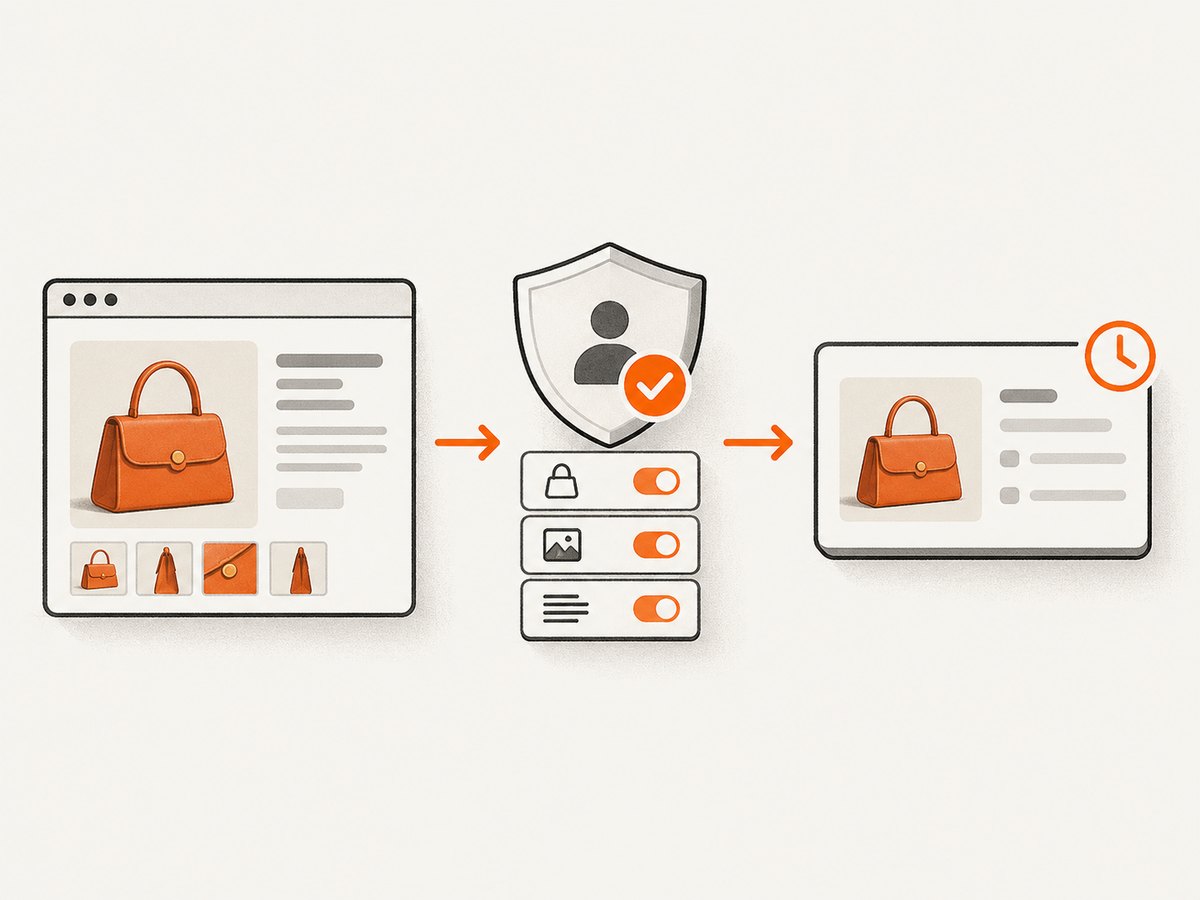
- Write down scope. Record the approved hostnames, paths, fields, request rate, schedule, and expiration or review date.
- Use only approved URLs. Start from a supplied product list or authorized feed. Avoid turning a single approved page into an unrestricted site-wide crawl.
- Request at the approved rate. Do not add retries or parallel workers that exceed the agreed limit. If the owner has not specified a rate, ask before automating repeated requests.
- Extract only necessary public product facts. Depending on the authorization, this might include a product identifier, displayed name, price, availability, and product URL. Do not collect account data or unrelated page content.
- Preserve source and time. Store the source URL and collection timestamp with each value. Treat displayed prices and stock as observations at that time, not guarantees.
- Stop on access problems. A denial, changed instruction, authentication requirement, CAPTCHA, or repeated failure is a reason to pause and contact the site owner—not to disguise the client or bypass the control.
Caseking.de’s consumer terms say product presentations and offers are generally subject to change and non-binding. This makes source timestamps especially useful: a saved price or availability value should not be presented as current without checking it again. [Caseking.de consumer terms (German)](https://www.caseking.de/agb/agb-fuer-verbraucher/cp_000003.html)
Example: parse a locally saved, authorized HTML page
The example below deliberately reads a local file supplied through an authorized process. It demonstrates extraction and provenance without making requests to Caseking. Inspect the saved page’s markup and replace the example selectors with selectors confirmed for that file; selectors are not a guarantee about Caseking’s live page structure.
# Python 3; install with: python -m pip install beautifulsoup4
from bs4 import BeautifulSoup
from datetime import datetime, timezone
from pathlib import Path
import json

html = Path("authorized-product.html").read_text(encoding="utf-8")
soup = BeautifulSoup(html, "html.parser")

def text_for(selector):
    node = soup.select_one(selector)
    return node.get_text(" ", strip=True) if node else None

record = {
    "source_url": "https://www.example.com/product/authorized-example",
    "collected_at": datetime.now(timezone.utc).isoformat(),
    "name": text_for("[data-product-name]"),
    "price_displayed": text_for("[data-product-price]"),
    "availability_displayed": text_for("[data-product-availability]"),
}
print(json.dumps(record, ensure_ascii=False, indent=2))
The selectors above are placeholders, not claims about Caseking’s DOM. If a permitted feed provides structured fields, use that contract instead of scraping presentation markup. Keep the raw HTML only as long as needed and only if your authorization allows retaining it.
Personal data and reviews
Minimize collection beyond product facts. Caseking.de’s privacy policy describes access data that can include visited pages, session identifiers, IP address, browser, device, and operating system. It also describes product ratings that may be published with a reviewer’s first name and last-name initial, without publishing the reviewer’s email address. A product-data task generally does not need those details. Exclude reviews and session or account data unless the site has explicitly authorized that specific collection and you have a clear need. Review [Caseking’s privacy information (German)](https://www.caseking.de/datenschutz).
5. Capture a visual record when that is the actual need
Sometimes the deliverable is a dated visual record of a product page rather than structured fields. If you are authorized to capture the target page, a screenshot can preserve the page’s visible state for later review. A screenshot is not a substitute for permission to access the page, and it does not turn a displayed price or stock status into a guarantee.
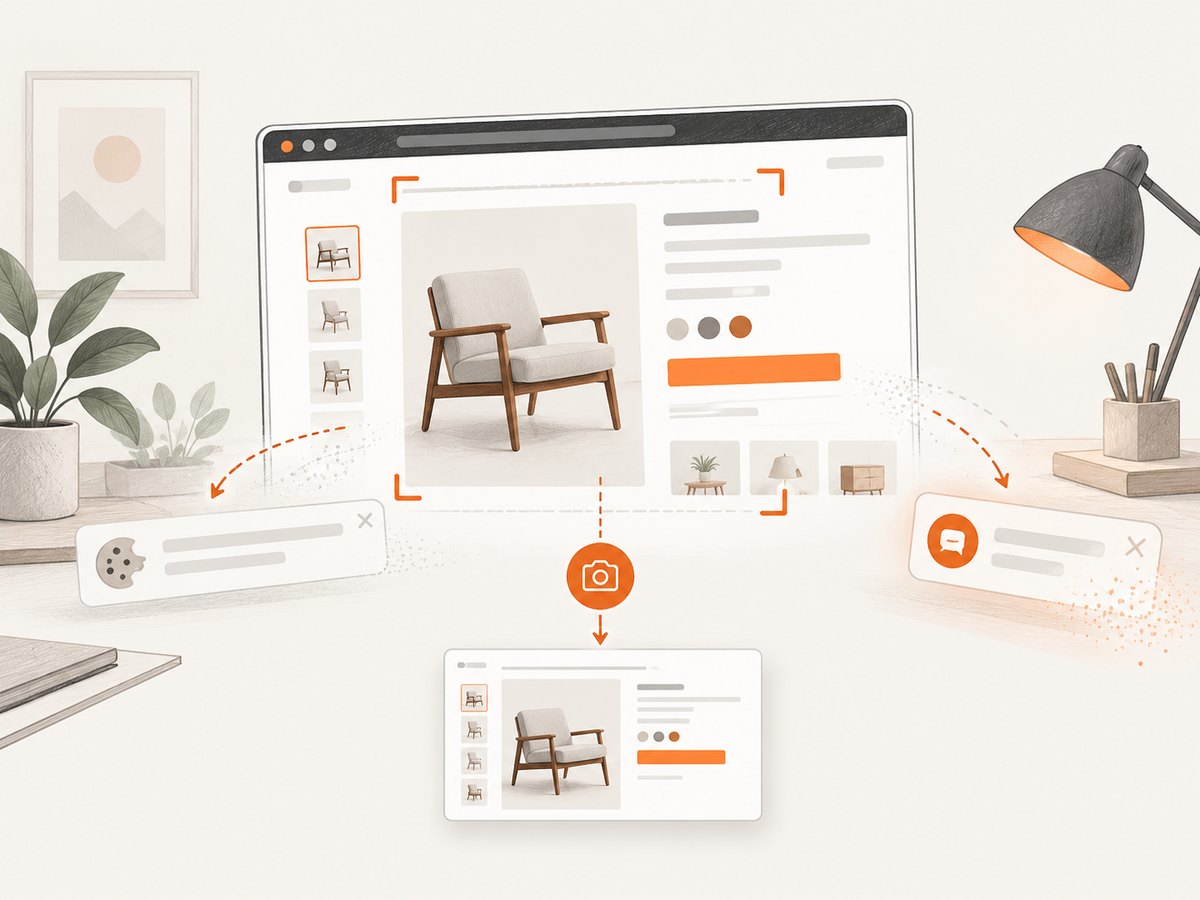
For a browser-based workflow, use an ordinary browser session only within the approved scope, capture the target page, and store the timestamp and source URL alongside the image. Do not automate login or overcome a challenge page unless the owner has explicitly authorized that flow.
6. Troubleshooting an authorized collection
| Symptom | Possible cause | Safe next step |
|---|---|---|
| The terms appear to prohibit scraping | The target domain’s current terms restrict the planned method or use. | Pause. Ask the site owner for written permission or a supported interface; do not proceed based on another domain’s terms. |
robots.txt cannot be retrieved |
The file may be unavailable to your client, temporarily inaccessible, or the hostname may be wrong. | Verify the hostname and check in a browser. Treat the result as unresolved and ask the owner; do not infer permission. |
| A request returns a denial or challenge | The site may not authorize the request pattern or may require a permitted access route. | Stop automated requests and contact the site. Do not rotate identities, evade a CAPTCHA, or disguise traffic. |
| A field is missing in parsed output | The saved HTML may not include that content, or the placeholder selector does not match. | Inspect the authorized local file, update the parser for its actual structure, and handle missing values explicitly. |
| Displayed price or availability differs later | Offers and product presentations can change. | Store capture time and source URL; recheck through the approved route before presenting a value as current. |
| Collection includes review names or session details | The extraction scope is too broad. | Remove those fields, minimize retained data, and revisit the authorization and privacy requirements. |
7. Reliability, performance, and cost
Keep workloads small and bounded to the approved scope. A large batch, aggressive concurrency, or frequent polling can create load and violate an authorization even if each individual request succeeds. Have the site owner specify acceptable request pacing. Avoid retries that silently multiply traffic; if an approved request fails, use only an agreed retry policy and stop after repeated failures.
For reliable records, store one row per product observation, including the source URL, product identifier if authorized, timestamp, displayed values, and collection status. Keep missing or failed values distinguishable from zero prices or unavailable stock. Track changes to the permitted URL list and revisit the terms and authorization before expanding scope.
There is no Caseking-specific speed or cost benchmark established in the research for this article. Your costs depend on the authorized data route, storage, and processing. Budget for rechecks and maintenance of selectors if you are authorized to parse page HTML; a markup change can break extraction without changing the page’s visible content.
Or skip the browser setup
If you have permission to capture a product page and need an image rather than structured product data, ScreenshotNeo provides a website screenshot API and MCP server. A single request can return an image or PDF. Replace the URL below only with a page you are authorized to capture. See the [ScreenshotNeo documentation](https://screenshotneo.com/docs/).
curl -G "https://api.screenshotneo.com/v1/shot" -d access_key=YOUR_API_KEY --data-urlencode url=https://www.caseking.de/example-product -o shot.webpCookie banners are accepted before capture, and more than 60 known consent platforms, newsletter popups, and chat widgets are removed; each step can be turned off. Bot checks, blank pages, and failed loads are never billed. An MCP server lets AI agents use screenshot tools. The free plan includes 1,000 screenshots a month with no card; paid plans start at $5 for 3,000. Responses include page-verdict and billing headers. ScreenshotNeo is a visual capture service, not an authorized product-data feed. Learn more at ScreenshotNeo, then sign up for 1,000 free screenshots a month, with no card.
Frequently asked questions
Does a public product page mean I can scrape it?
Not by itself. Check the terms for the exact domain and use, robots.txt, and permission requirements before automated collection.
Does robots.txt grant permission when it allows a path?
No. It is a crawler instruction and traffic-management mechanism, not a permission grant or replacement for the site’s terms.
Can I use this guide’s parser directly on Caseking?
No selectors are asserted for Caseking’s pages. The code reads a local authorized HTML file and uses placeholders; inspect the authorized source and use its actual documented structure.
Can ScreenshotNeo extract a product’s price into JSON?
The described ScreenshotNeo API returns screenshots or PDFs. The product facts provided here do not describe a structured product-data extraction feature.


