How to Scrape ChatGPT in 2026
Learn what “scrape ChatGPT” means, why consumer-service automation is restricted, and how to use the supported API and crawler controls.
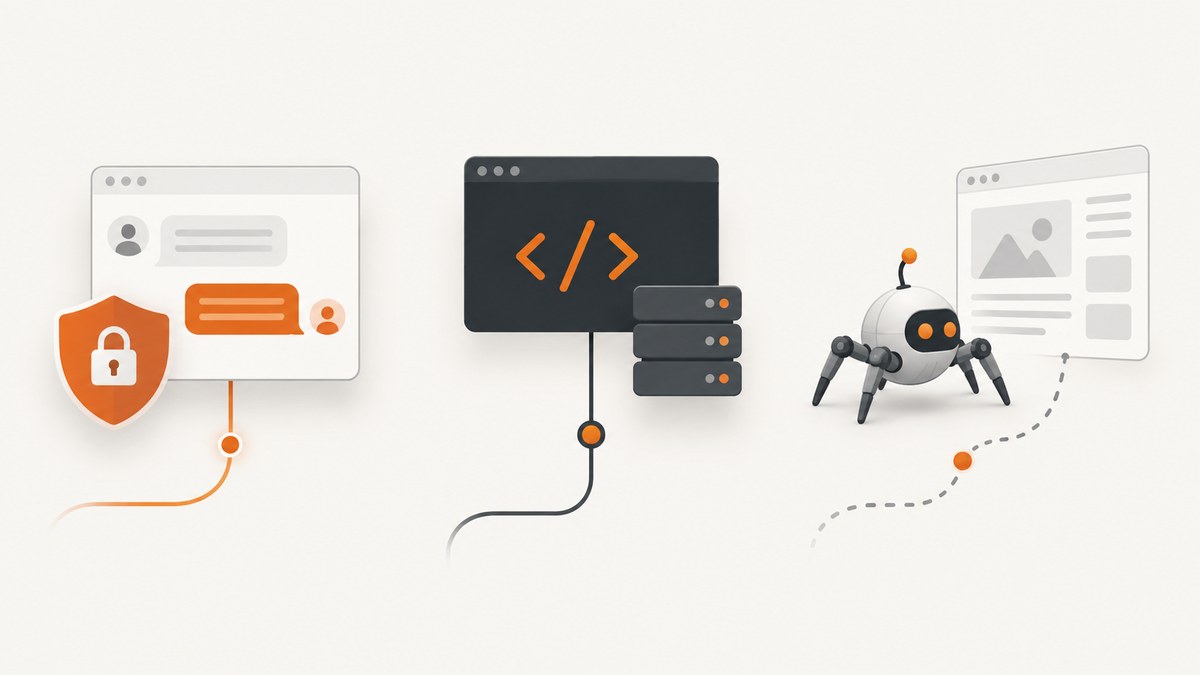
Short answer: You should not automate the consumer ChatGPT website to extract its data or model output. OpenAI’s current individual-services terms prohibit automatically or programmatically extracting data or Output and prohibit bypassing rate limits or protective measures. For repeatable programmatic requests, use the official OpenAI API and SDKs. If you mean letting OpenAI discover your own website, configure OAI-SearchBot, GPTBot, and understand the separate role of ChatGPT-User.
The phrase “scrape ChatGPT” describes three different jobs. Choosing the wrong workflow can create policy, reliability, and maintenance problems.
| What you mean | Use this route | What to avoid |
|---|---|---|
| Extract answers or data from the consumer ChatGPT service | Do not automate the consumer interface; review the applicable terms | Browser bots, session-cookie scraping, rate-limit workarounds, CAPTCHA bypasses |
| Send model prompts from your application | OpenAI API with an API key and official SDK | Assuming a ChatGPT subscription includes API access |
| Control whether OpenAI crawls your website | Robots.txt rules for OAI-SearchBot and GPTBot; understand ChatGPT-User | Treating crawler controls as permission to scrape ChatGPT |
1. What OpenAI’s 2026 terms allow
OpenAI’s global Terms of Use, effective January 1, 2026, list “Automatically or programmatically extract data or Output” among prohibited activities. The same terms prohibit circumventing rate limits and bypassing protective measures. Residents of the EEA, Switzerland, and the UK are covered by separate regional terms with the same relevant restriction. Read the global Terms of Use and, where applicable, the Europe Terms of Use before building an integration.
This is a source-based explanation, not individualized legal advice. Terms and product behavior can change, and the terms applicable to you depend on your location and service. Do not use an automated browser to collect ChatGPT conversation output, attempt to evade a bot check, rotate accounts to defeat limits, or reuse private session cookies in a scraper.
2. Use the supported programmatic route: the OpenAI API
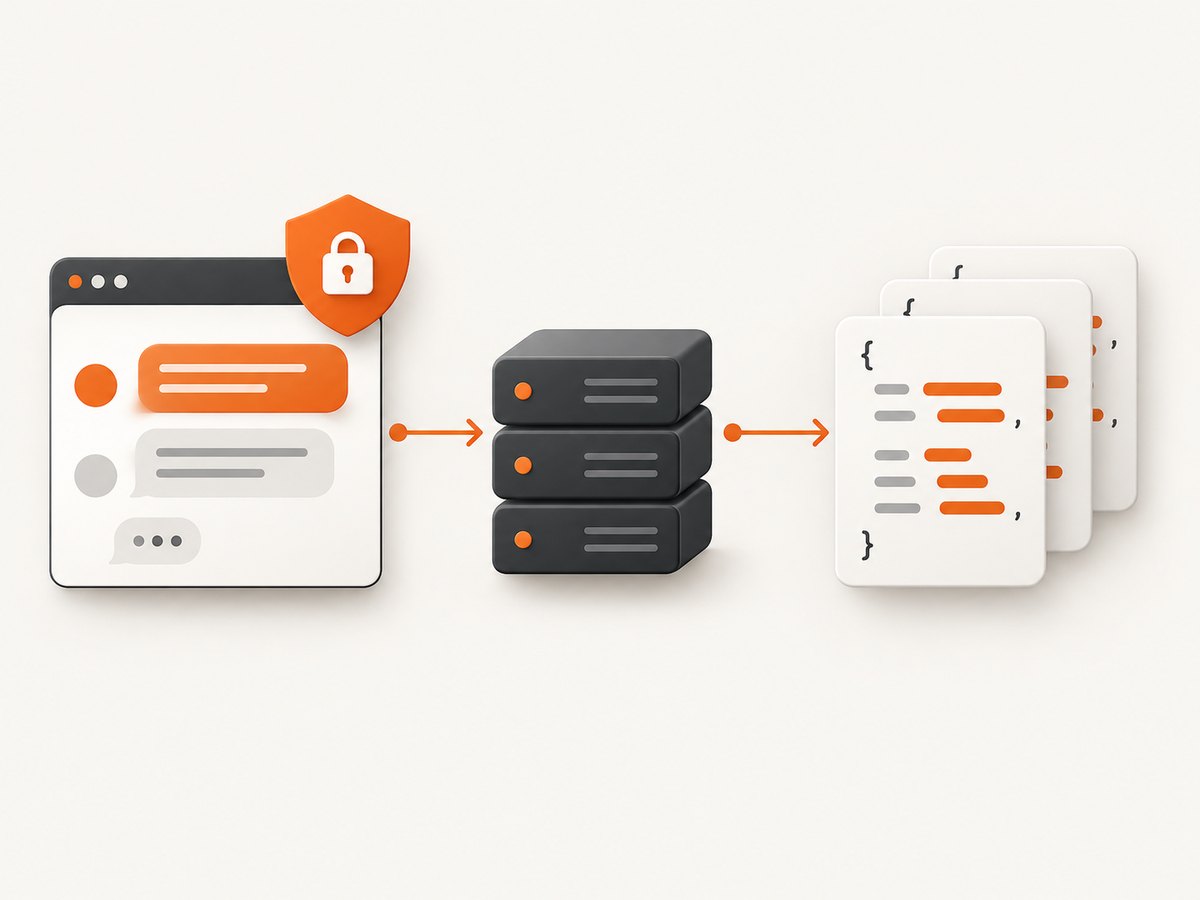
The documented route for application code is the OpenAI API. The Developer quickstart explains how to create an API key, keep it secret, expose it through an environment variable, install an SDK, and send a request. API access is a separate developer service; a ChatGPT account or subscription does not automatically provide an API key or API billing account.
Step 1: create and protect an API key
- Create an API key in the OpenAI developer platform.
- Set it in your server environment as
OPENAI_API_KEY. - Never commit it to a repository, ship it in browser JavaScript, or place it in a screenshot, log, or client-side configuration.
export OPENAI_API_KEY='your-key-here'Step 2: make a request in Python
Install the official SDK, then call the Responses API. Replace MODEL_ID with a model available to your project.
python -m pip install openai

from openai import OpenAI

client = OpenAI()  # reads OPENAI_API_KEY
response = client.responses.create(
    model='MODEL_ID',
    input='Return three concise ideas for monitoring a web API.'
)
print(response.output_text)
The current migration guidance recommends the Responses API for new projects while stating that Chat Completions remains supported. Responses can also expose capabilities such as web search, file search, computer use, code interpreter, remote MCP, multi-turn interactions, and multimodal input; check the migration guide for the current availability and request shape of each capability.
Step 3: make a request in Node.js
npm install openai

import OpenAI from 'openai';

const client = new OpenAI(); // reads OPENAI_API_KEY
const response = await client.responses.create({
  model: 'MODEL_ID',
  input: 'Return three concise ideas for monitoring a web API.'
});
console.log(response.output_text);
Step 4: make the same request with cURL
curl https://api.openai.com/v1/responses \\
  -H "Authorization: Bearer $OPENAI_API_KEY" \\
  -H "Content-Type: application/json" \\
  -d '{
    "model": "MODEL_ID",
    "input": "Return three concise ideas for monitoring a web API."
  }'
Keep the raw response while you develop. It contains structured output, usage information, and identifiers that help you diagnose failures. In production, store only the data you need, apply your retention policy, and remove secrets and personal data from logs.
3. Turning API output into a reliable data pipeline
Model output is not the same as a database export. If you need records that downstream code can validate, define a schema and reject or retry responses that do not conform. Ask for fields with explicit types, then validate them in your application.
from openai import OpenAI
import json

client = OpenAI()
response = client.responses.create(
    model='MODEL_ID',
    input='Extract the product name and price from: Widget, $19.99. Return JSON with name and price.'
)
raw = response.output_text
record = json.loads(raw)
if not isinstance(record.get('name'), str) or not isinstance(record.get('price'), (int, float)):
    raise ValueError('Unexpected response schema')
print(record)
For larger jobs, use a queue rather than launching thousands of simultaneous requests. Record a stable job ID, input hash, model identifier, timestamp, and response status. Make retries idempotent in your own database so a network timeout does not create duplicate work. Treat a timeout as “unknown” until you know whether the server completed the request.
4. What not to build
- Consumer UI scraping: Do not drive chat.openai.com or chatgpt.com with Selenium, Playwright, or a headless browser to collect answers.
- Session extraction: Do not copy browser cookies or authentication tokens into a scraper or share them with a third party.
- Safeguard bypasses: Do not solve or evade CAPTCHAs, rotate identities to defeat limits, or alter requests to bypass protective controls.
- Private-data assumptions: The API lets you send requests to models. It does not provide a supported method for extracting ChatGPT’s private conversation database or another user’s chats.
If your requirement is to export conversations belonging to your own account, use the account’s official export or data-control feature when available and follow the applicable service instructions. That is different from continuously scraping the service.
5. If you mean crawling your own website
OpenAI documents three relevant user agents. OAI-SearchBot is used to surface websites in ChatGPT search. GPTBot may crawl content used to train OpenAI foundation models. ChatGPT-User represents certain user-triggered visits and is not the bot that determines automatic search inclusion. OAI-SearchBot and GPTBot are independent controls.
A typical robots.txt policy might allow search discovery while disallowing GPTBot training use:
User-agent: OAI-SearchBot
Allow: /

User-agent: GPTBot
Disallow: /
Use the policy that matches your publishing decision. Blocking OAI-SearchBot means pages will not be shown in ChatGPT search answers, although OpenAI says they may still appear as navigational links. Disallowing GPTBot indicates that your content should not be used for training. OpenAI says crawler systems can take approximately 24 hours to adjust after a robots.txt update. Review the Overview of OpenAI Crawlers for current user-agent behavior.
OpenAI’s publisher FAQ says public websites can appear in ChatGPT search and that referrals include utm_source=chatgpt.com. You can use that parameter in analytics. The FAQ also describes cases where a link and title may still be surfaced when a page is disallowed, and points publishers toward noindex when they need to prevent indexing in that situation. Recheck the current FAQ before relying on those details.
6. Or skip the browser setup
If your actual task is to capture a clean image or PDF of a page for an AI workflow, report, test, or archive, ScreenshotNeo provides a single HTTP endpoint. It accepts the cookie or consent banner like a visitor and removes more than 60 known consent platforms, newsletter popups, and chat widgets before capture. Each step can be disabled. Bot checks, blank pages, timeouts, failed loads, and cache hits are not billed, and the response identifies the result with X-Page-Verdict and X-Billed headers.

See the ScreenshotNeo API documentation for all options. This is a screenshot service, not a way to extract ChatGPT’s private data.
cURL
curl -G "https://api.screenshotneo.com/v1/shot" -d access_key=YOUR_API_KEY --data-urlencode url=https://stripe.com -o shot.webpPython
import requests
r = requests.get("https://api.screenshotneo.com/v1/shot", params={"access_key": "YOUR_API_KEY", "url": "https://stripe.com"}, timeout=90)
open("shot.webp", "wb").write(r.content)
Node.js
const q = new URLSearchParams({ access_key: 'YOUR_API_KEY', url: 'https://stripe.com' });
const res = await fetch(`https://api.screenshotneo.com/v1/shot?${q}`);
const data = Buffer.from(await res.arrayBuffer());
await import('node:fs/promises').then(fs => fs.writeFile('shot.webp', data));
ScreenshotNeo supports full-page capture with lazy images loaded, CSS-selector element capture, dark mode, 12 device presets and custom viewports, retina scale, PDF paper sizes and ranges, HTML/CSS-to-image, custom CSS and JavaScript, clicks, selector or network-idle waits, request and resource blocking, custom headers and cookies, user-agent, Authorization, timezone, geolocation, transparent backgrounds, resizing, configurable caching TTL, signed links, asynchronous jobs with signed webhooks, bulk capture for up to 100 URLs per call, usage reporting, and an OpenAPI specification. Parameter names used by other screenshot APIs also work to simplify migration. An MCP server exposes take_screenshot, get_page_info, and capture_pdf for Claude, Cursor, and other MCP clients.
Plans include 1,000 shots per month free with no card, Starter at $5 for 3,000, Growth at $15 for 15,000, Pro at $39 for 60,000, Scale at $99 for 250,000, and Business at $249 for 1,000,000. Yearly billing gives two months free, and every feature is on every plan. Create a free ScreenshotNeo account to start with 1,000 screenshots per month and no card.
7. Troubleshooting
| Symptom | Likely cause | Fix |
|---|---|---|
| 401 or authentication error | Missing, revoked, or incorrectly scoped API key | Set the environment variable in the server process, rotate the key if exposed, and verify the project that owns it. |
| 429 or throttling | Rate or quota limit | Use exponential backoff with jitter, cap concurrency, and inspect response headers. Do not bypass limits. |
| Request times out | Slow upstream page, overloaded worker, or network issue | Set a bounded timeout, retry only safe operations, and persist an idempotency key or job record. |
| Output cannot be parsed | Free-form text does not match your schema | Use a strict schema request, validate before storage, and route invalid results for retry or review. |
| Search visibility did not change | Robots changes have not propagated or another directive applies | Check the served robots.txt, crawler logs, noindex headers, and allow up to about 24 hours. |
| Screenshot shows a popup | The element is not one of the known consent, newsletter, or chat platforms | Use ScreenshotNeo’s hide-selector or custom CSS option and wait for the page to settle. |
8. Performance, reliability, and cost
API workload design
- Batch independent inputs in a queue and limit concurrency to the rate your account can sustain.
- Cache deterministic results using an input hash, model, and relevant configuration as the key.
- Stream or paginate your own storage; do not keep an unbounded response set in memory.
- Track latency, status code, token usage, retry count, and validation failures separately.
- Use shorter prompts and the smallest output that satisfies the task to control cost, then measure quality before changing models.
Crawler operations
Robots.txt is a site-owner signal. Deploy it at the origin that serves your site, verify redirects and caching, and inspect access logs for the documented user-agent strings. A robots rule does not grant access to ChatGPT, guarantee search ranking, or guarantee traffic.
Screenshot capture operations
For large capture sets, use ScreenshotNeo bulk capture or asynchronous jobs and signed webhooks. Choose a cache TTL when pages do not change often. Block unnecessary ads, trackers, and resource types to reduce load time. Because failed loads, blank pages, bot checks, timeouts, and cache hits are not billed, inspect X-Page-Verdict and X-Billed rather than counting every HTTP response as a paid screenshot.
9. A practical decision checklist
- Write down whether you need model responses, your own site’s crawler controls, or a visual page capture.
- For model responses, create a separate API key and use the official SDK or HTTP API.
- For structured extraction, define and validate a schema before storing output.
- For your website, choose OAI-SearchBot and GPTBot policies independently and verify the served robots.txt.
- Do not automate the consumer ChatGPT UI or bypass limits and protective measures.
- For screenshots or PDFs, use a capture API such as ScreenshotNeo and configure waits, selectors, blocking, and caching explicitly.
FAQ
Does ChatGPT Plus include API access?
No. The consumer service and the developer API are separate services with separate setup and billing.
Can I scrape public ChatGPT answers?
Public visibility does not override the consumer service terms. Do not automate extraction from the consumer interface; use the API for new model requests or an officially provided export for data you are entitled to access.
Should I allow GPTBot if I want ChatGPT search traffic?
GPTBot and OAI-SearchBot serve different purposes. Search discovery is controlled by OAI-SearchBot; GPTBot concerns possible training use.
Is ChatGPT-User the search crawler?
No. OpenAI describes it as handling certain user-triggered visits and says it is not used for automatic crawling or determining search inclusion.
Can a screenshot API retrieve private ChatGPT conversations?
No. A screenshot API captures a page you are authorized to access. It does not provide access to another user’s data or the consumer service’s private store.


