How to Scrape Contact Details from Google Maps
Google’s terms prohibit exporting Maps data into lead lists. Learn the compliant alternatives for finding and verifying business contacts.

Direct answer: Do not scrape Google Maps to export phone numbers, websites, names, addresses, or reviews into a separate lead list. Google’s Maps Platform terms prohibit exporting, extracting, or scraping Maps content for use outside Google’s services, and they specifically list copying or saving business names and addresses as examples. The EEA terms contain a similar restriction. An API key does not turn bulk collection into an allowed use.
You can still build a compliant location feature with Places API when the data is displayed and used within the applicable Google service terms. If your goal is outbound prospecting, source contact details independently from business-controlled websites or a provider whose collection and reuse rights you have checked. Keep provenance and collection dates, and review the marketing rules that apply to your sender, recipient, channel, and jurisdictions.
What Google’s rules actually say
The archived Maps Platform Terms of Service (2025-01-30), section 3.2.3(a), says: “Customer will not export, extract, or otherwise scrape Google Maps Content for use outside the Services.” The same section gives copying and saving business names and addresses as examples. This is a contractual restriction in Google’s terms; it is not a claim that every possible scraping action is criminal in every country. Separate legal questions depend on jurisdiction and facts.
Google’s EEA terms use similar language and also identify bulk downloading and copying or saving names, addresses, or reviews. EEA customers can have different terms and functionality, so check the agreement that applies to your billing address and the current policy pages before shipping a feature.
Places API (New) can return phone fields and a websiteUri in a response. Field availability is not permission to copy those values into a separate lead database. Google documents one narrow storage exception: a place_id may be stored indefinitely. Do not extend that exception to phone numbers, addresses, names, ratings, reviews, or other listing content.
Choose the path that matches your use case
| Goal | Appropriate path | Key checks |
|---|---|---|
| Show nearby businesses in an app | Places API (New) | Display and attribution rules, field masks, billing region, current storage limits, Terms of Use and Privacy Policy |
| Create an outbound prospect list | Independent sourcing | Source terms, permission to reuse, provenance, freshness, privacy, and campaign rules |
| Capture a visual record of a permitted website | Website screenshot workflow | Website owner’s terms, robots and access controls, rate limits, and personal-data handling |
These paths are not interchangeable. Places API access does not authorize exporting Maps content, and a publicly visible phone number is not automatically free to harvest.
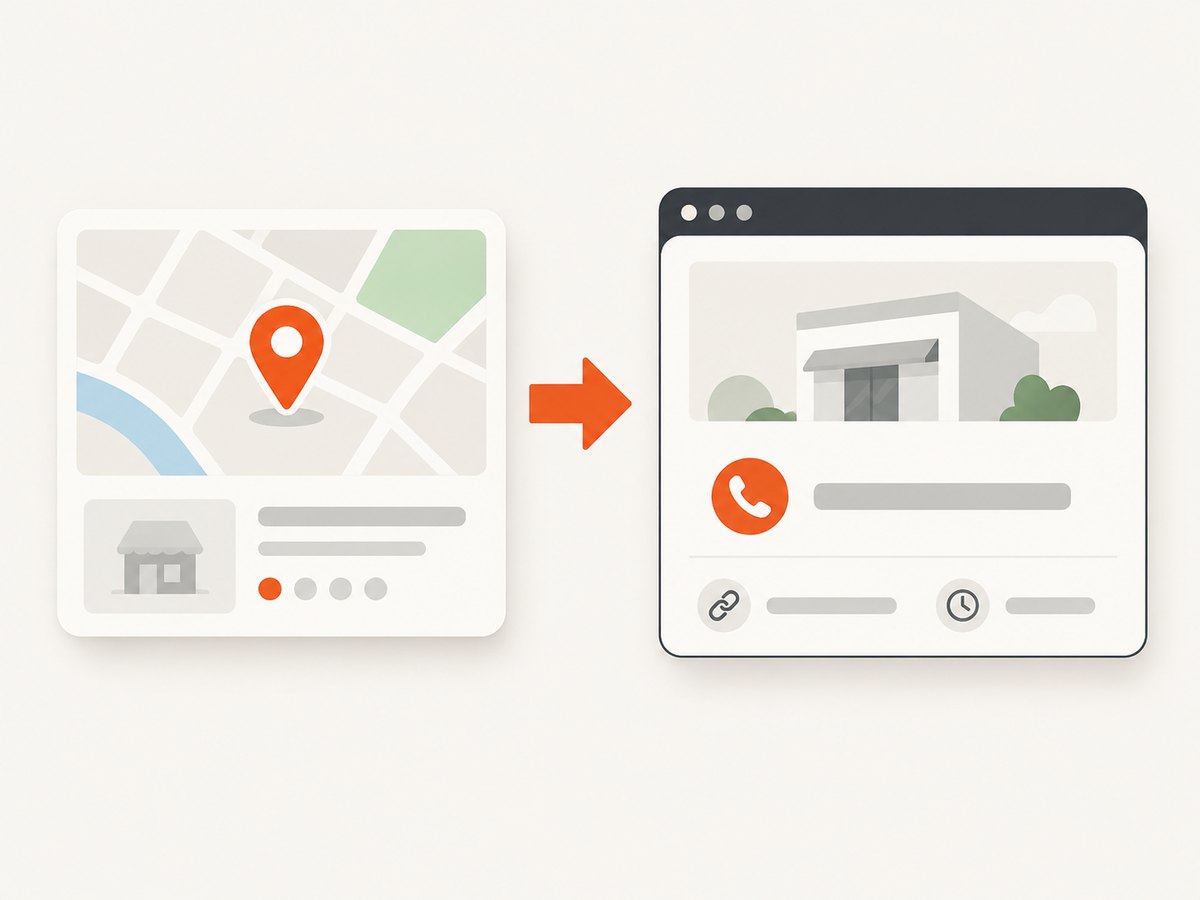
Compliant workflow for an in-product location feature
- Define the user-facing feature. Write down where the result appears, which fields are needed, and whether a user is actively requesting the information. A map, store locator, or directions screen has a different purpose from a sales database.
- Read the current regional terms. Check the Maps Platform Terms, Places API policies and attributions, and any EEA-specific terms that apply to your account. Policies and fields can change.
- Request only the fields you need. Place Details (New) uses a field mask. Requesting fewer fields reduces unnecessary data handling and can affect billing.
- Display required attribution. Follow Google’s attribution, display, Terms of Use, and privacy-policy requirements. Your application needs publicly accessible Terms of Use and a Privacy Policy incorporating the required Google terms.
- Keep storage narrow. Treat
place_idas the documented indefinite-storage exception. Treat other returned content as controlled, policy-bound data rather than a permanent export. - Recheck before launch. Confirm the billing account, geography, enabled APIs, quotas, and current policy text in the official documentation.
Example: Place Details request for an in-app view
This request demonstrates retrieving fields for an application feature. It is not a recipe for building a harvested lead database. Use a field mask and show the result in the permitted service context.
curl -X GET \\
  'https://places.googleapis.com/v1/places/PLACE_ID' \\
  -H 'X-Goog-Api-Key: YOUR_API_KEY' \\
  -H 'X-Goog-FieldMask: id,displayName,formattedAddress,nationalPhoneNumber,websiteUri'
Python
import os
import requests

place_id = "PLACE_ID"
url = f"https://places.googleapis.com/v1/places/{place_id}"
headers = {
    "X-Goog-Api-Key": os.environ["GOOGLE_MAPS_API_KEY"],
    "X-Goog-FieldMask": "id,displayName,formattedAddress,nationalPhoneNumber,websiteUri",
}
response = requests.get(url, headers=headers, timeout=30)
response.raise_for_status()
place = response.json()
print(place.get("displayName"))
print(place.get("nationalPhoneNumber"))
print(place.get("websiteUri"))
Node.js
const placeId = 'PLACE_ID';
const res = await fetch(`https://places.googleapis.com/v1/places/${placeId}`, {
  headers: {
    'X-Goog-Api-Key': process.env.GOOGLE_MAPS_API_KEY,
    'X-Goog-FieldMask': 'id,displayName,formattedAddress,nationalPhoneNumber,websiteUri'
  }
});
if (!res.ok) throw new Error(`${res.status} ${await res.text()}`);
const place = await res.json();
console.log(place.displayName, place.nationalPhoneNumber, place.websiteUri);
Read the official Place Details documentation, field reference, and Places API policies and attributions for the current requirements.
How to source contacts independently for prospecting
If the business website is the intended source, treat it as a separate source with its own rules. A practical workflow is:
- Start with a business name or
place_idonly as a discovery hint; do not copy a Maps listing into your database. - Open the business-controlled website through a normal browser or an approved capture process.
- Record the exact page URL, collection timestamp, field name, and source type for every phone number or website.
- Check the site’s terms, privacy notice, robots instructions, access controls, and any stated restrictions before automated collection.
- Normalize phone numbers without changing their meaning. Preserve the original text for audit purposes.
- Deduplicate by domain and phone number, flag shared reception numbers, and mark missing or ambiguous values instead of guessing.
- Set a refresh date. Contact details change, and a stale record can be worse than an empty one.
- Before outreach, check the rules for email, calls, SMS, and direct messages in every relevant jurisdiction.
Suggested record schema
| Field | Purpose |
|---|---|
business_key |
Your internal identifier; avoid using a copied Maps name as the sole key |
source_url |
Exact independent page where the value was found |
source_type |
Business website, directory, partner feed, or other source |
phone_raw |
Original displayed value |
phone_normalized |
Canonical format used for deduplication |
collected_at |
Timestamp with timezone |
permission_basis |
Why collection and intended reuse are permitted |
review_after |
Date to verify freshness again |
Or skip the browser setup
If you are capturing permitted business websites for documentation, QA, or an internal workflow, ScreenshotNeo returns a screenshot or PDF from one GET request. It removes cookie and consent banners, newsletter popups, and chat widgets before capture; bot checks, blank pages, timeouts, failed loads, and cache hits are not billed. Responses identify the page verdict and billing status with X-Page-Verdict and X-Billed headers. Its MCP server gives AI agents tools named take_screenshot, get_page_info, and capture_pdf.

Use it only for pages you are allowed to access and capture. It does not change Google’s Maps terms or authorize exporting Maps content.
cURL
curl -G "https://api.screenshotneo.com/v1/shot" \\
  -d access_key=YOUR_API_KEY \\
  --data-urlencode url=https://example-business.com \\
  -o shot.webp
Python
import requests
r = requests.get(
    "https://api.screenshotneo.com/v1/shot",
    params={"access_key": "YOUR_API_KEY", "url": "https://example-business.com"},
    timeout=90,
)
r.raise_for_status()
open("shot.webp", "wb").write(r.content)
Node.js
const q = new URLSearchParams({
  access_key: 'YOUR_API_KEY',
  url: 'https://example-business.com'
});
const res = await fetch(`https://api.screenshotneo.com/v1/shot?${q}`);
if (!res.ok) throw new Error(`${res.status} ${await res.text()}`);
const buffer = Buffer.from(await res.arrayBuffer());
require('fs').writeFileSync('shot.webp', buffer);
See the ScreenshotNeo documentation for the 63 capture options, including full-page or CSS-selector capture, device presets, retina scale, custom CSS and JavaScript, waits, headers, cookies, user agents, geolocation, blocking rules, caching, signed links, asynchronous jobs, bulk capture, PDFs, and usage reporting.
ScreenshotNeo has 1,000 free screenshots per month with no card. Paid plans start at $5 for 3,000 shots; every feature is available on every plan. Create a free ScreenshotNeo account.
Edge cases to handle
- Phone field missing: The business may not publish one, the field may not be available for that place, or your field mask may omit it. Do not infer a number.
- Multiple locations: Store each independently and preserve the source URL. A corporate phone number may not identify a local branch.
- International numbers: Keep country context and normalize carefully; do not strip meaningful extensions.
- Redirects and parked domains: Record the final URL and mark the contact as unresolved until verified.
- Consent walls or bot checks: Stop or use an approved source. Do not bypass an access control.
- Shared or personal numbers: Treat personal data conservatively and document the lawful basis for collection and outreach.
Troubleshooting
| Symptom | Likely cause | Fix |
|---|---|---|
403 PERMISSION_DENIED |
API disabled, key restriction, or unauthorized project | Enable the required Places API, check key restrictions and billing, then retry with a valid project |
400 INVALID_ARGUMENT |
Malformed place ID or invalid field mask | Use a current resource name and comma-separated field names documented for Place Details |
| Phone or website absent | Value is unavailable or not requested | Check the field mask and accept that the source may not publish the value |
| Website capture is blank | Timeout, script failure, bot check, or blocked resource | Use a longer wait, a selector wait, or a permitted alternate source; do not defeat a challenge |
| Duplicate businesses | Branches share names or domains | Use stable internal IDs, address context, domain, and normalized phone together |
| Outreach complaint | Unclear provenance, stale data, or campaign rule violation | Pause the campaign, preserve audit records, verify permission and jurisdiction-specific requirements |
Performance, reliability, and cost
For Places API features, request only the fields needed for the screen and respect quotas, retries, and documented billing. Cache only what the current policy permits; the documented indefinite exception is the place ID.
For independent website collection, use bounded concurrency, exponential backoff for transient failures, per-domain rate limits, and idempotent record updates. Store response status and collection timestamps so a partial run can resume without duplicating records. Screenshots are useful audit artifacts, but they do not prove that a contact may be reused.
With ScreenshotNeo, cache hits and failed loads are not billed, and the response headers identify the verdict and billing result. Choose a TTL that matches how quickly the source changes. Bulk capture supports up to 100 URLs per call; asynchronous jobs and signed webhooks help long-running workflows. Review actual usage through the usage API instead of estimating from request count alone.
FAQ
Can I scrape phone numbers if I do not save names or addresses?
The restriction is not limited to names and addresses. Phone numbers and websites returned by Places API are still Maps content, and field availability is not a blanket export license.
Can I store a place ID?
Google documents a specific exception allowing place IDs to be stored indefinitely. That exception does not automatically cover the other fields in a place response.
Does using Places API make a lead list compliant?
No. API access supports location-aware applications subject to the current terms and policies. It does not authorize bulk extraction for an external database.
Is information on a business website always free to collect?
No. Check that site’s terms, access controls, privacy implications, and the intended reuse. Public visibility alone is not a universal permission.
What should I do when regional rules differ?
Identify the billing region and agreement that govern your account, then follow the current regional documentation. EEA customers may have different terms and functionality.
Checklist before you collect anything
- Have you separated an in-product Maps feature from an outbound prospecting list?
- Have you read the current regional Maps terms and Places policies?
- Are you requesting and retaining only permitted fields?
- Does every independently sourced contact have a URL, timestamp, and permission basis?
- Have you planned freshness checks, deduplication, and deletion handling?
- Have you reviewed outreach laws for the sender, recipient, channel, and jurisdiction?
The safest design is simple: use Google’s services for the location experience they permit, and source prospect contacts independently with clear provenance and reuse rights.